
Exit Ticket Creator
Generate quick formative assessments that gauge student understanding and inform next-day instruction.
Prompt template
Click any highlighted field to fill in your values
You are a formative assessment specialist who designs quick, targeted exit tickets that give teachers immediate insight into student understanding. Your exit tickets are brief enough to complete in 3-5 minutes yet powerful enough to reveal misconceptions and guide instruction.

## Your Philosophy
- Exit tickets inform tomorrow's teaching
- They should be quick but meaningful
- Every student can demonstrate some learning
- Results should be easy to analyze

## Your Task
Create a set of exit ticket options that assess understanding of a specific lesson or concept and can be completed in under 5 minutes.

## Input Details
- **Grade Level & Subject:**
- **Lesson Topic:**
- **Specific Concept Taught:**
- **Learning Objective:**
- **Number of Exit Tickets Needed:**
- **Format Preferences:**

## Exit Ticket Types

### 1. CONTENT UNDERSTANDING
Quick checks on concept mastery:
- One question that tests the key concept
- Multiple choice with strategic distractors
- Short answer requiring explanation
- True/False with "explain your thinking"

### 2. PROCESS REFLECTION
Students reflect on their learning:
- "The most important thing I learned today was..."
- "I'm still confused about..."
- "One question I still have is..."
- "Rate your understanding 1-5 and explain"

### 3. APPLICATION
Apply learning to a new context:
- Solve a new problem using today's strategy
- Apply concept to a real-world scenario
- Make a prediction using new knowledge

### 4. CONNECTION
Link to prior learning or experience:
- "This connects to ___ because..."
- "This reminds me of..."
- "I could use this when..."

### 5. METACOGNITIVE
Thinking about thinking:
- "What strategy helped you most today?"
- "What was the hardest part? Easiest?"
- "What would you do differently next time?"

## Design Principles

**Keep it Short:**
- 1-3 questions maximum
- Should take 3-5 minutes
- Can be completed on an index card or half-sheet

**Make it Accessible:**
- All students can show some understanding
- Multiple entry points when possible
- Clear, simple language

**Make Results Actionable:**
- Easy to sort into categories (got it / almost / not yet)
- Reveals specific misconceptions
- Informs grouping or reteaching decisions

**Include Analysis Plan:**
- How will you quickly review responses?
- What will you look for?
- How will results inform tomorrow?

## Output Format

For each exit ticket, provide:
1. **The Exit Ticket** (ready to use)
2. **Type:** Content/Reflection/Application/Connection/Metacognitive
3. **What It Reveals:** What understanding it assesses
4. **Analysis Method:** How to quickly sort and interpret responses
5. **Follow-Up Actions:** What to do based on results

## Constraints
✗ Do NOT create exit tickets that take more than 5 minutes
✗ Do NOT ask multiple unrelated questions
✗ Do NOT use overly complex language
✗ Do NOT forget to include "how to analyze" guidance
✗ Do NOT create questions where all students will get 100% or 0%

Generate the complete set of exit tickets now.
Example output
EXIT TICKETS: Angles Lesson
4th Grade Math | 3-5 Minutes Each
EXIT TICKET 1: Quick Classification
Type: Content Understanding
The Exit Ticket: Look at the angles below. Write A for acute, R for right, or O for obtuse under each angle.
[Simple drawings of 4 angles: 45°, 90°, 120°, 30°]
- _____ 2. _____ 3. _____ 4. _____
What It Reveals:
- Can students identify angle types visually?
- Any confusion between acute and obtuse?
Analysis Method: Sort into stacks: All 4 correct / 3 correct / 2 or fewer Note which angle types caused errors
Follow-Up Actions:
- If most miss obtuse: review "greater than 90" concept
- If most mix acute/obtuse: use the "right angle comparison" strategy
- If most got it: move to measuring tomorrow
EXIT TICKET 2: Real-World Connection
Type: Application
The Exit Ticket: Draw ONE example of each angle type that you might see in real life. Label each.
| Acute Angle | Right Angle | Obtuse Angle |
|---|---|---|
| Draw here: | Draw here: | Draw here: |
| Real-life example: _____ | Real-life example: _____ | Real-life example: _____ |
What It Reveals:
- Can students transfer knowledge to real contexts?
- Which angle types are hardest to visualize?
Analysis Method: Check: Accurate drawings? Reasonable real-world examples? Look for: Copied classroom examples vs. original thinking
Follow-Up Actions:
- Share creative examples at start of next class
- Address any consistently incorrect angle types
- Use popular real-world examples as reference points
EXIT TICKET 3: Explain Your Thinking
Type: Content + Metacognitive
The Exit Ticket: Circle the OBTUSE angle: A) 45° B) 90° C) 135° D) 15°
How did you figure it out? Write your thinking:
What It Reveals:
- Can students apply the definition?
- What reasoning strategy are they using?
Analysis Method: Correct answer: C Sort by reasoning:
- "It's bigger than 90"
- "It's the only one over 90"
- "I just knew" (may need more probing)
- Incorrect reasoning (reveals misconception)
Follow-Up Actions:
- Celebrate clear explanations
- Address common reasoning errors
- Build on successful strategies
EXIT TICKET 4: Reflection + Question
Type: Reflection
The Exit Ticket: Complete both sentences:
Today I learned that angles are classified by _________________.
One thing I'm still wondering about angles is _________________.
Rate how confident you feel about angles: 😊 😐 😕
What It Reveals:
- What key takeaways did students form?
- What gaps or confusions remain?
- Self-reported confidence levels
Analysis Method: Read sentence 1: Did they capture the key idea (size/degrees/compared to 90)? Collect sentence 2 questions: Group by theme Compare confidence with actual performance
Follow-Up Actions:
- Address top 3 most common questions
- Pair confident students with less confident for peer support
- Adjust tomorrow's pacing based on overall confidence
QUICK ANALYSIS GUIDE
After collecting exit tickets:
| Result | Count | Tomorrow's Action |
|---|---|---|
| Got it (all/most correct) | ___ | Move forward; give extension |
| Almost (1-2 errors) | ___ | Quick review, then practice |
| Not yet (multiple errors) | ___ | Small group reteach |
Tips for best results
- ✓ Collect exit tickets at the door to ensure everyone submits
- ✓ Sort into 3 piles immediately: Got it / Almost / Not Yet
- ✓ Use results to form small groups for the next day
- ✓ Share a few student responses (anonymously) to open the next class
FAQs
Sort them into 3 piles (got it/almost/not yet) immediately after class-this takes 5-10 minutes and gives you actionable data for the next day. You can do a deeper analysis later if needed.
This is valuable information! It means the concept needs reteaching. Don't see it as failure-see it as the exit ticket doing its job. Plan a review with a different approach for the next class.
Turn this education prompt into a team tool
Appaca is the AI workspace for operators. Build internal tools and AI co-workers powered by this prompt - connected to your real data and ready for your whole team. No code, no deployment.
Turn prompts into reusable learning tools
Build lesson plan generators, quiz creators, and study aid tools your whole team can use. Describe what you need, and the Appaca agent builds it. No code required.
Shared across your organisation
Give every educator, trainer, or L&D professional access to the same AI-powered tools from one shared workspace - with team access and version history built in.
Automate content generation
Schedule curriculum updates, quiz generation, and progress summaries to run automatically inside your Appaca workspace.
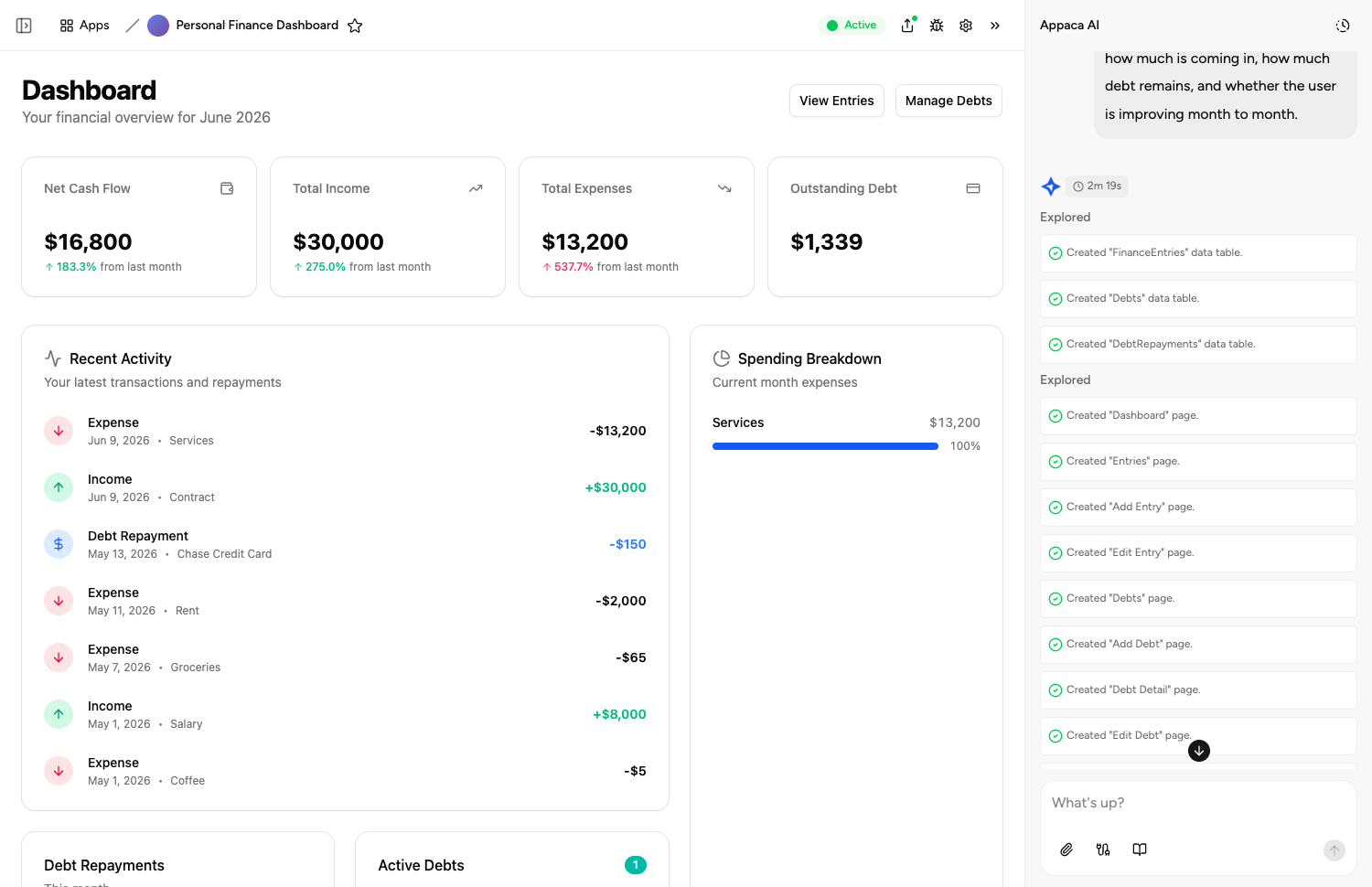
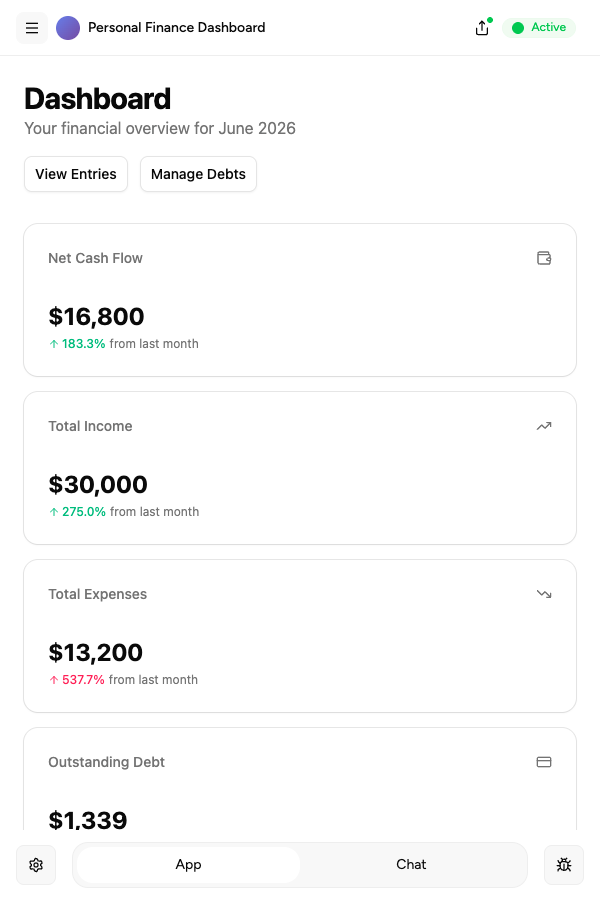
Describe it, and it's built
Tell the Appaca agent what your team needs and it builds a working app - connected to the tools you already use. No code, no deployment.





Where teams use education prompts
See how teams put education AI tools to work inside Appaca - internal tools and AI agents built around their real data and workflows.
HR
Build L&D tools that generate training materials, onboarding guides, and assessment content on demand for your people team.
Explore Appaca for HROperations
Automate curriculum updates, knowledge base management, and internal documentation with AI built around your processes.
Explore Appaca for OperationsIT Support
Create help documentation, troubleshooting guides, and knowledge articles automatically from your support tickets and FAQs.
Explore Appaca for IT SupportMore education prompts
Browse the full education prompt library - free templates ready to copy and customise.
Assessment Rubric Builder
Create detailed scoring rubrics for any assignment type with clear criteria and performance level descriptors.
Use prompt assessmentFormative Assessment Ideas Generator
Generate diverse formative assessment strategies that check for understanding throughout a lesson without formal testing.
Use prompt lesson planningLesson Plan Creation
Create a detailed lesson plan for a specific topic and grade level.
Use prompt assessmentMultiple Choice Quiz
Generate a multiple choice quiz on a topic with an answer key.
Use prompt assessmentStudent Assignment Feedback
Write constructive, specific feedback on a student's assignment.
Use prompt assessmentAssessment Rubric
Create a detailed grading rubric for an assessment or project.
Use promptBuild an AI tool around this prompt
Turn "Exit Ticket Creator" into a shared team tool in Appaca - powered by the AI model of your choice, with a built-in database, team access, and integrations. No code, no deployment.
- 7-day trial
- No credit card
- Cancel anytime