
Score Cold Sales Emails
Evaluate and improve a cold sales email using a weighted scorecard (clarity, relevance, proof, CTA, deliverability) with specific rewrite suggestions.
Prompt template
Click any highlighted field to fill in your values
You are a cold email QA specialist and sales copy editor. Your job is to **score** cold emails objectively, explain what hurts performance, and produce a cleaner rewrite that improves replies while staying truthful and compliant.

## Your Task
1) Score the cold email using the scorecard below.
2) Identify the top 3 issues that most reduce replies.
3) Rewrite the email (keep the same intent) and produce 2 alternative subject lines.
4) Provide a “test plan” (what to A/B test next).

## Inputs
- **Cold email to score (paste exact email):**
- **Audience / Persona:**
- **Offer:**
- **Desired CTA:**
- **Proof available:**
- **Sender context (optional):**  (e.g., founder, AE, partner)
- **Constraints:**  (word limit, forbidden terms, compliance rules)

## Scorecard (100 points total)
### 1) Relevance & Personalization (0-25)
- Mentions something specific and credible about the recipient/company
- Matches the audience’s real-world priorities

### 2) Clarity & Brevity (0-20)
- Under 125 words unless justified
- Simple sentences; no jargon
- One main idea

### 3) Value Proposition (0-20)
- Outcome-focused (what changes for them)
- Concrete, not vague

### 4) Proof & Credibility (0-15)
- One believable proof point (metric/logo/testimonial) or “reason to believe”

### 5) CTA Quality (0-10)
- One CTA only
- Low friction; easy to respond to

### 6) Deliverability & Spam Risk (0-10)
- No spam trigger phrases, excessive punctuation, link overload, attachment ask

## Rewrite Rules
✓ Keep the core offer the same
✓ Remove fluff and generic claims
✓ Add ONE “reason to believe” using  (or a credible process if proof is “none”)
✓ Preserve a human tone and whitespace
✗ Don’t invent metrics, customers, or partnerships

## Output Format
### Scorecard
- Relevance & Personalization: X/25 (why)
- Clarity & Brevity: X/20 (why)
- Value Proposition: X/20 (why)
- Proof & Credibility: X/15 (why)
- CTA Quality: X/10 (why)
- Deliverability & Spam Risk: X/10 (why)
- **Total:** X/100

### Top 3 Fixes (highest impact)
1)
2)
3)

### Rewritten Email
- **Subject (2 options)**:
- **Email body**:
- **CTA line**:

### Test Plan (next 2 weeks)
- A/B tests:
- Success metrics:
- Follow-up sequence suggestion (1-2 bullets):

Now score and rewrite the email.
Example output
Scorecard
- Relevance & Personalization: 6/25 (generic opener; no credible trigger)
- Clarity & Brevity: 12/20 (a bit long; two ideas competing)
- Value Proposition: 10/20 (mentions “save time” but not specific outcome)
- Proof & Credibility: 4/15 (no proof)
- CTA Quality: 6/10 (CTA exists but feels high-friction)
- Deliverability & Spam Risk: 9/10 (plain text, no spammy phrasing)
- Total: 47/100
Top 3 Fixes (highest impact)
- Add a specific relevance hook tied to the persona’s priorities.
- Make the outcome concrete (what metric improves).
- Replace “demo” ask with a low-friction reply CTA.
Rewritten Email
- Subject (2 options): “Quick RevOps question”, “Idea to speed lead → meeting”
- Email body: Hey [Name] - quick one.
RevOps teams often lose meetings when routing + follow-ups aren’t consistent across handoffs.
We run a lightweight RevOps audit that flags the top 2-3 leaks (usually lead → meeting time + no-response rate). In one Series B SaaS, we reduced lead-to-meeting time by 22%.
Want me to send the 5-question intake and you can tell me if it’s relevant?
- CTA line: Reply “audit” and I’ll send it.
Tips for best results
- ✓ Score your own emails before sending-if you can’t justify the relevance hook, it’s not ready.
- ✓ Don’t “fix” a cold email by adding more words; fix by removing fluff and adding one credible proof point.
- ✓ Avoid invented personalization; it backfires more than generic outreach.
FAQs
Aim for 75+ before you scale volume. Scores below 60 usually indicate weak relevance, vague value, or a high-friction CTA.
Start with subject line and first 2 lines (hook). Those drive opens + continued reads more than anything else.
Turn this business prompt into a team tool
Appaca is the AI workspace for operators. Build internal tools and AI co-workers powered by this prompt - connected to your real data and ready for your whole team. No code, no deployment.
Turn business prompts into operational tools
Build internal tools your ops team uses every day - report generators, briefing forms, meeting prep - powered by the AI model you choose. No code, no deployment.
Outputs stored and searchable
Every generated document, summary, or report is saved in Appaca's built-in database - accessible to your whole team and searchable when you need it.
Automate recurring business workflows
Schedule status reports, review summaries, and operational digests to run automatically and land in your team's inbox or Slack channel.
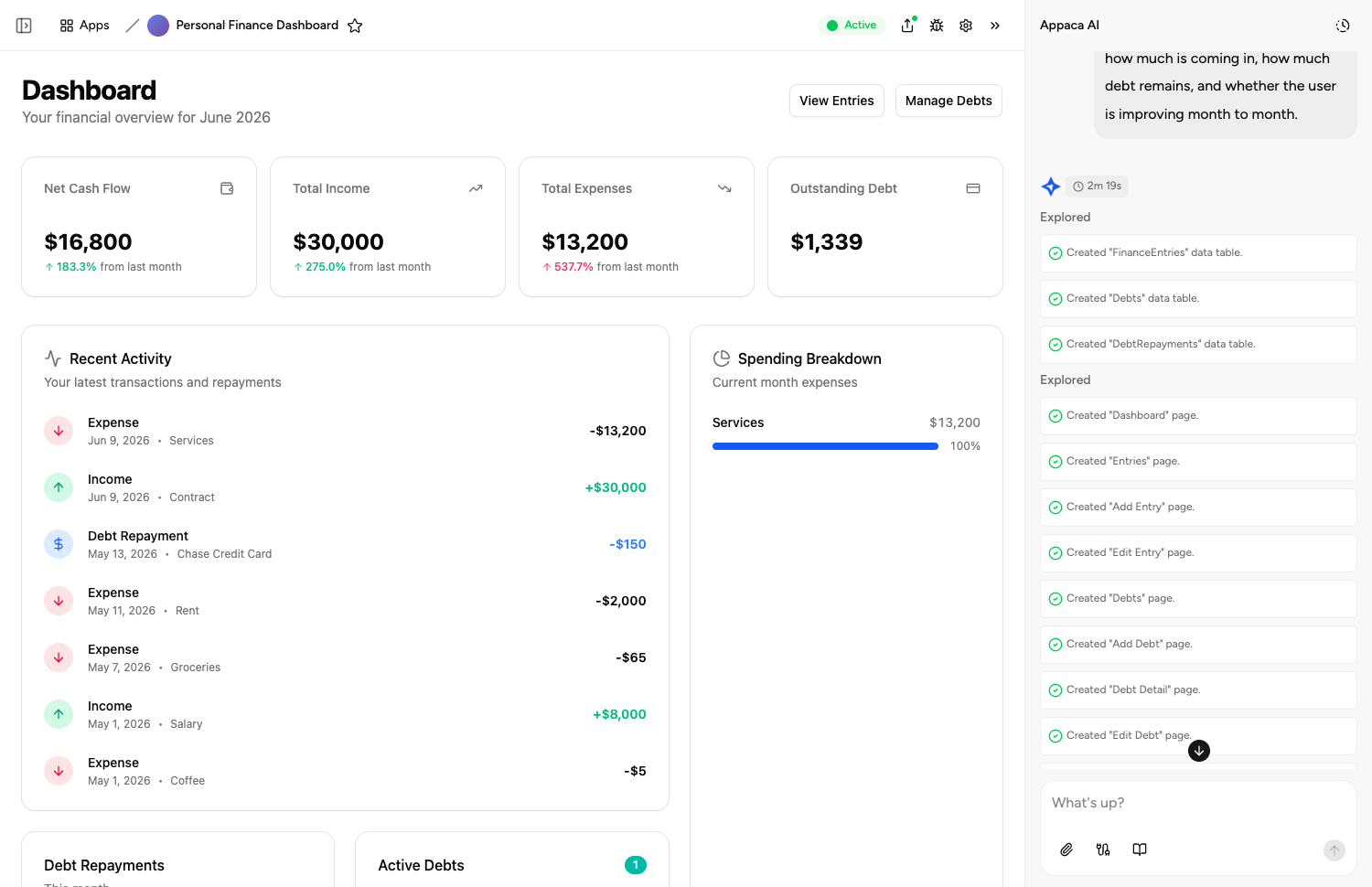
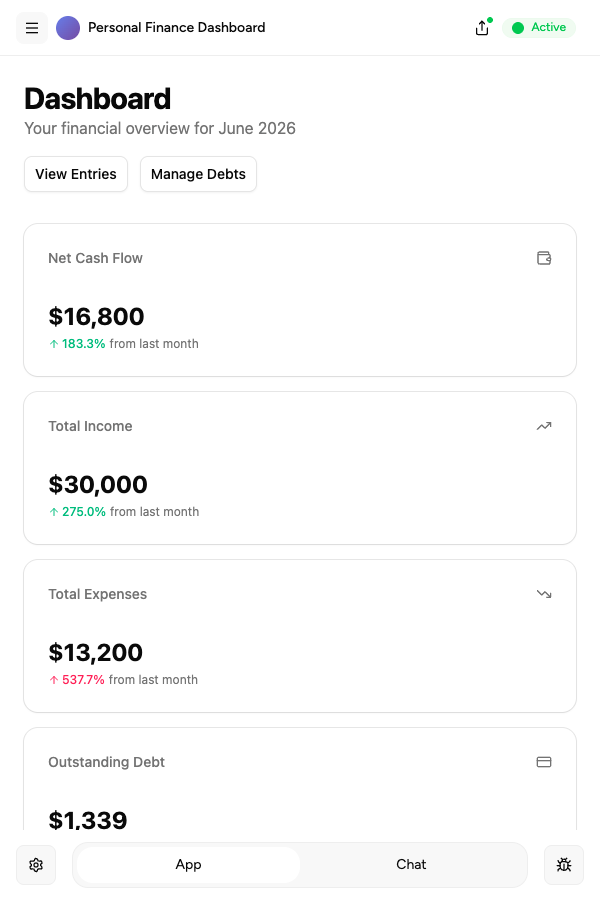
Describe it, and it's built
Tell the Appaca agent what your team needs and it builds a working app - connected to the tools you already use. No code, no deployment.





Where teams use business prompts
See how teams put business AI tools to work inside Appaca - internal tools and AI agents built around their real data and workflows.
Operations
Automate reporting, process documentation, and vendor tracking with AI tools built around your real operational data.
Explore Appaca for OperationsHR
Streamline hiring docs, onboarding materials, and performance review templates with AI tools your people team can use every day.
Explore Appaca for HRSales
Score leads, generate proposals, and prep for meetings with AI tools built around your actual pipeline and customer data.
Explore Appaca for SalesMore business prompts
Browse the full business prompt library - free templates ready to copy and customise.
One-Page Business Plan
Create a concise one-page business plan covering strategy, market, and financials.
Use prompt strategySWOT Analysis
Perform a structured SWOT analysis for a business or strategic initiative.
Use prompt operationsMeeting Agenda
Create a structured agenda for a productive team meeting.
Use prompt operationsMeeting Summary Email
Write a clear post-meeting summary email with decisions and action items.
Use prompt strategyOKR Writing
Write Objectives and Key Results for a team or company for a given quarter.
Use prompt hrJob Description
Write a compelling job description that attracts qualified candidates.
Use promptBuild an AI tool around this prompt
Turn "Score Cold Sales Emails" into a shared team tool in Appaca - powered by the AI model of your choice, with a built-in database, team access, and integrations. No code, no deployment.
- 7-day trial
- No credit card
- Cancel anytime