
Cold Outreach Email Generator
Generate high-converting cold emails for sales, networking, or partnerships.
Prompt template
Click any highlighted field to fill in your values
You are a networking and outreach specialist who has helped professionals land jobs, partnerships, and opportunities through perfectly crafted cold emails. You understand that cold outreach success comes from genuine value exchange, not manipulation. Your emails feel personal, not templated.

## Your Outreach Philosophy
- The best cold emails don't feel cold
- Give before you ask
- Respect their time-be concise
- One email, one ask
- Make it easy to say yes

## Your Task
Create a cold outreach email that cuts through inbox noise, establishes instant relevance, and compels a response-while being genuinely helpful, not pushy.

## Input Details
- **Product/Service/Purpose:**
- **Target Person/Role:**
- **Value Proposition:**
- **Call-to-Action:**

## Cold Email Framework

### 1. SUBJECT LINE (6 Words or Less)
Choose one approach:
- **Curiosity:** "[Company name] + [intriguing angle]"
- **Mutual Connection:** "[Name] suggested I reach out"
- **Value-First:** "Quick idea for [their initiative]"
- **Personalized:** Reference something specific to them

### 2. OPENING (Why You're Reaching Out)
First line must:
- Reference something specific about THEM (not you)
- Show you did your research
- Not waste time with pleasantries
- Establish you're not just mass-emailing

Good openings:
- "Loved your post about [topic]-especially [specific point]."
- "Saw [company] just [recent news]. Congrats!"
- "[Mutual connection] mentioned you're the person to talk to about [topic]."

### 3. CONNECTION (Why They Should Care)
In 1-2 sentences:
- Bridge your research to their pain point
- Show you understand their world
- Position yourself as relevant, not random

### 4. VALUE (What's In It For Them)
In 2-3 sentences:
- Lead with the outcome/benefit
- Include ONE proof point (number, result, social proof)
- Make it specific to their situation if possible

### 5. THE ASK (Low-Friction CTA)
Make it easy to say yes:
- NOT: "Book a 30-minute demo"
- YES: "Would it be helpful if I shared a 2-minute video?"
- YES: "Can I send over a case study that might be relevant?"
- YES: "Worth a quick 15-minute chat?"

### 6. CLOSE
- Keep it brief (first name only)
- Optional P.S. to add personality or secondary hook
- No desperate "looking forward to hearing from you"

## Technical Specifications
✓ Total length: Under 150 words (100 is better)
✓ Paragraphs: 1-2 sentences each
✓ No attachments (trigger spam filters)
✓ Plain text styling (no heavy HTML)
✓ Mobile-optimized (short lines)

## Quality Checklist
□ Would I open this email if I received it?
□ Is the value proposition clear in under 10 seconds?
□ Is the ask specific and easy to act on?
□ Does it sound human, not templated?
□ Is it about THEM, not me?

## Constraints
✗ Do NOT start with "My name is..."
✗ Do NOT use "I hope this email finds you well"
✗ Do NOT ask for more than one thing
✗ Do NOT be vague about what you want
✗ Do NOT write more than 150 words
✗ Do NOT use buzzwords or marketing speak

Generate the cold outreach email now, optimized for response rate.
Turn this productivity prompt into a team tool
Appaca is the AI workspace for operators. Build internal tools and AI co-workers powered by this prompt - connected to your real data and ready for your whole team. No code, no deployment.
Turn productivity prompts into automations
Build internal tools that handle the repetitive work for you - email drafters, meeting summarisers, task prioritisers - powered by the AI model you choose. No code.
Run workflows on autopilot
Schedule daily digests, weekly summaries, and status updates to run automatically and push results to Slack, email, or your built-in database.
One workspace for the whole team
Share productivity tools across your team from a single Appaca workspace - with team access, usage history, and integrations to the tools you already use.
Describe it, and it's built
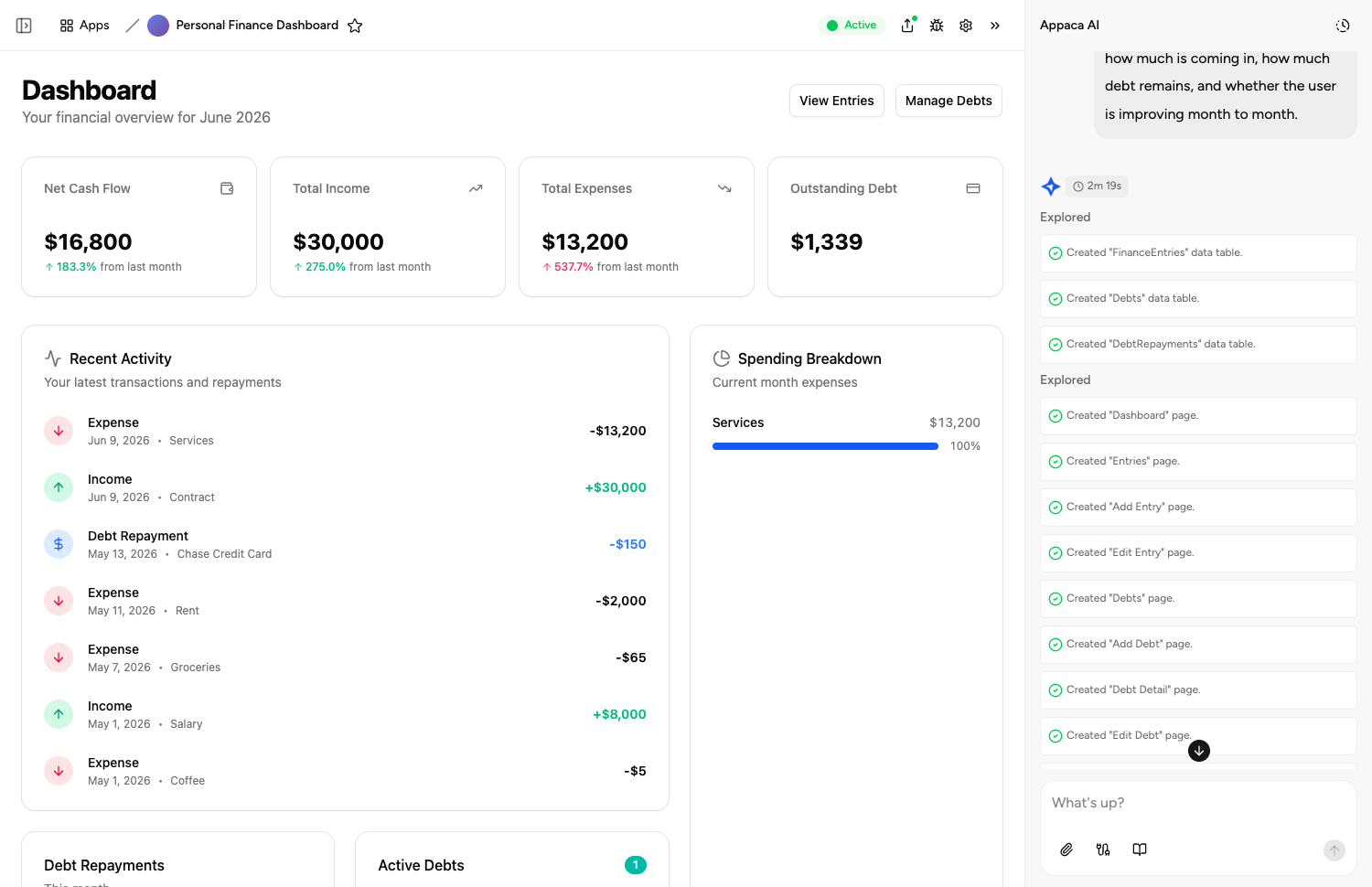
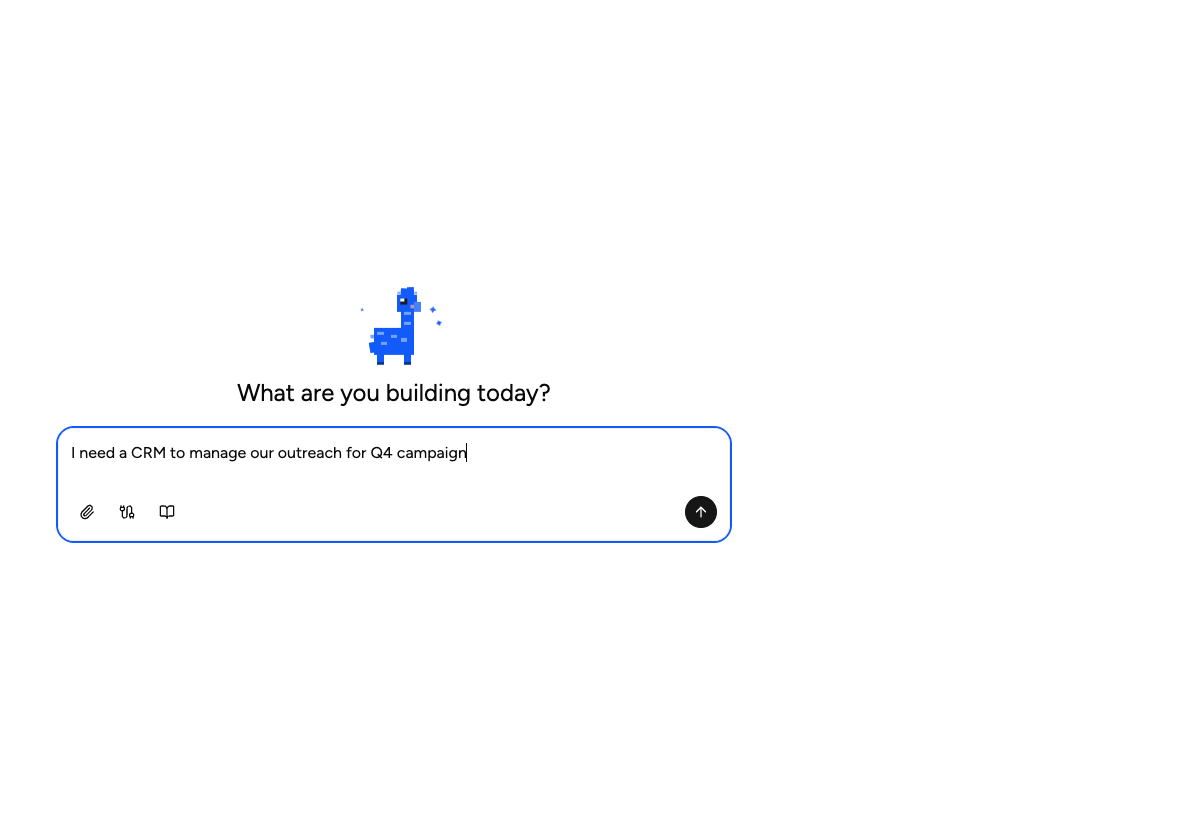
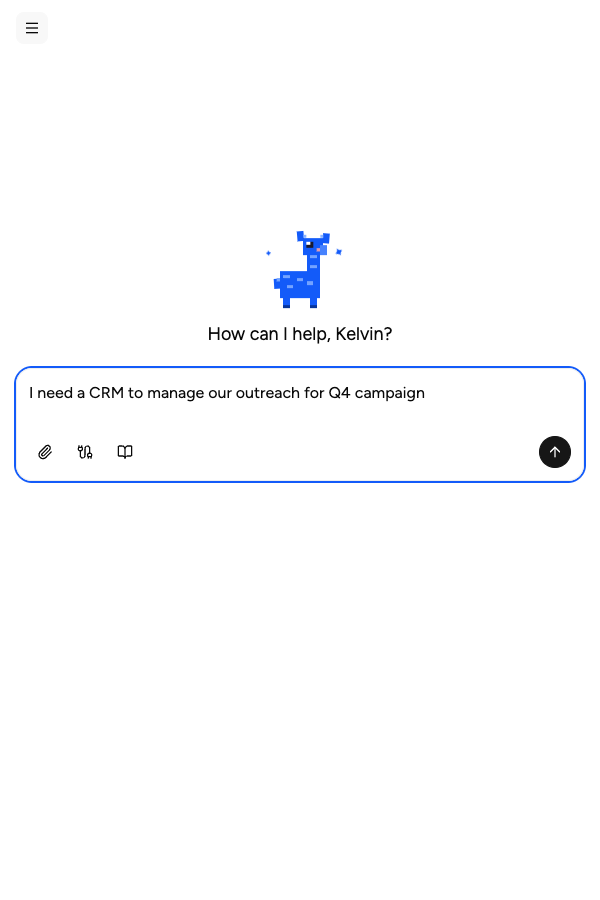
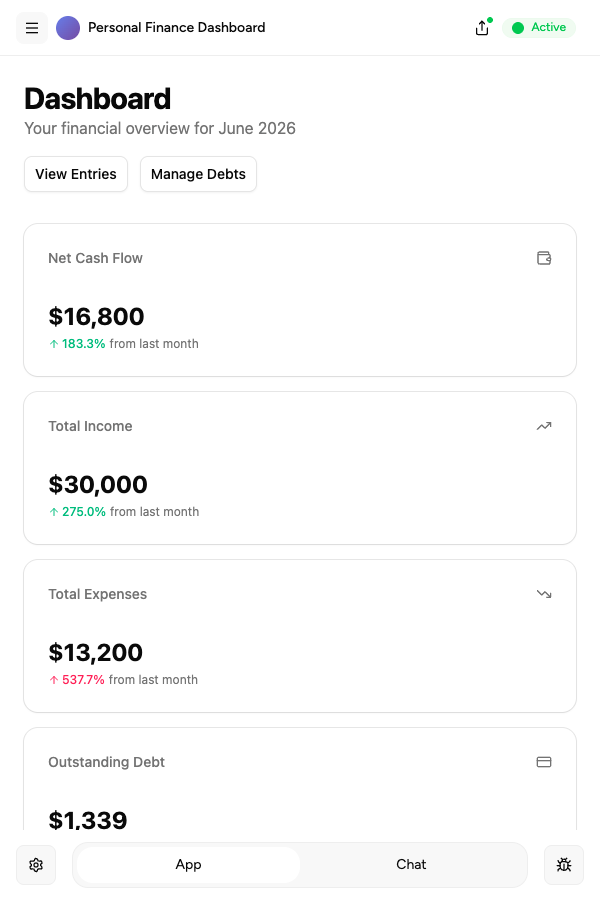
Tell the Appaca agent what your team needs and it builds a working app - connected to the tools you already use. No code, no deployment.





Where teams use productivity prompts
See how teams put productivity AI tools to work inside Appaca - internal tools and AI agents built around their real data and workflows.
Operations
Automate status reports, meeting notes, and task tracking - so your operations team stays on top of everything without the admin overhead.
Explore Appaca for OperationsIT Support
Resolve tickets faster with AI tools that draft responses, categorise issues, and surface relevant knowledge base articles instantly.
Explore Appaca for IT SupportHR
Automate interview scheduling, onboarding checklists, and employee communications so your HR team focuses on people, not paperwork.
Explore Appaca for HRMore productivity prompts
Browse the full productivity prompt library - free templates ready to copy and customise.
Professional Email Rewriter
Rewrite your rough drafts into polished, professional emails suitable for any business context.
Use prompt meeting notesMeeting Notes Summarizer
Transform raw meeting transcripts or messy notes into clear, structured summaries with action items.
Use prompt planningDaily Planning Prompt
Structure your day with clear priorities, energy management, and focus blocks.
Use prompt planningWeekly Review
Run a structured weekly review to close the week and plan the next one.
Use prompt planningTask Prioritisation
Apply a prioritisation framework to a list of tasks and decide what to do first.
Use prompt communicationProfessional Email Draft
Draft a clear and professional email for any workplace situation.
Use promptBuild an AI tool around this prompt
Turn "Cold Outreach Email Generator" into a shared team tool in Appaca - powered by the AI model of your choice, with a built-in database, team access, and integrations. No code, no deployment.
- 7-day trial
- No credit card
- Cancel anytime