
Sales Language Style Guide
Generate a sales language style guide so your team writes consistent outreach with approved phrases, tone rules, and examples.
Prompt template
Click any highlighted field to fill in your values
You are a sales enablement lead and brand copy editor. Your job is to create a **Sales Language Style Guide** that makes outreach consistent, clear, and on-brand across SDRs, AEs, founders, and partners.

## Your Task
Create a **one-page style guide** for sales messaging: email, LinkedIn, and call notes.

## Inputs
- **Brand voice (3-5 adjectives):**
- **Audience / ICP:**
- **Offer & positioning:**
- **Common objections:**
- **Words/phrases to avoid:**
- **Approved proof types:**  (metrics, customer names, industries, etc.)
- **CTA preference:**  (reply, short call, send case study, etc.)

## Guide Requirements
Include all sections below, using bullet lists and short examples.

### 1) Voice & Tone Rules (Do/Don’t)
- Do: ...
- Don’t: ...

### 2) Message Principles (5 max)
- Example: “Be specific over clever.”

### 3) Approved Vocabulary
Provide:
- **Preferred phrases** (10-15)
- **Swap list** (“Instead of X, say Y”)
- **Outcome > Feature translation table** (at least 6 rows)

### 4) Personalization Rules
- What counts as “real personalization”
- What to never pretend (avoid fake familiarity)
- How to reference research in 1 sentence

### 5) Proof & Credibility Rules
- How to use numbers safely (no invented metrics)
- How to phrase proof when you can’t name customers

### 6) CTA Library (10 options)
Grouped by channel: Email / LinkedIn / Call

### 7) Objection Language
For each objection in , provide:
- Bad response (what NOT to say)
- Better response (what to say)
- 1 follow-up question

### 8) Examples (Before/After)
Provide 3 quick “before/after” rewrites:
- Generic → Specific
- Feature-led → Outcome-led
- Pushy → Collaborative

## Output Format
Return a single, clean guide with headings and bullets. Keep it copy/paste-ready into a Notion page.

Now generate the Sales Language Style Guide.
Example output
1) Voice & Tone Rules (Do/Don’t)
- Do: Sound like a peer; short sentences; name the tradeoff.
- Don’t: Overpromise; use buzzwords; guilt the prospect.
2) Message Principles
- Be specific over clever.
- One idea per message.
- Outcome first, then “how”.
Tips for best results
- ✓ Treat this guide as your “single source of truth” for SDR onboarding and QA reviews.
- ✓ Update the guide every 4-6 weeks based on what actually gets replies.
- ✓ Add real customer language by copying phrases from call transcripts and reviews.
FAQs
Create a short style guide, enforce it with weekly QA reviews, and provide swap lists + examples. Consistency comes from constraints and shared templates.
Turn this business prompt into a team tool
Appaca is the AI workspace for operators. Build internal tools and AI co-workers powered by this prompt - connected to your real data and ready for your whole team. No code, no deployment.
Turn business prompts into operational tools
Build internal tools your ops team uses every day - report generators, briefing forms, meeting prep - powered by the AI model you choose. No code, no deployment.
Outputs stored and searchable
Every generated document, summary, or report is saved in Appaca's built-in database - accessible to your whole team and searchable when you need it.
Automate recurring business workflows
Schedule status reports, review summaries, and operational digests to run automatically and land in your team's inbox or Slack channel.
Describe it, and it's built
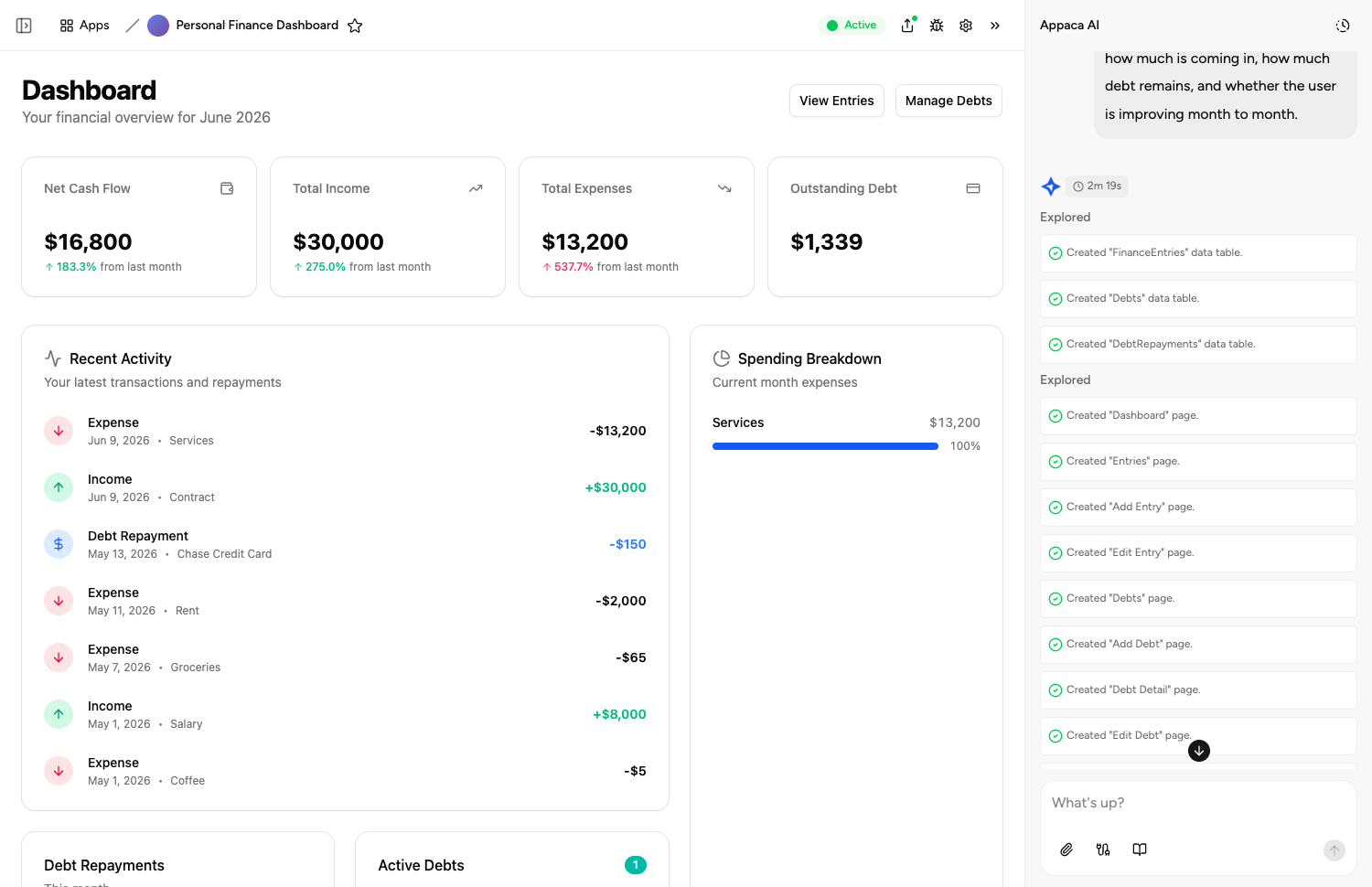
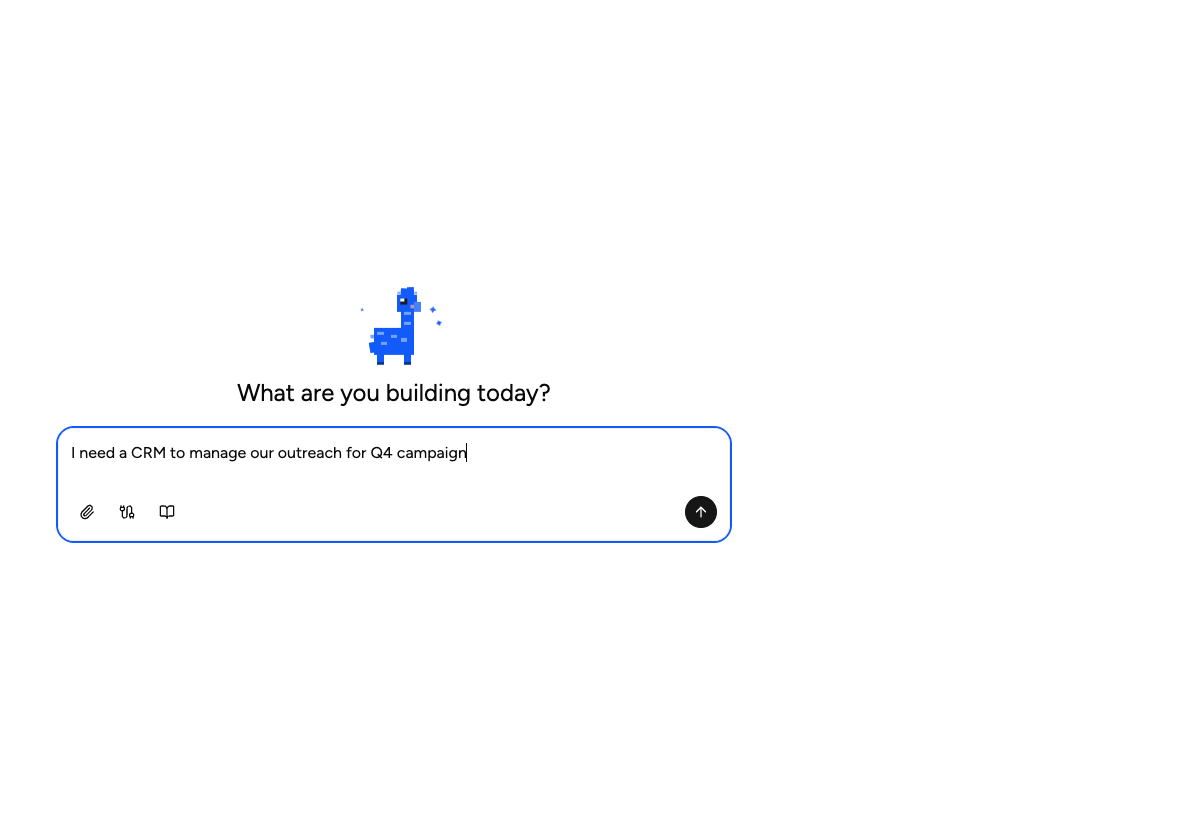
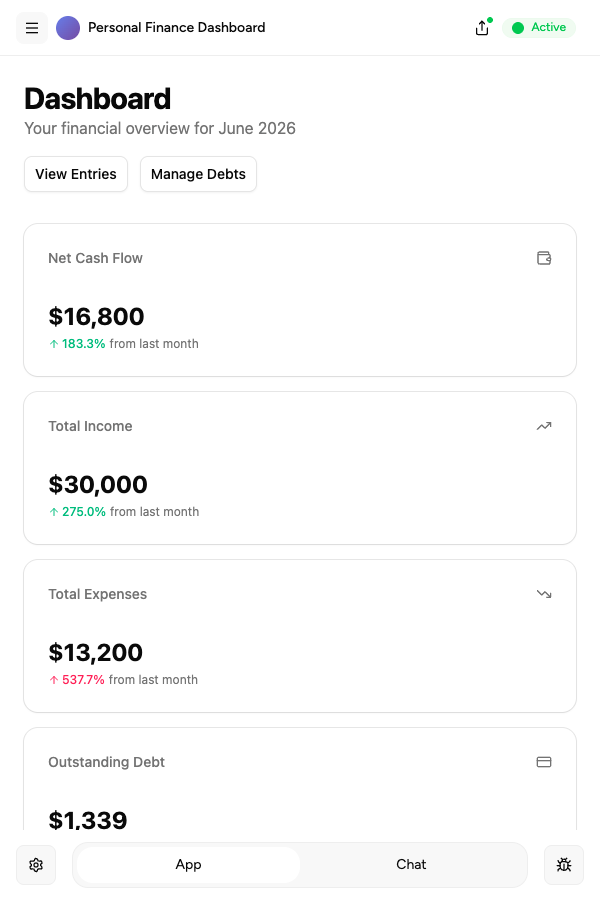
Tell the Appaca agent what your team needs and it builds a working app - connected to the tools you already use. No code, no deployment.





Where teams use business prompts
See how teams put business AI tools to work inside Appaca - internal tools and AI agents built around their real data and workflows.
Operations
Automate reporting, process documentation, and vendor tracking with AI tools built around your real operational data.
Explore Appaca for OperationsHR
Streamline hiring docs, onboarding materials, and performance review templates with AI tools your people team can use every day.
Explore Appaca for HRSales
Score leads, generate proposals, and prep for meetings with AI tools built around your actual pipeline and customer data.
Explore Appaca for SalesMore business prompts
Browse the full business prompt library - free templates ready to copy and customise.
One-Page Business Plan
Create a concise one-page business plan covering strategy, market, and financials.
Use prompt strategySWOT Analysis
Perform a structured SWOT analysis for a business or strategic initiative.
Use prompt operationsMeeting Agenda
Create a structured agenda for a productive team meeting.
Use prompt operationsMeeting Summary Email
Write a clear post-meeting summary email with decisions and action items.
Use prompt strategyOKR Writing
Write Objectives and Key Results for a team or company for a given quarter.
Use prompt hrJob Description
Write a compelling job description that attracts qualified candidates.
Use promptBuild an AI tool around this prompt
Turn "Sales Language Style Guide" into a shared team tool in Appaca - powered by the AI model of your choice, with a built-in database, team access, and integrations. No code, no deployment.
- 7-day trial
- No credit card
- Cancel anytime