Create your own CMMS software
Tell Appaca how your maintenance team handles work orders, preventive schedules, and asset tracking, and it creates a CMMS that fits your operation without months of implementation.
Trusted by incredible people at







What you can make with Appaca
Maintenance teams need work orders, PM schedules, and asset records that match their equipment and sites. Appaca lets you build a CMMS around your actual operation.
Preventive maintenance shaped to your equipment
Build recurring PM schedules based on time intervals, usage meters, or inspection cycles for the specific assets your team maintains.
Work orders, assets, and parts together
Link work orders to assets, track maintenance history per piece of equipment, and monitor parts usage so your team has the full picture when responding to issues.
Built-in database and team access
Store all maintenance records, asset data, and work orders in a built-in database and share it with technicians, supervisors, and operations managers.
Personal software for maintenance teams
Start with how your team handles maintenance today. Appaca creates the CMMS around your work order flow, PM schedules, and asset structure, and you can adapt it as equipment and sites change.
Describe your maintenance workflow
Tell Appaca how work orders are created, how preventive tasks are scheduled, which assets need tracking, and what information technicians need on each job.
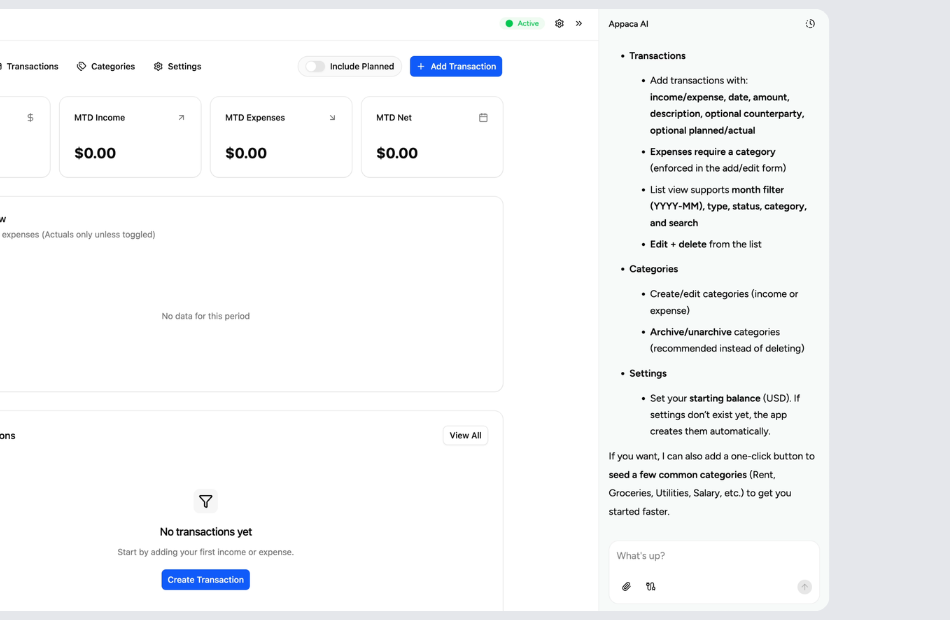
Let Appaca shape the CMMS around your operation
You can define asset hierarchies, PM frequencies, priority levels, parts lists, and completion requirements. Appaca turns that into a working maintenance system.
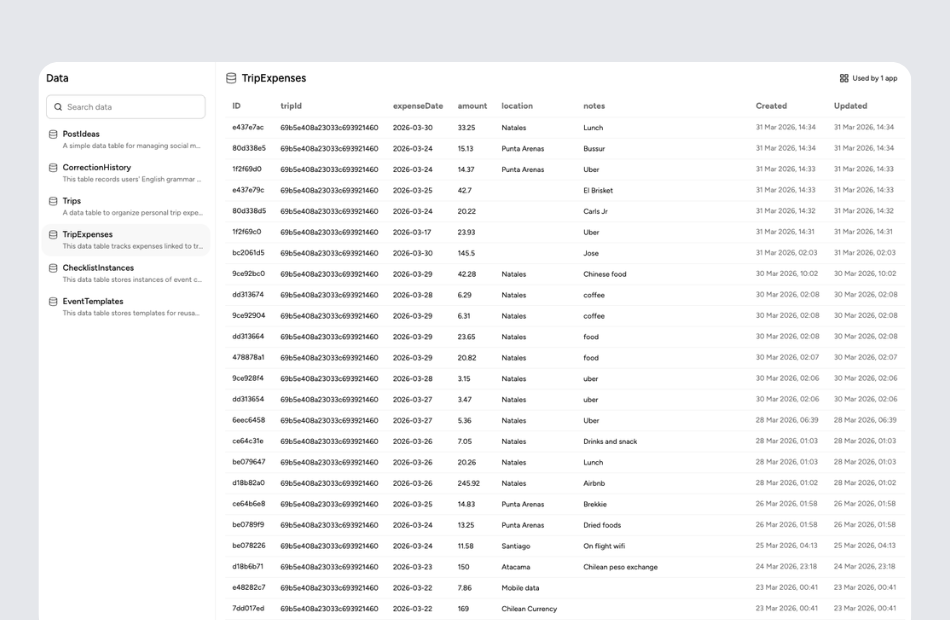
Share it with your entire maintenance team
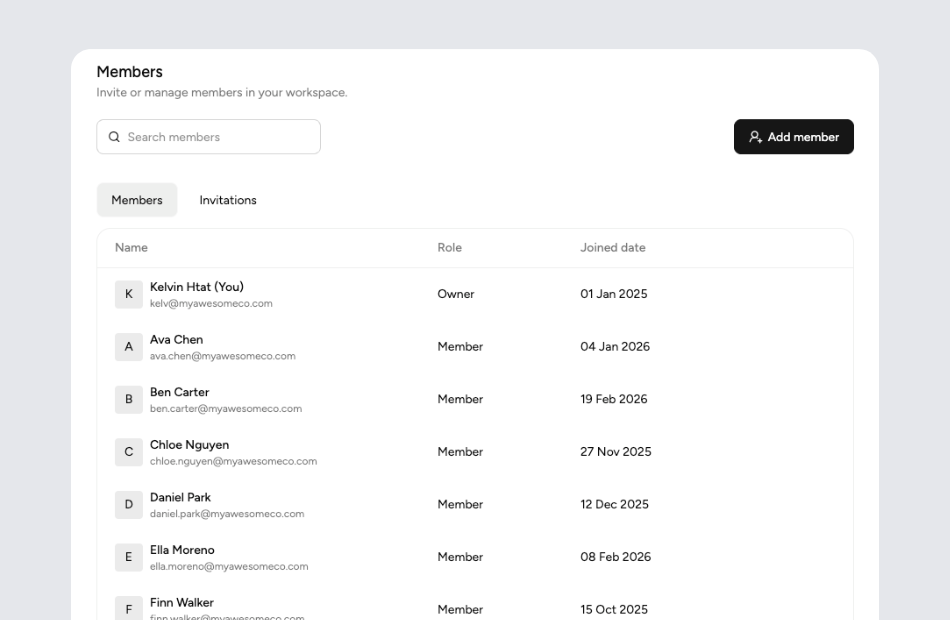
Invite technicians, supervisors, and facility managers into the same workspace so work orders, schedules, and asset records are accessible without paper forms or scattered apps.
What is CMMS software?
CMMS stands for Computerized Maintenance Management System. It is software that helps maintenance teams schedule preventive maintenance, manage work orders, track asset history, and monitor parts inventory. A CMMS replaces paper-based and spreadsheet-driven maintenance tracking with a structured system that improves equipment uptime, extends asset life, and gives managers visibility into maintenance workload and costs.
Key features to look for in CMMS software
Preventive maintenance scheduling with recurring tasks based on time or usage keeps equipment running and reduces emergency repairs. Work order management with priority, assignment, and completion tracking ensures nothing is forgotten. Asset registers with maintenance history per piece of equipment help identify chronic issues and plan replacements. Parts inventory tracking with reorder alerts prevents technicians from being stuck waiting for supplies.
Why build your own CMMS with Appaca
Traditional CMMS platforms require lengthy implementations, per-seat licensing, and often come loaded with features that small and mid-sized teams never use. Appaca lets you describe your maintenance workflow, from how work orders are created to how PM schedules are organized, and generates a system that fits. You can start simple with work orders and asset tracking, then add PM schedules and parts inventory as your program matures.
Questions & answers
CMMS stands for Computerized Maintenance Management System. It is software designed to centralize maintenance information and streamline work order management, preventive maintenance scheduling, and asset tracking. Appaca lets you build a CMMS shaped to your specific equipment, sites, and maintenance team structure.
Work order software focuses on tracking individual maintenance requests from submission to completion. A CMMS adds preventive maintenance scheduling, asset lifecycle tracking, parts inventory, and maintenance history on top of work orders. Appaca can build either scope, starting with work orders and expanding to full CMMS features as needed.
Preventive maintenance tasks are created with recurring schedules based on time intervals, equipment usage, or inspection results. The CMMS automatically generates work orders when a PM task is due, assigns them to technicians, and tracks completion. Appaca lets you define PM frequencies and triggers based on how your team actually schedules maintenance.
Yes. Linking every completed work order to the asset it involves creates a maintenance history that shows past repairs, PM completions, parts used, and costs. This helps identify aging equipment, recurring problems, and replacement timing. Appaca can build asset records with full history views.
No. Any team that maintains equipment, properties, or infrastructure can benefit from a CMMS. Small facilities, property managers, and field service teams use CMMS software to stay organized and prevent breakdowns. Appaca makes it accessible by letting you build a lightweight system without enterprise-scale complexity or cost.