
Build custom software access request workflow with AI
Appaca is an AI workspace where you can build a software access request workflow with multi-stage approvals, an automatic audit log, and IT provisioning built in - fast for employees, airtight for compliance reviews.
Everything you need to manage software access requests properly
Appaca makes it easy for your IT and security teams to build an access request workflow that routes every request through the right approvals, records every decision, and keeps your access log audit-ready at all times.
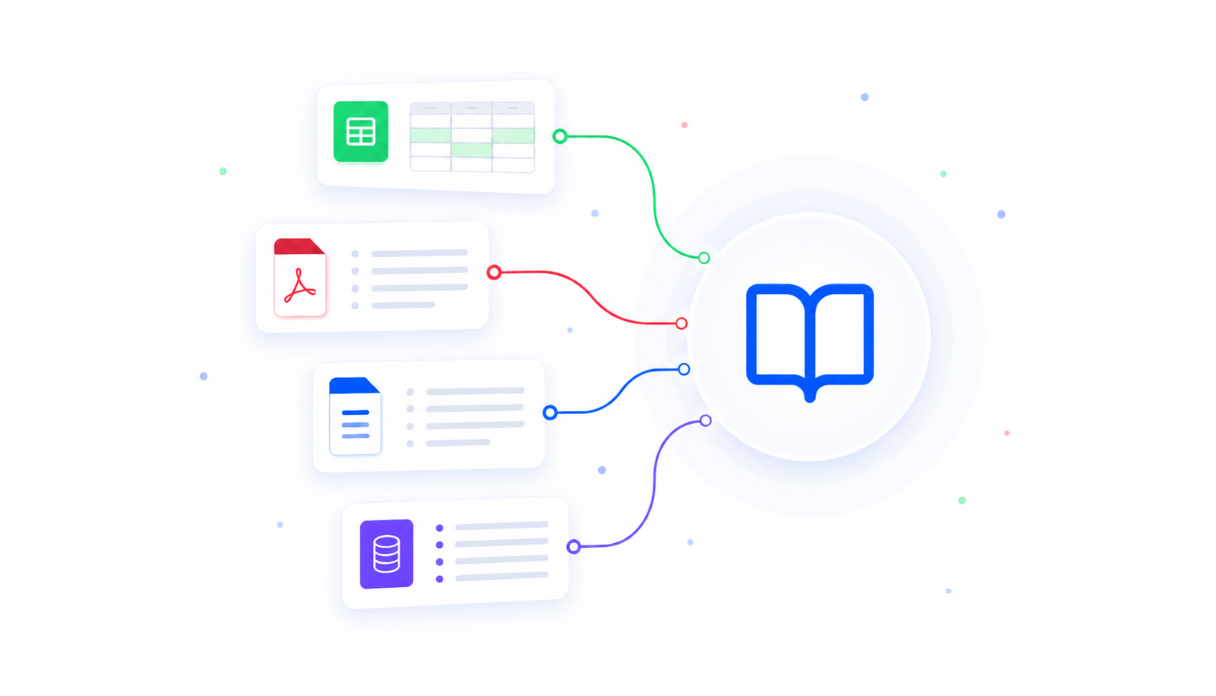
Teach AI your access policies
Upload your access control policies, security guidelines, and approval requirements to the knowledge base so every request is evaluated against your actual standards - not a one-size-fits-all rule. Sensitive systems get the extra sign-off they need, automatically.
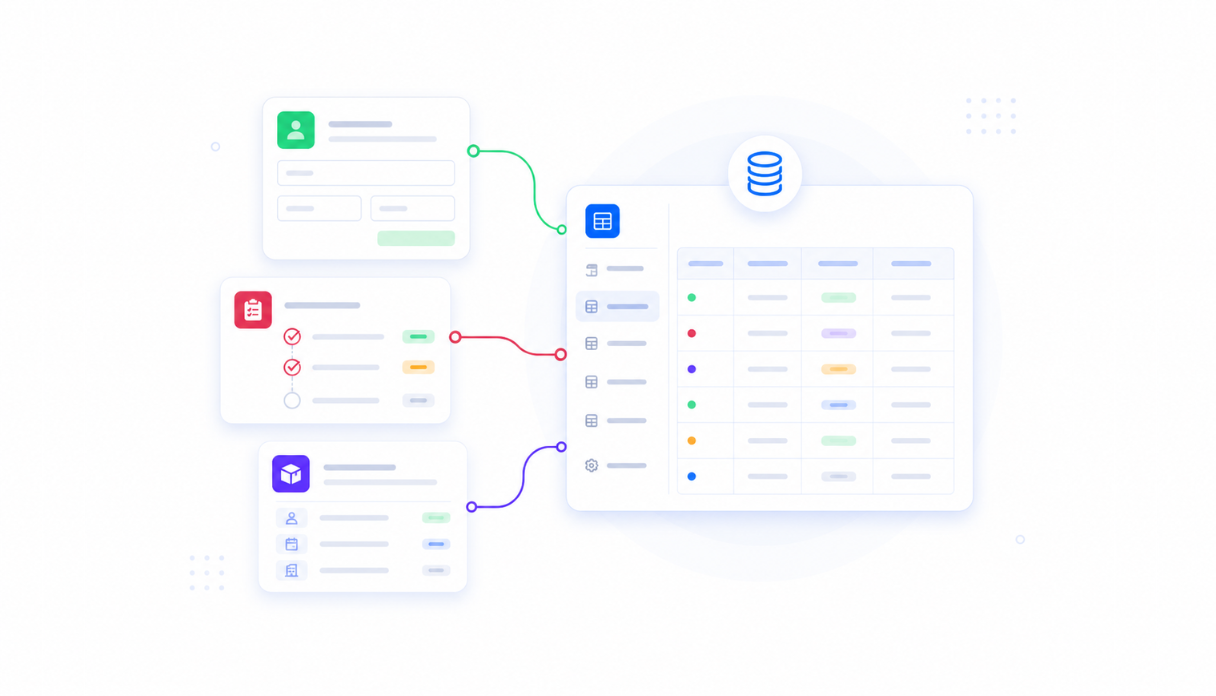
Keep every request in one place
Appaca workspace comes with a secured built-in database and storage, so every access request, approval decision, and revocation lives right inside your tool. No spreadsheets to maintain, no email threads to dig through at audit time.
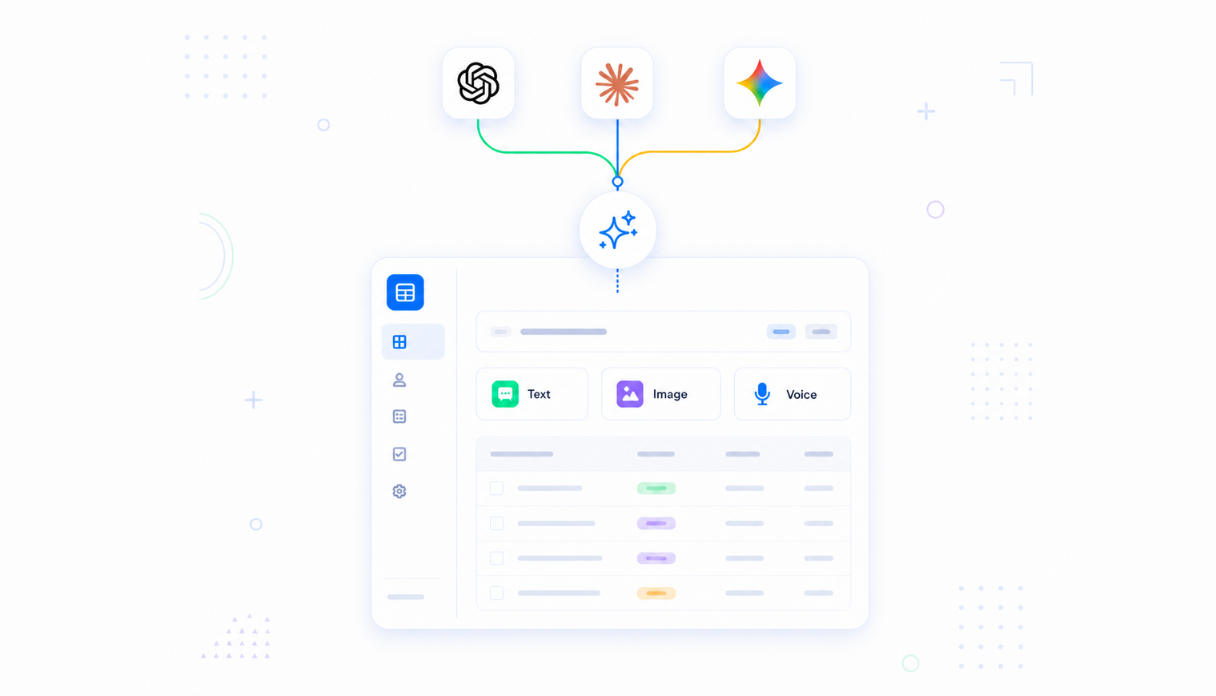
AI that routes approvals automatically
Connect AI models powered by OpenAI, Anthropic, and Google out of the box to read each request and route it through the right approval stages - manager first, then system owner for sensitive systems, then IT for provisioning - without any manual handoffs.
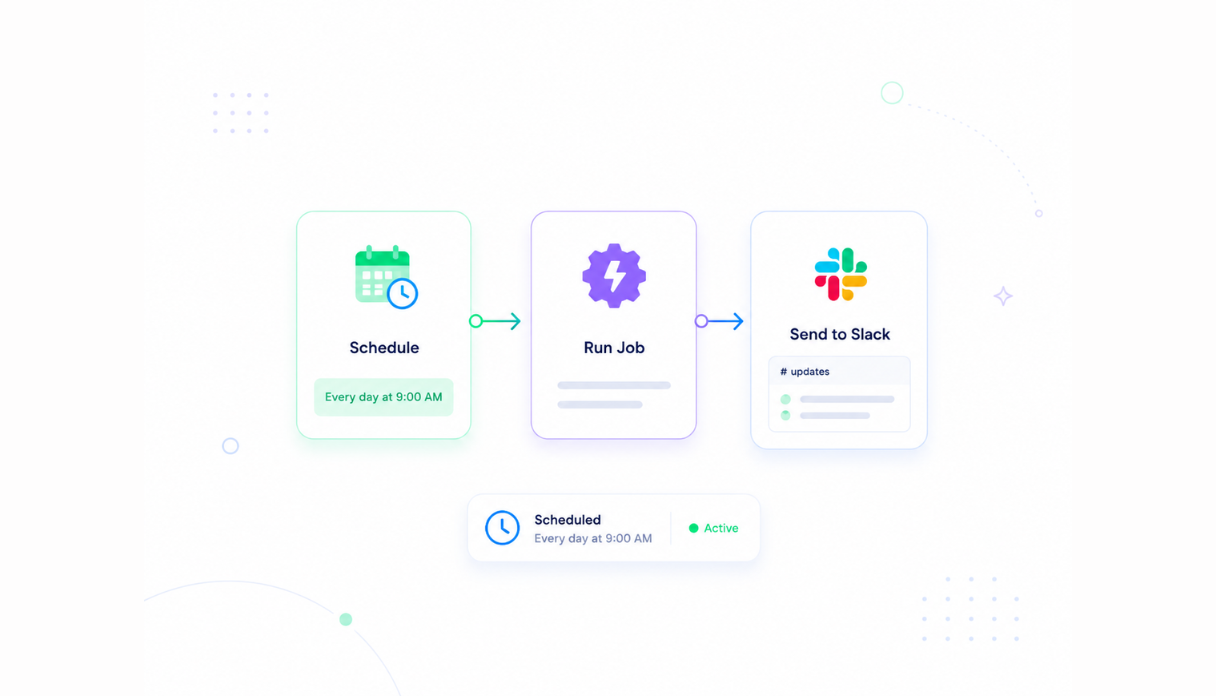
Never miss an access review
Set automations to notify approvers the moment a request lands in their queue, flag expired temporary access for revocation, and remind IT to action approved grants. Every request moves forward without chasing people down.
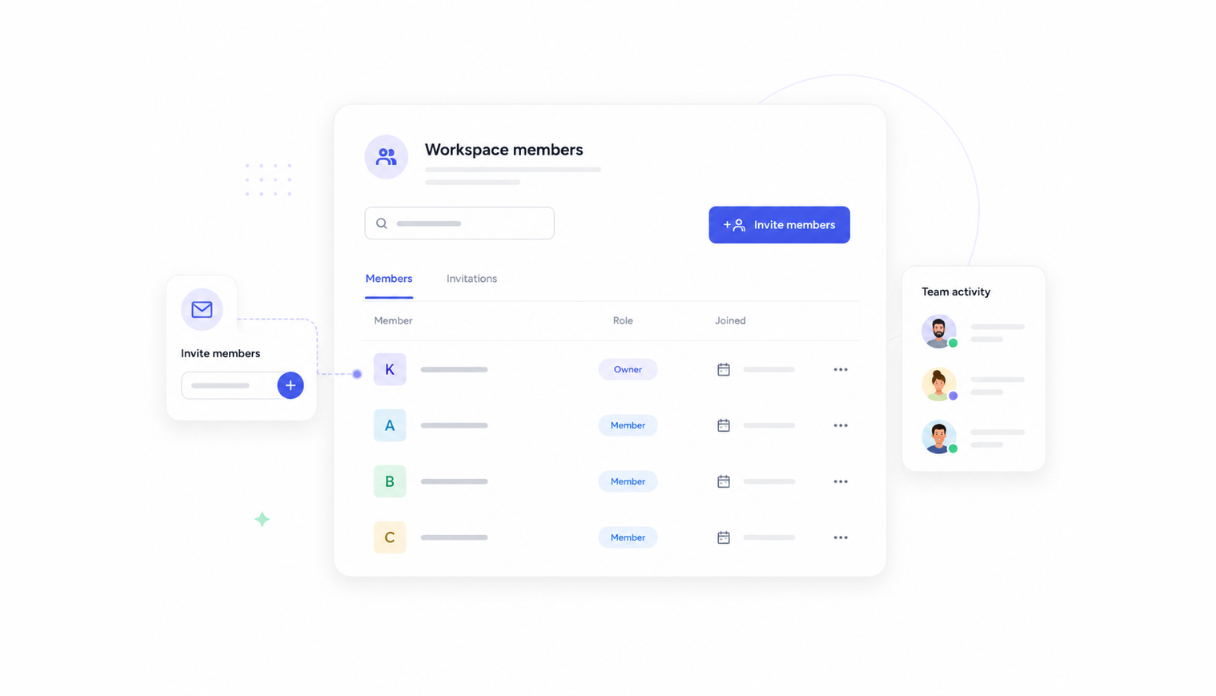
Share with managers and IT
Invite your managers, system owners, and IT staff to the workspace so everyone works from the same queue. Each person only sees the requests assigned to them while admins have full visibility across every stage and system.
Works with your identity stack
Securely connect Appaca workspace to the tools your team already uses - Slack, your identity provider, and any service with an API or webhook - so approval notifications and provisioning instructions flow into your existing workflow.





What features does this Software Access Request Workflow have?
This Software Access Request Workflow is built and run on Appaca workspace. You can clone it and make changes to fit your team's needs.
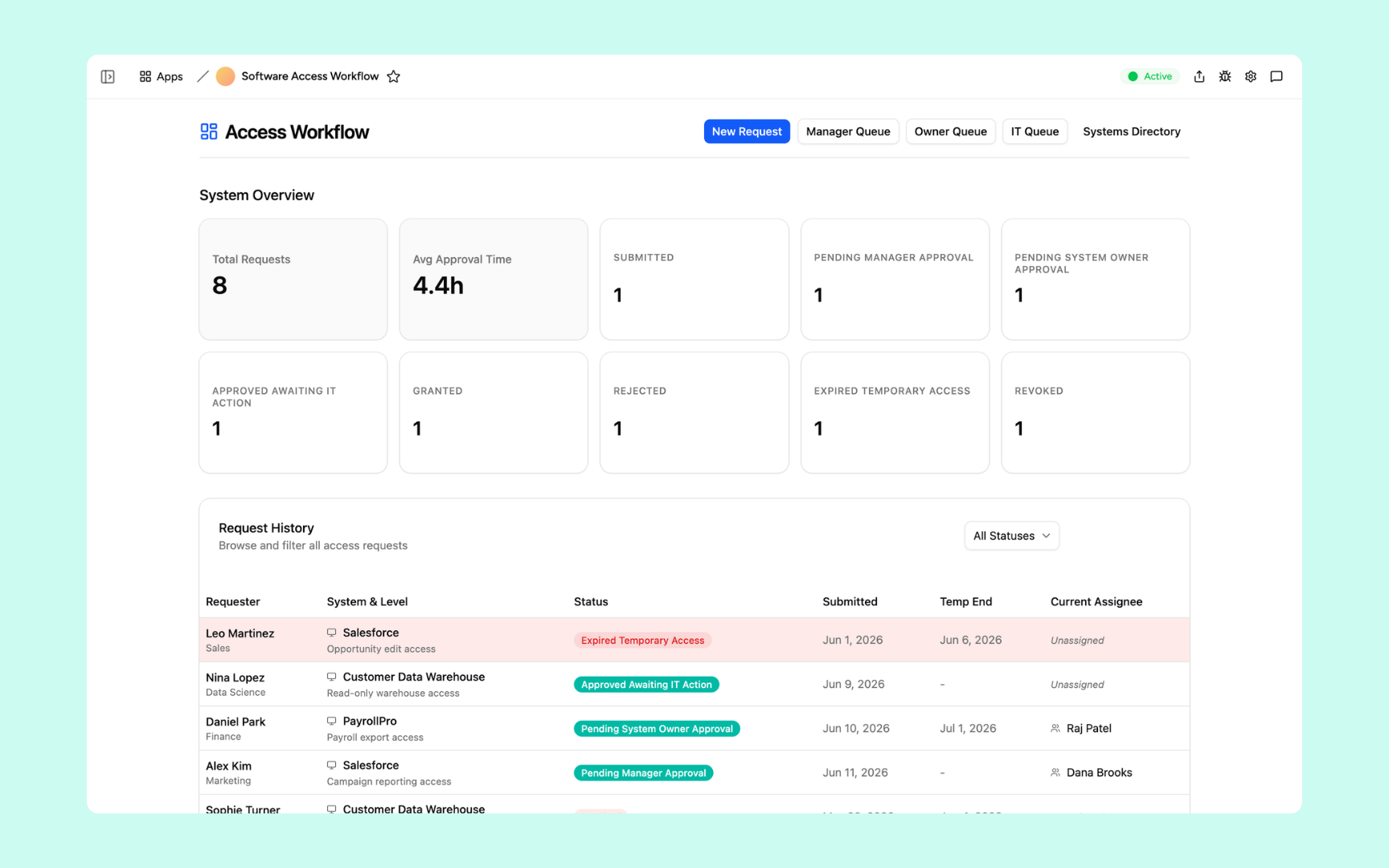
Total requests, average approval time, and the full request pipeline at a glance - from submitted through manager and owner approval, to IT actioning, granting, and revocation. The request history table shows every access request with its current status, assigned system, and current owner.
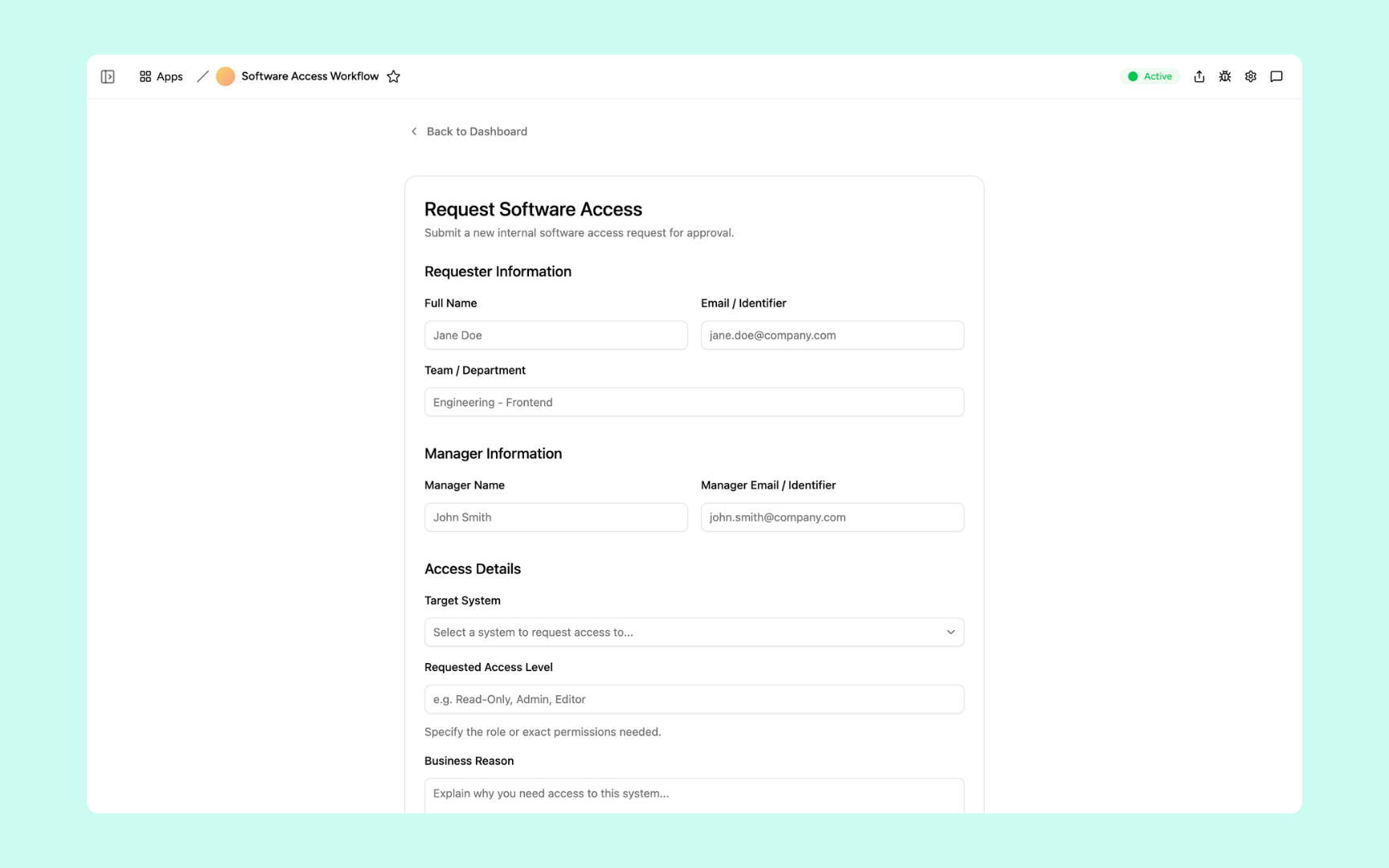
Employees fill in their name, email, and department, nominate their manager, then select the target system, specify the access level and duration, and explain the business reason. One structured form for every software access request - nothing gets submitted without the context approvers need.
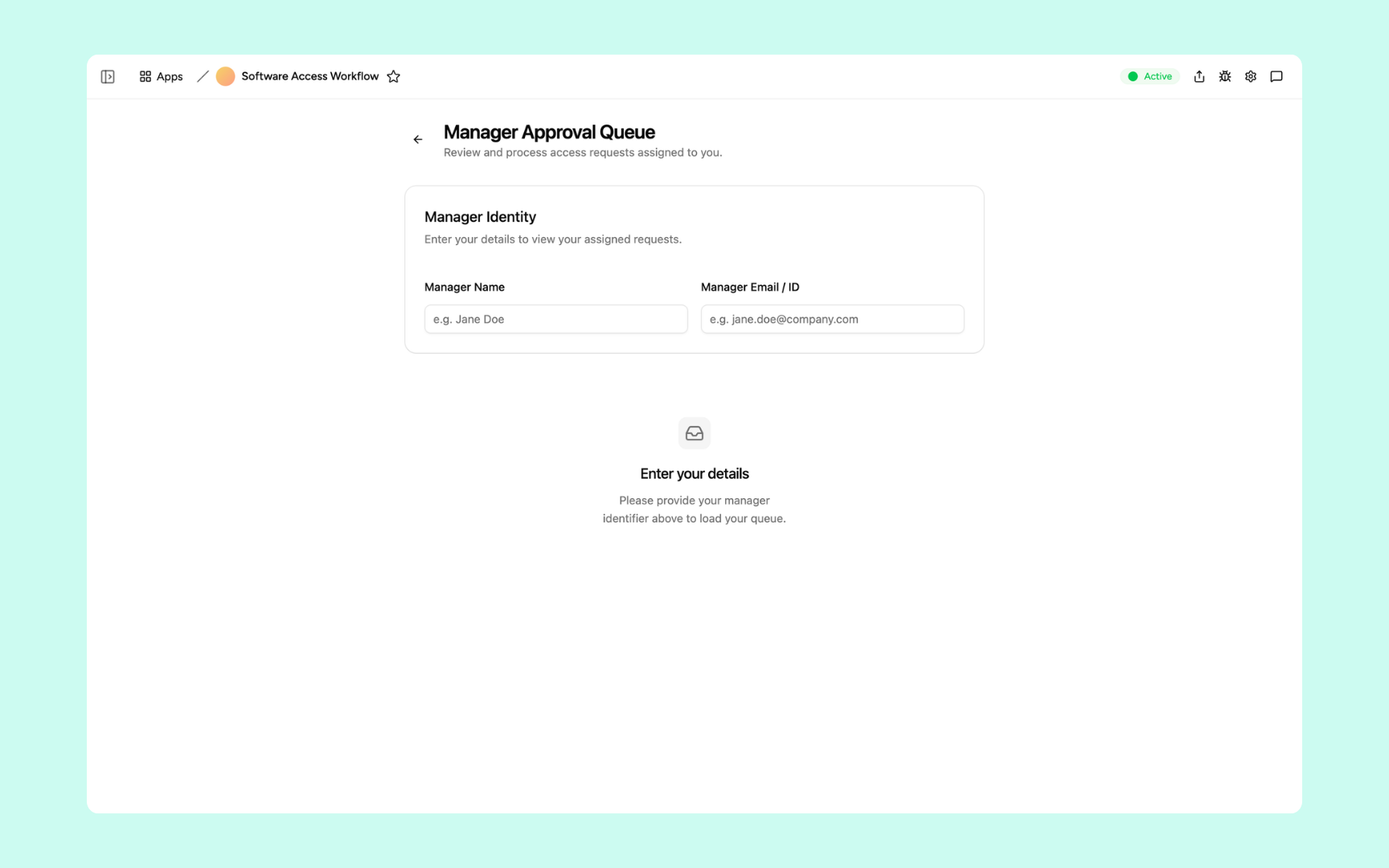
Managers enter their email to load the requests assigned to them. Each pending request shows who is asking, which system, what access level, and the business reason - so managers can approve or reject in seconds, not days.
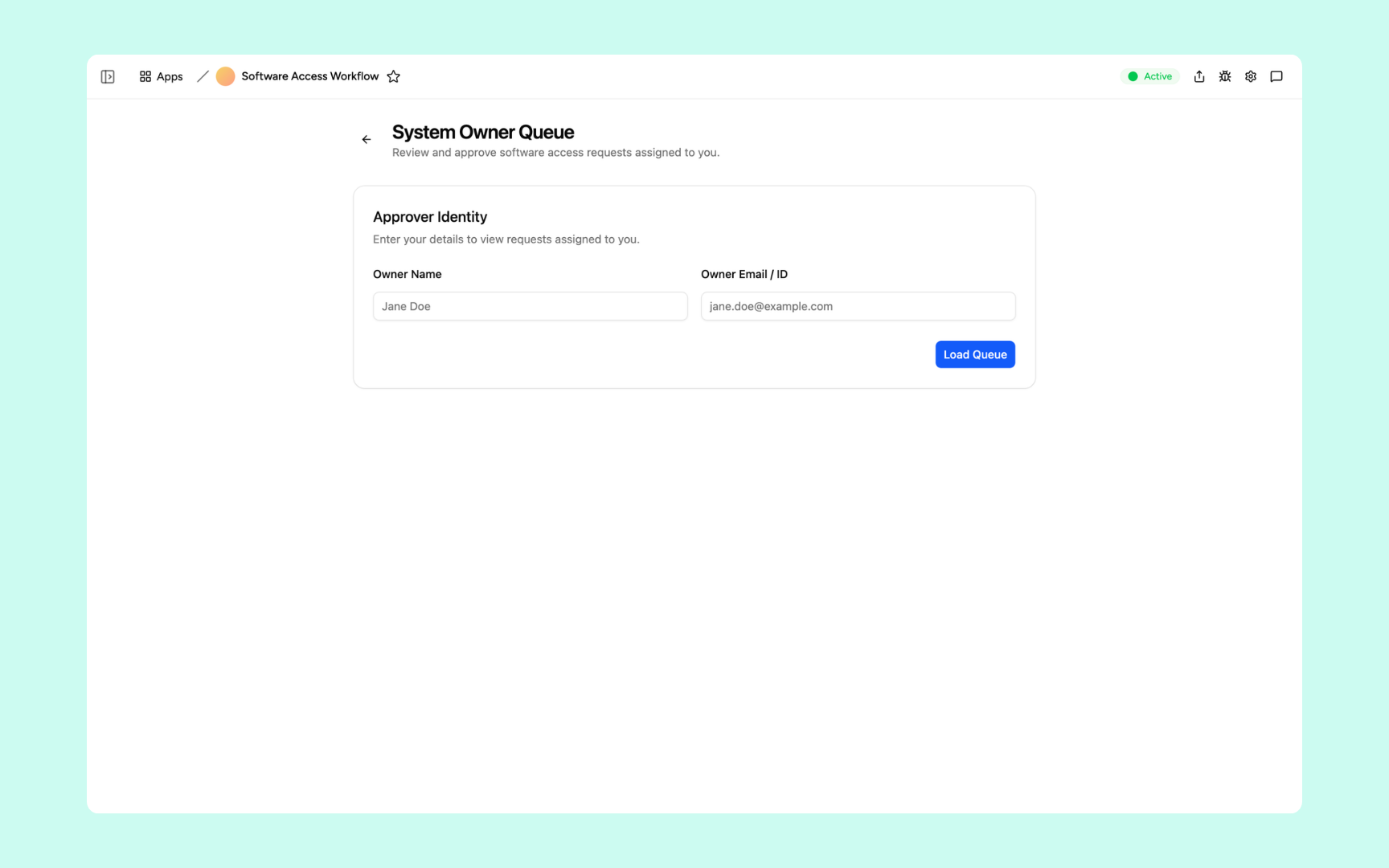
System owners enter their details to review requests for the systems they are responsible for. Used when sensitive systems require a second sign-off after the manager has already approved - so high-risk access always gets the extra scrutiny it needs.
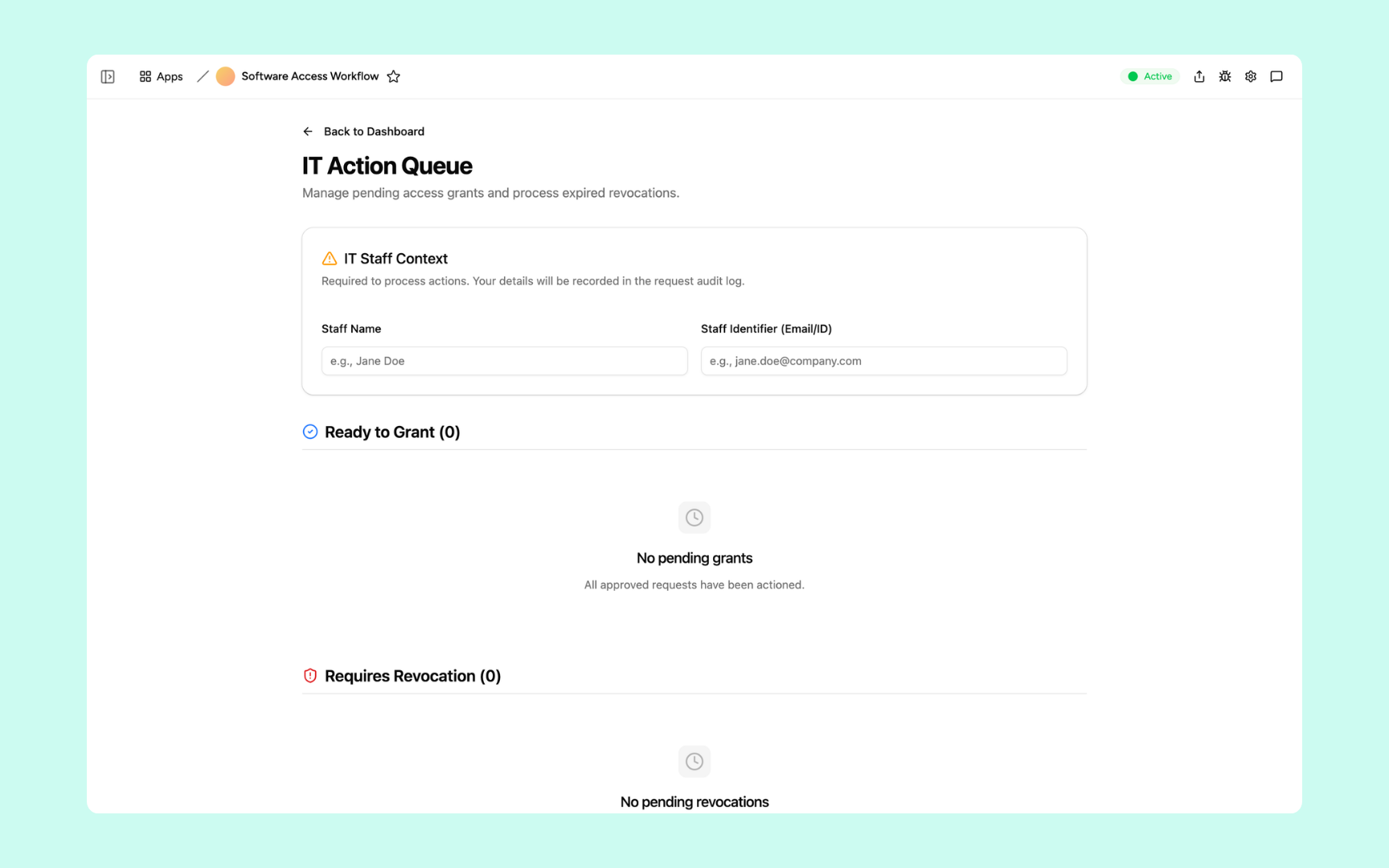
IT staff enter their identifier - recorded automatically to the audit log - then work through the Ready to Grant and Requires Revocation lists. Every provisioning action is timestamped and attributed, so there's always a clear record of who did what and when.
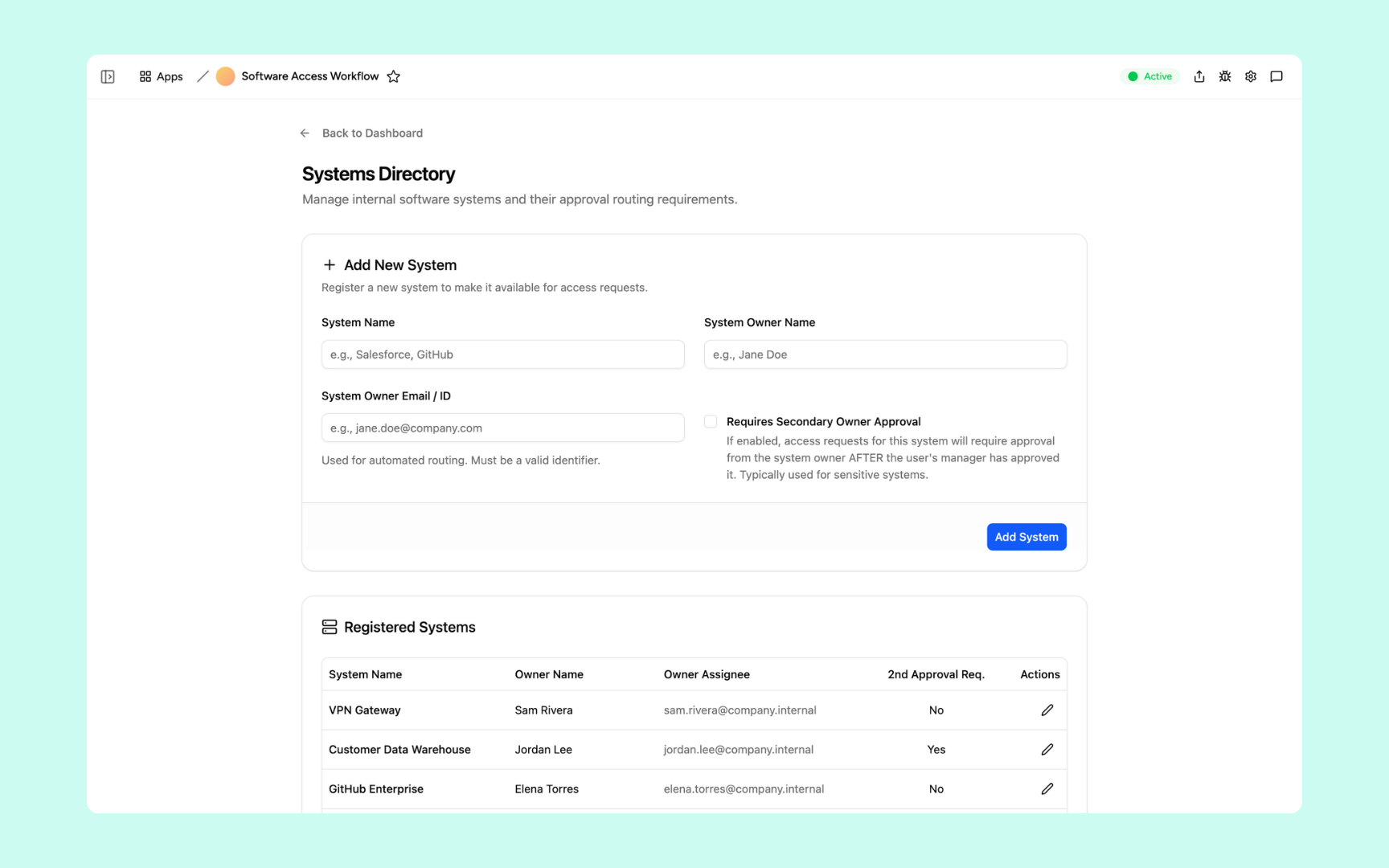
Register every internal software system with its owner name and email for automated approval routing. Mark sensitive systems as requiring secondary owner approval - so access to your data warehouse or payroll system always gets a second sign-off before IT provisions anything.
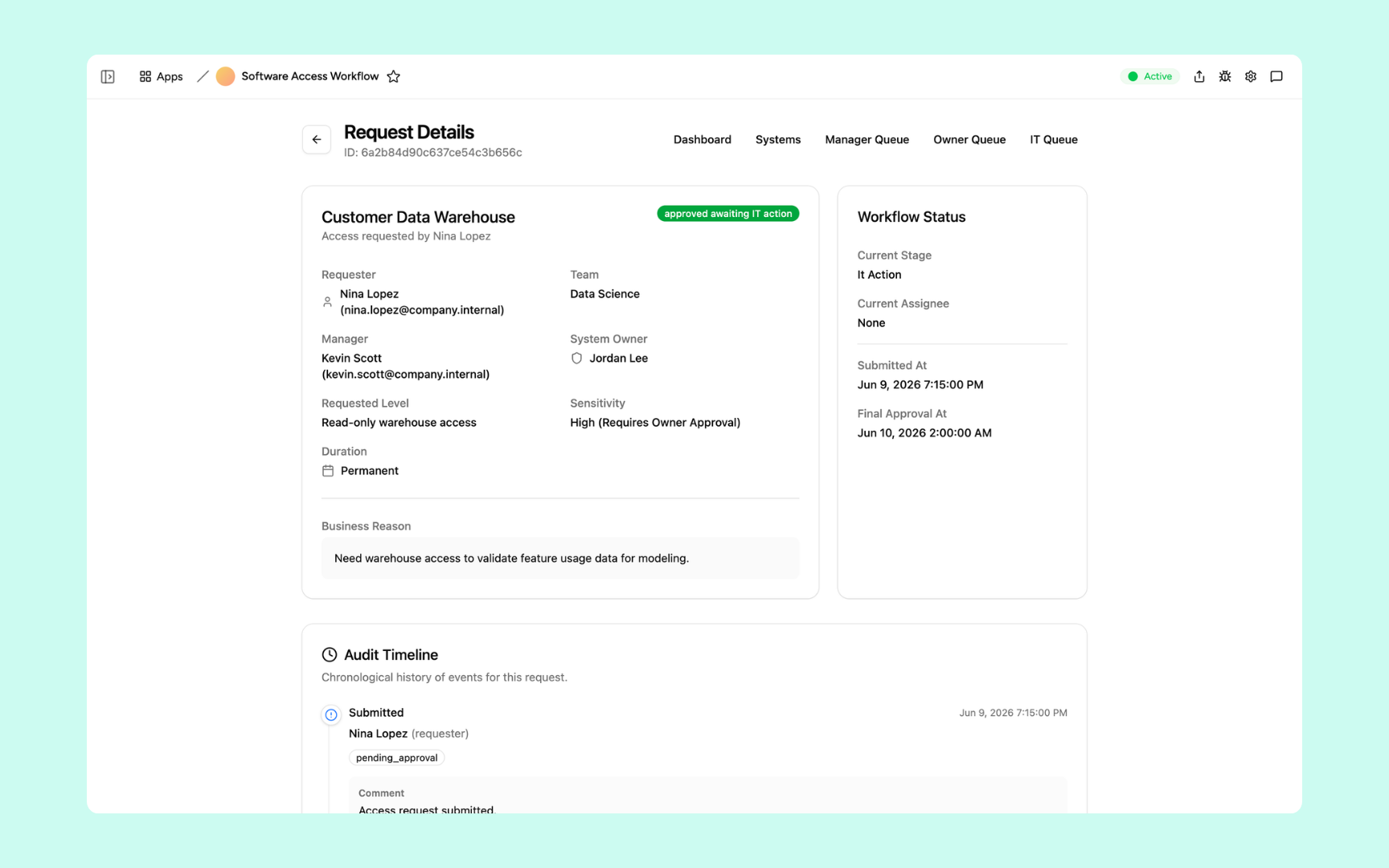
Every request has a full detail view showing the requester, manager, system owner, access level, sensitivity, duration, and business reason alongside a chronological audit timeline of every stage and decision - submitted, approved, actioned, and granted. Everything your compliance review needs in one place.
Get Software Access Request Workflow in your workspace
Access request workflow built on a secured platform your IT and security teams can trust
Your access request workflow comes with the platform essentials - secure access, request storage, automations, and controls - so your team can focus on provisioning the right people, not chasing approvals.
Secure team sign-in
Every team member signs in with their own account. Your access requests, approval decisions, and audit records are only ever seen by the right people.
Advanced permissions
Decide who sees what. Employees submit requests, managers see only their queue, system owners see only their systems, and IT admins have full visibility across every request and stage.
Scheduler & automations
Notify approvers the moment a request lands in their queue, flag expired temporary access for revocation, and remind IT to action approved grants - all without manual follow-up.
Built-in access request database
Every request, approval, provisioning action, and revocation lives in a secure database inside your tool. No spreadsheets, no email threads, nothing scattered across tabs at audit time.
Enterprise-grade security
Your access records and approval decisions are encrypted, protected, and under your control - meeting the security standards your compliance team expects.
Approve from anywhere
The tool lives in the browser, so managers and IT staff can review and action requests from the office, home, or on call.
File & image storage
Attach supporting documents, security exceptions, and approval notes to the requests they belong to - so every decision has its context recorded alongside the audit trail.
Usage tracking
See which systems get the most access requests, where approvals are slowest, and how long provisioning takes on average - so you can tighten the process before it becomes a compliance gap.
FAQs
It's an internal tool that manages every employee request for software access through a structured approval process - manager review, system owner sign-off for sensitive systems, and IT provisioning - with a full audit trail recorded automatically at every stage. What used to involve email chains, spreadsheets, and manual chasing now runs end-to-end without your team lifting a finger.
No. Appaca is an AI workspace - you describe what your IT team needs and the Appaca agent builds the tool for you, complete with a built-in database, team access, and automations. No coding or deployment required.
Each request goes to the employee's manager first. If the system is flagged as requiring secondary owner approval in the systems directory, the request routes to the system owner after the manager approves. Once fully approved, it appears in the IT action queue for provisioning. Every stage is handled automatically - no manual handoffs.
Every action on every request is recorded automatically - submission, manager approval or rejection, system owner sign-off, IT provisioning, and revocation. Each entry is timestamped and attributed to the person who took the action. The full timeline is visible on the request detail page, so compliance reviews are a matter of filtering, not searching.
Yes. Employees can specify a duration when requesting access. When that period ends, the request is flagged as expired and appears in the IT action queue under Requires Revocation - so temporary grants never quietly become permanent.
In a secure database built into your Appaca workspace. Every request, approval decision, provisioning action, and revocation lives right inside the tool - encrypted, protected, and only visible to the team members you invite.
Yes. The systems directory lets you register a new system at any time - just add the system name, owner, and email. Toggle on secondary owner approval if it handles sensitive data, and every access request for that system immediately routes through the right stages.
More productivity with one adaptive workspace
Use Appaca for all your business operations needs. Build internal business tools and AI around your existing workflow.