
Build custom PRD generator with AI
Appaca is an AI workspace where you can build a PRD generator that turns a raw feature idea into a structured product requirements document - with user stories, acceptance criteria, and edge cases - ready for engineering handoff in minutes.
Everything you need to ship specs faster
Appaca makes it easy for your product team to build an AI-powered internal tool that turns a rough feature idea into a complete, handoff-ready PRD - in minutes, not hours.
Teach AI your PRD standards
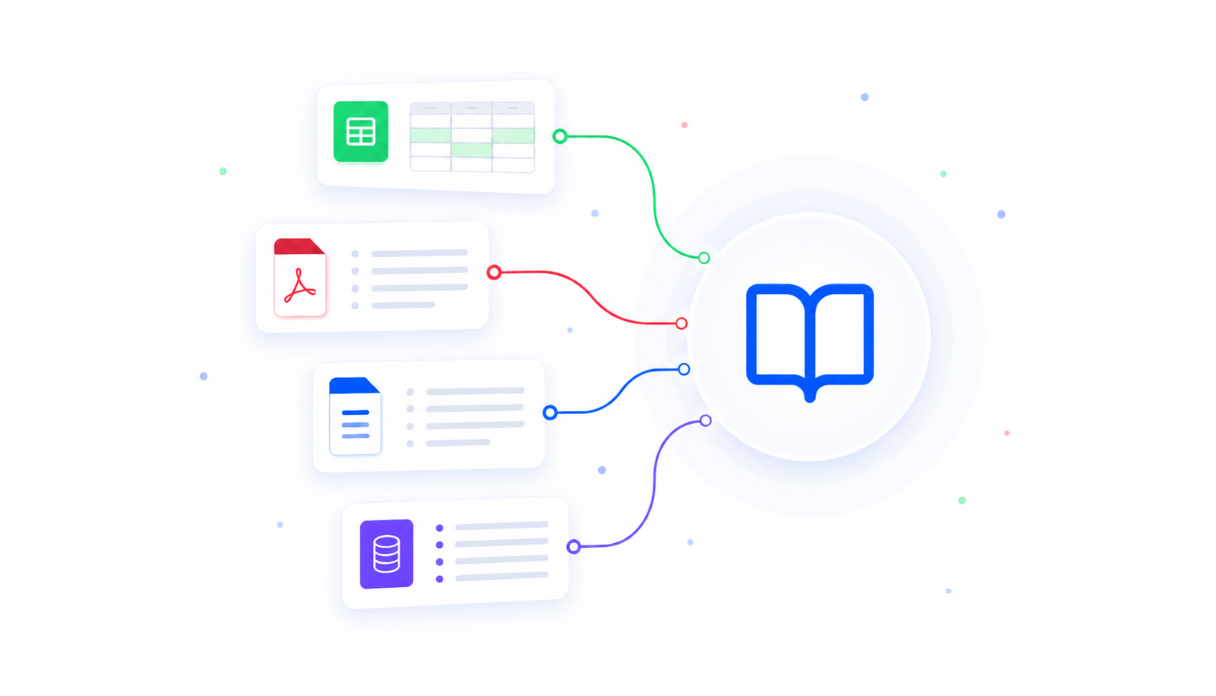
Upload your PRD templates, writing style guides, and product strategy documents to the knowledge base so the Appaca agent generates specs that match exactly how your team writes requirements - not generic boilerplate.
Keep every spec in one place
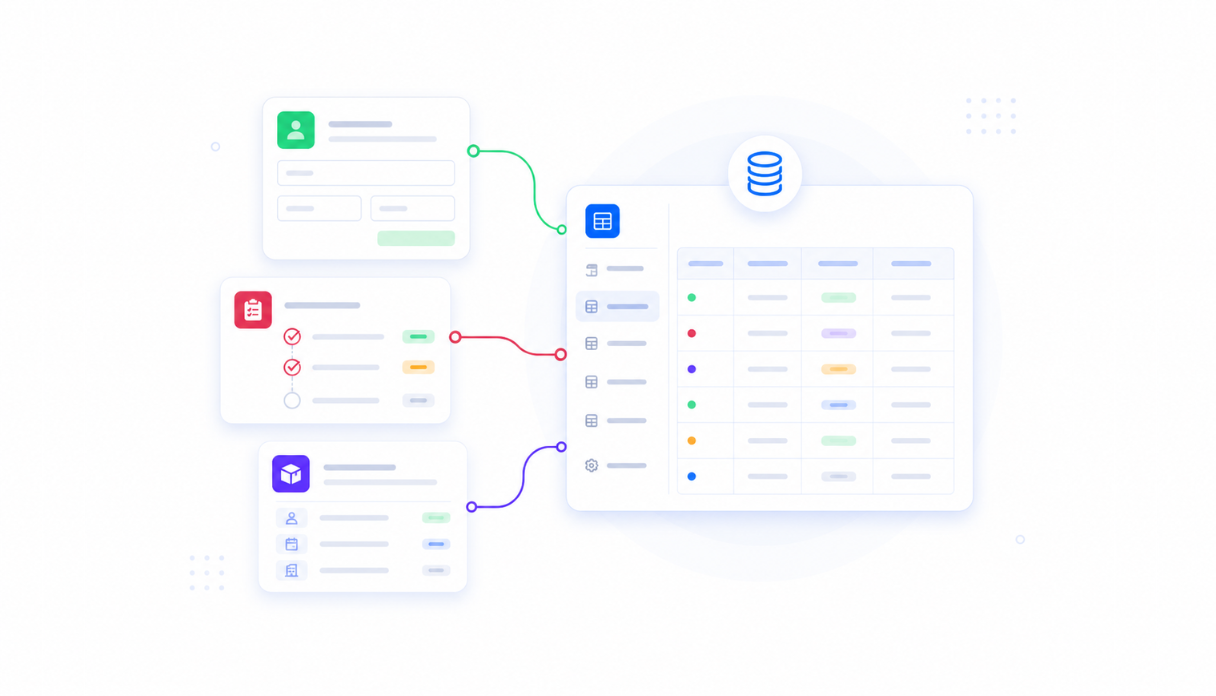
Appaca workspace comes with a secured built-in database and storage, so your PRDs, drafts, and reference materials live right inside your tool. Search and filter by status, owner, or feature area without hunting across shared drives.
AI that writes your PRD from a rough idea
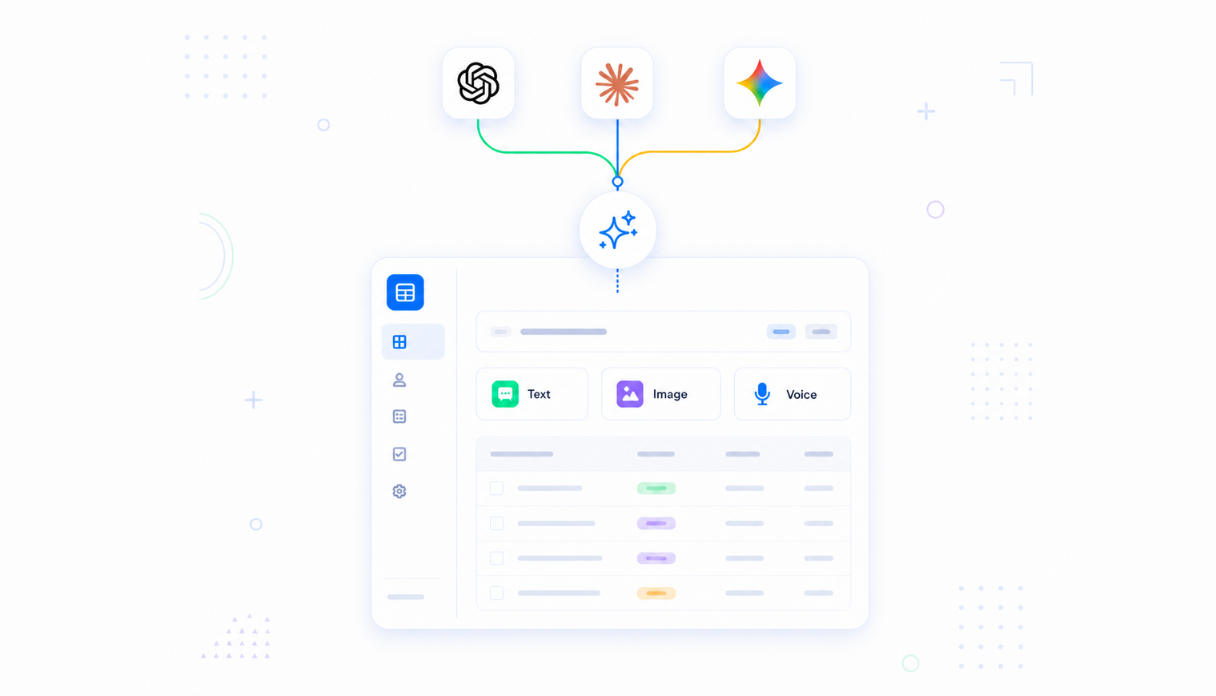
Connect AI models powered by OpenAI, Anthropic, and Google out of the box to generate a full PRD from a problem statement and proposed solution - overview, goals, user stories, acceptance criteria, edge cases, and success metrics all included.
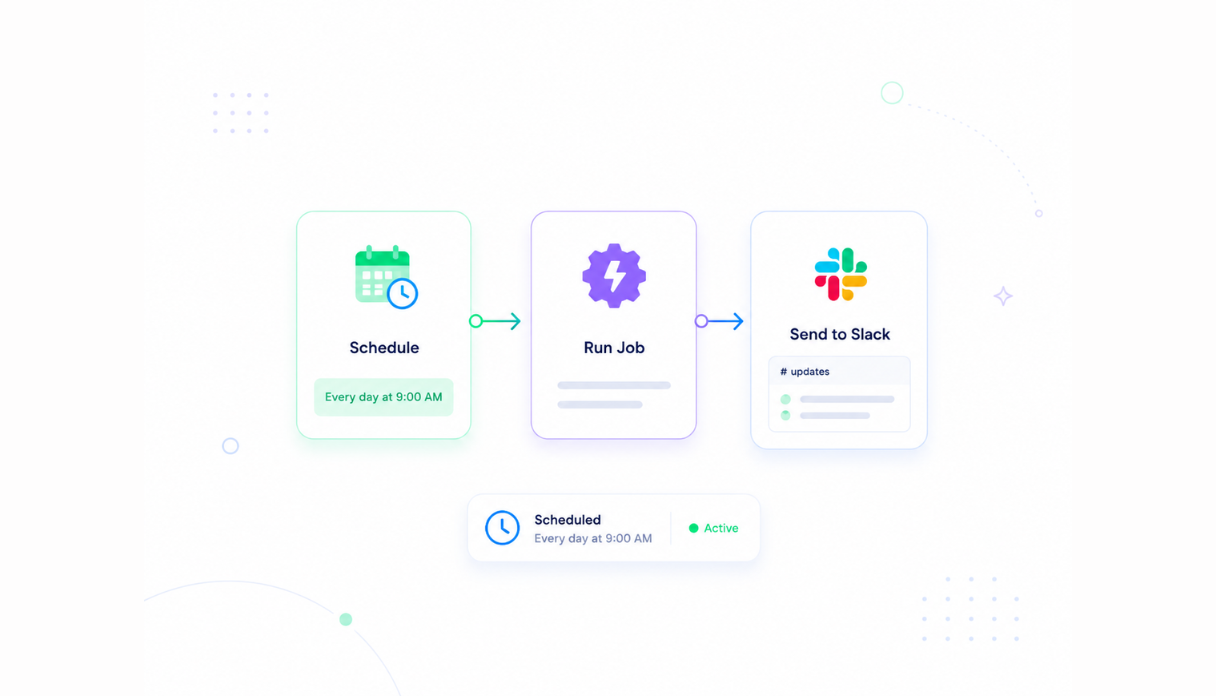
Never miss an engineering handoff
Track every PRD through its lifecycle - from Draft to In Review to Approved - and set automated reminders to notify owners when specs are overdue for review so engineering always has what they need before sprint planning.
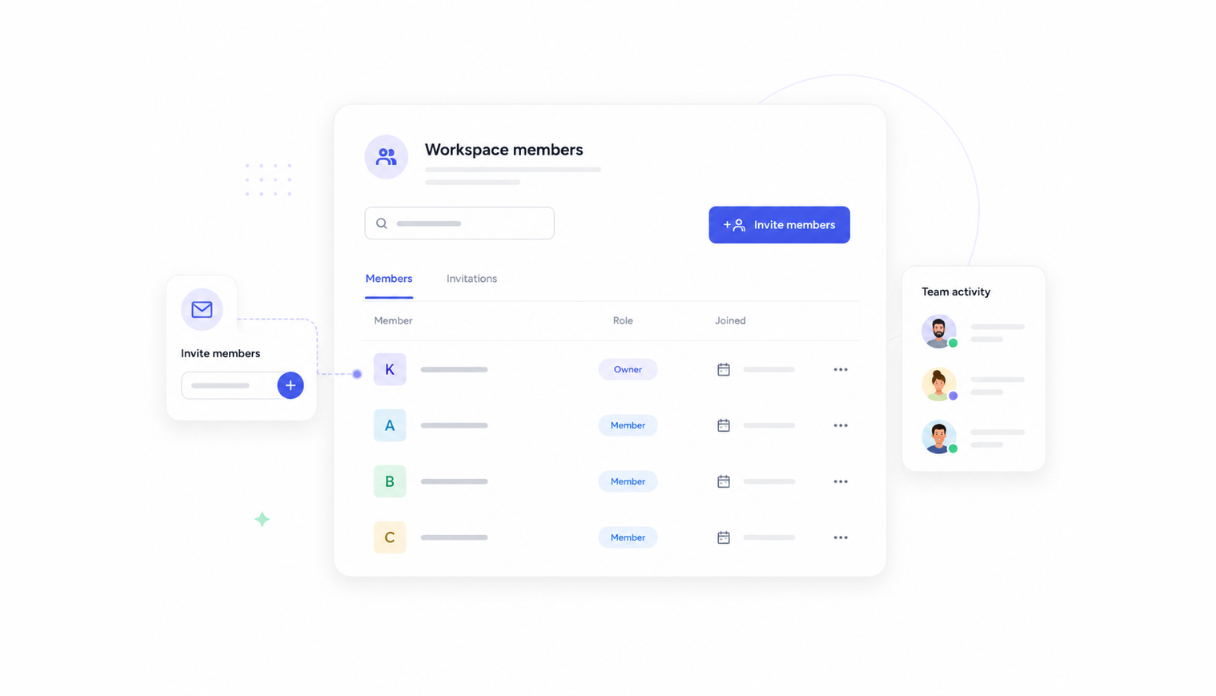
Share with the product team
Invite your product managers, designers, and engineers to the workspace so everyone works from the same spec. Each person sees their own PRDs while leads can review the full backlog across the team.
Works with your product stack
Securely connect Appaca workspace to the tools your team already uses - Jira, Linear, Slack, Notion, and any service with an API or webhook - so feature ideas and PRD updates flow in without changing how your team currently works.





See what this PRD Generator includes
Review the screens and workflow, then clone it and adapt the data, logic, and permissions to fit your team.
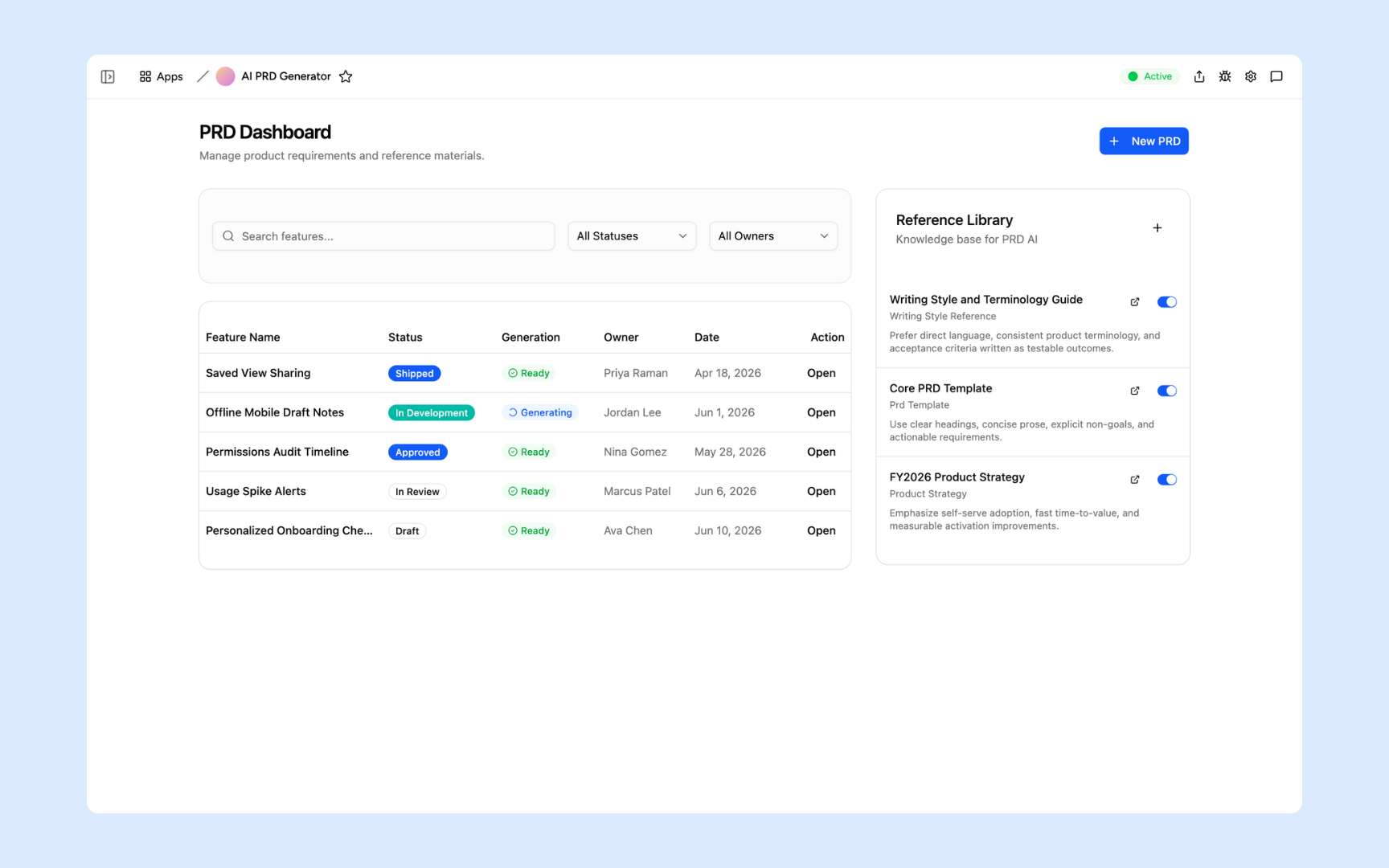
A full list of every PRD in progress - searchable and filterable by status, owner, and generation. See at a glance which specs are drafting, in review, approved, or shipped, alongside a reference library of templates and style guides.
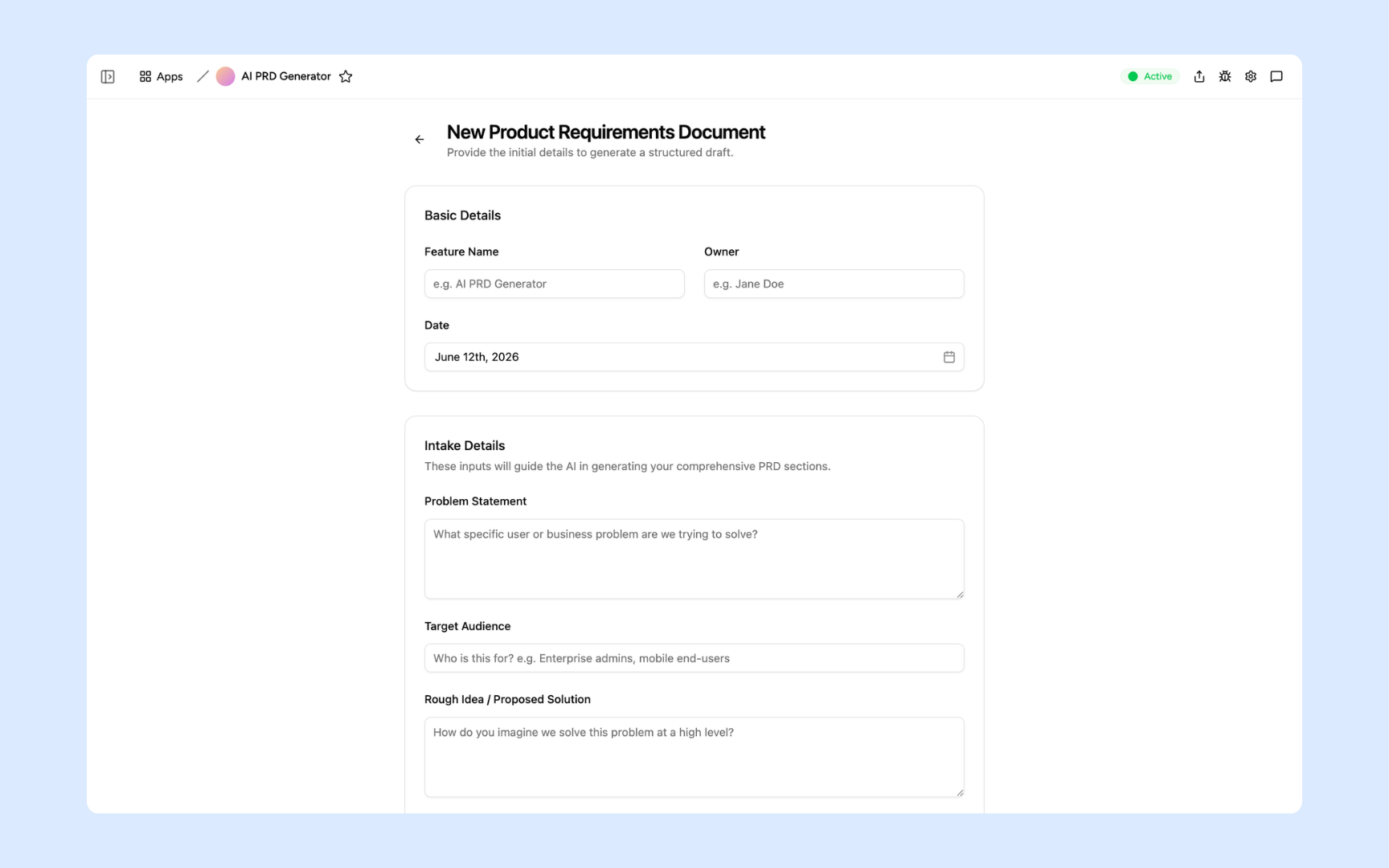
Fill in the feature name, owner, and date, then describe the problem statement, target audience, and rough proposed solution. The AI uses these inputs to generate a complete, structured PRD draft.
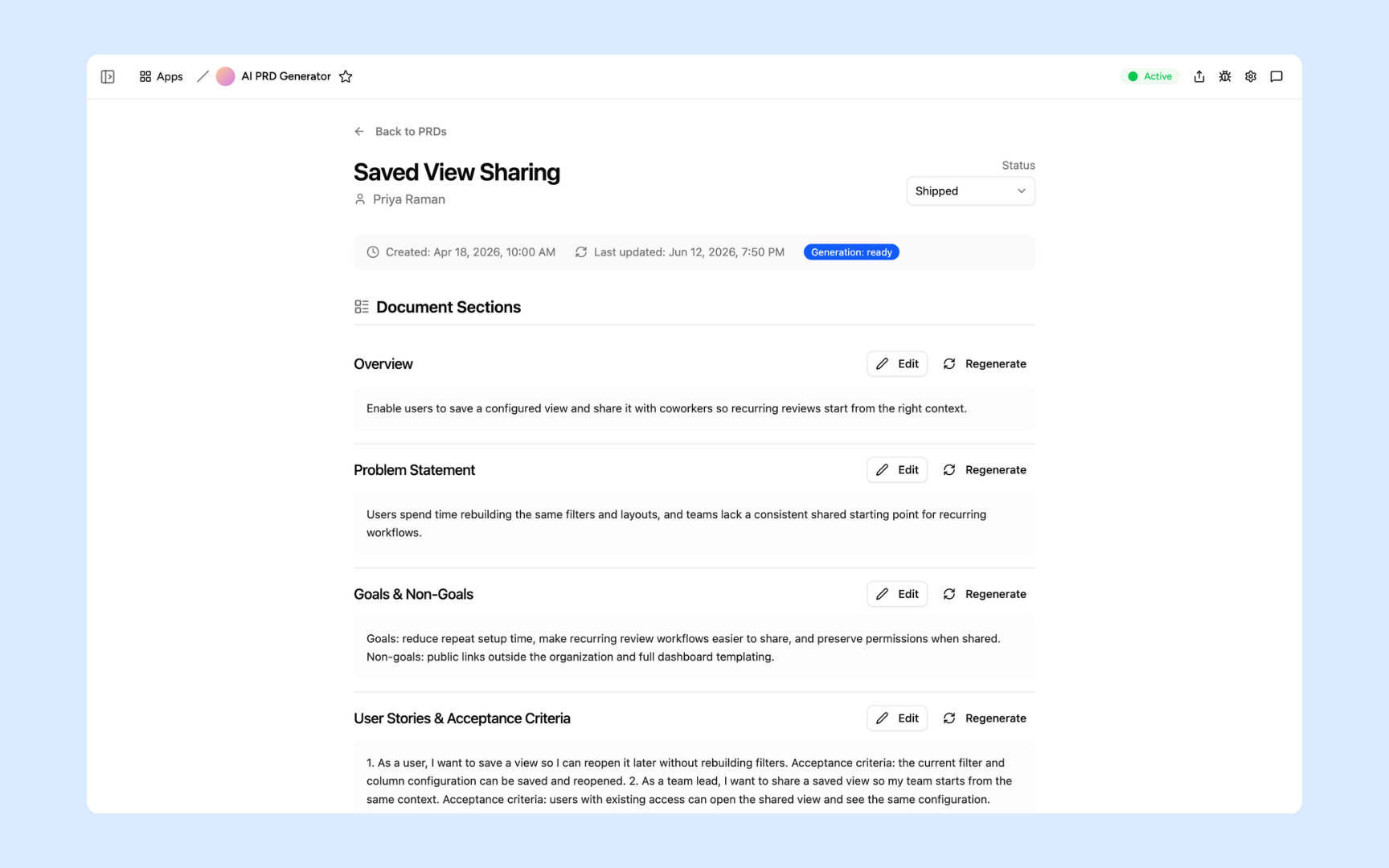
Every generated PRD is broken into expandable sections - overview, problem statement, goals and non-goals, user stories and acceptance criteria. Each section has its own Edit and Regenerate button so you can refine any part without rebuilding the whole document.
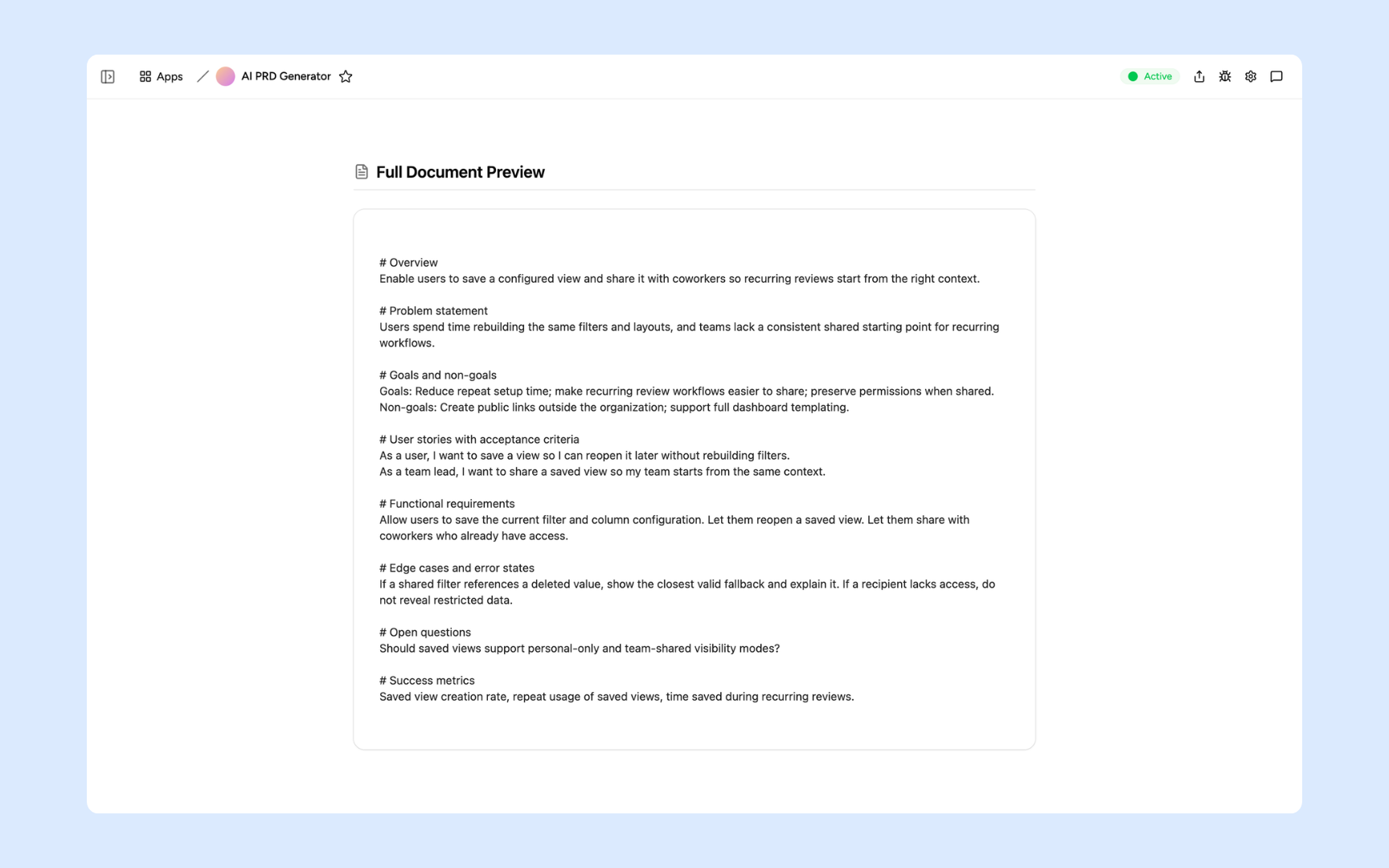
Review the complete PRD in one scrollable view - functional requirements, edge cases and error states, open questions, and success metrics all rendered together. Copy or export the finished spec and hand it off to engineering.
Get PRD Generator in your workspace
PRD generator built on a secured platform your product team can trust
Your PRD generator comes with the platform essentials - secure access, spec storage, automations, and controls - so your team can focus on shipping features, not formatting documents.
Secure team sign-in
Every team member signs in with their own account. Your specs, drafts, and product strategy documents are only ever seen by your team.
Advanced permissions
Decide who sees what. Product managers work on their own specs while leads review the full backlog and control who can publish to the reference library.
Scheduler & automations
Send review reminders to Slack, notify engineers when a PRD moves to Approved, and put handoff alerts on autopilot - so nothing sits in draft when engineering is ready to start.
Built-in spec database
Every PRD, draft, and reference document lives in a secure database inside your tool. No shared drives, no version conflicts, no third-party setup.
Enterprise-grade security
Your product roadmap, feature specs, and strategy documents are encrypted, protected, and under your control - never shared outside your workspace.
Write from anywhere
The tool lives in the browser, so your product team can draft and review specs from the office, home, or on the road.
File & image storage
Attach design mockups, research notes, and supporting documents to the PRDs they belong to - everything engineering needs to build the feature in one place.
Usage tracking
See which features are being specced most and where PRDs stall in review - so you know where the product process is slowing your team down.
FAQs
It's an internal tool that turns a raw feature idea into a structured product requirements document. You fill in the problem, target audience, and rough solution, and the AI generates a complete spec - overview, goals, user stories, acceptance criteria, edge cases, and success metrics - ready for engineering handoff in minutes.
No. Appaca is an AI workspace - you describe what your product team needs and the Appaca agent builds the tool for you, complete with a built-in database, team access, and automations. No coding or deployment required.
You upload your PRD templates, writing style guides, and product strategy documents to the knowledge base. The AI uses them as context when generating each spec, so every PRD follows your team's structure and terminology - not a generic format.
Yes. Appaca connects to tools like Jira, Linear, Slack, and Notion, and can integrate with any service that supports an API or webhook. Feature requests and briefs can flow into the PRD generator without changing how your team currently captures ideas.
In a secure database built into your Appaca workspace. Every spec, draft, and reference document lives right inside the tool - encrypted, protected, and only visible to the team members you invite.
Yes. Invite your full team to the workspace so everyone works from the same document. Advanced permissions let you control who can draft, who can review, and who can mark a PRD as approved for engineering handoff.
Yes. Every section of a generated PRD has its own Regenerate button - so you can refine the user stories without touching the problem statement, or rewrite the edge cases without starting the whole document over.
More productivity with one adaptive workspace
Use Appaca for all your business operations needs. Build internal business tools and AI around your existing workflow.
- 7-day trial
- No credit card
- Cancel anytime