Bring the departure details
Share the last working date, responsible teams, and the administrative checklist you want to follow.
Ask Appaca to organise offboarding tasks, owners, and dates. Keep handover notes and completion updates together in a shared checklist.
Share the last working date, responsible teams, and the administrative checklist you want to follow.
Create tasks for handover, equipment return, and external access removal, with owners and target dates.
Have responsible people record completion and supporting notes after carrying out the work in the relevant systems.
When the work needs a lasting home, ask Appaca to create a focused app around the records and steps your team uses.
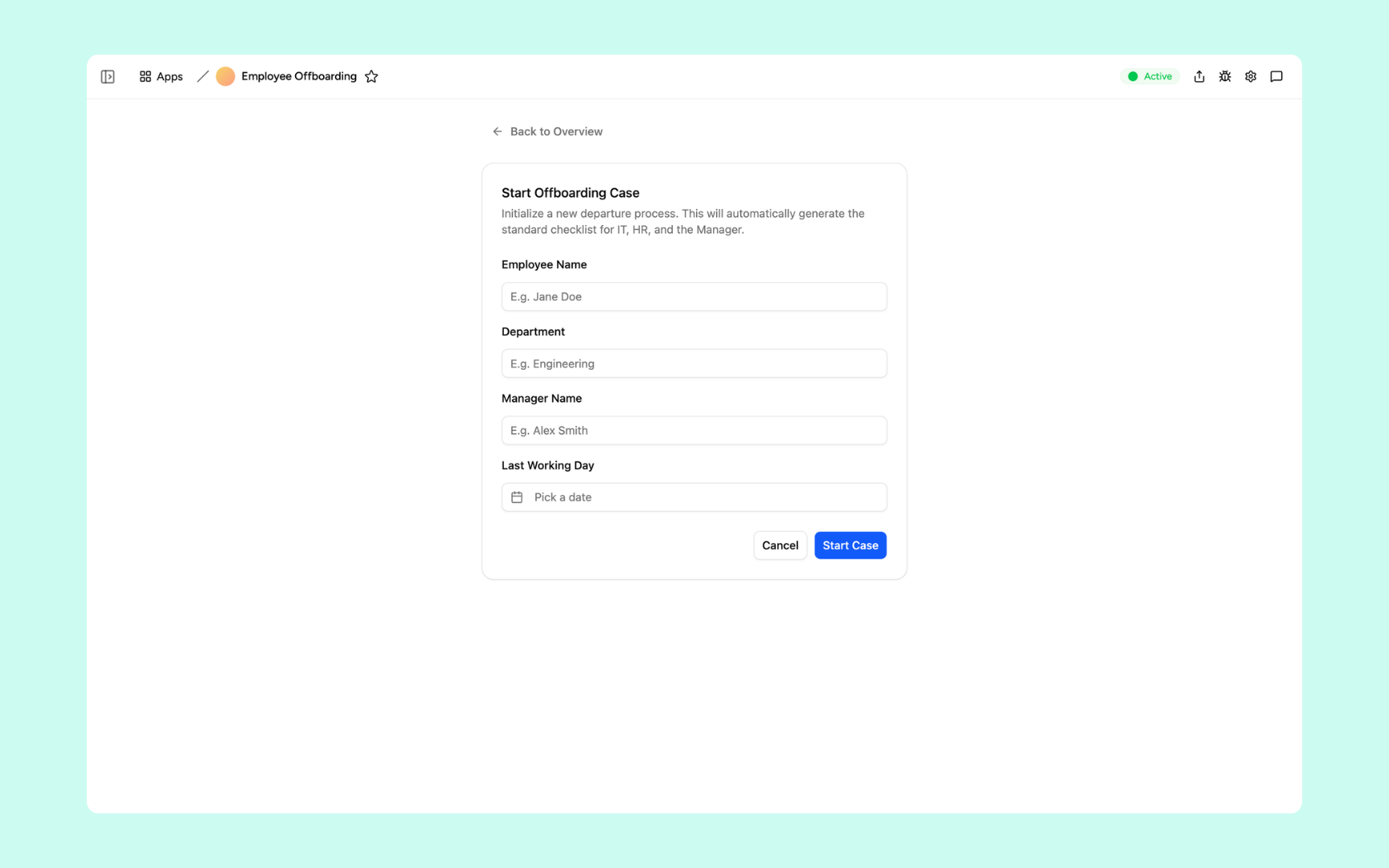
Capture the departure details and prepare tasks based on your team's process, then review responsibilities and dates.
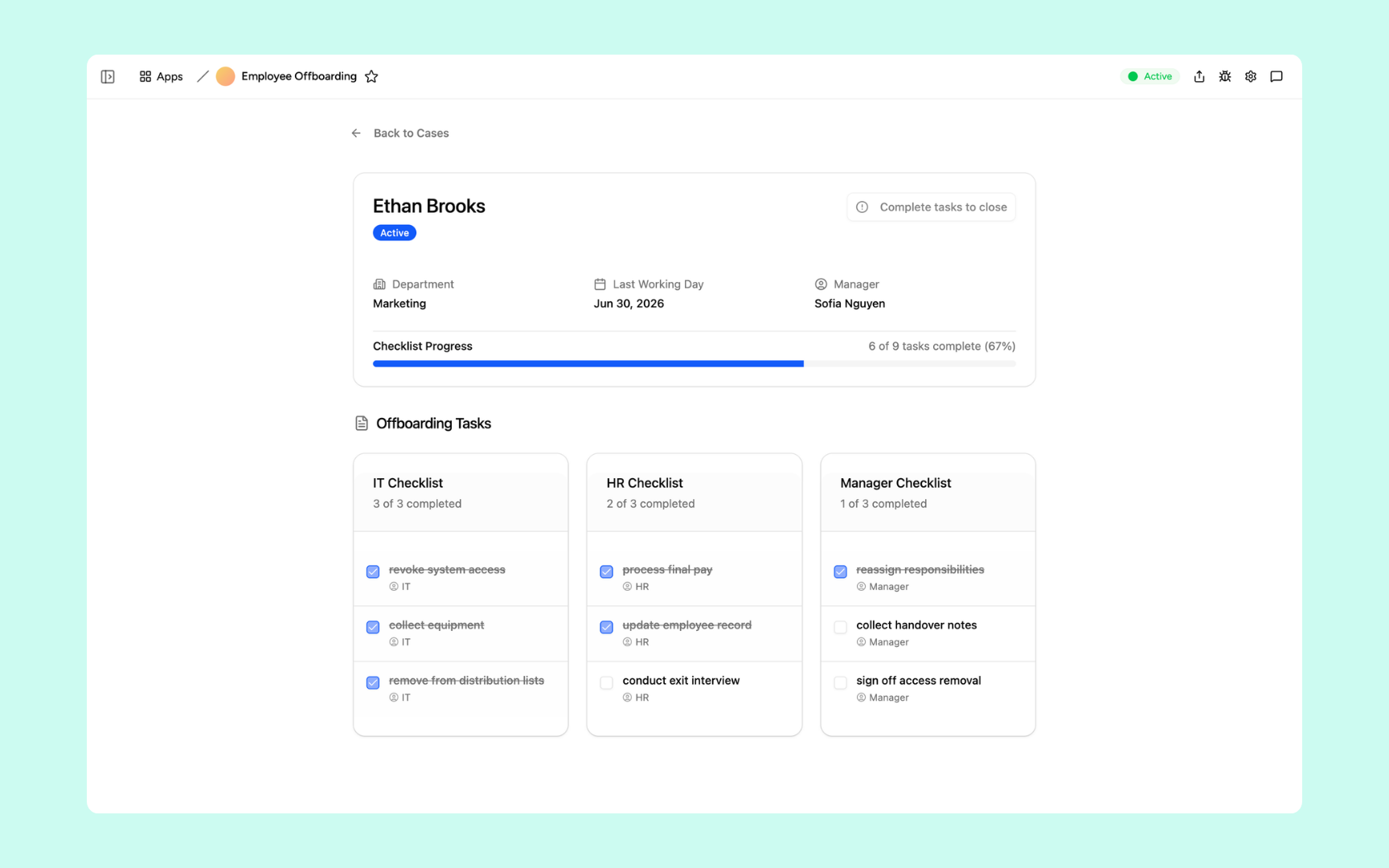
Group tasks for IT, HR, and the manager. Record external actions as completed only after the responsible team confirms them.
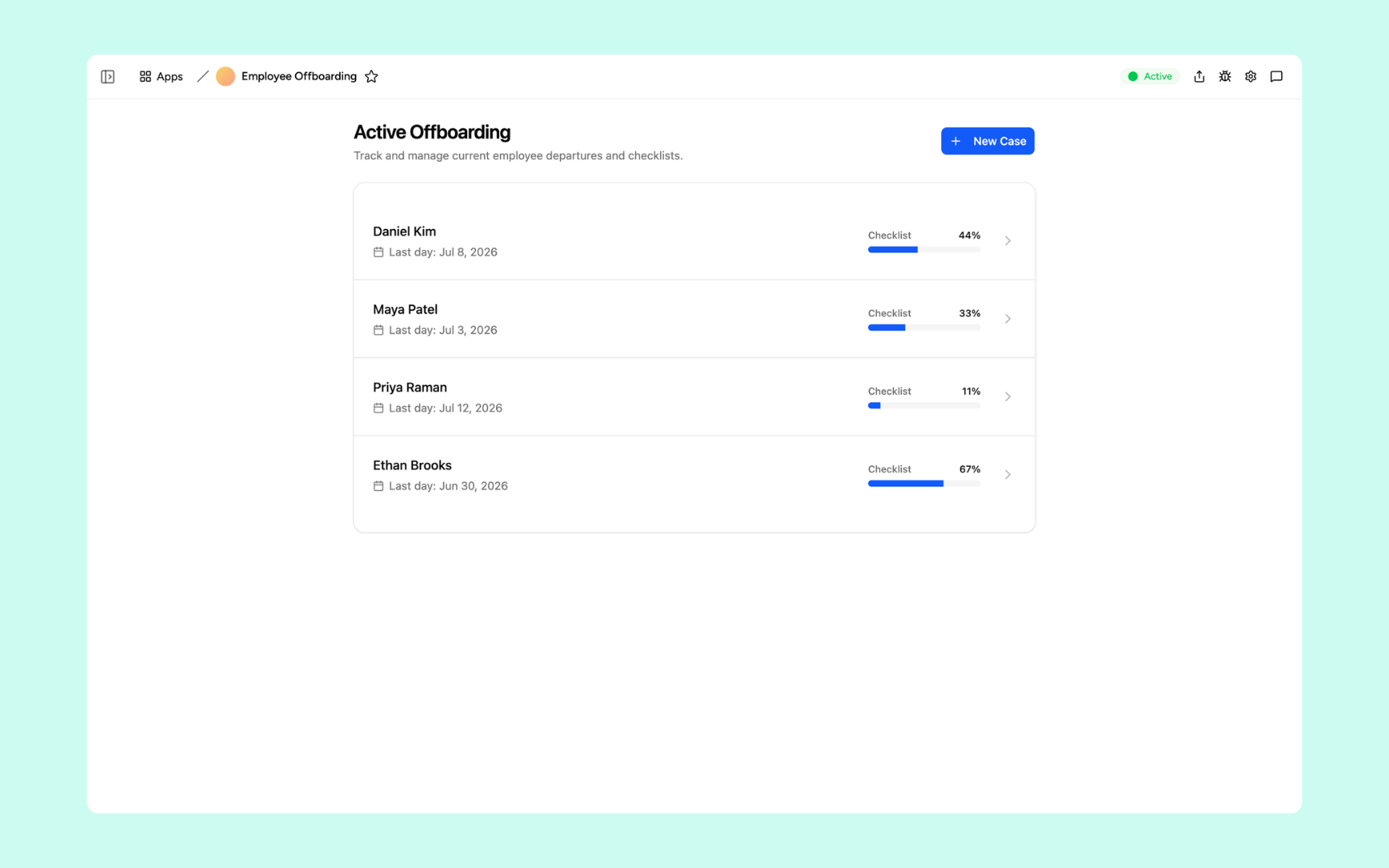
A shared case list can keep the last working date, task progress, and outstanding follow-ups visible.
Give Appaca the details that make this work yours.
Turn our offboarding checklist and this departure date into a shared task plan. Assign proposed owners for handover, equipment return, and system access removal, with due dates. Leave external actions pending until the responsible team confirms completion.Start this task
Get a useful first result, then give recurring work a place in your workspace.
Save cases, task owners, handover notes, and completion states. Add an app when HR, IT, and managers need to coordinate from the same checklist.
Get startedCheck outstanding tasks each weekday and prepare follow-ups before the last working day. Any connected reminder action needs its own setup and authorisation.
Get startedThe inputs, setup, and follow-through for this workflow.
The checklist coordinates the task and records confirmation. Actual access removal happens in the target system unless a verified service-specific action has been configured and tested.
Keep final-pay calculations and decisions in your validated payroll process. The checklist can record that the payroll follow-up has an owner and is complete.
Start by describing the work and providing the relevant context. Appaca can help in conversation. When your team needs to manage the results over time, ask for shared records and a focused internal app. You can describe the app and changes in plain language.
Share supported files and company documents, or use the actions available in connected services. Specify the source and how it should be updated. Custom integrations need separate configuration and testing; a connection alone does not create continuous synchronisation.
Check outstanding tasks each weekday and prepare follow-ups before the last working day. Any connected reminder action needs its own setup and authorisation. Routines run on a schedule, with a minimum recurring interval of one hour. External sends, writes, and app-function actions need authorisation when the routine is configured.
Start with one task and the context that matters. Make Appaca part of the way your team works.