
Answer repeat IT questions before they become tickets
Preview a working helpdesk assistant grounded in your runbooks and IT documents. Clone it, then adapt the knowledge, routing, and escalation process for your team.
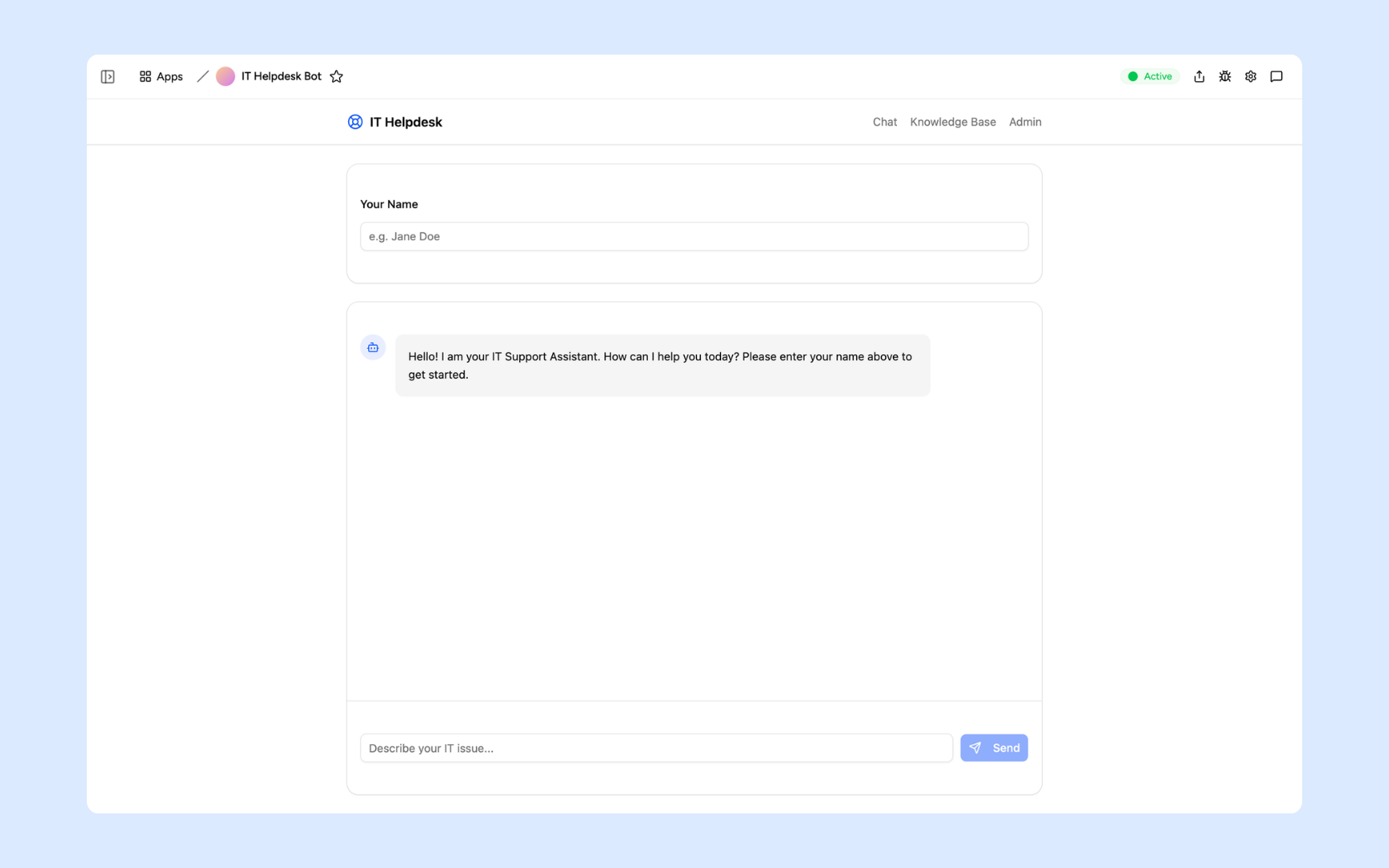
Everything you need to deflect tier-1 IT tickets
Appaca makes it easy for your IT team to build an AI-powered helpdesk bot that answers employee how-do-I questions from your own documentation - so your team spends less time on repeat questions and more time on issues that need them.
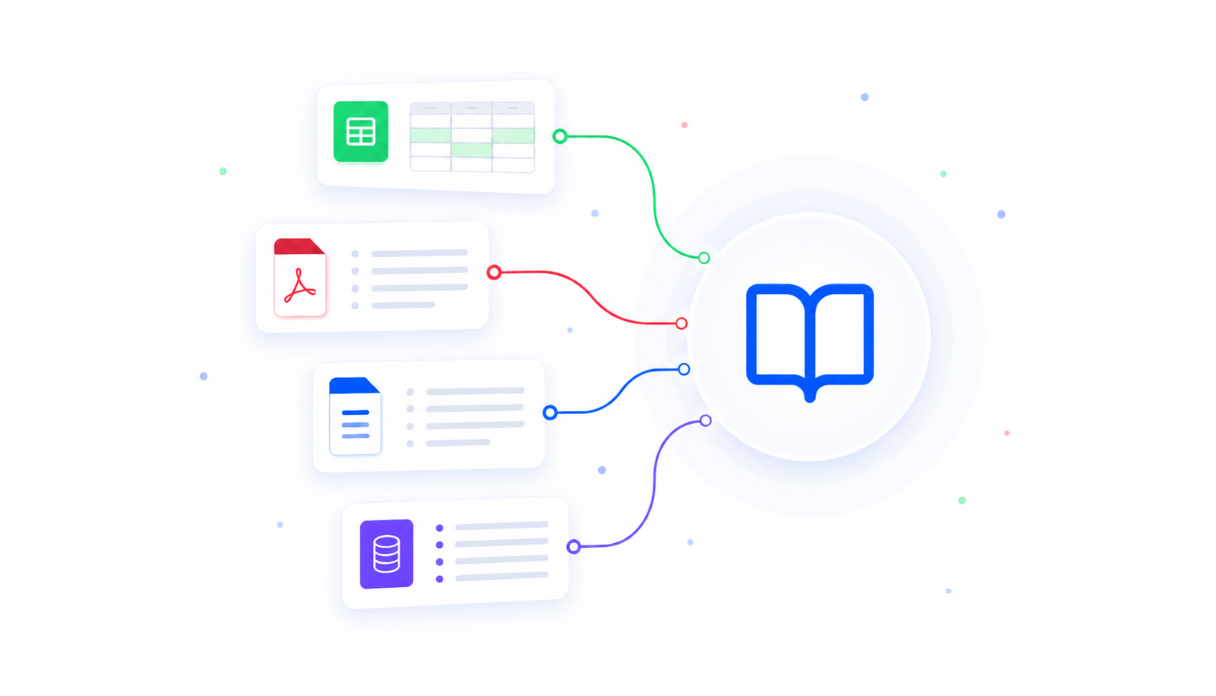
Teach AI your IT environment
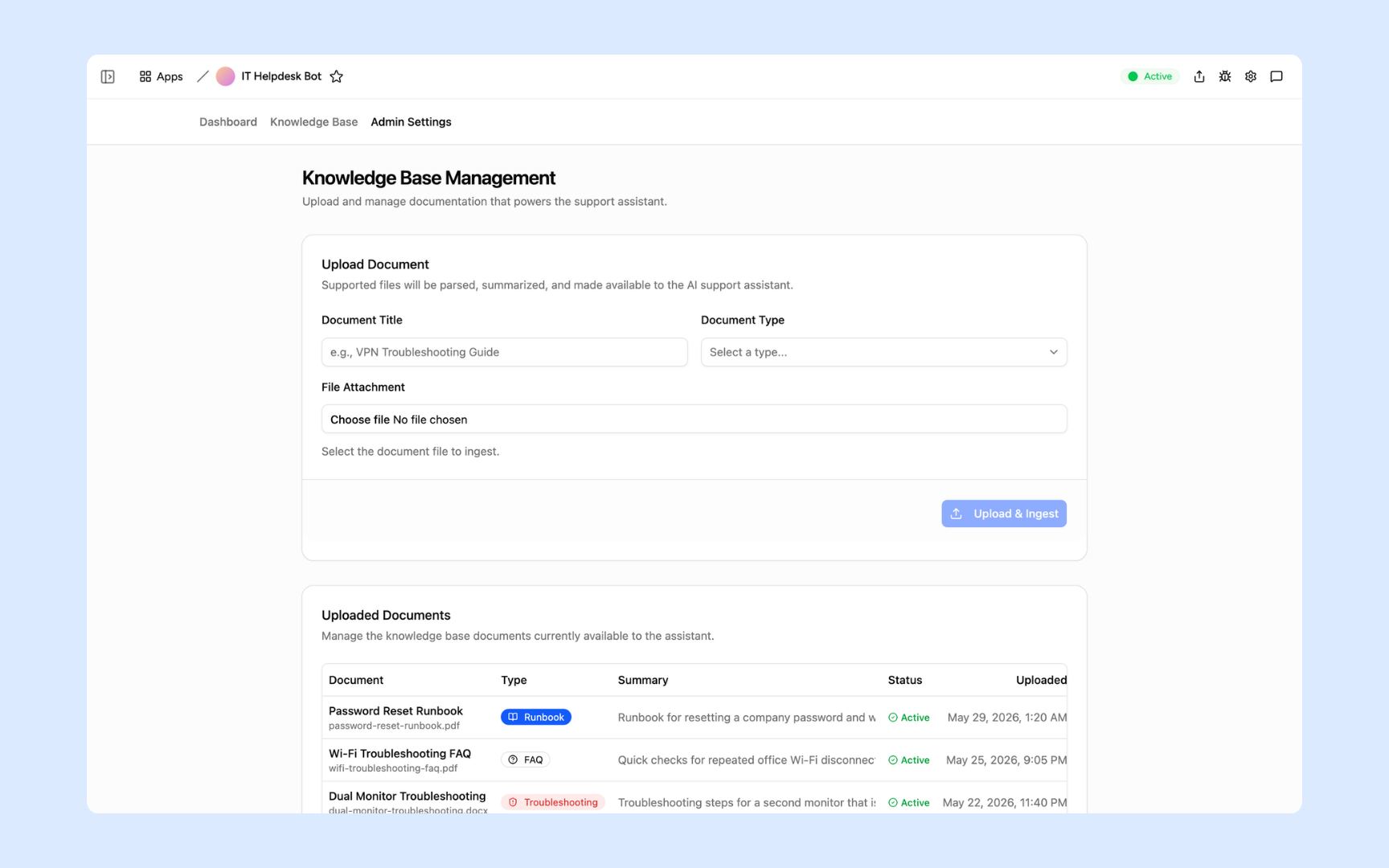
Upload your runbooks, troubleshooting guides, FAQs, and IT policies to the knowledge base so the bot answers from your actual documentation - not generic advice. New docs go live in minutes and the bot stays current as your environment changes.
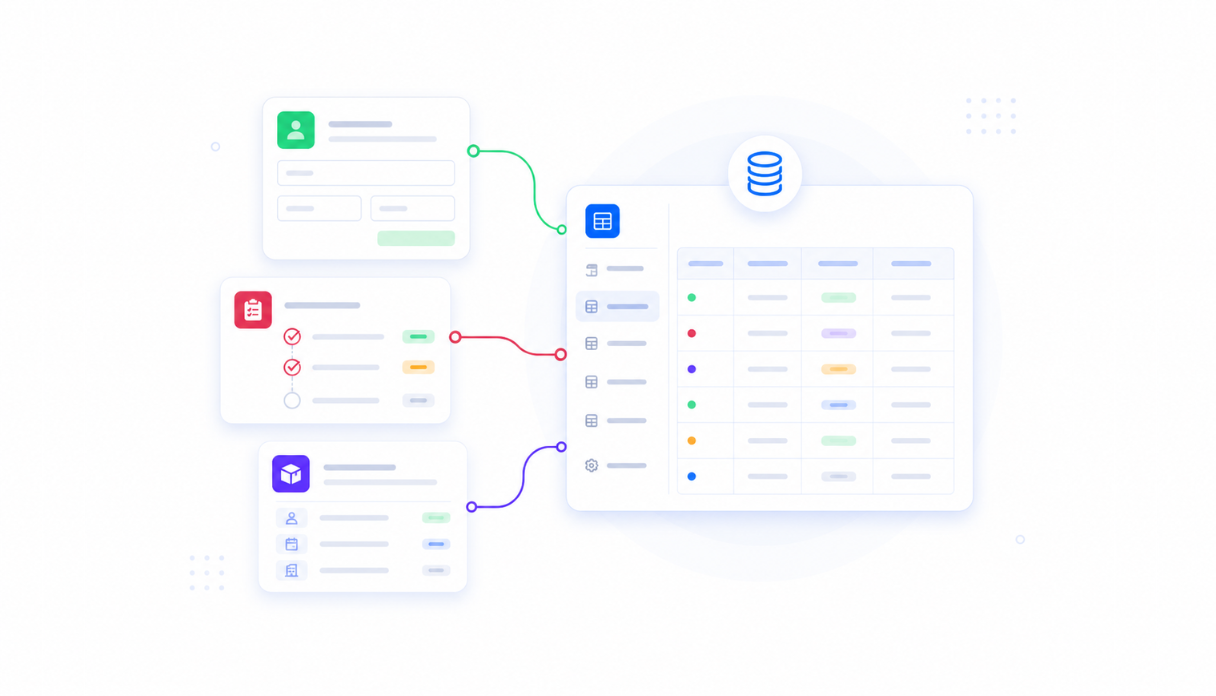
Keep every ticket in one place
Appaca workspace comes with a secured built-in database and storage, so your escalated tickets, unanswered questions, and support history live right inside your tool. No need to set up third-party ticketing systems or wrangle shared inboxes.
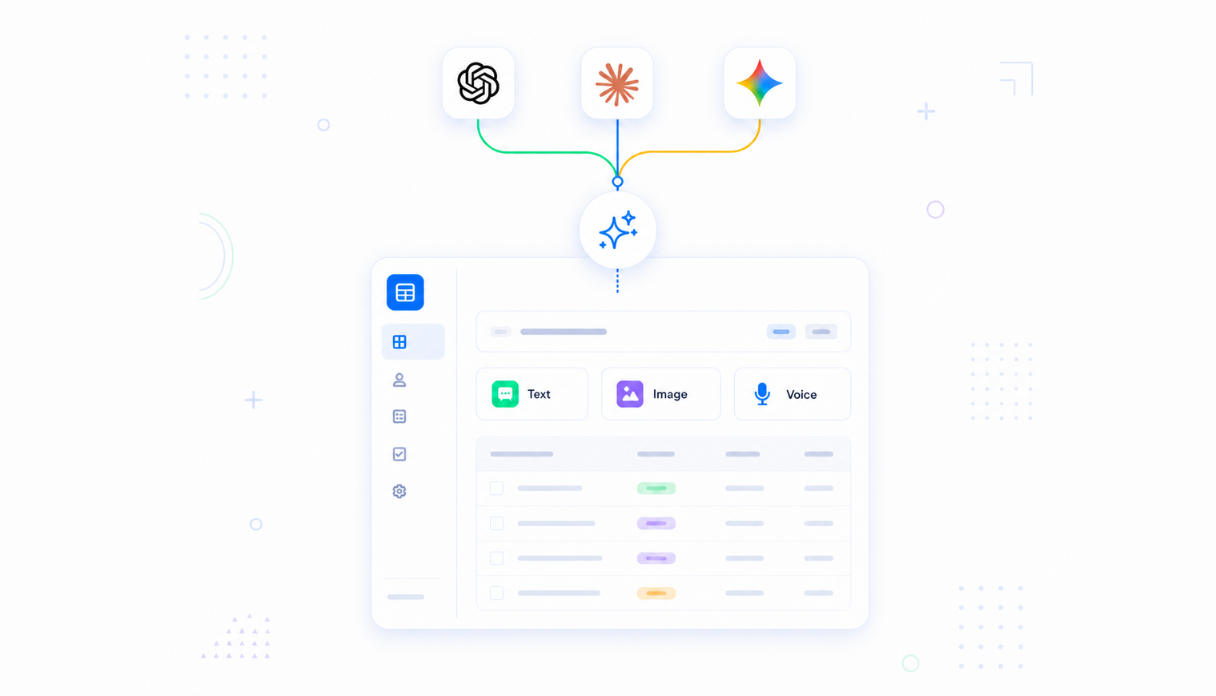
AI that answers from your docs
Connect AI models powered by OpenAI, Anthropic, and Google out of the box to respond to employee questions with answers grounded in your runbooks and guides - with citations so employees can read the source themselves.
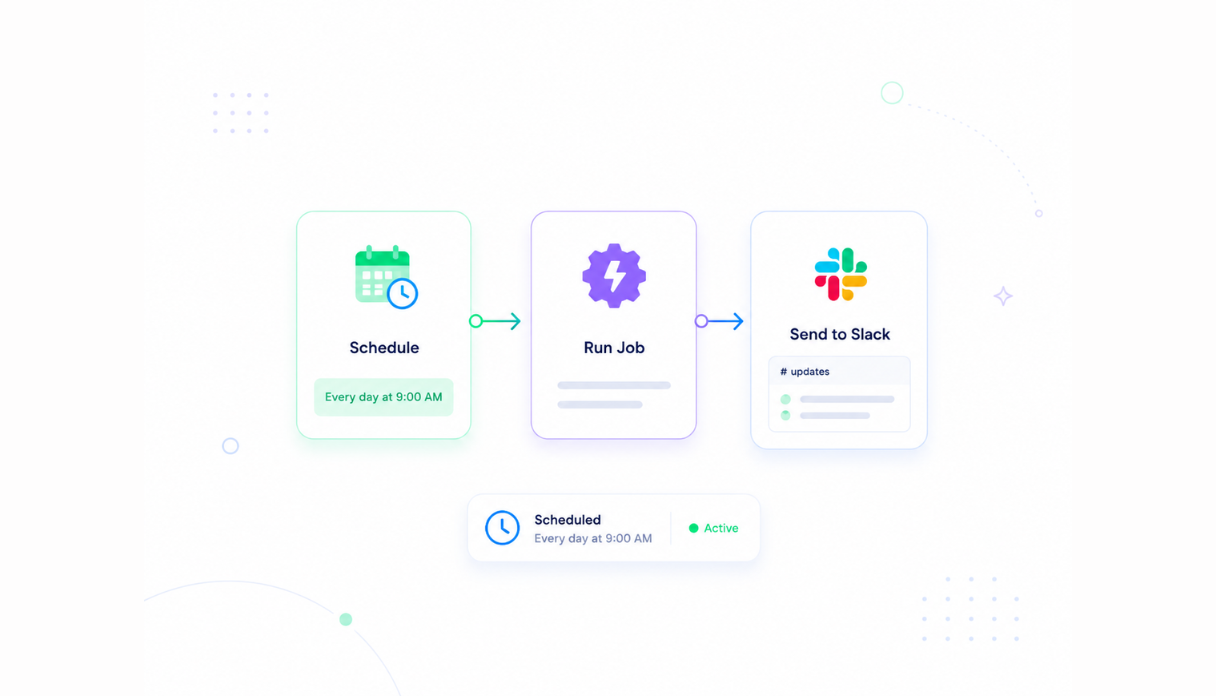
Never let a question go unanswered
When the bot can't answer, it escalates automatically - turning the question into a ticket routed to the right person in Slack. Your team sees exactly what the bot couldn't handle, and employees always get help.
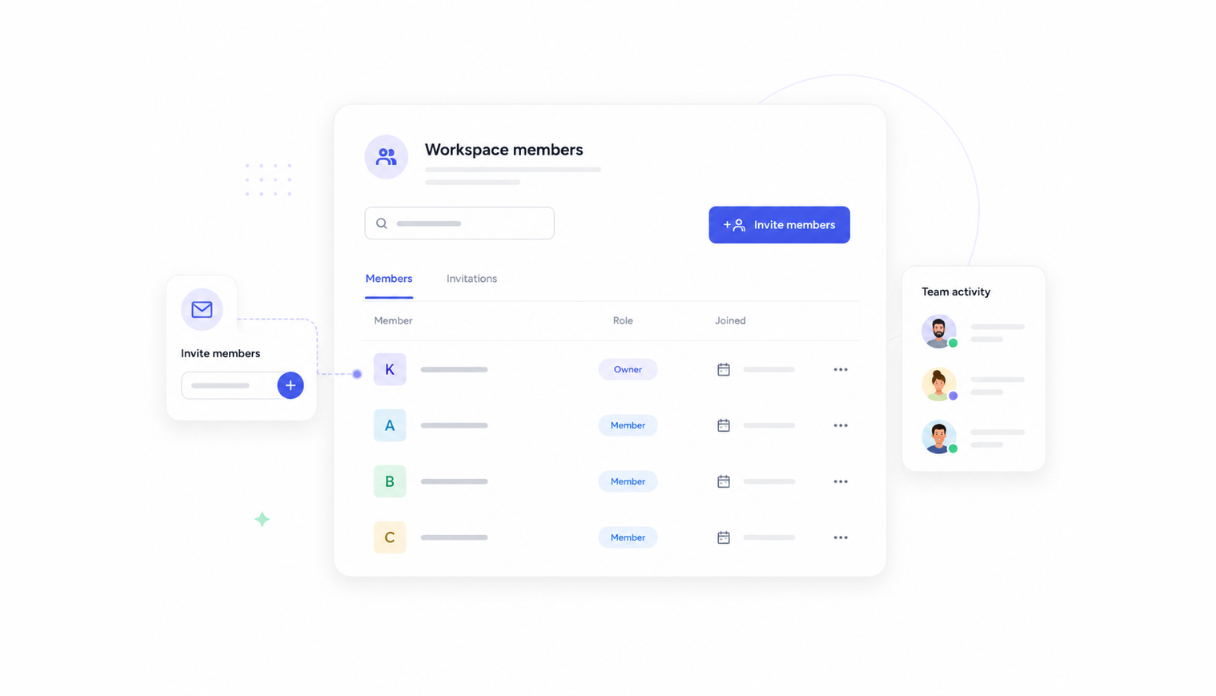
Share with the IT team
Invite your IT admins and support staff to the workspace so everyone manages the bot, uploads documentation, and reviews analytics from the same tool. No more knowledge scattered across personal drives and email threads.
Works with your IT stack
Securely connect Appaca workspace to the tools your team already uses - Slack, your ticketing system, and any service with an API or webhook - so escalated tickets flow straight into your existing support workflow.





See what this IT Helpdesk Bot includes
Review the screens and workflow, then clone it and adapt the data, logic, and permissions to fit your team.
Employees enter their name and describe their IT issue in plain language. The AI support assistant responds instantly, drawing from your runbooks and IT docs to answer how-do-I questions before a ticket is ever needed.
Upload runbooks, troubleshooting FAQs, and IT guides directly into the bot's knowledge base. Each document is parsed, summarised, and made immediately available to the assistant - with document type, summary, and active status visible at a glance.
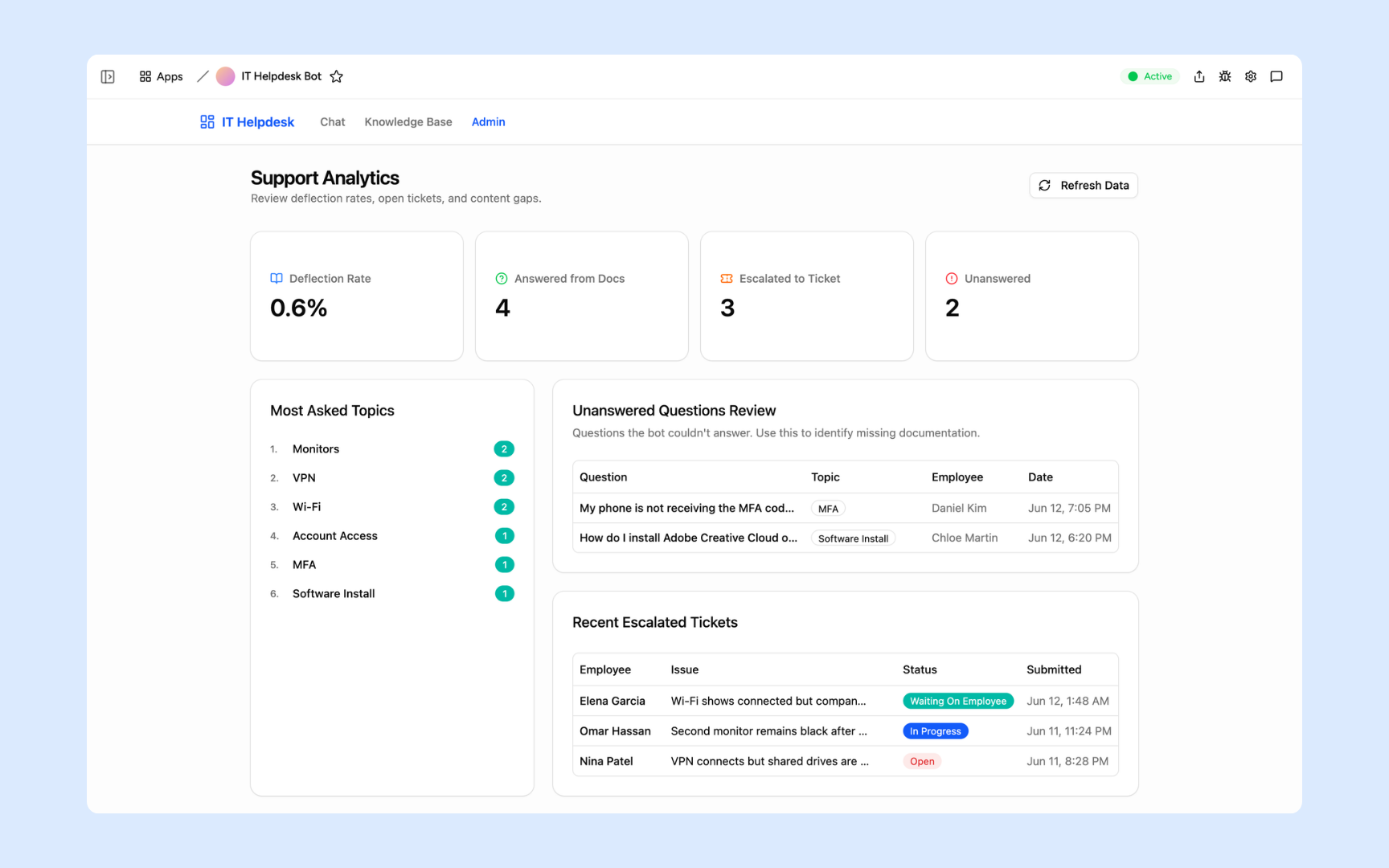
Track deflection rate, how many questions were answered from docs, how many escalated to tickets, and which topics are asked most. The unanswered questions table shows exactly where your documentation has gaps - so you can fill them before more tickets pile up.
Get IT Helpdesk Bot in your workspace
IT helpdesk bot built on a secured platform your team can trust
Your helpdesk bot comes with the platform essentials - secure access, ticket storage, automations, and controls - so your IT team can focus on the issues that need them, not on repeat questions.
Secure team sign-in
Every team member signs in with their own account. Your runbooks, ticket history, and support analytics are only ever seen by your team.
Advanced permissions
Decide who sees what. Employees use the chat interface while IT admins manage the knowledge base, review analytics, and configure escalation settings.
Scheduler & automations
Automatically escalate unanswered questions to the right owner in Slack, send weekly deflection reports to your team, and keep your support queue moving without manual triage.
Built-in support database
Escalated tickets, unanswered questions, and support history live in a secure database inside your tool. No third-party ticketing setup, no scattered shared inboxes.
Enterprise-grade security
Your runbooks, IT policies, and support data are encrypted, protected, and under your control - never shared outside your workspace.
Support from anywhere
The bot lives in the browser, so employees can get IT help and your team can manage the knowledge base from the office, home, or on the road.
File & image storage
Attach runbook PDFs, troubleshooting guides, and supporting docs to the knowledge base where they belong - everything the bot needs to answer questions in one place.
Usage tracking
See which topics your employees ask about most and where the bot falls short - so you know exactly which documentation to add next to keep deflection rates climbing.
Is a custom it helpdesk assistant the right fit?
Appaca works best for IT support teams that need a shared workflow built around their own data, rules, and permissions.
Use Appaca when
- Your process differs from the fixed workflow in an off-the-shelf tool.
- The team needs one database, clear permissions, and a shared view of each request or record.
- You want to adjust fields, logic, and AI as the process changes.
Choose specialist software when
- You need certified, category-specific controls that cannot be configured safely.
- A vendor already provides the exact workflow and integrations you need out of the box.
- Your team does not want to own setup, testing, or ongoing workflow changes.
What you configure before rollout
-
Step 1
Replace the sample records and fields with your real process.
-
Step 2
Set who can view, edit, approve, and administer the app.
-
Step 3
Connect the data sources and notifications your team uses.
-
Step 4
Test the workflow with a small group before wider rollout.
Appaca includes a 7-day trial. Review the working example before you start, then use the trial to test the workflow with your own process.
FAQs
It's an internal tool that answers employee IT questions in real time, drawing from your runbooks, troubleshooting guides, and FAQs. Employees describe their issue in plain language and get an answer instantly - with a source citation they can follow. When the bot can't answer, it escalates automatically to the right person in Slack. What used to fill your queue with tier-1 tickets now gets resolved without your team lifting a finger.
No. Appaca is an AI workspace - you describe what your IT team needs and the Appaca agent builds the tool for you, complete with a built-in database, team access, and automations. No coding or deployment required.
You upload your runbooks, FAQs, and troubleshooting guides to the knowledge base. The bot answers from those documents only - with citations - so every response is grounded in how your systems are actually set up. Update the docs and the bot stays current.
It escalates. Unanswered questions are turned into tickets and routed to the right person in Slack, so employees always get help and your team sees exactly what the bot couldn't handle. The analytics dashboard tracks unanswered questions so you can fill the documentation gaps.
Yes. Appaca connects to tools like Slack, Jira, and more, and can integrate with any service that supports an API or webhook. Escalated tickets can flow straight into your existing support workflow without changing how your team operates today.
In a secure database built into your Appaca workspace. Your ticket history, escalations, and knowledge base documents live right inside the tool - encrypted, protected, and only visible to the team members you invite.
Yes. The support analytics dashboard shows your deflection rate, how many questions were answered from docs, how many escalated to tickets, and a ranked list of the most-asked topics. The unanswered questions table tells you exactly which questions the bot couldn't handle so you know where to add documentation next.
More productivity with one adaptive workspace
Use Appaca for all your business operations needs. Build internal business tools and AI around your existing workflow.
- 7-day trial
- No credit card
- Cancel anytime