
Turn your spreadsheet into a working app
Upload your Excel or CSV and chat with AI to get a working app you and your team can use in minutes.
Drop your spreadsheet here
or browse files
Supports .xlsx and .csv
Your spreadsheet was never meant to be software
Spreadsheets are the right tool for getting a process off the ground. They become the wrong tool the moment your team tries to collaborate on them, control who sees what, or automate anything.

No real access control
Everyone sees everything, or you lock the whole file and nobody can edit. There's no middle ground. Sensitive data sits in a shared sheet anyone could forward, and critical rows get overwritten by accident.
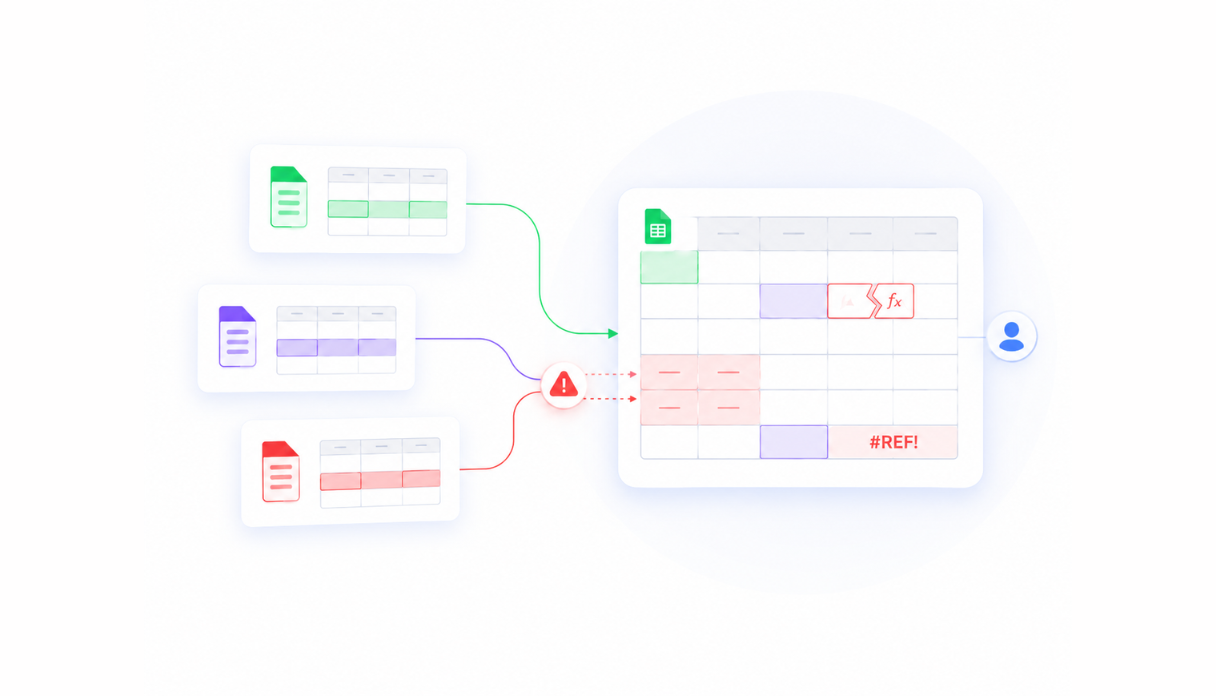
Version chaos
Which file is the right one? Who made the last change? Shared spreadsheets create conflicts, duplicate rows, and broken formulas the moment two people try to use them at the same time.
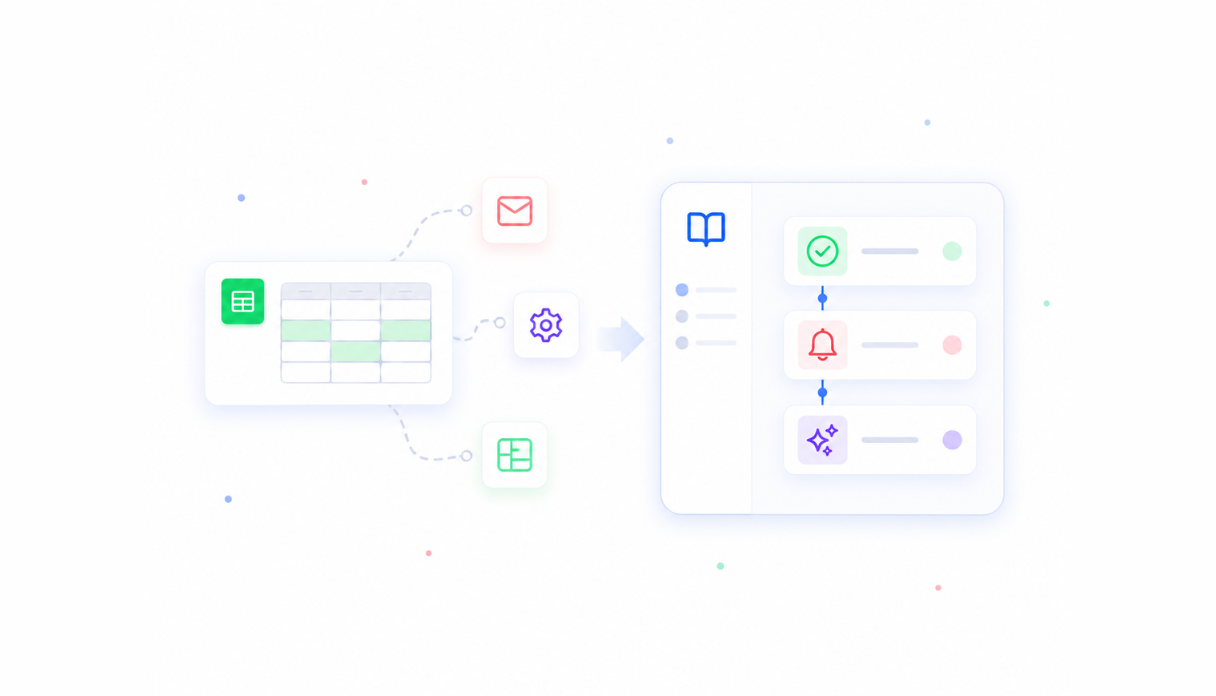
No real workflows
Approvals, notifications, and automations all require fragile workarounds - macros nobody understands, manual emails when a row changes, or a second spreadsheet to track the first one. Apps handle these natively.
Everything a spreadsheet can't give you
Appaca builds a proper internal app around your workflow - with the UI, permissions, automations, and AI your team actually needs.
A real app, built from your workflow
Describe your spreadsheet in plain language. Appaca builds a working app with tables, forms, and views - shaped around how your team uses the data. No coding required.




AI co-workers for the repetitive work
Create AI agents that summarise rows, automate data entry, and trigger follow-ups - so your team stops doing manually what the app can handle.
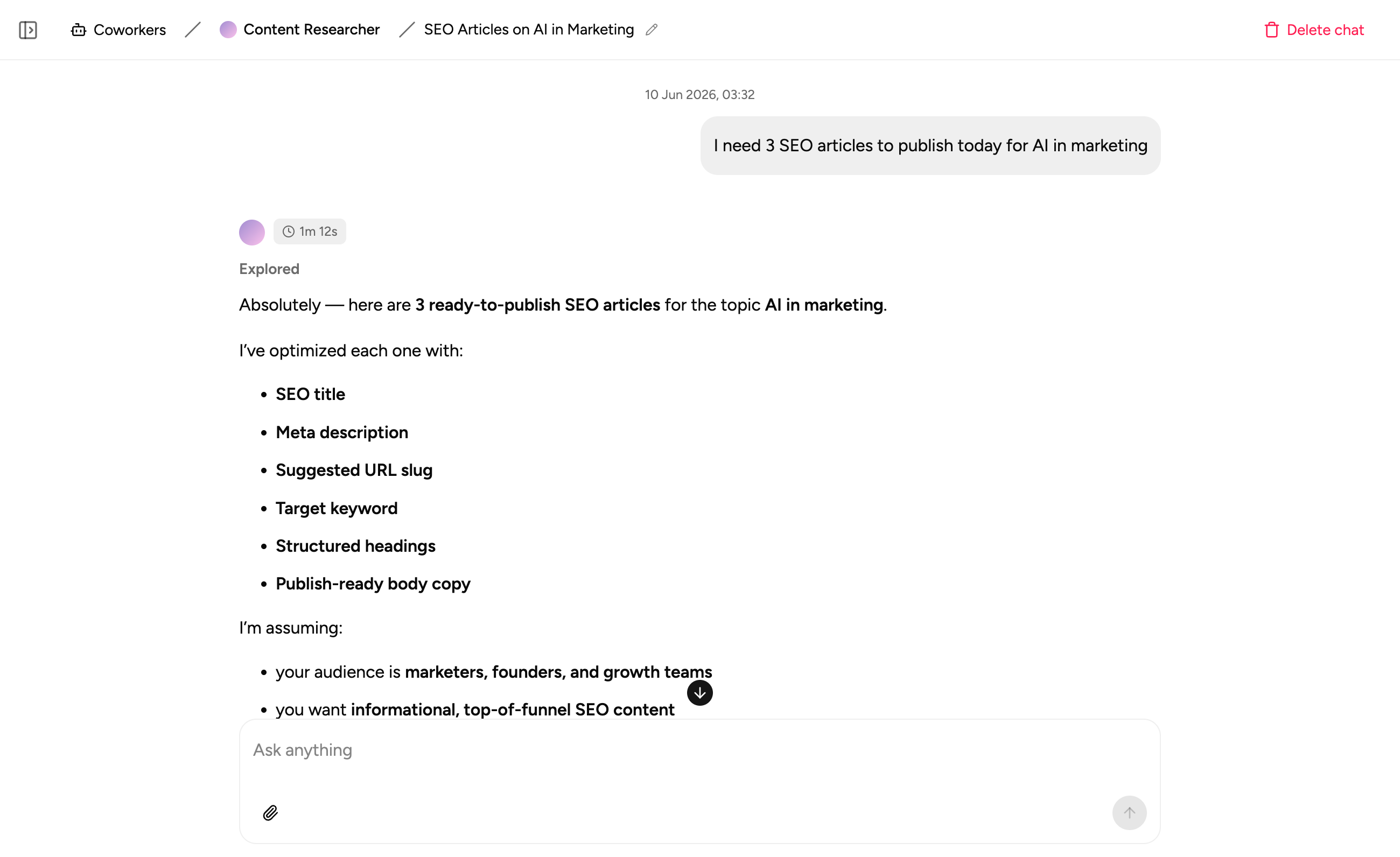
Notes where the data lives
Capture process notes and context in the same workspace as your data. No more hunting through emails or a separate doc to understand what happened.
Common spreadsheets, turned into proper apps
Whatever your team is running on a spreadsheet today, Appaca can build a proper app around it - with a real UI, a secure database, and the automations your process actually needs.
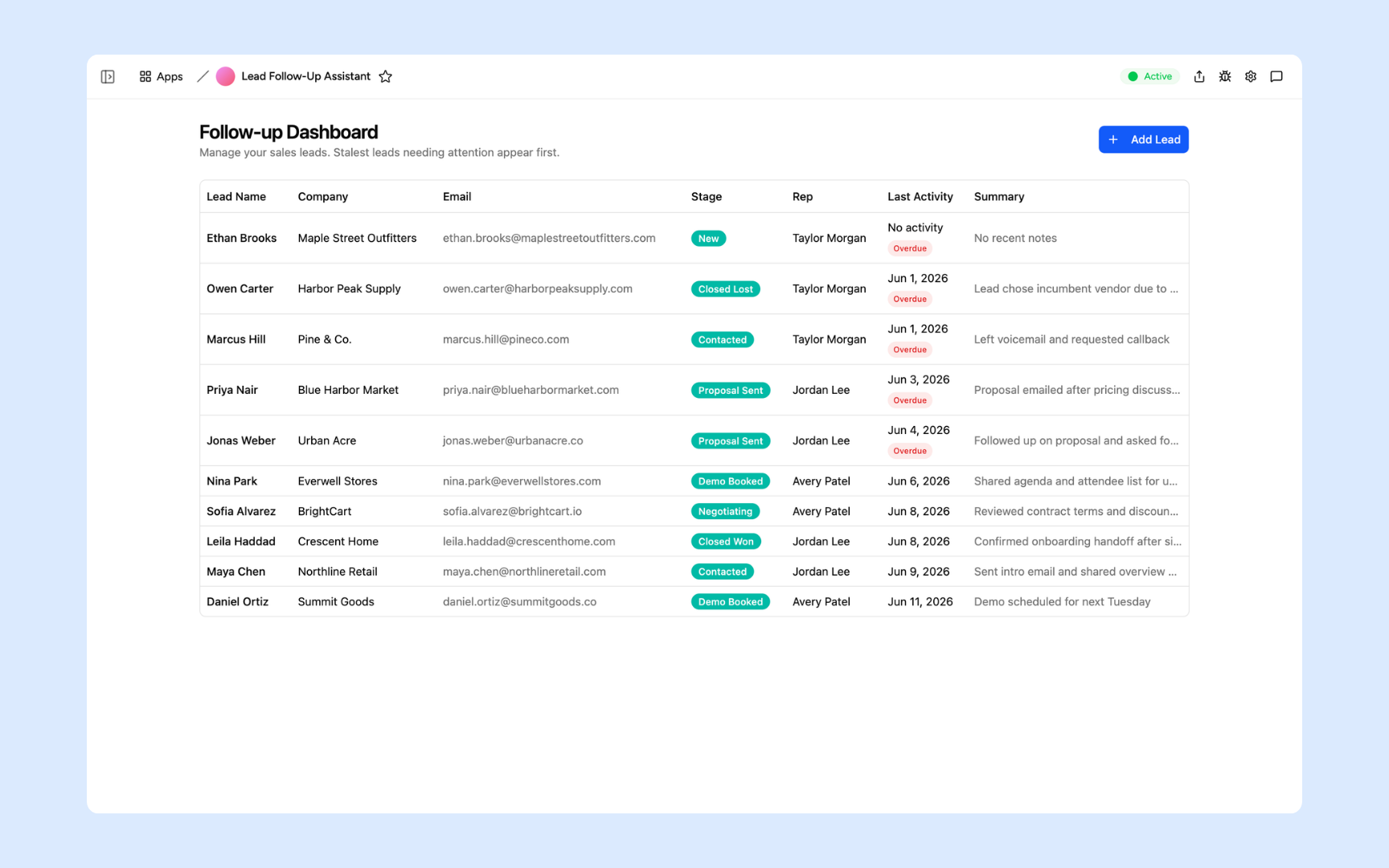
Lead Follow-Up Assistant
The classic spreadsheet CRM, rebuilt as a proper app. Every lead tracked, every follow-up drafted by AI and ready to send - no more tabs named 'contacts-v3-FINAL.xlsx' floating around your desktop.
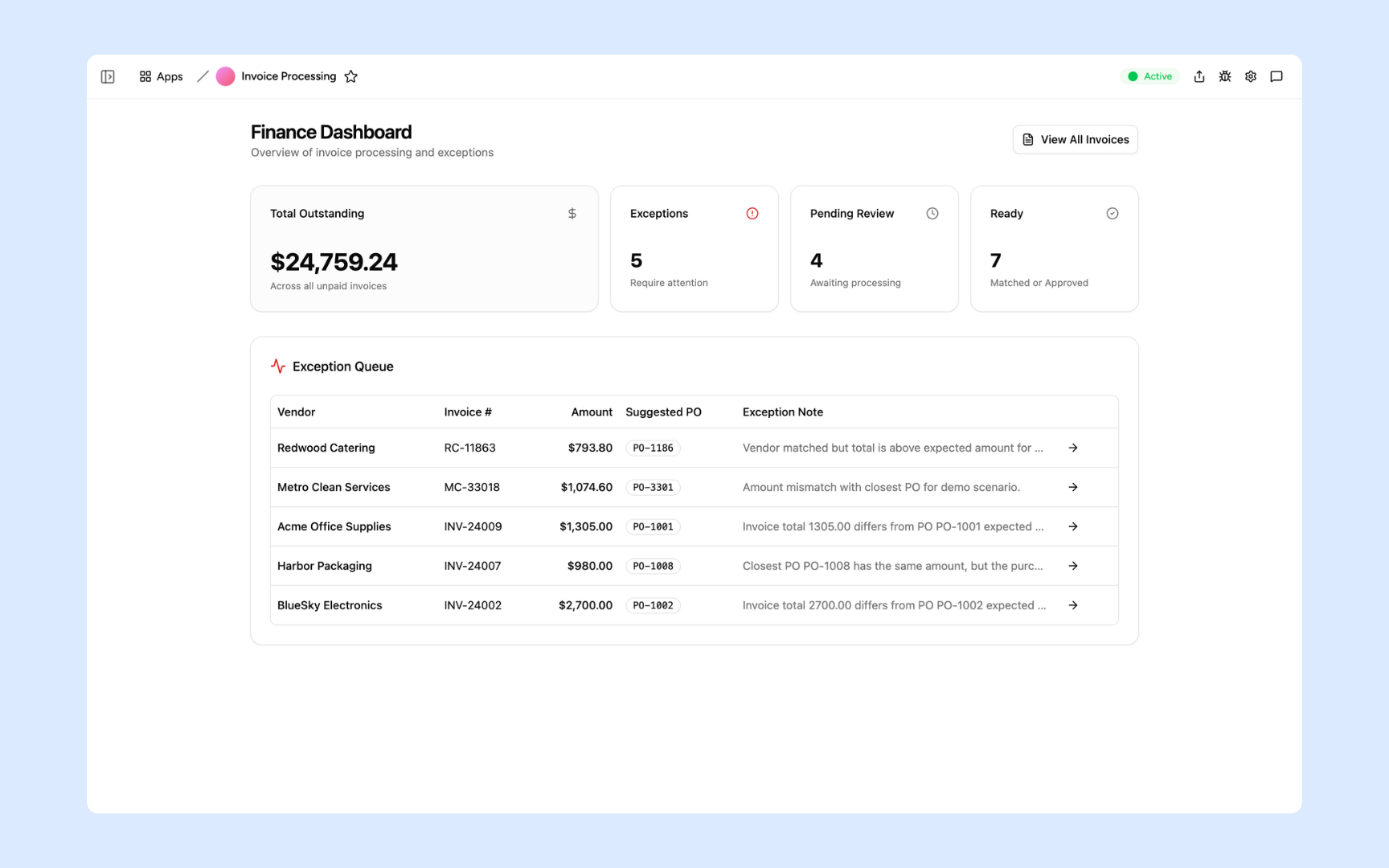
Invoice Processor
Turn your invoice tracking spreadsheet into a tool that actually works. Extract data from invoices, match against purchase orders, and flag discrepancies automatically - your team reviews exceptions, not rows.
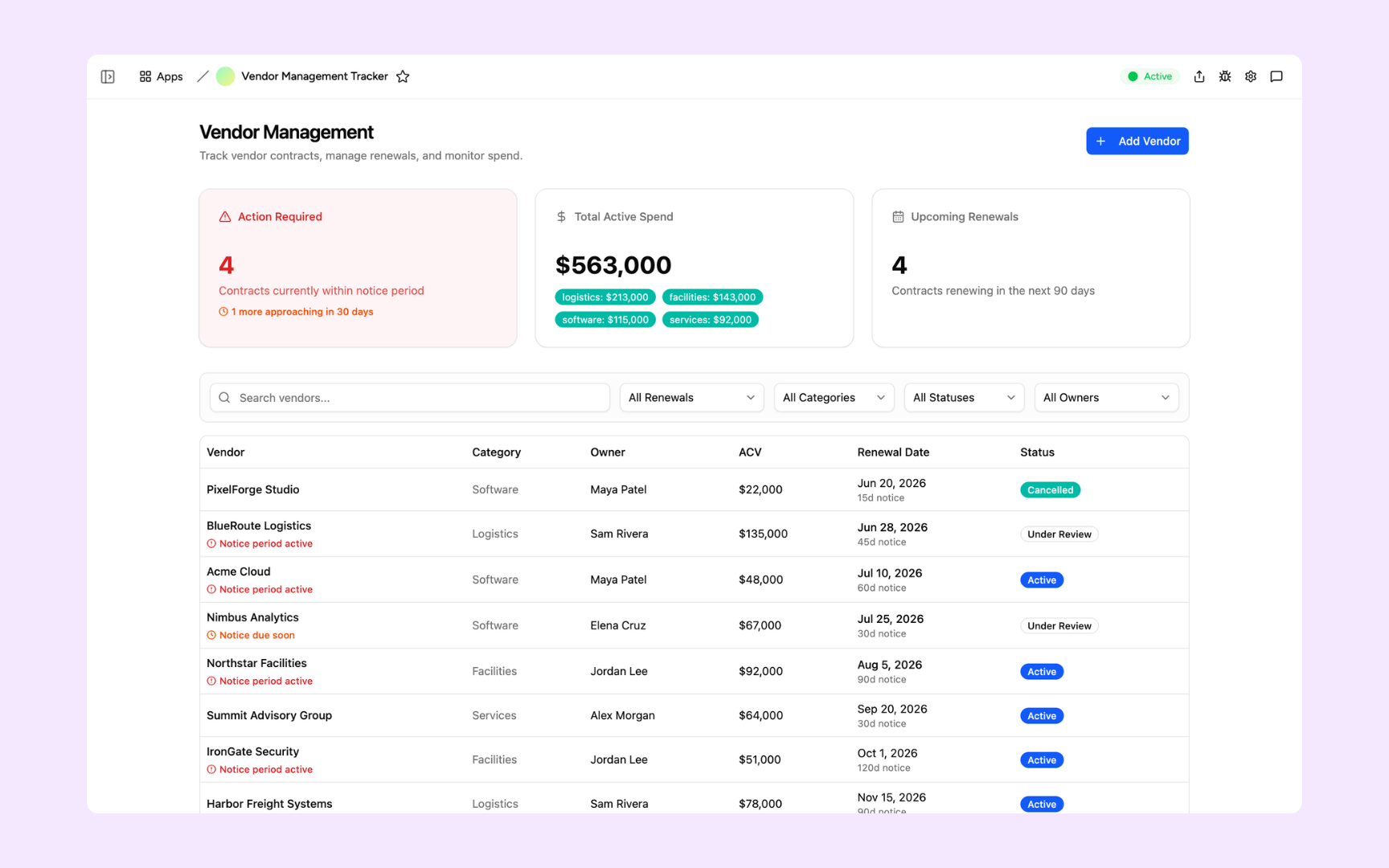
Vendor Tracker
Replace the contract spreadsheet that nobody keeps updated. Track vendors, renewal dates, and performance in one place - with automated alerts before anything expires so you never get blindsided again.
Built on a platform your team can trust
Every app you build on Appaca comes with the platform essentials your spreadsheet was missing - secure access, data storage, automations, and controls - so your team can focus on the work, not the workarounds.
Secure team sign-in
Every team member signs in with their own account. Your data is only ever seen by the people you invite - no shared links, no accidental access.
Role-based permissions
Control who can view, edit, or manage each part of your app. Give your team exactly the access they need and nothing they don't.
Scheduler & automations
Trigger actions when data changes, send alerts to Slack, and schedule recurring tasks - all the workflows your spreadsheet was doing manually.
Secure built-in database
Your data lives in a secure database built into every app - not in a file on someone's desktop. Structured, searchable, and always up to date.
Enterprise-grade security
Your operational data is encrypted, protected, and under your control. No sensitive data in an emailed spreadsheet anyone could forward.
Access from anywhere
Your app lives in the browser. Your team can use it from the office, home, or on the road - no installs, no shared drives, no VPN required.
File & image storage
Attach files, receipts, contracts, and images to the records they belong to. Everything your team needs in one place, not spread across email threads.
Usage tracking
See which parts of your app your team actually uses - so you know what's working and where to improve, based on real behaviour.
Explore more ways to build with Appaca
See related use cases, solutions by team, and how Appaca compares to other tools.
FAQs
Yes. You can connect Appaca to Google Sheets, Airtable, and Notion, or import data from any tool that supports an API or webhook. Your existing data becomes the starting point for your new app - you don't rebuild from scratch.
No. Describe what the spreadsheet does, who uses it, and where the process gets messy. The Appaca agent turns that workflow into a working app your team can refine together.
Any spreadsheet that multiple people use, update, or rely on. The most common are CRM and lead trackers, invoice and finance trackers, vendor and contract managers, inventory logs, project trackers, and operations reports. If your team is emailing a spreadsheet around, it's a candidate.
Google Sheets is a spreadsheet. Appaca builds you a proper internal app with a real UI, role-based permissions, a built-in database, automations, and AI. Your team gets forms instead of rows, dashboards instead of pivot tables, and access controls instead of 'please don't edit the orange columns'.
Most teams have a working first version the same day. Describe your spreadsheet workflow to Appaca and the agent builds the app - complete with a database, team access, and the logic you describe. You iterate from there.
Yes. Appaca connects to Google Sheets, Airtable, Notion, Slack, and any service with an API or webhook. You can keep your existing spreadsheet as a data source while giving your team a proper app interface on top of it.
Yes. Every Appaca workspace comes with a secure built-in database, encrypted storage, and team access controls. Your data is only visible to the team members you invite - no more sensitive data in a shared spreadsheet anyone could forward.
Your spreadsheet deserves to be a real app
Turn your spreadsheet workflow into a working internal tool with the interface, controls, and automations your team needs.
- 7-day trial
- No credit card
- Cancel anytime