
Turn your Excel workbook into a working app
Upload your .xlsx file and chat with AI to get a working app you and your team can use in minutes.
Drop your Excel workbook here
or browse files
Supports .xlsx, .xls, and .csv
Your workbook was never meant to run the business
Excel is the right tool for a quick calculation. It becomes the wrong tool the moment ten tabs reference each other, three people are editing at once, and one broken formula takes down the whole report.
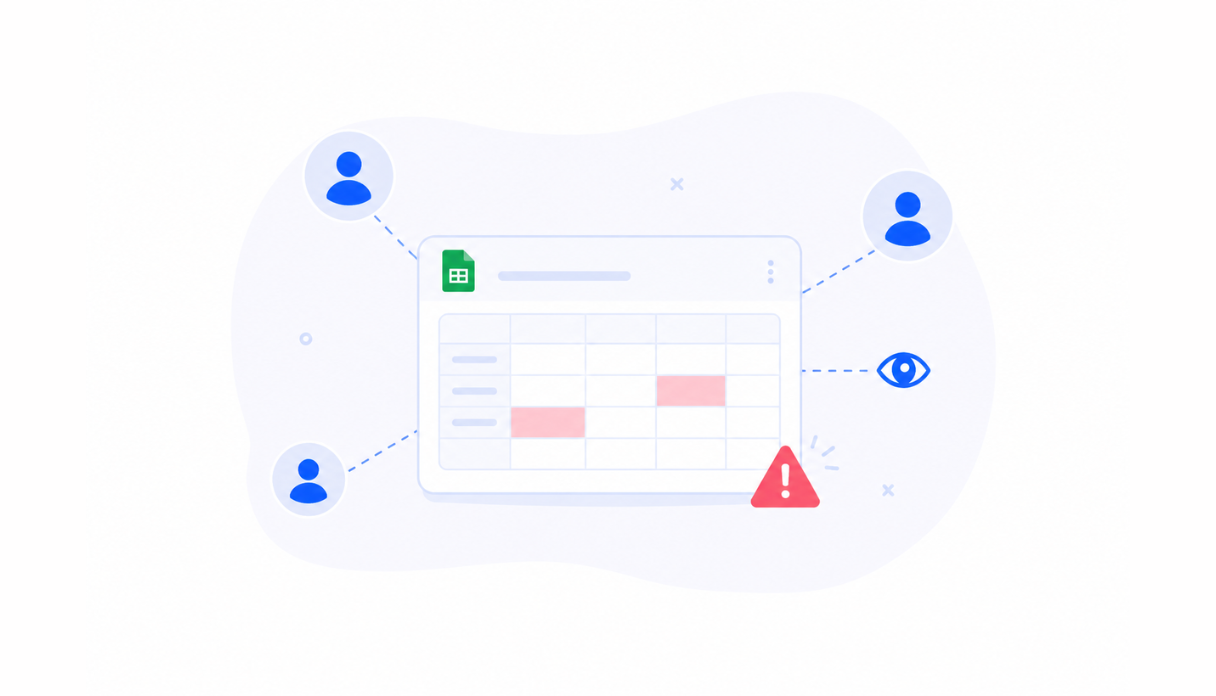
One broken formula, one broken report
A single deleted row or renamed tab can silently break every formula downstream. Nobody notices until the numbers in the summary tab stop making sense.
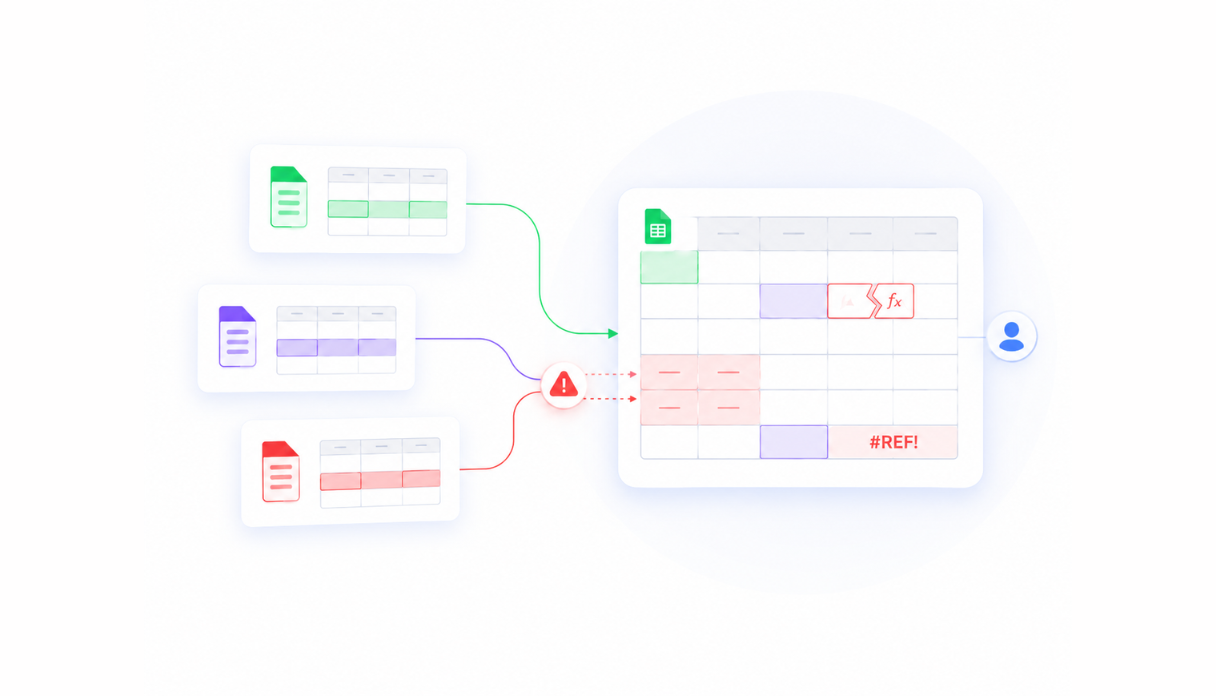
Emailed files and version chaos
"Finance_Report_v3_FINAL_updated.xlsx" is not a data strategy. Every emailed copy is a fork - nobody is sure which version has the latest numbers.

Macros nobody understands
The workbook that "just works" usually depends on a VBA macro one person wrote years ago. When they leave, so does anyone's ability to fix it.
Everything a workbook can't give you
Appaca builds a proper internal app around your workflow - with the UI, permissions, automations, and AI your Excel file couldn't.
A real app, built from your workbook
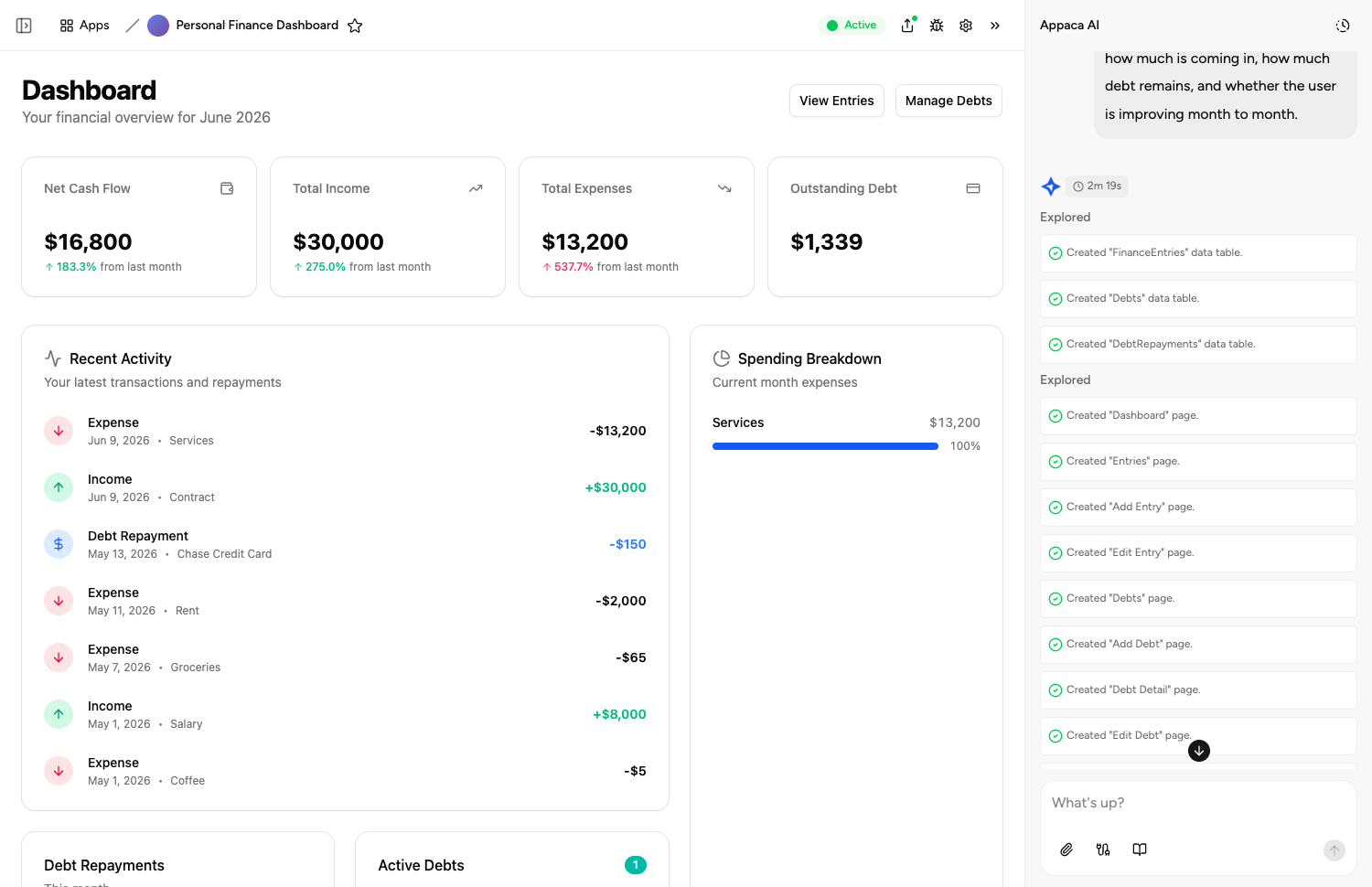
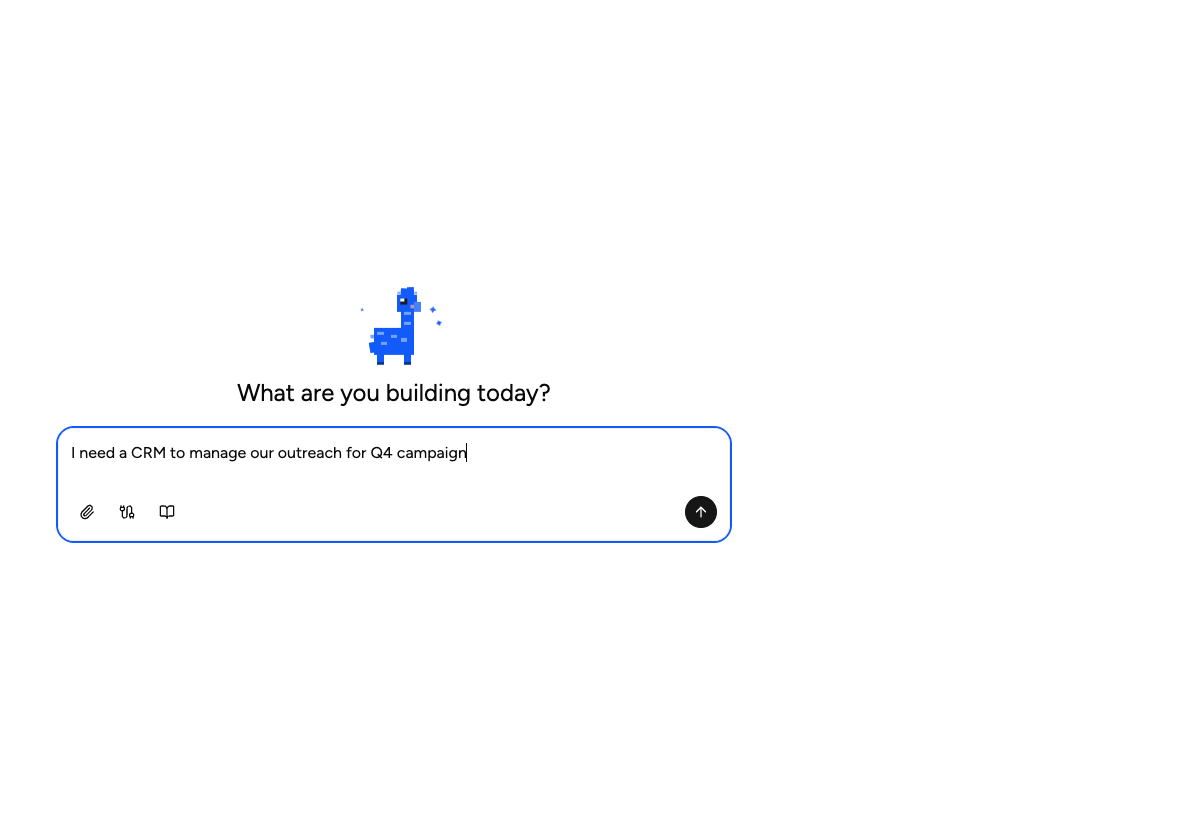
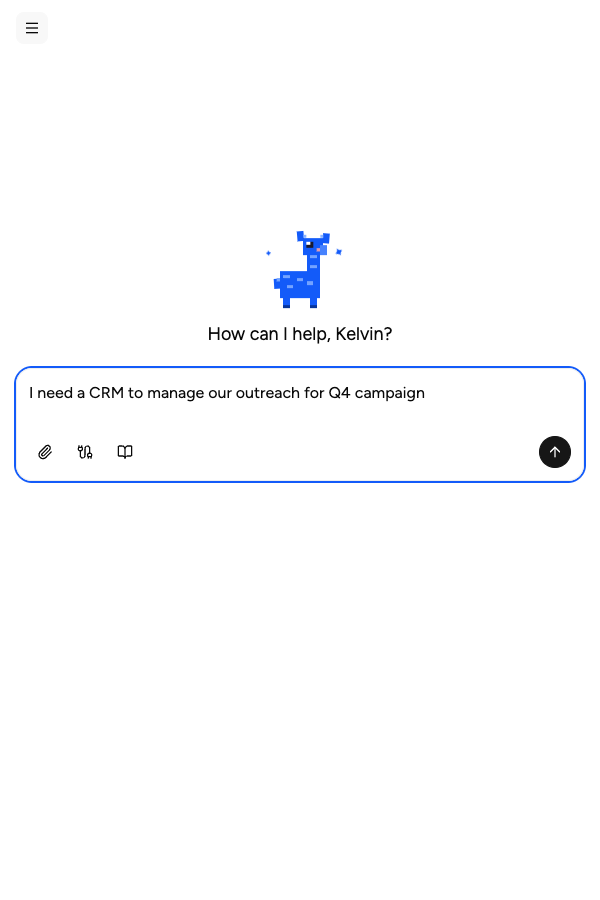
Describe what your Excel workbook does. Appaca builds a working app with tables, forms, and views - shaped around how your team uses the data. No coding required.
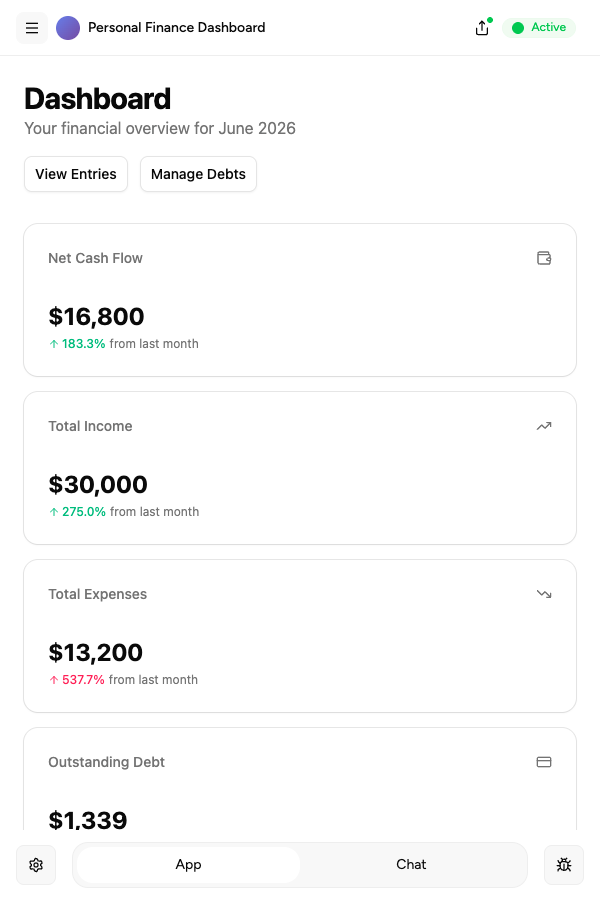
AI co-workers for the repetitive work
Create AI agents that summarise data, automate entry, and trigger follow-ups - so your team stops doing manually what the app can handle.
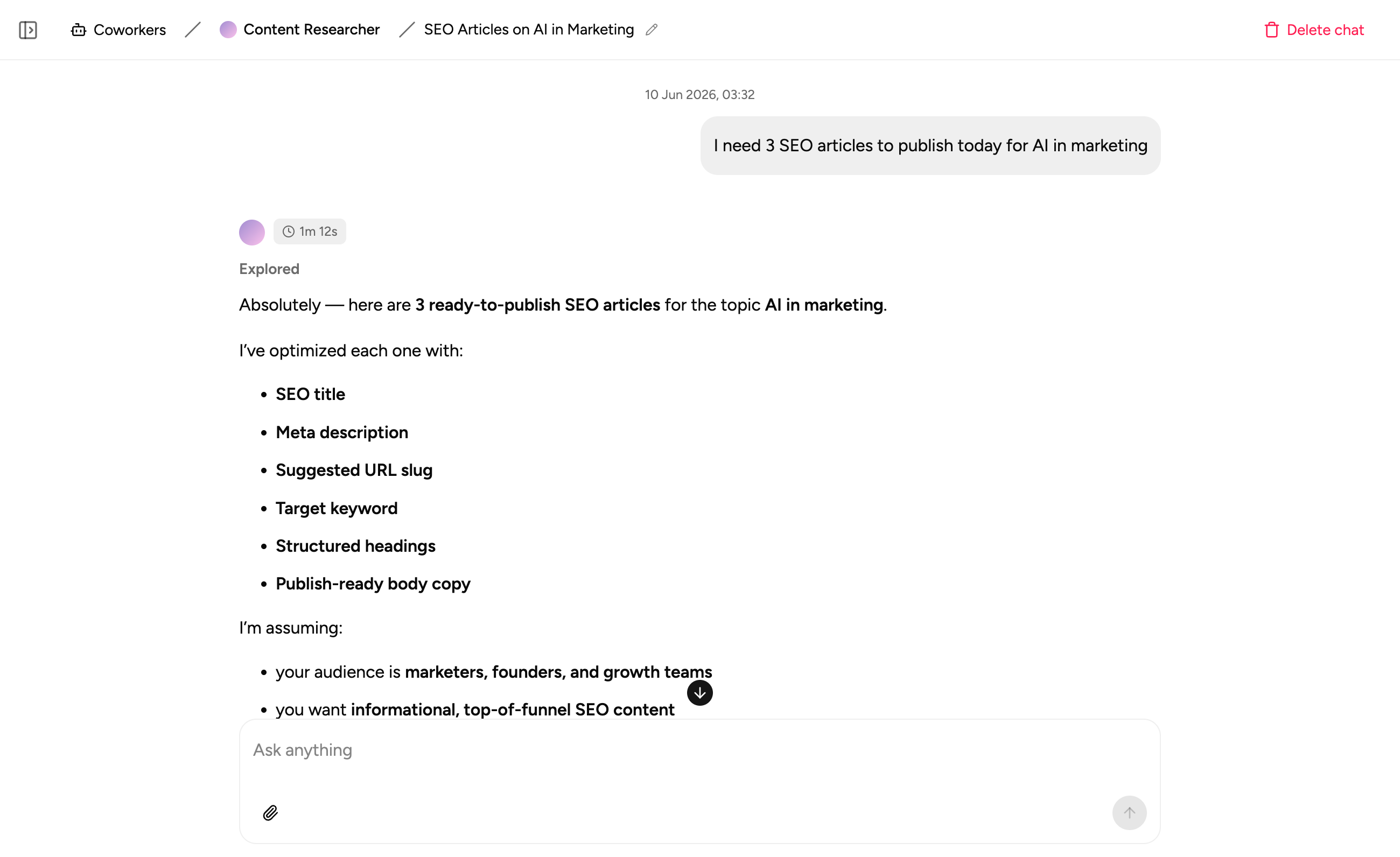
Notes where the data lives
Capture process notes and context in the same workspace as your data. No more hunting through a hidden 'Notes' tab or a separate doc to understand what happened.
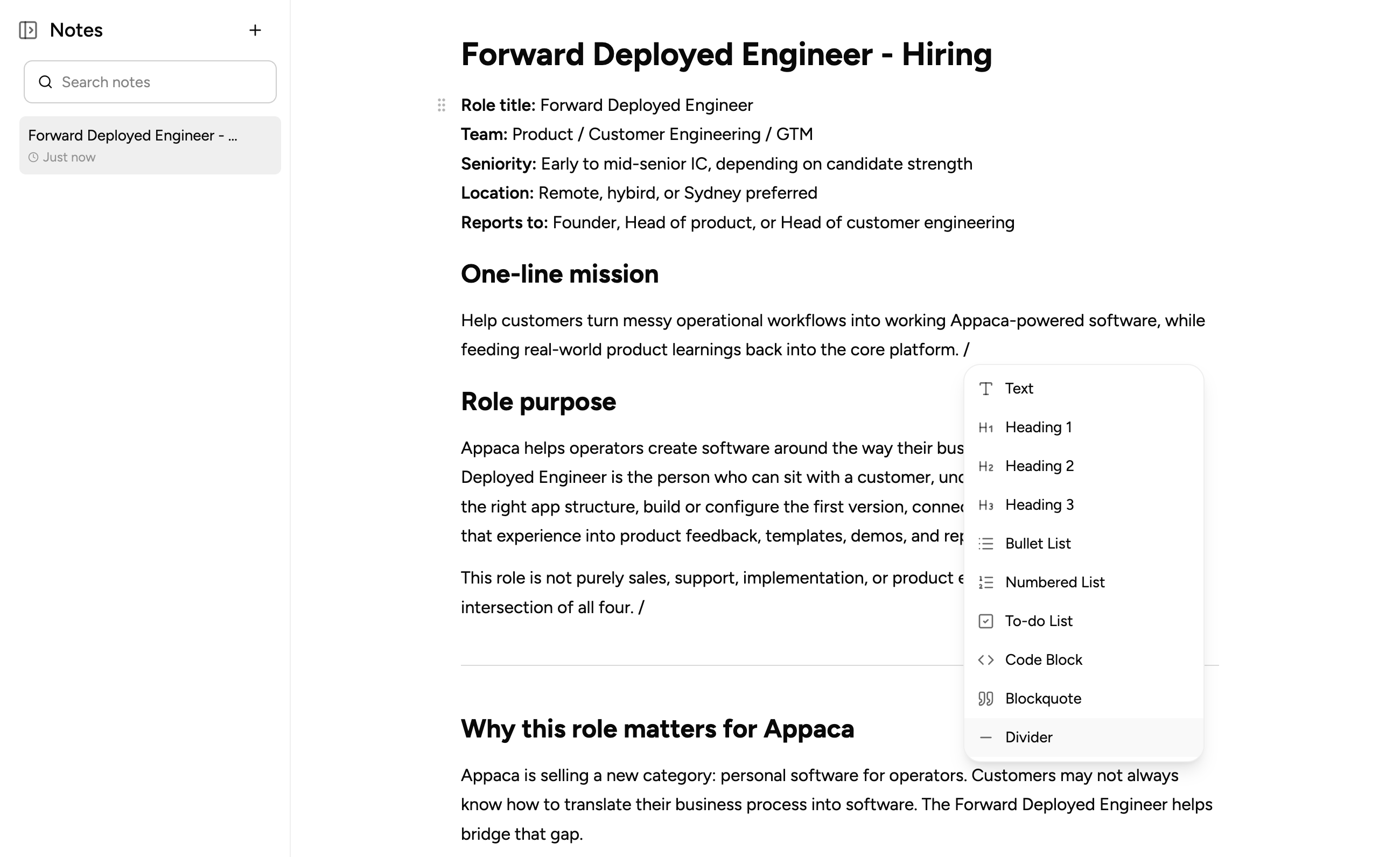
Common Excel workbooks, turned into proper apps
Whatever your team is running on a workbook today, Appaca can build a proper app around it - with a real UI, a secure database, and the automations your process actually needs.
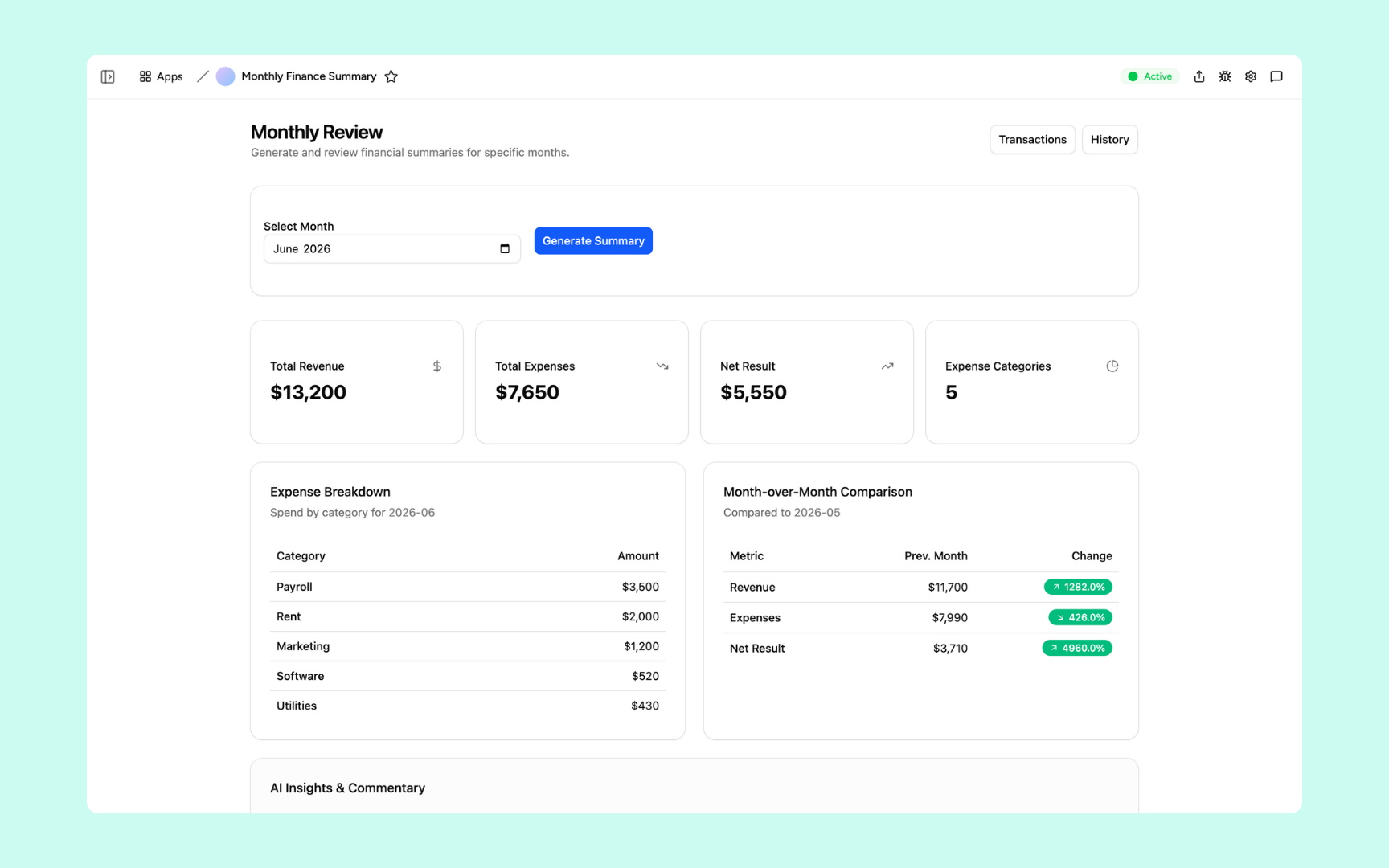
Monthly Finance Report
The month-end workbook everyone dreads, rebuilt as a real app. Pull the numbers, generate the commentary, and skip the copy-paste between a dozen linked Excel tabs.
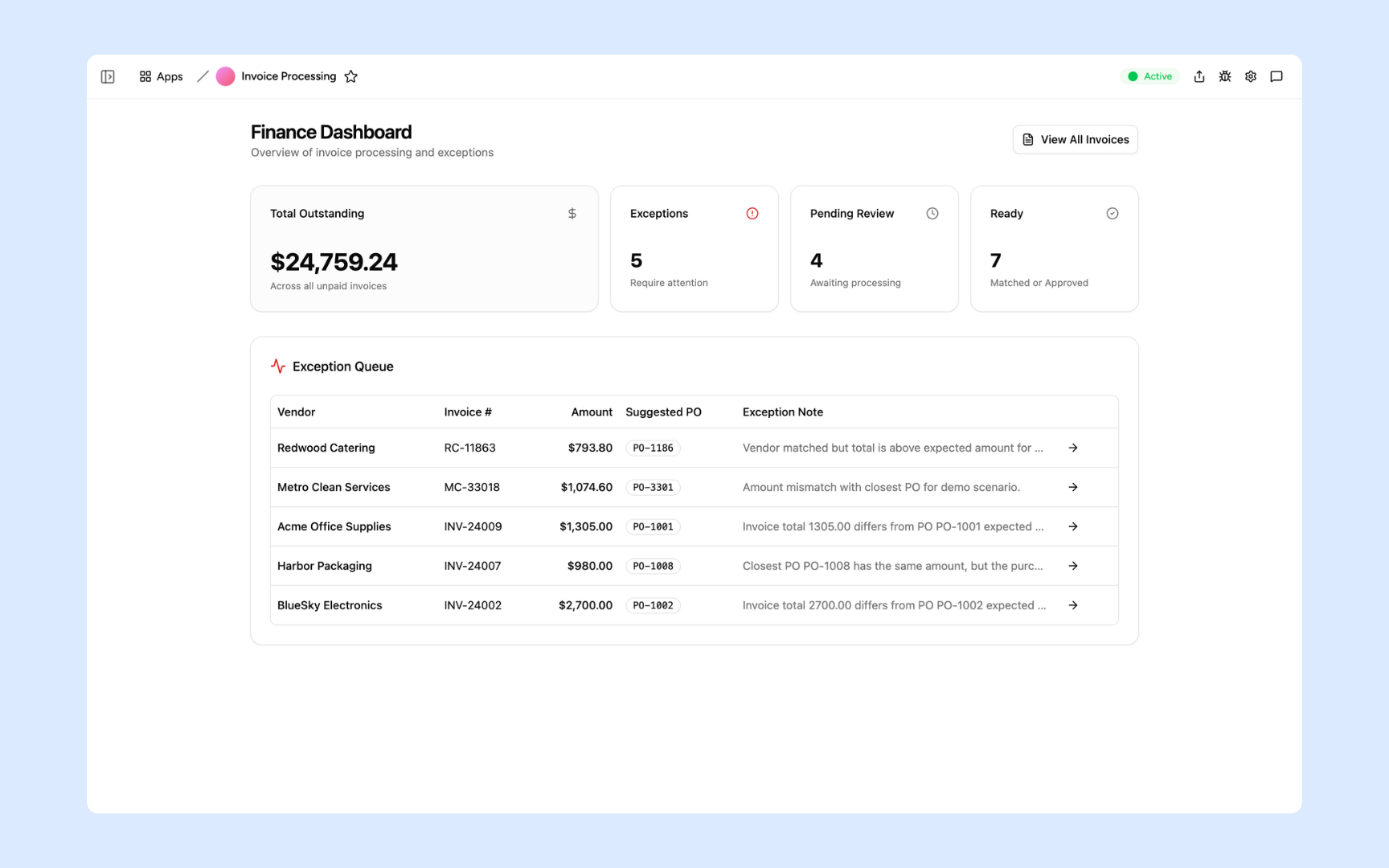
Invoice Processor
Turn the invoice tracker workbook into a tool that actually works. Extract line items, match against purchase orders, and flag discrepancies automatically - your team reviews exceptions, not rows.
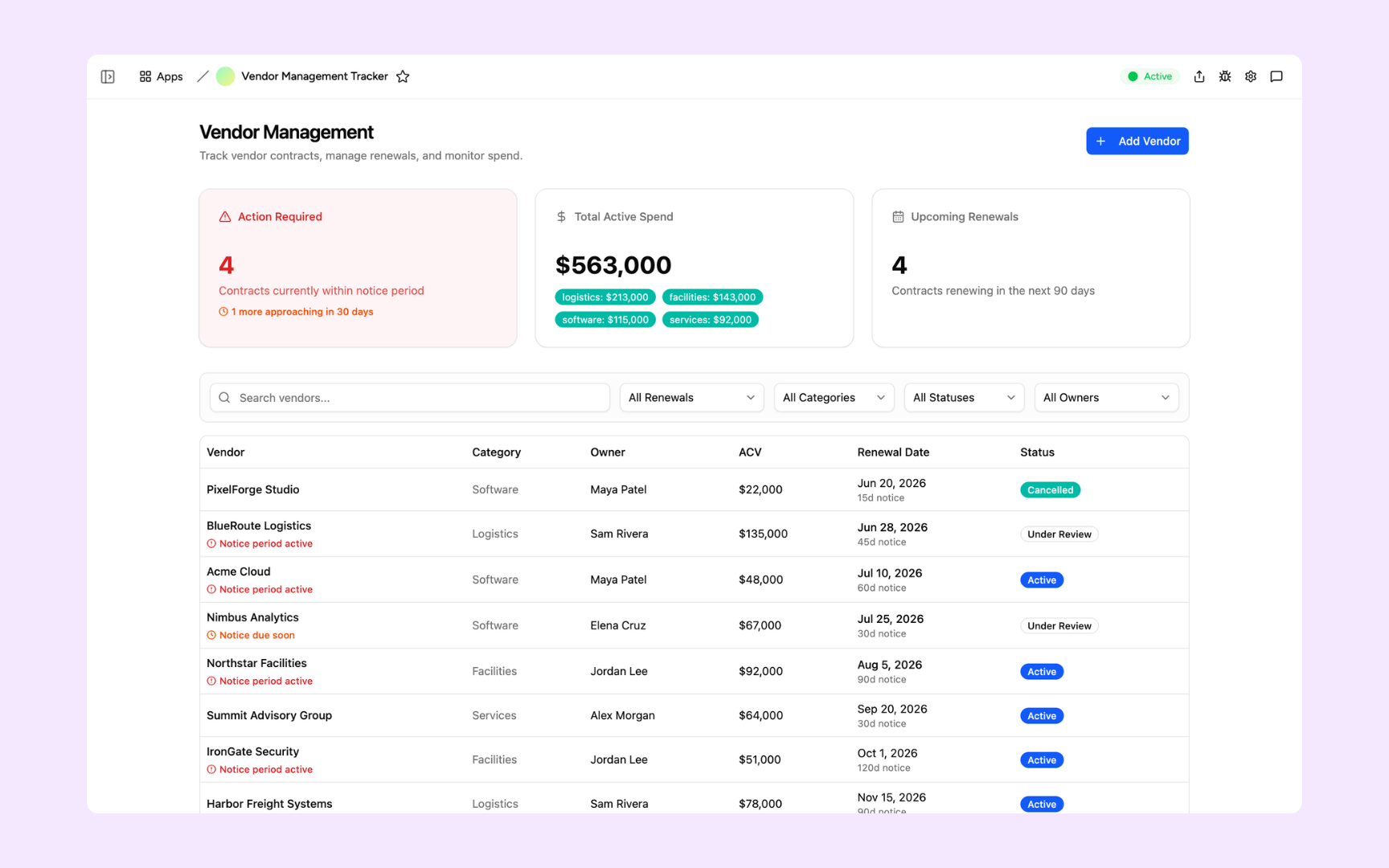
Vendor Tracker
Replace the vendor workbook nobody keeps updated. Track contracts, renewal dates, and performance in one place - with automated alerts before anything expires.
Built on a platform your team can trust
Every app you build on Appaca comes with the platform essentials your workbook was missing - secure access, data storage, automations, and controls - so your team can focus on the work, not the workarounds.
Secure team sign-in
Every team member signs in with their own account. Your data is only ever seen by the people you invite - no shared files, no accidental access.
Role-based permissions
Control who can view, edit, or manage each part of your app. Give your team exactly the access they need and nothing they don't.
Scheduler & automations
Trigger actions when data changes, send alerts to Slack, and schedule recurring tasks - all the workflows a VBA macro was trying to do.
Secure built-in database
Your data lives in a secure database built into every app - not in a file on someone's desktop. Structured, searchable, and always up to date.
Enterprise-grade security
Your operational data is encrypted, protected, and under your control. No sensitive data in an emailed workbook anyone could forward.
Access from anywhere
Your app lives in the browser. Your team can use it from the office, home, or on the road - no installs, no shared drives, no VPN required.
File & image storage
Attach files, receipts, contracts, and images to the records they belong to. Everything your team needs in one place, not spread across email threads.
Usage tracking
See which parts of your app your team actually uses - so you know what's working and where to improve, based on real behaviour.
Explore more ways to build with Appaca
See related use cases, solutions by team, and how Appaca compares to other tools.
FAQs
Yes. Drop your Excel workbook into Appaca or describe what it does, and the agent builds a working app around your data - tables, forms, and views included. You don't need to clean up formulas or macros first.
Appaca doesn't run VBA macros or replicate individual cell formulas - it rebuilds the underlying logic as real app functionality (calculations, automations, and AI actions) so the workbook's purpose is preserved without the fragility of macros breaking on the next Excel update.
Any workbook that multiple people update, email around, or rely on for a process: finance close templates, invoice and PO trackers, vendor and contract logs, inventory sheets, and reporting workbooks with linked tabs. If it has more than three tabs referencing each other, it's a strong candidate.
Shared Excel access still means one file, one set of permissions, and formulas that break the moment someone inserts a row. Appaca gives your team a real app with a proper UI, role-based permissions, a built-in database, and automations - so the workbook logic keeps working no matter how the data grows.
Most teams have a working first version the same day. Describe the workbook's purpose to Appaca and the agent builds the app - complete with a database, team access, and the calculations you rely on. You iterate from there.
Yes. Appaca can import your existing Excel data as a starting point, and connects to Google Sheets, Airtable, and any service with an API or webhook if your workflow spans multiple sources.
Your Excel workbook deserves to be a real app
Turn your Excel workflow into a working internal tool with the interface, controls, and automations your team needs.
- 7-day trial
- No credit card
- Cancel anytime