
Spot at-risk accounts before they become surprises
Preview a working health dashboard with account scores, risk signals, owners, and next actions. Clone it, then adapt the data and scoring rules to your customer process.
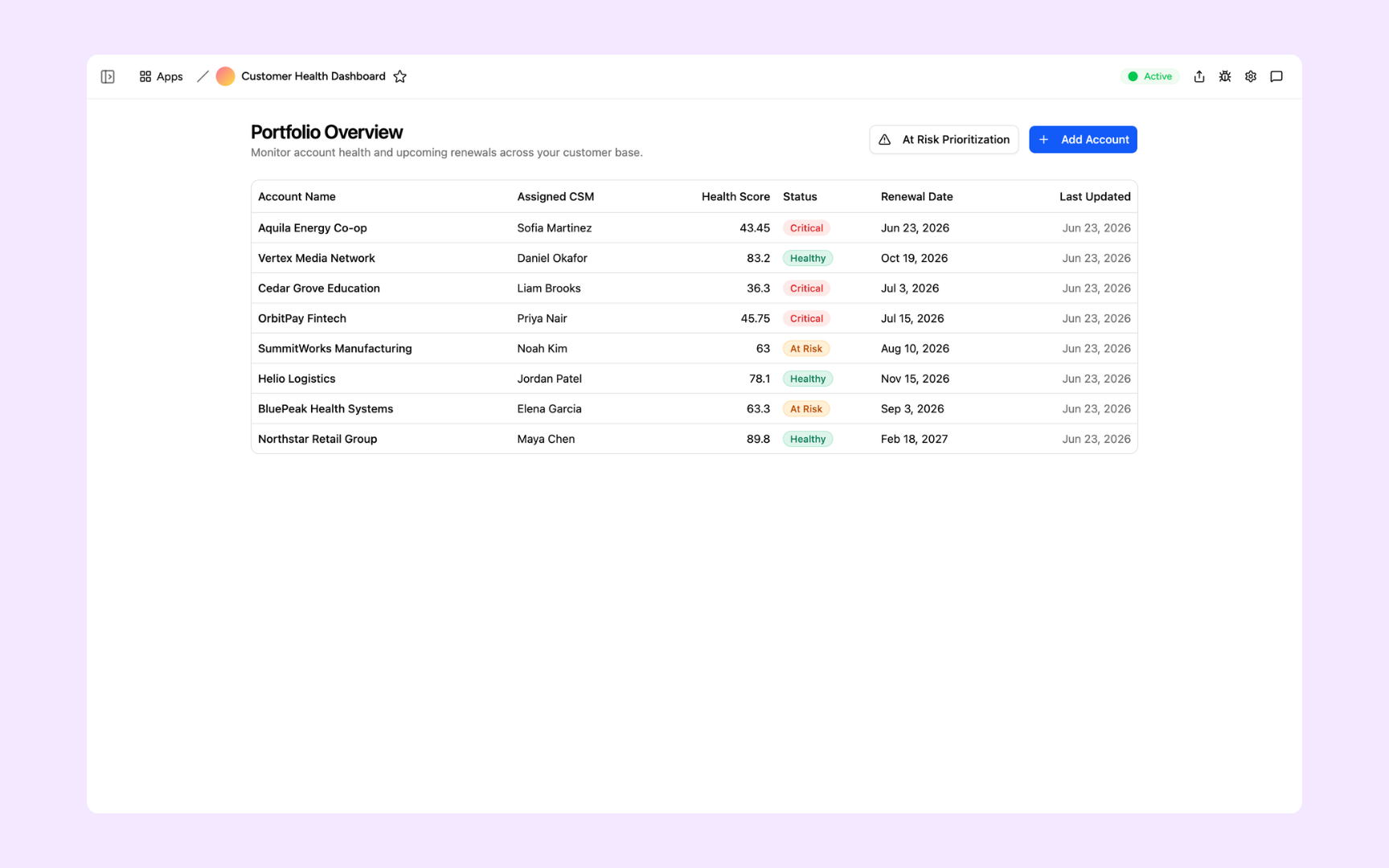
Everything you need to monitor customer health at scale
Appaca makes it easy for customer success teams to build a health dashboard that surfaces at-risk accounts early and gives every CSM a clear view of their portfolio.
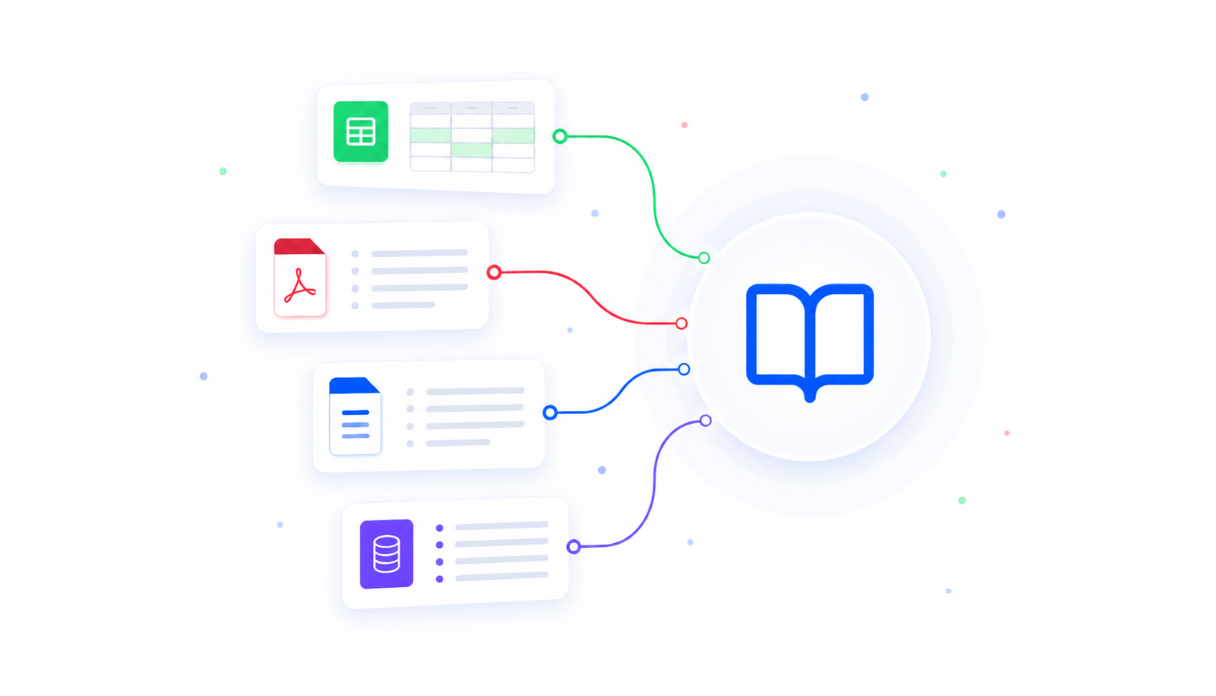
Health scoring logic in the knowledge base
Upload your health scoring methodology, risk signals, and account tier criteria. The dashboard uses your definitions so scores reflect what your team actually means by a healthy or at-risk account.
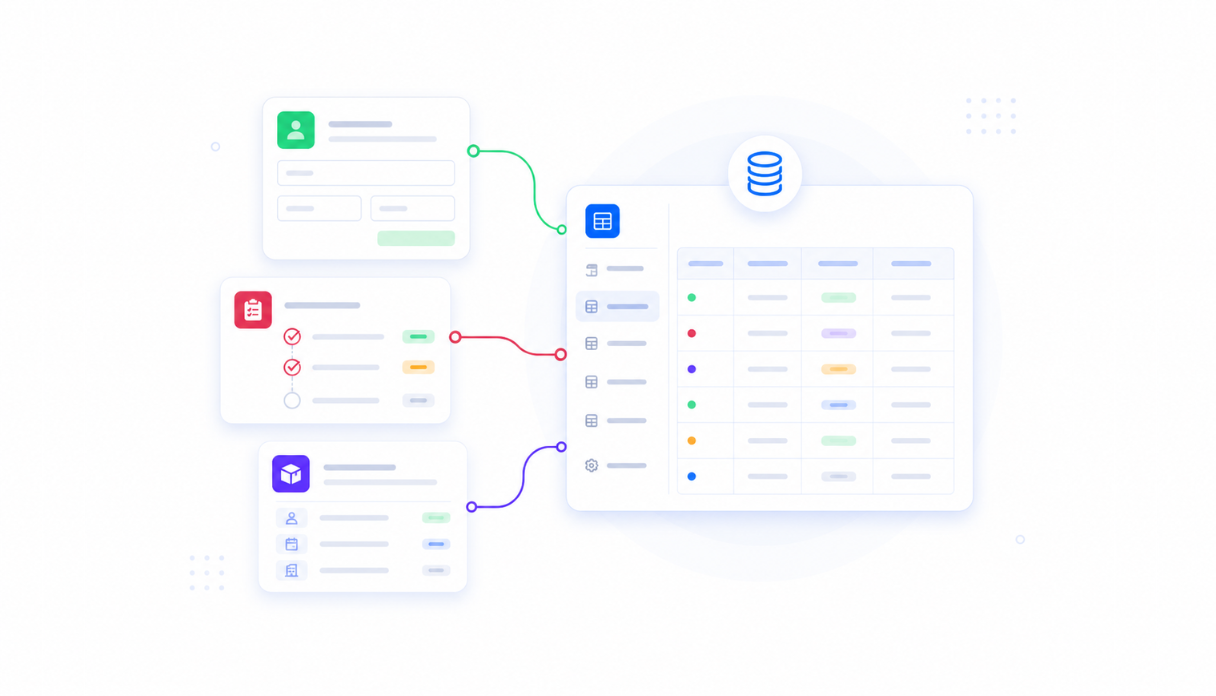
Customer data in one place
Appaca workspace comes with a secure built-in database, so health scores, usage data, support ticket history, and renewal dates all live in one dashboard rather than across six open tabs.
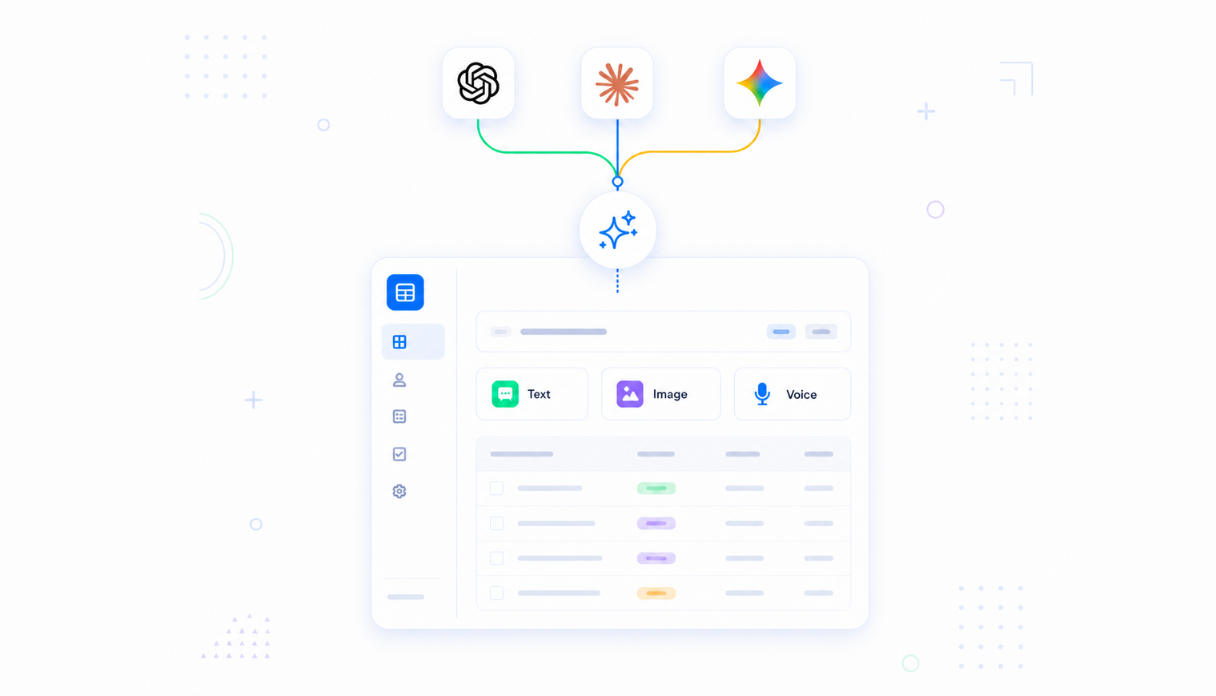
AI that updates and explains scores
Connect AI models to recalculate health scores automatically, flag accounts that have dropped, and write a short summary of why each score changed so your CSMs know exactly what to do next.
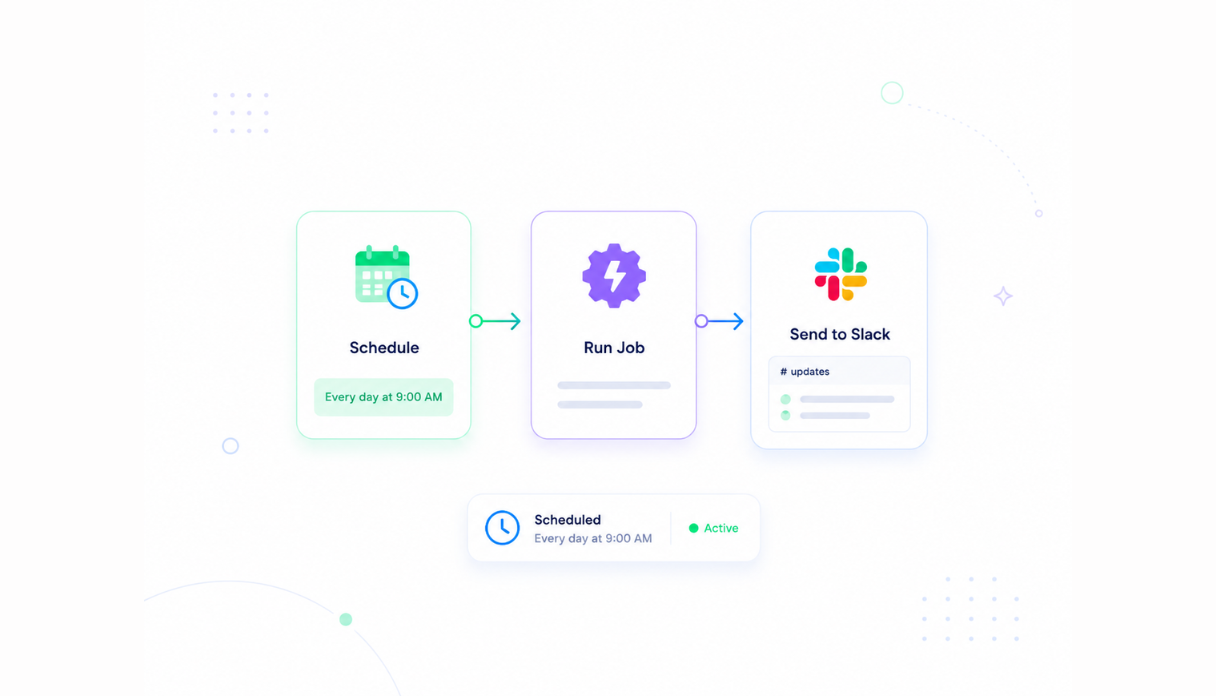
Automated risk alerts
Set the scheduler to check health scores daily and send Slack alerts the moment an account drops below your risk threshold so your team can act before a customer churns.
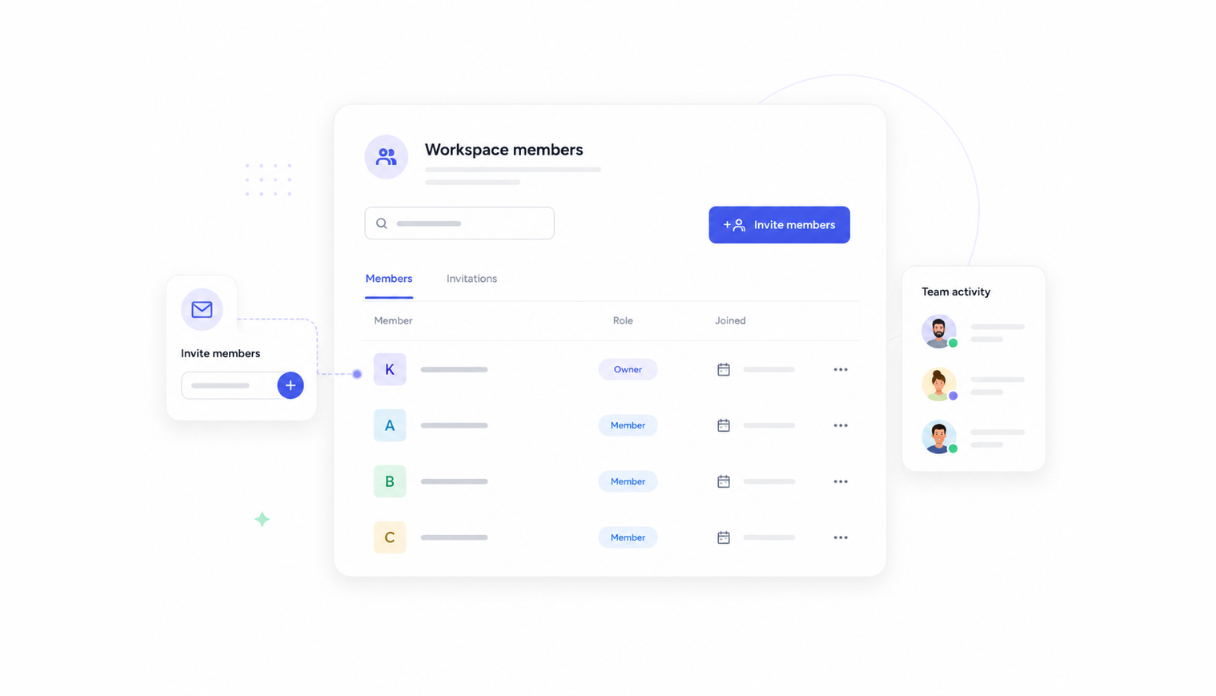
Portfolio views for every CSM
Invite your CSMs, account managers, and CS leadership to the workspace. Each CSM sees their own portfolio while leadership sees the full account health picture across the team.
Works with your customer data sources
Securely connect your health dashboard to your CRM, product analytics, and support platform via API so the scores your team sees are always based on current data.




See what this Customer Health Dashboard includes
Review the screens and workflow, then clone it and adapt the data, logic, and permissions to fit your team.
Every account in one table - assigned CSM, numeric health score, status badge (Critical, At Risk, or Healthy), renewal date, and when the record was last updated.
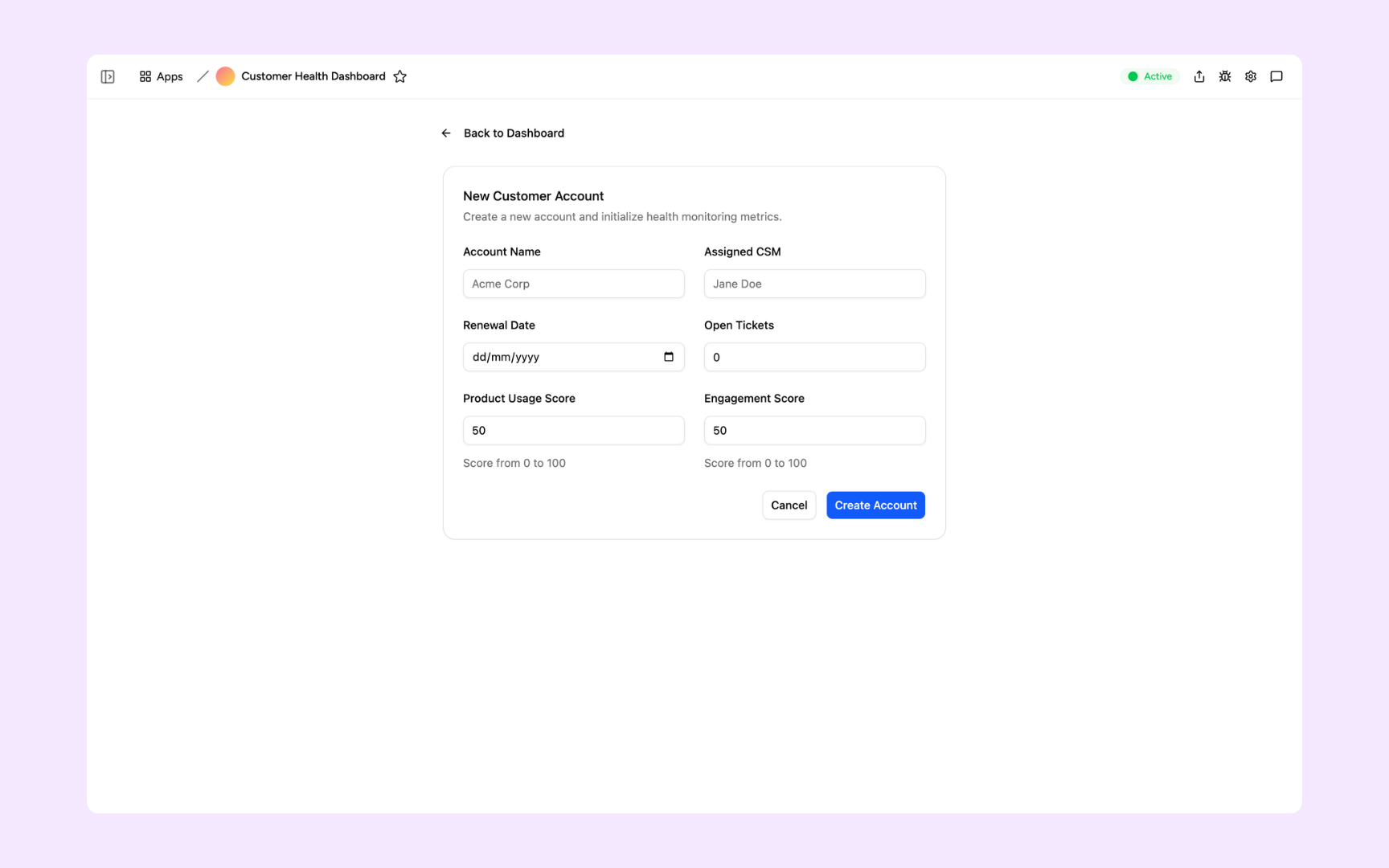
Create a new account by entering the account name, assigned CSM, renewal date, open ticket count, product usage score, and engagement score to start tracking its health.
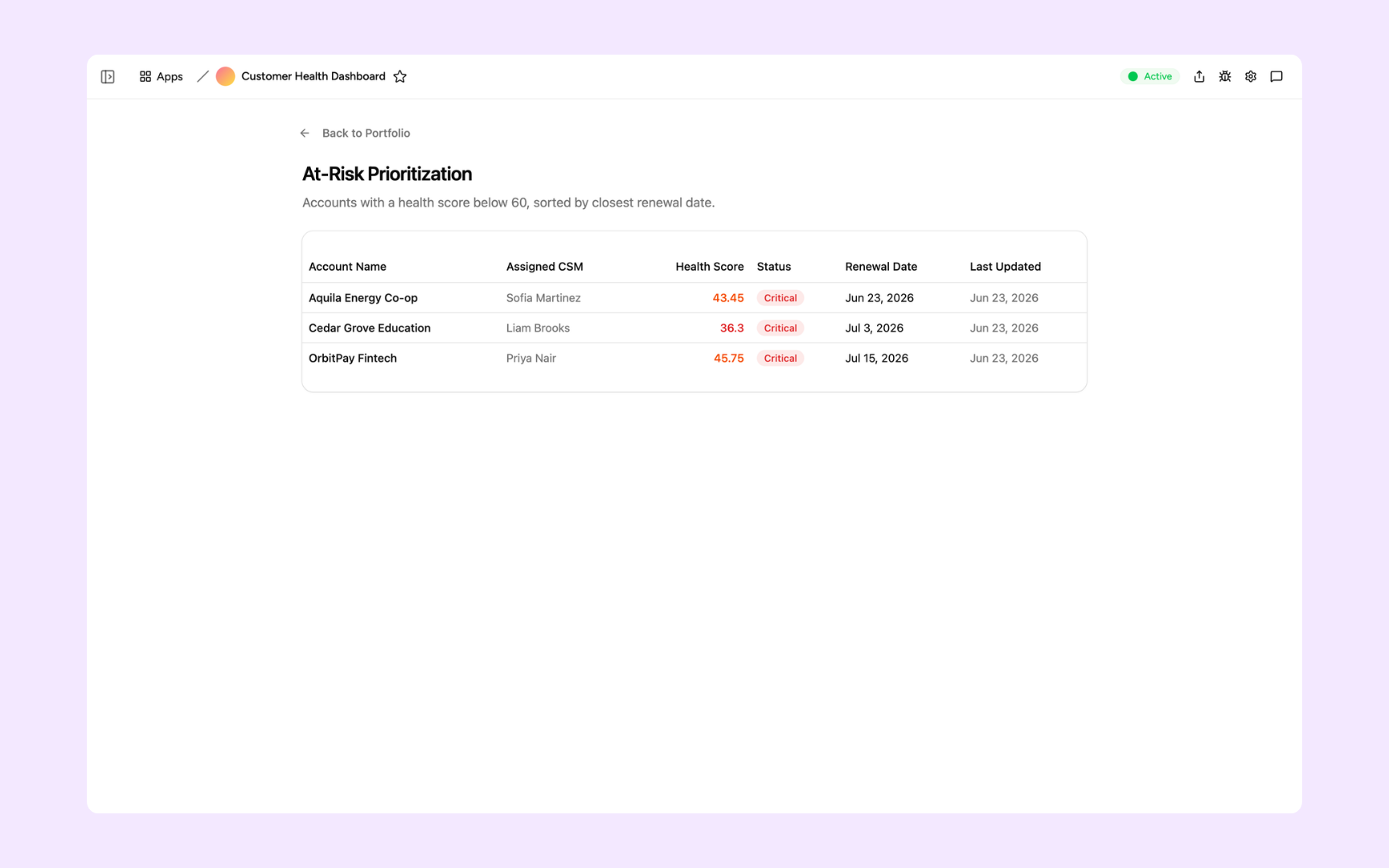
The At-Risk Prioritization view filters to accounts with a health score below 60 and sorts them by closest renewal date, so your team knows exactly which accounts to focus on first.
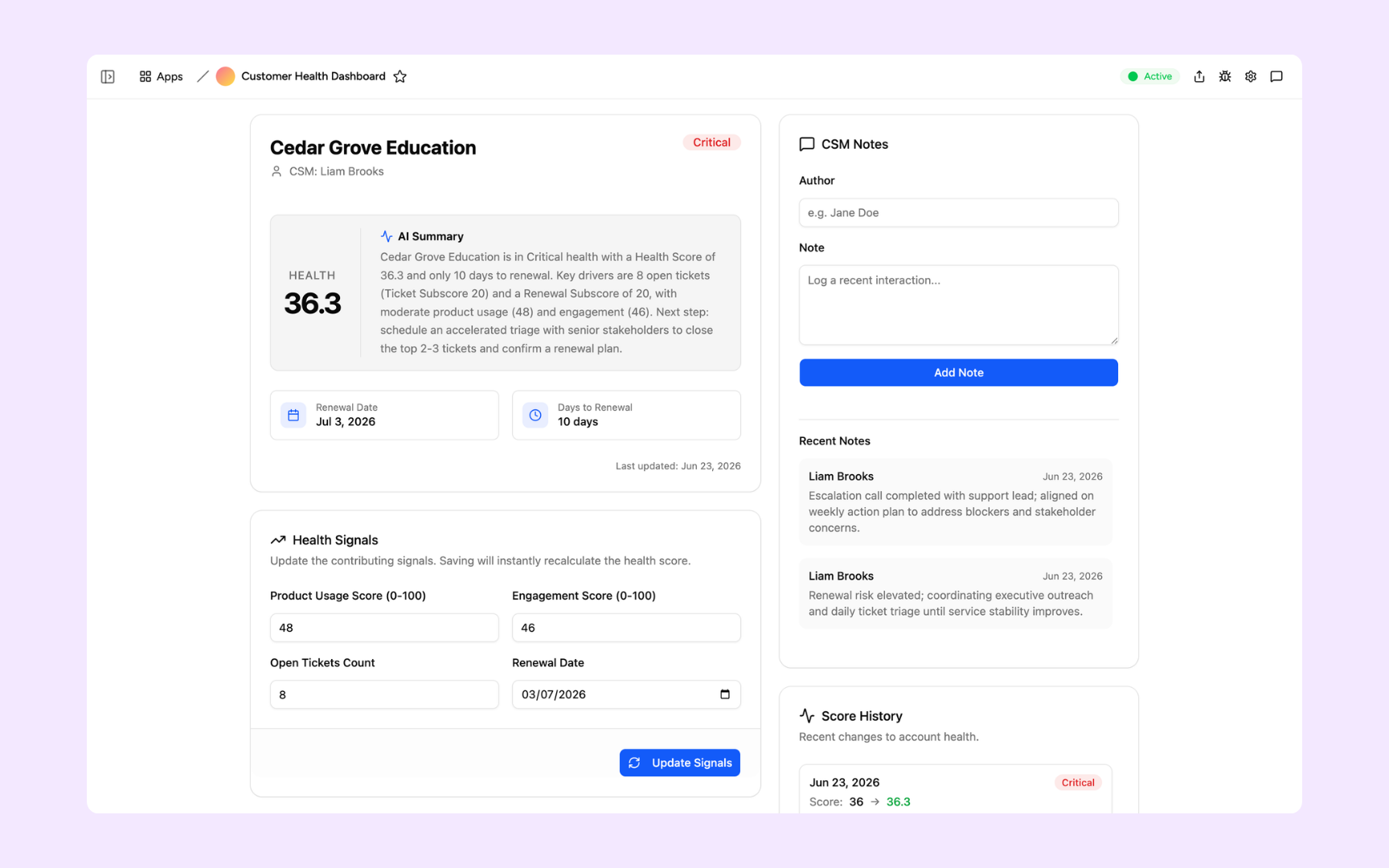
The full account view shows the health score, an AI summary of why the account is at risk and what to do next, editable health signals, a CSM notes log, and score history.
Get Customer Health Dashboard in your workspace
Customer health dashboard built on a platform your CS team can trust
Every health dashboard you build comes with secure access, customer data storage, automated scoring, and alerts so your team can act on at-risk accounts before it is too late.
Secure team sign-in
Every CSM signs in with their own account. Customer health data and account records are only visible to the people you invite.
Role-based permissions
CSMs see their own portfolio, managers see the full team view, and leadership sees the overall health of the customer base.
Scheduler and automations
Recalculate health scores on schedule, send Slack alerts when accounts drop below threshold, and trigger playbook actions automatically.
Built-in customer database
Health scores, usage signals, support history, and renewal dates all live in a secure database inside your dashboard. No data scattered across tools.
Enterprise-grade security
Your customer data is encrypted, protected, and under your control. Account health insights are only visible to the roles you authorise.
Monitor from anywhere
The dashboard lives in the browser. Your CSMs can check account health from the office, home, or before a customer call on the road.
File and document storage
Attach health review notes, customer feedback, and QBR documents to the account records they belong to.
Usage tracking
See how often your team checks health scores and which alerts actually trigger actions so you can refine your scoring model over time.
Is a custom customer health dashboard the right fit?
Appaca works best for customer success teams that need a shared workflow built around their own data, rules, and permissions.
Use Appaca when
- Your process differs from the fixed workflow in an off-the-shelf tool.
- The team needs one database, clear permissions, and a shared view of each request or record.
- You want to adjust fields, logic, and AI as the process changes.
Choose specialist software when
- You need certified, category-specific controls that cannot be configured safely.
- A vendor already provides the exact workflow and integrations you need out of the box.
- Your team does not want to own setup, testing, or ongoing workflow changes.
What you configure before rollout
-
Step 1
Replace the sample records and fields with your real process.
-
Step 2
Set who can view, edit, approve, and administer the app.
-
Step 3
Connect the data sources and notifications your team uses.
-
Step 4
Test the workflow with a small group before wider rollout.
Appaca includes a 7-day trial. Review the working example before you start, then use the trial to test the workflow with your own process.
FAQs
A customer health score is a metric that indicates how likely a customer is to renew, expand, or churn. It typically combines product usage signals, support activity, engagement levels, and business outcomes into a single score. The exact formula depends on your business model and what predicts success for your specific customers.
No. Describe the health signals you want to track and how you want to score them, and the Appaca agent builds the dashboard. You can connect to your data sources via API without SQL or data engineering work.
Any data source you can connect via API. Common signals include product usage frequency, feature adoption rates, support ticket volume and sentiment, NPS scores, renewal date proximity, and stakeholder engagement. You define which signals matter most for your customers.
You control the refresh schedule. Scores can update daily, hourly, or on a custom cadence depending on how your data sources work and how quickly your CS team needs to respond to changes.
Yes. Your health scoring model lives in your Appaca workspace. Adjust signal weights, add new inputs, and change thresholds anytime as your understanding of what drives customer success evolves.
No. Describe your health scoring criteria and the data sources you want to connect, and the Appaca agent builds the dashboard. Your CS team is monitoring account health the same day.
More productivity with one adaptive workspace
Use Appaca for all your business operations needs. Build internal business tools and AI around your existing workflow.
- 7-day trial
- No credit card
- Cancel anytime