
A client portal your team can change without Softr + Airtable.
Clients see their own records. Requests route to your team. The database is included, so there is no base underneath to keep in sync and no second subscription to justify.
- 7-day trial
- No credit card
- Cancel anytime
Softr is a portal builder. This is the portal and the work behind it.
Softr does portals well. If the job is a polished external surface on data you are already happy keeping in Airtable — a client login, a member directory, a job board — Softr is a good answer and you do not need to move.
The problem is that a portal is only half of a process. The other half is the intake, the approvals, the status changes, and the records behind them. With Softr that half stays in Airtable, which means two subscriptions, two data models, and a sync you maintain — plus an Airtable seat for every teammate who needs to touch the data.
Appaca includes the database, so the client-facing view and the work behind it are one system. Changing a field means changing it once. And because pricing is per workspace, giving your whole delivery team access does not add a licence each time.
Everything a client portal needs, in one workspace
Access control, the database, the documents, and the workflow behind the portal.
The database is included
No Airtable base underneath and nothing to keep in sync. The records the client sees are the records your team works in.
Clients see only their own records
Role-based access, so each client sees their account and nothing else, and your team sees every account.
The work behind the portal, too
Intake, approvals, status changes, and reminders live in the same workspace as the portal, not in a separate project tool.
Documents attached to the record
Briefs, deliverables, and signed approvals sit against the client they belong to, rather than in a shared drive folder someone has to find.
No extra seat per client
Flat workspace pricing. Onboarding your twelfth client does not mean buying a twelfth licence on two tools.
Your team can change it as you grow
When a client needs a different field or an extra approval step, describe the change and keep the portal aligned with your process.
Clone a portal and shape it around your clients
Real apps running in real workspaces. Clone one, then change the fields, roles, and stages to match how you work with clients.
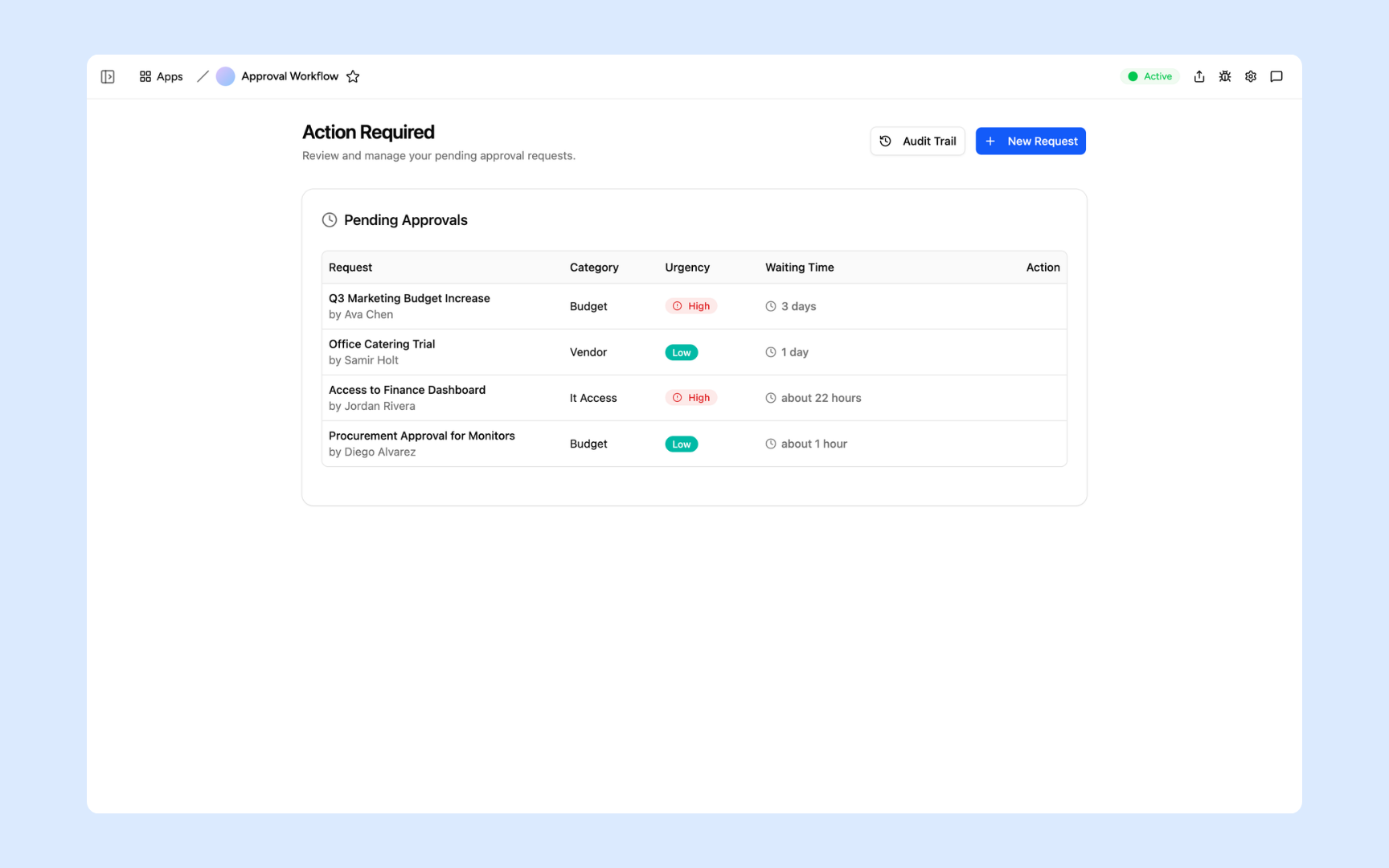
Client request intake and approval
The client submits, it routes to the right owner, the decision is recorded, and the status the client sees updates itself.
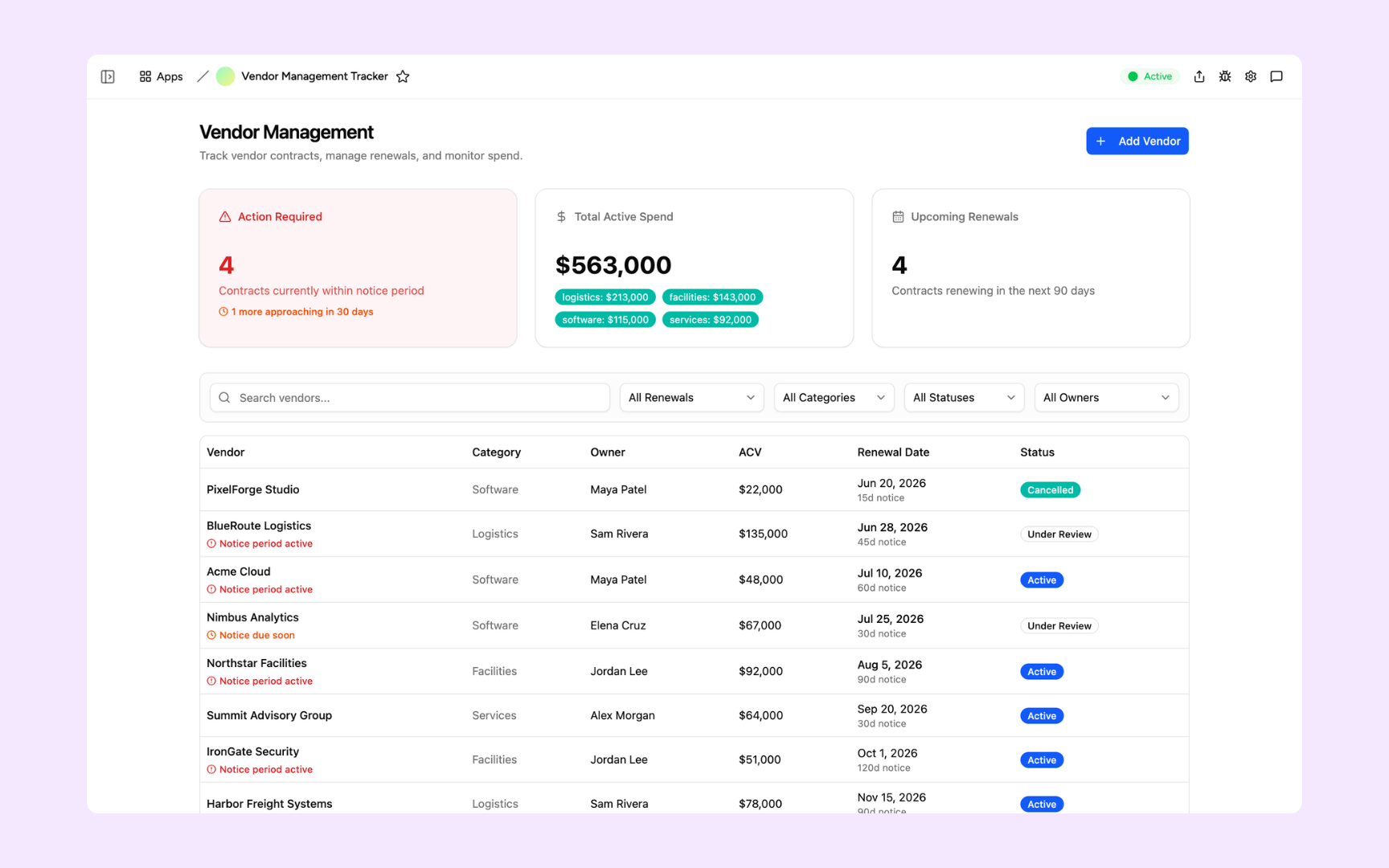
Account and delivery tracker
Accounts, owners, dates, documents, and status in one record — the internal half of the portal, with no separate base to sync.
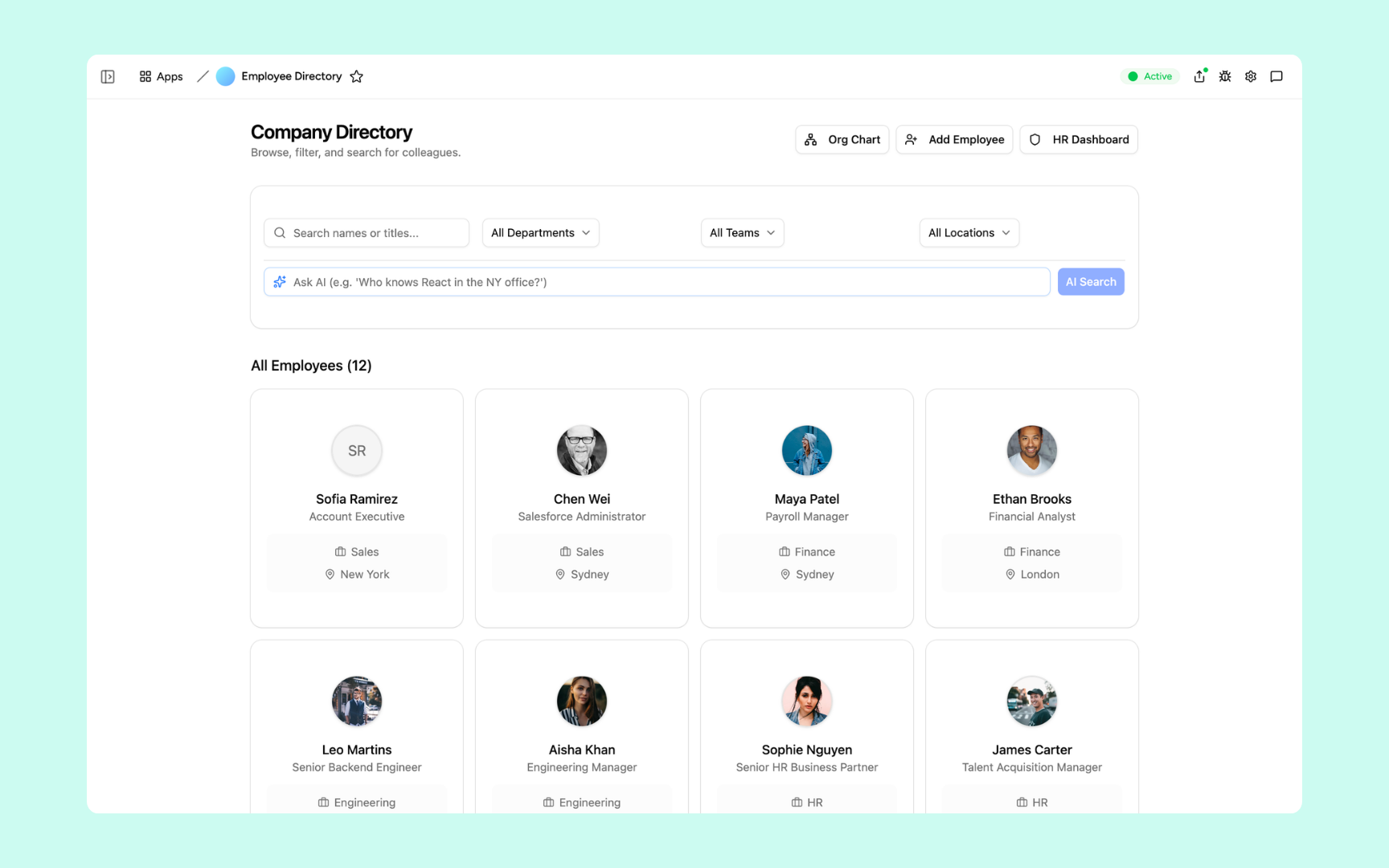
Client-facing directory
A searchable, permissioned directory of people and records, with AI search over the fields your clients actually ask about.
The portal, the agent, and the context in one place
A portal is more useful when the workspace behind it also holds the process and the knowledge. Appaca gives you all three without a second product.
Build the portal from a description
Describe who your clients are, what they should see, and what they can submit. Appaca builds the portal with its own database, roles, and forms — no external base and no block editor.
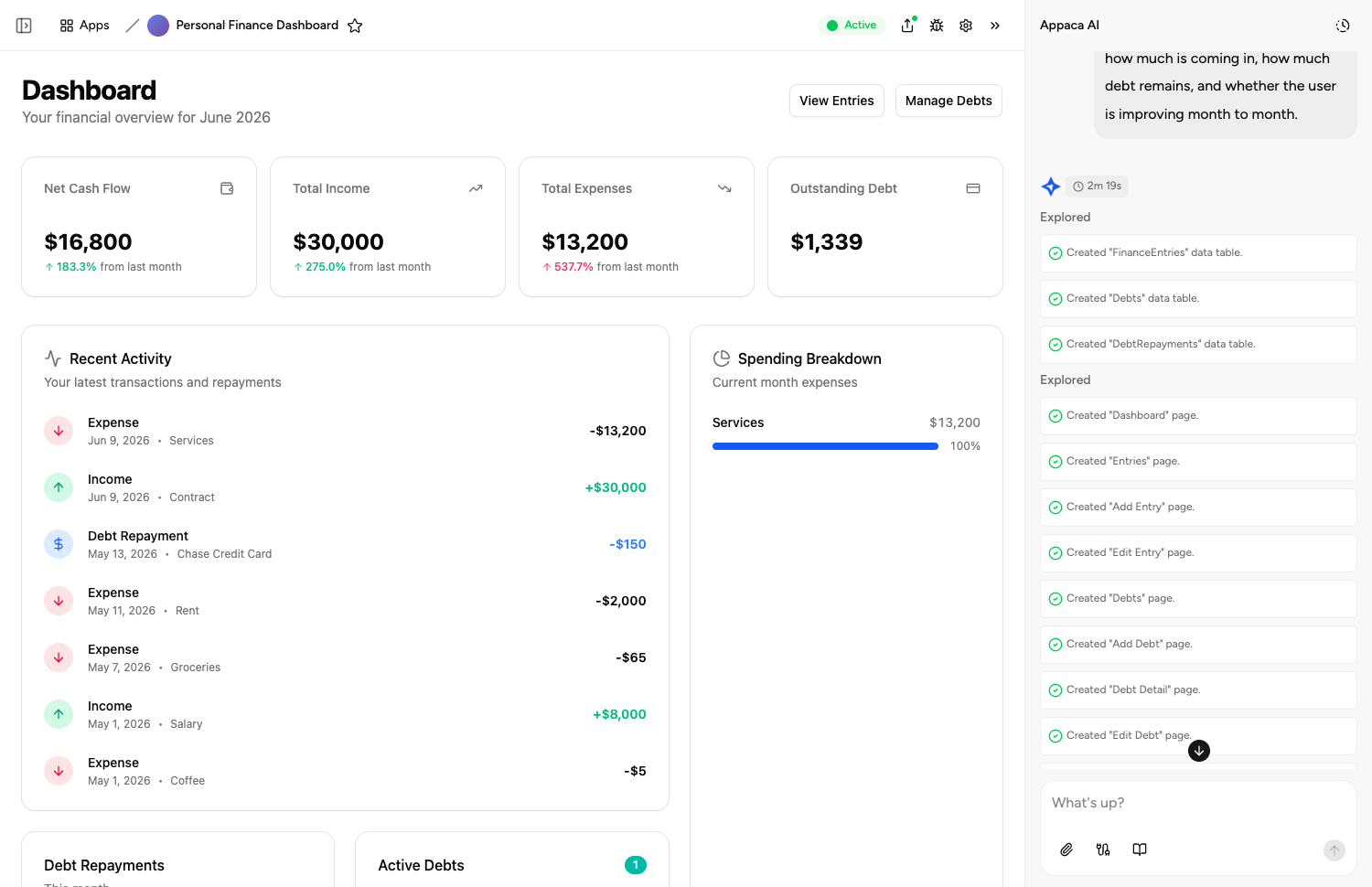
AI agents on the client work
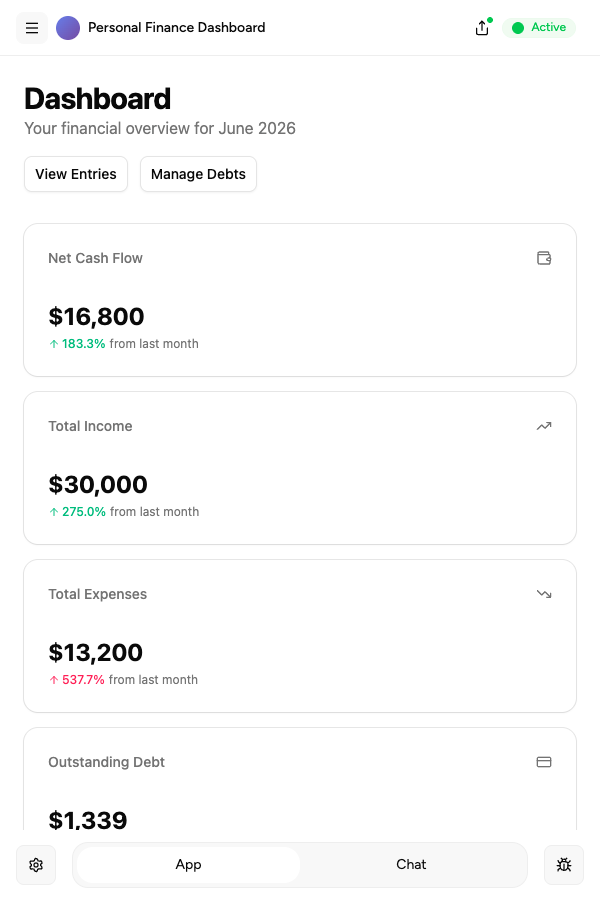
Create agents that draft status updates, summarise submitted requests, and prepare the monthly account report from the records already in the workspace.
Client context beside the work
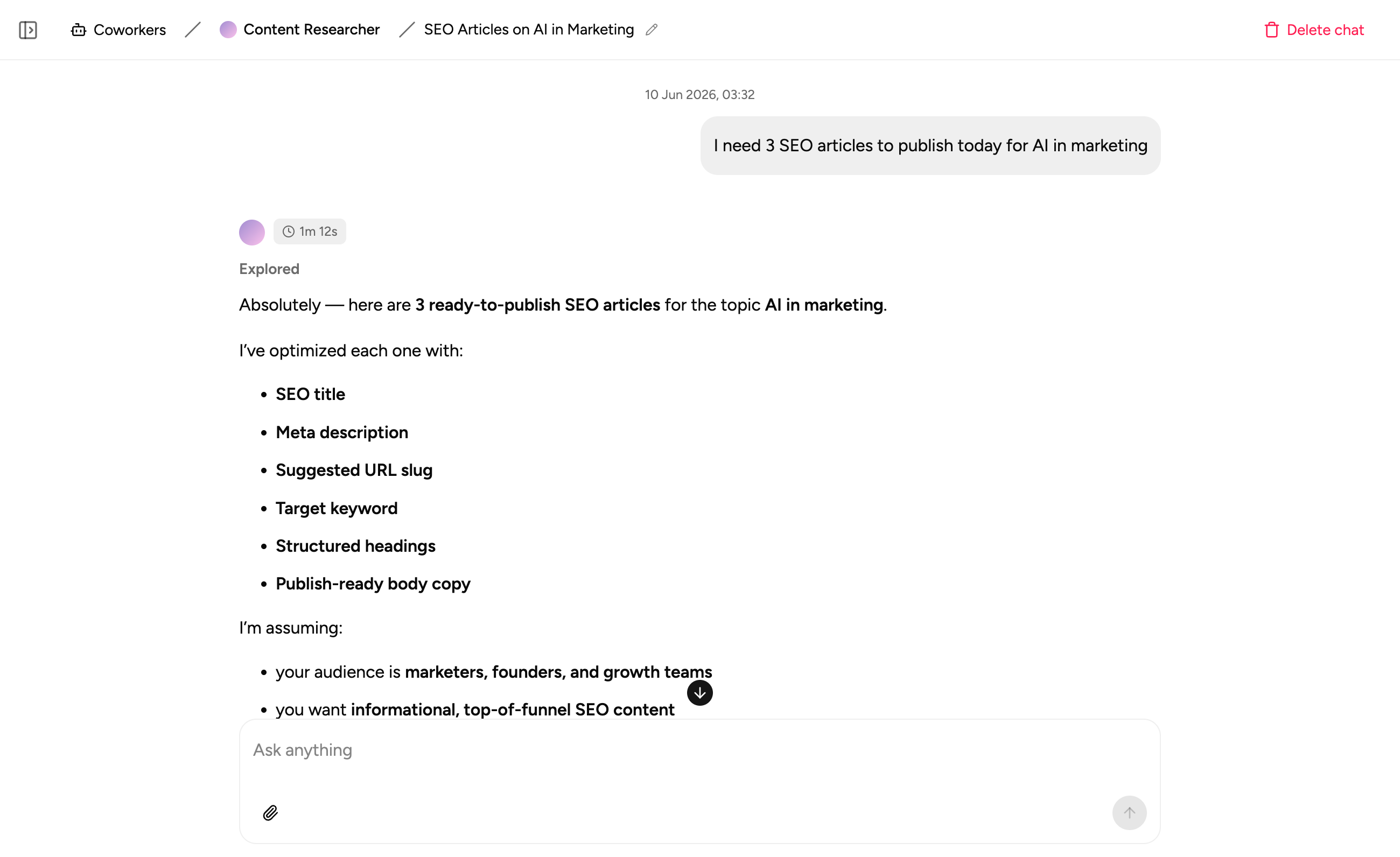
Keep briefs, brand rules, and decisions next to the client record, so anyone picking up the account has the background without a handover call.
FAQs
A client portal is a logged-in space where your clients can see their own records: project status, submitted requests, documents, approvals, and history. The point is that clients stop emailing to ask where something is, and your team stops assembling status updates by hand.
Softr is a strong portal builder, but it reads from Airtable or Google Sheets, so you run two products and two data models for one process. Appaca includes the database, so the portal and the work behind it are the same system. If all you need is a polished front end on data you are happy to keep in Airtable, Softr is a good answer and you do not need to move.
Stay if the portal is the whole job, your data genuinely belongs in Airtable, and someone is comfortable maintaining both. Move if you are paying for Softr and Airtable seats to serve one process, or if the ops work behind the portal keeps ending up in a spreadsheet nobody wants to own.
Clients sign in to see their own records, with access scoped so they only ever see their account. You control who is invited and what each role can view or edit.
Yes. Clients can submit requests through a form, those requests route to the right person on your team, and the status the client sees updates as the work moves. That intake-to-status loop is the part that usually lives in a separate tool.
Give clients a portal without giving Airtable a seat
Describe what your clients should see and what they should be able to submit. Appaca builds the portal and the workflow behind it.
- 7-day trial
- No credit card
- Cancel anytime