
A built-in database for every app you build
Every Appaca app comes with a secure, built-in database. Describe what you want to track and Appaca creates the tables for you, so there's nothing separate to set up or manage.
A database that's ready the moment you describe it
No schema design, no hosting, no separate admin panel. Describe what you need to track and Appaca builds the tables for you.
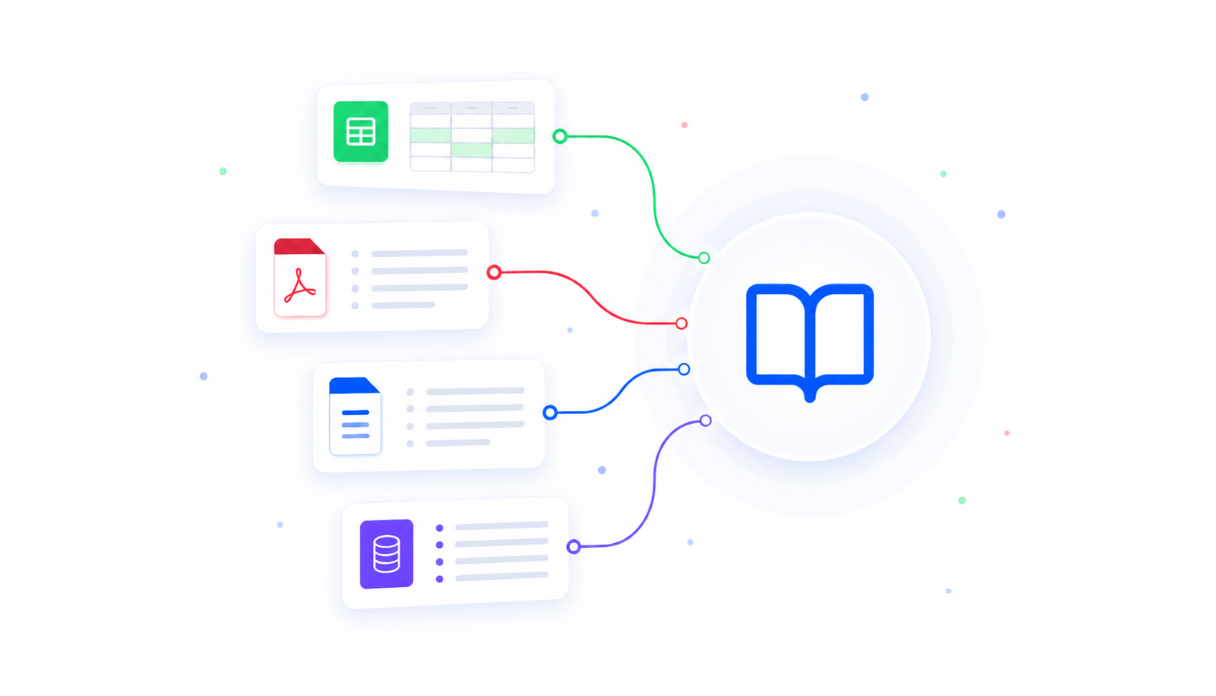
Describe your data, and Appaca builds it
Tell Appaca what you need to track and it creates the tables and fields for you automatically. Need something new later? Just describe it and Appaca adds it, no schema design required.
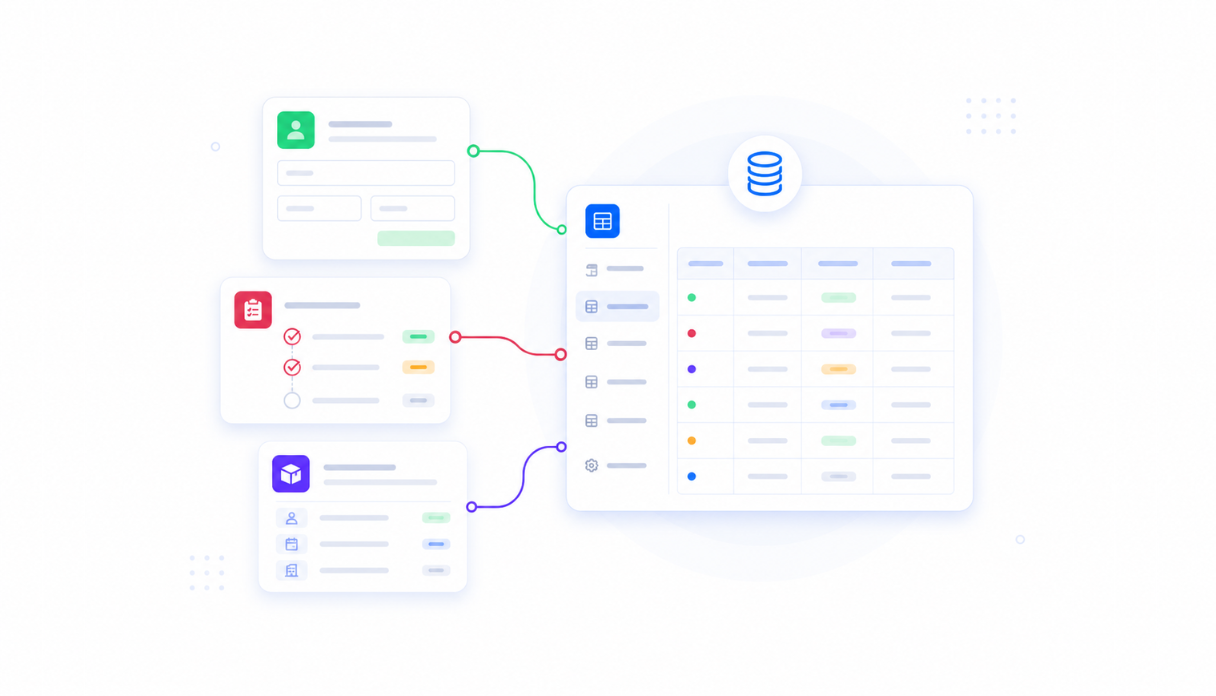
One database for every app you build
Every app in your workspace can share the same database. Build a table once, then decide which apps can view it and which can also make changes.
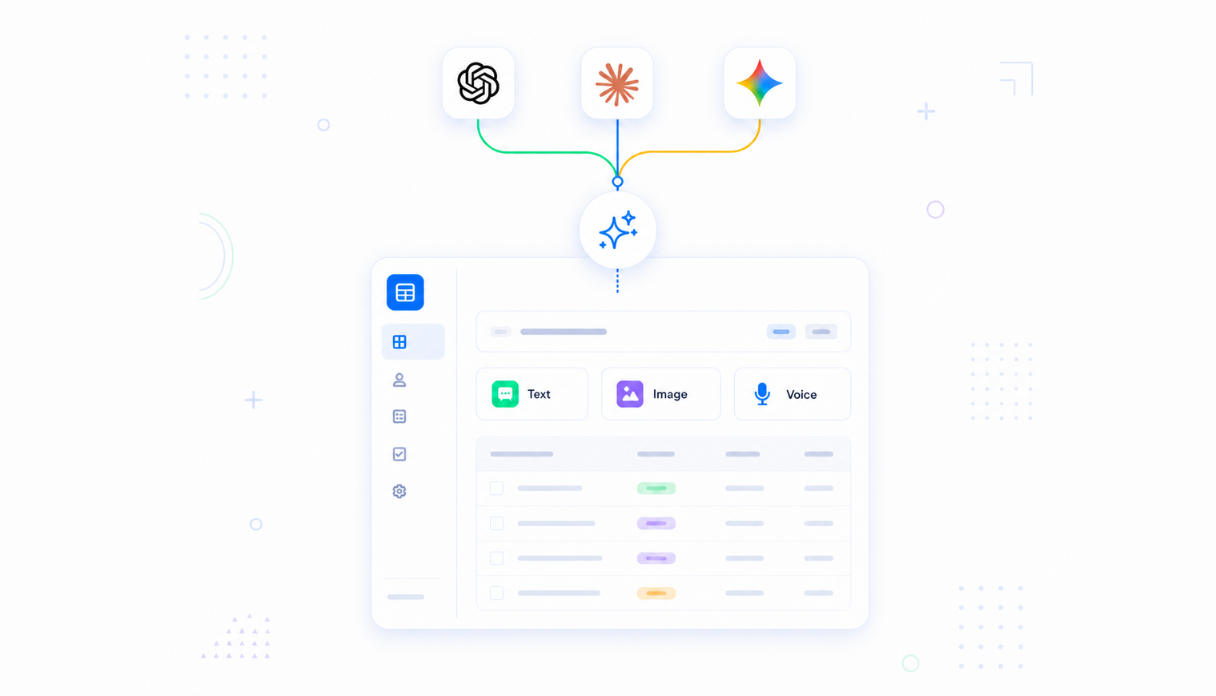
Ask your data questions, get answers
Ask a question in plain language and get the answer pulled straight from your records, no SQL and no report to build first.
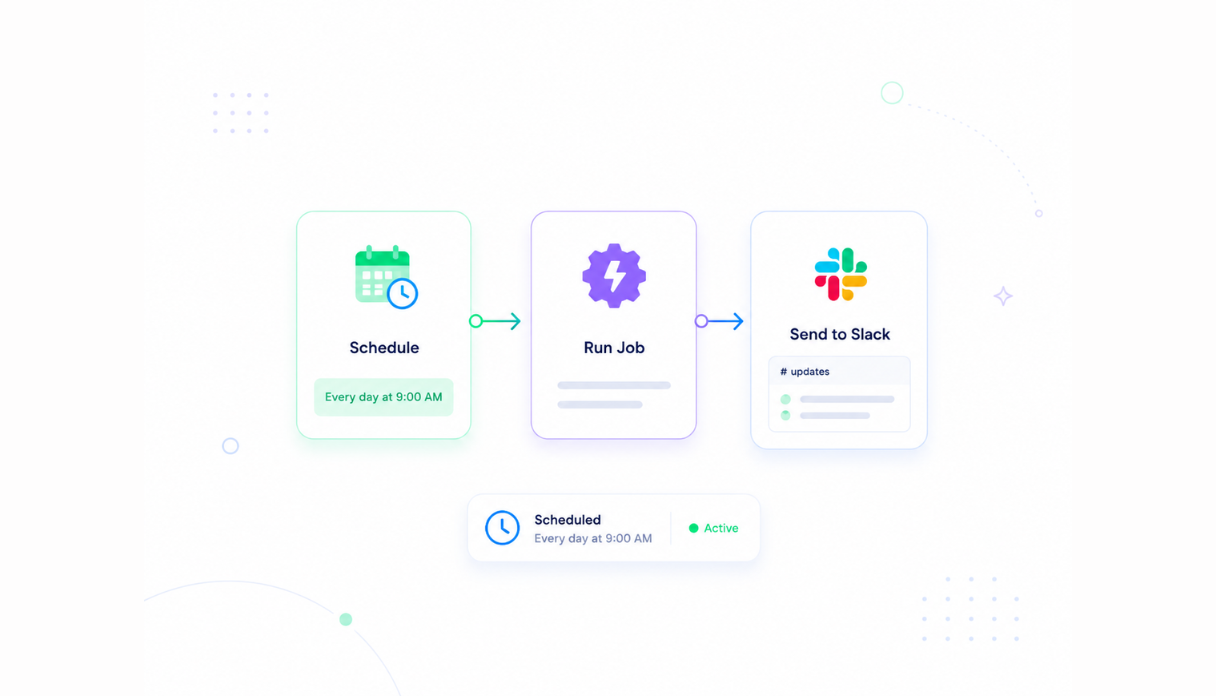
Automations that keep your data current
Set up automations that update records and keep things accurate on whatever schedule you choose, so your database stays fresh without manual upkeep.
Browse and search as a team
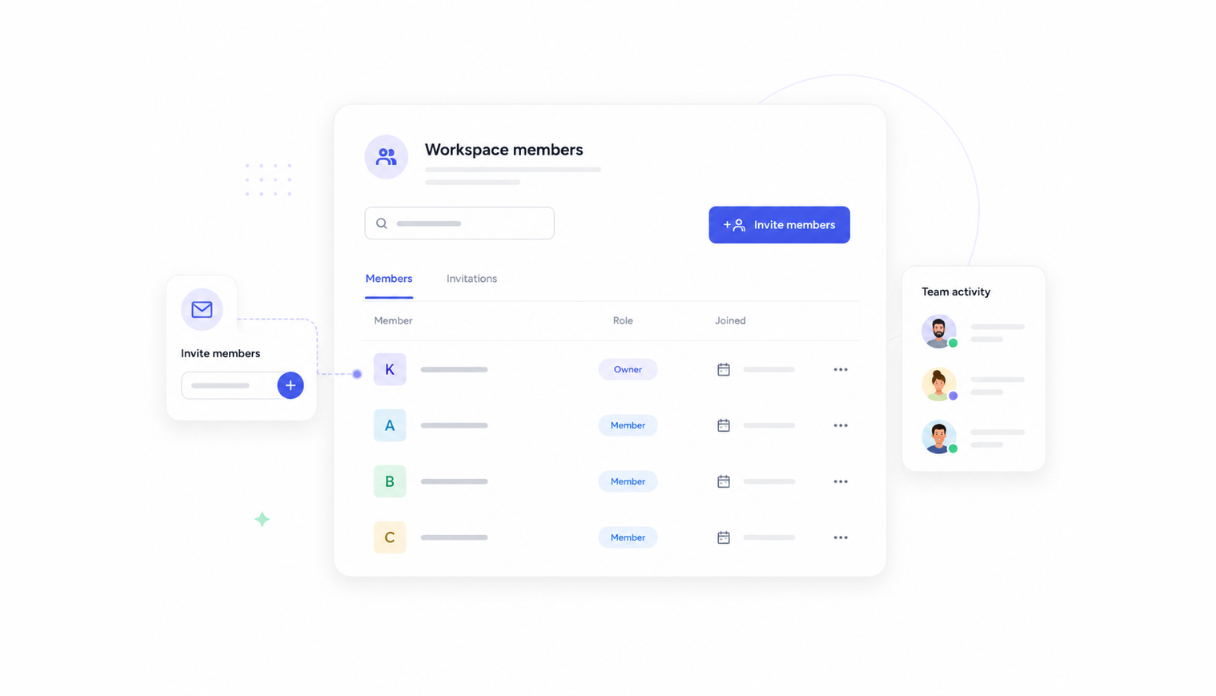
Search across your tables, browse your records, and see exactly which apps rely on each one, all from one place your whole team can use.
Works with the tools you already use
Sync your data with Airtable, Google Sheets, Google Drive, Google Calendar, and Slack, or connect anything else through Appaca's API.





A database built on a platform your team can trust
Your database comes with the platform essentials - secure access, automations, and controls - so your team can focus on the data, not the infrastructure.
Secure team sign-in
Every team member signs in with their own account. Your data is only ever seen by the people you invite.
Advanced permissions
Decide which teammates can see or change your data, and which apps are allowed to read from or write to each table.
Scheduler & automations
Trigger updates and alerts automatically on a schedule you set, all without writing a script.
Built-in structured database
Tables and fields live inside your workspace from day one, with no separate database to set up or maintain.
Enterprise-grade security
Your data is handled with the security practices your team expects - encrypted, protected, and under your control at all times.
Access from anywhere
Your database lives in the browser, so your team can view and update records from the office, home, or on the road.
File & image storage
Attach files, images, and documents directly to the records they belong to, all in one place.
Usage tracking
See how many records you've used against your plan, with a clear history of that usage over time.
FAQs
No. Every Appaca app comes with a secure, built-in database. Just describe what you want to track and Appaca creates the tables for you.
Yes. A single table can be shared across every app in your workspace, and you decide which apps can view it and which can also make changes to it.
Yes. Ask a question in plain language and get an answer pulled directly from your records, without writing any SQL.
Yes. Appaca syncs with tools like Airtable, Google Sheets, Google Drive, Google Calendar, and Slack, and can connect to anything else through Appaca's API.
Only the people you invite to your workspace, and only the apps you grant access to. You control exactly who can view or change each table.
Build on a database that's ready from day one
Describe the data your team needs to track and get a working app with a built-in database, team access, and integrations. No code, no deployment.
- 7-day trial
- No credit card
- Cancel anytime