
AI App Builder
AI app builder for your business apps
Describe the app your team needs in plain language. Appaca builds a fully functional internal app with a database, team access, and automations, without writing a single line of code.
Connect with 


Why Appaca
Why most AI app builders are not built for operational tools
Tools that generate apps with AI are becoming common. Most of them are built for one use case: shipping consumer-facing products. Appaca is built for a different job.
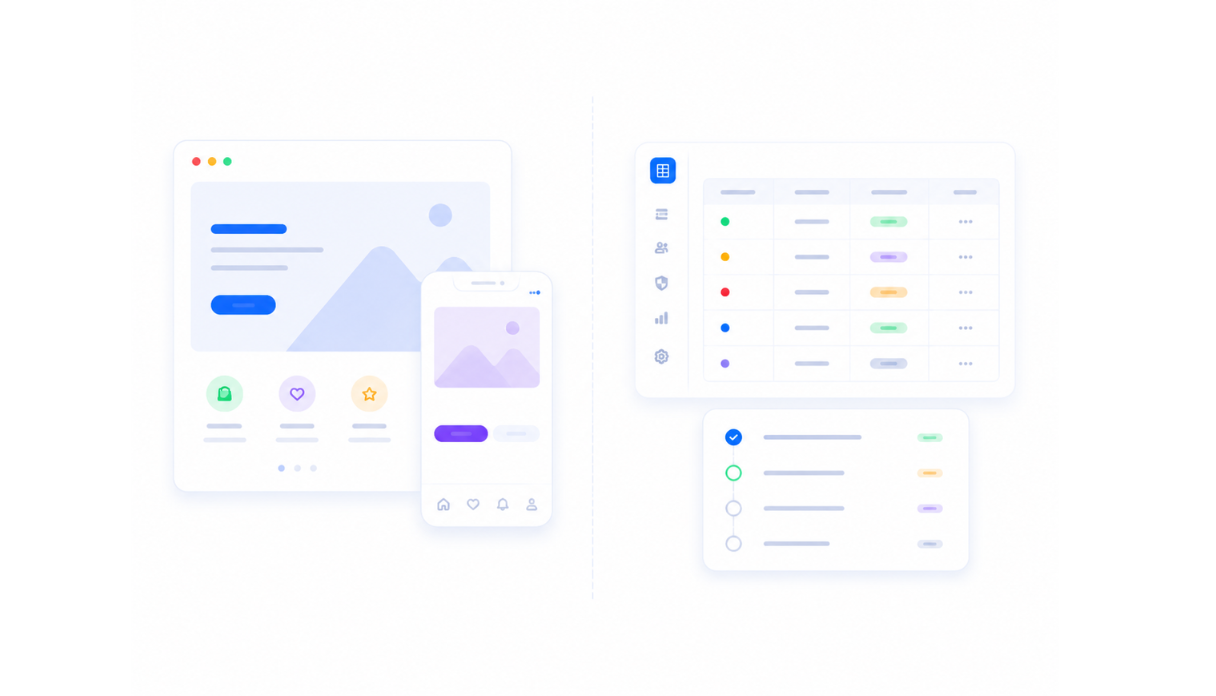
Built for consumer apps, not internal tools
Lovable, Bolt, and v0 generate apps you ship to customers. They are optimised for landing pages, SaaS MVPs, and public interfaces. The internal tools your team runs operations on need a different set of requirements.
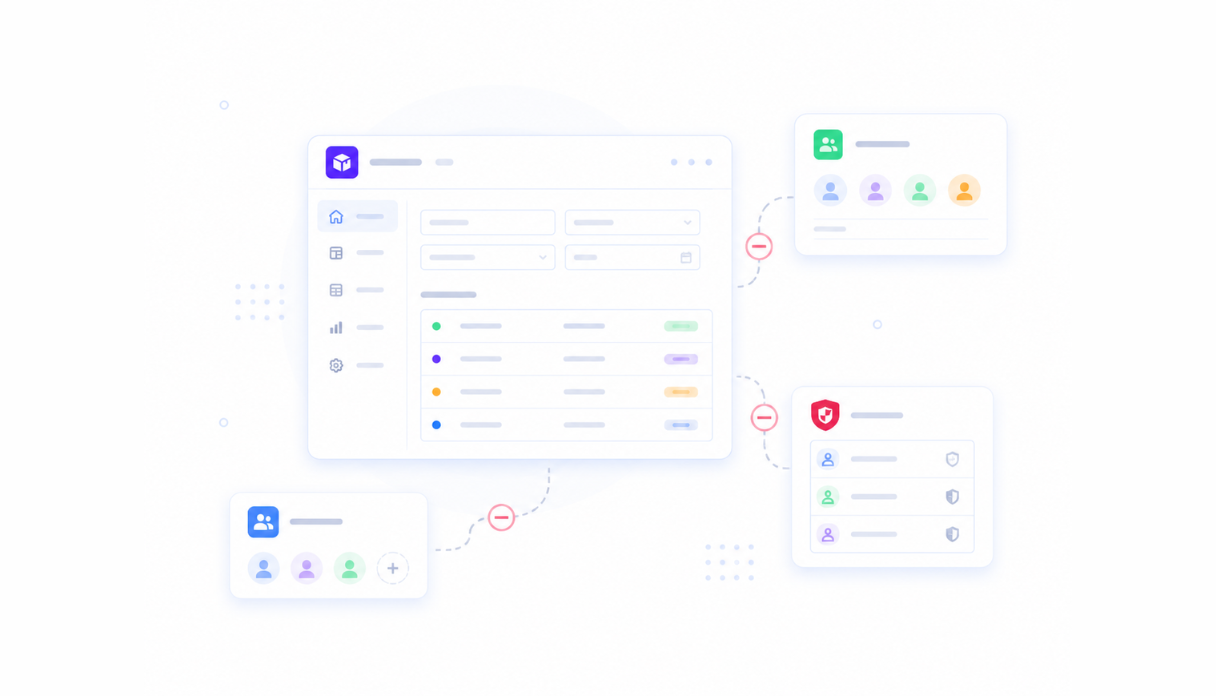
No team access or permissions model
Most AI app builders generate standalone apps. They have no concept of a shared workspace, role-based permissions, or the multi-user access patterns that every internal tool needs from day one.
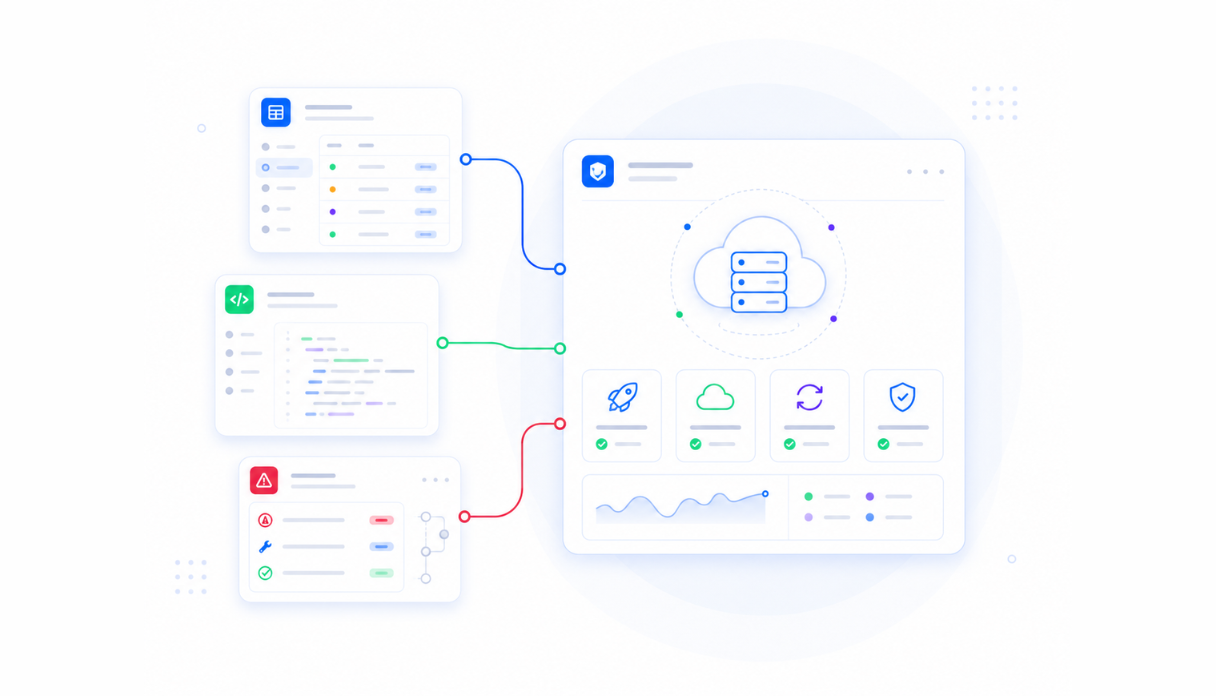
You own the deployment headache
Generated apps get handed back to you as code. You deploy them, host them, update them, and fix them when something breaks. Appaca runs everything in the platform so you never touch the infrastructure.
Platform
One AI workspace for all your internal apps
Build the app, add the AI agents, set the automations, and share it with your team. All in one workspace without touching code or managing infrastructure.
Build any internal app with AI
Describe what you need and the Appaca agent builds a working app. Forms, tables, dashboards, workflows, and views are created around the process you describe.




AI agents that work inside your apps
Add AI agents that process requests, generate content, score records, and trigger automations inside the apps you build. Your team gets AI that understands the specific job it is doing.
Context and docs alongside your apps
Keep process docs, SOPs, and reference material in the same workspace as your apps so your team always has the context they need without switching tools.

Use cases
Internal apps teams build with Appaca
From approval workflows to AI content generators to lead scoring tools. Whatever your team needs to run operations, Appaca builds it.
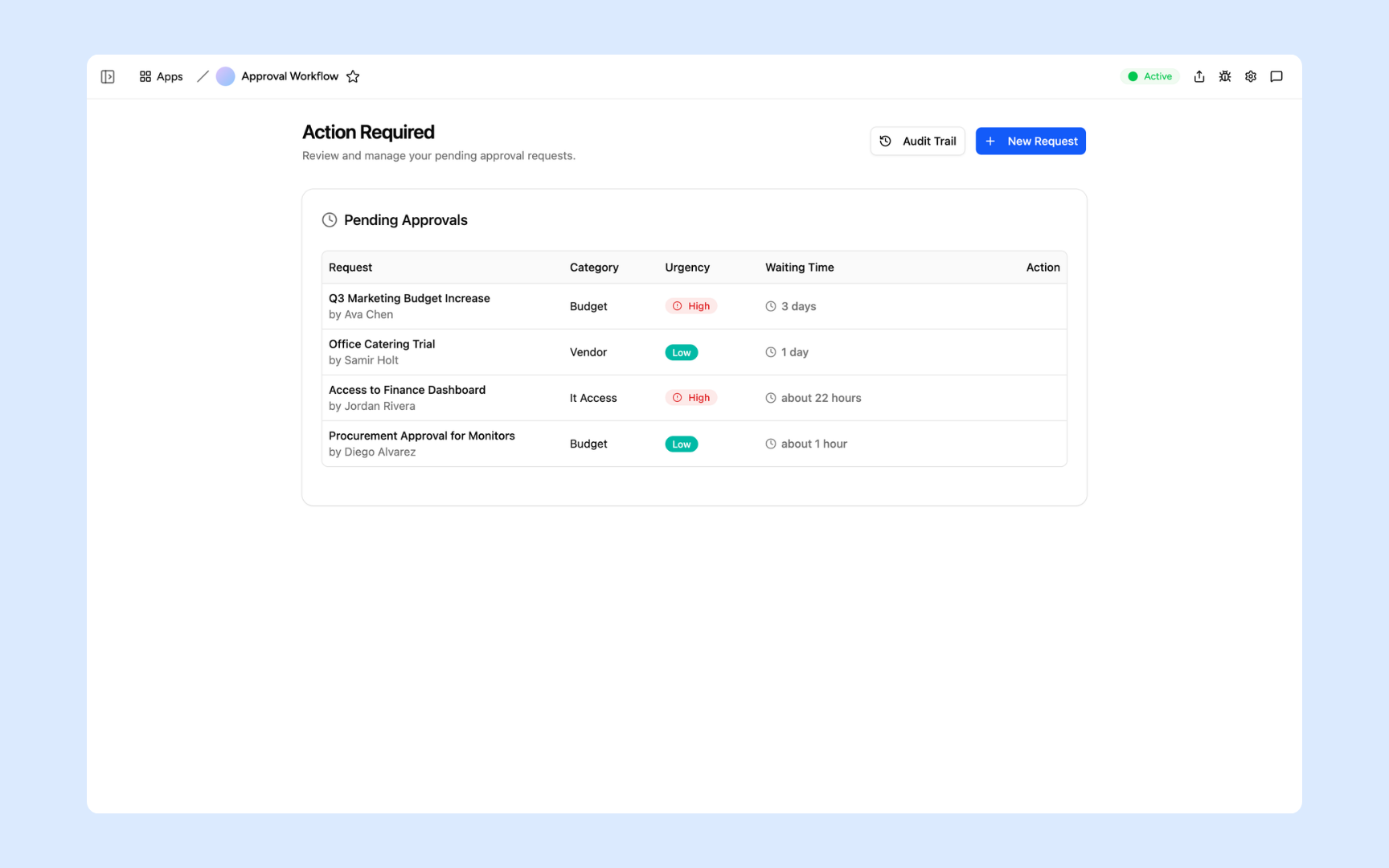
Approval Workflow
Describe an approval workflow and Appaca builds it in minutes. Routing rules, Slack alerts, audit trail, and team access all included, with no code required.
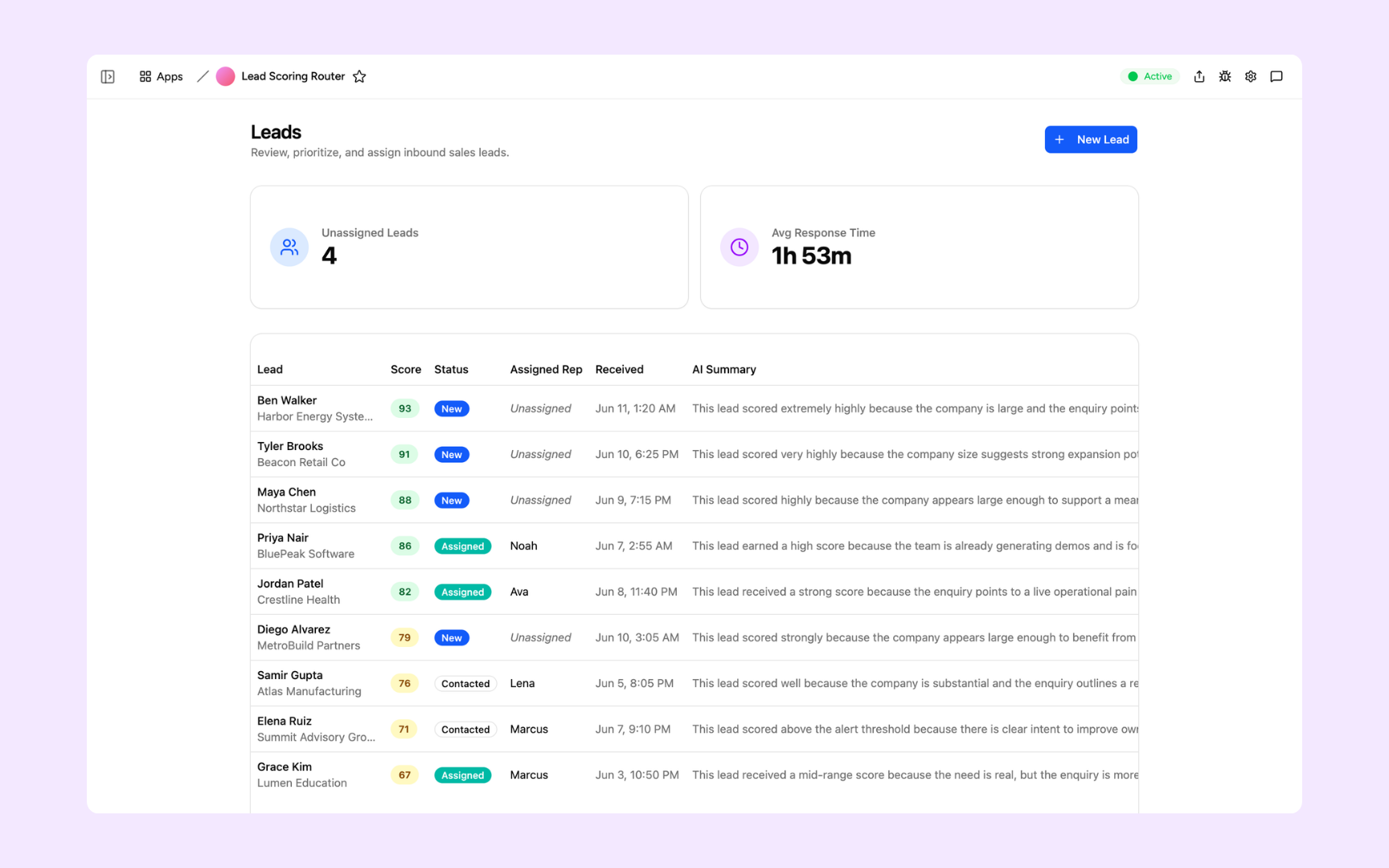
Lead Scoring and Routing
Score and prioritise inbound leads from your CRM, then alert the right rep in Slack. An AI app builder puts the full tool in your hands without touching a line of code.
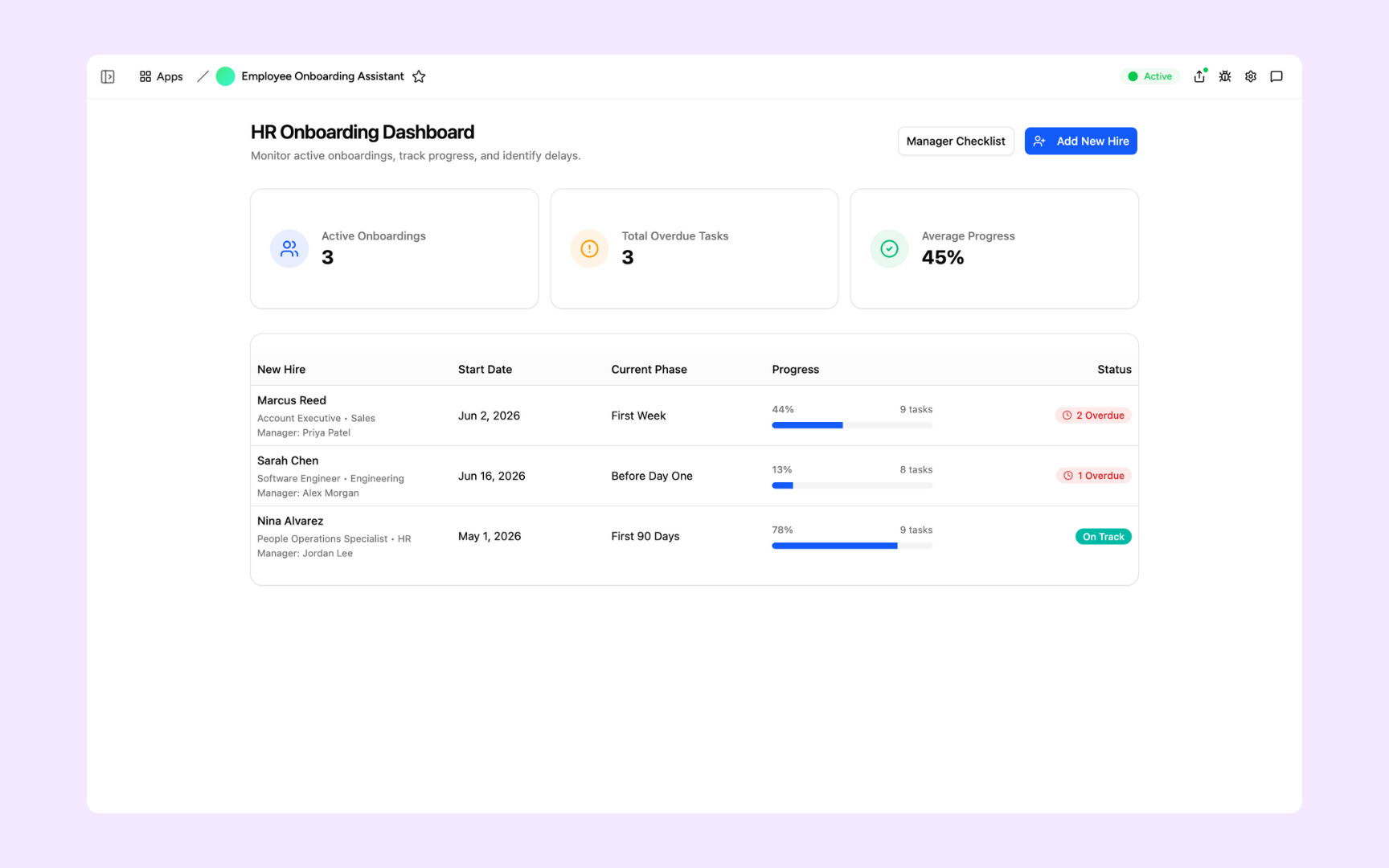
Employee Onboarding Assistant
Generate personalised onboarding plans for every new hire, track completion phase by phase, and keep managers and HR in sync. Built with AI, running in minutes.
Offerings
Every app built on a platform your team can trust
Authentication, permissions, database, automations, and security are all built in from day one. You build the tool, not the infrastructure.
Secure team sign-in
Every team member signs in with their own account. Your operational data is only ever seen by the people you invite.
Role-based permissions
Control who can view, edit, or manage each app and each record. Every user gets exactly the access their role requires.
Scheduler and automations
Trigger actions when data changes, send alerts to Slack, and schedule recurring tasks. All the automations your workflows need, built in.
Secure built-in database
Every app comes with a secure database. Structured, searchable, and always up to date without a separate database setup.
Enterprise-grade security
Your operational data is encrypted, protected, and under your control. No sensitive data in a shared tool anyone can access.
Access from anywhere
Your apps live in the browser. Your team can use them from the office, home, or on the road without installs or VPN.
File and image storage
Attach files, images, and documents to the records they belong to inside the apps you build.
Usage tracking
See which apps your team actually uses and how often so you know what is working and where to build next.
Explore more ways to build with Appaca
See related use cases, solutions by team, and how Appaca compares to other AI app builders.
FAQs
What is an AI app builder?
An AI app builder lets you create functional apps by describing what you need in plain language, rather than writing code. Appaca is an AI app builder for internal tools: the CRMs, dashboards, portals, and workflow tools your team uses to run the business.
What kinds of apps can I build with Appaca?
Internal tools, workflow apps, custom CRMs, approval portals, employee directories, vendor trackers, dashboards, onboarding tools, and any app your team needs to manage a business process. If you can describe the workflow, Appaca can build the app.
How is Appaca different from Lovable, Bolt, or v0?
Those tools generate apps you ship to customers. Appaca builds the operational tools your business runs on internally. The distinction matters: internal apps need different security models, data access patterns, team permissions, and integrations than consumer-facing products.
Do apps built with Appaca require maintenance?
No. Appaca manages the infrastructure. Your apps run in the platform without deployment, servers, or updates you need to manage. You focus on using the tool, not maintaining it.
Can I use Appaca as a team?
Yes. Every Appaca workspace supports multiple team members with role-based permissions. Invite your team, set access levels, and everyone works from the same set of internal tools.
How long does it take to build an app?
Most teams have a working first version the same day. You describe the app, the agent builds it, and you refine it until it fits the way your team works.
Build any internal app with AI
Describe the tool your team needs and Appaca builds it. No code, no deployment, no maintenance.
- 7-day trial
- No credit card
- Cancel anytime