
AI Workflow Builder
Build automated workflows with AI, no code required
Describe the approvals, routing, and automations your team needs. Appaca builds a real app with the workflow logic, notifications, and audit trail built in, without writing a single line of code.
Connect with 


Why Appaca
Why automation platforms aren't enough for real workflows
Trigger-action automation tools are great at connecting apps. They fall short the moment your workflow needs a place for people to actually work - a form to fill out, a queue to review, a status to check.
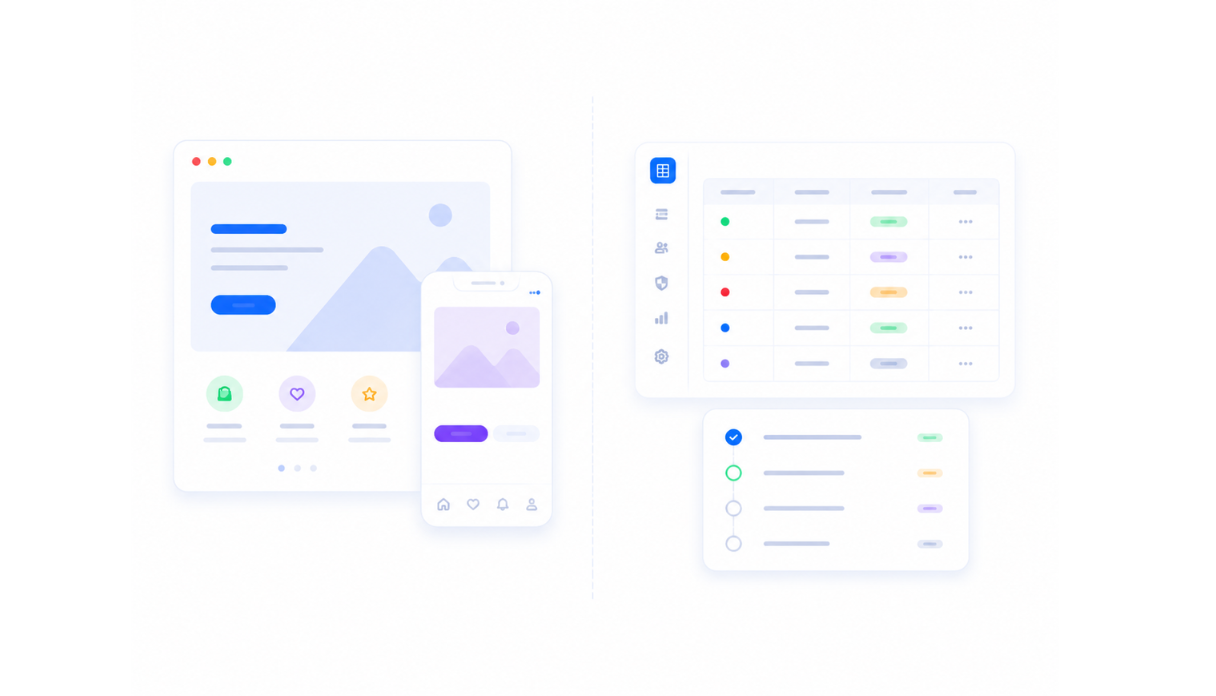
Automation without an interface
Zapier and Make run automations between apps you already have. There's no UI for someone to submit a request, review a queue, or check a status - the workflow runs invisibly, with no home.
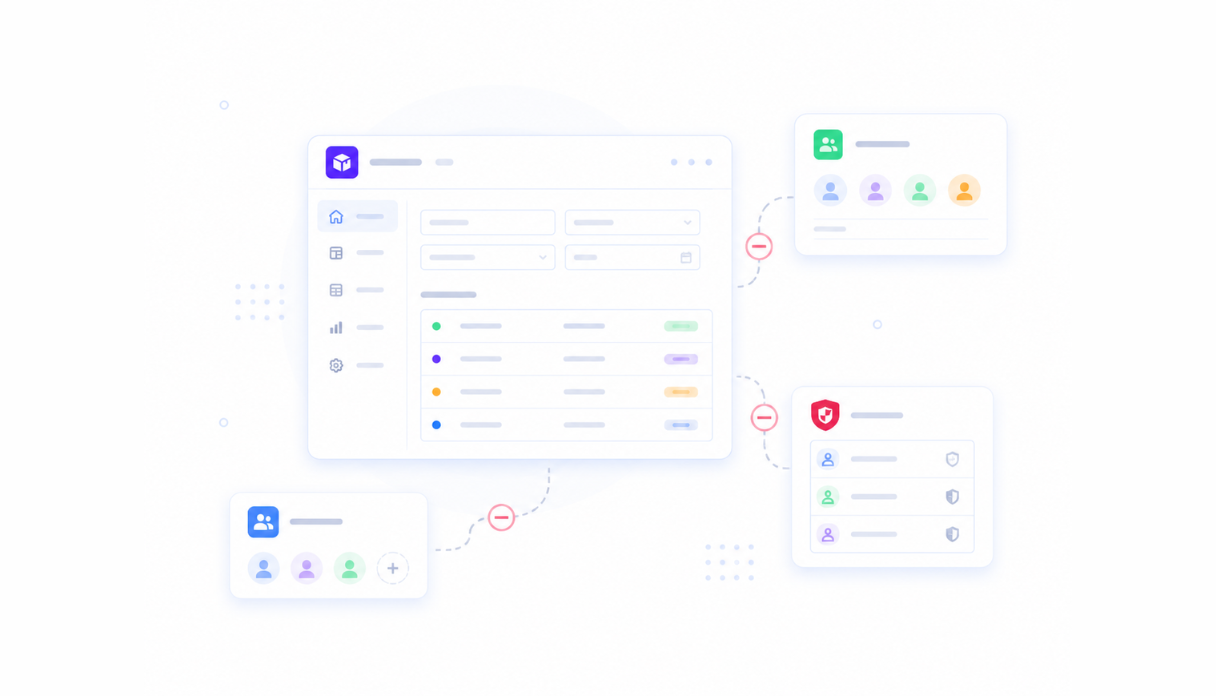
Task limits and per-run pricing
Automation platforms charge per task or per run, so the busier your workflow gets, the more it costs. Appaca's flat pricing doesn't meter every step your workflow takes.
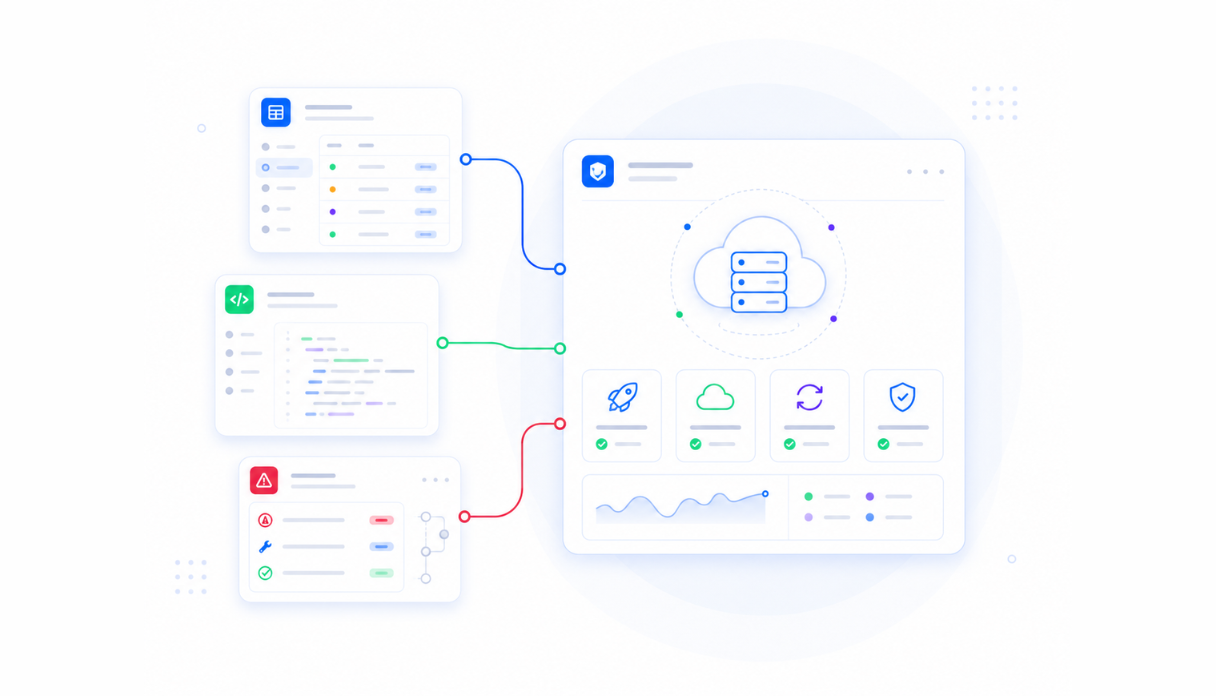
No database of its own
Most automation tools have nowhere to store state - they read and write to whatever app you already connected. Appaca gives every workflow a built-in database, so it doesn't depend on a spreadsheet somewhere else.
Platform
One AI workspace for every workflow
Build the app, define the routing and approval logic, set the automations, and share it with your team. All in one workspace without touching code or managing infrastructure.
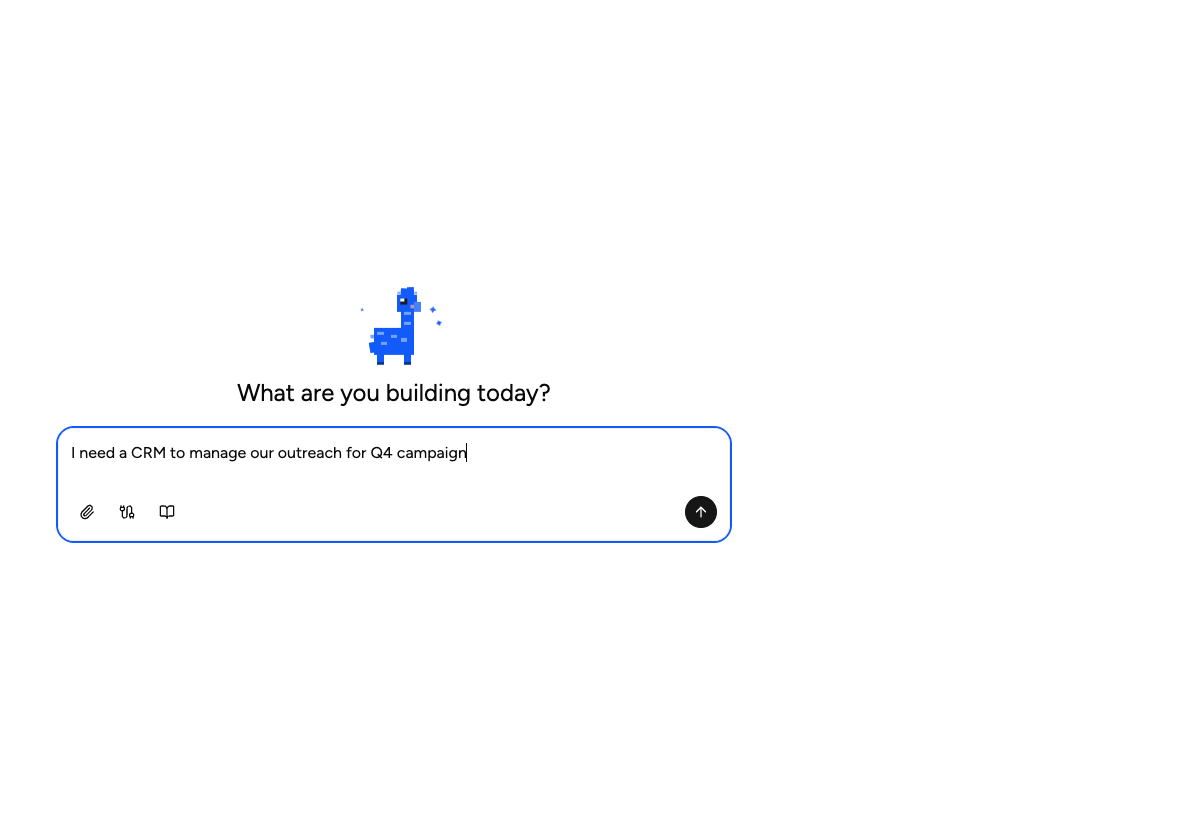
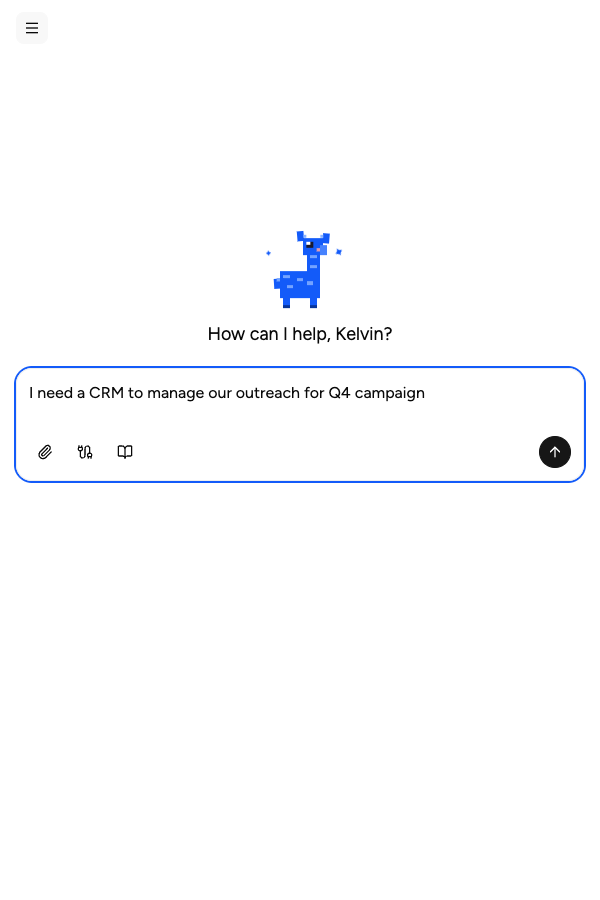
Describe the workflow, get the app
Describe the steps, approvals, and routing your process needs. Appaca builds a working app with the forms, queues, and views that fit the workflow.
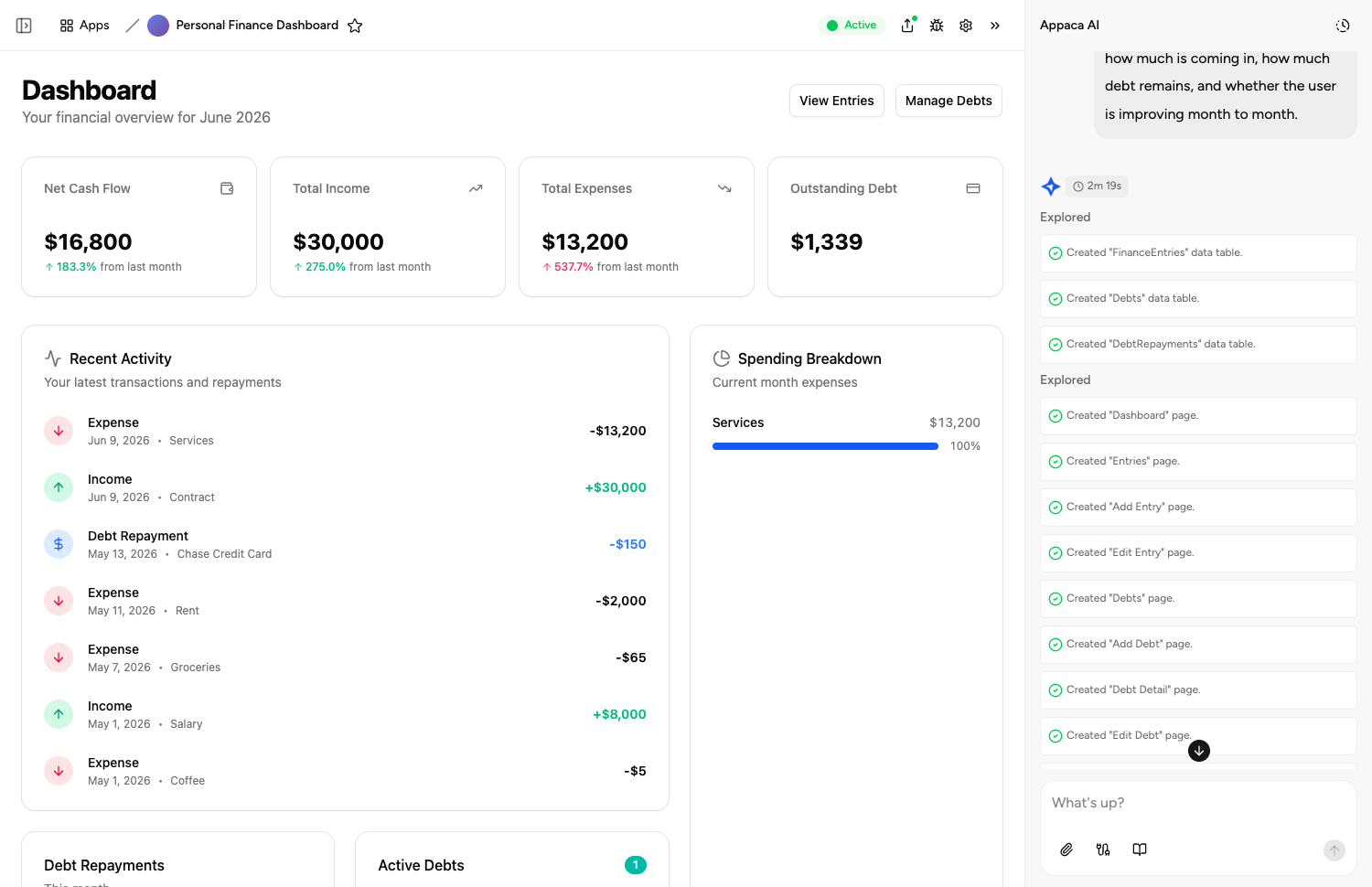
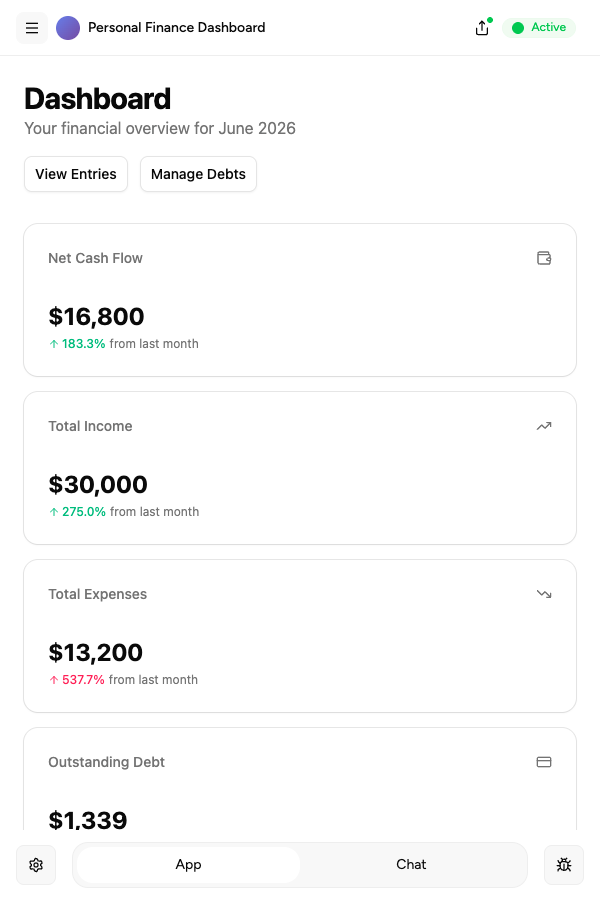
AI agents that move the workflow forward
Add AI agents that triage, score, summarise, and route records as they move through your workflow. Your team gets AI that understands the specific step it's handling.
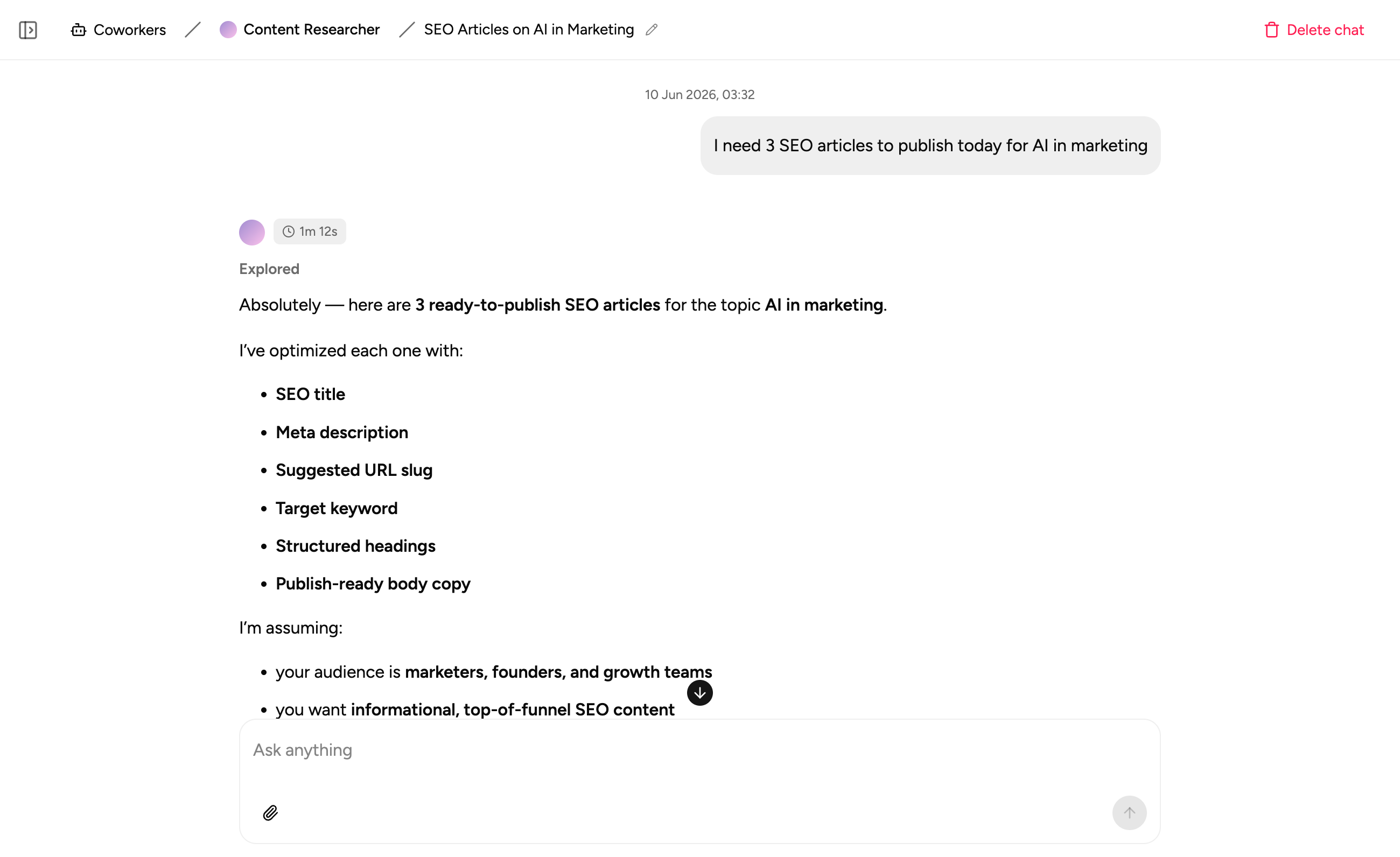
Scheduling and triggers built in
Run recurring reports, send reminders, and trigger the next step automatically when data changes - all inside the same app your workflow lives in.

Use cases
Workflows teams build with Appaca
From approval routing to ticket triage to scheduled reporting. Whatever multi-step process your team needs automated, Appaca builds the app around it.
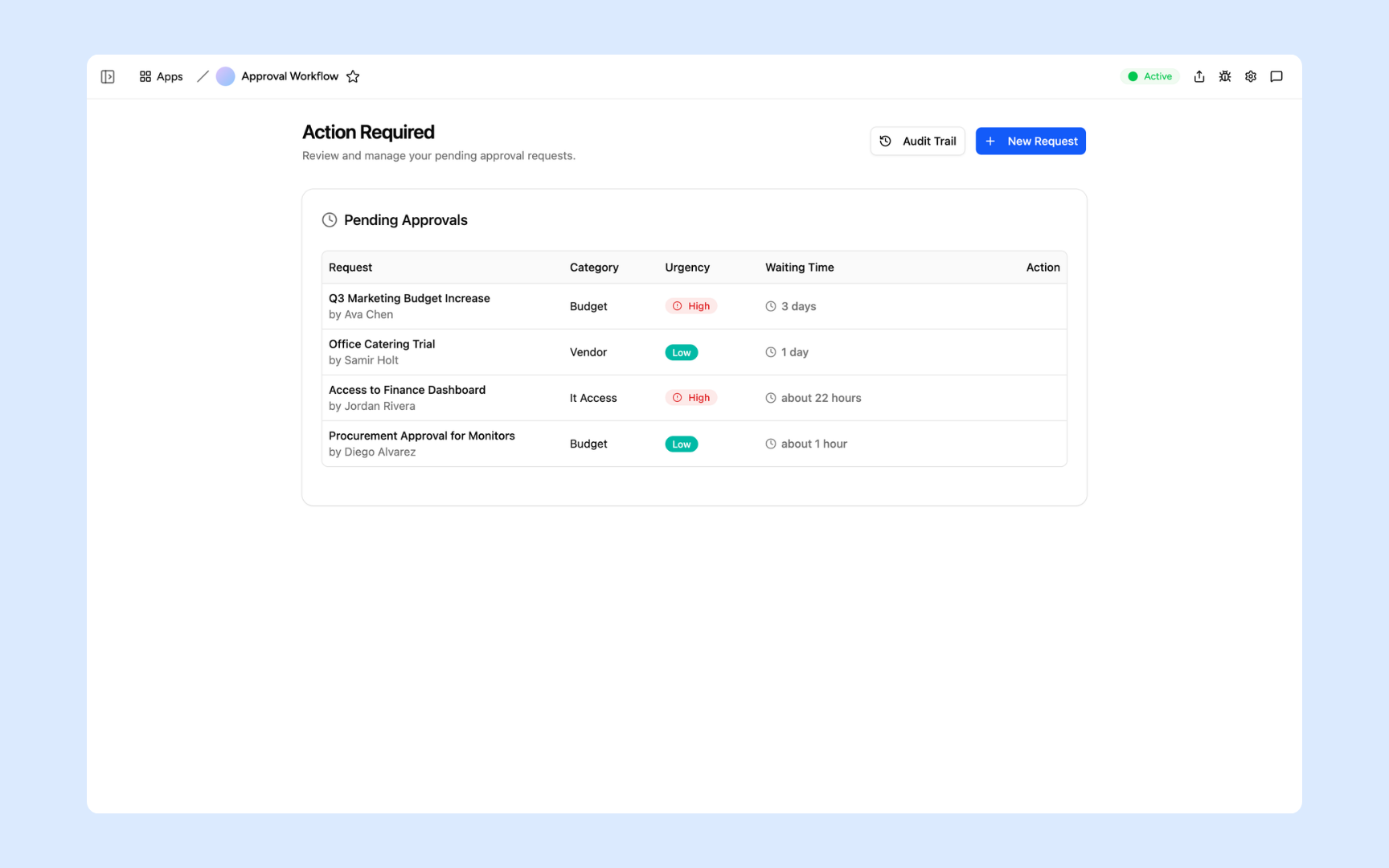
Approval Workflow
Describe an approval workflow and Appaca builds it in minutes. Routing rules, Slack alerts, audit trail, and team access all included, with no code required.
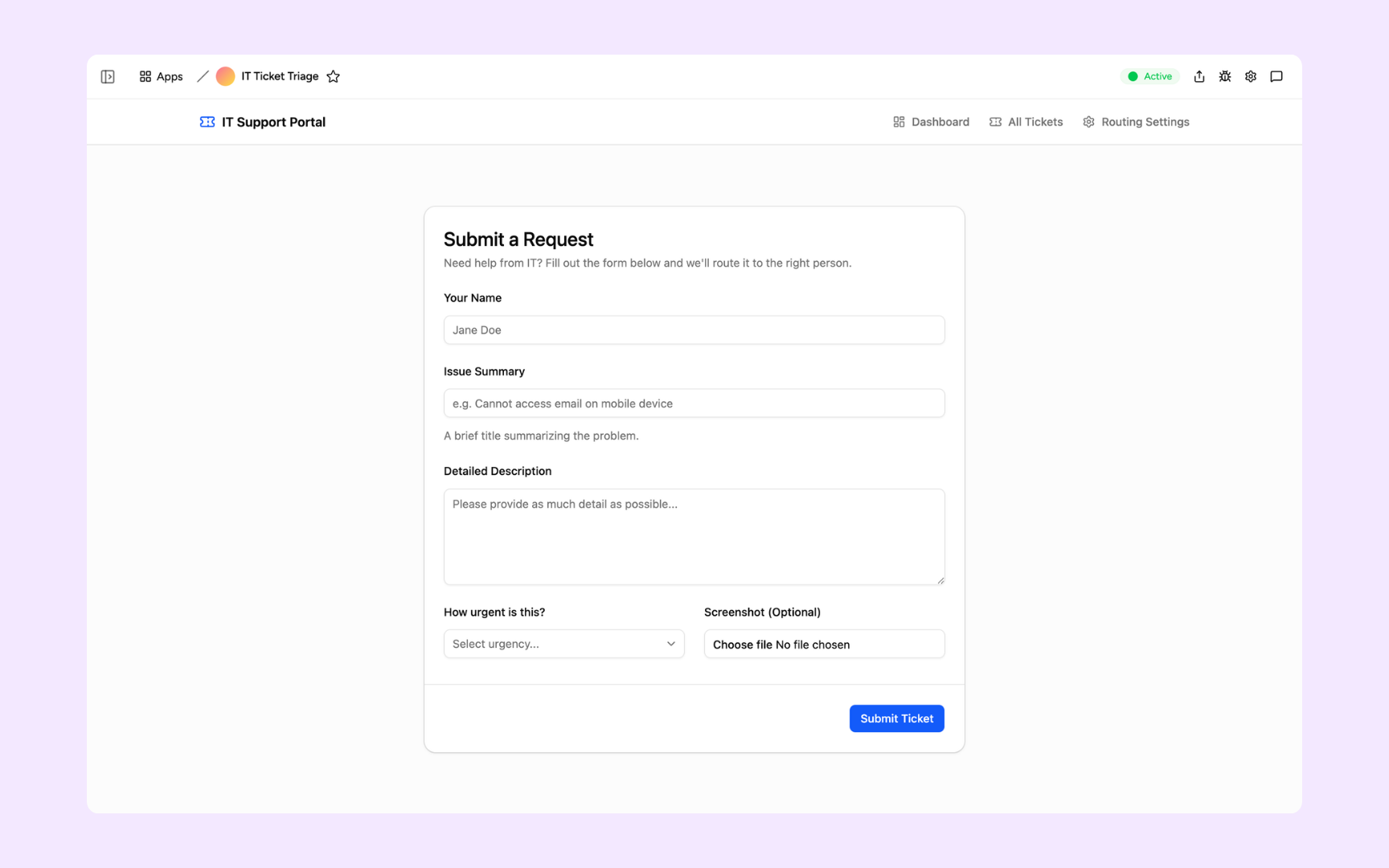
Ticket Triage Router
Automatically categorise, prioritise, and route every IT request to the right person - a multi-step workflow that runs itself instead of a shared queue everyone eyeballs.
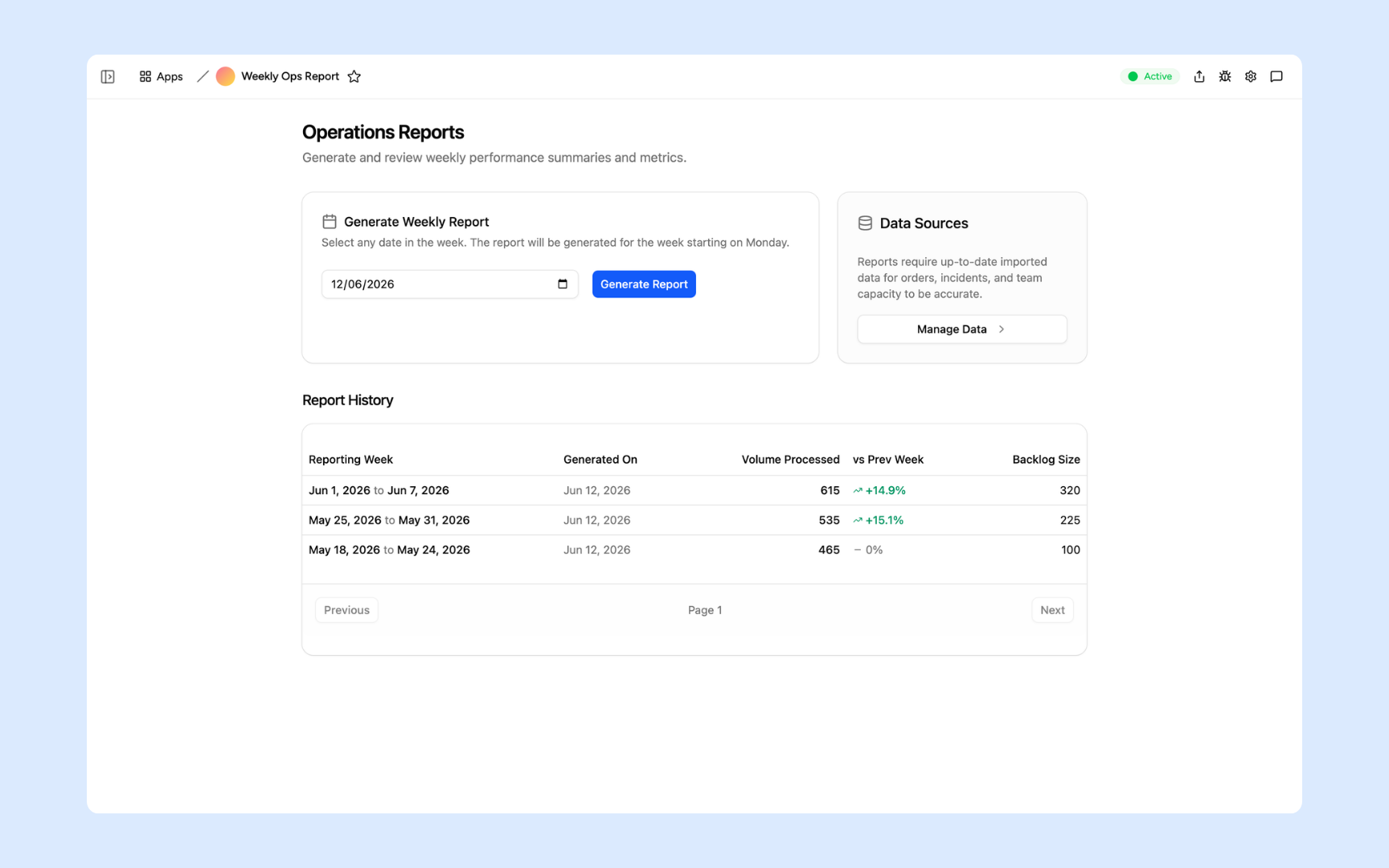
Ops Report Generator
Turn raw operational data into a finished weekly summary with AI-written commentary - pulled, processed, and delivered on a schedule without anyone assembling it by hand.
Offerings
Every workflow built on a platform your team can trust
Authentication, permissions, database, scheduling, and security are all built in from day one. You build the workflow, not the infrastructure.
Secure team sign-in
Every team member signs in with their own account. Your workflow data is only ever seen by the people you invite.
Role-based permissions
Control who can submit, approve, or manage each step of the workflow. Every user gets exactly the access their role requires.
Scheduler and automations
Trigger the next step when data changes, send alerts to Slack, and schedule recurring runs. All the automation your workflow needs, built in.
Secure built-in database
Every workflow comes with a secure database to track state and history. Structured, searchable, and always up to date without a separate database setup.
Enterprise-grade security
Your workflow data is encrypted, protected, and under your control. No sensitive requests routed through a tool anyone can access.
Access from anywhere
Your workflows live in the browser. Your team can submit, approve, and review from the office, home, or on the road without installs or VPN.
File and image storage
Attach files, receipts, and documents to the records moving through your workflow.
Usage tracking
See where records are moving quickly and where they're stalling, so you know which step of the workflow needs attention.
Explore more ways to build with Appaca
See related use cases, solutions by team, and how Appaca compares to other automation tools.
FAQs
What is an AI workflow builder?
An AI workflow builder lets you create multi-step processes - routing, approvals, scheduled reports, notifications - by describing them in plain language instead of wiring together triggers and actions manually. Appaca builds the workflow as part of a real app, not a disconnected automation running in the background.
How is Appaca different from Zapier or Make for building workflows?
Zapier and Make connect existing apps with trigger-action automations. Appaca builds a real app with a UI, database, and team access around your workflow, then adds the automation logic on top - so your team has a place to work, not just a pipe running invisibly between other tools.
Can Appaca handle multi-step approval or routing workflows?
Yes. Describe the steps - who approves what, what happens on rejection, who gets notified - and Appaca builds the routing logic, audit trail, and notifications into the app. Approval workflows, ticket routing, and escalation chains are common examples.
Do workflows built with Appaca require ongoing maintenance?
No. Appaca manages the infrastructure and keeps your automations running. There's no server to maintain and no separate automation platform to keep in sync with the app your team actually uses.
Can I schedule recurring workflows, like weekly reports?
Yes. Appaca supports scheduled and triggered automations - recurring reports, reminders, and data syncs - alongside the app your workflow lives in, so the output lands in a real interface rather than just an email.
How long does it take to build a workflow with Appaca?
Most teams have a working first version the same day. Describe the workflow, the agent builds the app and the automation logic together, and you iterate from there.
Build any workflow with AI
Describe the approvals, routing, and automations your team needs and Appaca builds it. No code, no deployment, no maintenance.
- 7-day trial
- No credit card
- Cancel anytime