Bring the planned shifts
Supply names, shift dates, start and end times, and work locations for a defined roster period.
Organise a simple shared shift roster and keep change requests alongside it. Track who's planned to work, where, and when, with decisions made by your team.
| Team member | Shift | Location | Status |
|---|---|---|---|
| Alex Morgan | Mon · 9 am–5 pm | Front desk | Confirmed |
| Sam Lee | Tue · 9 am–5 pm | Front desk | Change requested |
| Jordan Taylor | Wed · 10 am–6 pm | Operations | Confirmed |
Supply names, shift dates, start and end times, and work locations for a defined roster period.
Check assignments and obvious gaps against the availability and rules you provide. Your team confirms the plan.
Capture change requests and their status, then update the roster after the responsible person confirms a change.
Give Appaca the details that make this work yours.
Organise these planned shifts into a simple shared roster by date and location. Add a way to record change requests with a reason, proposed change, reviewer, and status. Flag missing assignments for our manager to review.Start this task
Get a useful first result, then give recurring work a place in your workspace.
Keep shifts and change requests in shared tables. Ask for a simple roster app with date and location views when the team needs an ongoing reference.
Get startedPrepare a daily list of upcoming shifts and unresolved change requests. Use the maintained roster as the source and configure any notification destination separately.
Get startedThe inputs, setup, and follow-through for this workflow.
This workflow maintains a shared roster and change-request records. Keep shift optimisation, credential checks, labour-rule enforcement, and coverage validation in your established scheduling process.
Views can filter shared roster records for convenience. Filtered views do not create private staff or manager queues, so use information suitable for workspace sharing.
Start by describing the work and providing the relevant context. Appaca can help in conversation. When your team needs to manage the results over time, ask for shared records and a focused internal app. You can describe the app and changes in plain language.
Share supported files and company documents, or use the actions available in connected services. Specify the source and how it should be updated. Custom integrations need separate configuration and testing; a connection alone does not create continuous synchronisation.
Prepare a daily list of upcoming shifts and unresolved change requests. Use the maintained roster as the source and configure any notification destination separately. Routines run on a schedule, with a minimum recurring interval of one hour. External sends, writes, and app-function actions need authorisation when the routine is configured.
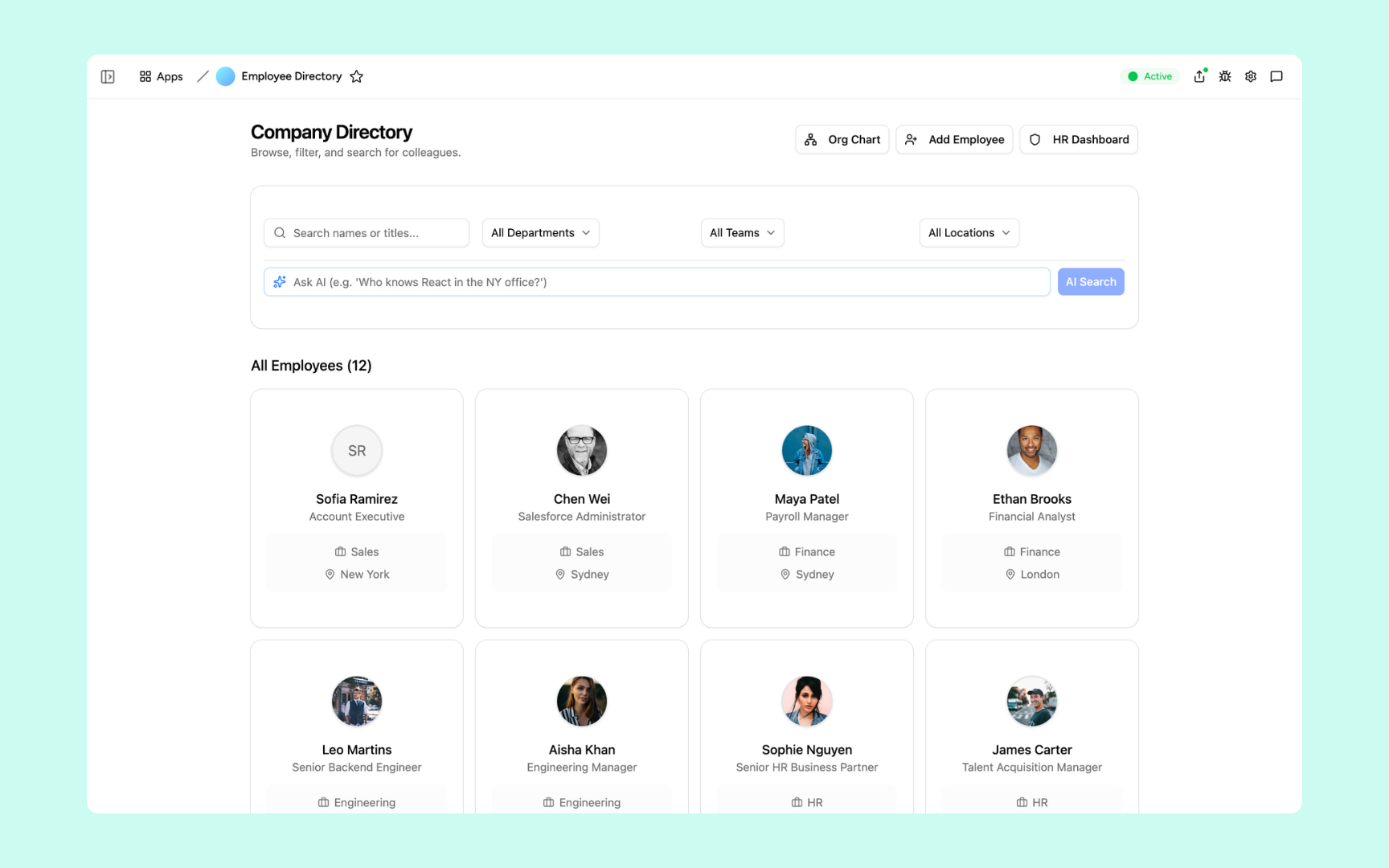
Organise shared work contacts, roles, skills, and reporting relationships.
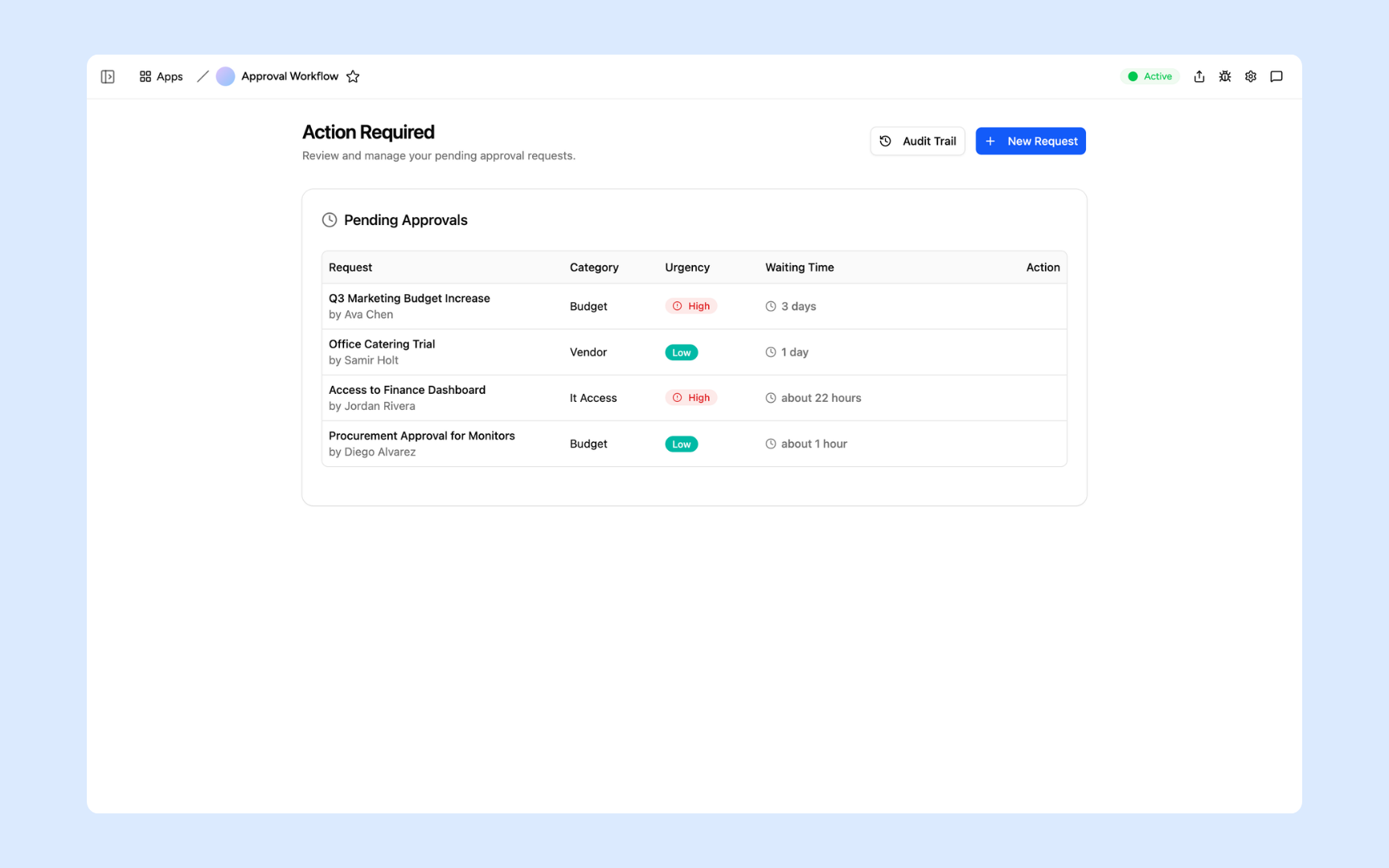
Collect requests, apply explicit routing rules, and keep decision records together.
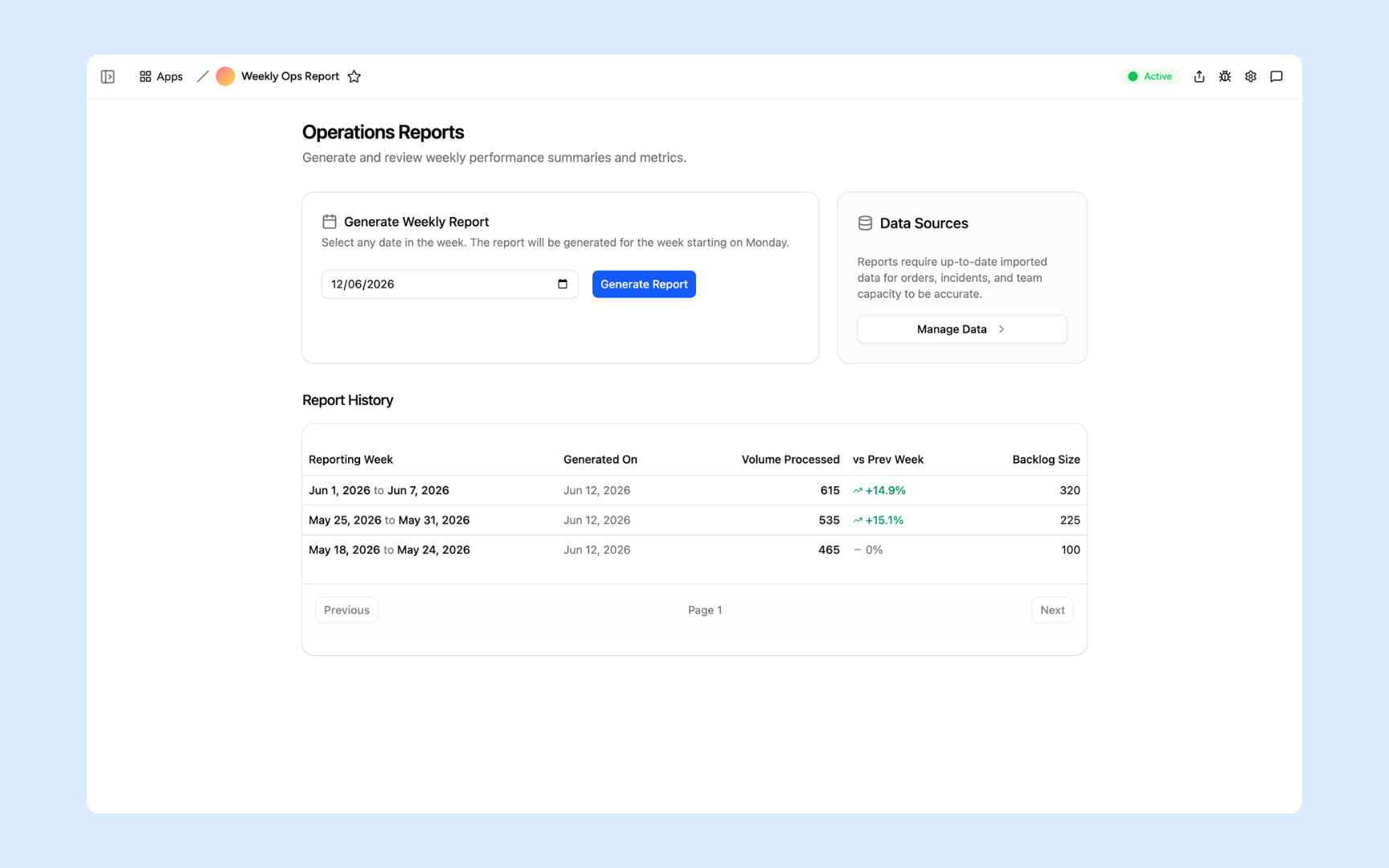
Prepare operational metrics and commentary from supplied orders, incidents, and capacity data.
Start with one task and the context that matters. Make Appaca part of the way your team works.