
Prepare consistent QBRs from the data your team already has
Preview a working QBR app that turns account context and performance data into a review-ready draft. Clone it, then adapt the inputs, structure, and AI to your process.
Everything you need to generate QBRs at scale
Appaca makes it easy for customer success teams to build an AI-powered QBR tool that reduces prep time from hours to minutes and keeps every review on brand.
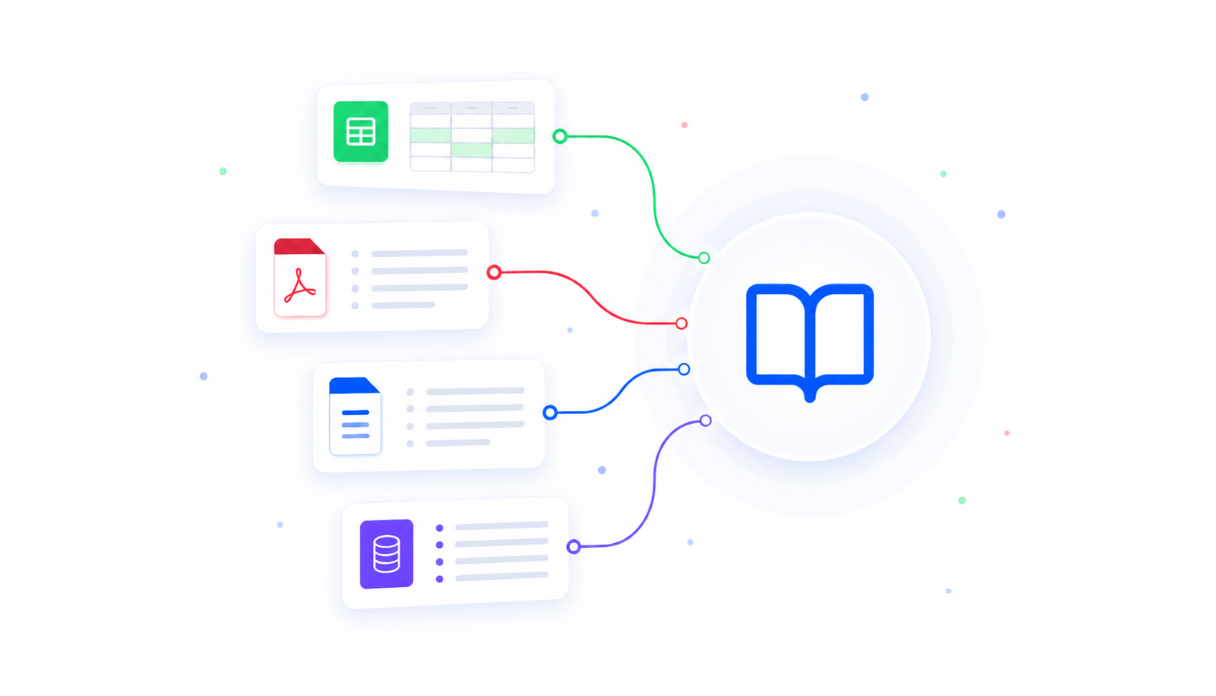
QBR framework in the knowledge base
Upload your QBR template, success metrics, and account tier criteria so the AI generates reviews that follow your format, highlight the right wins, and frame data the way your customers expect.
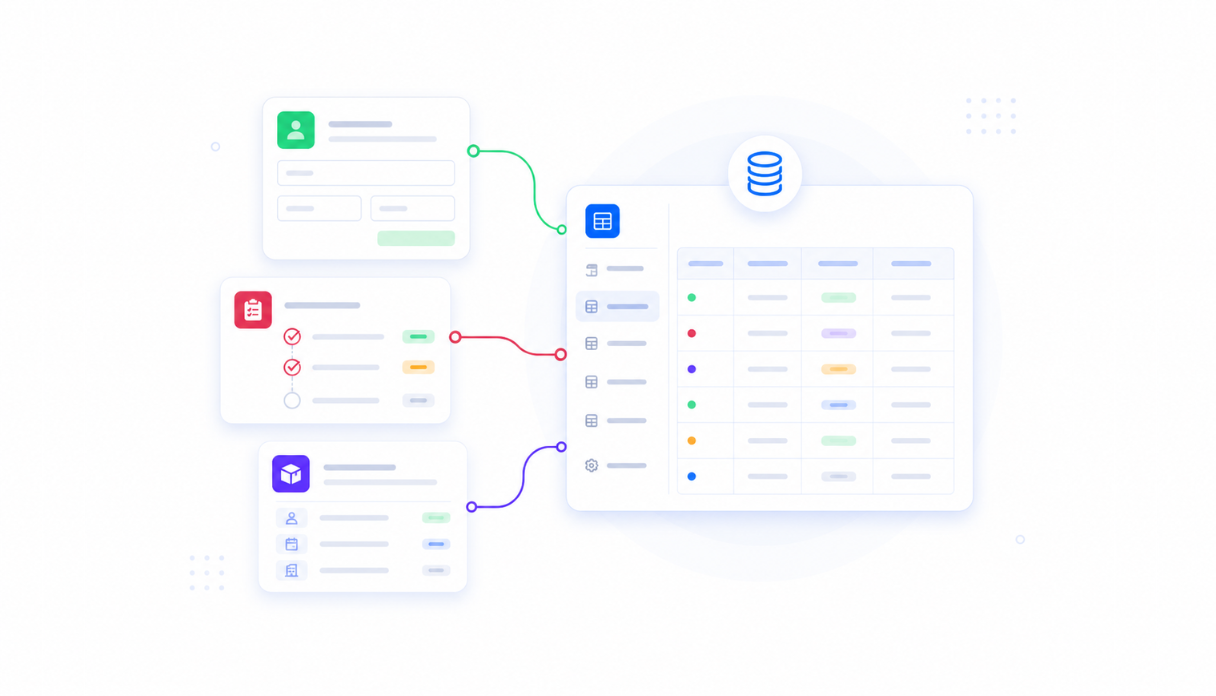
Account data in one place
Appaca workspace comes with a secure built-in database, so health scores, usage data, support history, and renewal dates all live in one place rather than scattered across systems.
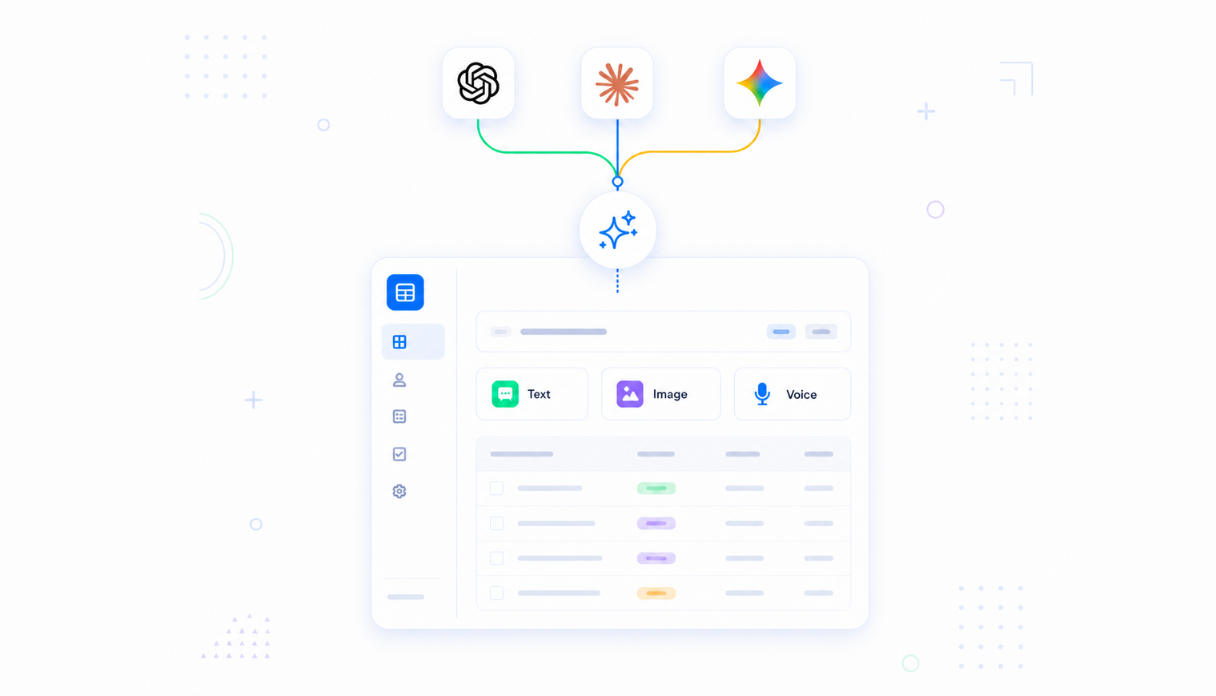
AI that writes the review
Connect AI models to pull account data, identify trends, write the executive summary, and draft talking points so your team reviews and customises instead of writing from scratch.
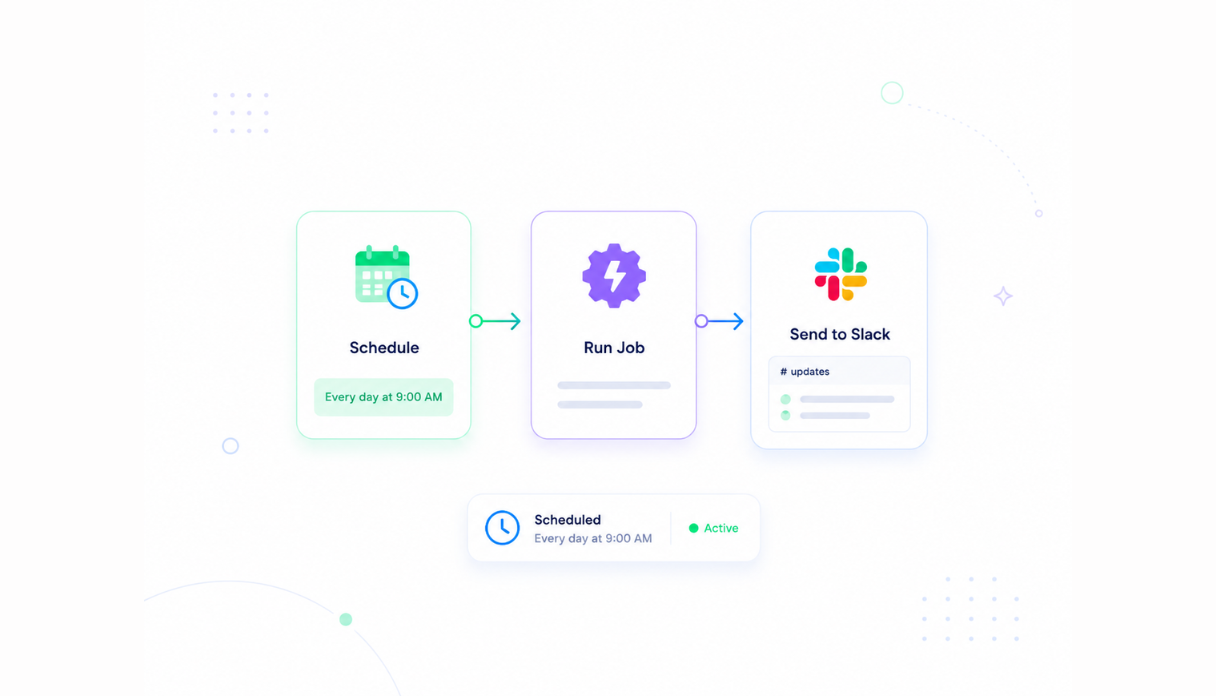
Schedule generation before each cycle
Set the scheduler to generate QBR drafts for all accounts two weeks before review season automatically so your team has time to refine rather than scramble.
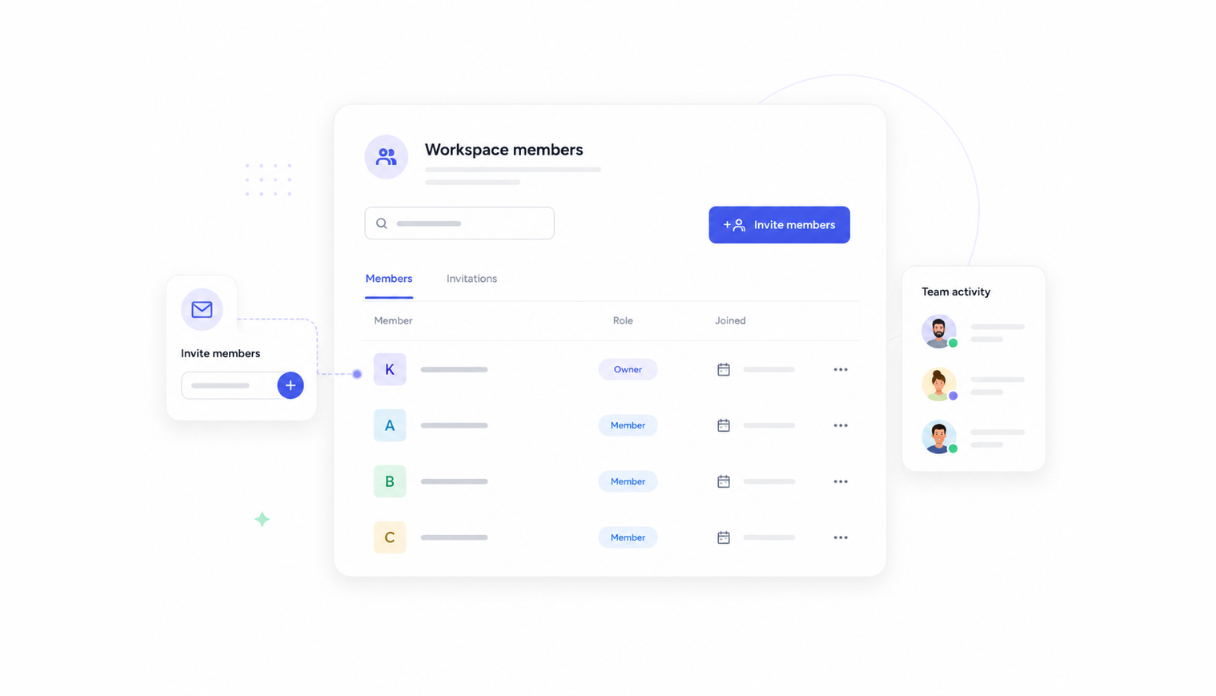
Share with your CS team
Invite your CSMs and account managers to the workspace so everyone generates reviews in the same tool. Managers can review and approve drafts before anything goes to customers.
Works with your customer data stack
Securely connect your QBR tool to your CRM, product analytics, and support platform via API so the data that goes into each review is always current.





See what this QBR Generator tool includes
Review the screens and workflow, then clone it and adapt the data, logic, and permissions to fit your team.
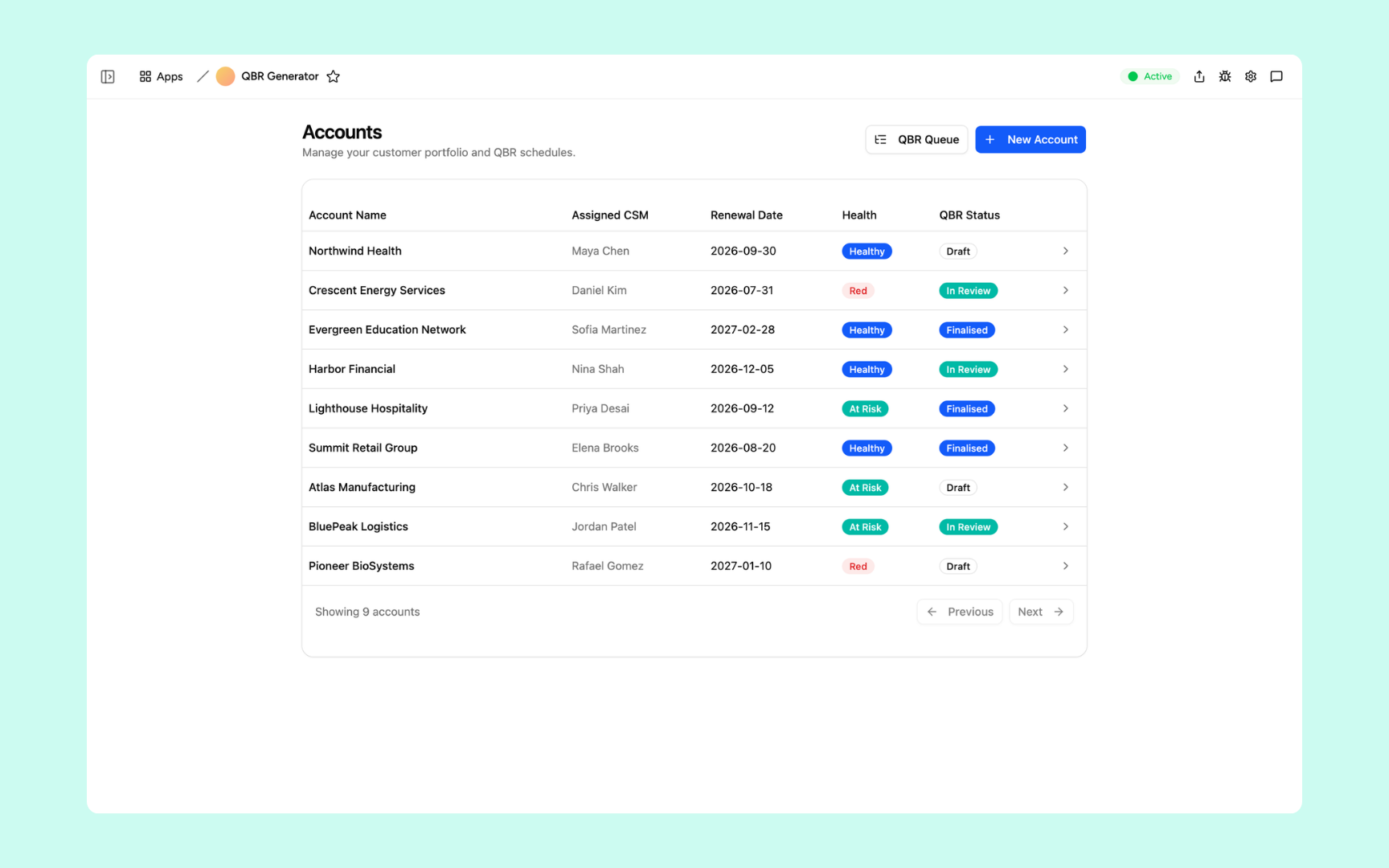
A table of every account showing the assigned CSM, renewal date, health status, and QBR status - so you can see at a glance which accounts are on draft, in review, or finalised.
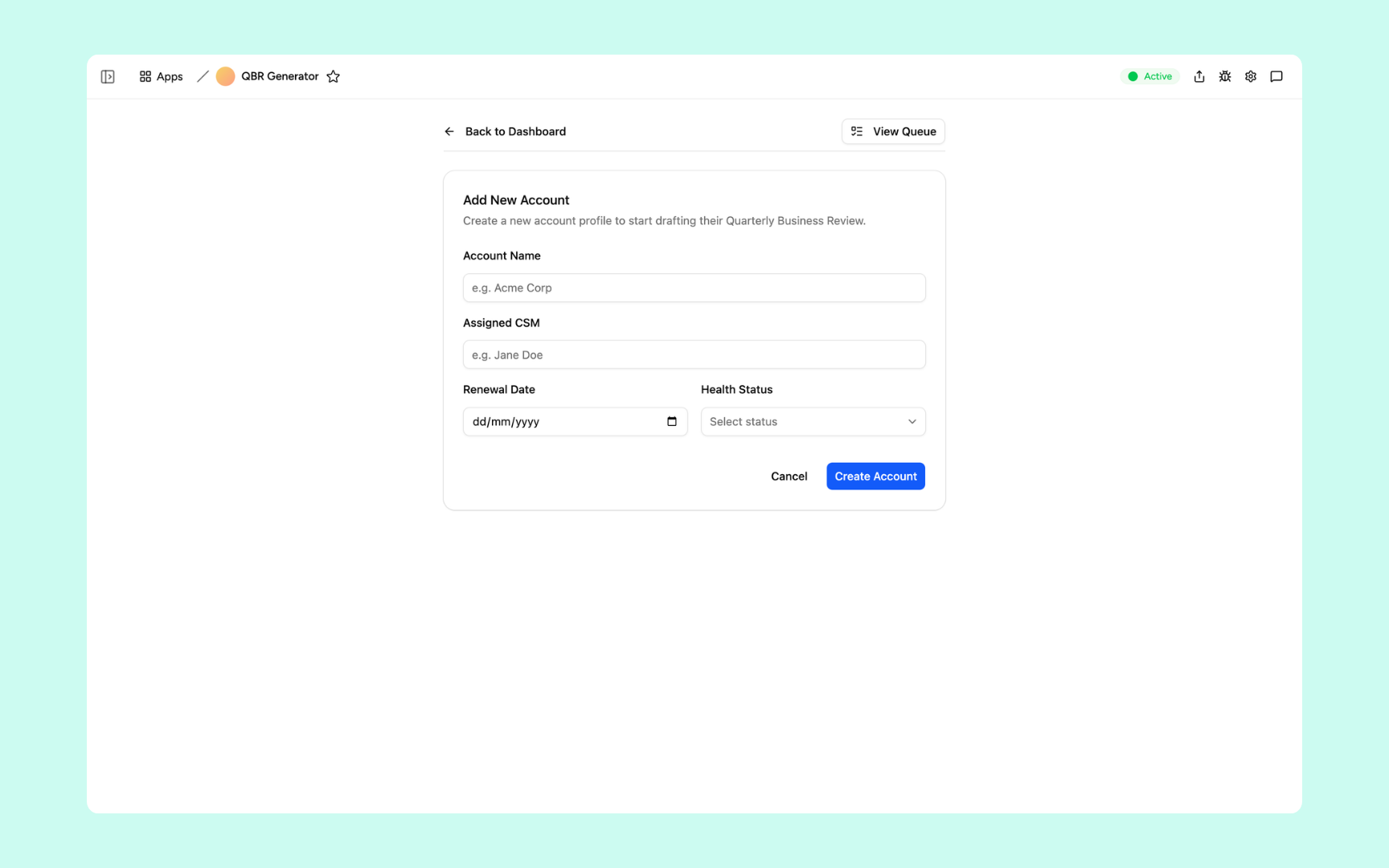
Register a new account by entering the account name, assigned CSM, renewal date, and health status to include it in the QBR pipeline.
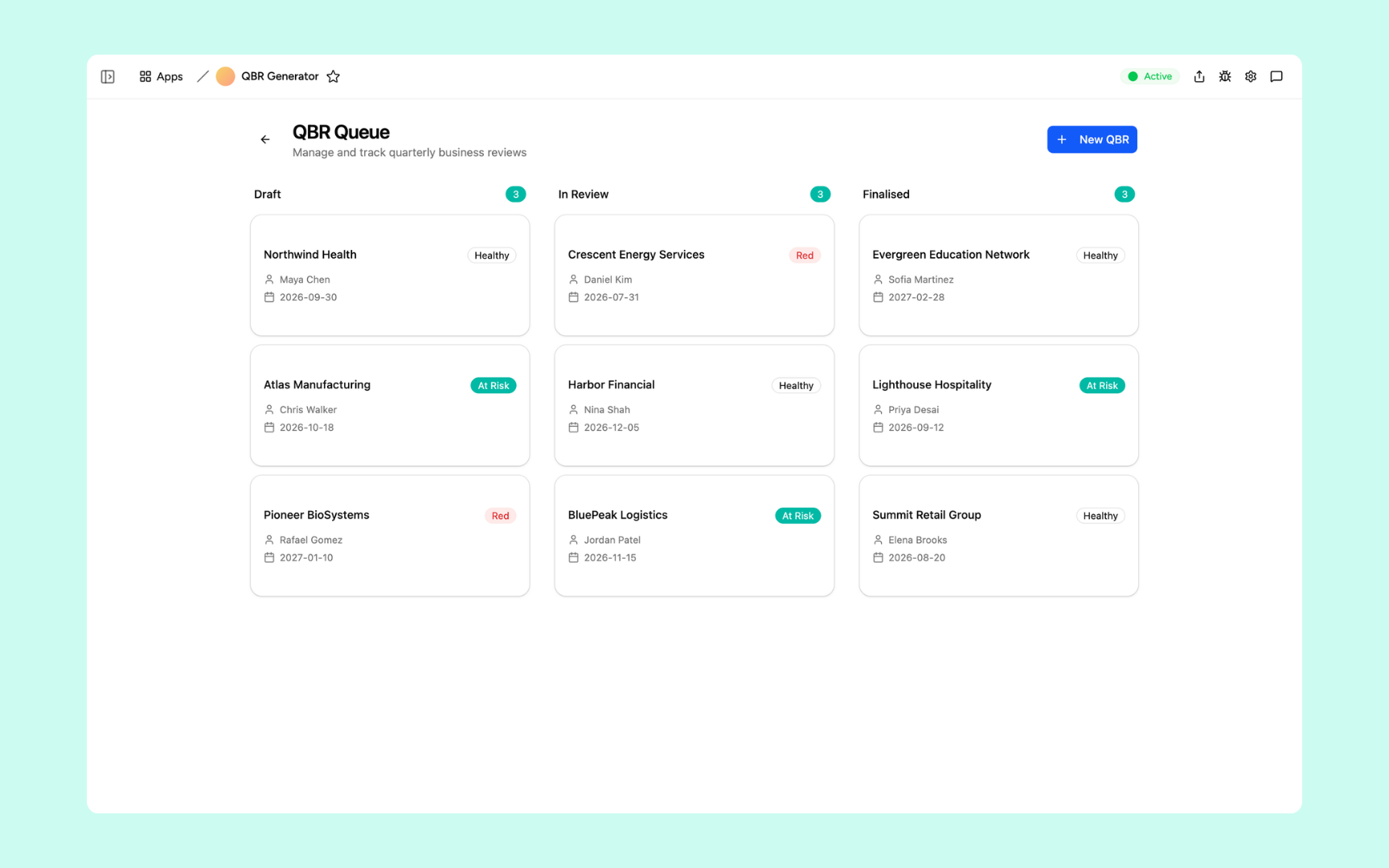
A kanban board grouping every account QBR into Draft, In Review, and Finalised columns. Each card shows the account name, health, CSM, and renewal date.
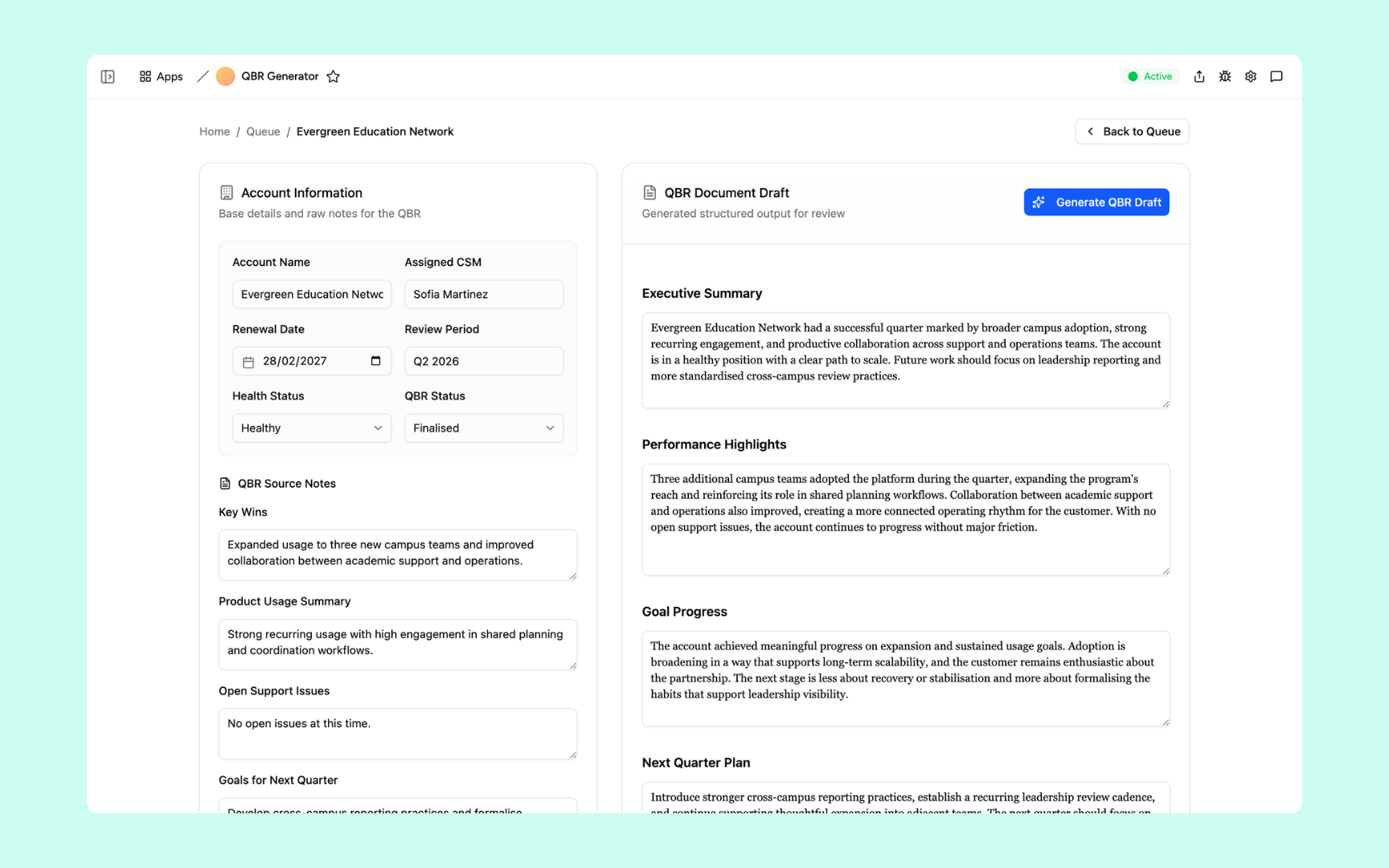
Enter the account's key wins, usage summary, open support issues, and next-quarter goals on the left. The AI generates the full QBR document on the right - executive summary, performance highlights, goal progress, and next quarter plan.
Get QBR Generator tool in your workspace
QBR generator built on a platform your CS team can trust
Every QBR tool you build comes with secure access, account data storage, scheduled generation, and controls so your team can run reviews at scale without the manual overhead.
Secure team sign-in
Every CSM signs in with their own account. Account data and review drafts are only visible to the people you invite.
Role-based permissions
CSMs see their own account queue, managers see all drafts before they go out, and leadership sees the full review history.
Scheduler and automations
Generate drafts automatically before each review cycle so your team starts from completed reviews, not blank documents.
Built-in account database
Account health scores, usage data, and review history all live in a secure database inside your tool. No spreadsheets, no data scattered across systems.
Enterprise-grade security
Your customer data is encrypted, protected, and under your control. Review drafts and account insights are only visible to authorised team members.
Generate from anywhere
The tool lives in the browser. Your CSMs can generate and review QBRs from the office, home, or on the road.
File and document storage
Attach final QBR documents, customer feedback, and supporting materials to the account records they belong to.
Usage tracking
See how long QBR generation takes across your team, how often drafts are customised, and where the process can improve.
Is a custom qbr generator the right fit?
Appaca works best for customer success teams that need a shared workflow built around their own data, rules, and permissions.
Use Appaca when
- Your process differs from the fixed workflow in an off-the-shelf tool.
- The team needs one database, clear permissions, and a shared view of each request or record.
- You want to adjust fields, logic, and AI as the process changes.
Choose specialist software when
- You need certified, category-specific controls that cannot be configured safely.
- A vendor already provides the exact workflow and integrations you need out of the box.
- Your team does not want to own setup, testing, or ongoing workflow changes.
What you configure before rollout
-
Step 1
Replace the sample records and fields with your real process.
-
Step 2
Set who can view, edit, approve, and administer the app.
-
Step 3
Connect the data sources and notifications your team uses.
-
Step 4
Test the workflow with a small group before wider rollout.
Appaca includes a 7-day trial. Review the working example before you start, then use the trial to test the workflow with your own process.
FAQs
A QBR is a structured review meeting between a vendor and a customer that covers performance over the past quarter, progress toward goals, and plans for the next period. It is a key retention and expansion touchpoint for customer success teams.
With Appaca, the first draft takes minutes. The AI pulls your account data, applies your QBR template, and writes the review. Your team reviews, customises, and approves before it goes to the customer.
Yes. Upload your QBR format, section structure, and any account-specific frameworks to the knowledge base. The generator uses your template so every review follows the format your customers already expect.
Any data your CRM, product analytics platform, or support system exposes via API. Health scores, usage metrics, open tickets, renewal dates, and success milestones can all feed into the generated review automatically.
Yes. The scheduler can generate drafts for all active accounts before each review cycle so your team starts from completed drafts rather than blank documents.
No. Describe how your QBR process works, upload your template to the knowledge base, and the Appaca agent builds the tool. Your team generates reviews in minutes without any technical setup.
More productivity with one adaptive workspace
Use Appaca for all your business operations needs. Build internal business tools and AI around your existing workflow.
- 7-day trial
- No credit card
- Cancel anytime