
Keep policies, acknowledgments, and reviews in one workflow
Build a policy workflow around your own approval, distribution, acknowledgment, and review process. Adapt the records, permissions, and reminders without code.
Example workflow
Policy register
| Policy | Owner | Next review | Acknowledged |
|---|---|---|---|
| Information security policy | Security | 15 Sep 2026 | 94% |
| Remote work policy | People Operations | 02 Oct 2026 | 88% |
| Supplier code of conduct | Procurement | 21 Nov 2026 | 100% |
What this policy workflow includes
Keep policies, owners, versions, reviews, assignments, acknowledgments, and reminders in one internal workflow that your team can adapt.
Appaca is useful when your policy process differs from the fixed workflow in an off-the-shelf tool. You control the approval chain, review cycle, acknowledgment rules, permissions, and reporting fields.
Pair the register with an assistant that answers questions from approved policy documents and points people to the source. If your organisation needs certified or category-specific compliance controls, use a specialist platform instead of configuring those controls yourself.
Configure a policy workflow around your process
Cover the internal steps your team owns, from drafting and approval to distribution, acknowledgment, and review. Validate any regulated or category-specific requirements before rollout.

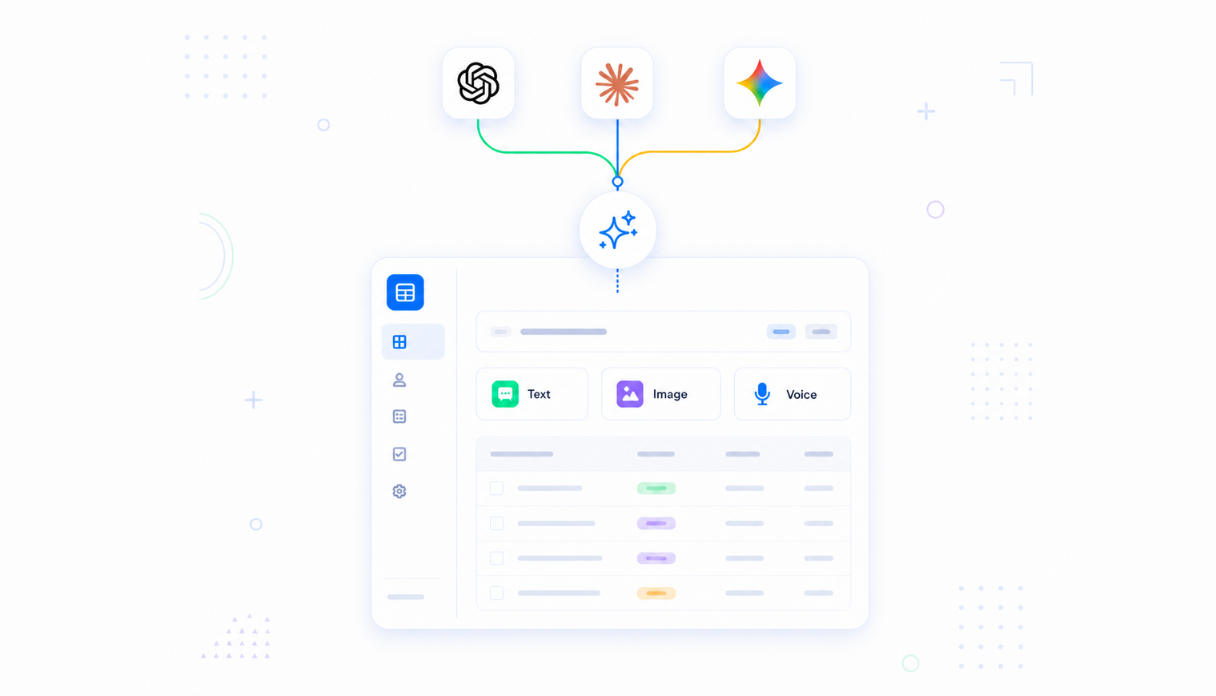
Teach AI your policies
Upload your policies, procedures, and handbooks to the knowledge base. The AI assistant answers employee questions from your official documents with citations - so staff follow the current policy, not the version they remember.
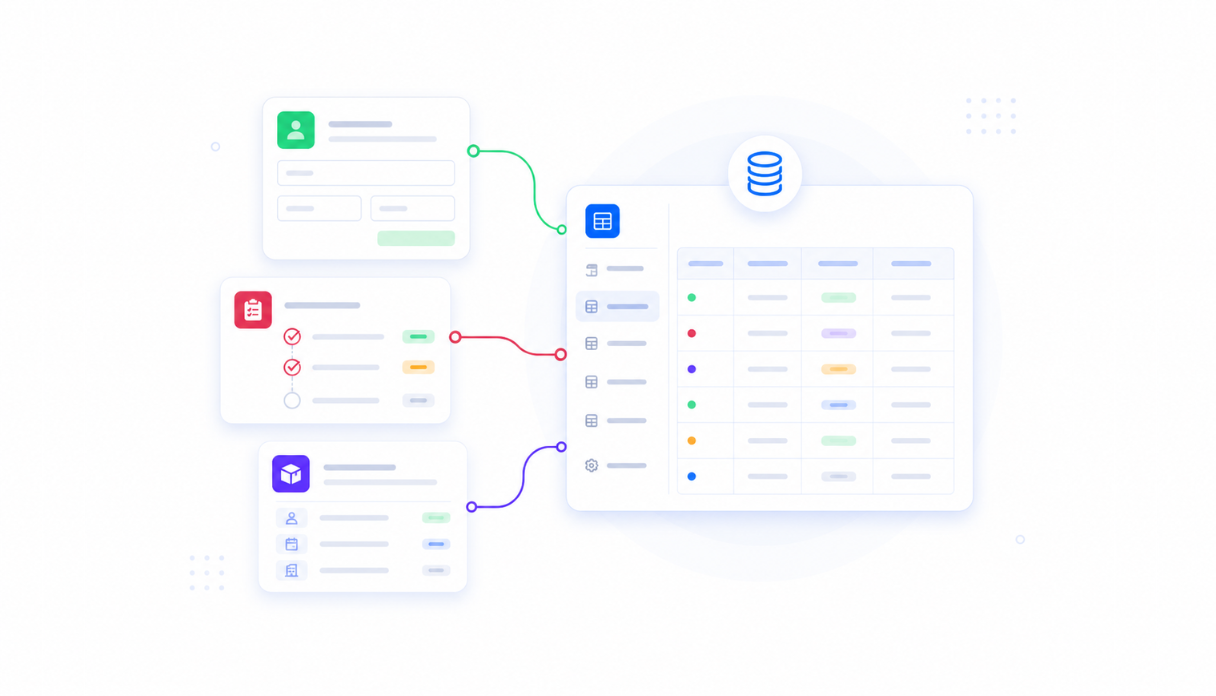
Keep every policy in one place
Policies live in a secure built-in database with owner, review date, version, and status. Browse the full catalog by category and keep everything current - no shared-drive archaeology.
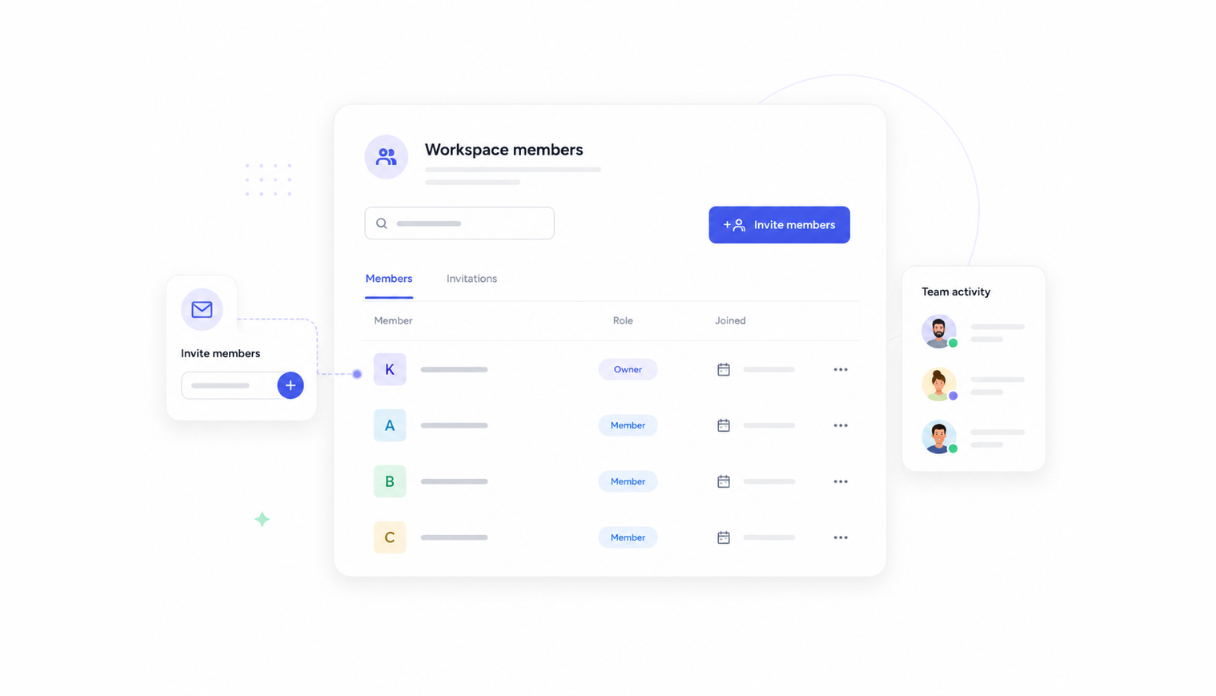
Track acknowledgments automatically
Employees confirm they've read each policy assigned to them. The tracker records who acknowledged what and when, creating a time-stamped history your team can review.
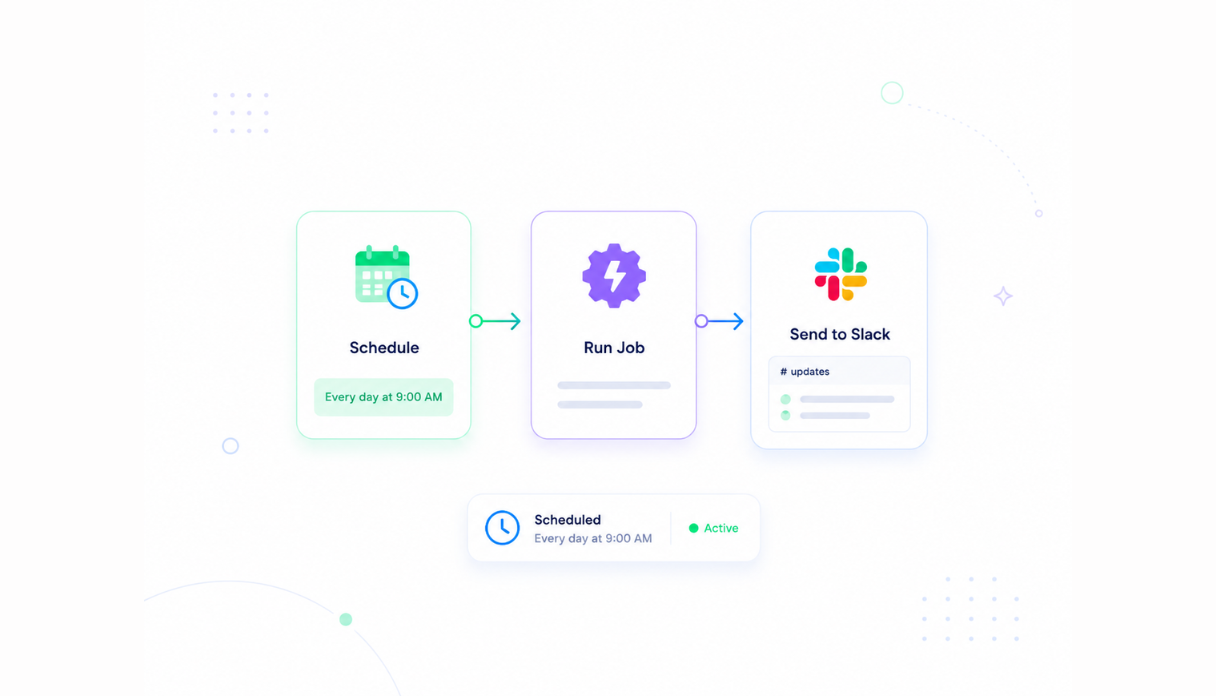
Chase outstanding acknowledgments
Automated reminders go out by Slack or email until acknowledgments are complete. Compliance leads see completion rates by team on a live dashboard instead of chasing signatures by hand.
Handle reviews and re-acknowledgment
Schedule review reminders so policies never silently expire. When a policy changes, require re-acknowledgment and keep the version history.
Works with your documentation stack
Connect Appaca to supported tools such as Notion, Google Sheets, Slack, and services with an API or webhook, then test the data flow before rollout.





Platform capabilities for a configurable policy workflow
Authentication, permissions, data storage, and automations are available for the workflow you build. Configure and test them against your organisation's requirements before rollout.
Secure team sign-in
Each acknowledgment can be tied to the workspace member who completed it. Confirm that the account and identity setup meets your organisation's assurance requirements.
Advanced permissions
Employees see and acknowledge their assigned policies while compliance leads control the catalog, approvals, and reporting.
Scheduler & automations
Acknowledgment chasers, review-date reminders, and compliance reports run on schedule - nothing depends on someone remembering.
Built-in policy database
Policies, versions, and acknowledgment records live in a secure database inside your tool. No spreadsheets, no third-party setup.
Access and security controls
Apply workspace access and permissions to policy records, and review Appaca's current security documentation against your internal requirements.
Browser-based acknowledgment
Authorised staff can read and acknowledge policies from a supported browser wherever your organisation permits access.
File & image storage
Attach policy documents, supporting guides, and evidence files to the records they belong to - everything in one place.
Usage tracking
See which policies get read and asked about most, and where acknowledgments stall - so you know where to focus.
Is a custom policy management the right fit?
Appaca works best for HR, operations, and compliance teams that need a shared workflow built around their own data, rules, and permissions.
Use Appaca when
- Your process differs from the fixed workflow in an off-the-shelf tool.
- The team needs one database, clear permissions, and a shared view of each request or record.
- You want to adjust fields, logic, and AI as the process changes.
Choose specialist software when
- You need certified, category-specific controls that cannot be configured safely.
- A vendor already provides the exact workflow and integrations you need out of the box.
- Your team does not want to own setup, testing, or ongoing workflow changes.
What you configure before rollout
-
Step 1
Replace the sample records and fields with your real process.
-
Step 2
Set who can view, edit, approve, and administer the app.
-
Step 3
Connect the data sources and notifications your team uses.
-
Step 4
Test the workflow with a small group before wider rollout.
Appaca includes a 7-day trial. Review the working example before you start, then use the trial to test the workflow with your own process.
FAQs
Policy management software stores policies and procedures, distributes them to employees, and tracks who has read and acknowledged each one. A shared workflow can replace scattered files, email follow-up, and signature spreadsheets while giving the team a record of policy actions to review.
Dedicated policy-management platforms provide fixed policy, acknowledgment, and compliance workflows. Appaca is the configurable option when your team needs its own records, approval steps, permissions, reminders, and reporting in a shared internal app.
Yes. Configure each policy to record who acknowledged it and when, show completion rates by team and policy, and send reminders for outstanding acknowledgments.
Yes. When a policy is updated, you can require re-acknowledgment, keep the version history, and schedule review reminders so policies never silently go stale.
No. Choose a specialist compliance platform when your industry requires certified controls, formal validation, or category-specific governance that should not be configured as a custom workflow. Appaca is best for internal policy operations that your team can safely own and test.
Yes. Describe the policy workflow in plain language and the Appaca agent builds it with a database, secure team access, and automated reminders. Your team can refine it as policies and review steps change.
Use the 7-day trial to add sample policies, define permissions, test acknowledgments and reminders with a small group, and confirm the workflow meets your requirements before wider rollout.
Test your policy workflow before rollout
Use the 7-day trial to test policy records, acknowledgments, permissions, and reminders with a small group before wider rollout.
- 7-day trial
- No credit card
- Cancel anytime