Share the starting point
Provide the role, start date, manager, and the checklists or guidance your team already uses.
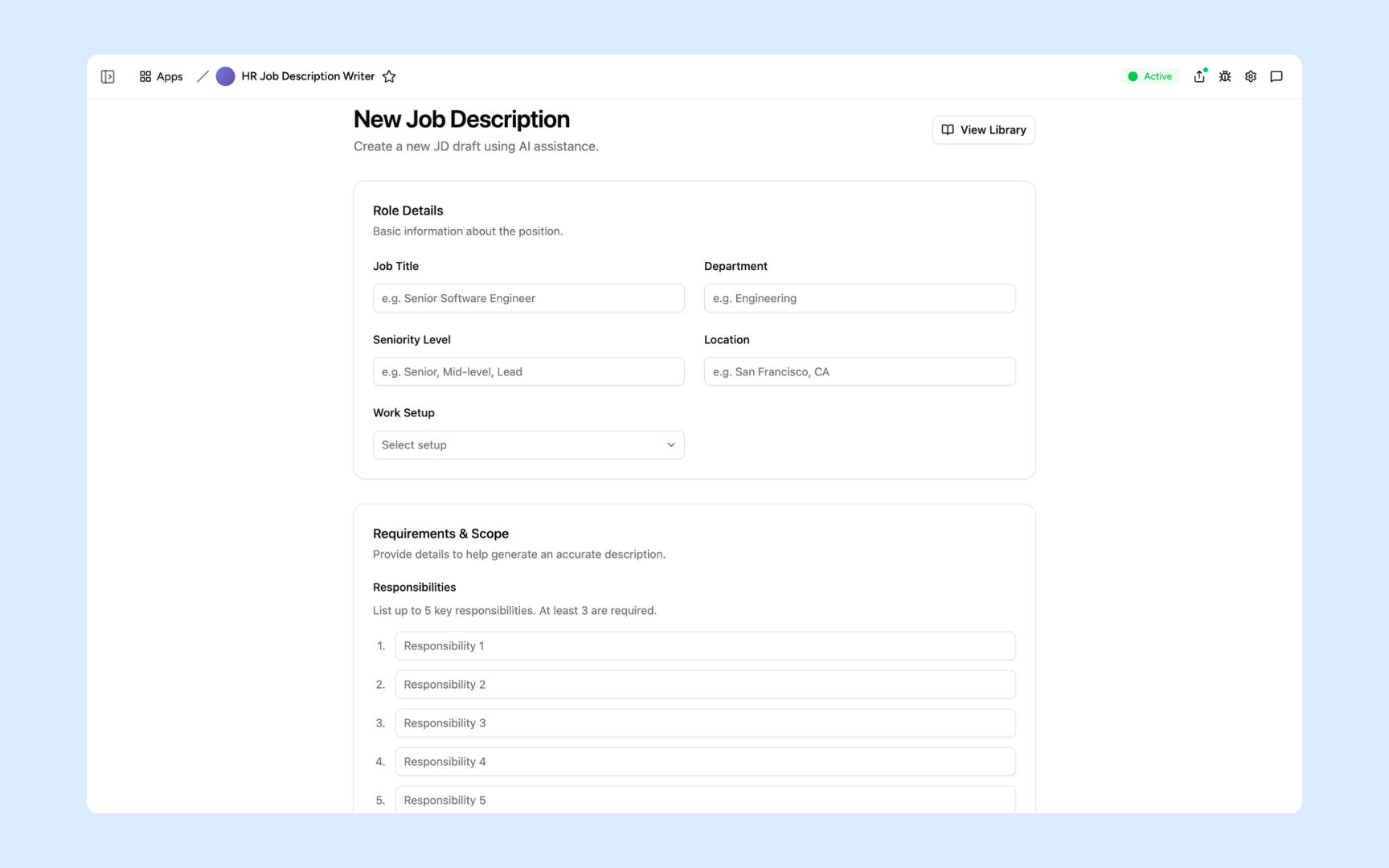
Ask Appaca to turn your onboarding process into a role-specific plan with tasks, owners, and dates your team can keep up to date.
Provide the role, start date, manager, and the checklists or guidance your team already uses.
Draft tasks by phase with proposed owners and due dates. Check the responsibilities and timing before putting the plan to work.
Have task owners update completion and notes in shared records, so the team can see what still needs attention.
When the work needs a lasting home, ask Appaca to create a focused app around the records and steps your team uses.
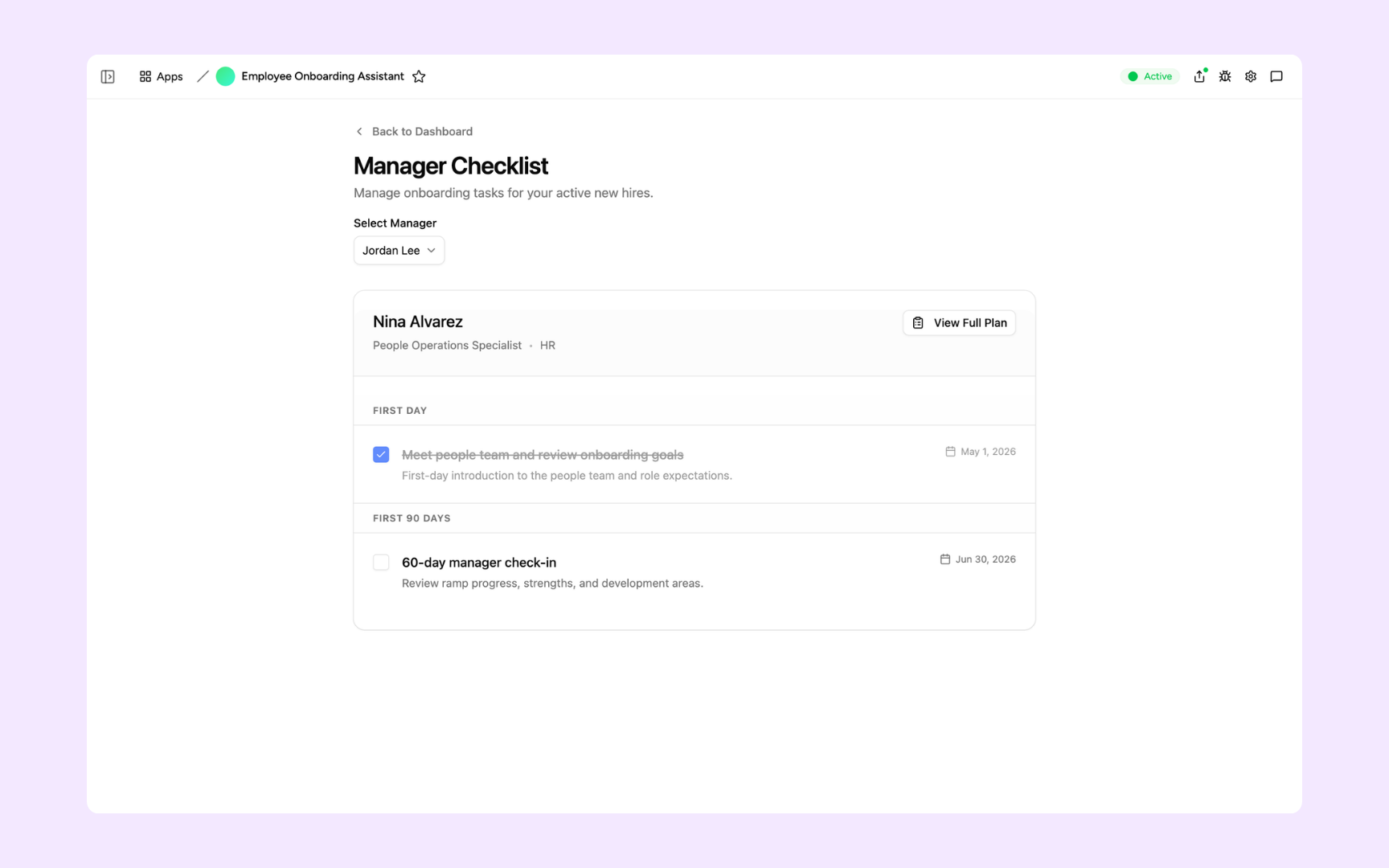
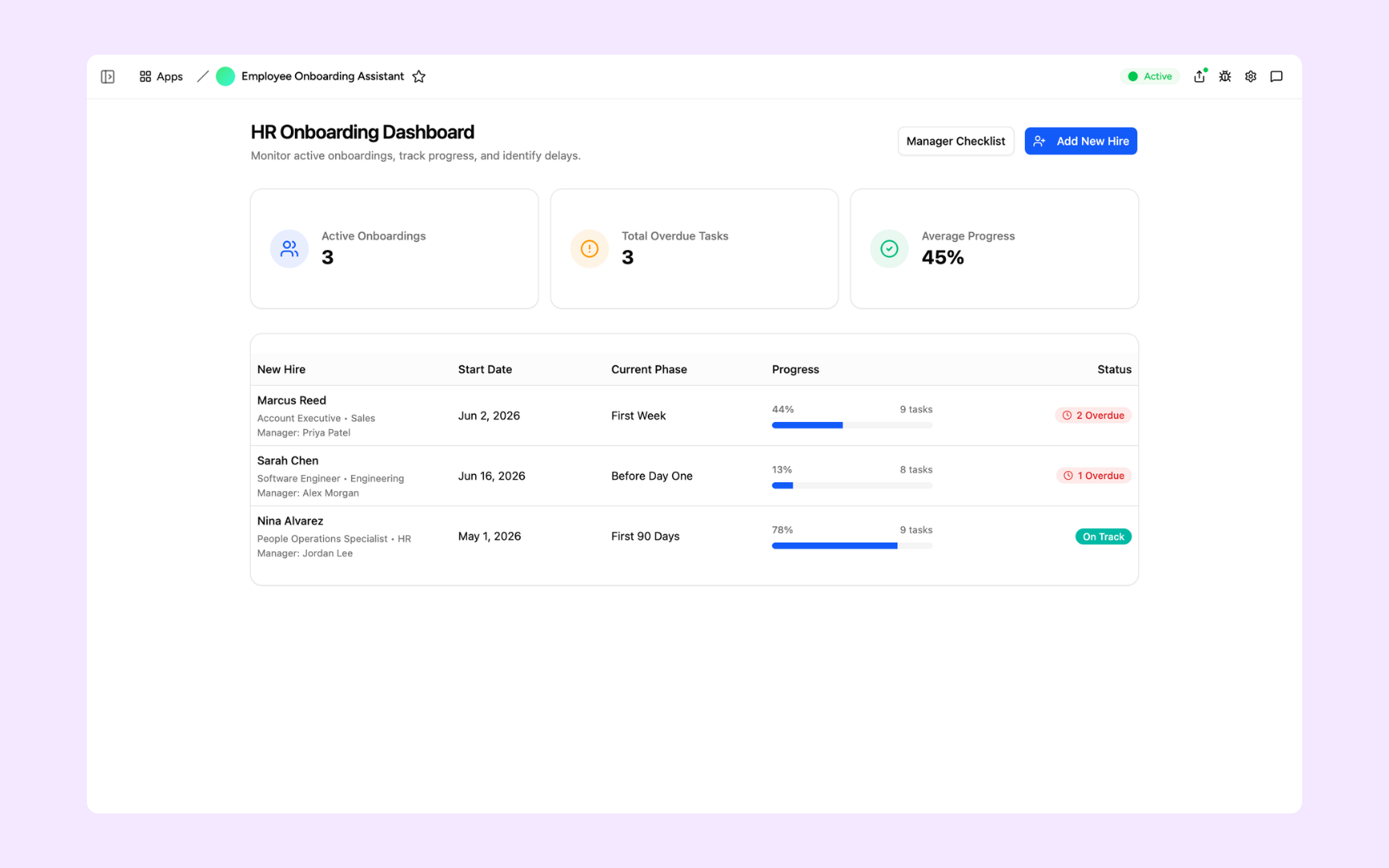
Group tasks by owner or phase for a convenient working view. These views organise shared records rather than create private employee access.
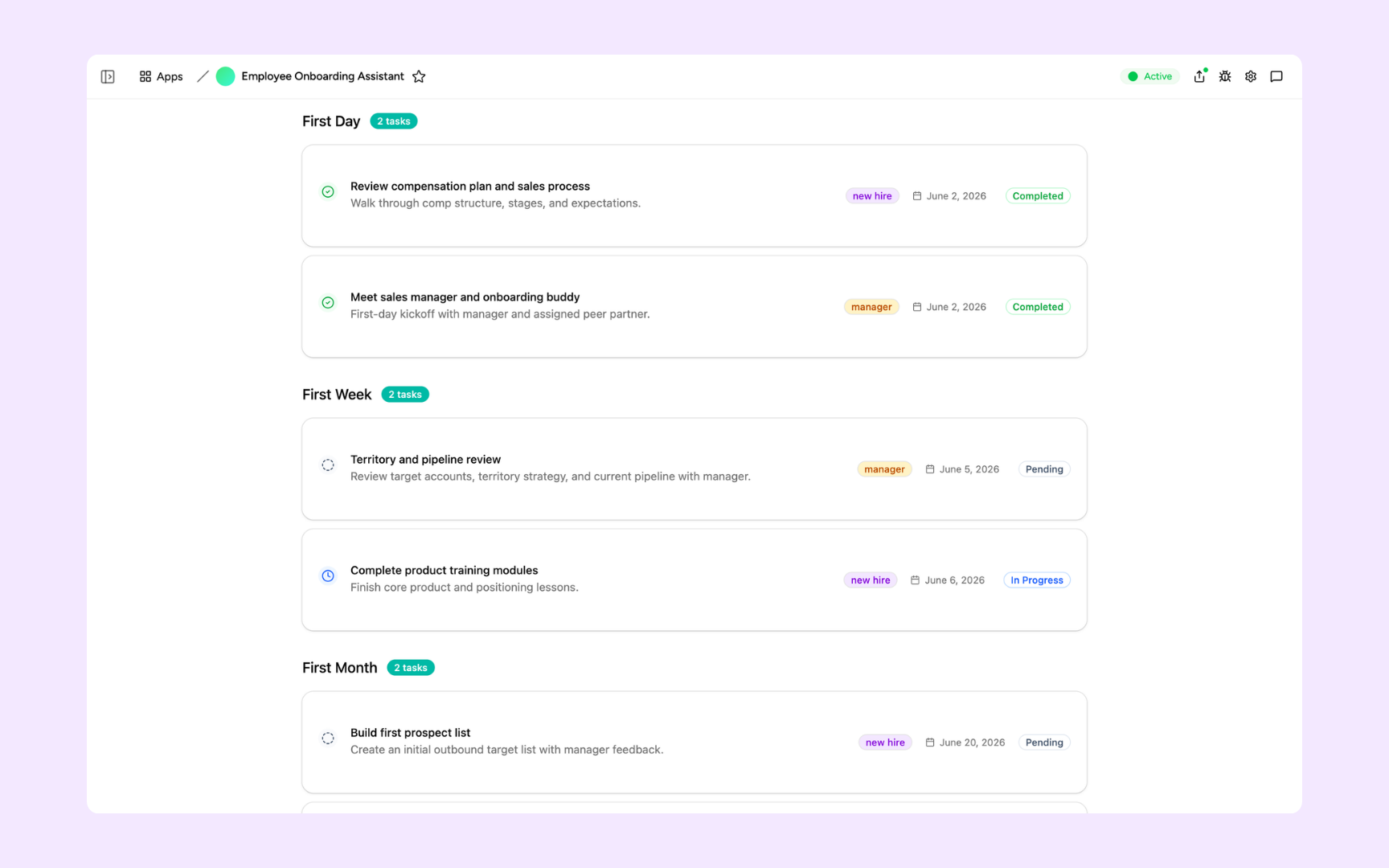
Use phase-based checklists for work before day one, during the first week, and through the first months.
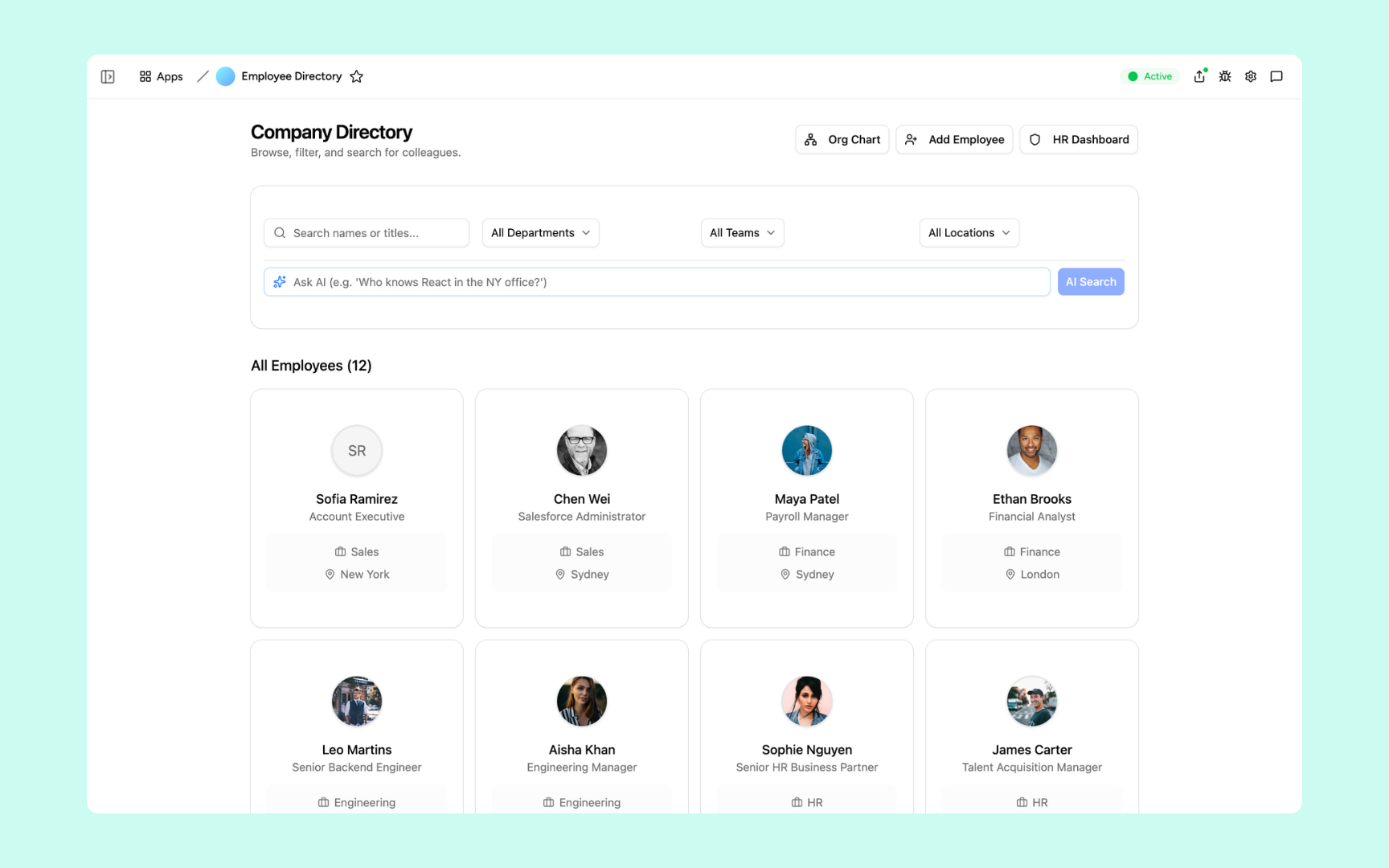
Ask for a shared view of new starters, task progress, and approaching deadlines, based on the updates recorded by your team.
Give Appaca the details that make this work yours.
Create an onboarding plan from our checklist for this role and start date. Group tasks into before day one, first week, and first month. Suggest owners and due dates, flag missing information, and save a shared checklist for us to review and update.Start this task
Get a useful first result, then give recurring work a place in your workspace.
Keep starter details and tasks in shared tables. Ask for an app with views by starter, phase, or owner when several people coordinate the work.
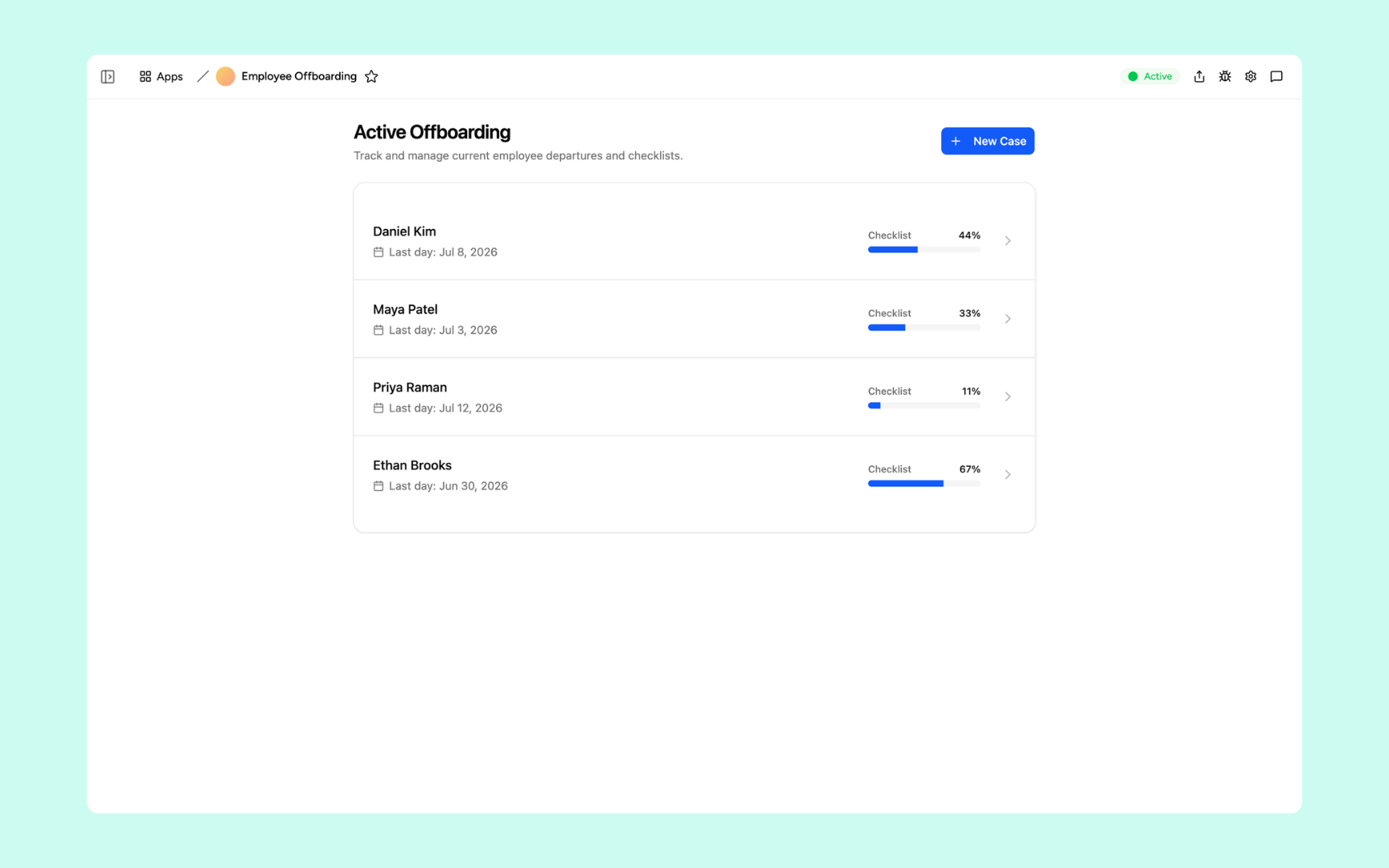
Get startedCheck saved tasks each morning for approaching or overdue dates. Configure reminders for the responsible team, with any external messaging action authorised during setup.
Get startedThe inputs, setup, and follow-through for this workflow.
People update task states in the checklist, or a specifically configured integration records an observed action. Adding a task does not make its completion automatically observable.
Views by starter or manager organise shared records and do not create per-employee privacy. Only include information suitable for your workspace's access model.
Start by describing the work and providing the relevant context. Appaca can help in conversation. When your team needs to manage the results over time, ask for shared records and a focused internal app. You can describe the app and changes in plain language.
Share supported files and company documents, or use the actions available in connected services. Specify the source and how it should be updated. Custom integrations need separate configuration and testing; a connection alone does not create continuous synchronisation.
Check saved tasks each morning for approaching or overdue dates. Configure reminders for the responsible team, with any external messaging action authorised during setup. Routines run on a schedule, with a minimum recurring interval of one hour. External sends, writes, and app-function actions need authorisation when the routine is configured.
Start with one task and the context that matters. Make Appaca part of the way your team works.