Organise invoice details
Turn invoice files into structured records with amounts, due dates, and missing details ready to review.
Extract invoice details, draft payment reminders, and prepare reports with your team’s finance context.
The invoice details are organised. One invoice needs a purchase order reference. Open the queue to review each record.
Invoice details, ready for a closer look.
| Record | Review status |
|---|---|
| Needs review | |
| Check reference | |
| Needs review |
No matching invoices. Try a different search.
Packaging supplies for the November dispatch run. The invoice includes a purchase order reference and itemised quantities.
Confirm the goods were received and the amount agrees with your purchase records.
Monthly facilities services. No purchase order number was found in the supplied invoice.
Ask the budget owner for the purchase reference before continuing your payment process.
Office stationery and printer supplies. The invoice lists the delivery address and a purchase order reference.
Review the line items against the order and confirm receipt with the office team.
3 invoices · Select a record to review
Turn invoice files into structured records with amounts, due dates, and missing details ready to review.
Prepare a relevant reminder from the invoice, payment terms, and tone you provide.
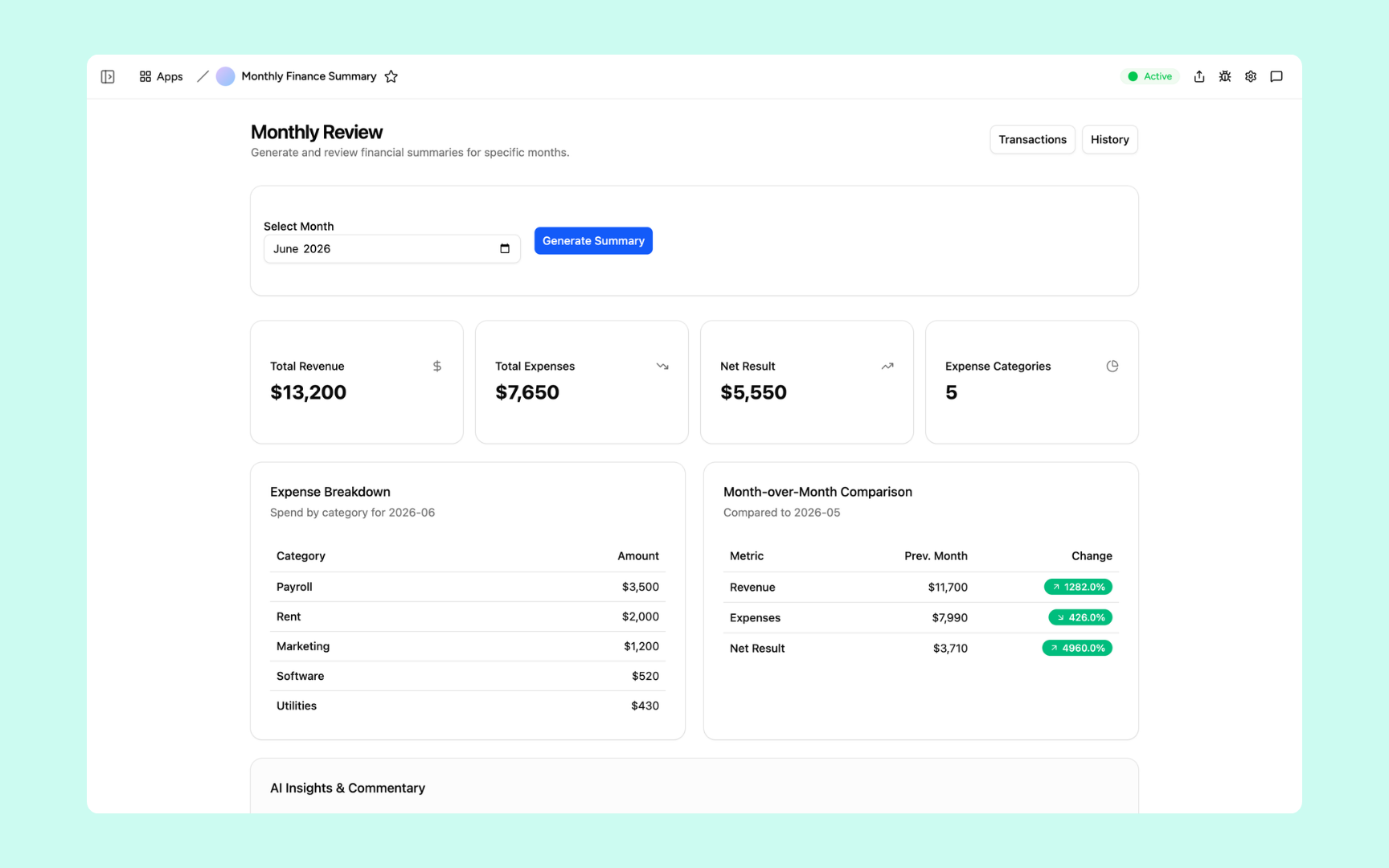
Bring your figures together with a clear summary of changes and questions to investigate.
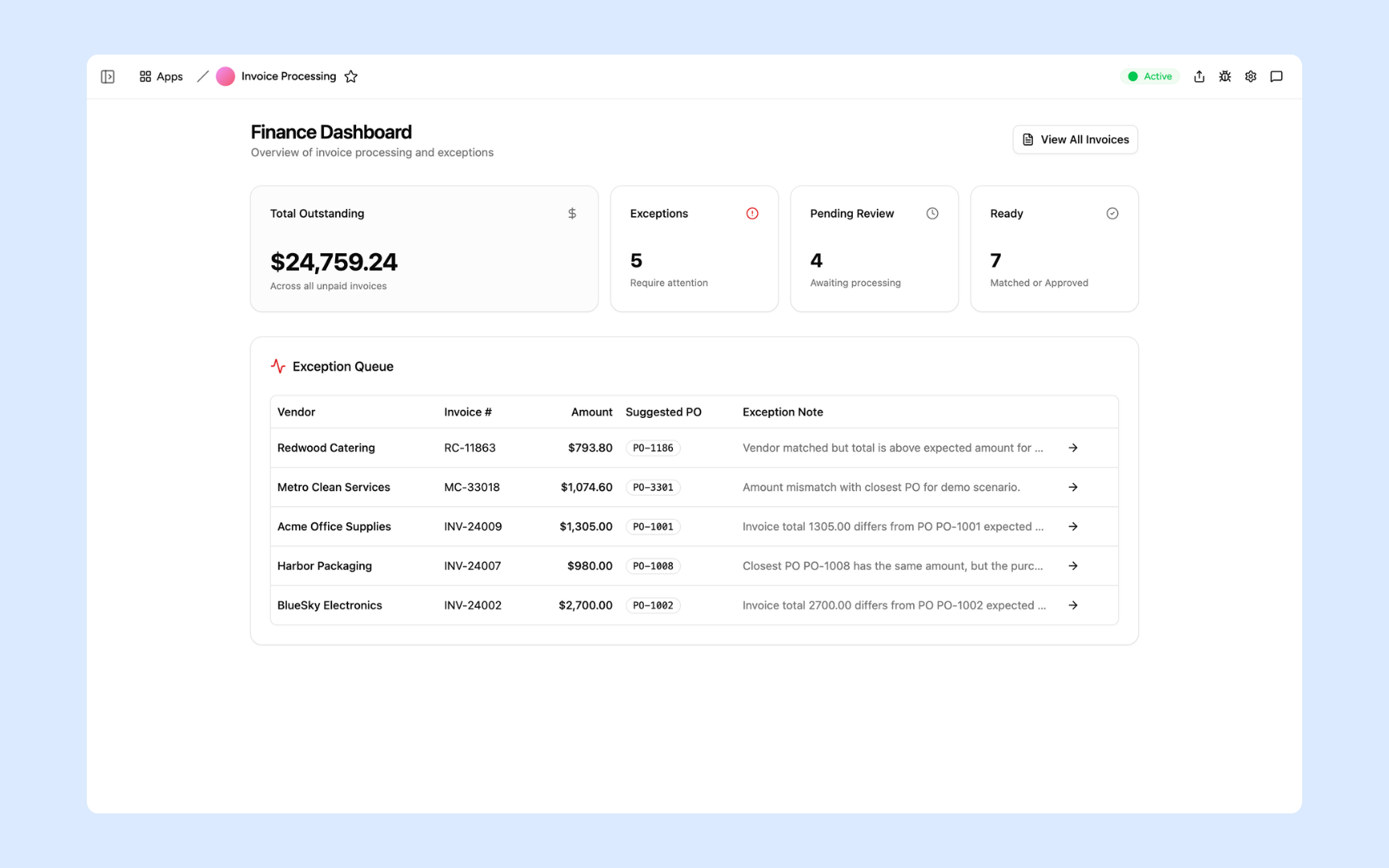
Organise invoice records, compare supplied purchase orders, and review exceptions.
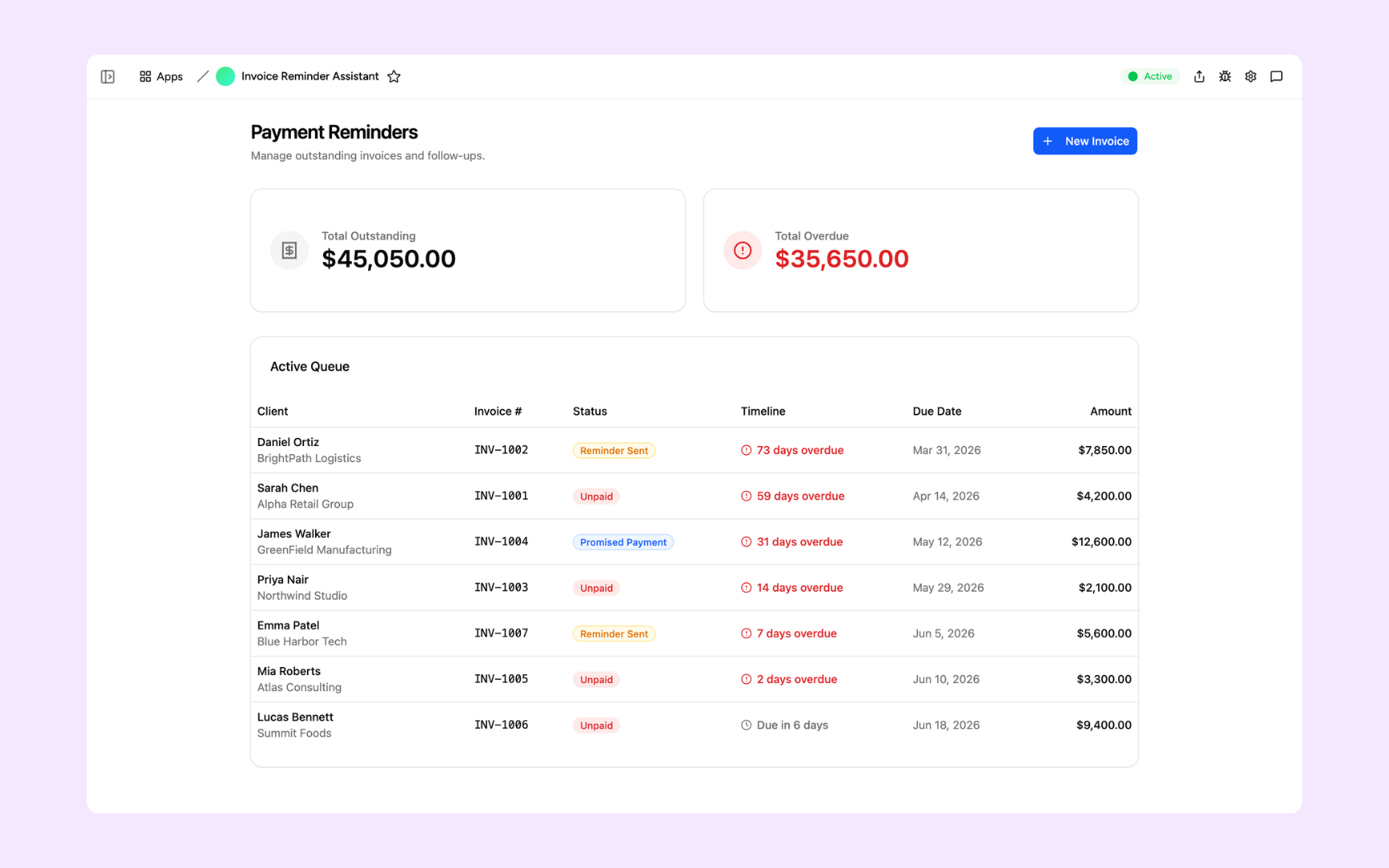
Summarise overdue invoices and prepare reminder drafts for review.
Prepare monthly totals and commentary from the finance records you supply.
Give Appaca the context behind the task. Keep the results in apps your team can use, and schedule the work that repeats.
Explore connectionsYes. Share invoice files and ask Appaca to read and organise the details you need, such as supplier, amount, due date, and purchase reference. You can save the results in workspace data and review them in an internal app. Check the extracted details against the source documents before using them in your finance process.
Yes. Give Appaca the outstanding invoices, relevant payment terms, and tone you want. It can prepare reminder drafts for you to review. Sending through a connected service depends on the actions available and approved in your workspace.
Start with uploaded files, shared workspace records, or a supported connected service. Ask Appaca to work with the information relevant to your task. Connecting a service does not automatically create a continuously synchronised ledger.
Yes. Set up a routine with the records, instructions, and schedule it needs. A routine can review workspace data and prepare a recurring summary. Specify and approve any outward actions, such as sending an update, when setting it up.
Start with the work you need done. Let Appaca take it from there.