
Turn your Google Sheet into a working app
Connect your Sheet or describe your workflow, then chat with AI to get a working app you and your team can use in minutes.
Drop an exported Sheet here
or browse files
Supports .xlsx and .csv exports from Google Sheets
Your Sheet was never meant to run a team workflow
Google Sheets is the right tool for a quick shared list. It becomes the wrong tool the moment your team needs approvals, permissions, or a status that isn't just a cell colour.
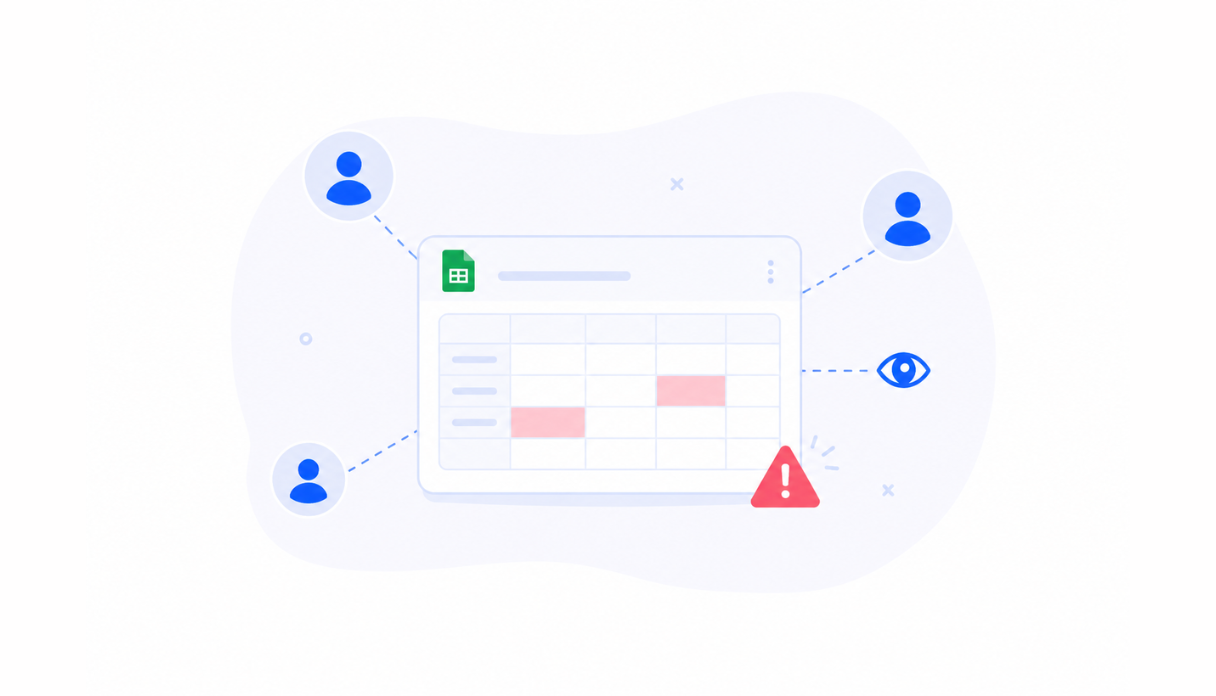
Everyone or no one has access
"Anyone with the link can edit" is not a permissions model. Protected ranges are a workaround, not real role-based access - and one wrong share setting exposes the whole sheet.
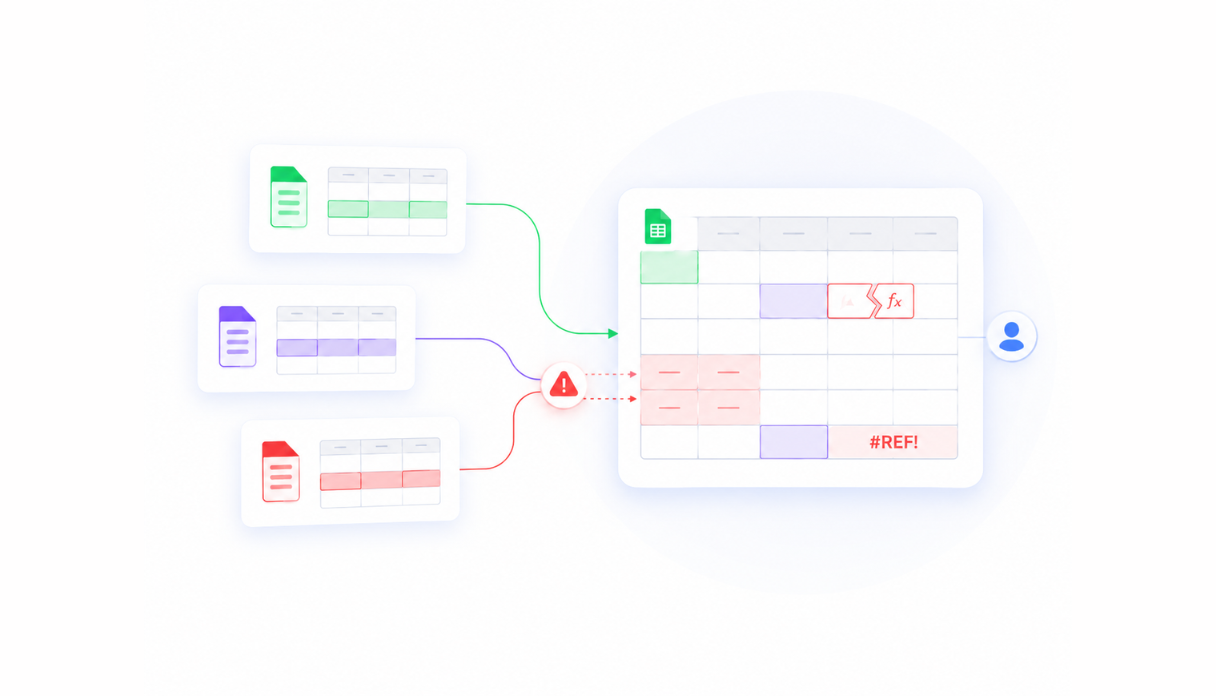
Comment threads instead of workflows
"@Sarah can you approve row 47?" is not an approval process. Real workflows need status changes, notifications, and audit trails - not cell comments and tagged names.
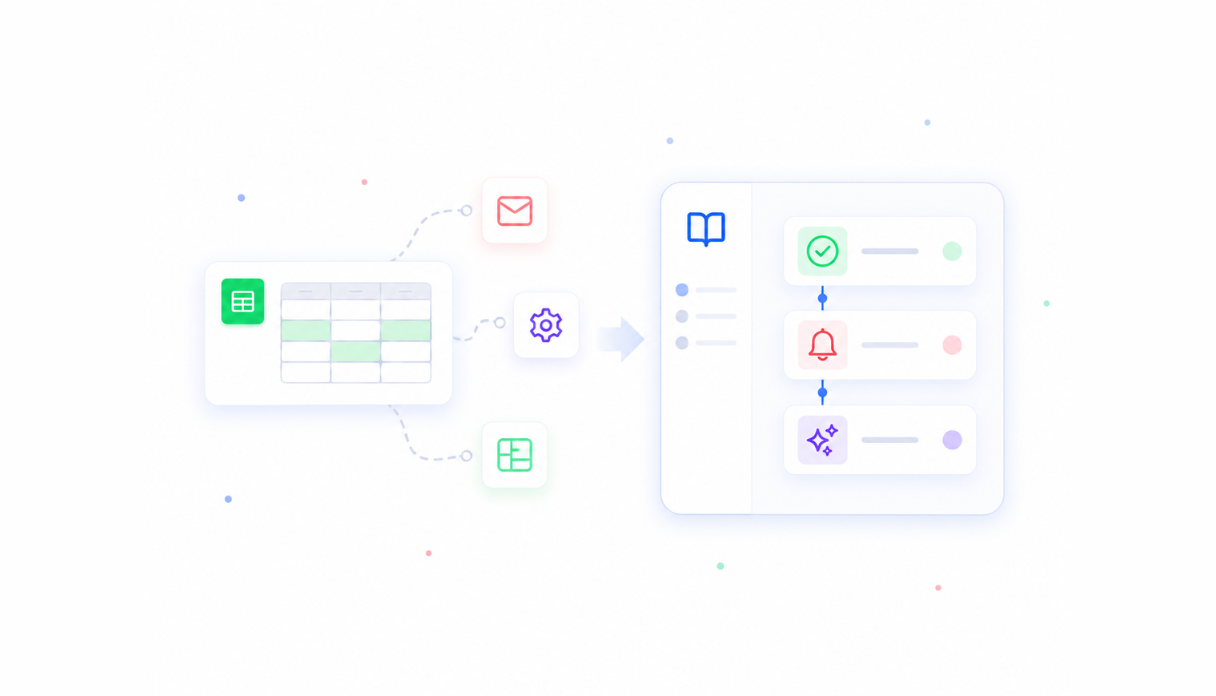
Apps Script is still code
The moment your sheet needs real automation, someone has to write Apps Script - and now your "no-code" workflow depends on a script tied to one person's Google account.
Everything a Sheet can't give you
Appaca builds a proper internal app around your workflow - with the UI, permissions, automations, and AI a shared Sheet couldn't.
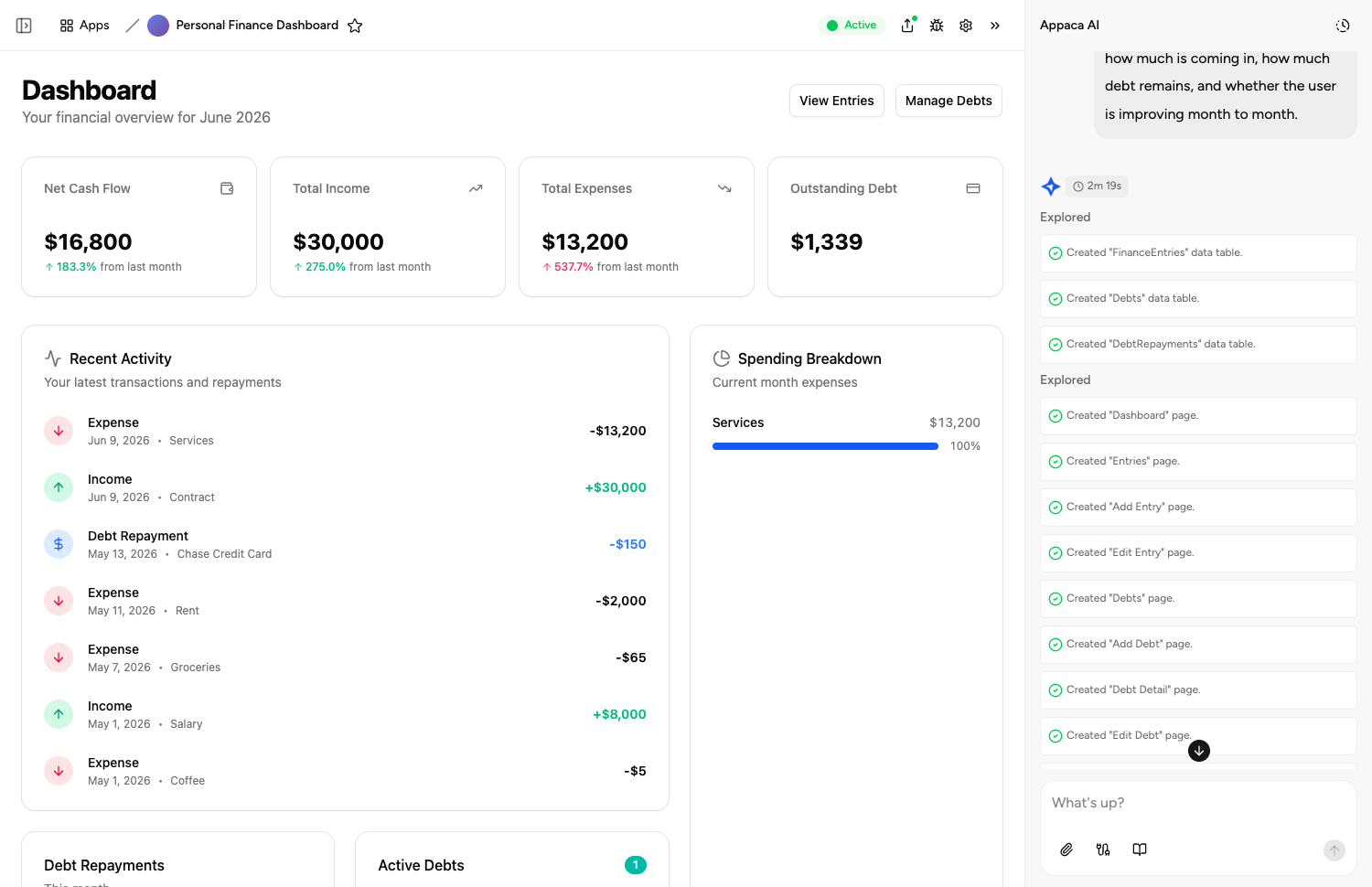
A real app, built from your Sheet
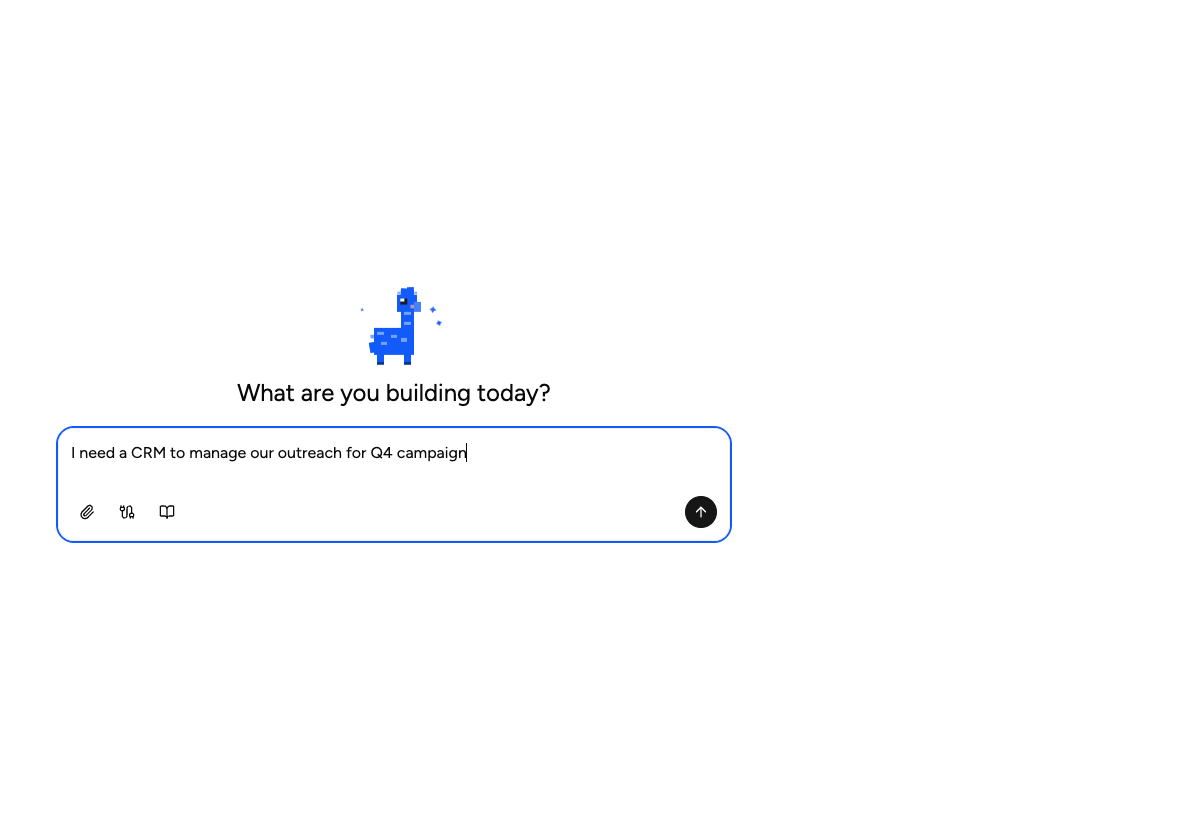
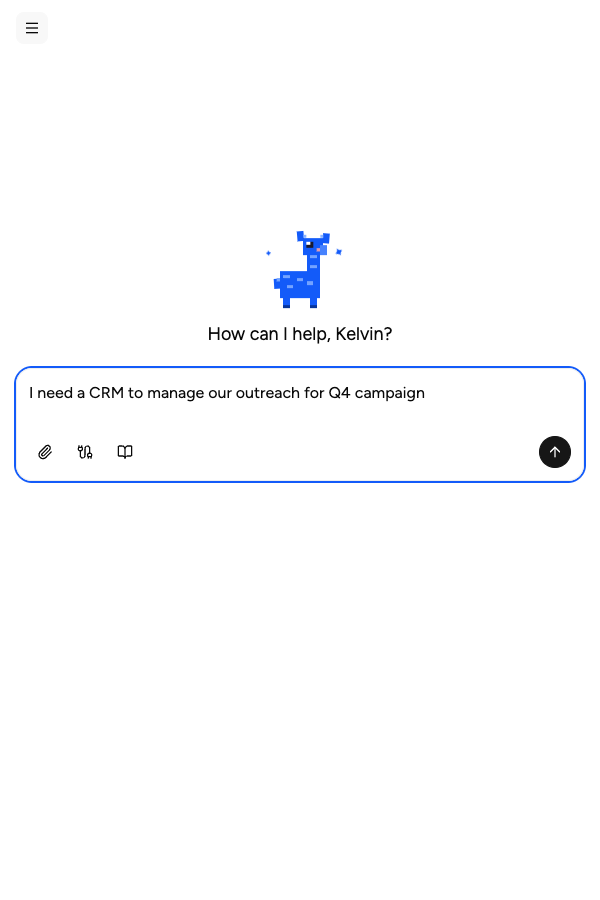
Describe what your Google Sheet does. Appaca builds a working app with tables, forms, and views - shaped around how your team uses the data. No coding required.
AI co-workers for the repetitive work
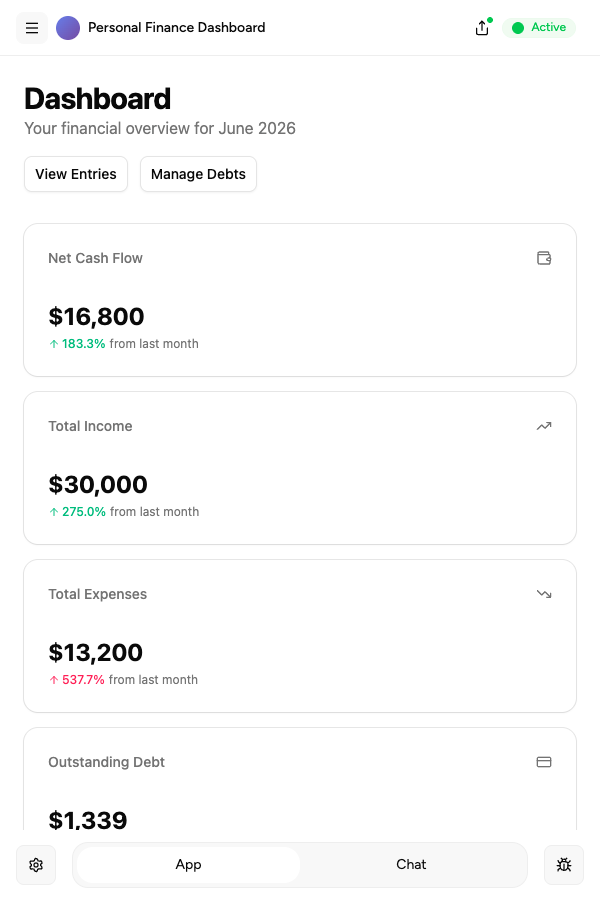
Create AI agents that summarise rows, automate data entry, and trigger follow-ups - so your team stops doing manually what the app can handle.
Notes where the data lives
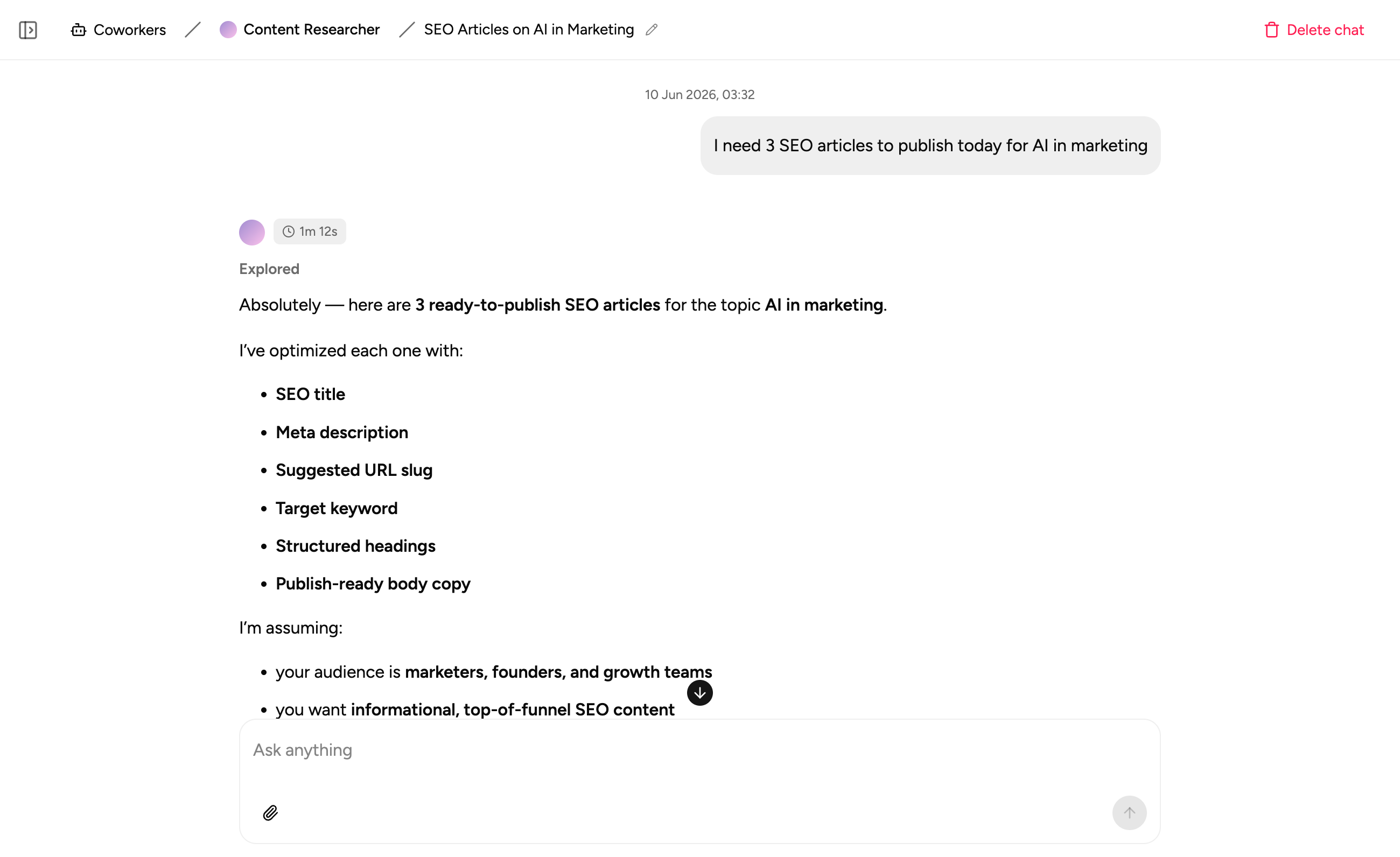
Capture process notes and context in the same workspace as your data. No more scrolling through a comment thread to understand what happened.
Common Google Sheets, turned into proper apps
Whatever your team is running on a shared Sheet today, Appaca can build a proper app around it - with a real UI, a secure database, and the automations your process actually needs.
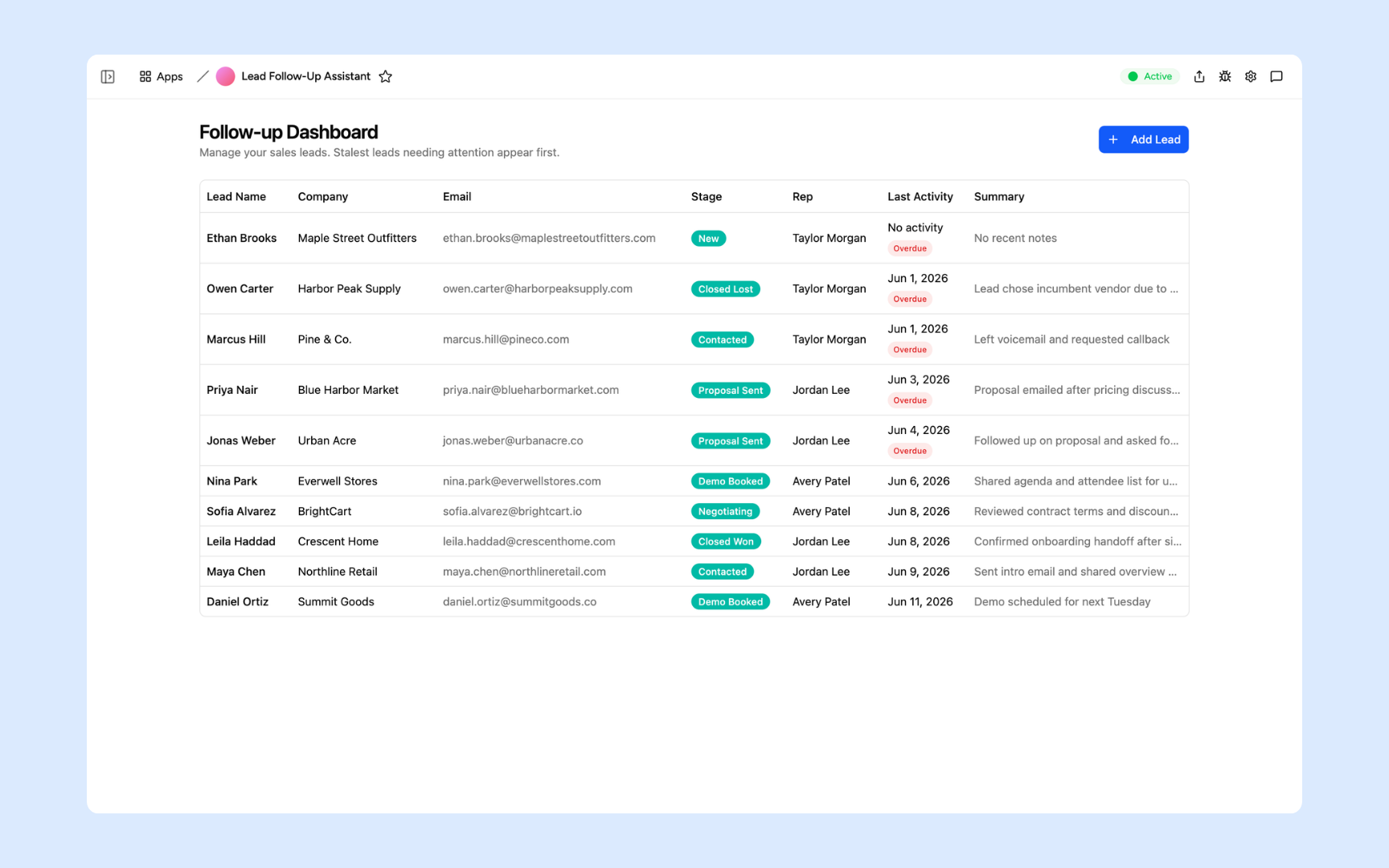
Lead Follow-Up Assistant
The shared 'Leads' Google Sheet, rebuilt as a proper app. Every lead tracked, every follow-up drafted by AI and ready to send - no more @-mentioning teammates in cell comments.
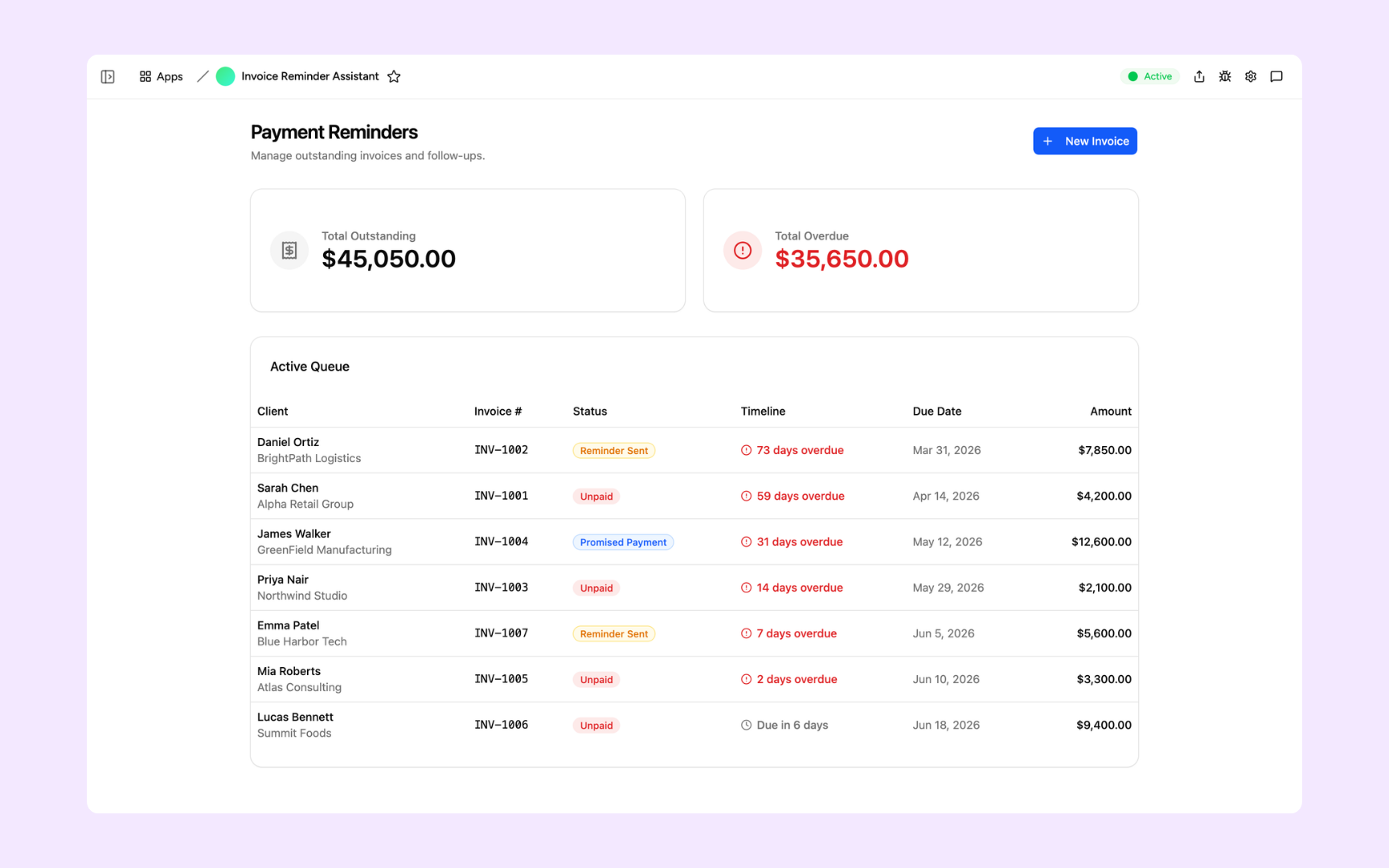
Payment Reminder Assistant
Turn the shared payments tracker into a tool that actually chases invoices. Personalised reminders sent automatically, no more manually scanning a Sheet for overdue rows.
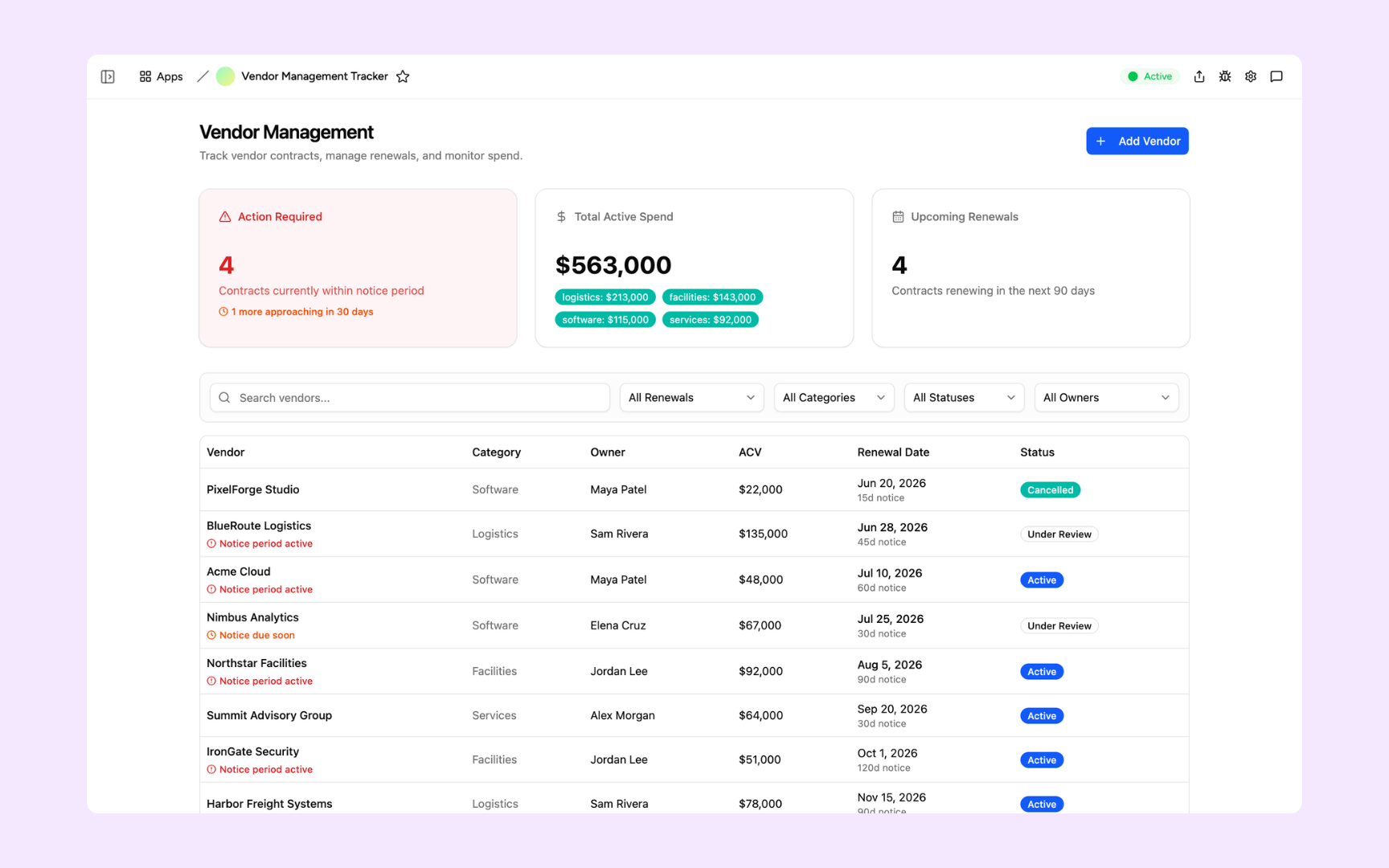
Vendor Tracker
Replace the vendor Sheet that three people have slightly different copies of. Track contracts, renewal dates, and performance in one place - with automated alerts before anything expires.
Built on a platform your team can trust
Every app you build on Appaca comes with the platform essentials your Sheet was missing - secure access, data storage, automations, and controls - so your team can focus on the work, not the workarounds.
Secure team sign-in
Every team member signs in with their own account. Your data is only ever seen by the people you invite - no 'anyone with the link', no accidental access.
Role-based permissions
Control who can view, edit, or manage each part of your app. Give your team exactly the access they need and nothing they don't.
Scheduler & automations
Trigger actions when data changes, send alerts to Slack, and schedule recurring tasks - all the workflows an Apps Script was trying to do.
Secure built-in database
Your data lives in a secure database built into every app - not in a Sheet anyone with the link can open. Structured, searchable, and always up to date.
Enterprise-grade security
Your operational data is encrypted, protected, and under your control. No sensitive data in a Sheet with an overly broad share link.
Access from anywhere
Your app lives in the browser. Your team can use it from the office, home, or on the road - no installs, no shared drives, no VPN required.
File & image storage
Attach files, receipts, contracts, and images to the records they belong to. Everything your team needs in one place, not spread across a Google Drive folder.
Usage tracking
See which parts of your app your team actually uses - so you know what's working and where to improve, based on real behaviour.
Explore more ways to build with Appaca
See related use cases, solutions by team, and how Appaca compares to other tools.
FAQs
Yes. Connect Appaca to your Google Sheet, or simply describe what the sheet does, and the agent builds a working app around your data - tables, forms, and views included. Your existing data becomes the starting point.
No. If your sheet relies on Apps Script for automation, Appaca rebuilds that logic as native app functionality - scheduled tasks, triggers, and AI actions - so it keeps working without depending on a script tied to one person's Google account.
Any sheet that multiple people edit, comment on, or rely on for a live process: shared lead and CRM trackers, payment and collections trackers, vendor and contract logs, and team operations sheets. If people are leaving comments asking 'who updated this?', it's a candidate.
A shared Google Sheet is still one grid with comment threads standing in for a real workflow. Appaca gives your team a real app with a proper UI, role-based permissions, a built-in database, and automations - so status changes, approvals, and follow-ups happen natively instead of through @-mentions.
Most teams have a working first version the same day. Describe the sheet's purpose to Appaca and the agent builds the app - complete with a database, team access, and the logic you rely on. You iterate from there.
Both are possible. Appaca can use your Google Sheet as a live data source, or fully replace it with a built-in database once your team is ready to move off spreadsheets entirely. Appaca also connects to Airtable, Notion, Slack, and any service with an API or webhook.
Your Google Sheet deserves to be a real app
Turn your Sheets workflow into a working internal tool with the interface, controls, and automations your team needs.
- 7-day trial
- No credit card
- Cancel anytime