
Build custom monthly finance report tool with AI
Appaca is an AI workspace where you can build a monthly finance report tool that works for your finance team.
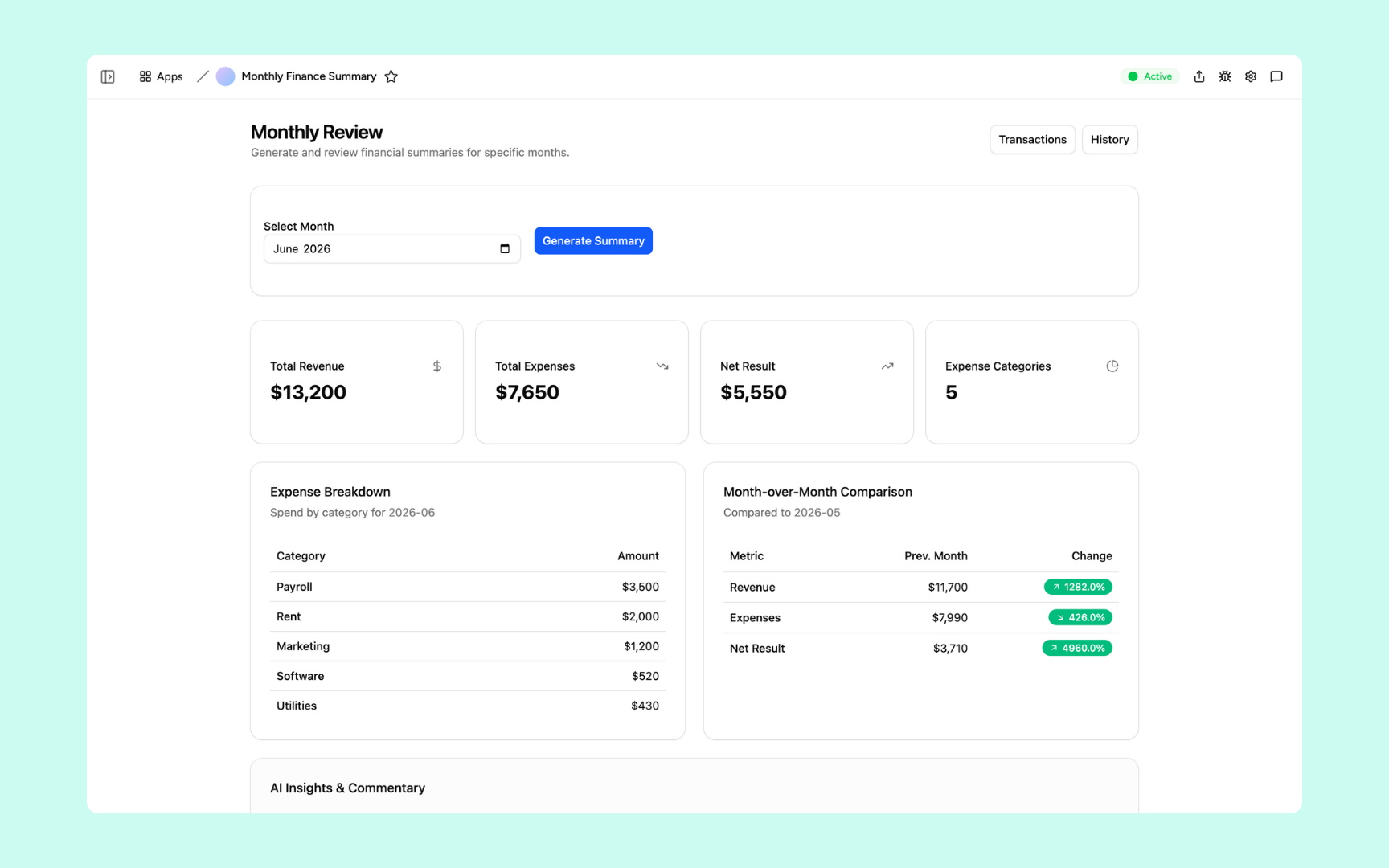
Everything you need to run your monthly finance report
Appaca makes it easy for your finance team to build an AI-powered internal tool for closing the month and reporting on the numbers that matter.

Teach AI your reporting standards
Upload your reporting templates, chart of accounts, and commentary guidelines to the knowledge base so the Appaca agent, your report tool, and your AI co-workers write summaries that match how your team reports.
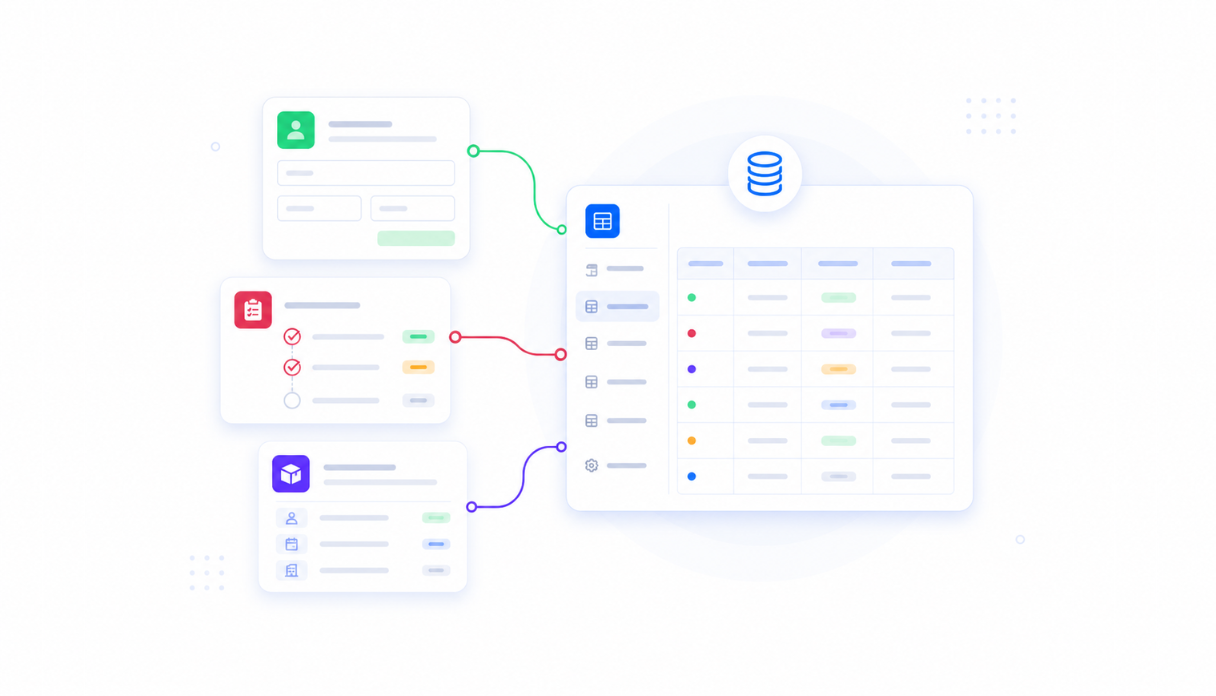
Keep every transaction in one place
Appaca workspace comes with a secured built-in database and storage, so your revenue, expenses, and past reports live right inside your tool. No need to set up third-party databases.
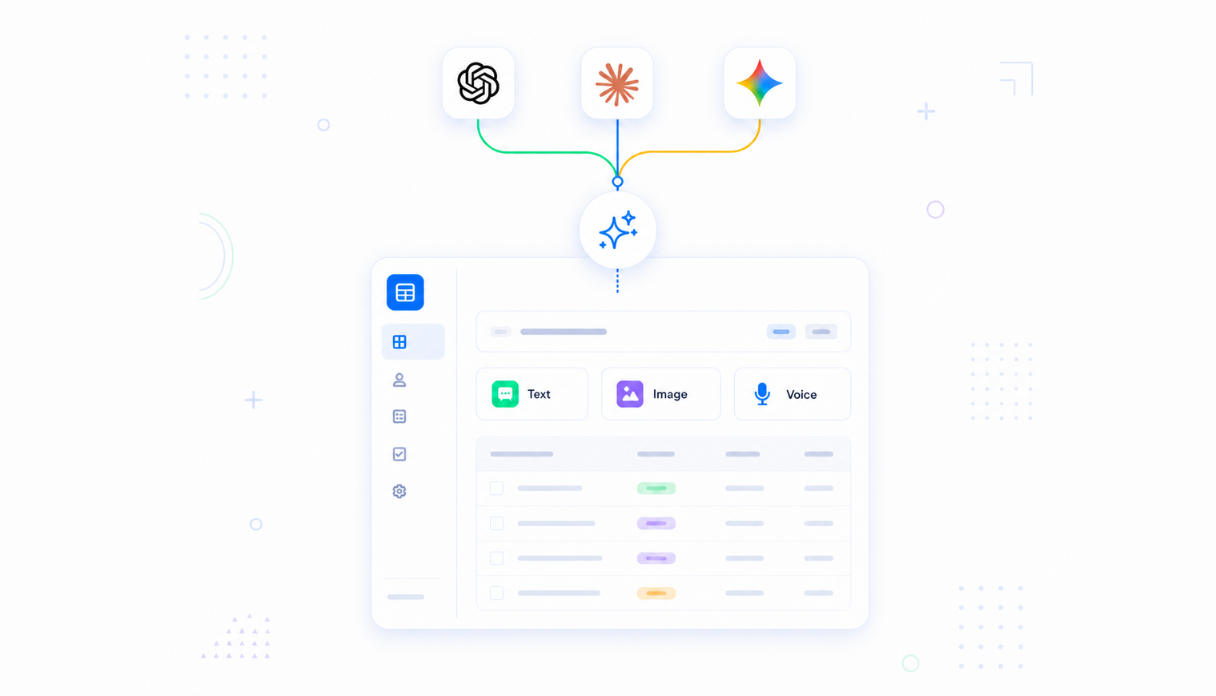
AI that writes your commentary
Connect AI models (text, image, and voice) powered by OpenAI, Anthropic, and Google out of the box to generate commentary on what changed since last month and why.
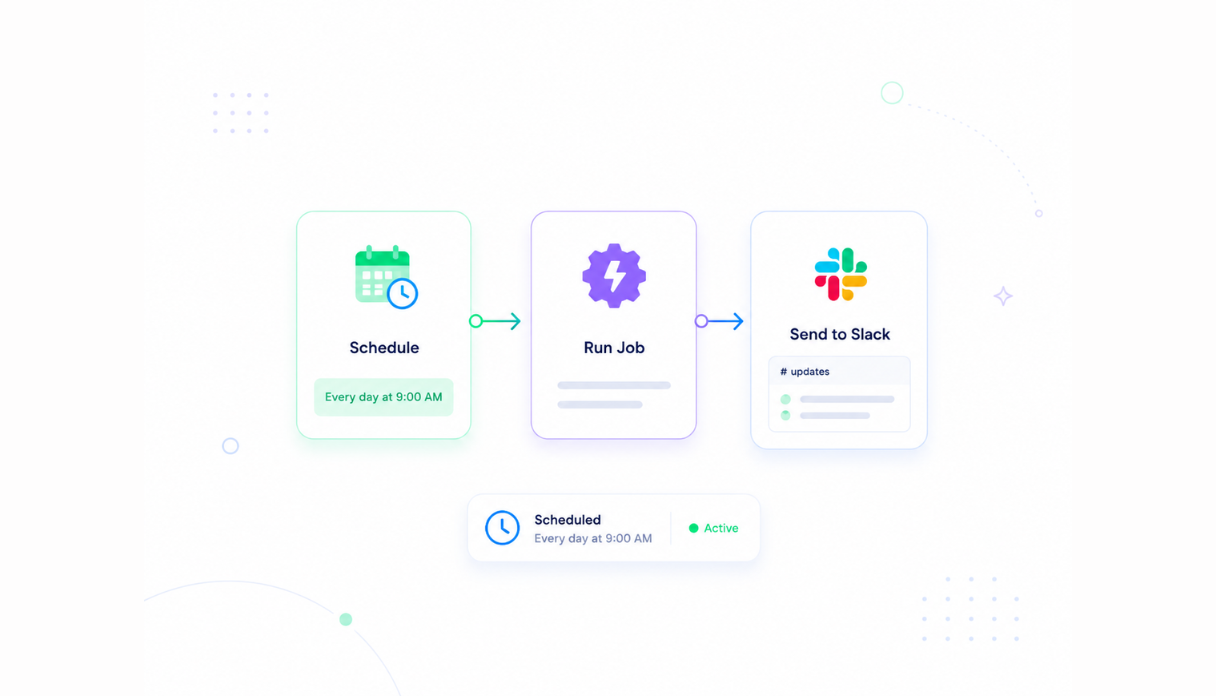
Never miss a reporting cycle
Set the scheduler to run your report automatically, like generating the monthly summary and sending it to your team's Slack on the first morning of every month.
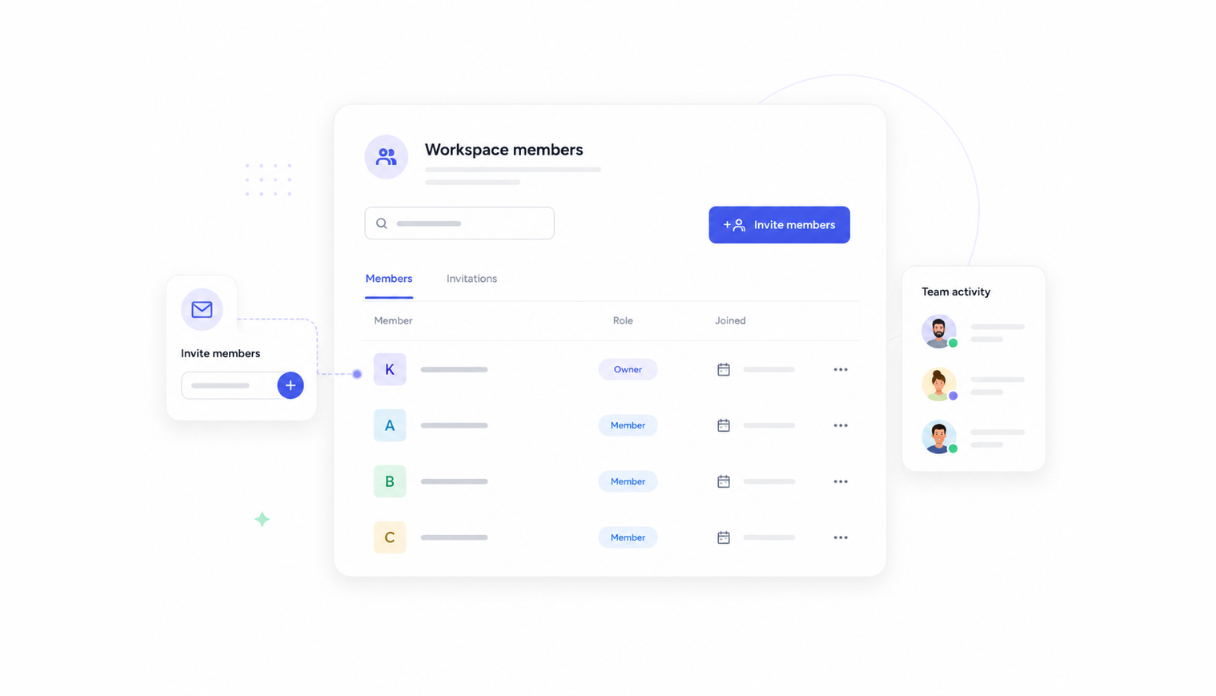
Share with the finance team
Invite your finance team to the workspace so everyone works from the same numbers. No more conflicting spreadsheets between teammates.
Works with your finance stack
Securely connect Appaca workspace to the accounting tools your team already uses, so your transactions flow straight into your report tool without changing your current workflow.





What features does this Monthly Finance Report have?
This Monthly Finance Report is built and run on Appaca workspace. You can clone it and make changes to fit your team's needs.
A dashboard with total revenue, expenses, net result, and spend by category. AI insight and commentary.
Select any month and generate a finished summary in minutes.
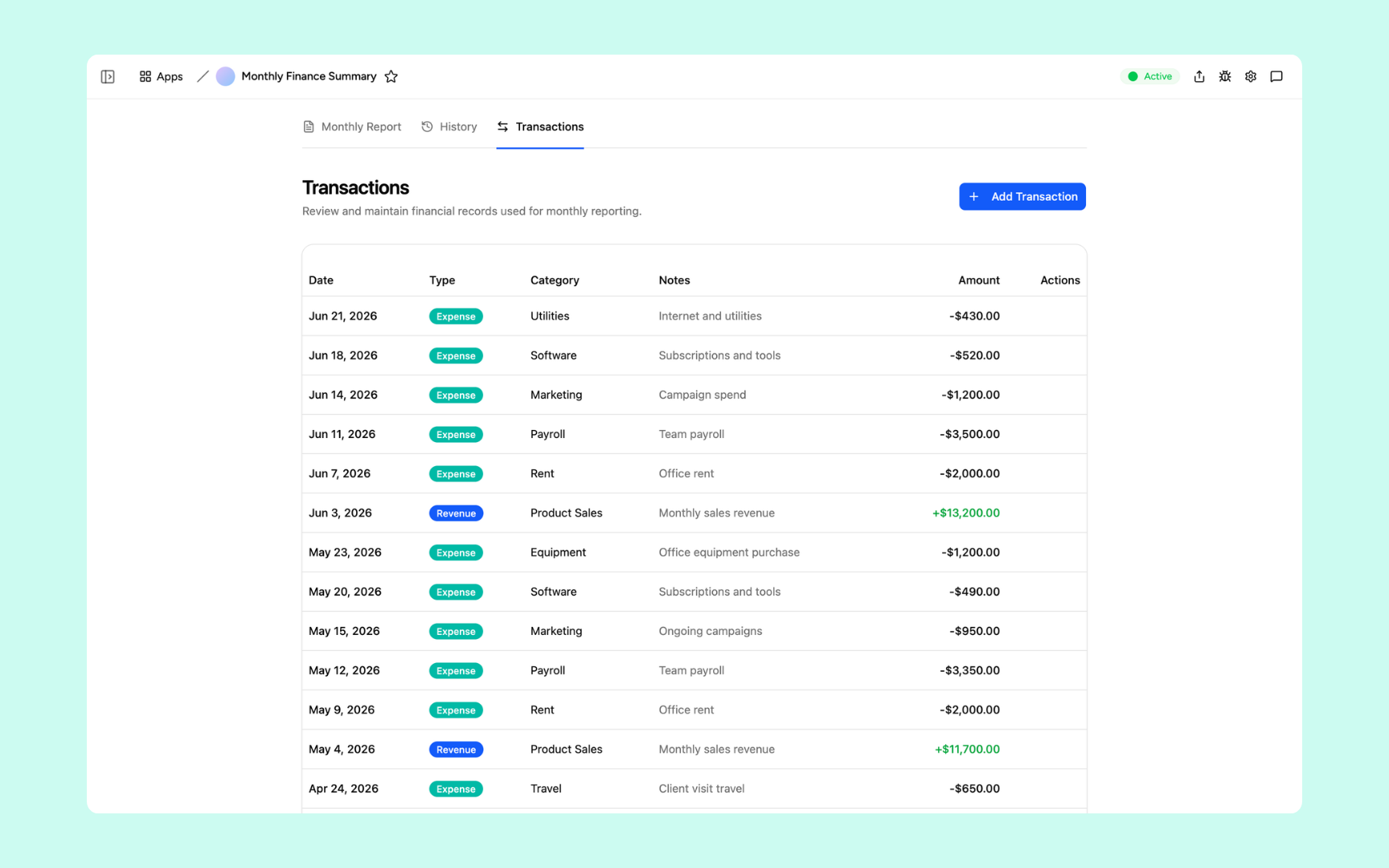
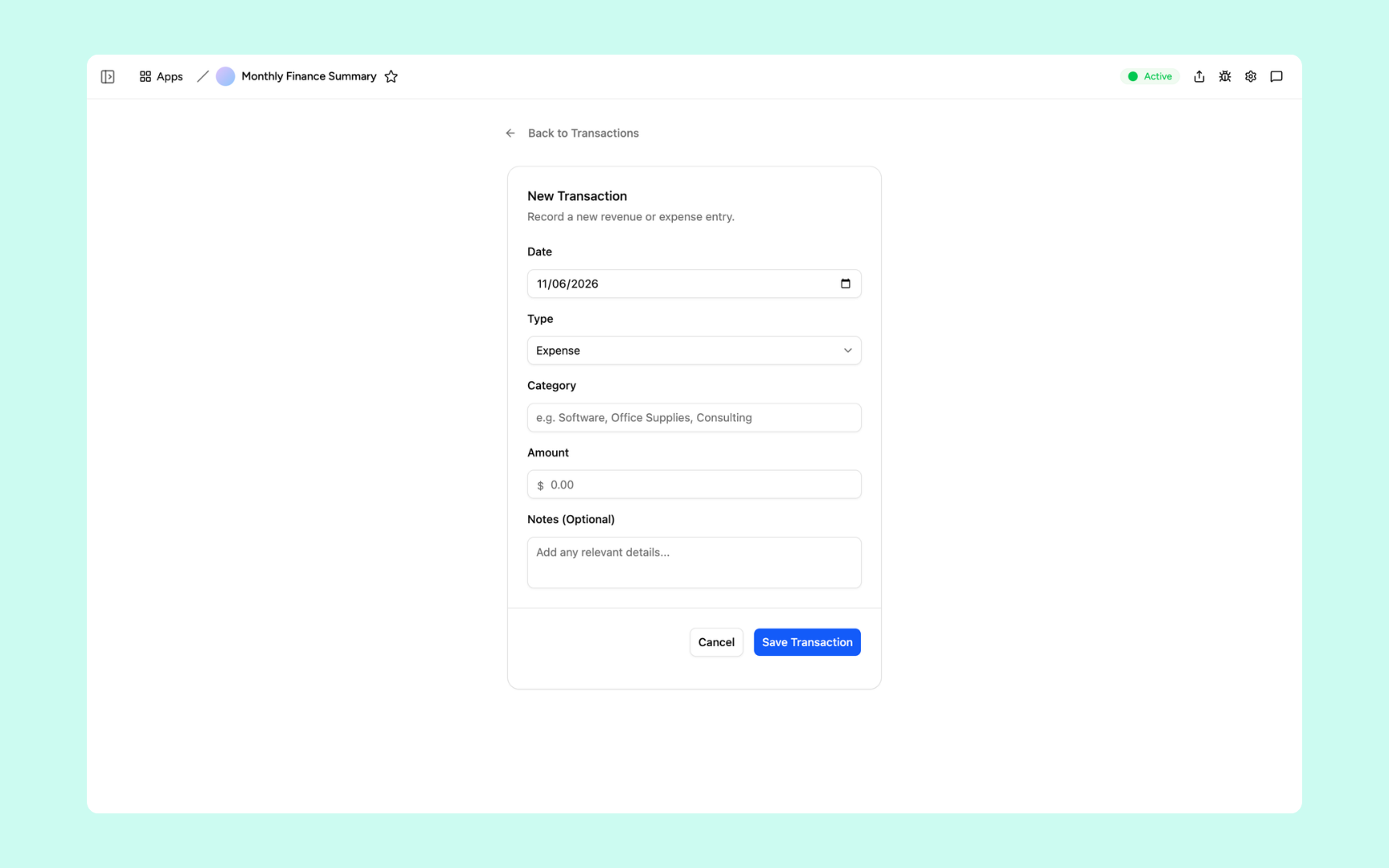
Add a new transaction to the database.
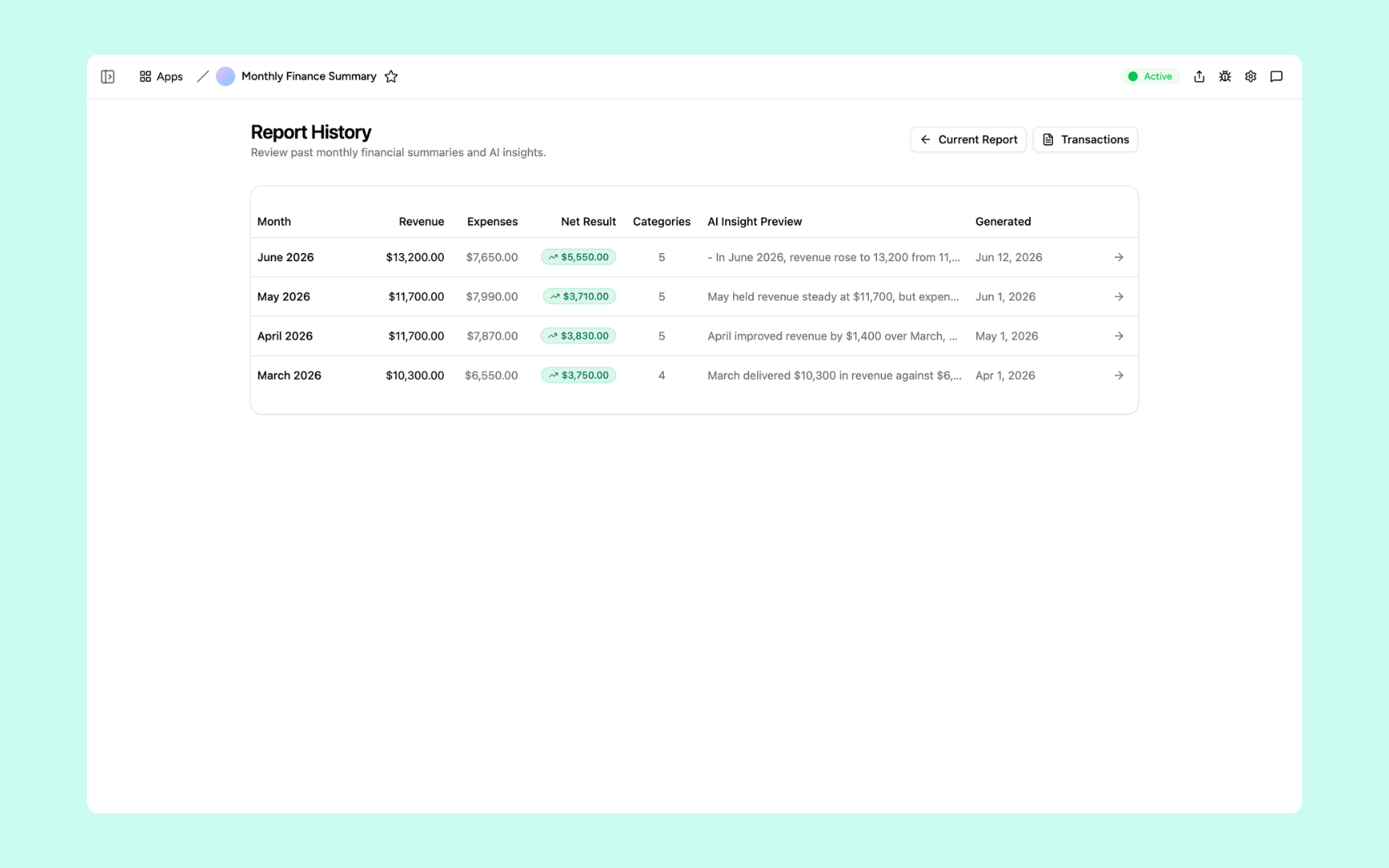
Every report is saved as history your team can look back on.
Get Monthly Finance Report in your workspace
Monthly finance report built on secured platform your finance team can trust
Your monthly finance report tool comes with the platform essentials - secure access, data storage, automations, and controls - so your team can focus on the numbers, not setup.
Secure team sign-in
Everyone signs in to the tool with their own account. Your revenue, expenses, and reports are only ever seen by your team.
Advanced permissions
Decide who sees what. The team logs transactions, while finance leads review reports and control who can see sensitive numbers.
Scheduler & automations
Generate the monthly summary, send it to Slack, and remind the team about close tasks automatically - no manual chasing.
Built-in finance database
Revenue, expenses, categories, and past reports live in a secure database inside your tool. No spreadsheets, no third-party setup.
Enterprise-grade security
Your financial data is encrypted, protected, and under your control - never shared outside your workspace.
Report from anywhere
The tool lives in the browser, so your team can log expenses and check reports from the office, home, or on the road.
File & image storage
Attach receipts, statements, and supporting documents to the records they belong to - so every number has its backup in one place.
Usage tracking
See how your team actually uses the tool - which reports get read and where the close stalls, so every cycle runs smoother.
FAQs
It's an internal tool that turns your revenue and expense data into a finished monthly summary. Pick a month and get totals, net result, and spend by category - with AI commentary on what changed since last month - saved as history your team can look back on.
No. Appaca is an AI workspace - you describe what your finance team needs and the Appaca agent builds the tool for you, complete with a built-in database, team access, and automations. No coding or deployment required.
You upload your reporting templates, chart of accounts, and commentary guidelines to the knowledge base. The AI uses them as context when writing the monthly summary, so every report reads like your team wrote it, not a generic template.
Yes. Appaca connects to tools like Slack, Google Sheets, Airtable, and Notion, and can integrate with any service that supports an API or webhook. Your transactions flow straight into the report tool without changing your current workflow.
In a secure database built into your Appaca workspace. Your revenue, expenses, files, and past reports live right inside the tool - encrypted, protected, and only visible to the team members you invite.
Yes. Invite your team to the workspace so everyone works from the same numbers. Each person signs in with their own account, and advanced permissions let you control who sees which tools and data.
You set up a scheduled automation that runs on whatever cadence you choose. For example, it can generate the previous month's summary and post it to your team's Slack channel on the first morning of every month.
More productivity with one adaptive workspace
Use Appaca for all your business operations needs. Build internal business tools and AI around your existing workflow.