
Build custom ticket triage router with AI
Appaca is an AI workspace where you can build a ticket triage router that takes one intake form for every IT request and automatically categorises, prioritises, and routes each ticket to the right person - so nothing sits unassigned in a shared inbox.
Everything you need to stop manually sorting IT tickets
Appaca makes it easy for your IT team to build an AI-powered triage router that turns every support request into a categorised, prioritised, and assigned ticket - automatically, before your team even opens the queue.
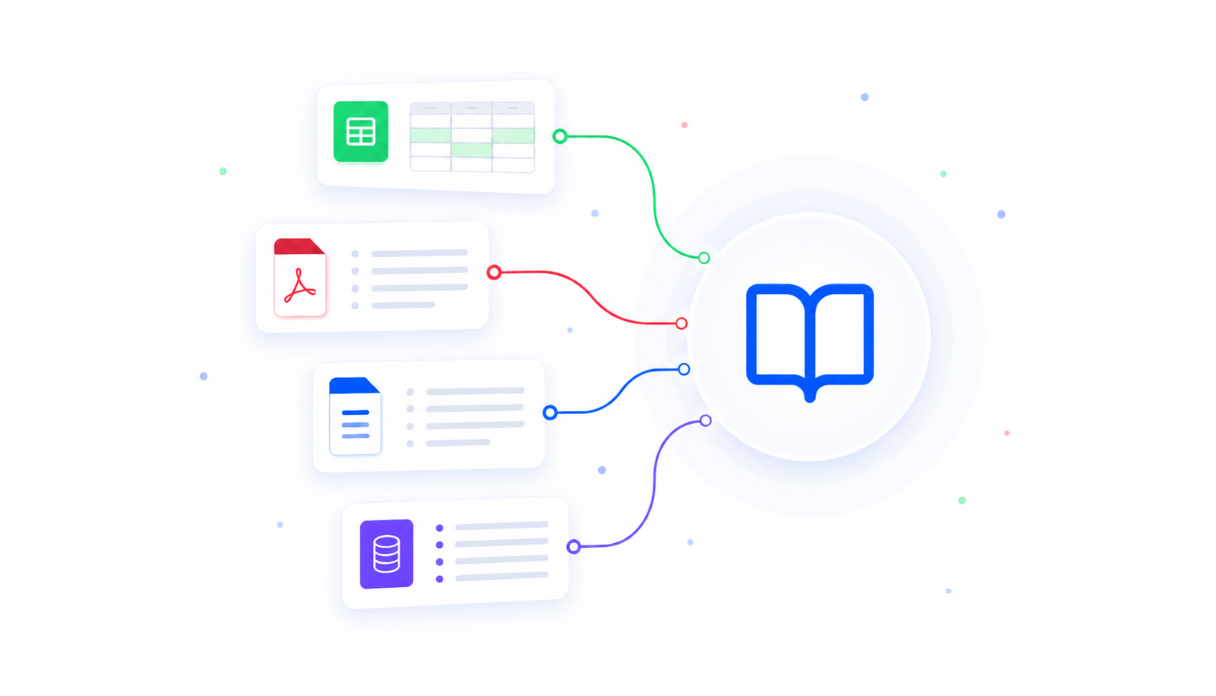
Teach AI your routing rules
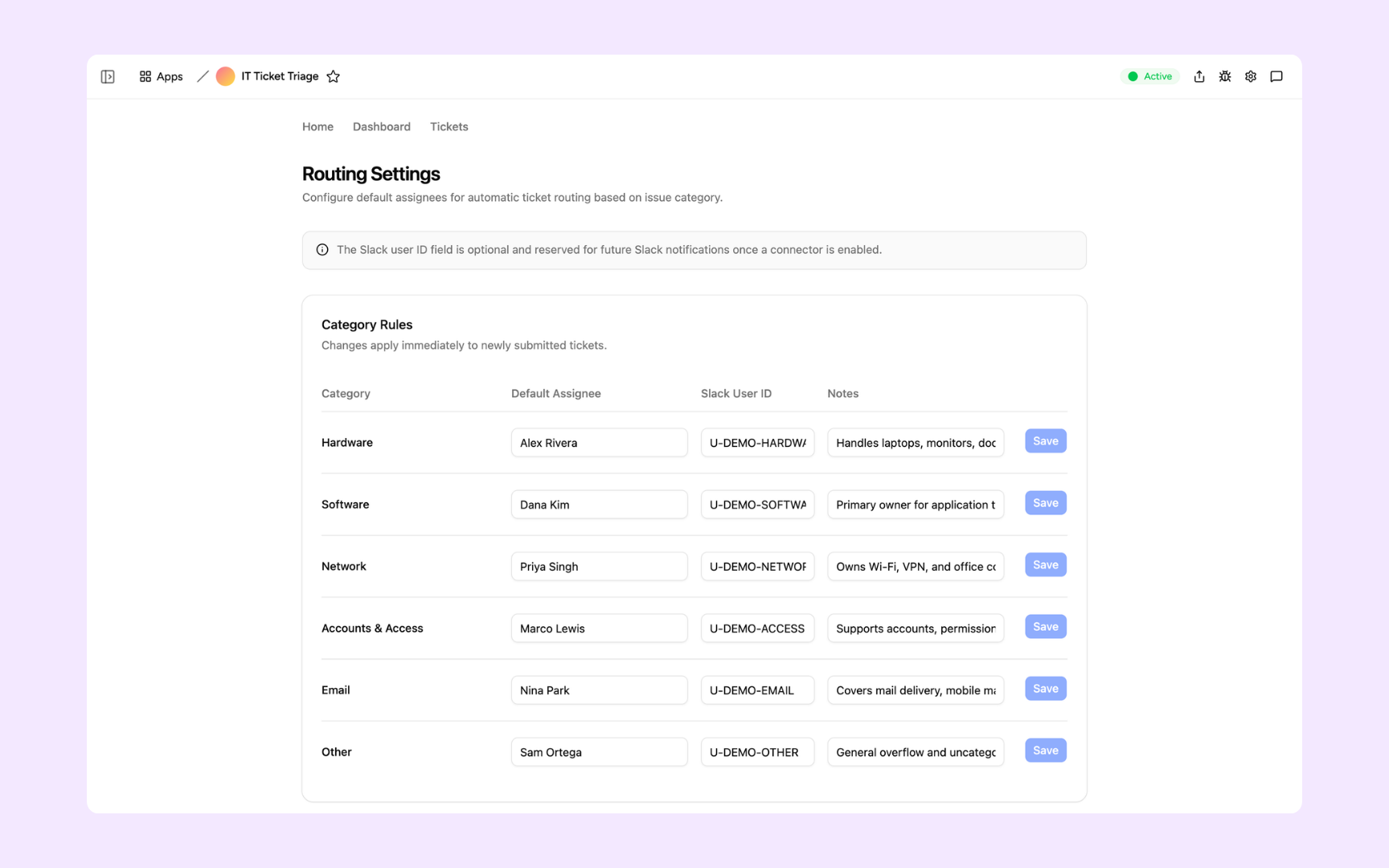
Map each issue category to the right owner in your knowledge base so the AI assigns tickets based on how your team actually operates - not a generic default. Update routing rules in seconds and changes apply to every new ticket immediately.
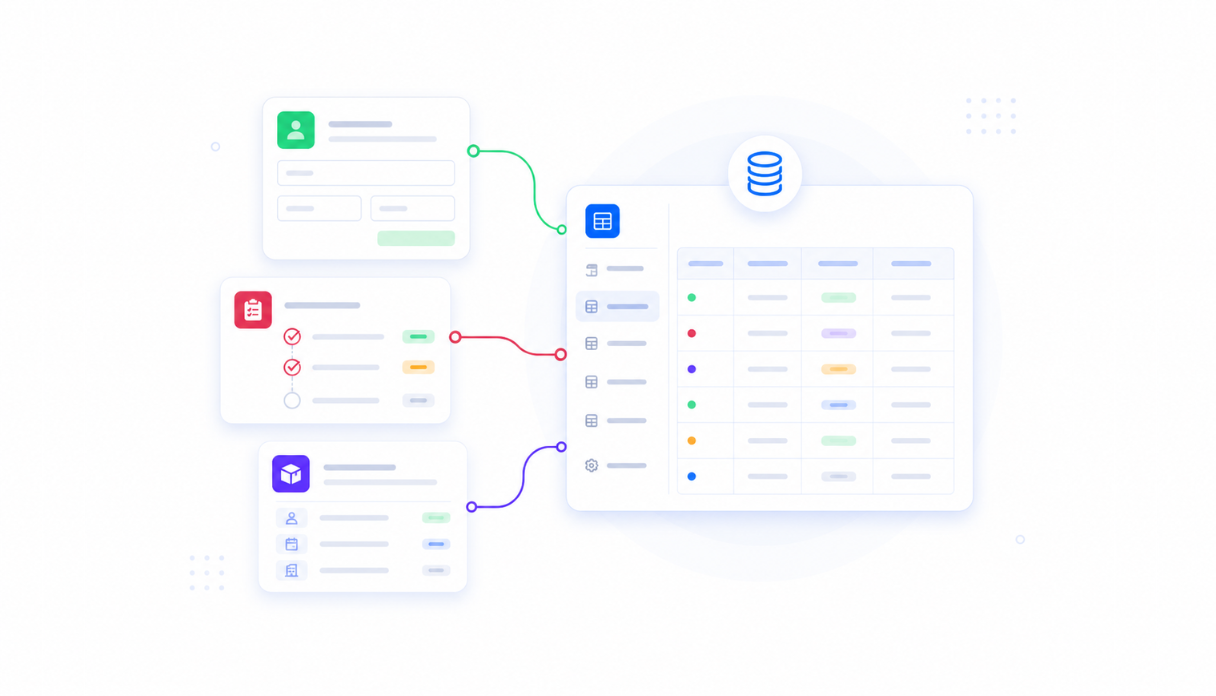
Keep every ticket in one place
Appaca workspace comes with a secured built-in database and storage, so every request, status update, and resolution lives right inside your tool. No more sifting through email threads or Slack channels to find what was submitted last week.
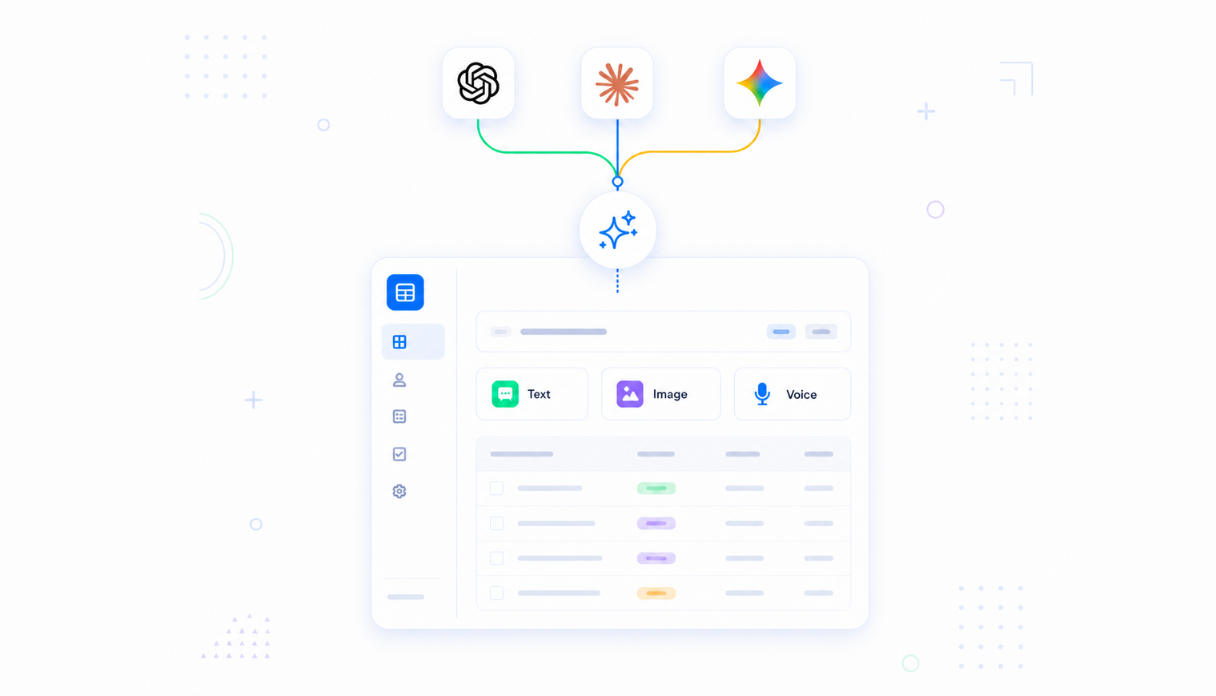
AI that categorises and prioritises
Connect AI models powered by OpenAI, Anthropic, and Google out of the box to read each incoming request, assign it to the right category - hardware, network, accounts, email - and set the priority level from P1 Critical to P4 Low.
Never leave a ticket unassigned
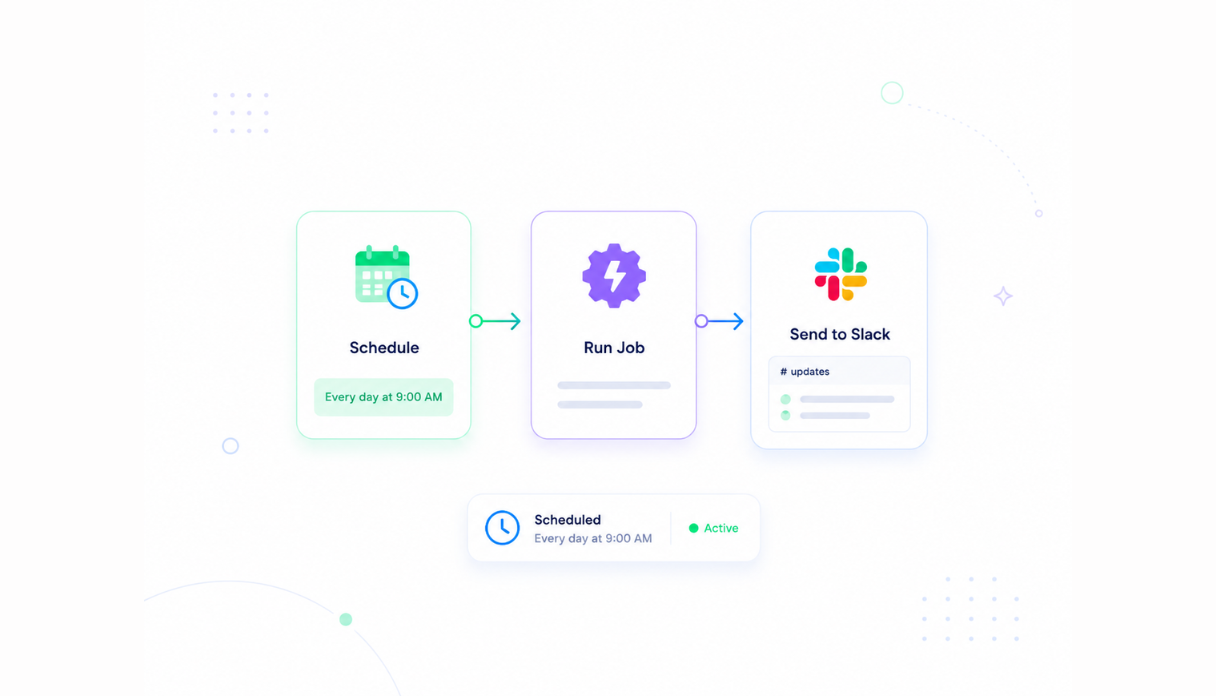
Set automations to notify the right owner in Slack the moment a ticket lands in their queue, escalate P1 Critical issues immediately, and send reminders for requests that have been open too long. Every ticket reaches the right person without manual sorting.
Share with the IT team
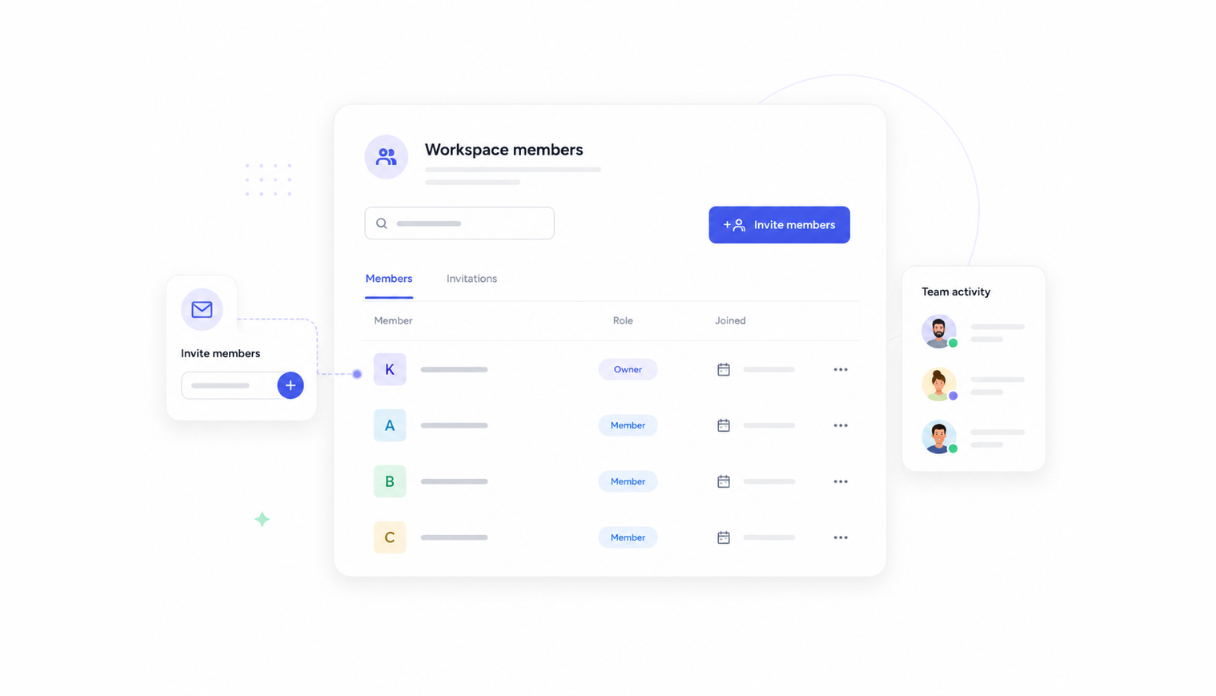
Invite your IT staff and team leads to the workspace so everyone triage, updates, and resolves from the same queue. Each person sees the tickets assigned to them while admins have a full view across all categories and priorities.
Works with your IT stack
Securely connect Appaca workspace to the tools your team already uses - Slack, your existing ITSM, and any service with an API or webhook - so ticket notifications and status updates flow into your current workflow without disruption.





What features does this Ticket Triage Router have?
This Ticket Triage Router is built and run on Appaca workspace. You can clone it and make changes to fit your team's needs.
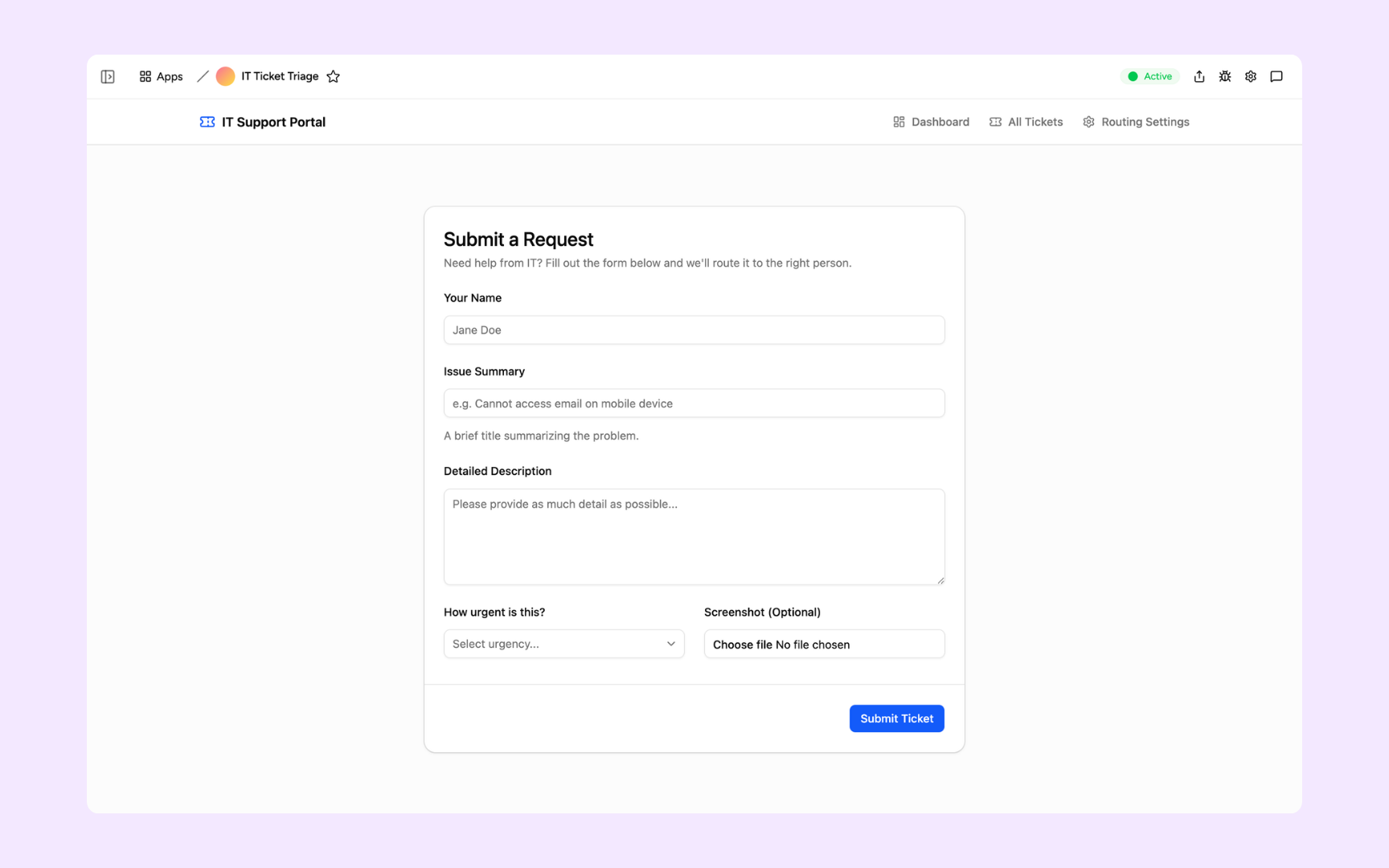
Employees fill in their name, a brief issue summary, and a detailed description, then select urgency and optionally attach a screenshot. One consistent form for every IT request - no more ad-hoc Slack messages or emailed complaints that get lost.
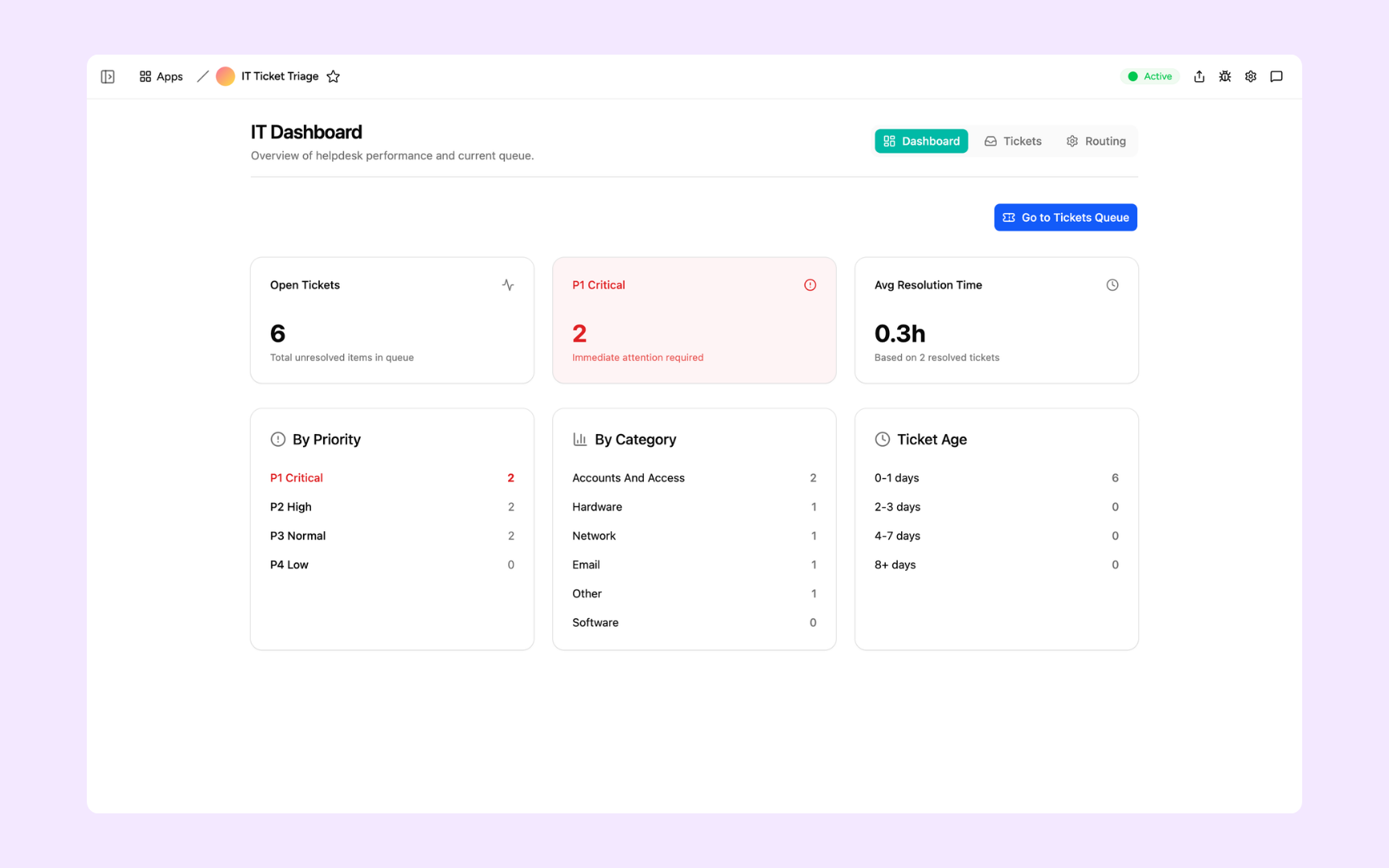
Open ticket count, P1 Critical issues flagged for immediate attention, and average resolution time at a glance. Priority breakdown (P1-P4), volume by category (Hardware, Network, Email, Accounts & Access), and ticket age tell your team exactly where the queue stands.
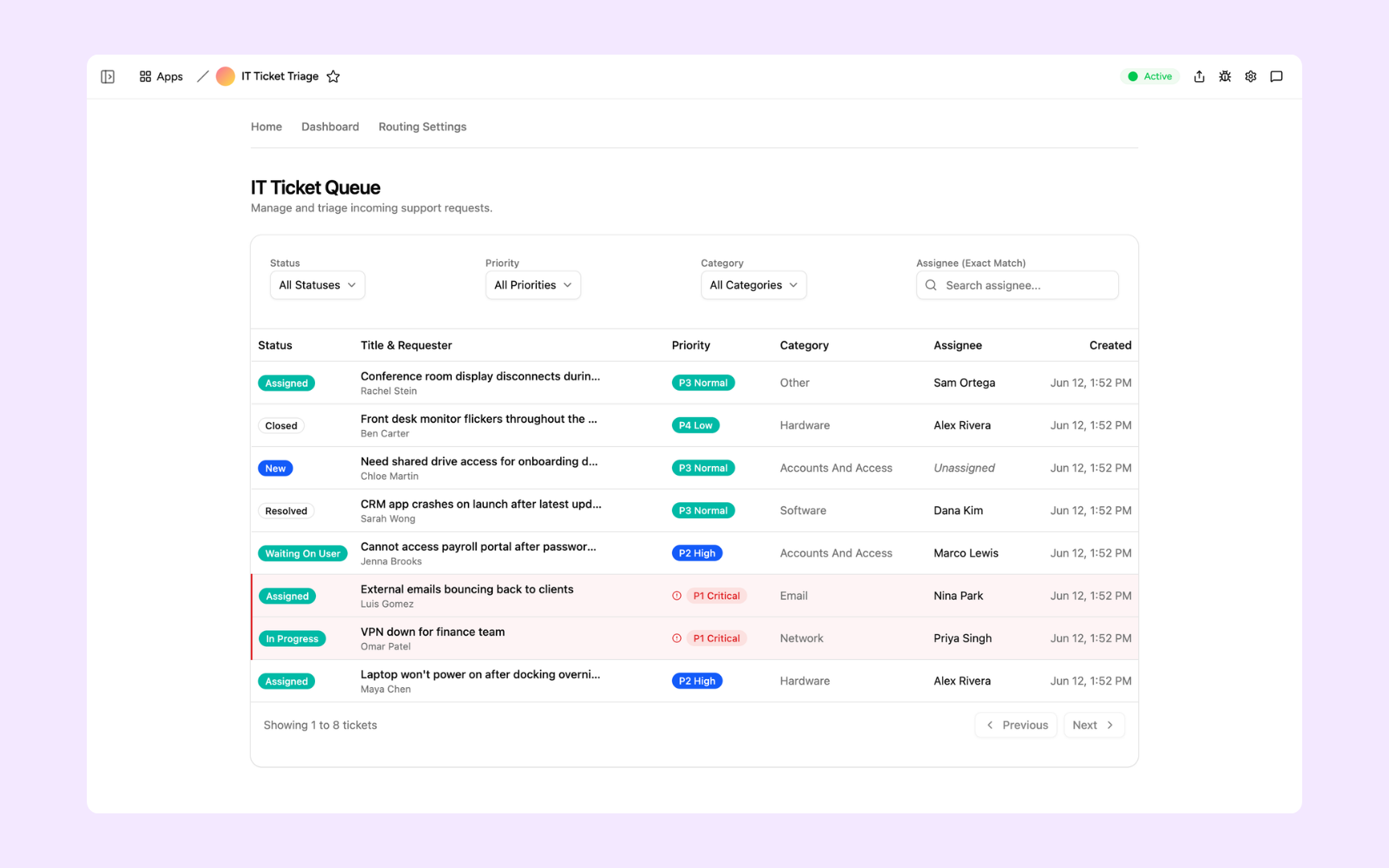
The full ticket queue, filterable by status, priority, category, and assignee. Every ticket shows its requester, AI-assigned priority, category, current owner, and submission time - so your team can pick up the most urgent items first without any manual sorting.
Map each issue category to a default assignee and Slack user ID. Hardware routes to one person, Network to another, Accounts & Access to another - and changes apply immediately to every newly submitted ticket so ownership transfers in seconds.
Get Ticket Triage Router in your workspace
Ticket triage router built on a secured platform your IT team can trust
Your ticket triage router comes with the platform essentials - secure access, ticket storage, automations, and controls - so your team can focus on resolving issues, not sorting requests.
Secure team sign-in
Every team member signs in with their own account. Your ticket queue, request details, and routing configuration are only ever seen by your team.
Advanced permissions
Decide who sees what. Employees submit requests while IT staff manage the queue and admins control routing rules and category assignments.
Scheduler & automations
Notify the right owner in Slack the moment a ticket is assigned, escalate P1 Critical issues instantly, and send reminders for tickets that have been waiting too long - all on autopilot.
Built-in ticket database
Every request, status update, and resolution lives in a secure database inside your tool. No shared inboxes, no email threads, no third-party ticketing setup.
Enterprise-grade security
Your ticket data and routing configuration are encrypted, protected, and under your control - never shared outside your workspace.
Triage from anywhere
The tool lives in the browser, so your team can review and update tickets from the office, home, or on call.
File & image storage
Attach screenshots, error logs, and supporting files to the tickets they belong to - so your team has full context before they start working on an issue.
Usage tracking
See which categories generate the most tickets, where resolution time is longest, and which routing rules are handling the most volume - so you know where to optimise your support process.
FAQs
It's an internal tool that takes every IT support request through a single intake form and automatically categorises it - hardware, software, network, accounts - assigns a priority from P1 Critical to P4 Low, and routes it to the right owner. What used to require manual sorting across a shared inbox or Slack channel now happens before your team opens the queue.
No. Appaca is an AI workspace - you describe what your IT team needs and the Appaca agent builds the tool for you, complete with a built-in database, team access, and automations. No coding or deployment required.
The AI reads the employee's issue summary and description, then categorises and prioritises based on the routing rules and context you've configured. You define what each category covers and who owns it - so the AI routes according to how your team actually operates.
Yes. You can set up automations to ping the right Slack user the moment a ticket lands in their queue. The routing settings include a Slack user ID field for each category owner so notifications go directly to the right person without any manual steps.
Yes. Routing rule changes apply immediately to newly submitted tickets only - existing tickets keep their current assignment. Update a category owner in seconds and every new request in that category routes to the right person straight away.
In a secure database built into your Appaca workspace. Every request, status update, and resolution lives right inside the tool - encrypted, protected, and only visible to the team members you invite.
Yes. Invite your team to the workspace so everyone triages, updates, and resolves from the same view. Each person sees the tickets assigned to them while admins have full visibility across all categories, priorities, and statuses.
More productivity with one adaptive workspace
Use Appaca for all your business operations needs. Build internal business tools and AI around your existing workflow.