
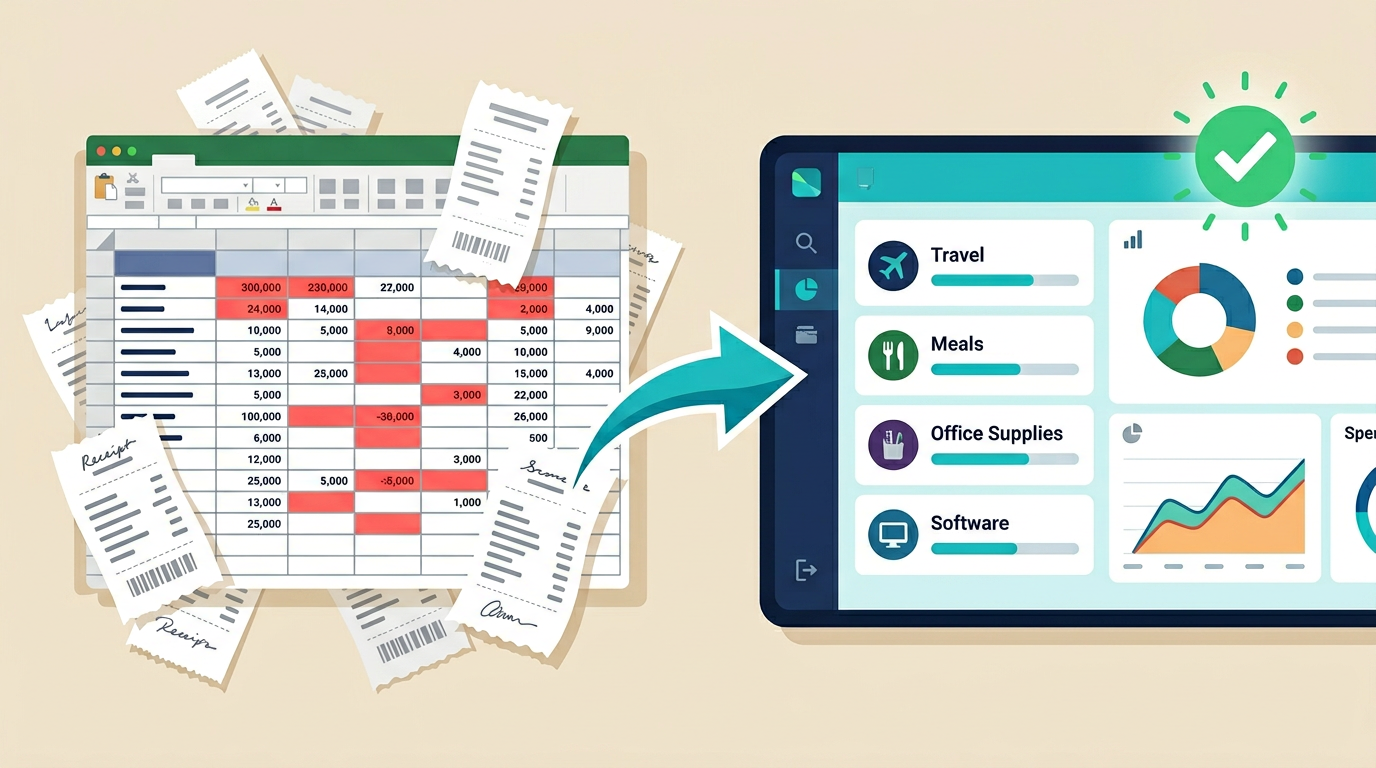
It is tax season. You open the spreadsheet you have been “maintaining” all year and realize it is three months behind, the categories are inconsistent, and you are missing at least a dozen entries. So you spend an entire weekend cross-referencing bank statements, hunting for receipts, and cursing the day you decided a spreadsheet was “good enough.”
If this sounds familiar, you are in good company. Millions of freelancers, small business owners, and individuals use spreadsheets to track expenses. And for almost all of them, it is a source of stress rather than clarity.
Let’s fix that.
Why Spreadsheets Are the Worst Expense Tracker
Spreadsheets were designed for general-purpose data entry. They were not designed for expense tracking. Here is why they fail at the job:
No structure enforcement. Nothing stops you from putting a date in the amount column or misspelling a category name. Over time, your data gets messy and unreliable.
No reminders or automation. A spreadsheet will never nudge you to log that coffee meeting or remind you that you have not entered expenses in two weeks. Out of sight, out of mind.
Manual everything. Every entry requires opening the sheet, scrolling to the right row, typing in the data, and hoping you did not make a mistake. Multiply that by hundreds of transactions per year and it adds up to hours of tedious work.
No useful summaries without effort. Want to see how much you spent on software subscriptions this quarter? Time to build a pivot table. Want a monthly trend? Create a chart from scratch. Spreadsheets can do these things, but they make you work for it every time.
No mobile-friendly experience. Try entering an expense on your phone in Google Sheets. It is technically possible. It is also miserable.
The fundamental problem is that spreadsheets give you a blank canvas when what you need is a purpose-built tool.
What a Good Expense Tracker Actually Does
A good expense tracker has a few key qualities:
Quick entry. Logging an expense should take seconds, not minutes. Open the app, enter the amount, pick a category, done.
Consistent categories. Your expense categories should be predefined and consistent. “Food,” “food,” “Meals,” and “dining” should not all be different entries.
Automatic summaries. You should be able to see your monthly spending by category, your total for the quarter, or your year-to-date numbers without building anything.
Easy to search. When you need to find that one purchase from four months ago, you should be able to search by date, amount, or description.
Actually enjoyable to use. If the tool is annoying, you will stop using it. The best expense tracker is the one you actually open consistently.
AI-Powered Expense Tracking in 2026
In 2026, expense tracking has gotten dramatically simpler thanks to AI. Instead of setting up complex templates and formulas, you can describe the expense tracking system you want and have it created for you.
This is the internal tools approach: instead of adapting to a pre-built tool, you get a tool that adapts to you.
Want categories that match your specific business? Just describe them. Need a “client” field so you can track project-related expenses separately? Ask for it. Want a dashboard that shows your top three expense categories each month? Say the word.
The AI does not give you a generic template. It creates an expense tracker based on your description of how you want to track expenses.
How to Get Your Own Expense Tracker in Minutes With Appaca
Here is how simple it is with Appaca:
Step 1: Tell Appaca what you need. For example: “I need an expense tracker for my freelance business. I want to log each expense with a date, description, amount, category, and whether it is tax-deductible. Categories should include software subscriptions, office supplies, travel, meals, marketing, and professional development. I want to see a monthly summary by category and a running total for the year.”
Step 2: Appaca’s AI creates your expense tracker. It has a clean entry form, a data table showing all your expenses, and a summary dashboard - exactly as you described.
Step 3: Start logging. Every expense takes seconds. Your categories are consistent. Your summaries update automatically.
That is it. No formulas. No pivot tables. No wrestling with Google Sheets formatting. A purpose-built expense tracker that works the way you want it to.
Bonus: Connecting Your Expense Tracker to Your Budget
Tracking expenses is half the equation. The other half is budgeting.
Once you have an expense tracker on Appaca, you can create a budget planner in the same workspace. Describe your budget categories and monthly limits. Now you have a complete financial picture - what you planned to spend and what you actually spent - all in one place.
For freelancers, you can go even further. Pair your expense tracker with a time tracker and an invoice generator, and you have a complete financial workflow. Time goes in, invoices go out, expenses are tracked, and you always know where you stand.
No more SaaS fatigue from juggling QuickBooks, Toggl, FreshBooks, and a spreadsheet. Everything lives in one workspace.
The Bottom Line
Spreadsheets had a good run as expense trackers. But in 2026, you deserve better.
An AI-powered expense tracker gives you the structure, automation, and clarity that spreadsheets never could - without the complexity and cost of traditional accounting software.
Your time is worth more than fighting with spreadsheets. Spend five minutes describing what you need on Appaca, and you will never go back.