
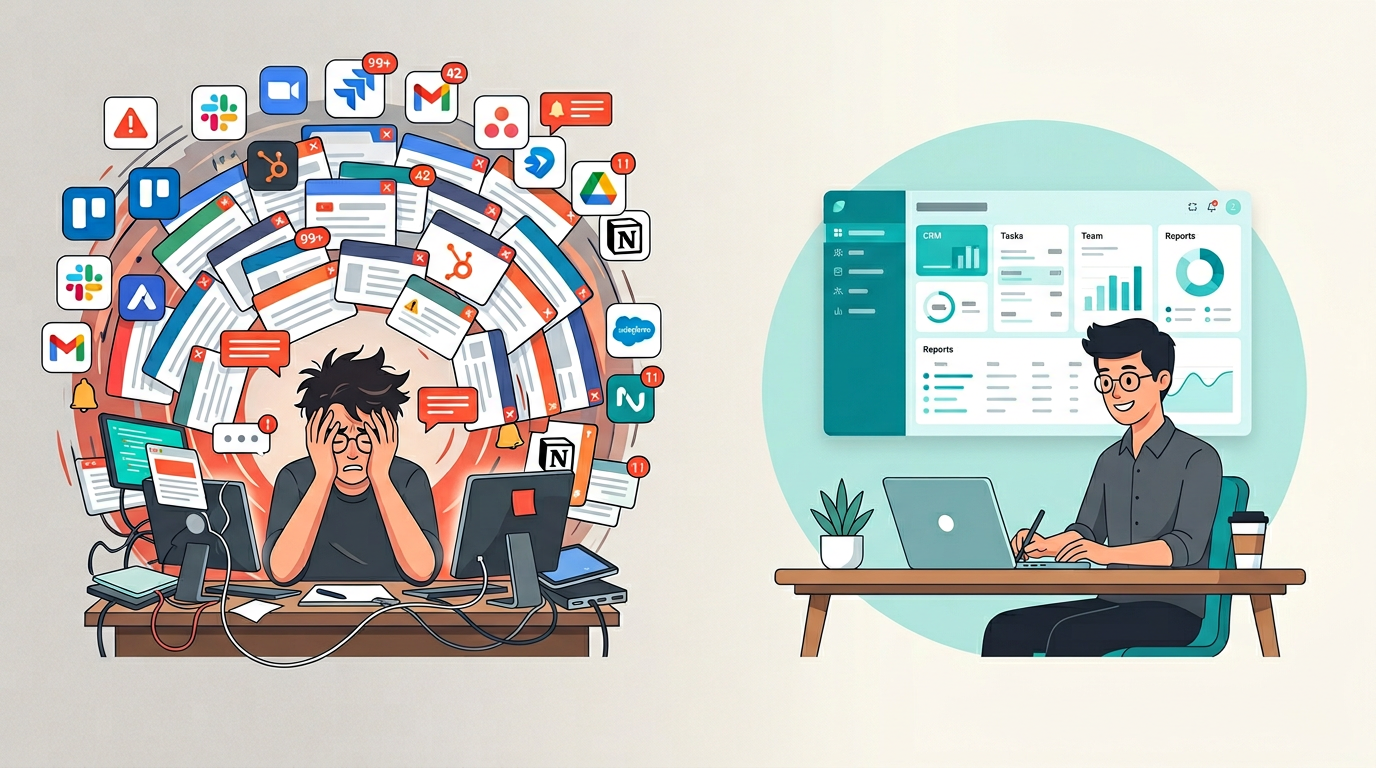
Quick question: how many apps did you open today before lunch?
If you are like most people, the answer is somewhere between 10 and 20. Your project management tool. Your team chat. Your email. Your CRM. Your spreadsheet. Your note-taking app. Your calendar. Maybe a time tracker. Possibly an invoicing tool. And at least one app you forgot you were even paying for.
This is SaaS fatigue - and it is one of the biggest productivity problems in 2026.
The SaaS Fatigue Problem by the Numbers
The data is staggering. In 2026, the average organization operates 831 different applications. Enterprise companies run over 2,000. Individual employees interact with roughly 40 apps to get their work done, while managing logins for an average of 106 distinct tools.
The financial cost? About $7,900 per employee per year in SaaS subscriptions. And between 30 and 50 percent of those licenses are underused or completely idle. That is thousands of dollars per person going to tools that nobody is fully using.
But the real cost is not financial. It is cognitive.
Workers lose an average of 51 minutes every week to tool fatigue - that is over 44 hours a year per person just switching between tabs, re-entering data across platforms, and figuring out which app has the information they need. About 17 percent of workers switch between apps more than 100 times a day.
This is not a productivity stack. It is a tax on your attention.
Why Adding Another Tool Makes It Worse
Here is the irony: when teams feel overwhelmed by their tools, the most common response is to add another one. The reasoning makes sense on the surface - “we need a better project management tool” or “let’s get a dedicated CRM.”
But every new tool brings:
- Another login to manage
- Another interface to learn
- Another data silo where information gets trapped
- Another subscription that auto-renews whether you use it or not
- Another migration when you inevitably switch to something else
Over 61 percent of apps in organizations are “Shadow IT” - tools adopted by individuals or teams without formal approval. People keep adding tools because the existing stack does not quite do what they need. And each addition makes the problem a little worse.
The real issue is not that you need better tools. It is that the entire model of buying pre-built, one-size-fits-all software and stitching it together is fundamentally broken.
The Consolidation Approach
In 2026, the smartest teams are asking a different question. Instead of “what tool should we add next?” they are asking “which tools can we eliminate?”
Mid-sized businesses reduced their app count by 29 percent last year. The mentality has shifted from expansion to consolidation.
But consolidation does not mean going back to doing everything manually. It means finding a platform approach where your tools live together, share data naturally, and actually fit the way you work.
There are two ways to consolidate:
Option 1: Pick a mega-platform. Choose a tool like Notion, ClickUp, or Monday and try to force everything into it. This helps with the login problem, but you still have to adapt your workflow to how the platform works. And mega-platforms tend to be good at many things but great at nothing.
Option 2: Use an adaptive platform. Instead of adapting to the tool, use a platform that adapts to you. Describe what you need, get a purpose-built tool, and use it alongside your other purpose-built tools - all in one place.
Option 2 is what internal tools is all about.
What to Look For in a Consolidation Platform
If you are serious about reducing tool fatigue, here is what matters:
One workspace for everything. Your project tracker, expense tracker, CRM, and any other tool should all live in one place. No more juggling bookmarks and browser tabs.
Tools that fit your workflow. The platform should not force you into a pre-built template. It should give you exactly what you need for your specific situation.
Built-in data storage. Your data should not be scattered across 15 different cloud services. One platform, one database, one source of truth.
Zero technical overhead. No hosting to manage. No deployments to run. No code to maintain. The tools should just work.
Easy to evolve. When your needs change - and they will - updating your tools should take minutes, not weeks.
How Appaca Replaces Your Tool Stack
Appaca was built specifically to solve SaaS fatigue.
Instead of signing up for separate tools for every function - a time tracker here, a budget planner there, an invoice generator over there - you describe what you need to Appaca’s AI, and it creates the tool for you. It lives inside Appaca. It has its own database. And it works alongside every other tool you have created.
Here is what that looks like in practice:
Monday morning: You need a way to track client projects. You tell Appaca what you need. Five minutes later, you have a working project tracker.
Tuesday: Your team needs an employee scheduling system. Same process. Describe it, get it, use it. It lives right next to your project tracker.
Next week: You realize you also need a simple knowledge base for your team. Three minutes with Appaca and it is done.
No new logins. No new subscriptions. No new learning curves. Every tool is tailored to how you actually work, and they all live in one workspace.
That is the difference between adding another tool to the pile and actually solving the problem. The Google Sheets workaround you have been stretching beyond its limits? The Airtable base that is getting too complex? The project management tool that is 80 percent features you never use? Appaca can replace all of them with tools that do exactly what you need - nothing more, nothing less.
SaaS fatigue is real. But it does not have to be permanent. The fix is not finding the perfect tool. It is using a platform that creates the perfect tool for every situation you face.