
Build custom SOP assistant with AI
Appaca is an AI workspace where you can build an SOP assistant that answers process questions instantly from your own documentation - with sources cited, so your team always follows the right procedure.
Everything you need to put your SOPs to work
Appaca makes it easy for your operations team to build an AI-powered internal tool that turns standard operating procedures into an always-on resource employees actually use.
Teach AI your processes
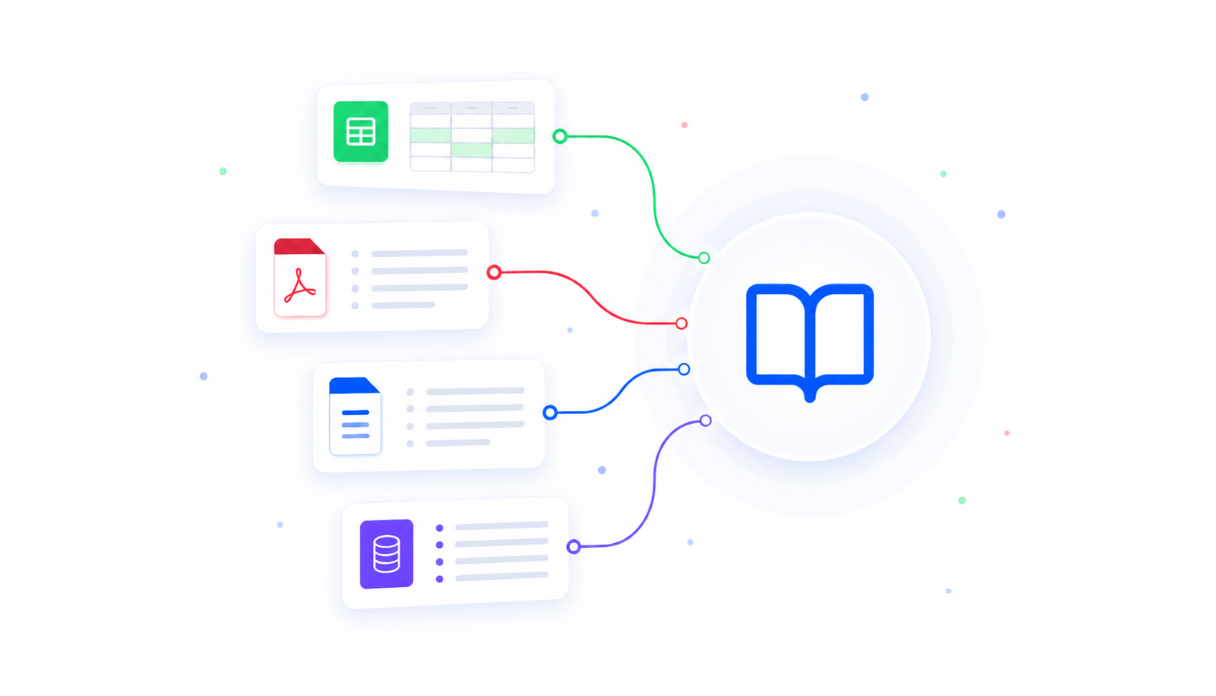
Upload your SOPs, runbooks, process documents, and policy guides to the knowledge base. The AI assistant draws on them when answering questions, so every response is grounded in your actual procedures - not general knowledge.
Keep every SOP in one place
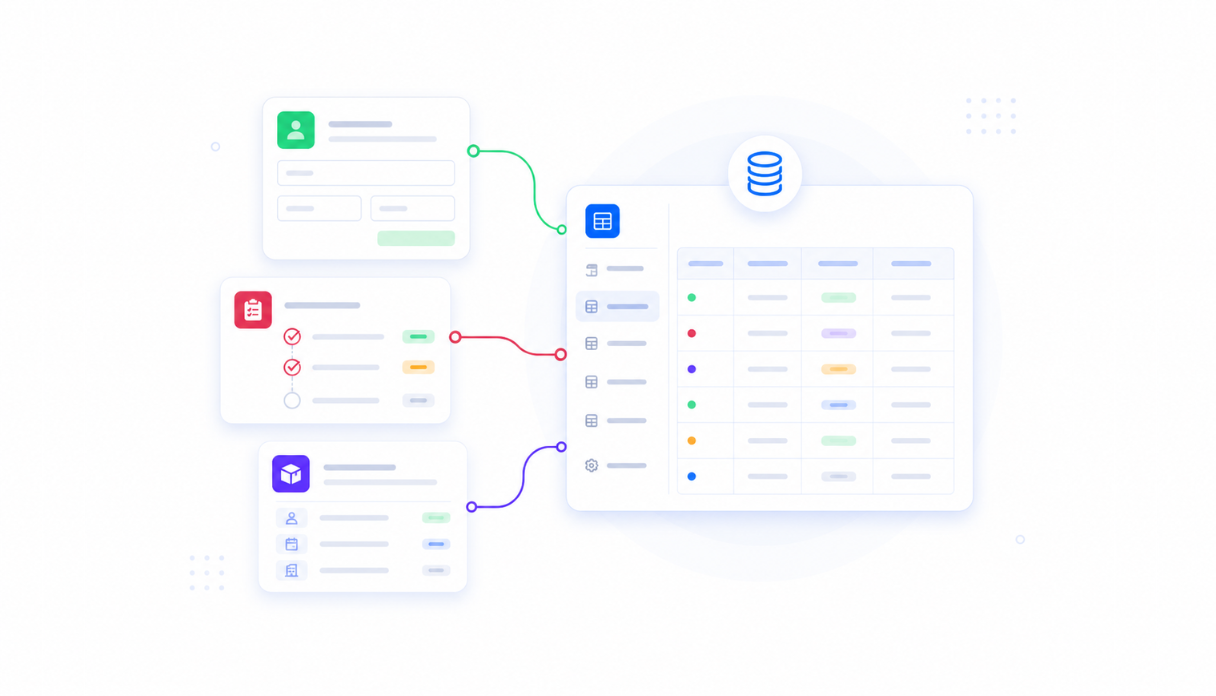
Appaca workspace comes with a secured built-in database and storage, so your standard operating procedures, process documents, and runbooks live right inside your tool. Browse the full catalog and keep everything current.
AI that answers from your documentation
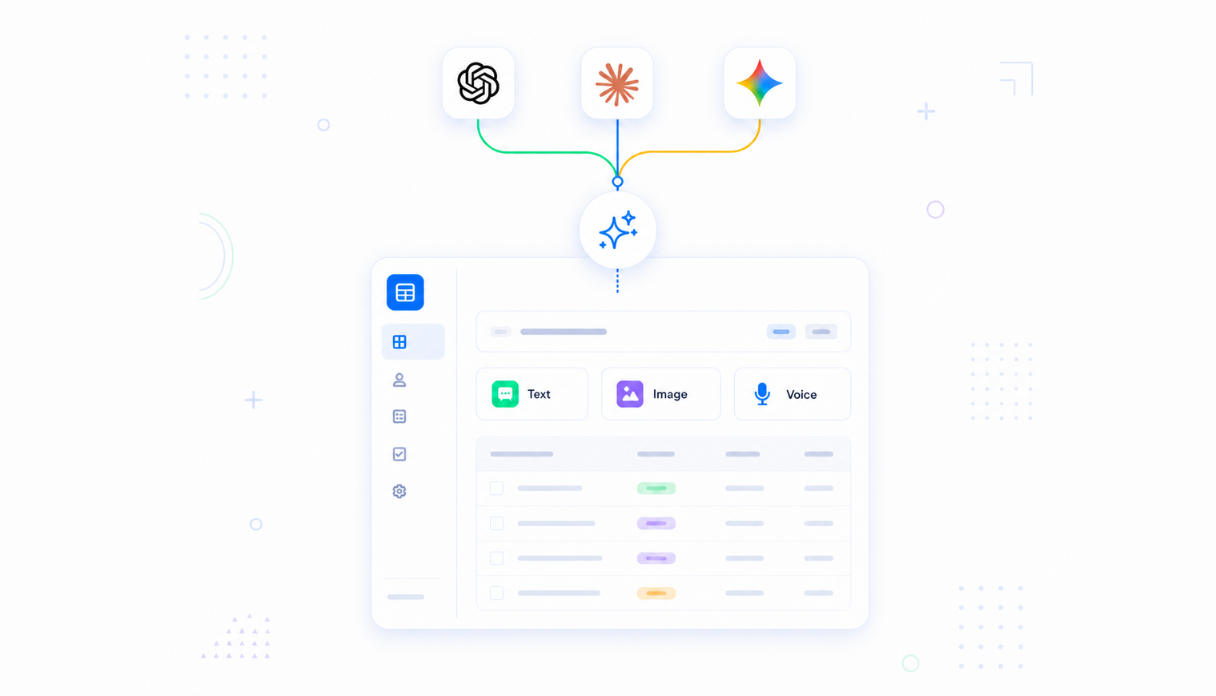
Connect AI models powered by OpenAI, Anthropic, and Google out of the box to answer employee questions in plain language - with citations back to the source document so your team can verify the answer and follow the exact procedure.
Spot the gaps in your documentation
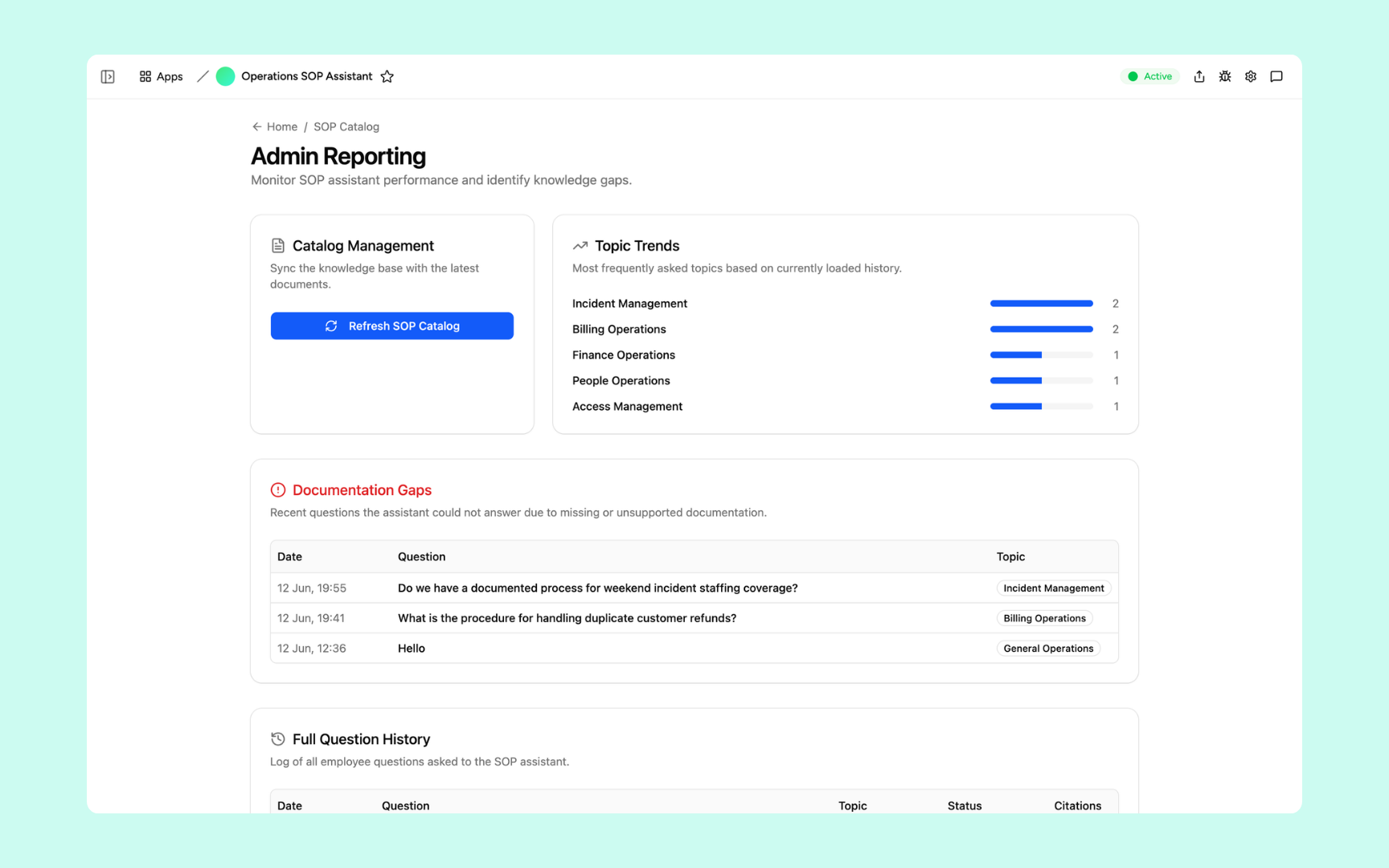
The admin dashboard tracks which questions the assistant couldn't answer due to missing documentation, so your ops team knows exactly where to write new SOPs or fill in the gaps before they cause problems.
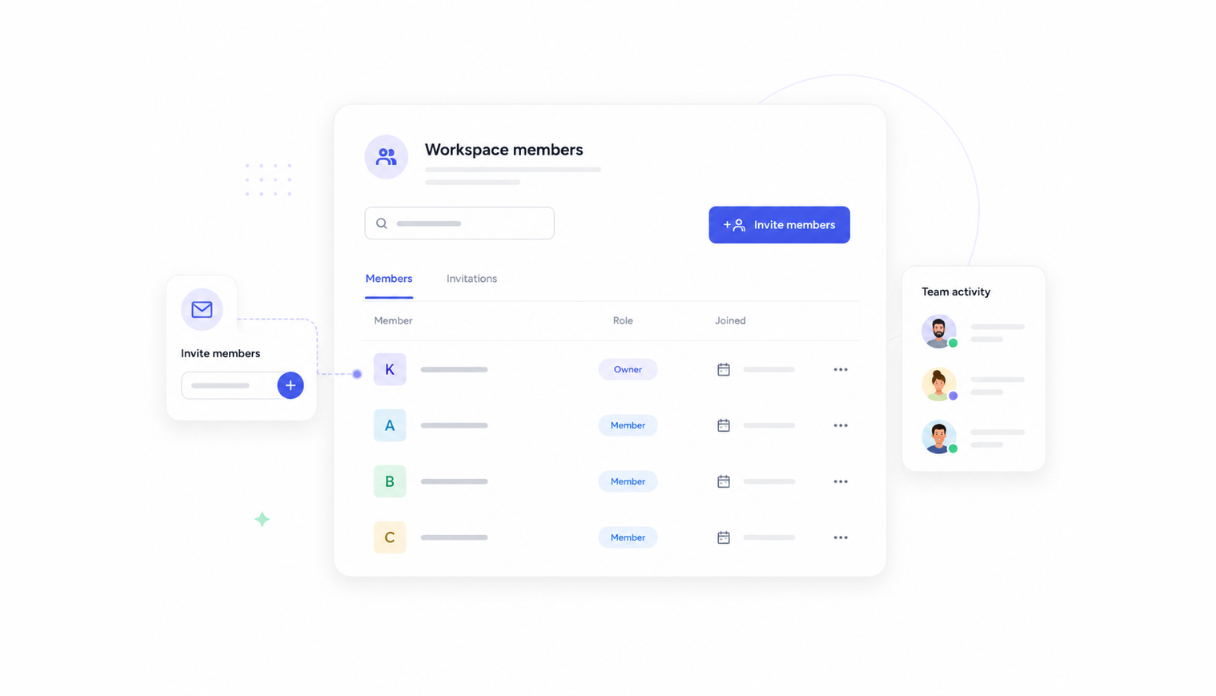
Share with the operations team
Invite your whole team to the workspace so everyone asks questions from the same knowledge base. New hires get the same accurate answers as senior ops staff - without your team having to answer the same question twice.
Works with your documentation stack
Securely connect Appaca workspace to the tools your team already uses - Notion, Confluence, Google Docs, and any service with an API or webhook - so your SOPs flow into the assistant without changing how you manage documentation.





What features does this SOP Assistant have?
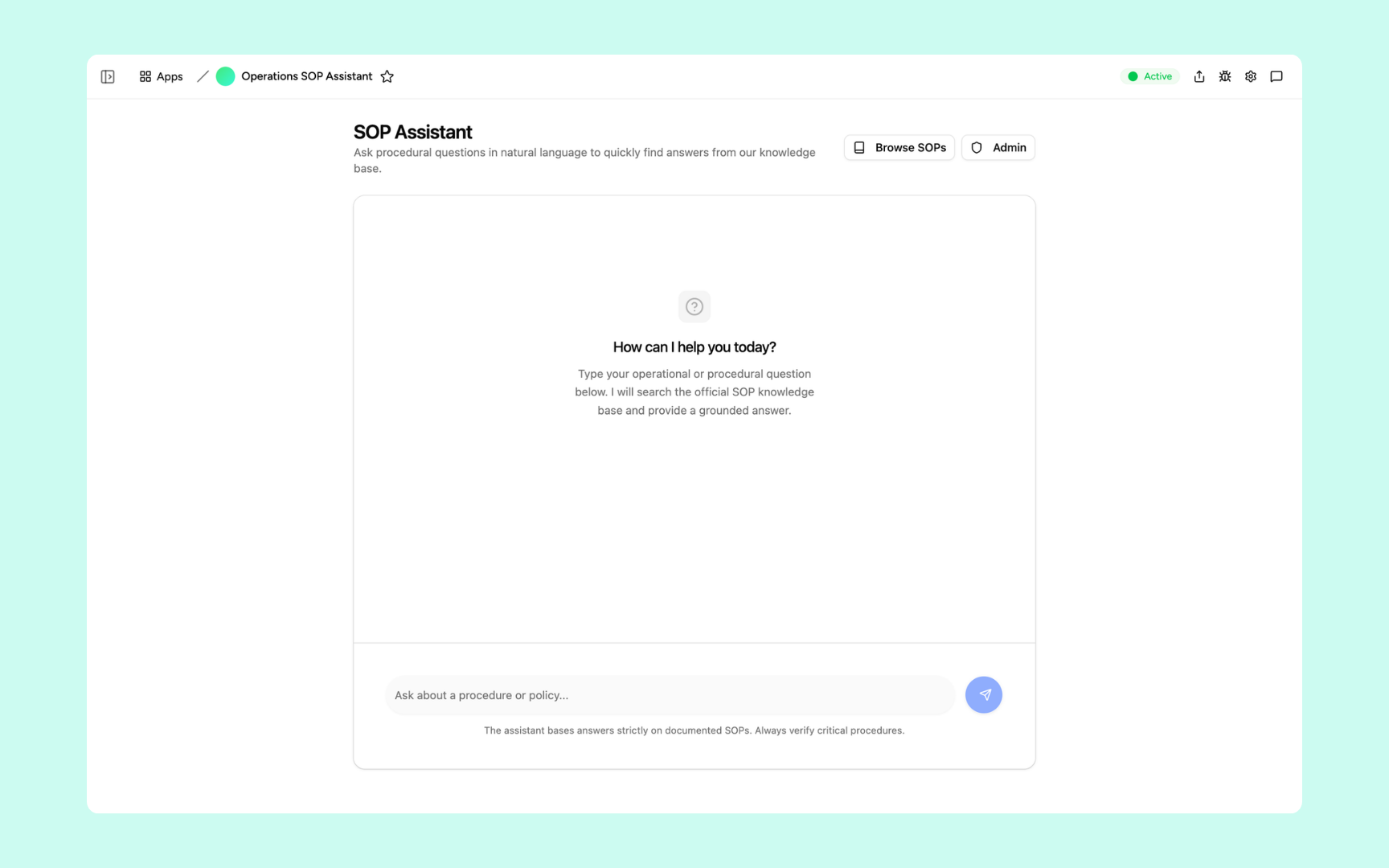
This SOP Assistant is built and run on Appaca workspace. You can clone it and make changes to fit your team's needs.
Employees type a question about any procedure or policy and get an answer grounded in your official SOPs - with sources cited so they can always verify and follow the exact procedure.
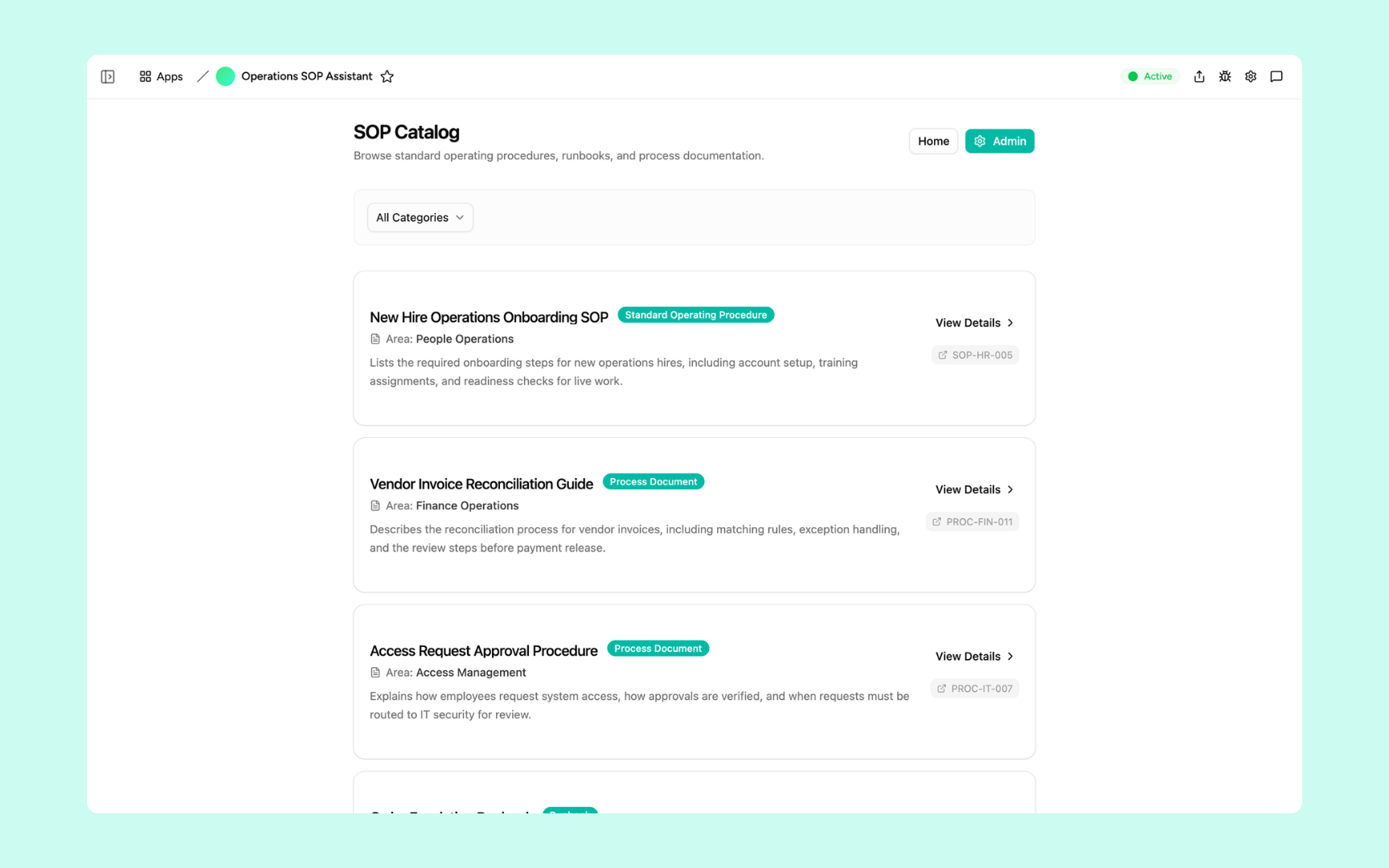
Browse the full library of standard operating procedures, runbooks, and process documents by category. Each entry shows its type, area, procedure code, and a summary - so any SOP is easy to find.
Monitor which topics employees ask about most, see questions the assistant couldn't answer due to missing documentation, and sync the knowledge base when SOPs are updated.
Get SOP Assistant in your workspace
SOP assistant built on a secured platform your operations team can trust
Your SOP assistant comes with the platform essentials - secure access, document storage, automations, and controls - so your team can focus on following the right processes, not hunting for them.
Secure team sign-in
Every team member signs in with their own account. Your SOPs, runbooks, and process documents are only ever seen by your team.
Advanced permissions
Decide who sees what. All employees can ask questions while ops leads and admins control which SOPs are loaded into the knowledge base.
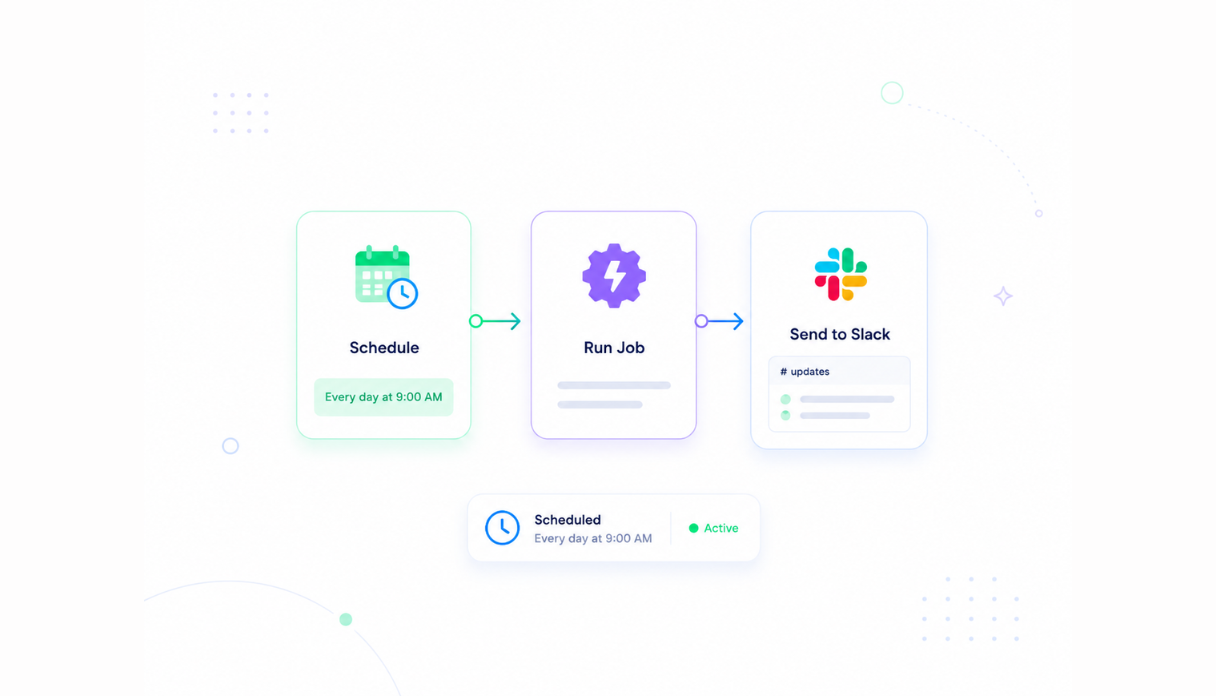
Scheduler & automations
Sync the knowledge base when documents are updated, notify the team when new SOPs are published, and keep the assistant current without manual maintenance.
Built-in SOP library
Your standard operating procedures, process documents, and question history live in a secure database inside your tool. No shared drives, no third-party setup.
Enterprise-grade security
Your process documentation is encrypted, protected, and under your control - never shared outside your workspace.
Answer questions from anywhere
The tool lives in the browser, so your team can look up procedures and get cited answers from the office, warehouse, or on the road.
File & image storage
Attach SOP documents, process flowcharts, and supporting guides to the catalog entries they belong to - everything your team needs to follow a procedure in one place.
Usage tracking
See which topics get asked about most and where the documentation gaps are - so your ops team knows where to focus the next round of SOP writing.
FAQs
It's an internal tool that turns your standard operating procedures into an always-on Q&A resource. Employees ask process questions in plain language and get answers grounded in your official documentation - with source citations so they can verify the answer and follow the exact procedure.
No. Appaca is an AI workspace - you describe what your ops team needs and the Appaca agent builds the tool for you, complete with a knowledge base, team access, and automations. No coding or deployment required.
You upload your SOPs and process documents to the knowledge base. When an employee asks a question, the AI searches across everything you've uploaded and cites the source document in its answer - so your team always knows which procedure they're following.
Update the document in the knowledge base and use the Refresh SOP Catalog function to sync the assistant. From that point on, every answer reflects the updated procedure - no retraining or rebuilding required.
In a secure database built into your Appaca workspace. Your SOPs, process documents, and question history live right inside the tool - encrypted, protected, and only visible to the team members you invite.
Yes. The admin reporting dashboard tracks every question the assistant couldn't answer due to missing or unsupported documentation. Your ops team can see exactly which topics need new SOPs written.
Yes. Invite your team to the workspace so everyone asks questions from the same knowledge base. New hires get the same accurate, cited answers as senior staff - and your team stops answering the same process questions on repeat.
More productivity with one adaptive workspace
Use Appaca for all your business operations needs. Build internal business tools and AI around your existing workflow.