
You need software. Maybe it is a client portal, an internal dashboard, or a simple tool to track inventory. You do not have a developer on your team, and you do not want to hire one for something that should be simple.
So you start looking at options. And immediately, you are hit with a wall of buzzwords: no-code, low-code, vibe coding, AI app builders. Everyone claims their approach is the fastest, easiest, and most powerful.
But what do these terms actually mean? And which one should you use?
Let’s cut through the noise.
The 3 Ways to Get Software Without a Dev Team
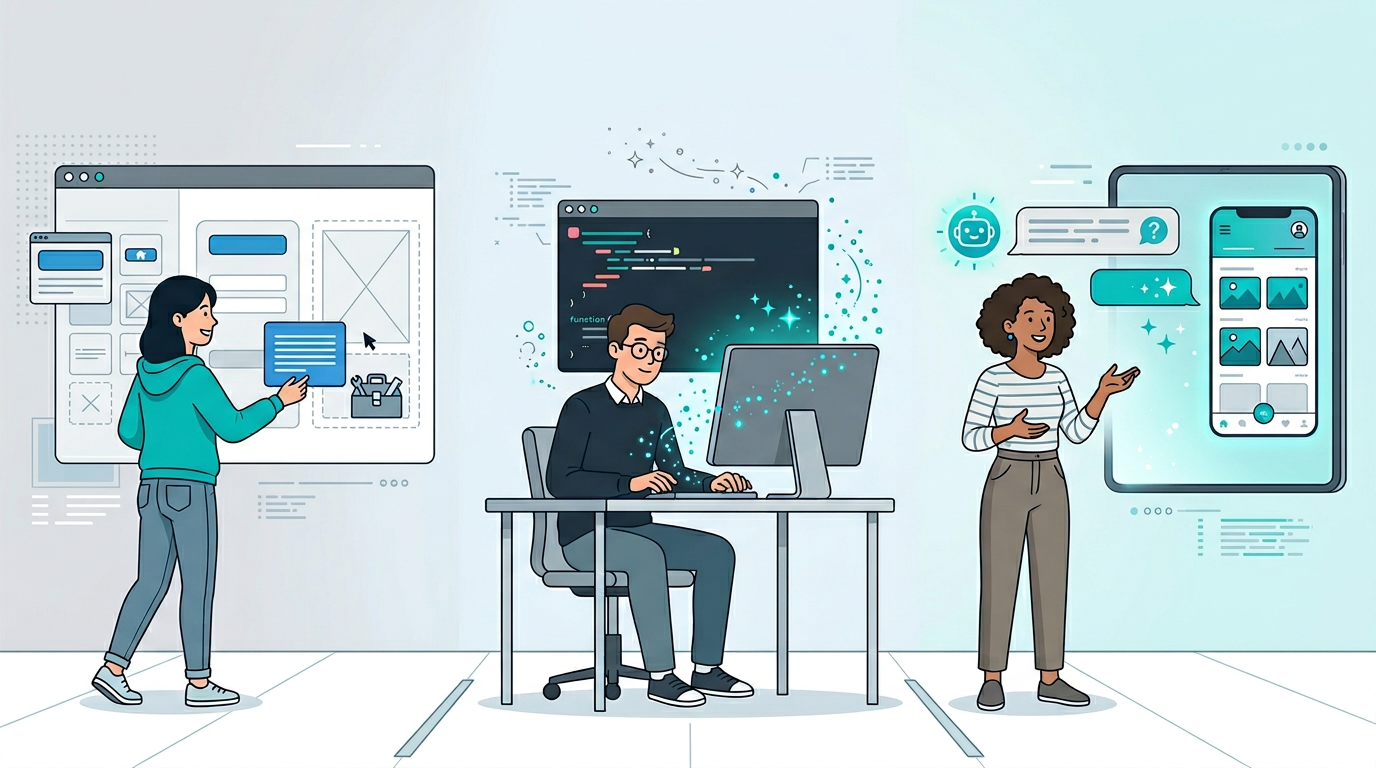
In 2026, there are essentially three paths to getting custom software without hiring developers:
- No-code platforms - you build the app visually using drag-and-drop interfaces
- Vibe coding - you describe what you want and AI generates the code for you
- AI app platforms - you describe what you need and get a ready-to-use app with no code to manage
Each approach sounds similar on the surface. The differences become clear when you look at what happens after you get started.
What Is No-Code?
No-code platforms like Bubble, Glide, Adalo, and Softr give you a visual editor where you drag and drop components to build an app. Think of it like building with LEGO blocks - you pick the pieces and snap them together.
What you get:
- A visual editor for designing your app’s interface
- Pre-built components like forms, lists, buttons, and charts
- Workflow builders for automation and logic
- Hosting included within the platform
What you are still responsible for:
- Designing the layout and user experience yourself
- Configuring all the logic, data relationships, and automations
- Learning the platform’s specific way of doing things (each one is different)
- Staying within the platform’s limitations
The learning curve is real. While you do not write code, platforms like Bubble can take weeks to learn properly. You are essentially becoming a software designer - just using visual tools instead of a code editor.
Platform lock-in is the big catch. Your app lives inside the platform’s ecosystem. Most no-code tools do not let you export your code. If you outgrow the platform or it shuts down, you are starting over.
No-code works best when you have the time to learn a builder tool and want precise control over how your app looks and behaves.
What Is Vibe Coding?
Vibe coding is the newest approach, popularized by tools like Lovable, Bolt.new, Replit, and Cursor. You describe what you want in plain English, and AI generates the code for you. The term comes from the idea that you are “vibing” with AI to create software.
What you get:
- AI-generated code (usually React, Next.js, or similar frameworks)
- A working prototype in minutes
- Code you can export and own
- GitHub integration for version control
What you are still responsible for:
- Reviewing and understanding the generated code
- Hosting and deploying your app somewhere (Vercel, Netlify, AWS, etc.)
- Setting up databases, authentication, and backend services
- Debugging when things break
- Maintaining and updating the code over time
Vibe coding is faster than traditional development, but it is still development. You end up with a codebase that needs to be managed. If you do not understand code at all, you are going to hit walls quickly. When the AI generates a bug - and it will - you need to know enough to fix it or keep prompting until it is right.
The big advantage is code ownership. You get real, exportable code that you can hand off to a developer later if needed.
Vibe coding works best for technical founders and developers who want to move faster, or for building MVPs that will eventually be maintained by a dev team.
What Is an AI App Platform?
AI app platforms take a fundamentally different approach. Instead of helping you build software, they give you ready-to-use software.
You describe what you need. The platform’s AI creates a fully functional app - with the interface, database, and logic - and you start using it immediately. No code to manage. No hosting to set up. No deployment pipeline.
Appaca is built around this model. The idea is simple: most people do not want to build software. They just want software that works for their specific situation.
What you get:
- A working app in minutes from a plain-language description
- Built-in database for your data (no setup required)
- The ability to refine and evolve your app through conversation
- Everything hosted and managed for you
- Integrations with tools like Google Sheets, Slack, Notion, and Airtable
What you are responsible for:
- Describing what you need clearly
- That is basically it
The key difference is the end goal. No-code and vibe coding give you the building experience. An AI app platform gives you the using experience. You skip the entire build-deploy-maintain cycle and go straight to getting work done.
Side-by-Side Comparison
Here is how the three approaches stack up:
| No-Code | Vibe Coding | AI App Platform | |
|---|---|---|---|
| Examples | Bubble, Glide, Adalo | Lovable, Bolt, Replit | Appaca |
| What you do | Drag-and-drop building | Prompt AI to write code | Describe what you need |
| Time to working app | Hours to days | Minutes to hours | Minutes |
| Learning curve | Medium to high | Medium (need some tech sense) | Near zero |
| Code ownership | No (locked in) | Yes (exportable) | Not applicable (managed for you) |
| Hosting | Included but locked-in | You manage it | Included and managed |
| Database | Built-in (platform-specific) | You set it up | Built-in (automatic) |
| Maintenance | You maintain the app | You maintain the code | Platform handles it |
| Best for | People who want to design | Developers/technical founders | Everyone who just wants a tool |
Which One Is Right for You?
The answer depends on what you actually need:
Choose no-code if you enjoy the building process, want granular control over your app’s design, have time to learn a platform, and are okay being locked into that platform’s ecosystem.
Choose vibe coding if you are technical (or have access to technical help), need code ownership for investors or future development, are building an MVP to eventually hand off to engineers, or want to create something you will sell as a product.
Choose an AI app platform if you just need software that works for your specific use case, do not want to learn a builder or manage code, need something fast without ongoing maintenance, or are tired of tool sprawl and want everything in one place.
For most freelancers, solopreneurs, small teams, and non-technical people, an AI app platform is the right fit. You are not trying to become a software developer. You are trying to get work done.
The Bigger Picture
The evolution from no-code to vibe coding to AI app platforms follows a clear pattern: each step removes more friction between having a need and using a solution.
No-code removed the need to write code but kept the building process. Vibe coding removed the need to know syntax but kept the deployment and maintenance burden. AI app platforms remove the entire build-deploy-maintain cycle and let you go straight from “I need this” to “I am using this.”
That is the direction software is heading. Not everyone needs to be a builder. Most people just need internal tools that fit how they work. And now, they can have them.
Ready to skip the building and start using? Try Appaca and get the tools you need in minutes.