
 Airtable Integration
 Connect Airtable to Appaca
Stop exporting Airtable data into separate tools. Appaca connects directly to your Airtable bases so you can build internal tools that run on live data without manual updates.
What Airtable alone cannot do for your team
Airtable is a powerful data layer. It was not designed to be the tool your whole team uses to run operations.
No real workflow automation
Airtable automations work for simple triggers. The moment you need multi-step approval routing, conditional logic, or AI-generated content on top of your data, you hit the limits of what Airtable can run on its own.
Access control that does not scale
Sharing an Airtable base means choosing between giving someone view access to the whole base or full edit access. There is no easy way to show each user only the records that belong to them.
Data that lives in a silo
Your Airtable data does not automatically connect to Slack, your CRM, or the other tools your team depends on. Getting data out and into another system is still a manual step.
Build internal tools on top of your Airtable data
Appaca connects to Airtable and uses it as the data layer for the internal tools your team actually needs, with AI, automations, and proper access controls built in.
Build internal apps on your Airtable base
Connect Appaca to your Airtable base and describe the tool you need. The Appaca agent builds a working internal app with your real Airtable data as the foundation, shaped around how your team uses it.




AI agents that work with your Airtable data
Create AI agents that read, summarise, and act on your Airtable records. Score leads, generate reports, and trigger actions based on what is in your base, automatically.
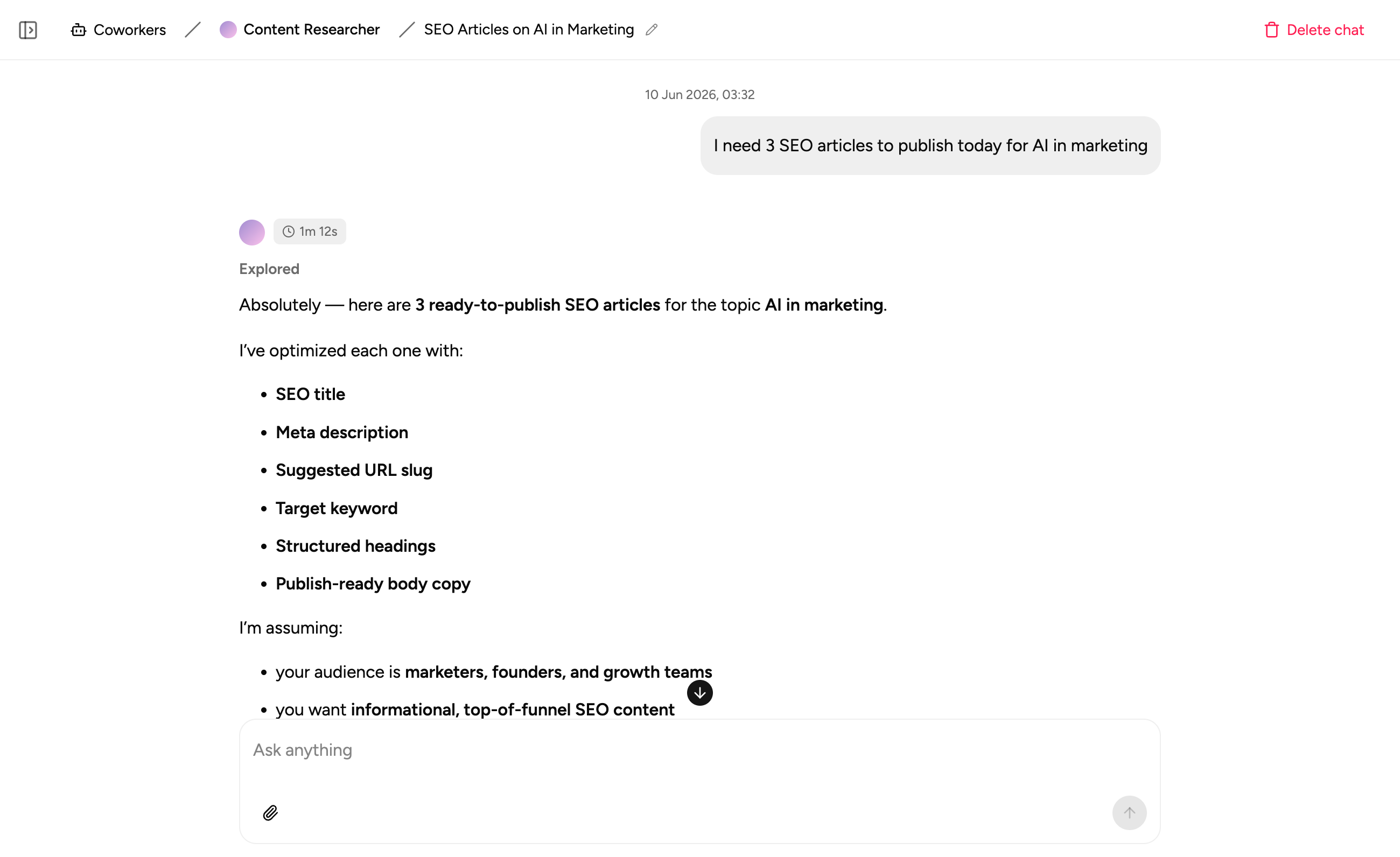
Process docs alongside your Airtable data
Store the SOPs, guidelines, and context that explain how your team uses the data right inside the workspace. Your team always has what they need in one place.
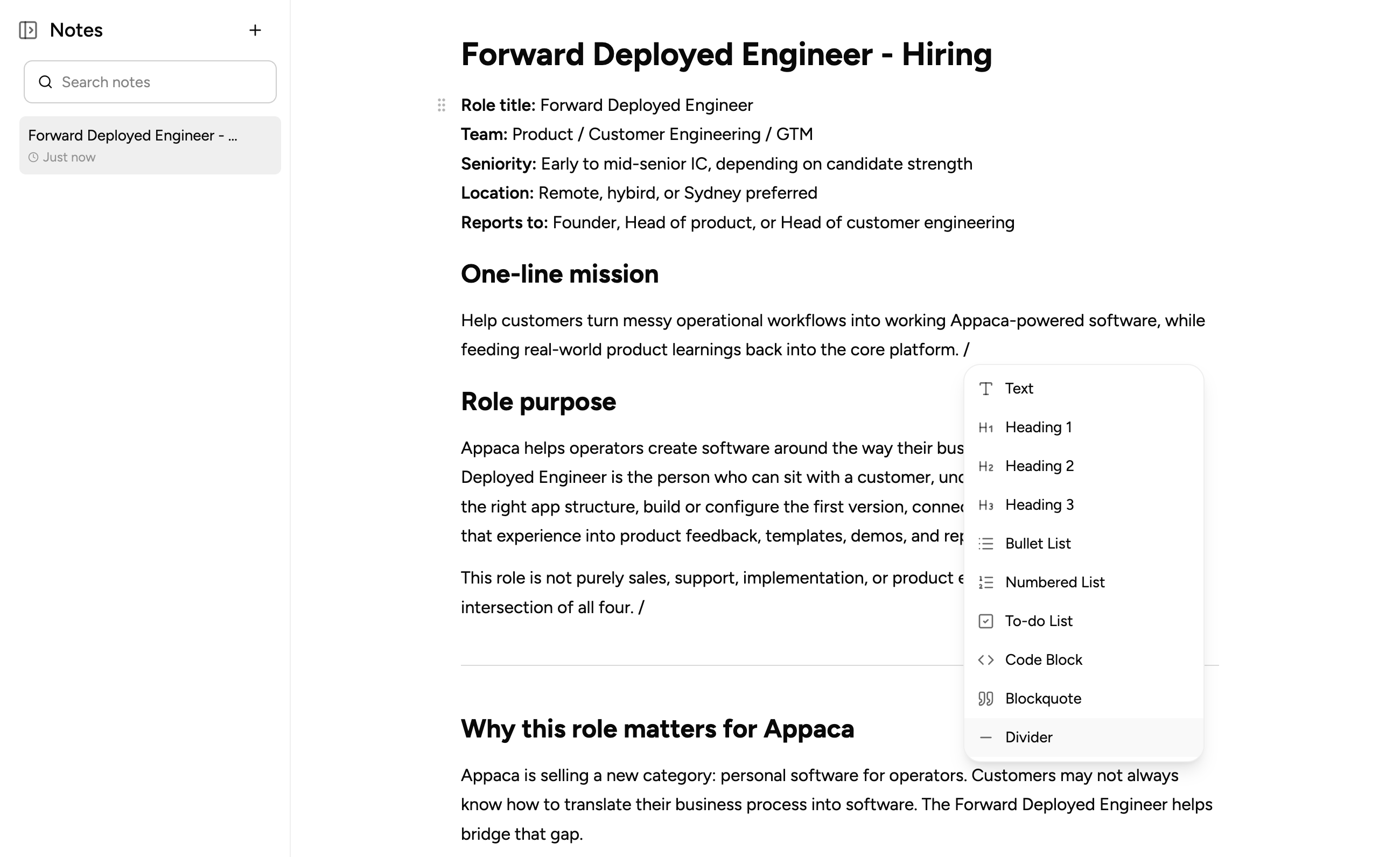
What teams build when they connect Airtable to Appaca
Connect your Airtable base and build the tools your team needs to actually act on the data, with proper workflows, AI, and access controls.
Vendor Tracker
Replace the contract spreadsheet. Track vendors, renewal dates, and performance in one tool built on top of your Airtable data, with automated alerts before anything expires.
Get started free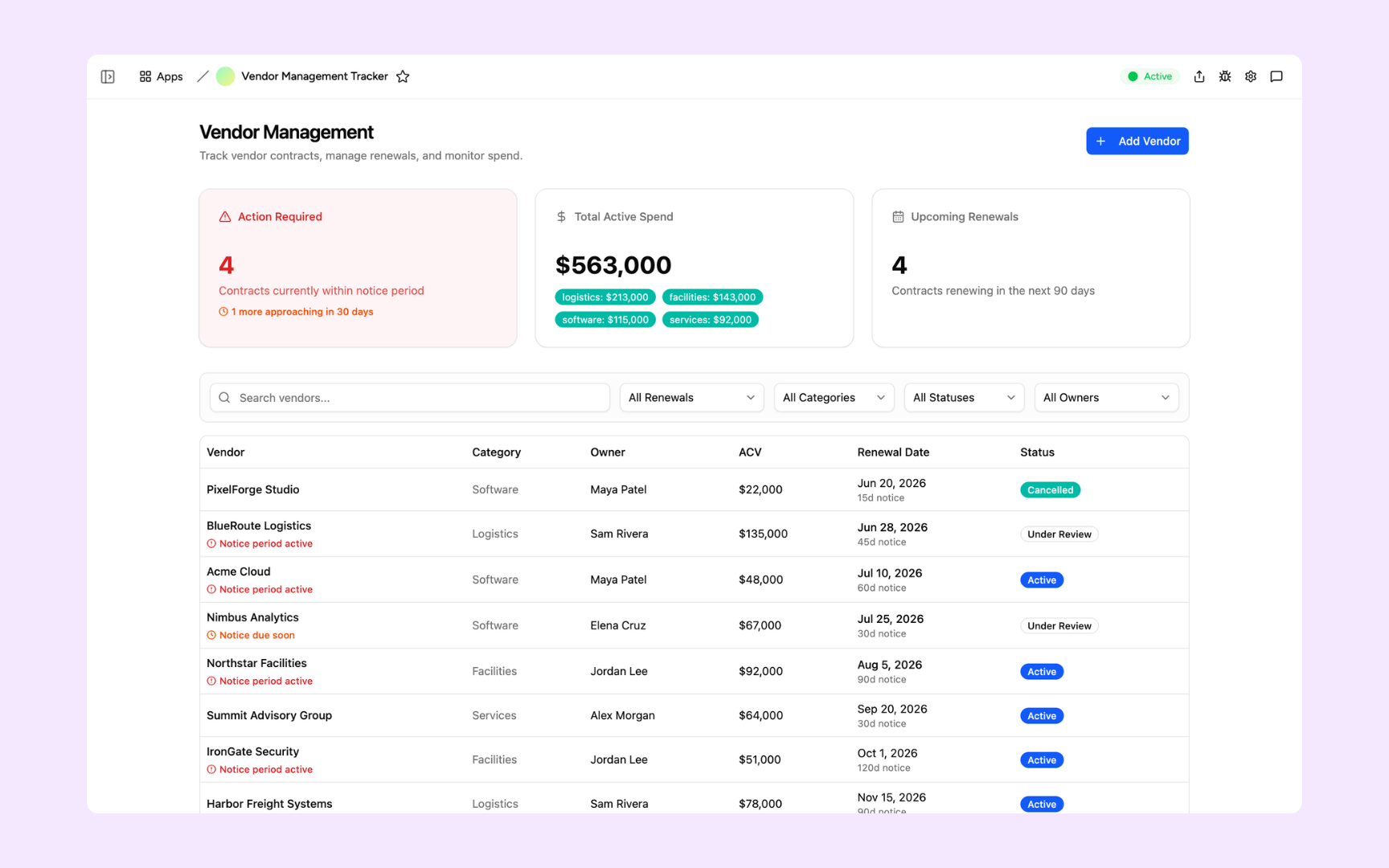
Employee Directory
Turn your Airtable staff database into a proper employee directory. Search profiles, org charts, and contact details from one tool with the right access controls.
Get started free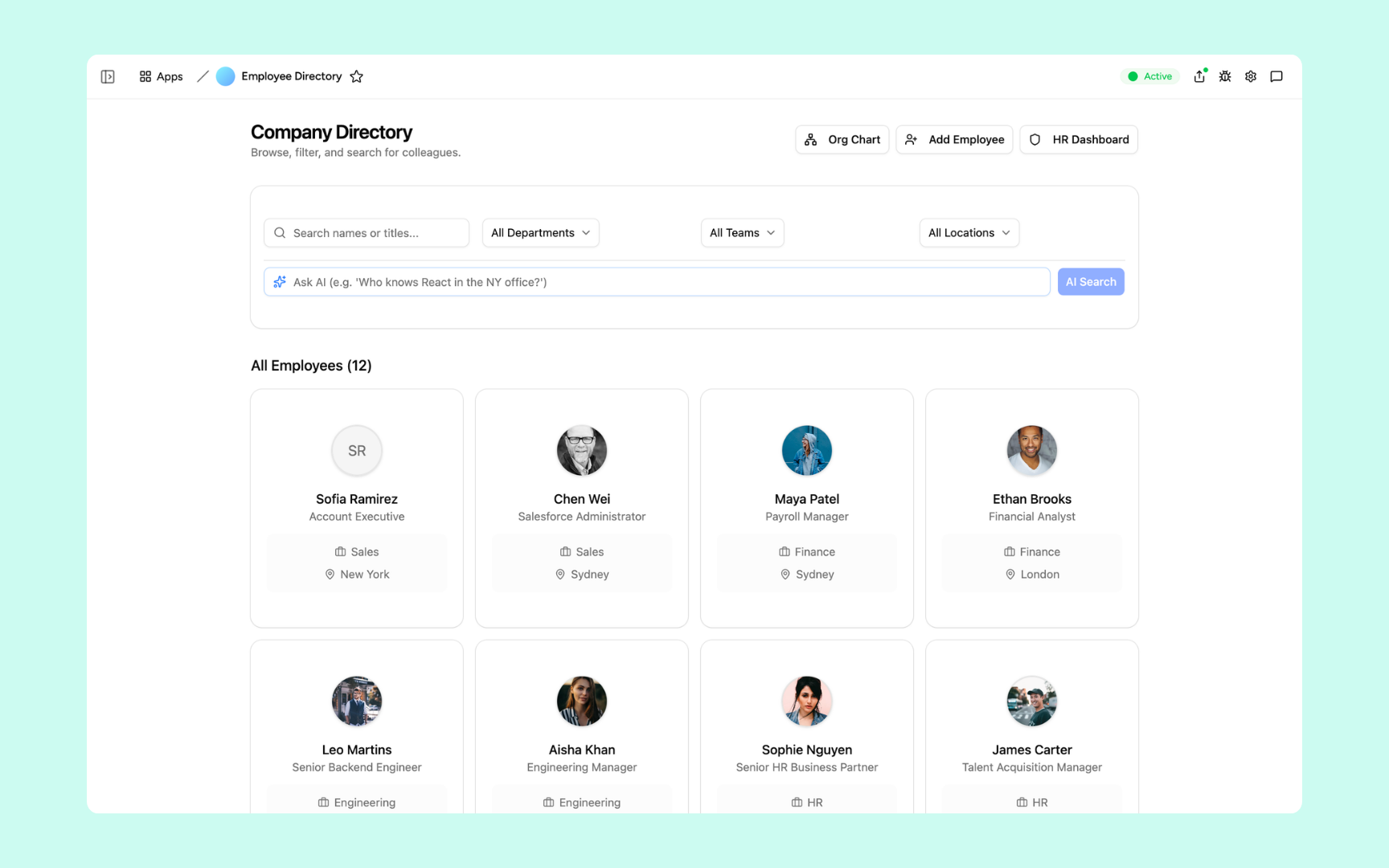
Lead Follow-Up Assistant
Pull your leads from Airtable and build an AI assistant that drafts personalised follow-ups from each lead's data and pipeline stage, ready for your reps to send.
Get started free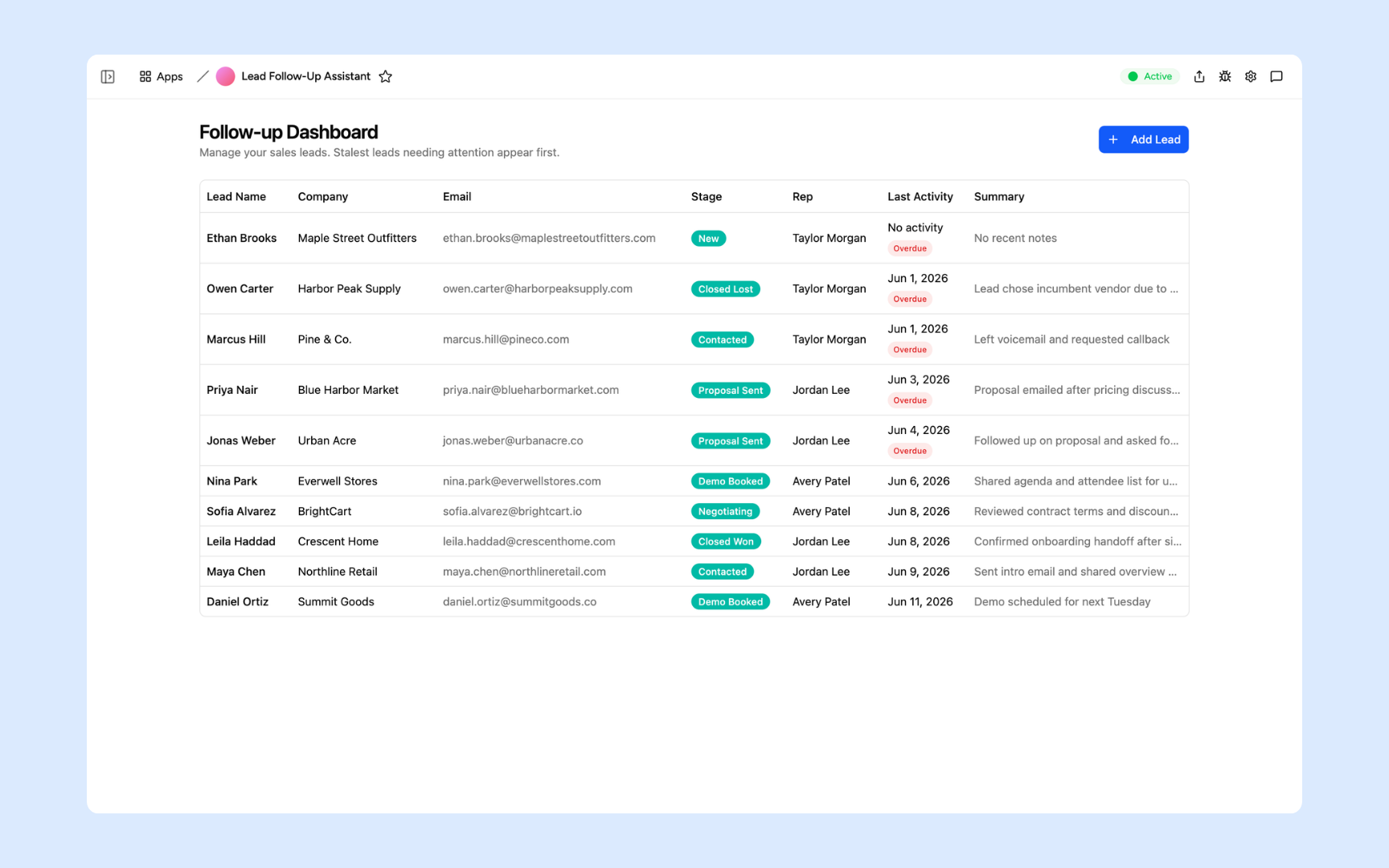
Every tool built on a platform your team can trust
Authentication, permissions, automations, and security are all built in. Your Airtable data flows in and your team works from a tool with the right controls from day one.
Secure team sign-in
Every team member signs in with their own account. Your Airtable data is only accessible to the people you invite.
Role-based permissions
Control who can view, edit, or manage each tool and each record. Every user sees exactly what their role requires.
Scheduler and automations
Trigger actions when records change, send alerts to Slack, and schedule tasks automatically on top of your Airtable data.
Secure built-in database
Appaca can store additional data alongside your Airtable records in a secure built-in database. Your data stays structured and searchable in one workspace.
Enterprise-grade security
Your Airtable credentials and data are encrypted and protected. Only the team members you authorise can access the tools you build.
Access from anywhere
Your tools live in the browser. Your team can use them from the office, home, or on the road without installs or VPN.
File and image storage
Attach files, receipts, and documents to the records they belong to, alongside your Airtable data in one workspace.
Usage tracking
See how your team uses the tools you build on top of Airtable so you know what is working and where to improve.
FAQs
You connect Appaca to your Airtable workspace via API. Once connected, Appaca can read from and write to your Airtable bases, so the internal tools you build run on your live Airtable data without manual exports.
No. Appaca connects to Airtable and uses it as a data source. Your data stays in Airtable. The tools you build in Appaca read from and write to your existing bases.
Any internal tool your team needs. Common ones include approval workflows, request portals, CRM views, employee directories, vendor trackers, and operations dashboards, all running on your existing Airtable data.
Yes. The tools you build in Appaca can both read from and write to your Airtable bases, so records stay in sync as your team takes actions in Appaca.
Yes. Appaca connects to Airtable using your API credentials, which are stored securely. Your Airtable data is only accessible to the team members you invite to your Appaca workspace.
Build better tools on top of your Airtable data
Connect Airtable to Appaca and give your team the internal tools, AI, and automations your base has always been missing.