
AI workspace for IT support teams
Build internal tools and workflows to deflect repeat tickets, triage requests, and manage access. Work together with your team on one AI platform that adapts to how your team works.
Why IT support teams love Appaca
Every tool makes you work around it. Appaca is an AI workspace that gives you the flexibility to build internal IT tools that fit your workflow. It gives you superpowers with AI coworkers that understand your team and business.
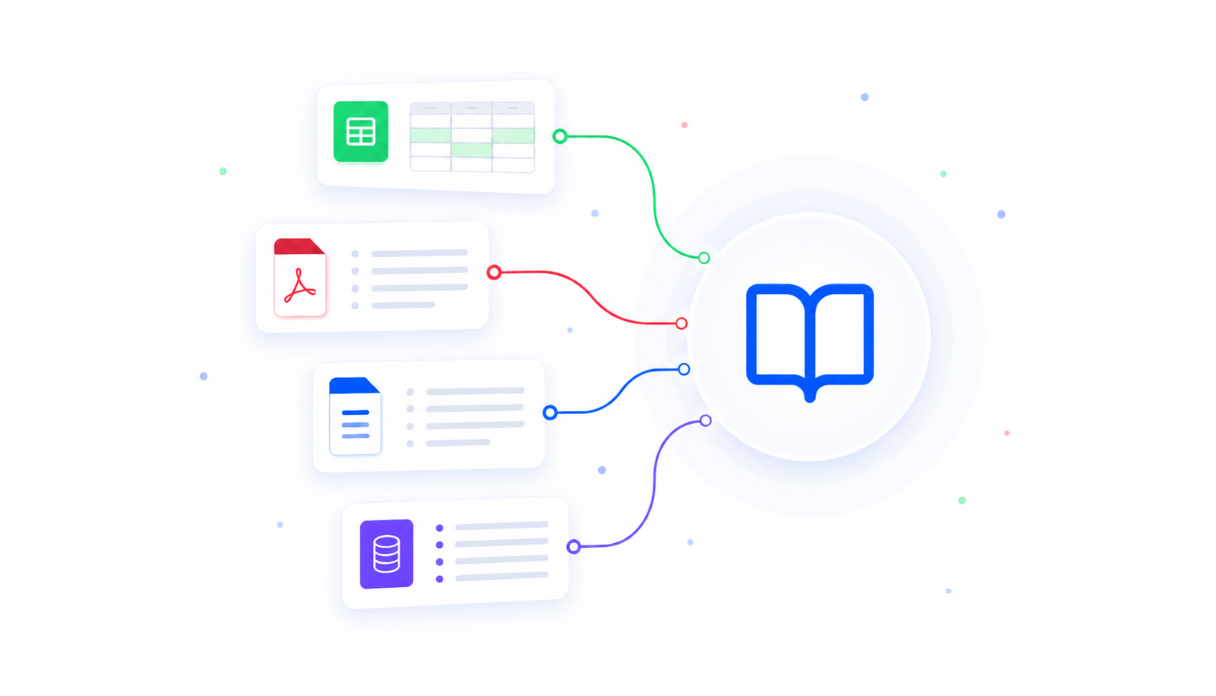
AI that knows your environment
Upload your runbooks, IT docs, and knowledge base into one centralised knowledge base. Every AI tool you build draws on it, so employees get answers grounded in how your systems are actually set up.
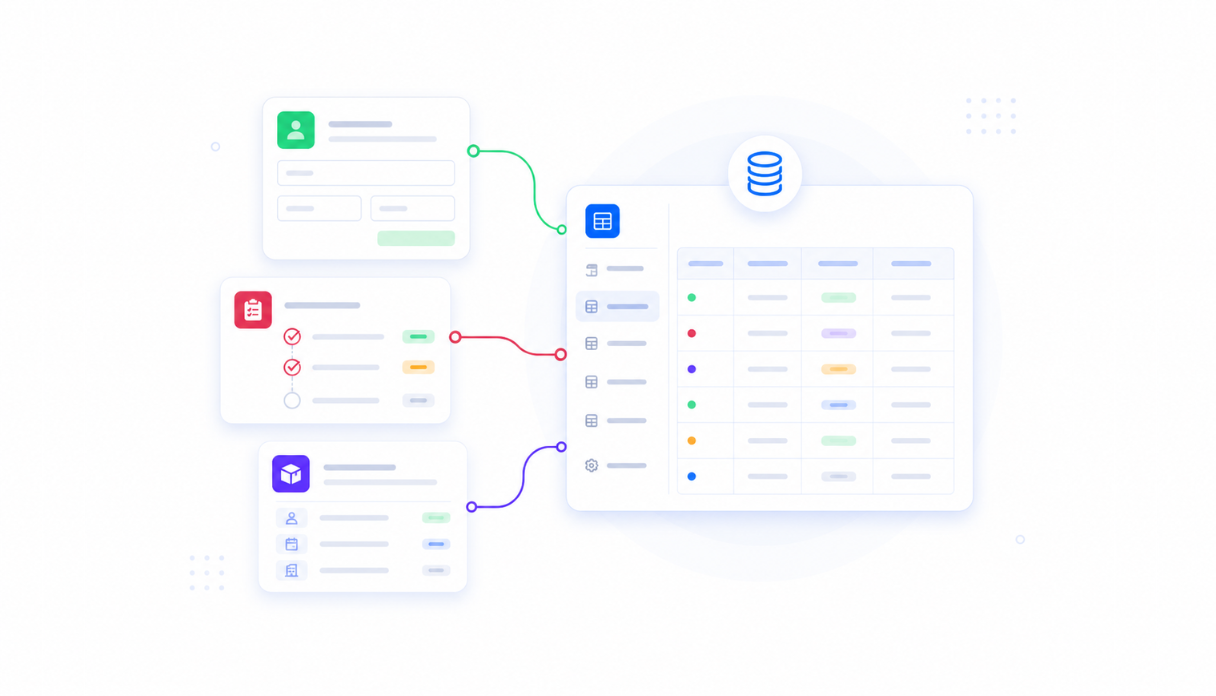
Store data securely in built-in databases
Track tickets, access requests, and assets in databases that come built into every app. No spreadsheets to maintain or separate database tools to set up - your support data lives where your team works.

Connect the tools your team already uses
Plug into Slack, email, and the rest of your IT stack. Requests flow in automatically and alerts reach the right owner where they already are - no copy-pasting between tabs.
Everything your IT team needs, in one AI workspace
Stop forcing your support process into tools that weren't built for it. Appaca gives your team one workspace shaped around how you support the business - so repeat questions answer themselves, tickets route instantly, and your team only sees the issues that need them.
Get the tools your team actually needs
Just describe what would help - a helpdesk bot, triage router, or access workflow - and the Appaca agent builds it for you, shaped around how your team supports the business. No coding, no procurement cycle.




AI co-workers with the skills you need
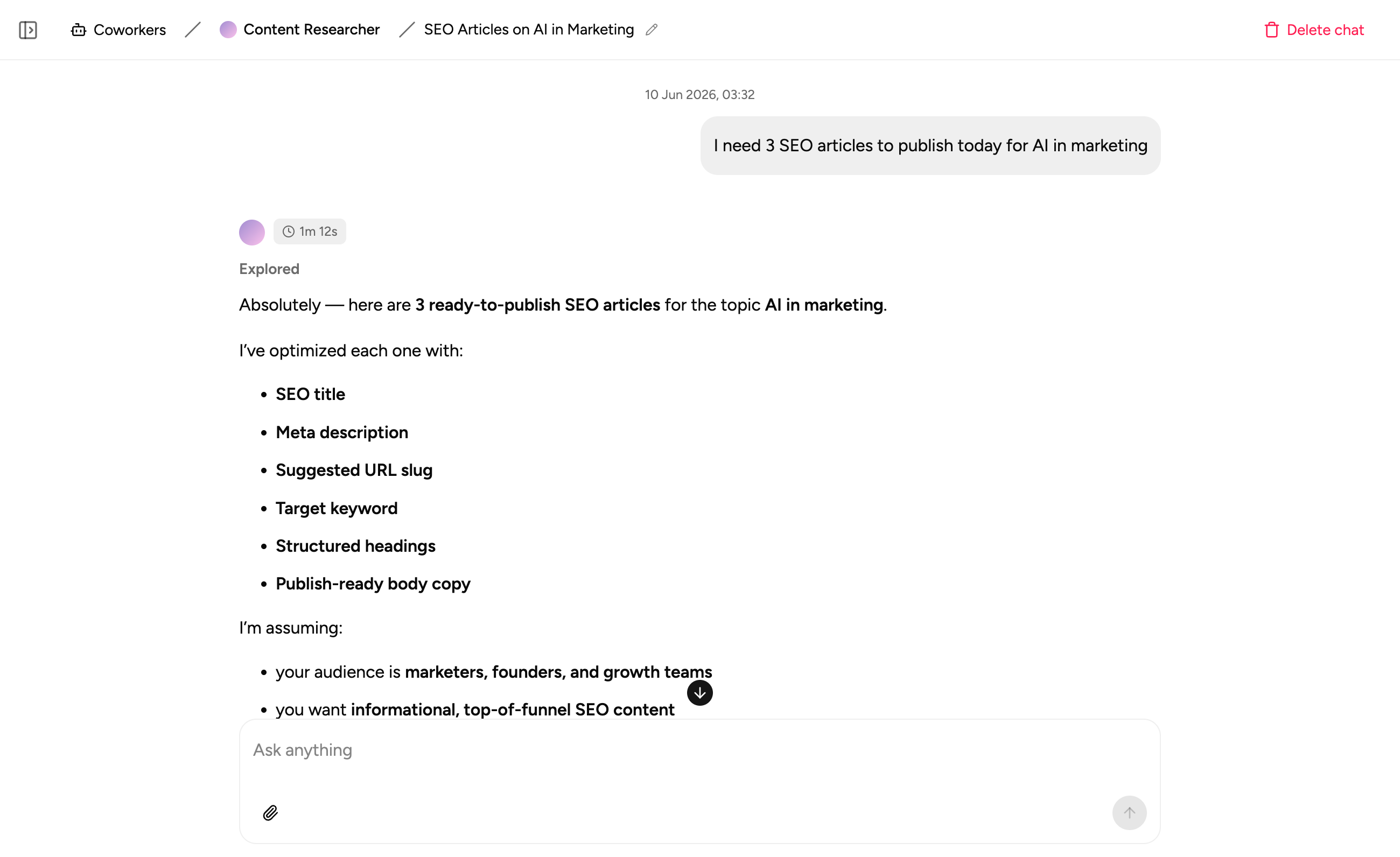
Create AI IT specialists for answering how-do-I questions, triaging tickets, and processing access requests.
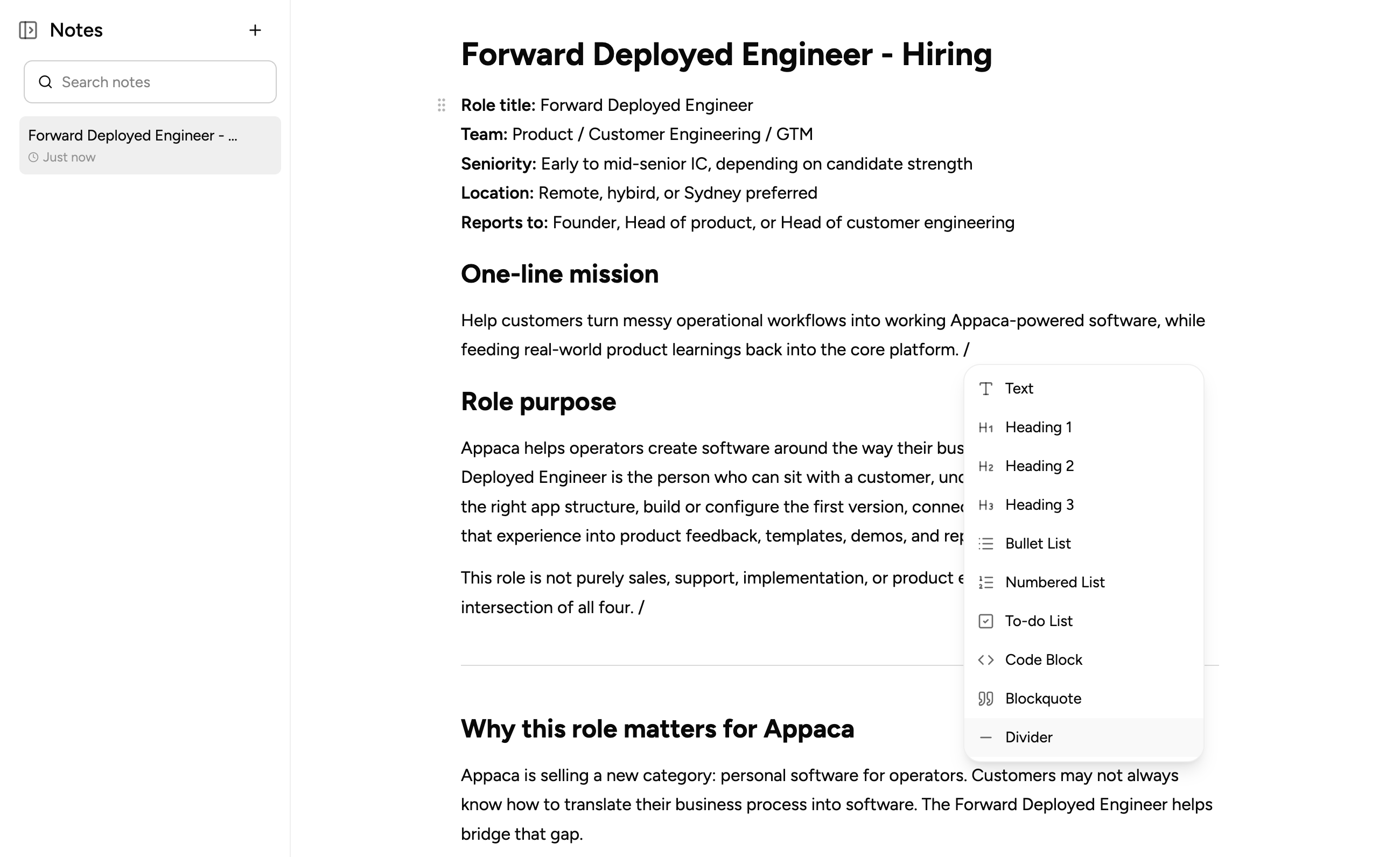
Keep IT notes in one place
Capture runbooks, incident notes, system context, and handover docs right at where your team works.
How IT support teams use Appaca
Build the tools your support process is missing - so tier-1 questions get deflected, tickets land with the right owner, and access requests leave an audit trail. Less queue noise for your team, more time for real issues.
IT Helpdesk Bot
Answer how-do-I questions instantly from your runbooks and IT docs - and deflect the repetitive tier-1 tickets that fill your queue. Employees get answers in seconds, and your team only sees the issues that need them.
Get started free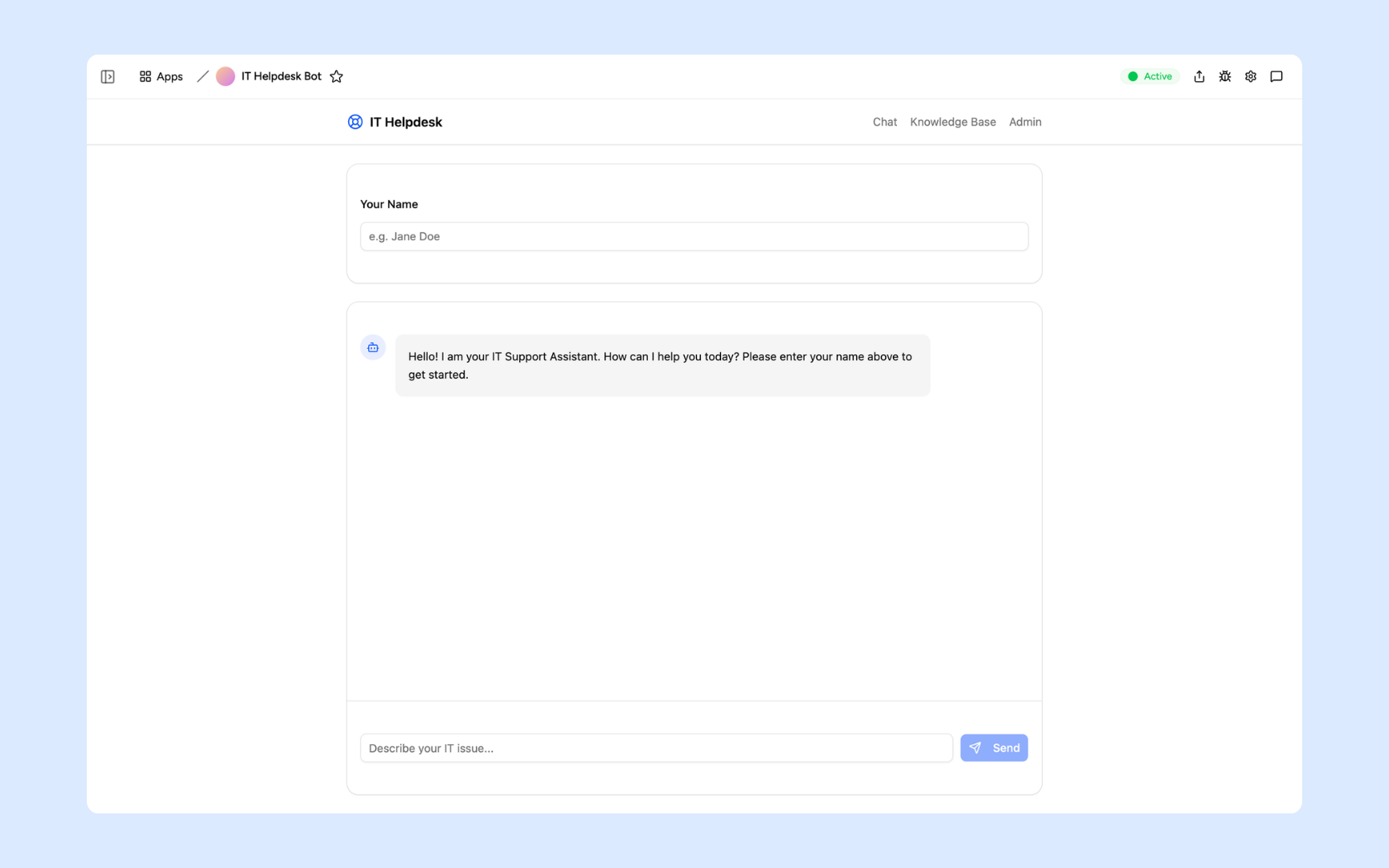
Ticket Triage Router
One intake form for every IT request - AI categorises, prioritises, and routes each ticket to the right person in Slack. No more manual sorting, and nothing sits unassigned in a shared inbox.
Get started free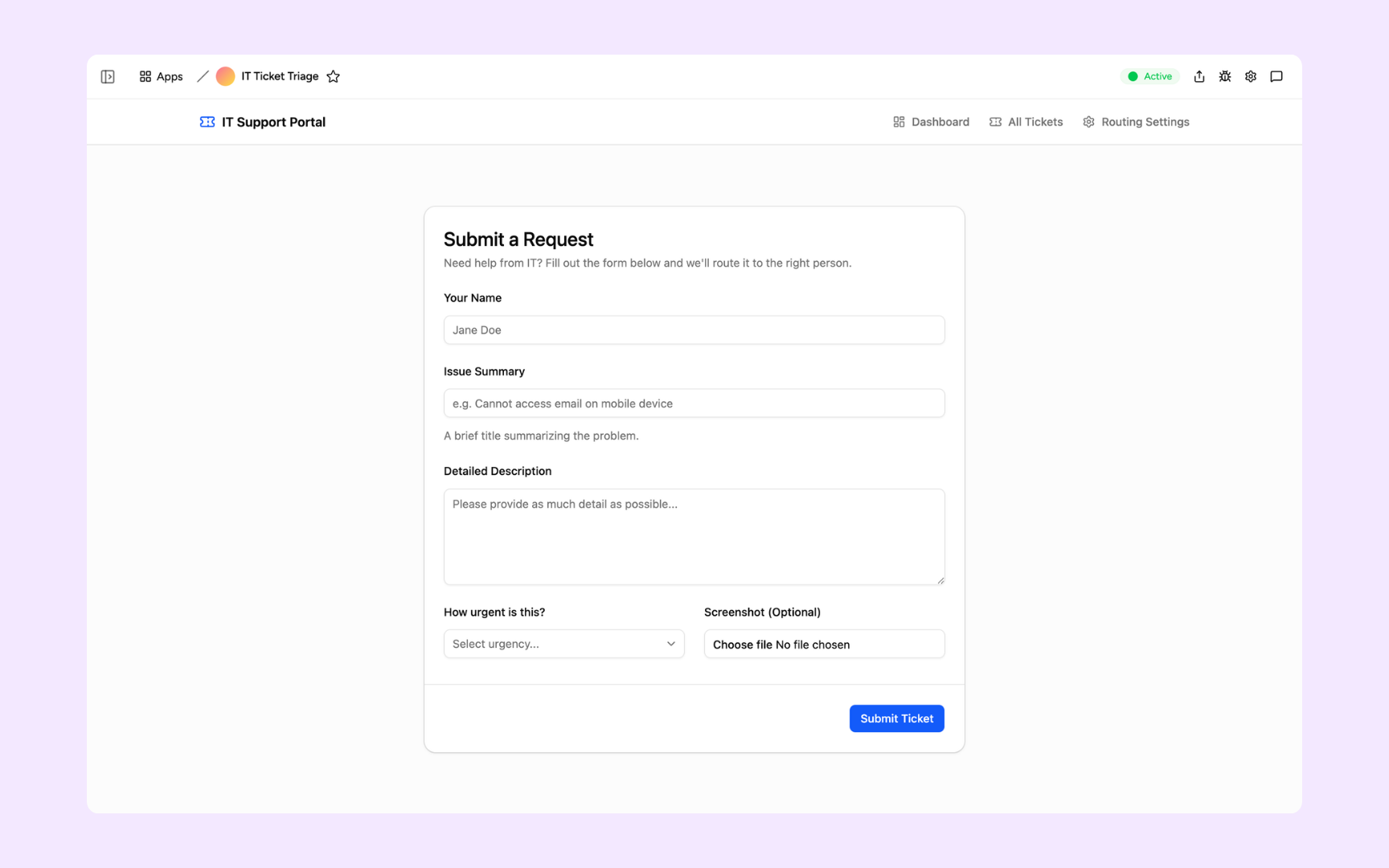
Access Request Workflow
Manage software access requests with approval flows and a full audit log - fast for employees, airtight for compliance reviews. Every grant and revocation is recorded automatically.
Get started free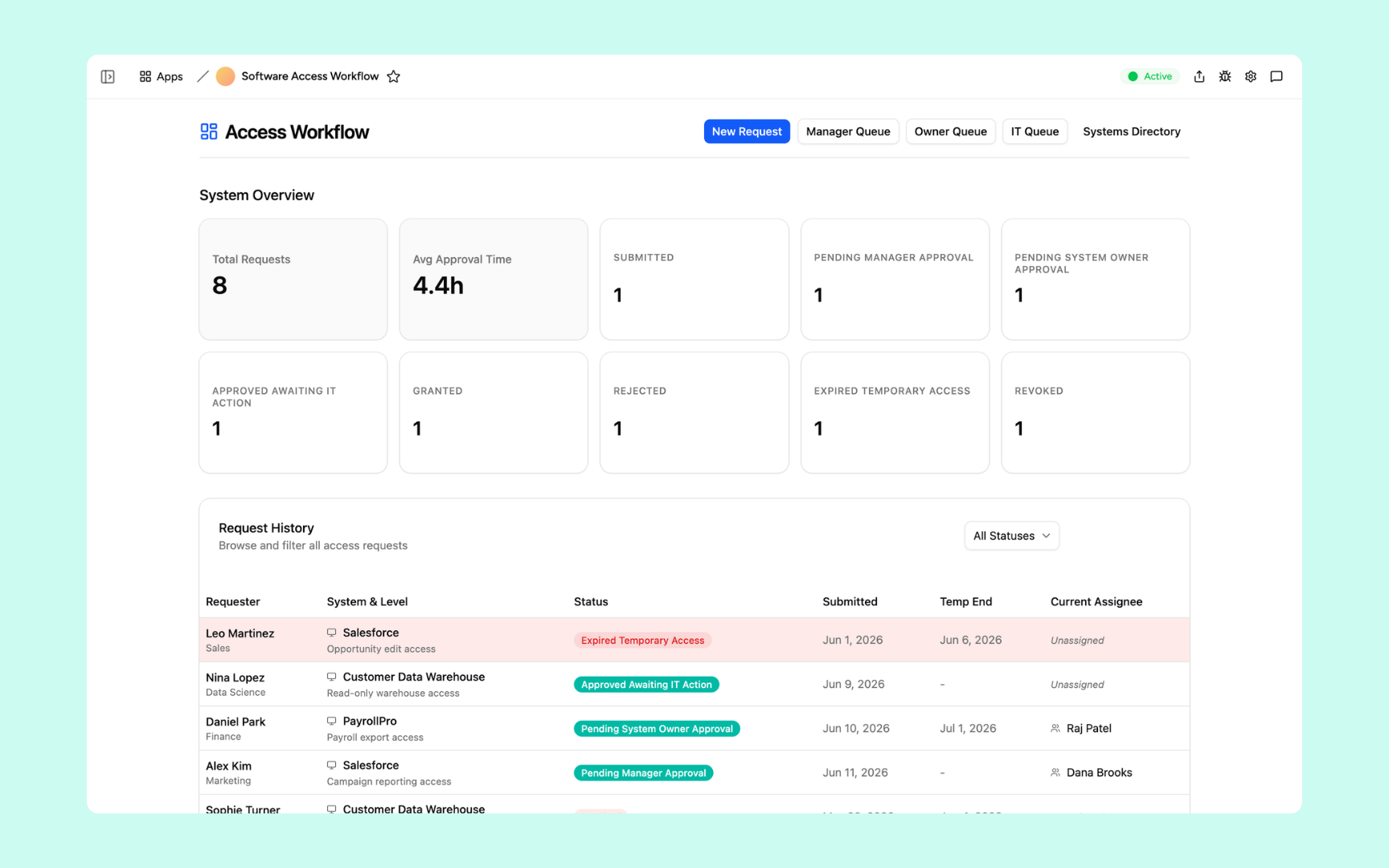
Deliver tools your IT team can trust
Every tool you build comes with the platform essentials - secure access, data storage, automations, and controls - so your team can focus on support, not setup.
Secure team authentication
Everyone signs in securely with their own account. Your tickets, access logs, and system data are only ever seen by the right people.
Advanced permissions
Control who gets access to which tools. Let employees submit requests, keep admin and approval tools to IT.
Scheduler & automations
Put ticket escalations, access reviews, and maintenance reminders on autopilot - so nothing sits unassigned in a shared inbox.
Secure built-in database
Store tickets, access requests, and assets in databases built into every tool. No spreadsheets to maintain, no data scattered across tabs.
Enterprise-grade security
Your support and access data is handled with the security practices IT teams expect - encrypted, protected, and under your control.
Access anywhere
Your tools live in the browser, so your team can triage tickets and approve requests from the office, home, or on call.
File & image storage
Keep runbooks, screenshots, logs, and request docs attached to the tickets they belong to - everything in one place, easy to find.
Usage tracking
See which tools your team actually uses and how often - so you know what's deflecting tickets and where to double down.
FAQs
You upload your runbooks, IT docs, and knowledge base, and the bot answers from those sources only - with citations. When something changes, update the docs and the bot stays current.
It escalates. Unanswered questions become tickets routed to the right person, so employees always get help and your team sees exactly what the bot couldn't handle.
Yes. The triage router categorises and prioritises each request, then notifies the right owner in Slack - so urgent issues get seen in minutes.
Yes. Every request, approval, and revocation is recorded in the app's built-in database, giving you a complete history for compliance reviews without extra bookkeeping.
No. You describe the workflow you need in plain language and the Appaca agent builds it - complete with a database, approval flows, and team access. IT teams build and maintain their own tools.
One adaptive workspace for your IT team
Give your IT team a queue that manages itself. Maximise your team's productivity with Appaca.