
Build custom employee directory with AI
Appaca is an AI workspace where you can build an employee directory that gives everyone a searchable people database, live org chart, and AI search - so finding the right person takes seconds, not an email chain.
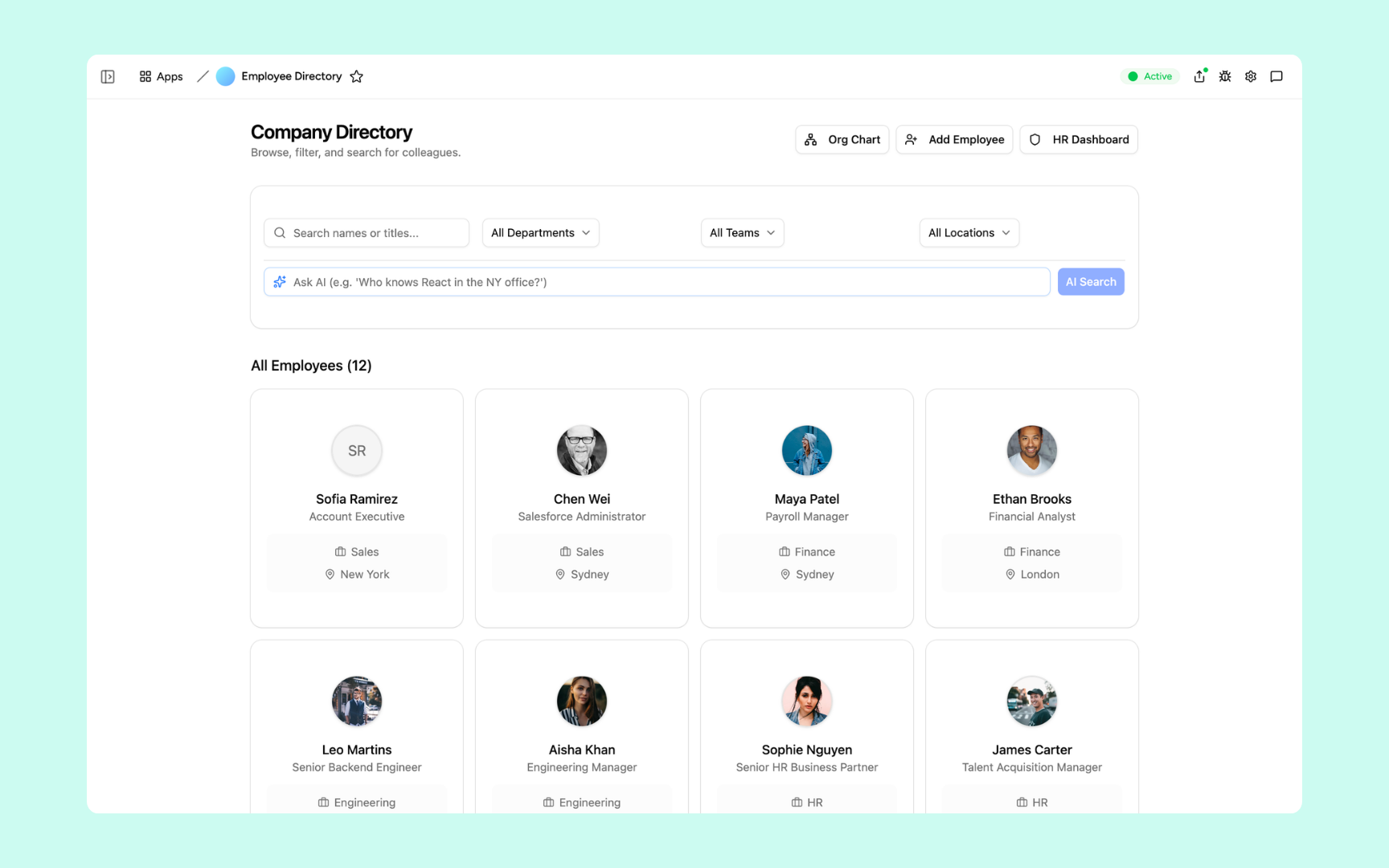
Everything you need to keep your people data current and findable
Appaca makes it easy for your HR team to build an AI-powered internal directory that keeps every employee profile up to date, surfaces the right person instantly, and gives leadership a live view of the organization.
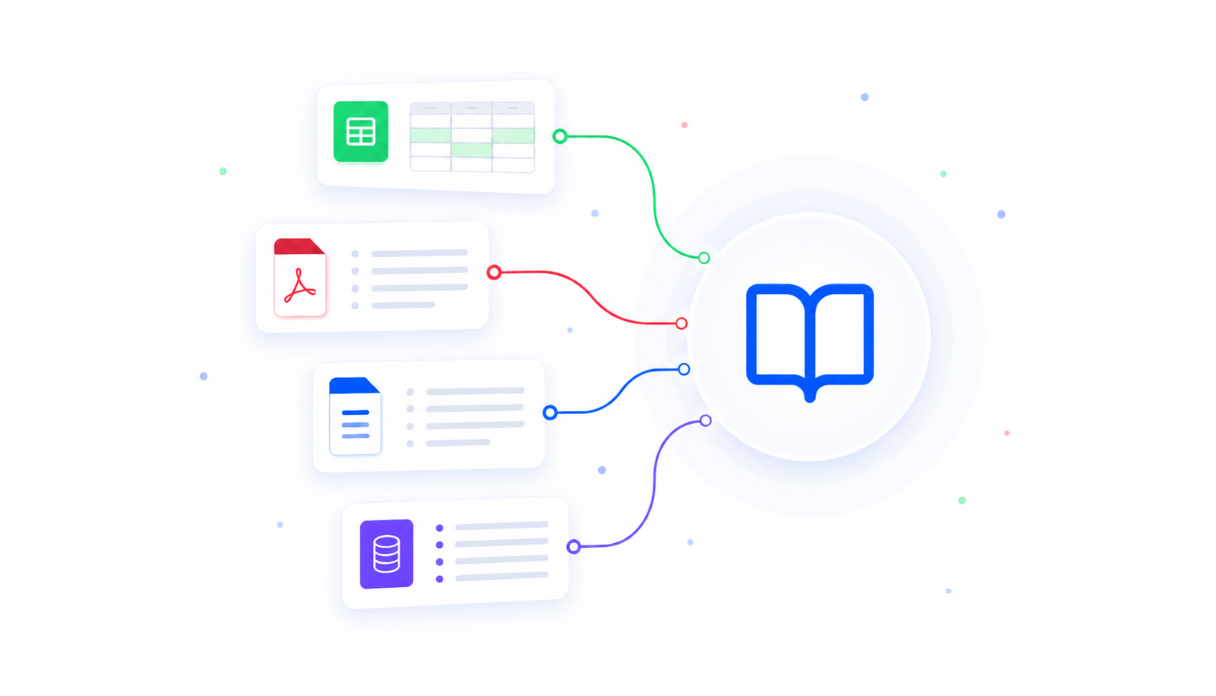
Teach AI your organizational knowledge
Upload your team structure, role definitions, skills taxonomy, and location data to the knowledge base so the Appaca agent and your directory tool can answer questions like 'who owns the payroll process?' or 'find someone who knows Python in Singapore' with accurate, current results.
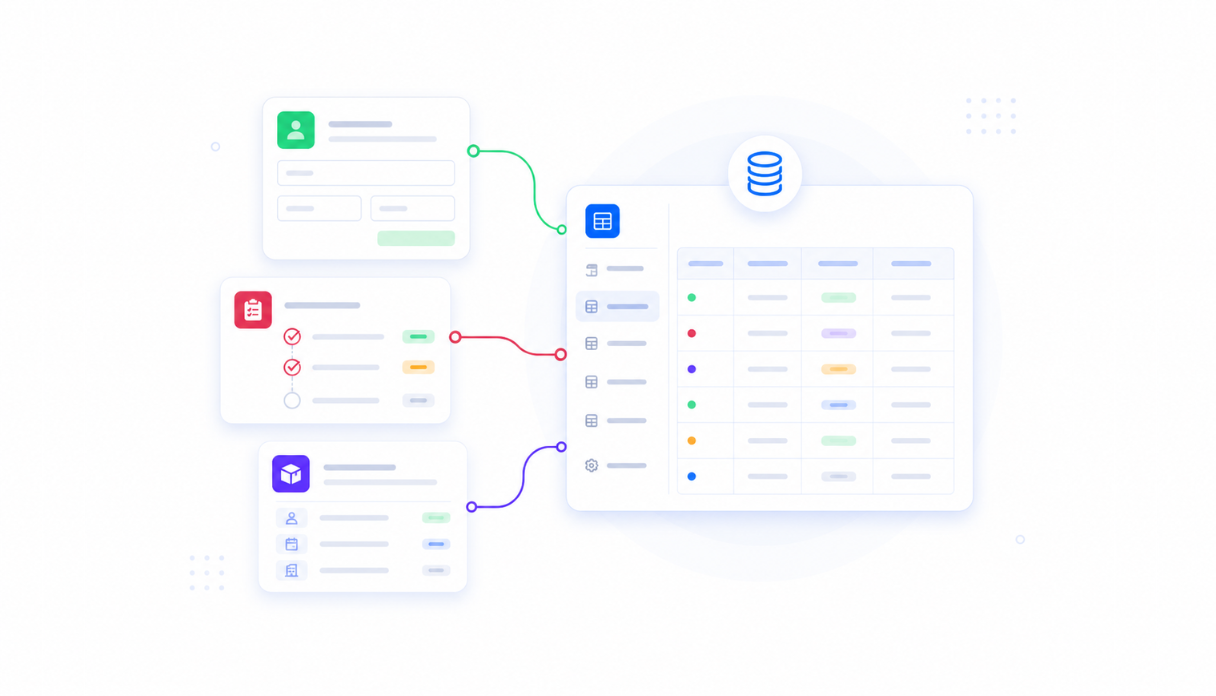
Keep every employee profile in one place
Appaca workspace comes with a secured built-in database and storage, so employee profiles, headshots, skills, reporting lines, and contact details live right inside your directory. No more fragmented data across spreadsheets, Slack, and email.
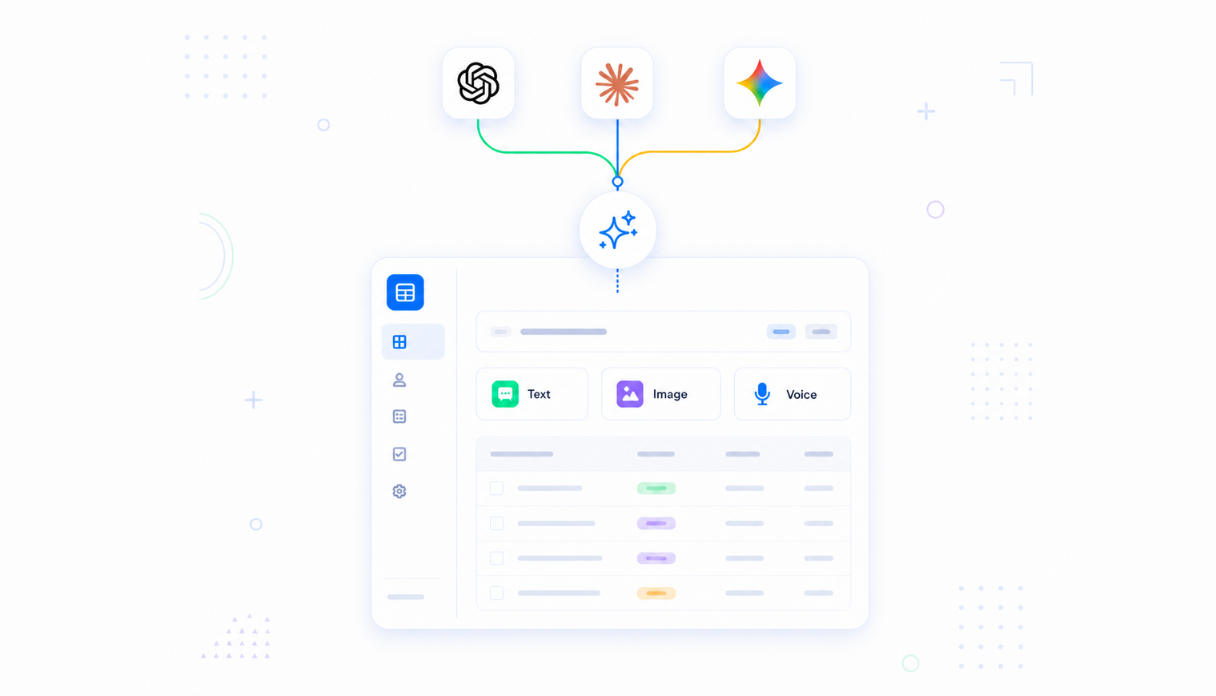
AI that answers people questions instantly
Connect AI models powered by OpenAI, Anthropic, and Google out of the box to power a natural language people search - so anyone on the team can ask who handles a topic, find someone with a specific skill, or locate the right person by role, team, or location.
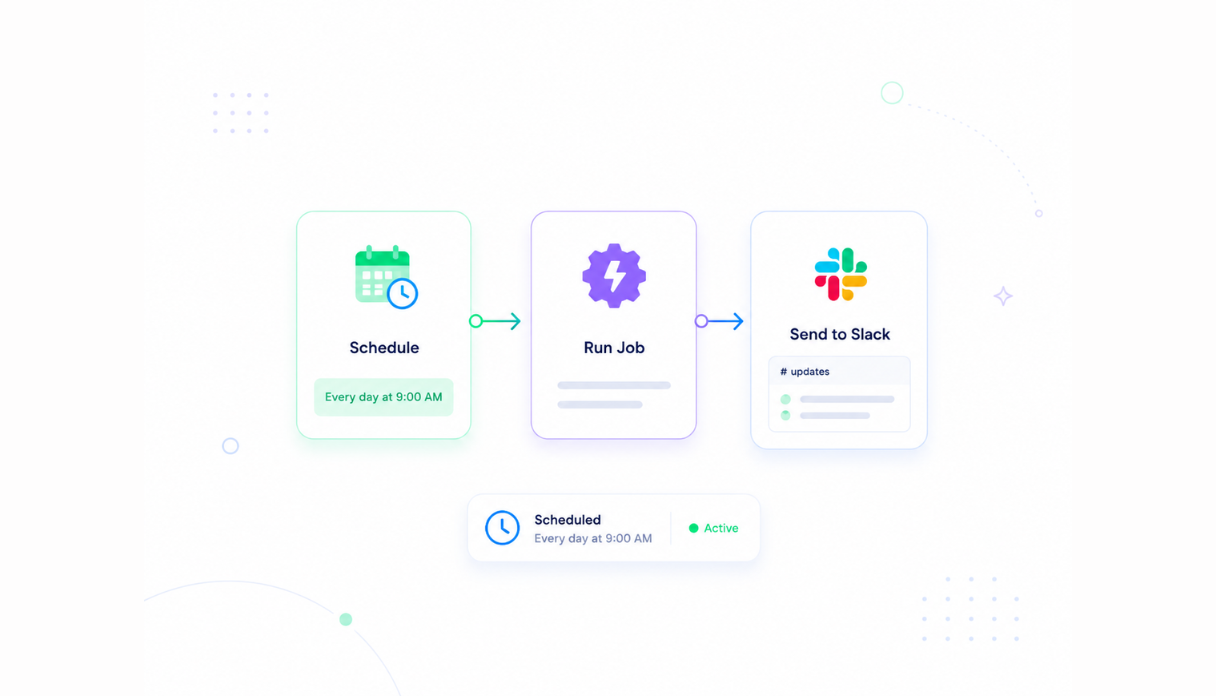
Keep the directory always current
Set the scheduler and automations to remind employees to update their profiles, notify HR when new starters are added, and post upcoming work anniversaries to Slack - so the directory stays accurate without manual maintenance overhead.
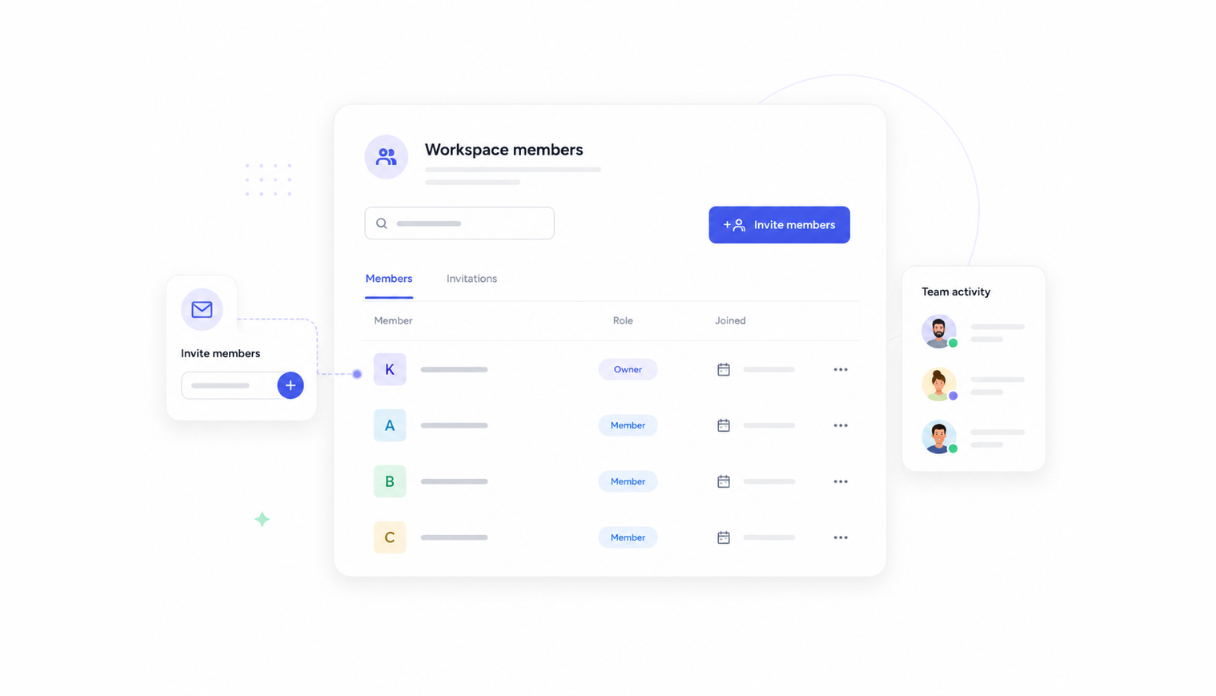
Share with the whole company
Invite your entire organization to the workspace so everyone can search and browse the directory with their own account. Employees keep their own profiles current, while HR retains control over core records like role, department, and manager.
Works with your HR stack
Securely connect Appaca workspace to your HRIS, Slack, and the tools your team already uses, so employee data flows in automatically and new starter announcements reach your team where they already are.





What features does this Employee Directory tool have?
This Employee Directory tool is built and run on Appaca workspace. You can clone it and make changes to fit your team's needs.
Every employee in a searchable card grid with photo, title, department, and location. Filter by department, team, or office, or use the AI search bar to ask natural language questions like 'Who knows React in the New York office?' and get the right person instantly.
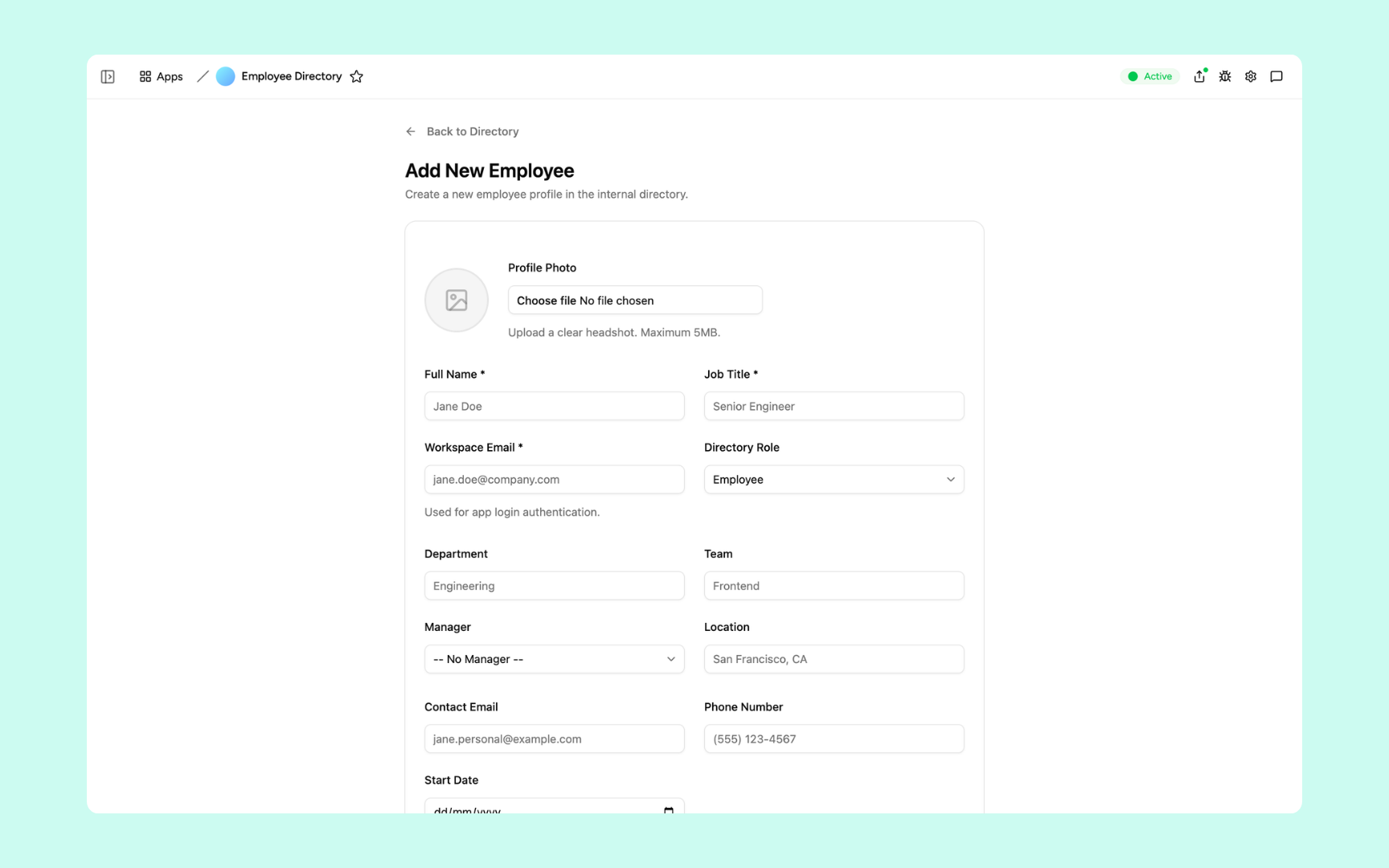
Create a new profile with photo, name, job title, workspace email, department, team, manager, location, contact details, and start date. The record is live in the directory the moment it's saved - no sync required.
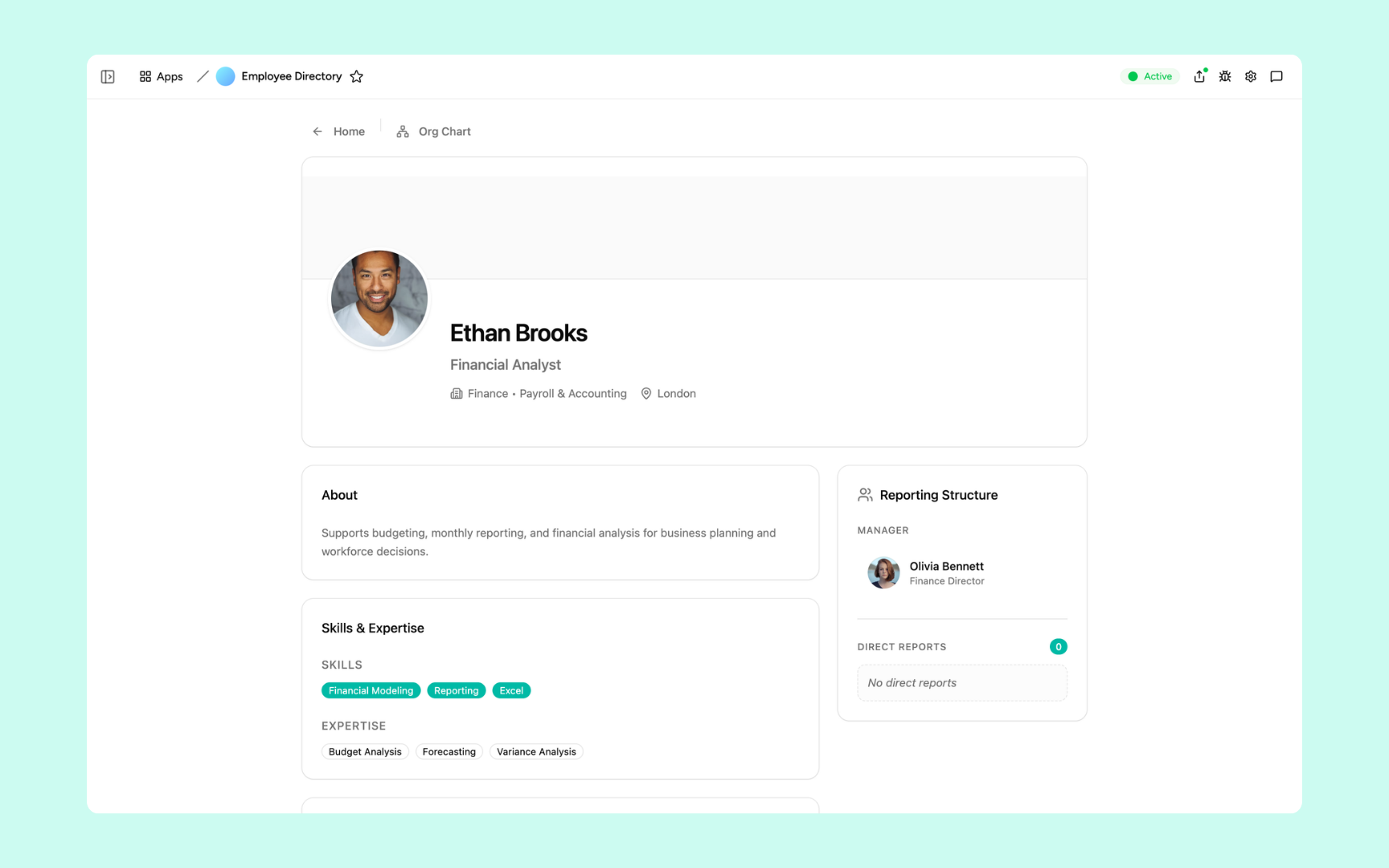
Each profile shows an About section, a Skills & Expertise panel with tagged skills and areas of expertise, and a full Reporting Structure showing the employee's manager above and any direct reports below - so anyone can understand where someone sits in the organization.
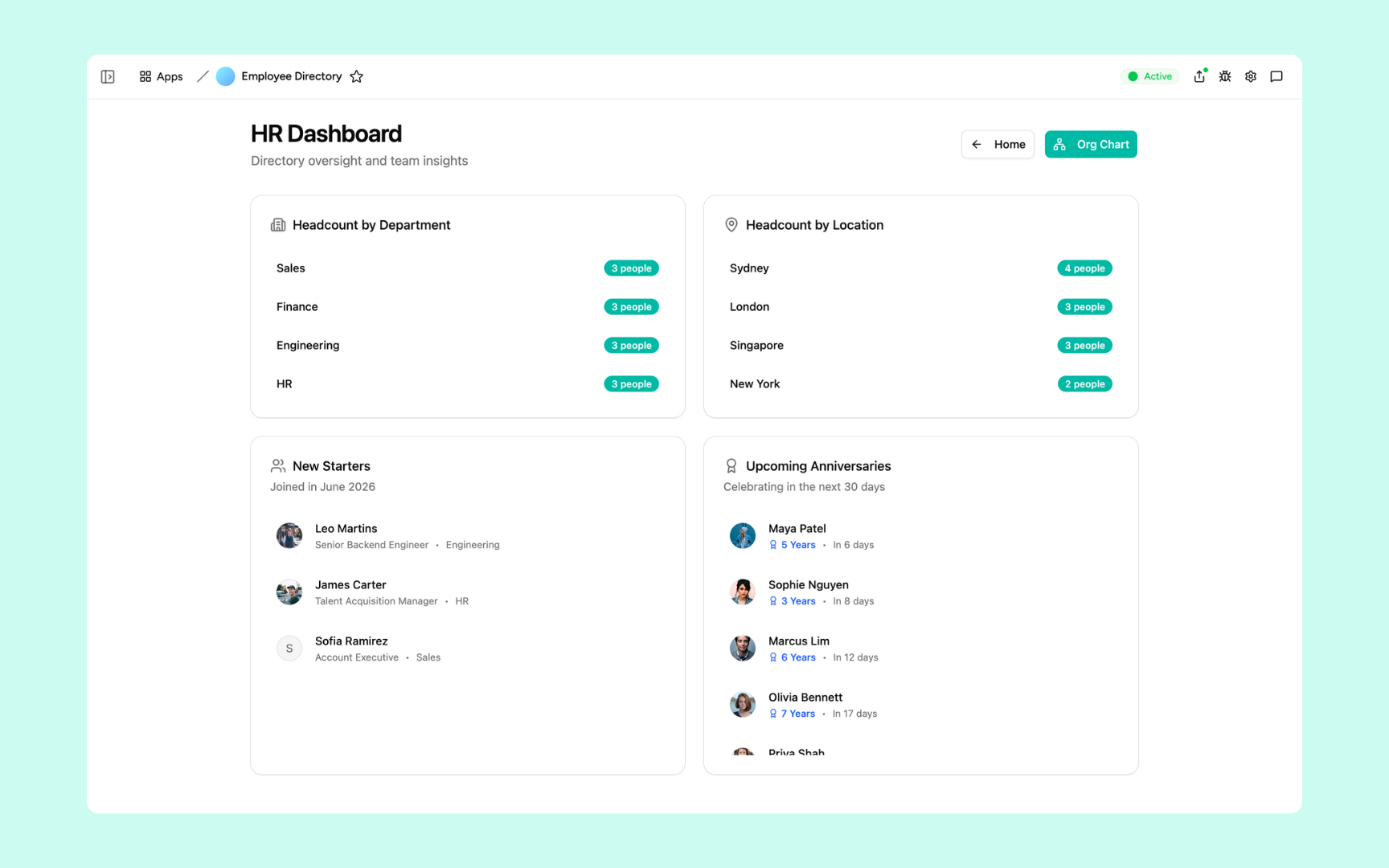
Headcount by department, headcount by location, new starters this month, and upcoming work anniversaries - all in one view so HR always has a live pulse on the team without pulling a spreadsheet report.
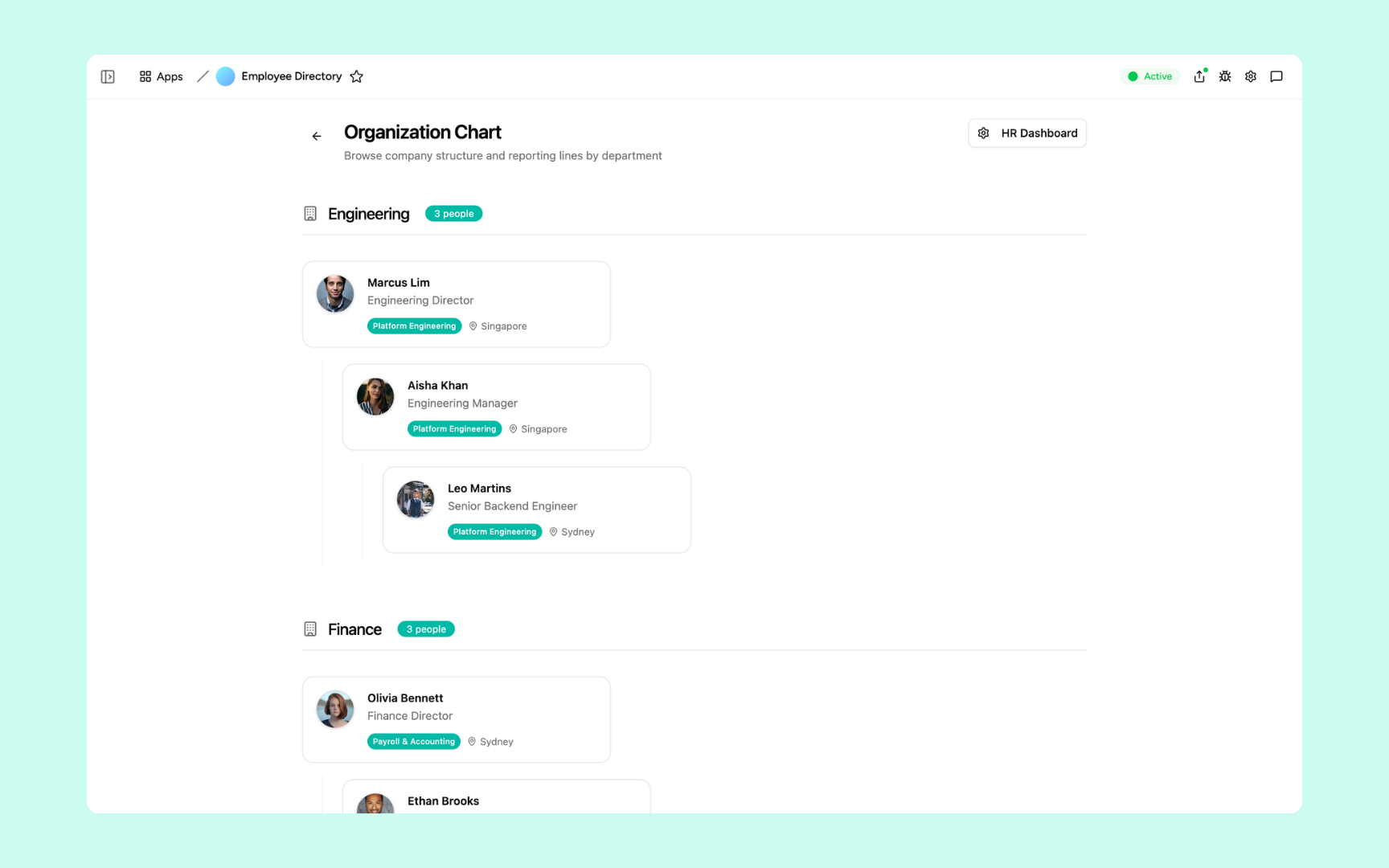
A visual org chart that groups employees by department and shows reporting lines at a glance - so anyone can browse the company structure, understand who reports to whom, and navigate to any profile in one click.
Get Employee Directory tool in your workspace
Employee directory built on a secured platform your whole company can trust
Your employee directory comes with the platform essentials - secure access, profile storage, automations, and controls - so HR can focus on your people, not maintaining a database.
Secure team sign-in
Every employee signs in with their own account. Your people data, contact details, and org structure are only ever seen by the people you invite.
Advanced permissions
Decide who sees what. Employees update their own profiles while HR controls core records like role, department, manager, and compensation details.
Scheduler & automations
Post new starter announcements to Slack, remind employees to update their profiles, and surface upcoming anniversaries automatically - no manual overhead.
Built-in people database
Every employee profile, headshot, skill tag, and reporting line lives in a secure database inside your tool. No spreadsheets to maintain, no data scattered across tabs.
Enterprise-grade security
Your employee data is handled with the security practices people teams expect - encrypted, protected, and under your control at all times.
Find anyone from anywhere
The directory lives in the browser, so your team can search for colleagues, check org charts, and browse profiles from the office, home, or on the road.
File & image storage
Store employee headshots, signed agreements, and supporting HR documents attached to the profiles they belong to - everything in one place, easy to find.
Usage tracking
See which parts of the directory your team actually uses - who searches most, which profiles get viewed, and where the AI search is adding value - so you know where to invest.
FAQs
It's an internal tool that keeps every employee's profile - photo, title, department, skills, and reporting line - in one searchable place. It comes with an org chart for visualizing the company structure and an AI people search so anyone can ask a natural language question and find the right person instantly.
No. Appaca is an AI workspace - you describe what your HR team needs and the Appaca agent builds the tool for you, complete with a built-in database, team access, and automations. No coding or deployment required.
You ask a natural language question - like 'Who owns the payroll process?' or 'Find a Python developer in Singapore' - and the AI searches across every employee profile to surface the most relevant matches. The more complete your profiles, the better the results.
Employees update their own photo, bio, and skills, while HR controls core records like role, department, and manager. You can also set up automated reminders that prompt employees to review their profile on a schedule, so the directory stays accurate without manual chasing.
Yes. Invite your entire organization to the workspace so everyone can search and browse with their own account. Advanced permissions let you control what each person can see and edit - for example, keeping compensation data visible only to HR.
In a secure database built into your Appaca workspace. Every profile, headshot, skill tag, and reporting line lives right inside the tool - encrypted, protected, and only visible to the team members you invite.
Yes. Appaca connects to tools like Slack, your HRIS, Google Workspace, and more, and can integrate with any service that supports an API or webhook. Employee data can flow in automatically and new starter announcements can be posted to Slack without any manual work.
More productivity with one adaptive workspace
Use Appaca for all your business operations needs. Build internal business tools and AI around your existing workflow.