
AI workspace for HR teams
Build internal tools and workflows to handle hiring, your employee directory, and onboarding. Work together with your team on one AI platform that adapts to how your team works.
Why HR teams love Appaca
Every tool makes you work around it. Appaca is an AI workspace that gives you the flexibility to build internal HR tools that fit your workflow. It gives you superpowers with AI coworkers that understand your team and business.
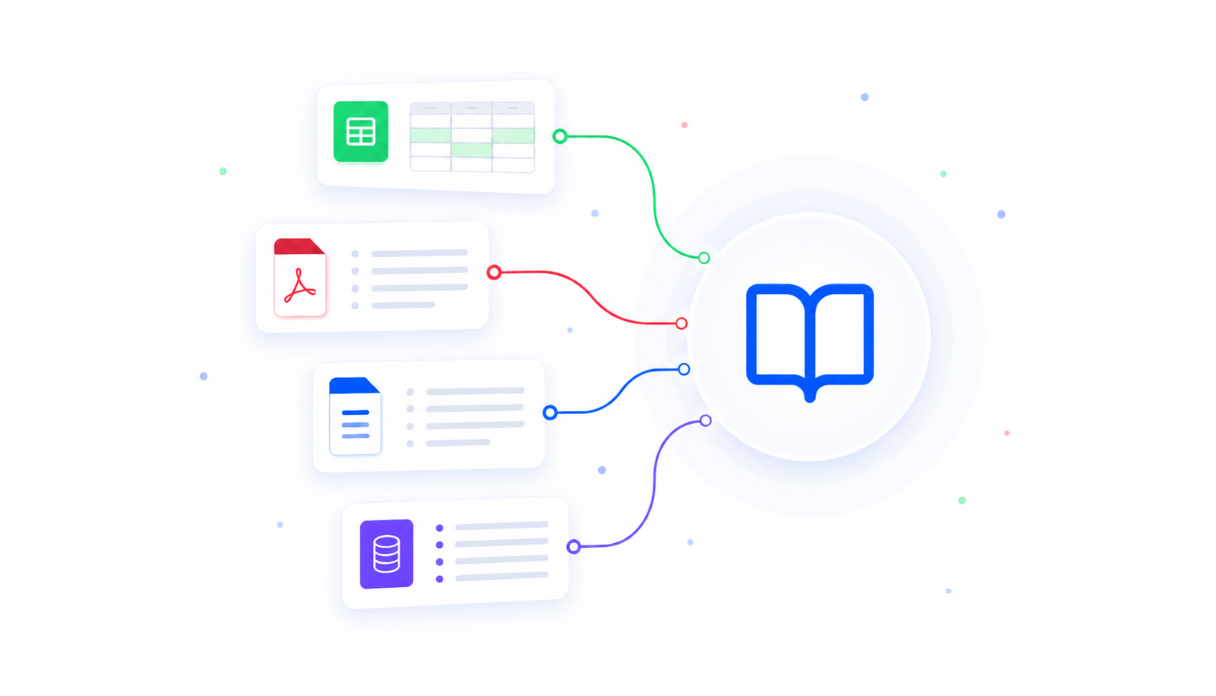
AI that knows your people policies
Upload your handbook, benefits guides, role templates, and onboarding plans into one centralised knowledge base. Every AI tool you build draws on it, so answers and drafts reflect how your company actually runs.
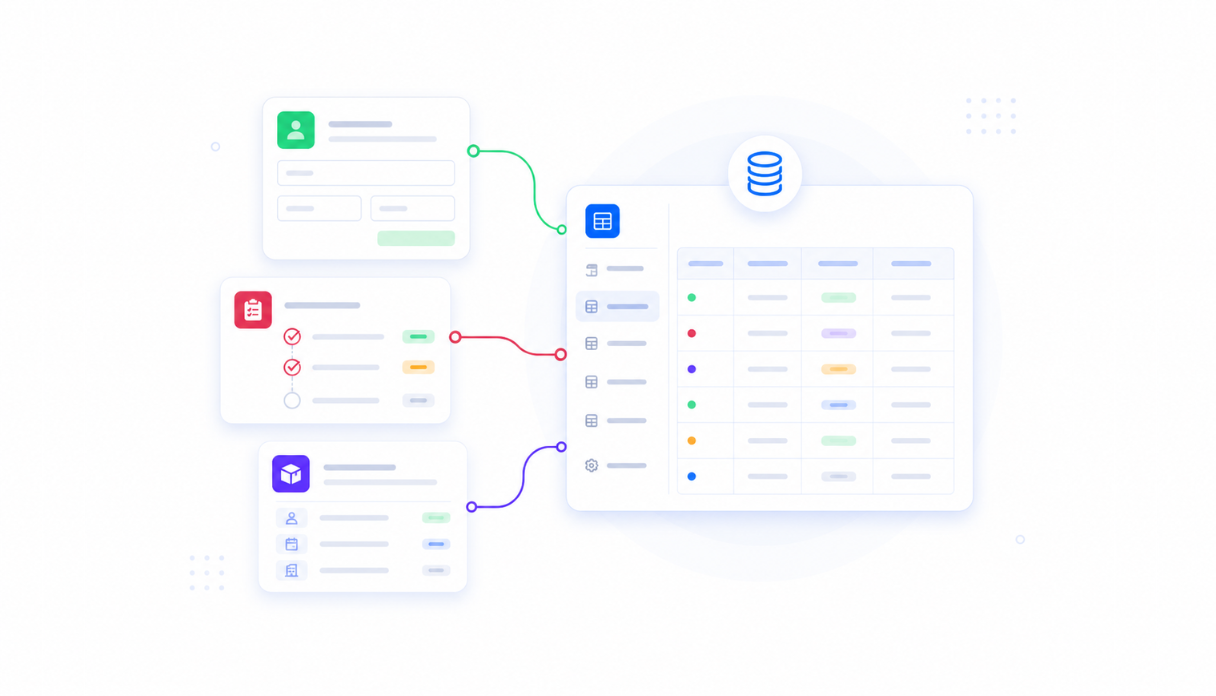
Store data securely in built-in databases
Track candidates, new hires, and onboarding progress in databases that come built into every app. No spreadsheets to maintain or separate database tools to set up - your people data lives where your team works.

Connect the tools your team already uses
Plug into your HRIS, Slack, email, and the rest of your people stack. Employee data flows in automatically and updates reach your team where they already are - no copy-pasting between tabs.
Everything your HR team needs, in one AI workspace
Stop forcing your people processes into tools that weren't built for them. Appaca gives your team one workspace shaped around how you work - so policy questions get answered instantly, onboarding stays on track, and your team spends its time on people, not paperwork.
Get the tools your team actually needs
Just describe what would help - an employee directory, onboarding tracker, or job description writer - and the Appaca agent builds it for you, shaped around how your team works. No coding, no waiting on IT.




AI co-workers with the skills you need
Create AI HR specialists for drafting job descriptions, finding the right people, and building onboarding plans.
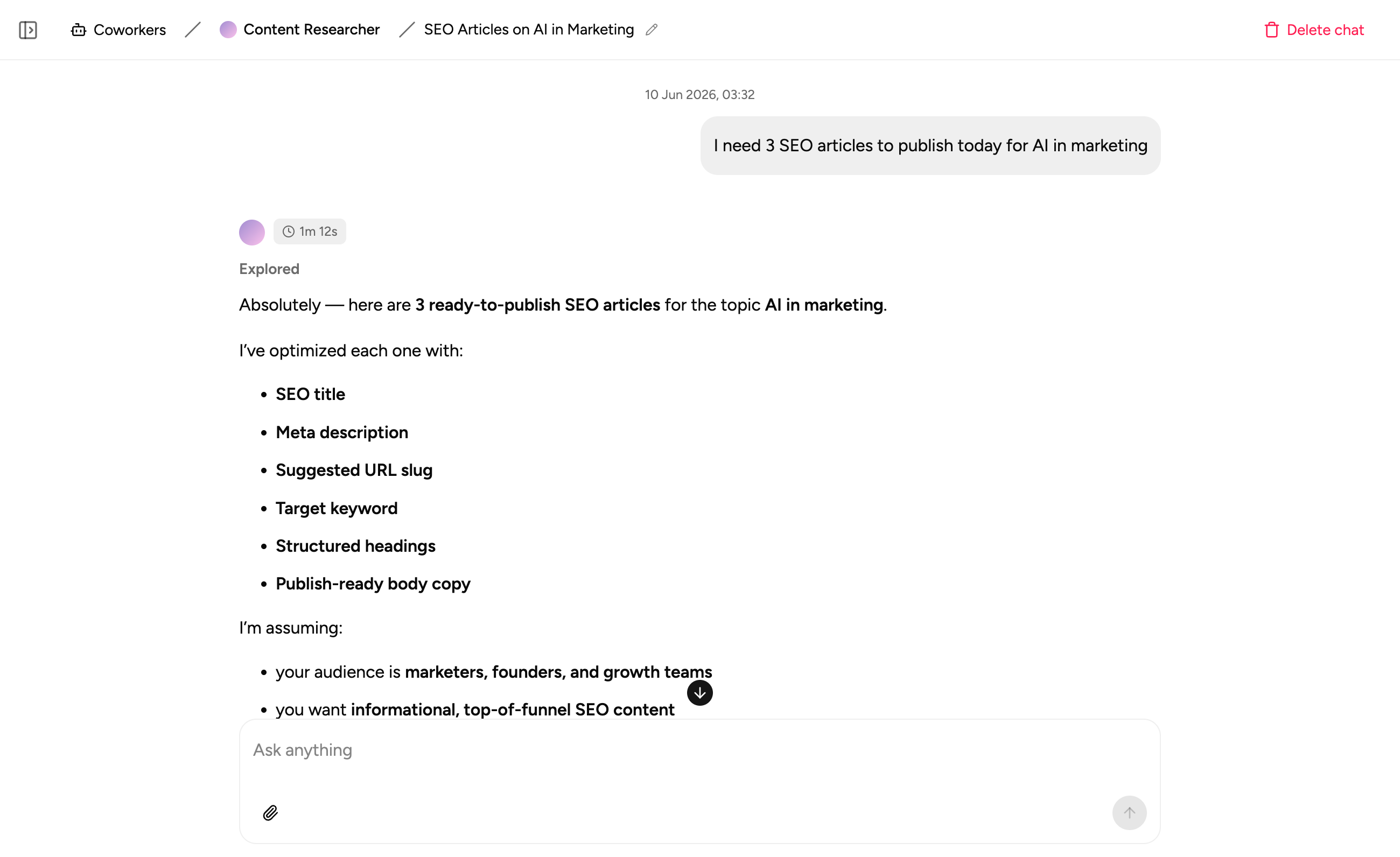
Keep people notes in one place
Capture interview notes, onboarding plans, policy updates, and handover docs right at where your team works.
How HR teams use Appaca
Build the tools your people process is missing - so job descriptions go out in minutes, the right person is always easy to find, and every new hire starts strong. Less admin for your team, more time for people.
Job Description Writer
Go from role title to polished, bias-conscious job description in minutes - the single most adopted AI use case in HR. Consistent structure and tone across every opening, ready for review and posting.
Get started free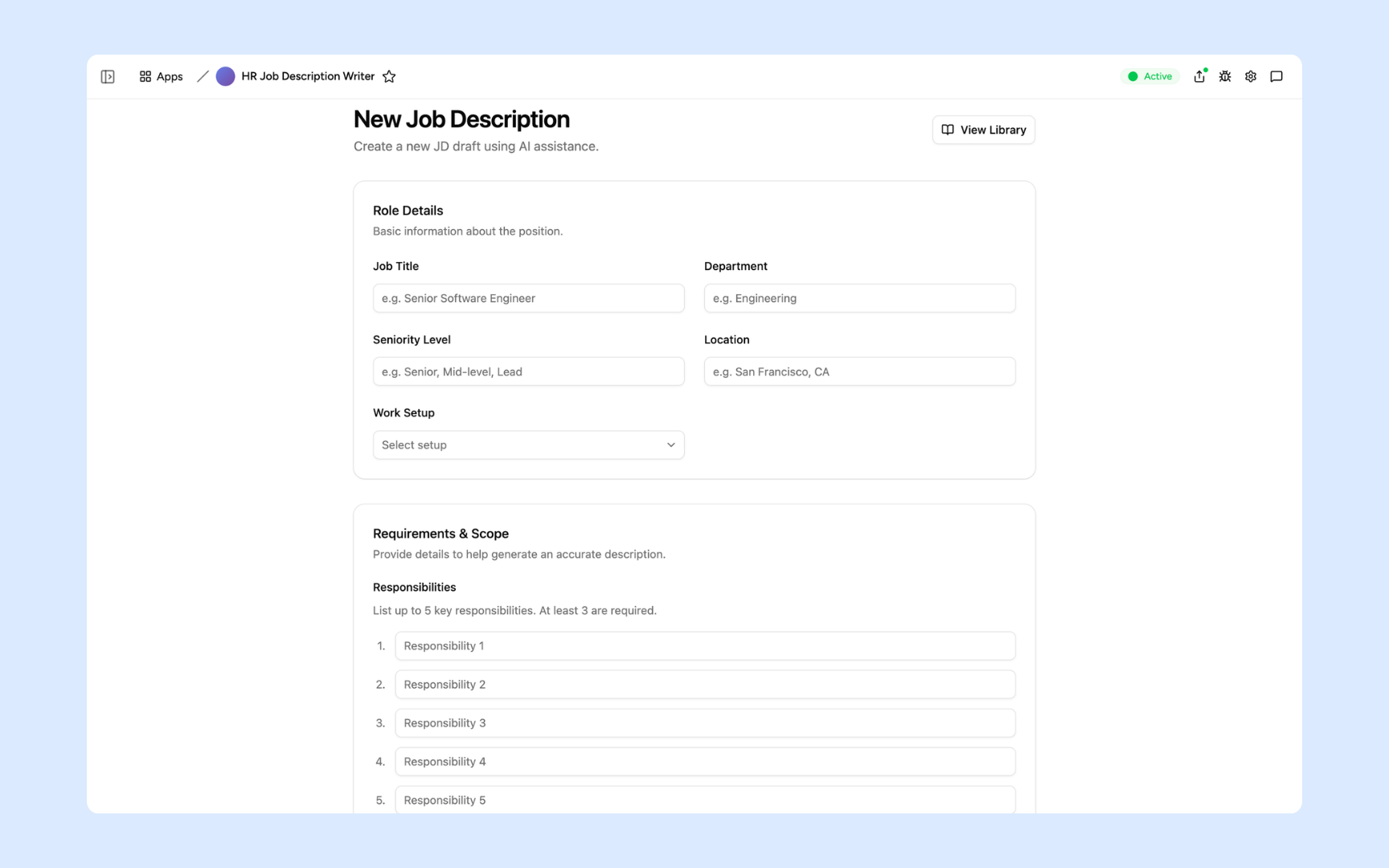
Employee Directory
Give everyone a searchable directory with profiles, org chart, and AI people search - ask "who handles payroll?" and find the right person instantly. Employees keep their own profiles current, so HR isn't the bottleneck.
Get started free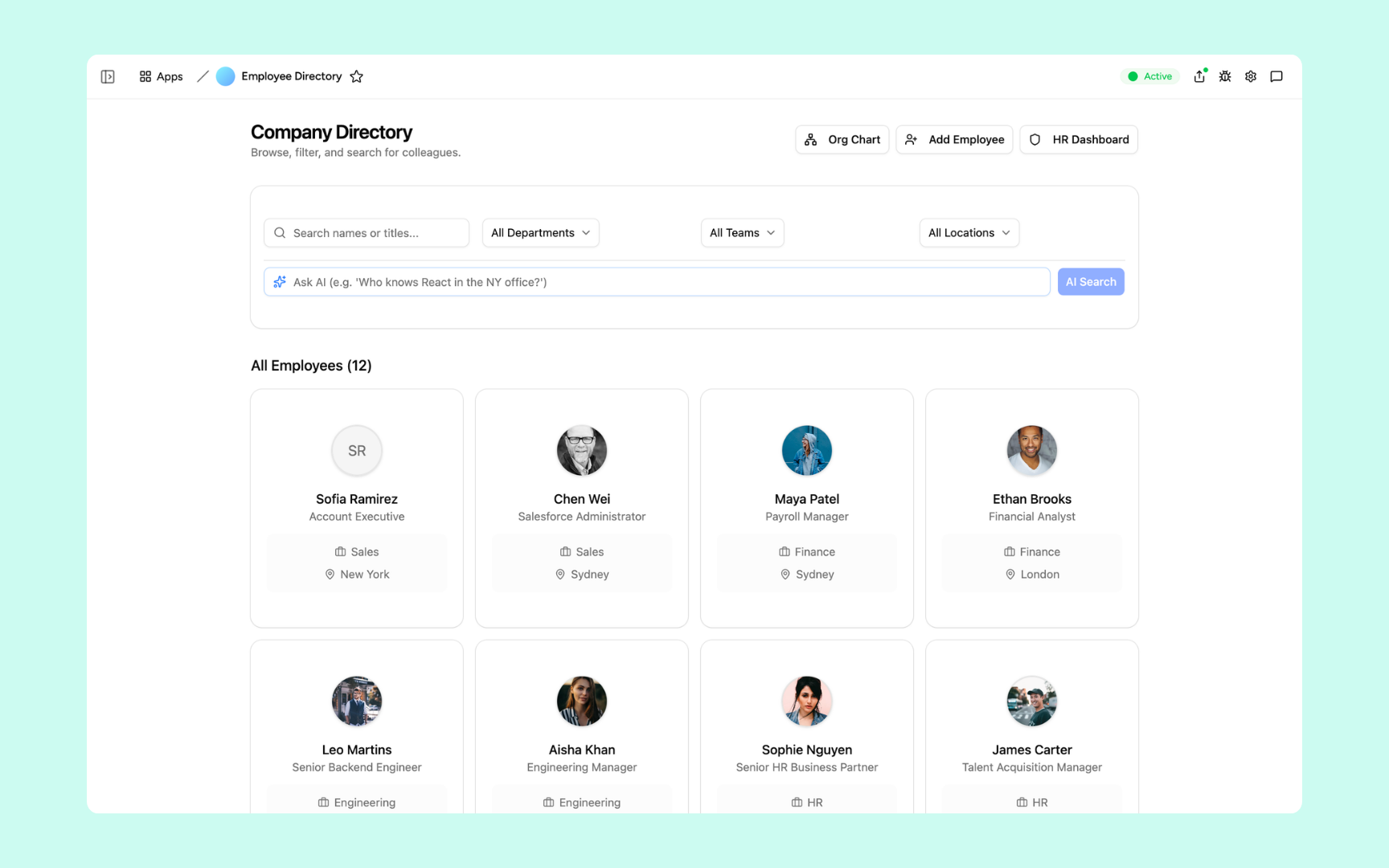
Onboarding Assistant
Build personalised onboarding plans for every new hire and track completion automatically - getting people productive faster from day one. No more chasing checklists across spreadsheets and email threads.
Get started free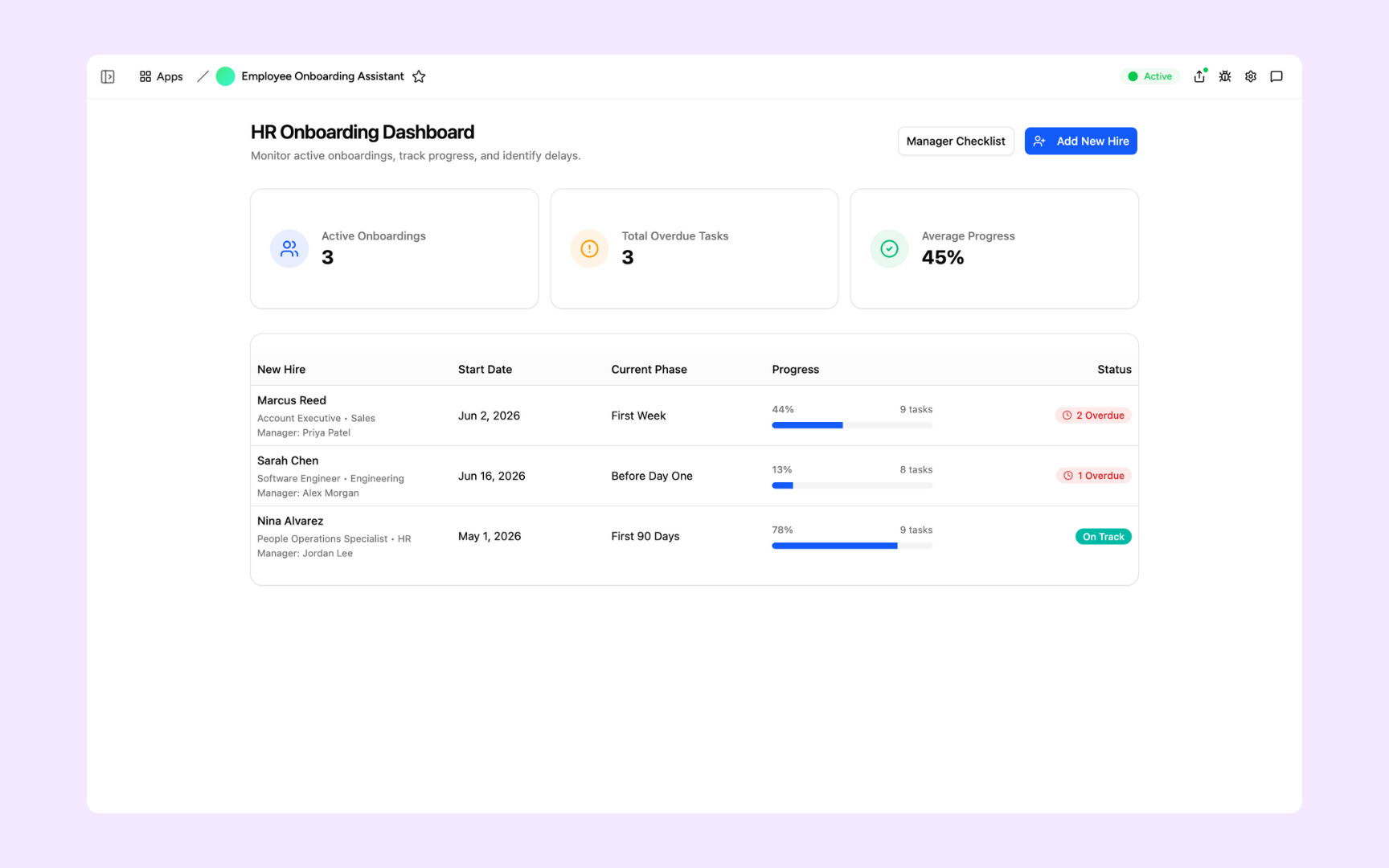
Deliver tools your HR team can trust
Every tool you build comes with the platform essentials - secure access, data storage, automations, and controls - so your team can focus on people, not setup.
Secure team authentication
Everyone signs in securely with their own account. Your employee and candidate data are only ever seen by the right people.
Advanced permissions
Control who gets access to which tools. Let employees browse the directory, keep compensation and personnel tools to HR.
Scheduler & automations
Put onboarding check-ins, review reminders, and policy updates on autopilot - so nothing slips even during a busy hiring sprint.
Secure built-in database
Store candidates, new hires, and onboarding progress in databases built into every tool. No spreadsheets to maintain, no data scattered across tabs.
Enterprise-grade security
Your employee data is handled with the security practices people teams expect - encrypted, protected, and under your control.
Access anywhere
Your tools live in the browser, so your team can answer questions and track onboarding from the office, home, or on the road.
File & image storage
Keep contracts, policies, CVs, and onboarding docs attached to the records they belong to - everything in one place, easy to find.
Usage tracking
See which tools your team actually uses and how often - so you know what's driving results and where to double down.
FAQs
Employees update their own photo, bio, and skills, while HR controls core records like role, department, and manager. AI people search draws on this data, so results stay accurate as your team changes.
Yes. Appaca workspaces have team access controls, so you decide who can see what in each app. Sensitive HR data stays limited to the people who need it.
No. You describe the tool you need in plain language and the Appaca agent builds it - complete with a database, team access, and integrations. HR teams build and maintain their own tools without writing code.
Yes. The assistant generates plans from the role, department, and templates you define, then tracks completion for each new hire automatically.
The writer is set up to produce bias-conscious drafts and follow your inclusive-language guidelines. Your team always reviews before posting, so you keep final say.
One adaptive workspace for your HR team
Give your people team its time back. Maximise your team's productivity with Appaca.