
AI workspace for operations teams
Build internal tools and workflows to automate reporting, track vendors, and keep processes running. Work together with your team on one AI platform that adapts to how your team works.
Why operations teams love Appaca
Every tool makes you work around it. Appaca is an AI workspace that gives you the flexibility to build internal ops tools that fit your workflow. It gives you superpowers with AI coworkers that understand your team and business.
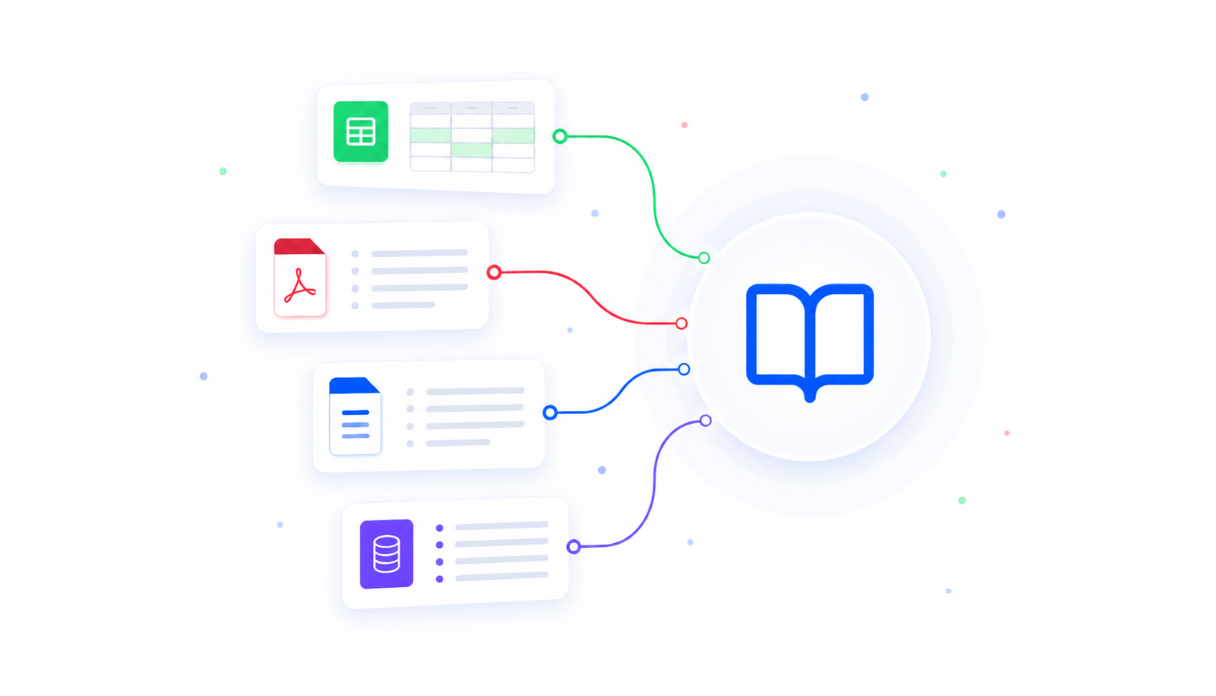
AI that knows your processes
Upload your SOPs, runbooks, vendor contracts, and reporting templates into one centralised knowledge base. Every AI tool you build draws on it, so answers and reports reflect how your operation actually runs.
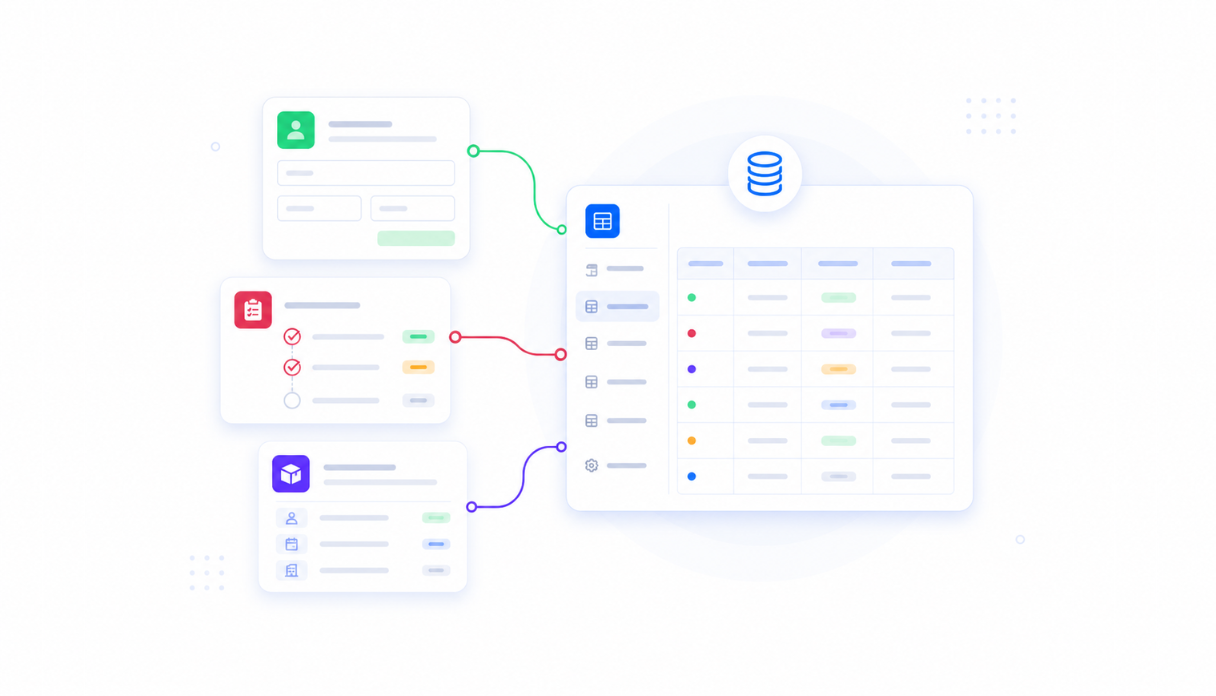
Store data securely in built-in databases
Track vendors, renewals, and recurring tasks in databases that come built into every app. No spreadsheets to maintain or separate database tools to set up - your ops data lives where your team works.

Connect the tools your team already uses
Plug into Slack, email, and the rest of your ops stack. Data flows into your reports and trackers automatically and alerts reach your team where they already are - no copy-pasting between tabs.
Everything your ops team needs, in one AI workspace
Stop forcing your operations into tools that weren't built for them. Appaca gives your team one workspace shaped around how you run things - so reports go out on time, renewals never blindside you, and your team spends its time on execution.
Get the tools your team actually needs
Just describe what would help - a report generator, vendor tracker, or SOP assistant - and the Appaca agent builds it for you, shaped around how your operation runs. No coding, no waiting on engineering.




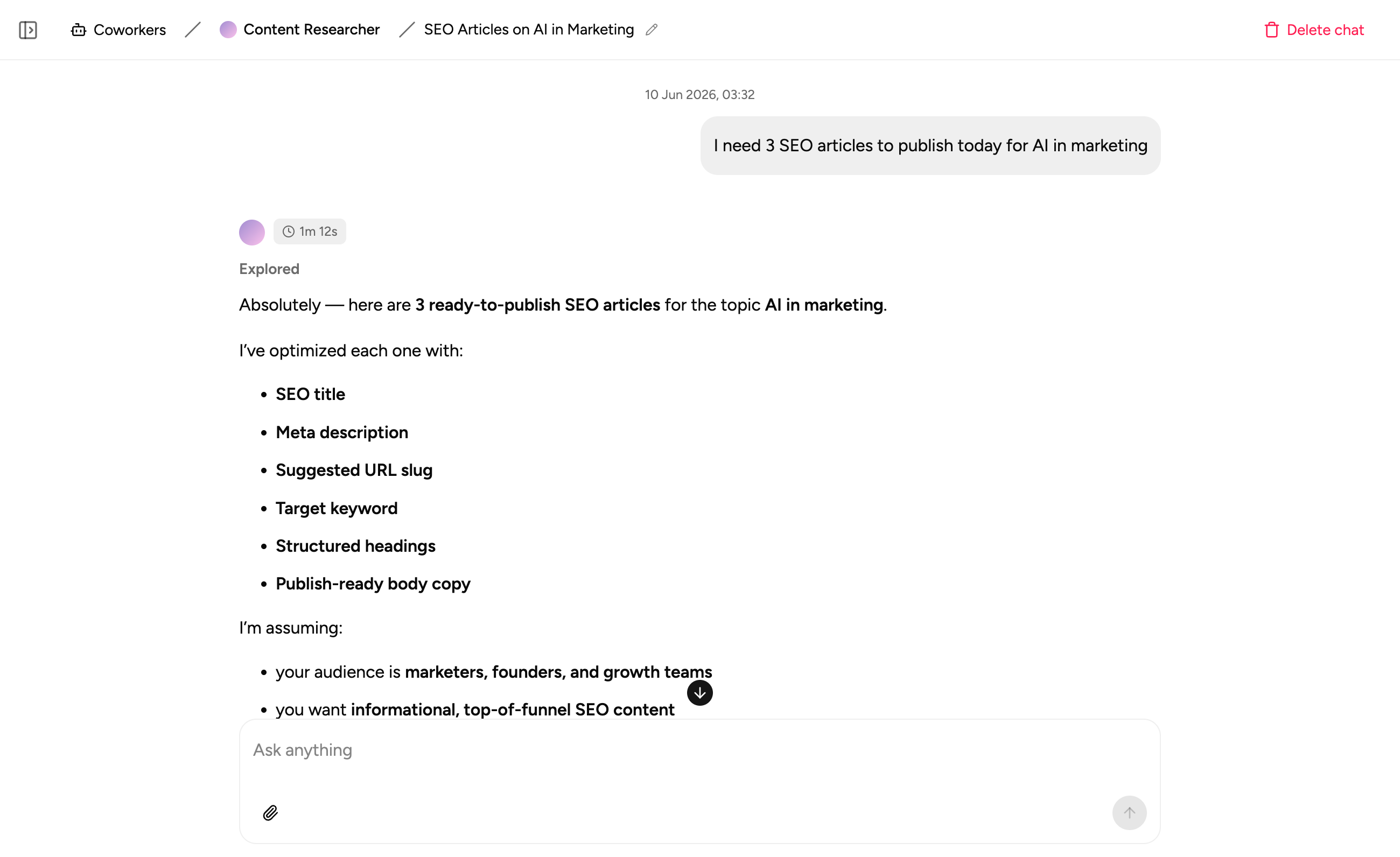
AI co-workers with the skills you need
Create AI ops specialists for compiling reports, answering process questions, and chasing overdue tasks.
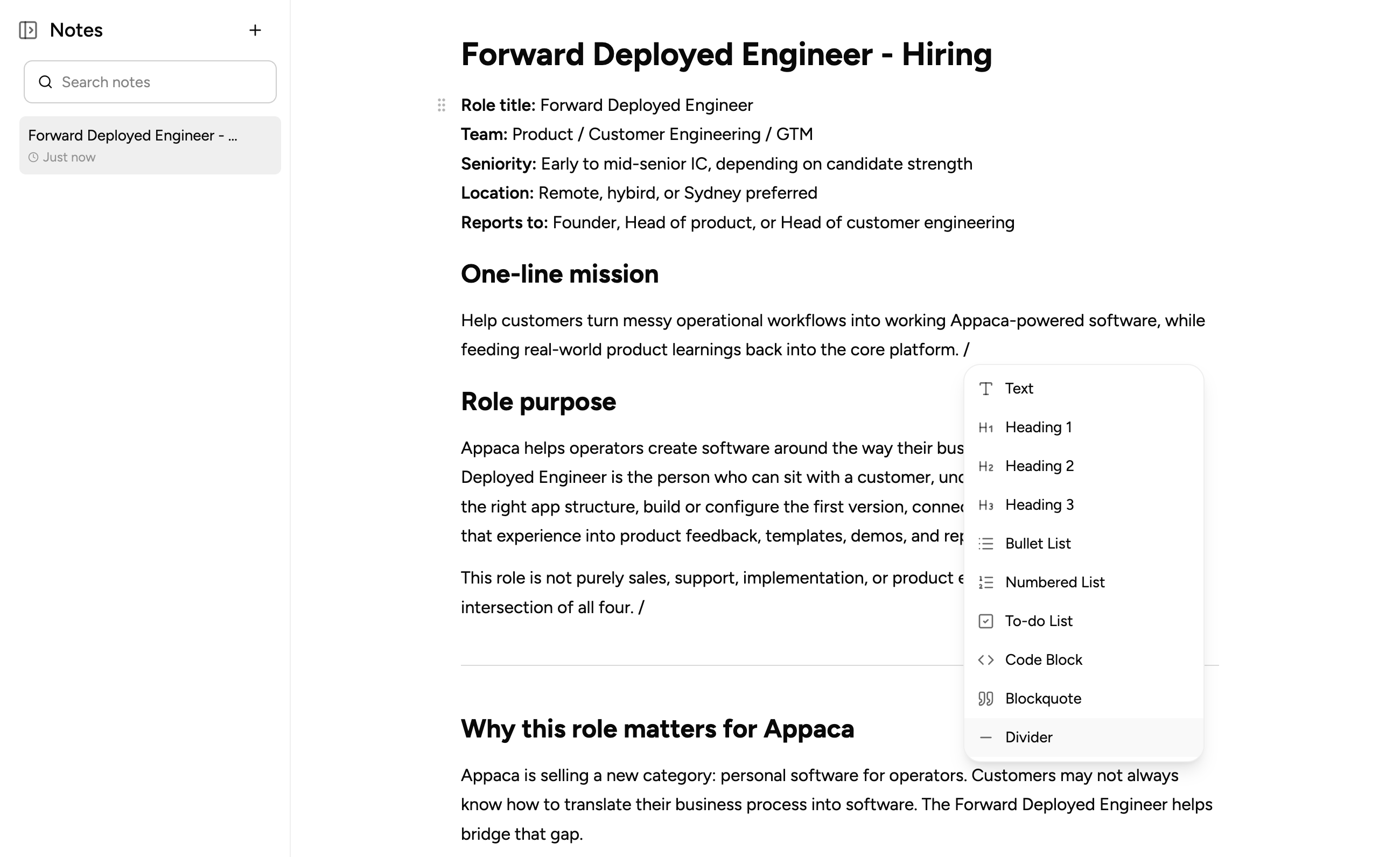
Keep ops notes in one place
Capture process docs, vendor context, meeting notes, and handover docs right at where your team works.
How operations teams use Appaca
Build the tools your operation is missing - so reports compile themselves, renewals get flagged early, and process questions stop landing in your inbox. Less busywork for your team, more time on execution.
Ops Report Generator
Pull the data, write the summary, and build the narrative for your weekly and monthly reports automatically - no more multi-day data wrangle every cycle. Reports go out on time, every time.
Get started free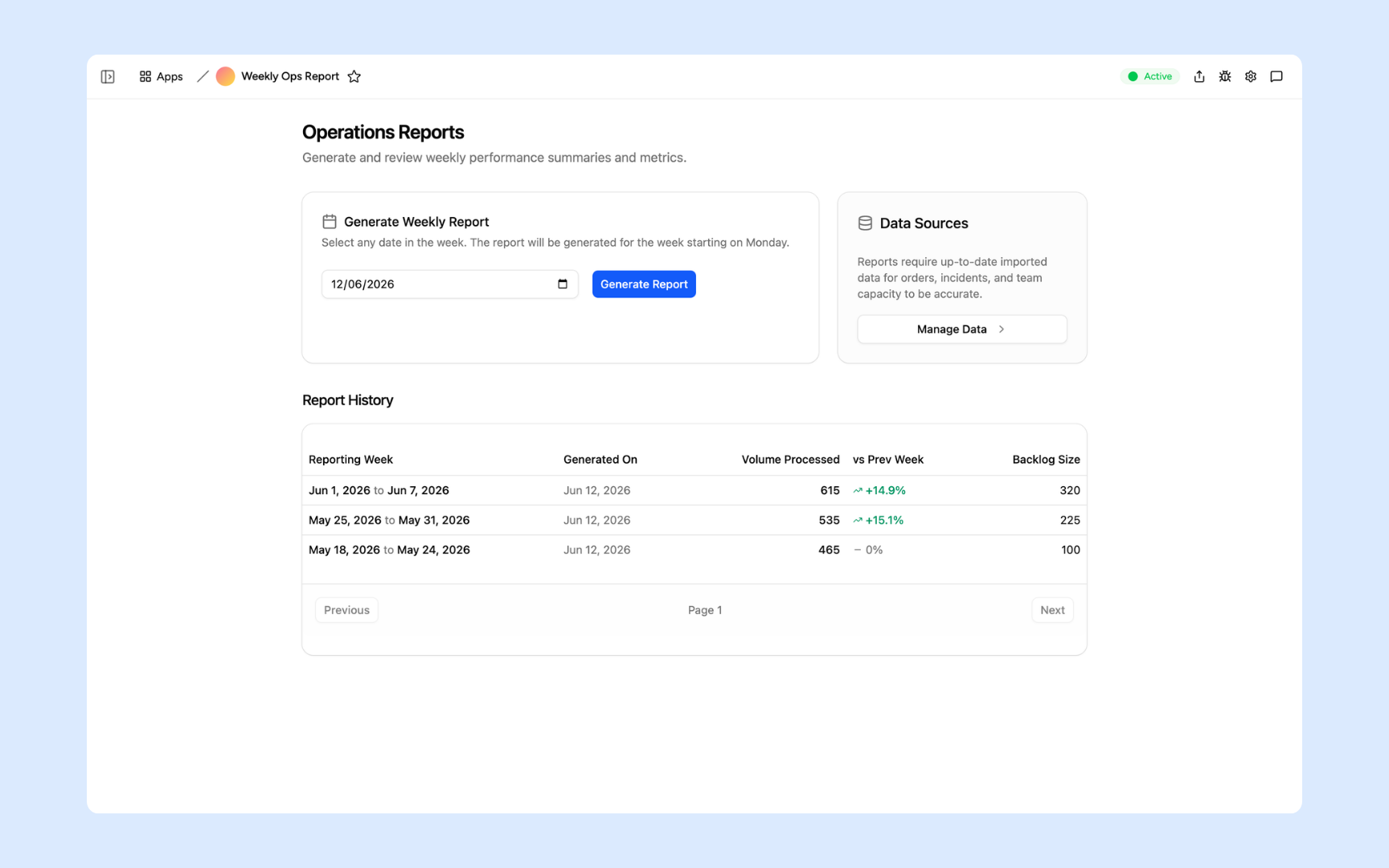
Vendor Tracker
Track contracts, renewal dates, and performance in one place - with a renewals timeline that flags anything coming up in the next 90 days, so you never get blindsided again. Every vendor relationship documented and searchable.
Get started free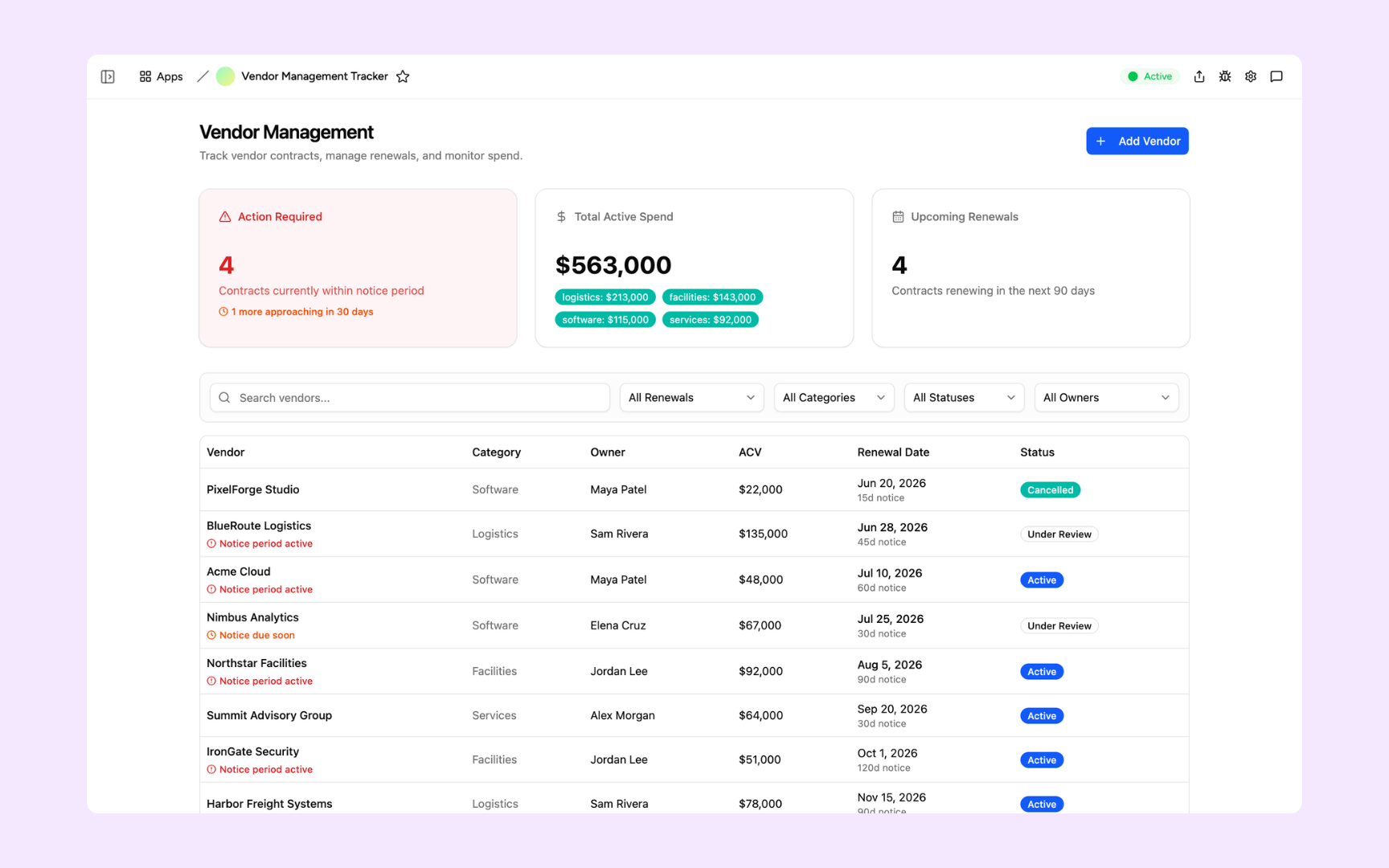
SOP Assistant
Turn your SOPs into interactive, step-by-step guides employees can actually follow - and answer process questions instantly with cited sources. Your processes finally live somewhere people use.
Get started free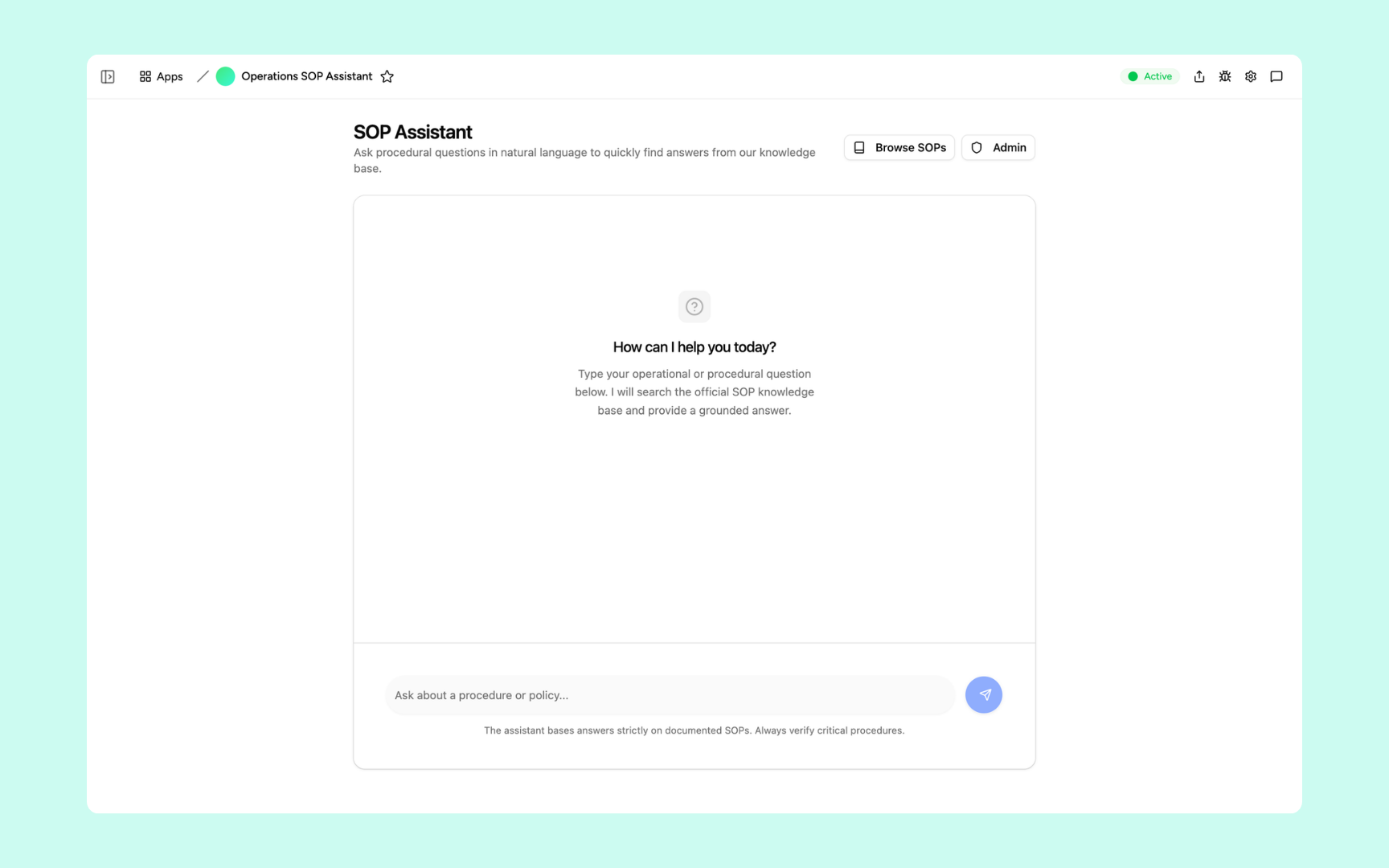
Deliver tools your ops team can trust
Every tool you build comes with the platform essentials - secure access, data storage, automations, and controls - so your team can focus on running the business, not setup.
Secure team authentication
Everyone signs in securely with their own account. Your vendor contracts and operational data are only ever seen by your team.
Advanced permissions
Control who gets access to which tools. Give the team their daily workflows, keep contract and budget tools to managers.
Scheduler & automations
Put recurring reports, renewal alerts, and task reminders on autopilot - so nothing depends on someone remembering to check a spreadsheet.
Secure built-in database
Store vendors, contracts, and recurring tasks in databases built into every tool. No spreadsheets to maintain, no data scattered across tabs.
Enterprise-grade security
Your operational data is handled with the security practices procurement teams expect - encrypted, protected, and under your control.
Access anywhere
Your tools live in the browser, so your team can check trackers and run reports from the office, home, or on the road.
File & image storage
Keep contracts, SOPs, invoices, and screenshots attached to the records they belong to - everything in one place, easy to find.
Usage tracking
See which tools your team actually uses and how often - so you know what's driving results and where to double down.
FAQs
Yes. Appaca apps can integrate with your existing tools and systems, so data flows into your reports and trackers automatically instead of being copy-pasted between spreadsheets.
Teams typically recover 10-20 hours a week by automating their highest-frequency tasks - recurring reports, renewal tracking, and answering the same process questions on repeat.
No. You describe the workflow you need in plain language and the Appaca agent builds it - complete with a database, team access, and integrations. Ops teams build and maintain their own tools.
It answers from your own process documents, with sources cited. When a process changes, update the document and the assistant reflects it immediately - no retraining or rebuilding.
Yes. Apps can send alerts to Slack or email - renewal warnings, overdue tasks, report deliveries - so nothing depends on someone remembering to check a spreadsheet.
One adaptive workspace for your ops team
Give your ops team the hours back that repetitive work steals. Maximise your team's productivity with Appaca.