
Build a custom access review tool with AI
Appaca is an AI workspace where you can build an access review tool that audits who has access to what, flags excess permissions, and runs periodic review cycles without manual spreadsheet work.
Everything you need to run a proper access review process
Appaca makes it easy for IT and security teams to build an access review tool that tracks permissions, flags anomalies, and keeps your access posture clean.

Access policy in the knowledge base
Upload your access policy, role definitions, and least-privilege guidelines so the AI review tool flags permissions that do not match your policy, not just generic anomalies.
Centralised access record
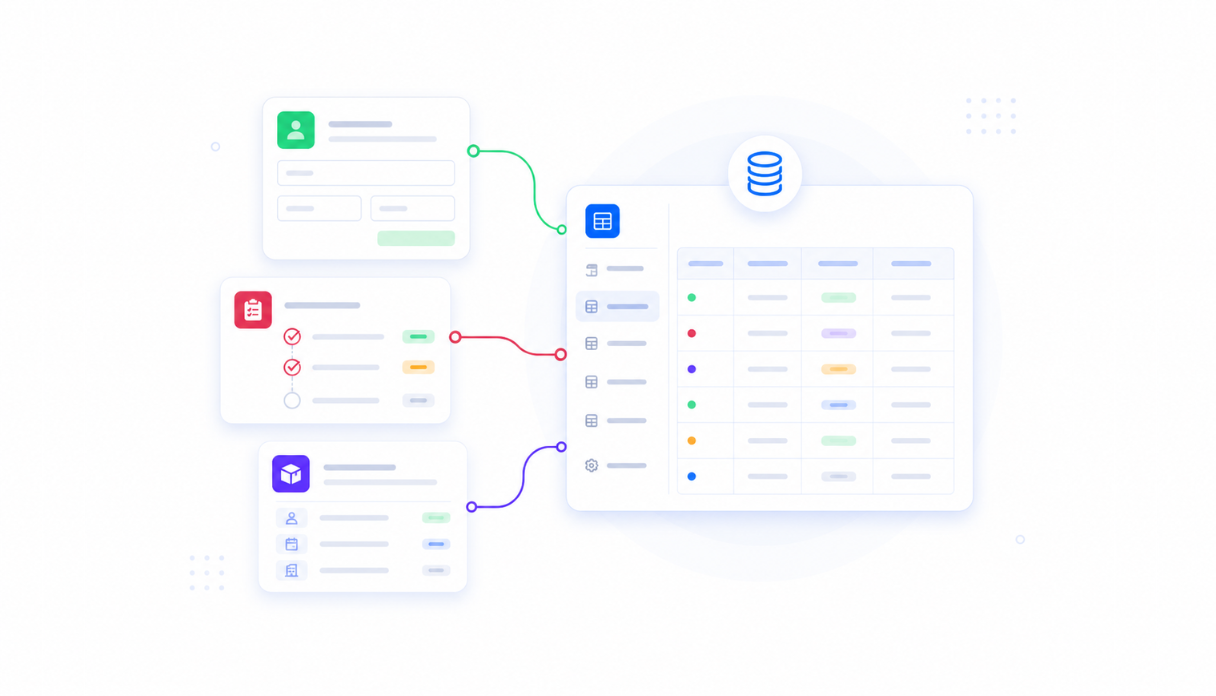
Appaca workspace comes with a secure built-in database, so every user, role, and permission record lives in one place. No more pulling access data from seven different systems into a spreadsheet.
AI that flags excess and anomalous access
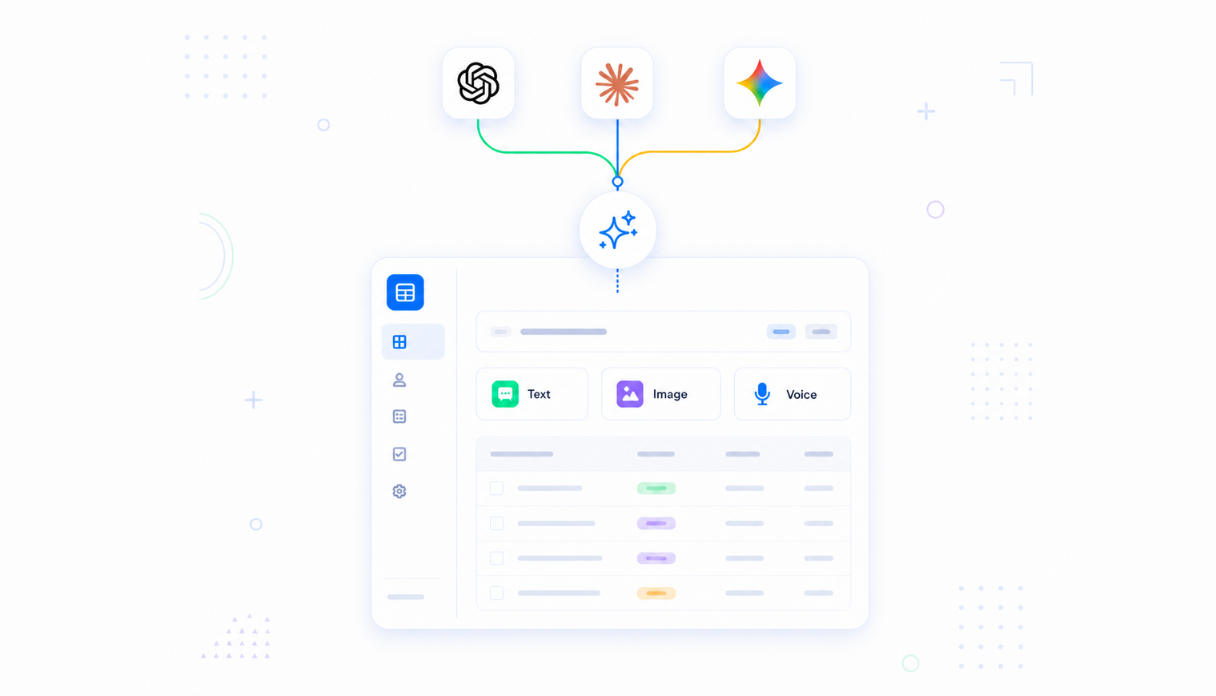
Connect AI models to review your access data, identify permissions that exceed role definitions, and surface dormant accounts or orphaned access that should be cleaned up.
Scheduled review cycles
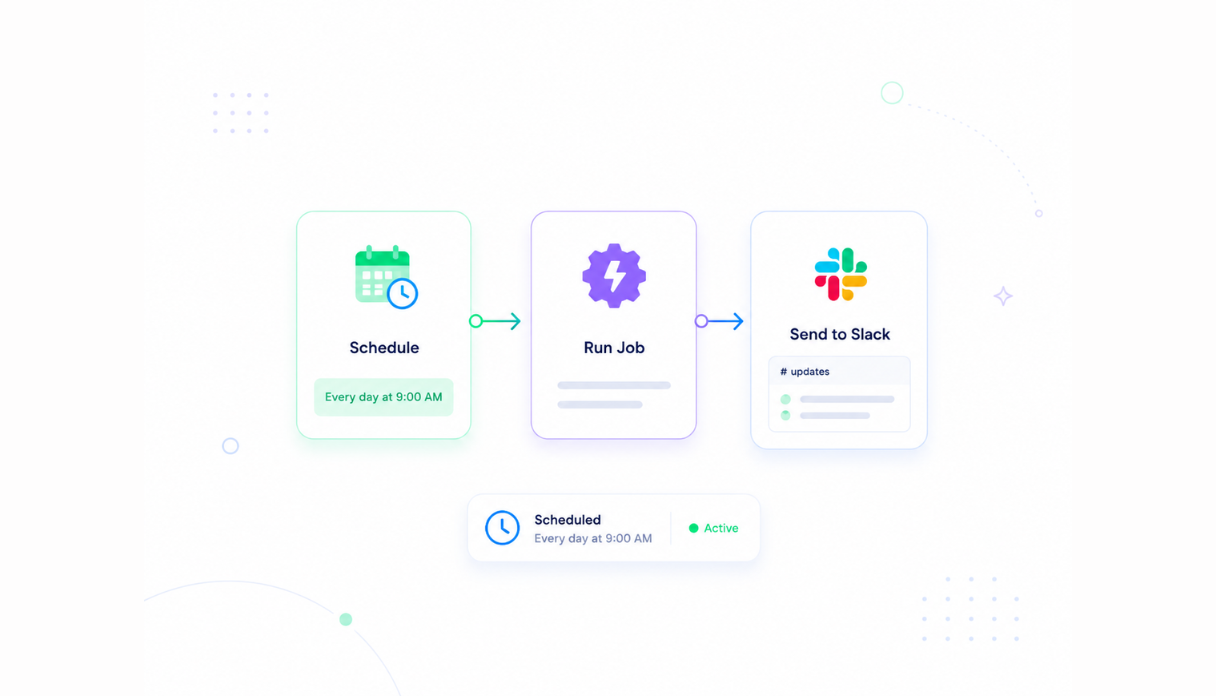
Set the scheduler to trigger quarterly or monthly access reviews automatically, assign reviewers to each record, and send reminders when certification decisions are overdue.
Access for IT, security, and managers
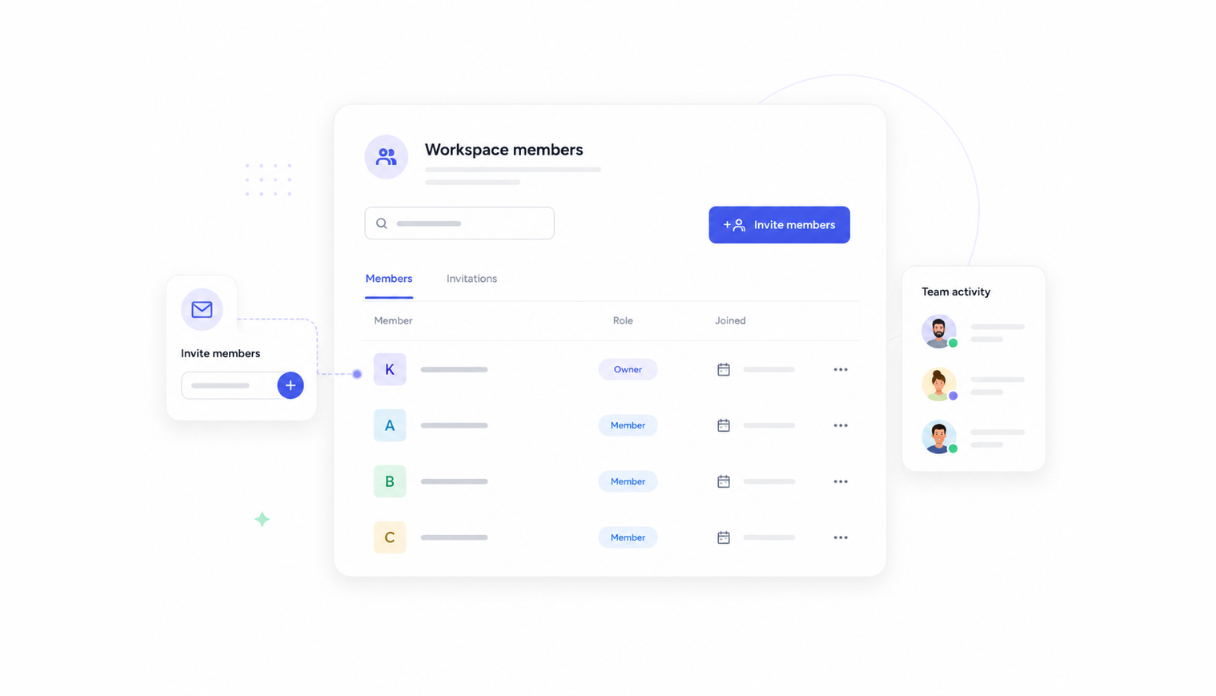
Invite your IT team, security team, and line managers to the review. Managers certify access for their direct reports while IT handles the revocations and security maintains a full audit trail.
Works with your identity stack
Securely connect your access review tool to your identity provider, HRIS, and ticketing system via API so certifications trigger real revocations automatically.





What features does this Access Review tool have?
This Access Review tool is built and run on Appaca workspace. You can clone it and make changes to fit your team's needs.
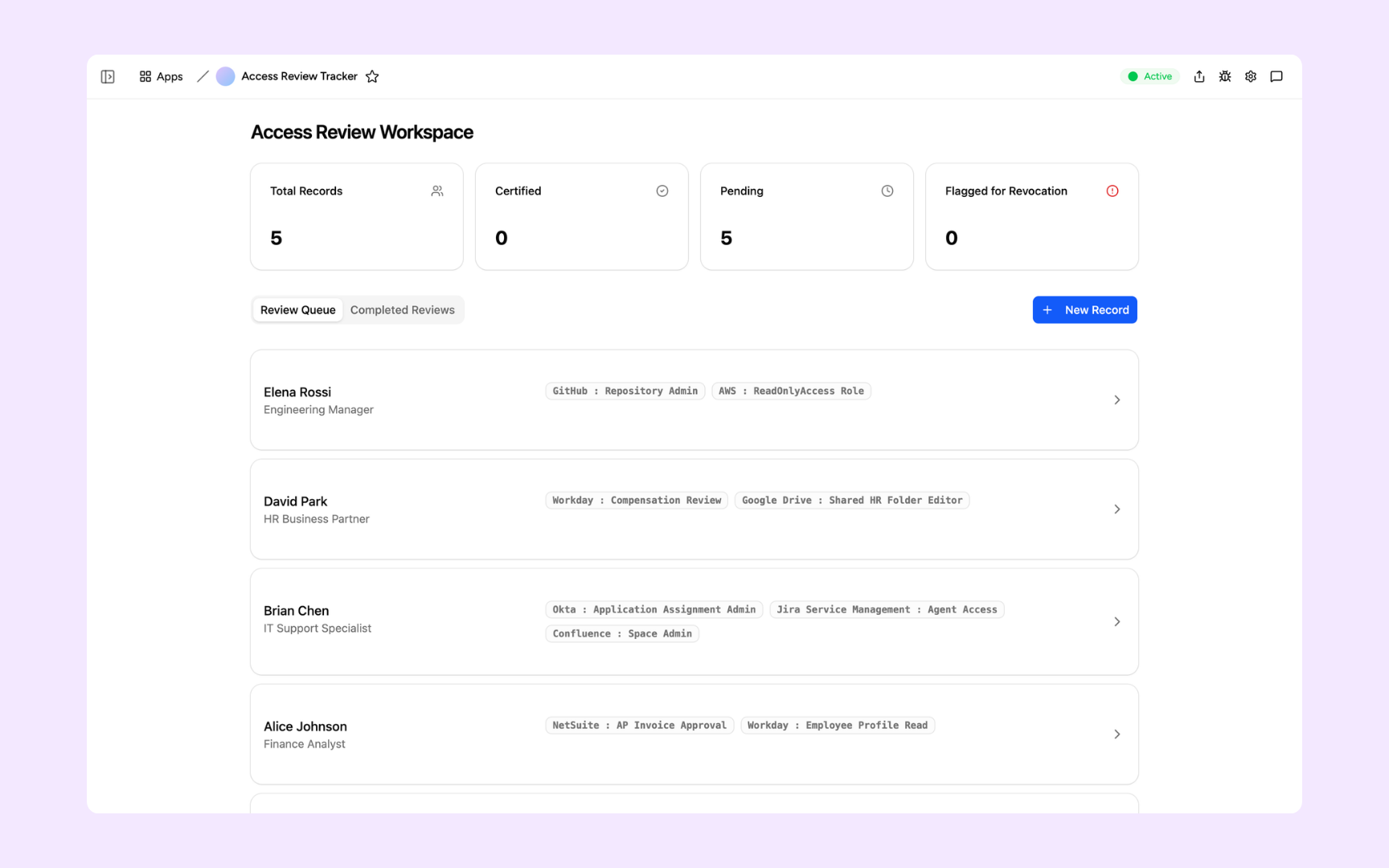
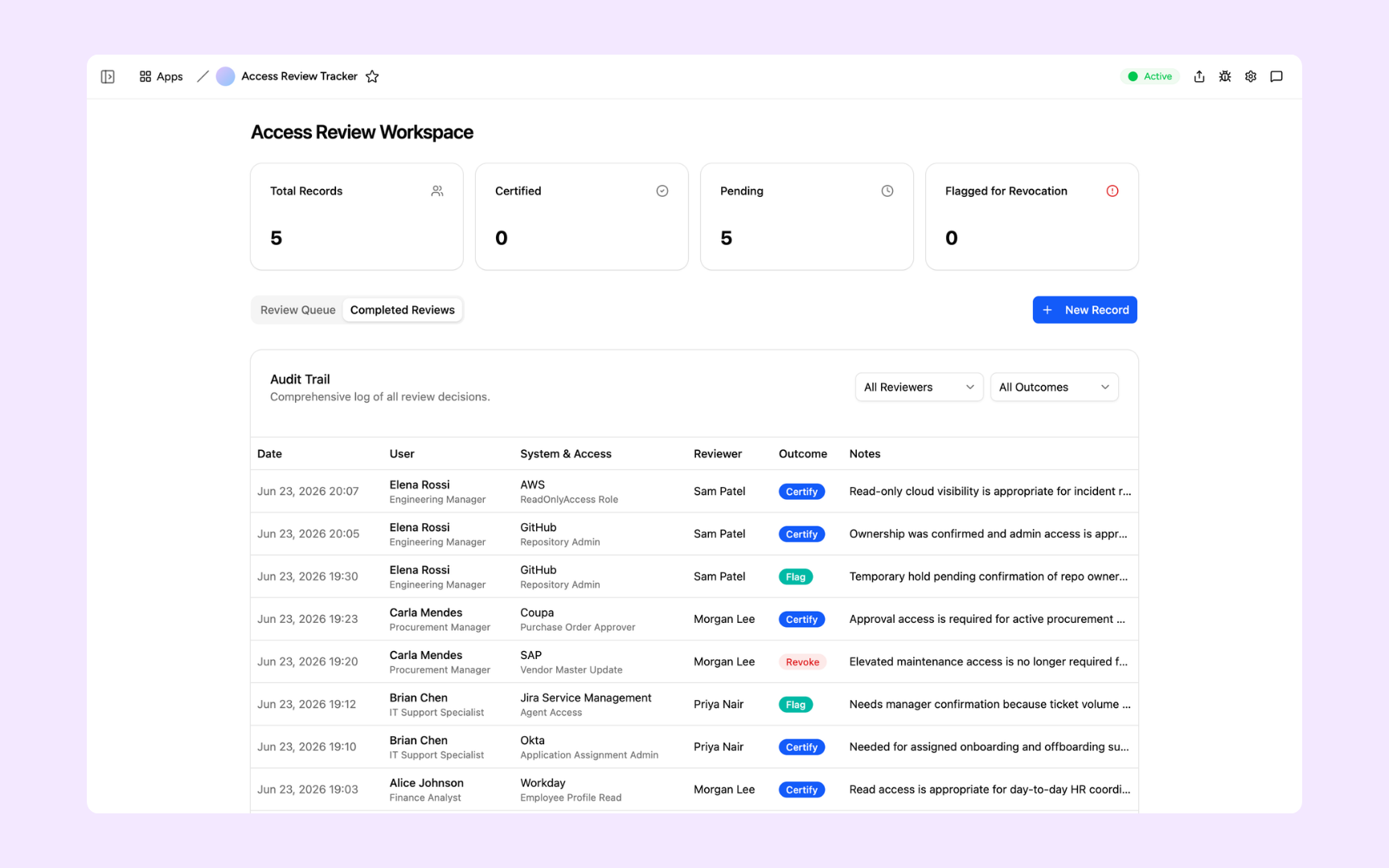
The workspace lists every person in the current review cycle alongside the systems they have access to. Summary cards at the top track total records, certified, pending, and flagged for revocation.
The Completed Reviews tab logs every decision in the cycle - who reviewed it, which system and access level was assessed, the outcome (Certify, Revoke, or Flag), and the reviewer's note.
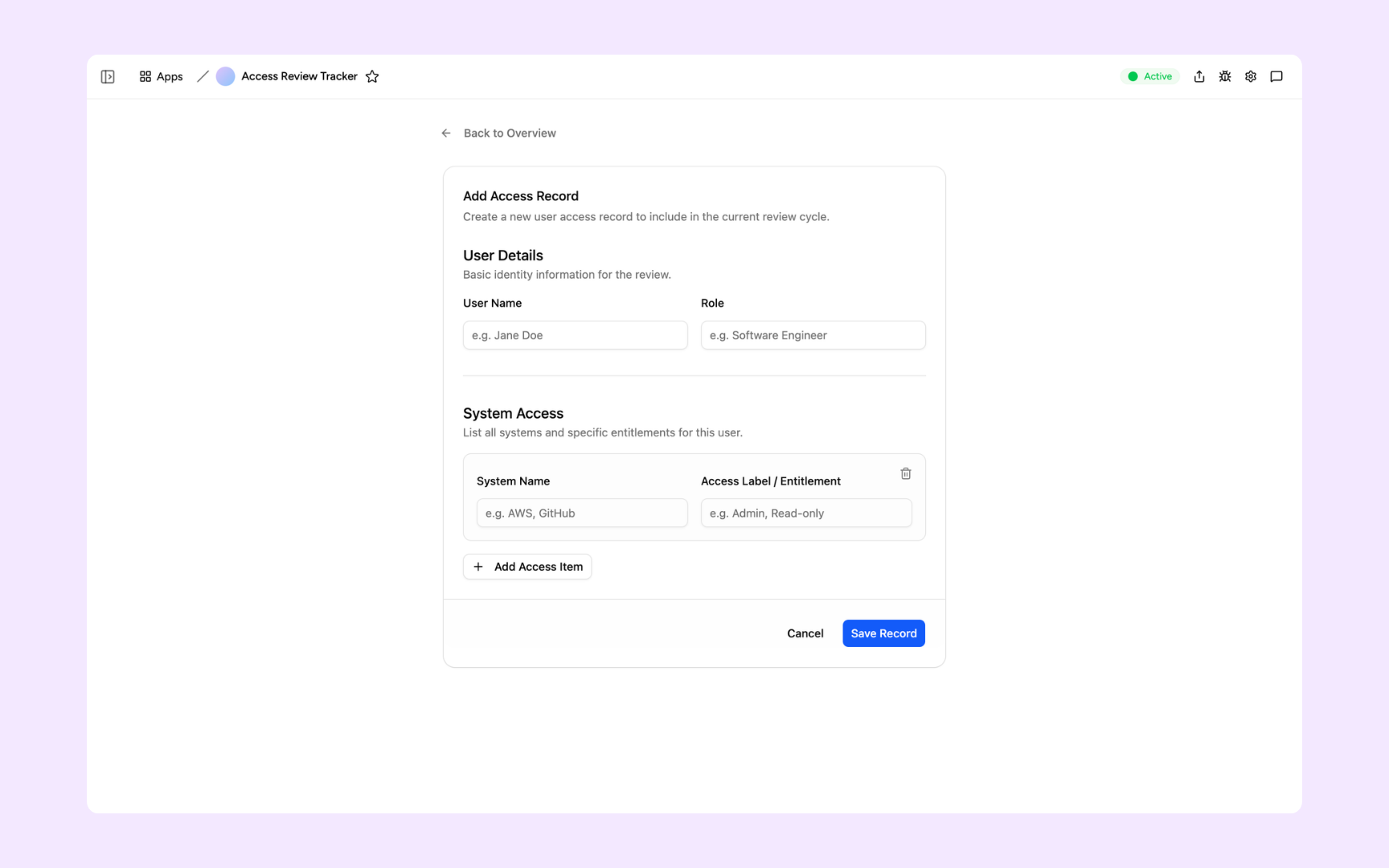
Enter the user's name and role, then list every system they have access to with the specific entitlement or access label. Save the record to add them to the active review queue.
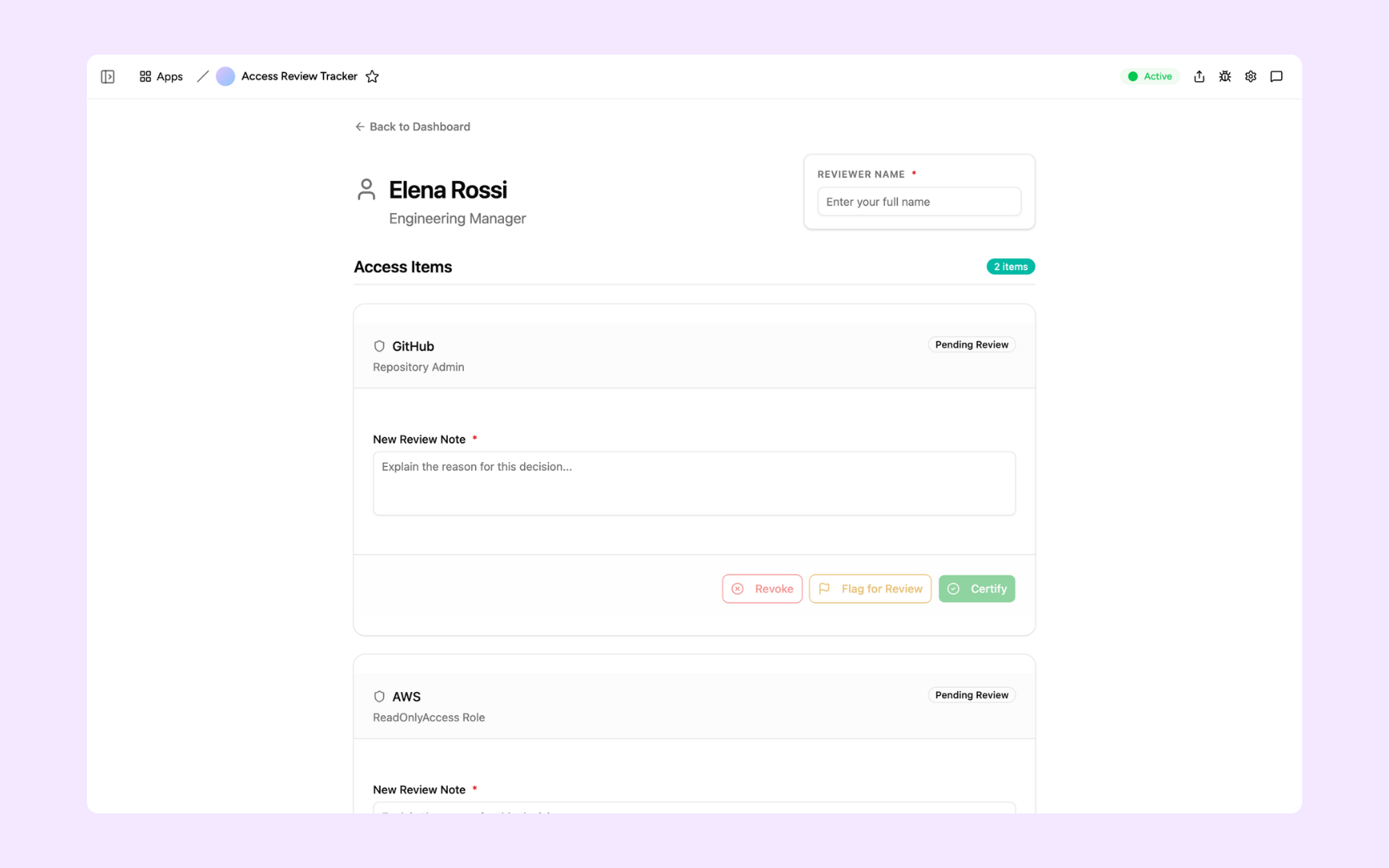
Open any user's review record to see each system listed individually. Add a note explaining your decision, then choose to Certify, Revoke, or Flag for Review - one action per access item.
Get Access Review tool in your workspace
Access review tool built on a platform your IT and security teams can trust
Every access review tool you build comes with secure access, permission records, scheduled reviews, and a full audit trail so your team can stay compliant without the manual overhead.
Secure team sign-in
Every reviewer signs in with their own account. Your access data and review records are only visible to the people you authorise.
Role-based permissions
IT sees the full access record, managers see only their direct reports, and security sees the complete review history. Each role sees what they need.
Scheduler and automations
Trigger review cycles automatically, assign reviewers, and send reminders when decisions are overdue. Your review runs on schedule without manual coordination.
Built-in access record database
Every user, role, permission, and review decision lives in a secure database inside your tool. A complete and auditable record is always available.
Enterprise-grade security
Your access data is encrypted, protected, and under your control. Review records and certification decisions are only visible to authorised roles.
Review from anywhere
The tool lives in the browser. Reviewers and managers can complete their certifications from the office or working remotely.
Document storage
Attach policy documents, exception requests, and evidence files to review records so your audit documentation is always complete.
Usage tracking
See review completion rates, how long each cycle takes, and where reviews stall so you can improve your process with each cycle.
FAQs
An access review tool is an internal tool that audits who has access to what in your systems, checks that access aligns with each person's current role, and records certification or revocation decisions. It replaces the manual process of pulling access reports into a spreadsheet.
Most compliance frameworks recommend quarterly reviews for critical systems and annual reviews for less sensitive systems. The right cadence depends on your industry, risk appetite, and any applicable regulations such as SOC 2, ISO 27001, or HIPAA.
Yes. Appaca connects to any service that supports an API or webhook, including identity providers, cloud platforms, and SaaS tools. Access data can be pulled automatically so reviewers always work from live data, not stale exports.
AI models review your access data against your defined policies and flag permissions that exceed role definitions, dormant accounts that should be deprovisioned, and access that was granted for a project but never revoked. Your team reviews the flags, not every single record.
In a secure database built into your Appaca workspace. Every review cycle, certification decision, and revocation record is stored and auditable with full timestamps and user records.
No. Describe how your access review process works and the Appaca agent builds the tool, complete with a database, review cycle logic, team access, and scheduled reminders.
More productivity with one adaptive workspace
Use Appaca for all your business operations needs. Build internal business tools and AI around your existing workflow.