
Build an employee offboarding checklist
Appaca is an AI workspace where you can build an offboarding tool that assigns tasks to HR, IT, and payroll automatically, tracks completion, and gives your team one place to close out every departure.
Everything you need to run a clean offboarding process
Appaca makes it easy for HR and IT teams to build an offboarding tool that assigns tasks to the right people, tracks progress, and ensures nothing is missed when someone leaves.
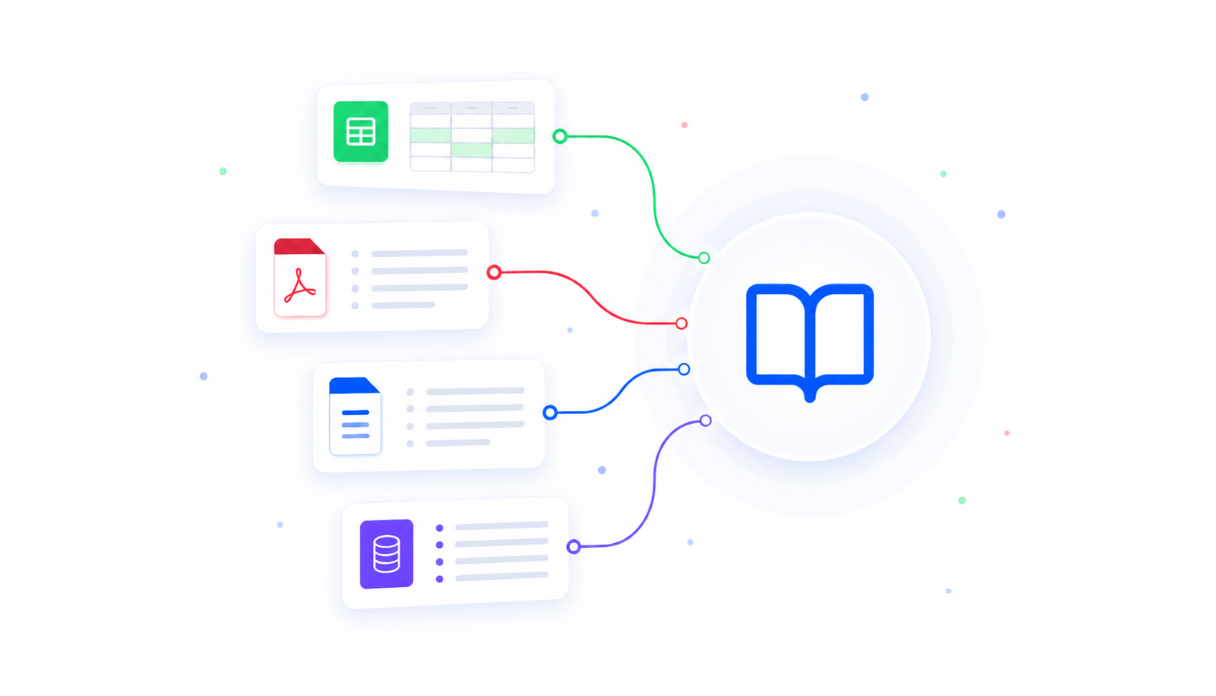
Offboarding logic trained on your process
Upload your offboarding policies, task lists, and handover procedures to the knowledge base so every departure triggers exactly the right tasks for HR, IT, payroll, and the departing employee's team.
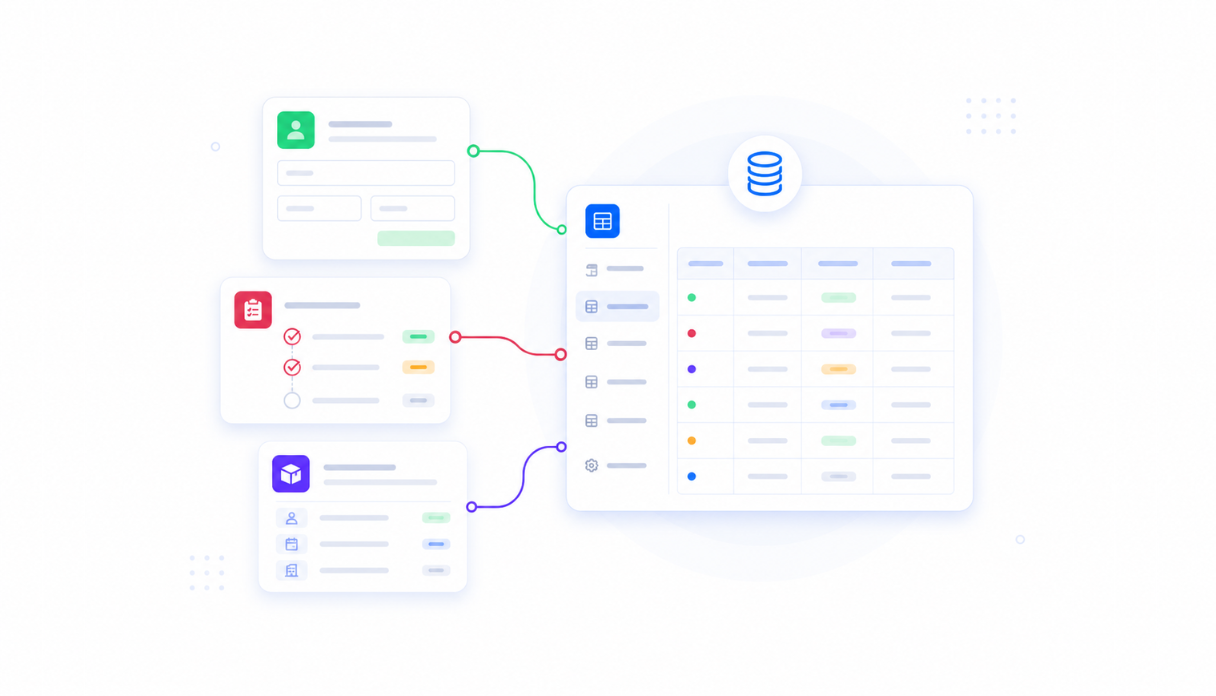
Every departure in one place
Appaca workspace comes with a secure built-in database, so every offboarding case, task status, and completion record lives in one place. No more tracking departures across spreadsheets and shared docs.
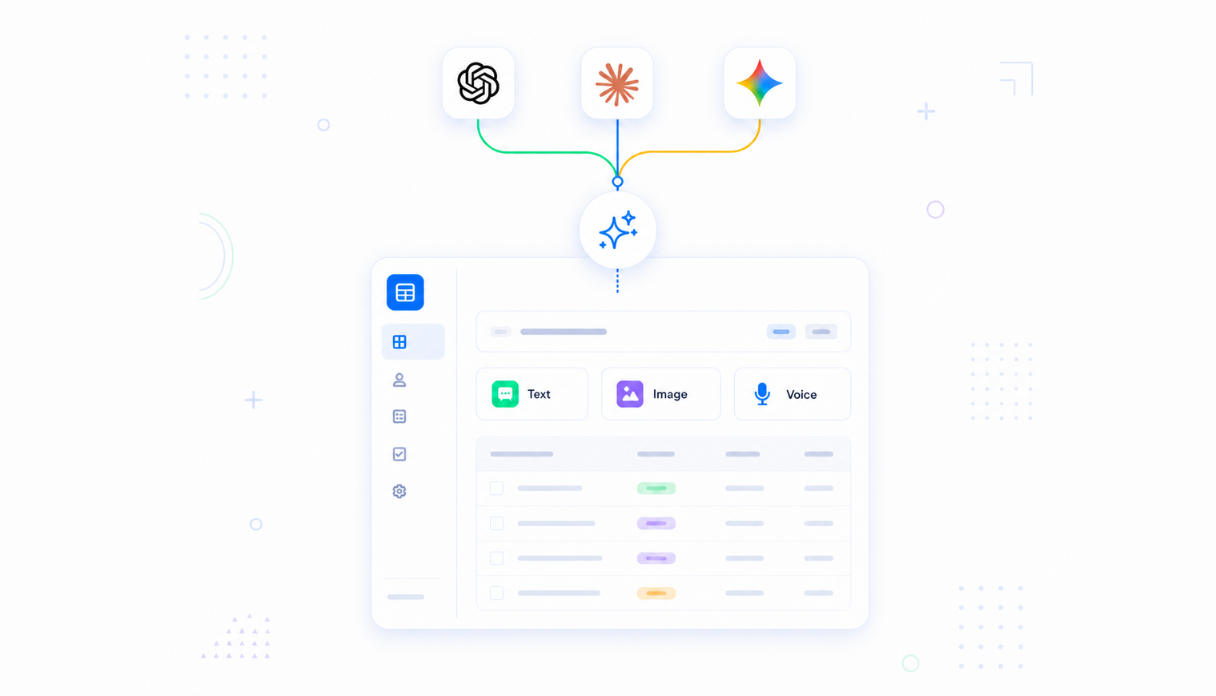
AI that prepares offboarding documents
Connect AI models to generate offboarding documentation, final payment summaries, and handover notes automatically so your team spends time on conversations, not paperwork.
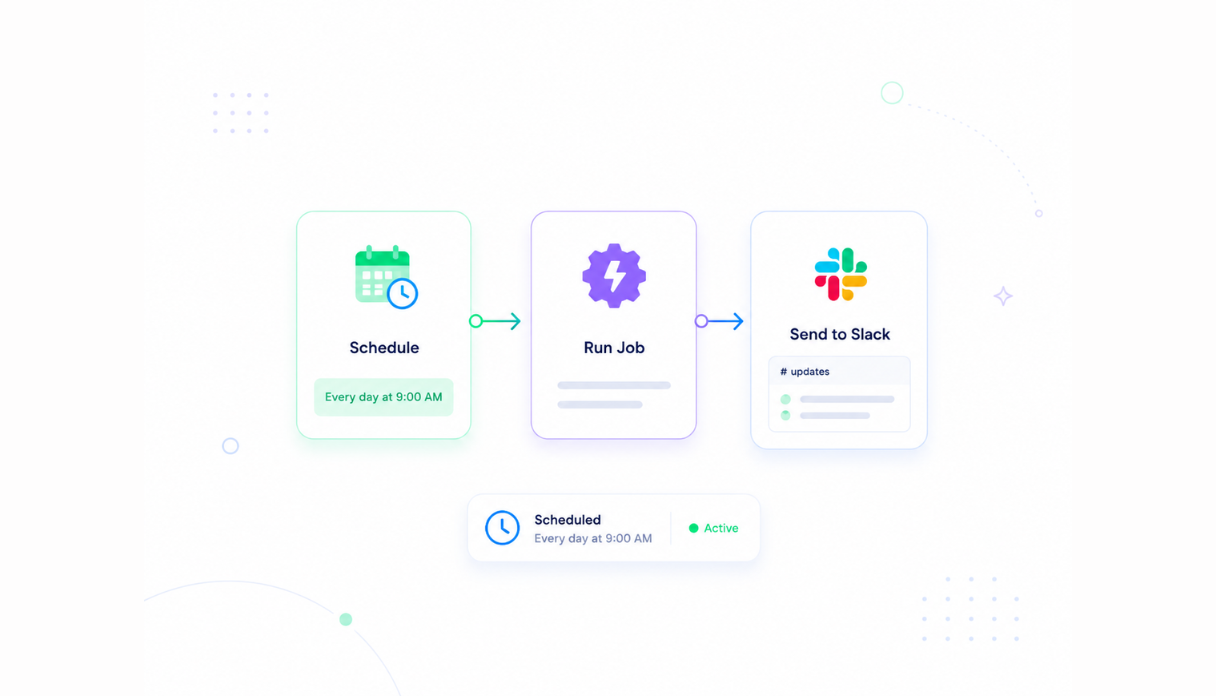
Automatic task assignment and reminders
Set the scheduler and automations to assign tasks to IT, payroll, and managers the moment an offboarding is triggered, and send reminders as deadlines approach.
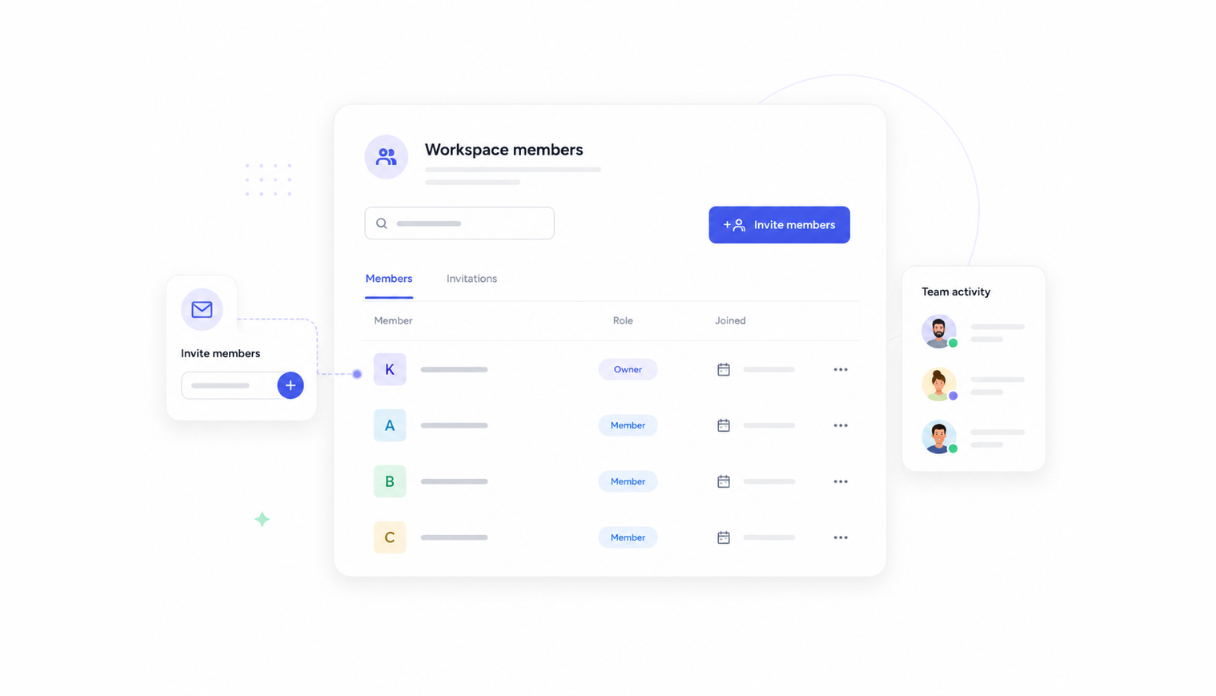
HR, IT, and management in one workspace
Invite HR, IT, and line managers so everyone works from the same checklist. No one misses a task because they were not copied on the right email.
Works with your HR and IT stack
Securely connect your offboarding tool to Slack, your HRIS, and your identity and access management platform via API, so access revocations and system removals happen automatically.





What features does this Employee Offboarding Checklist tool have?
This Employee Offboarding Checklist tool is built and run on Appaca workspace. You can clone it and make changes to fit your team's needs.
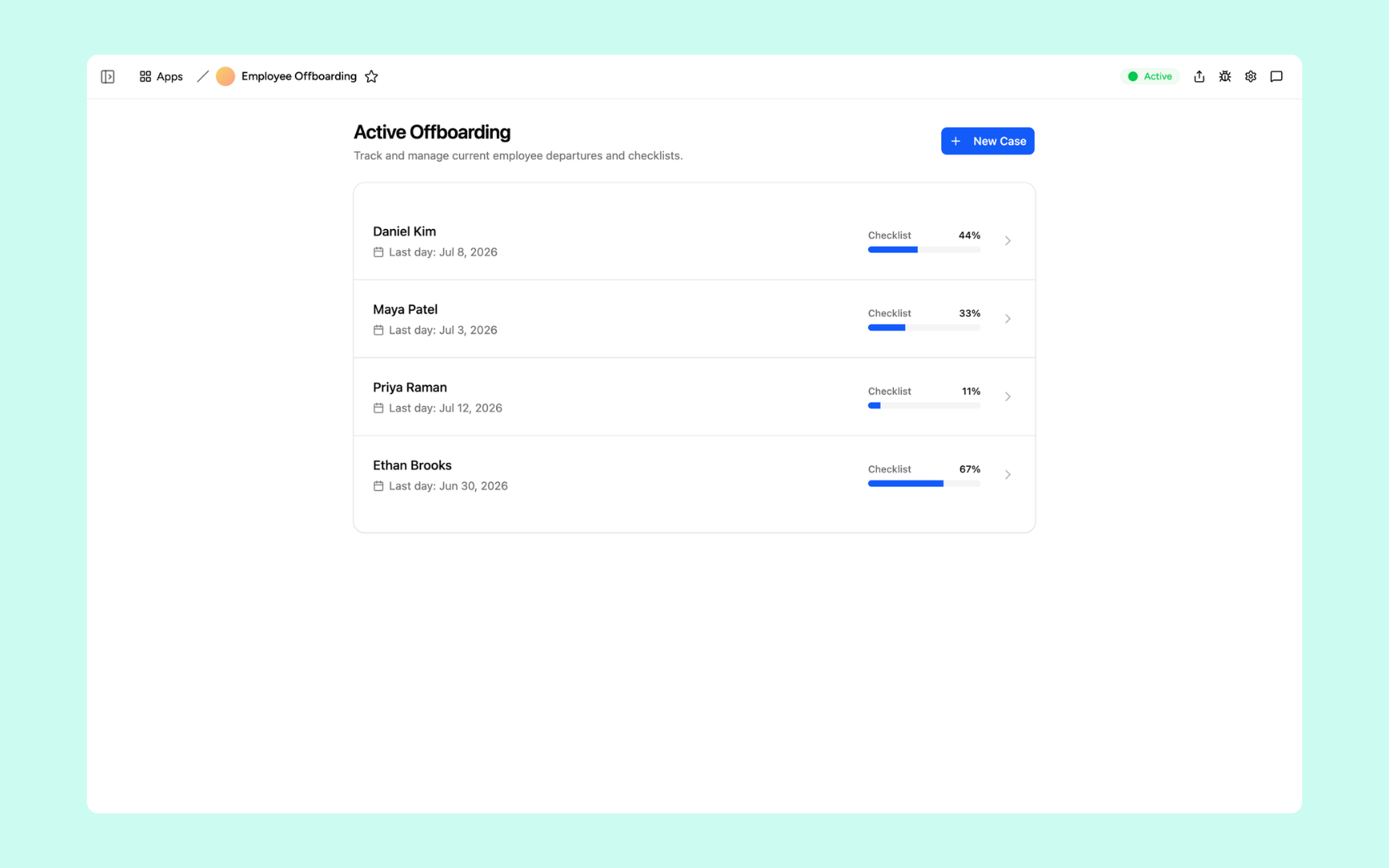
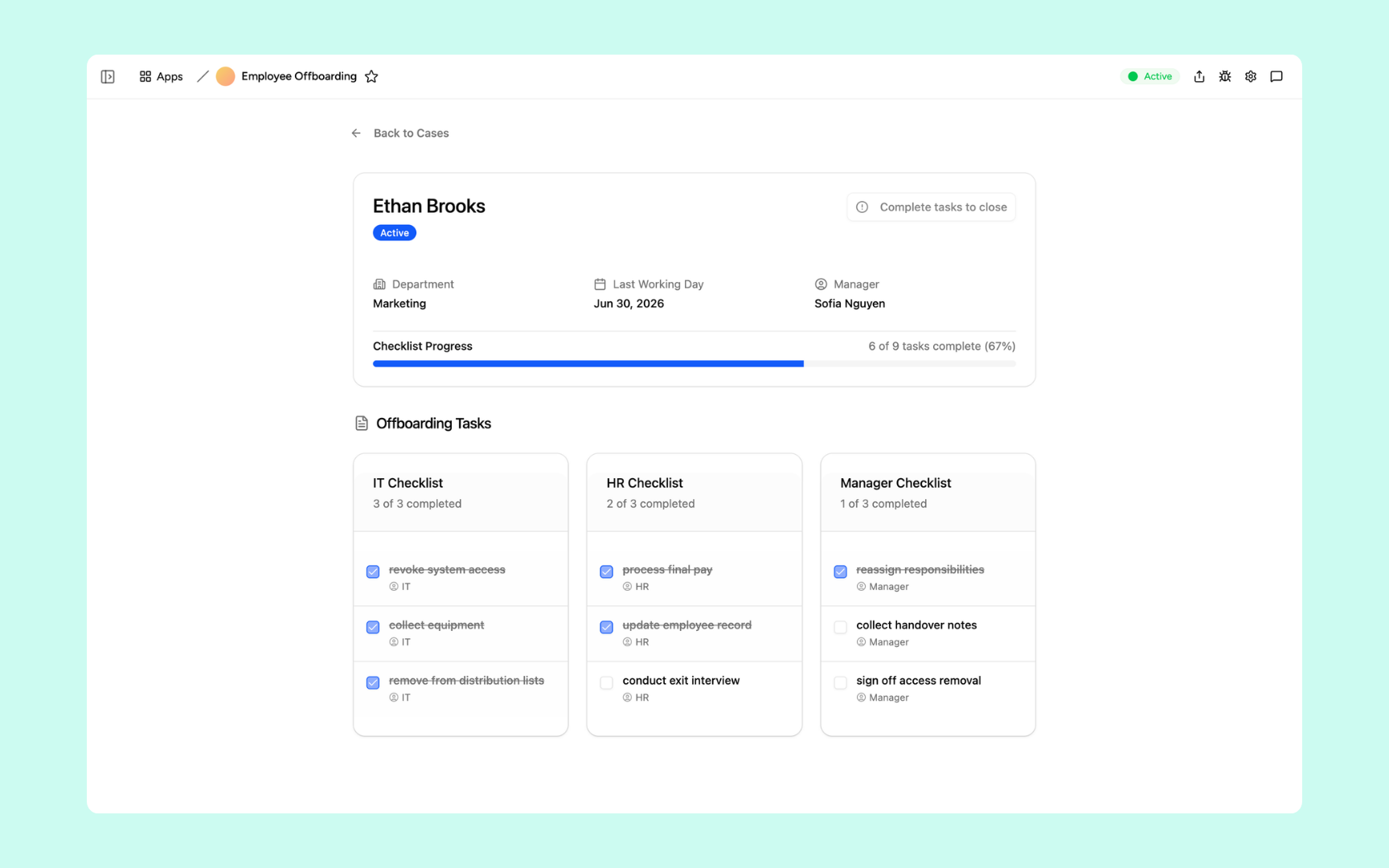
Every active offboarding case shows the employee name, last working day, and a live progress bar so you can see at a glance which cases are on track and which need attention.
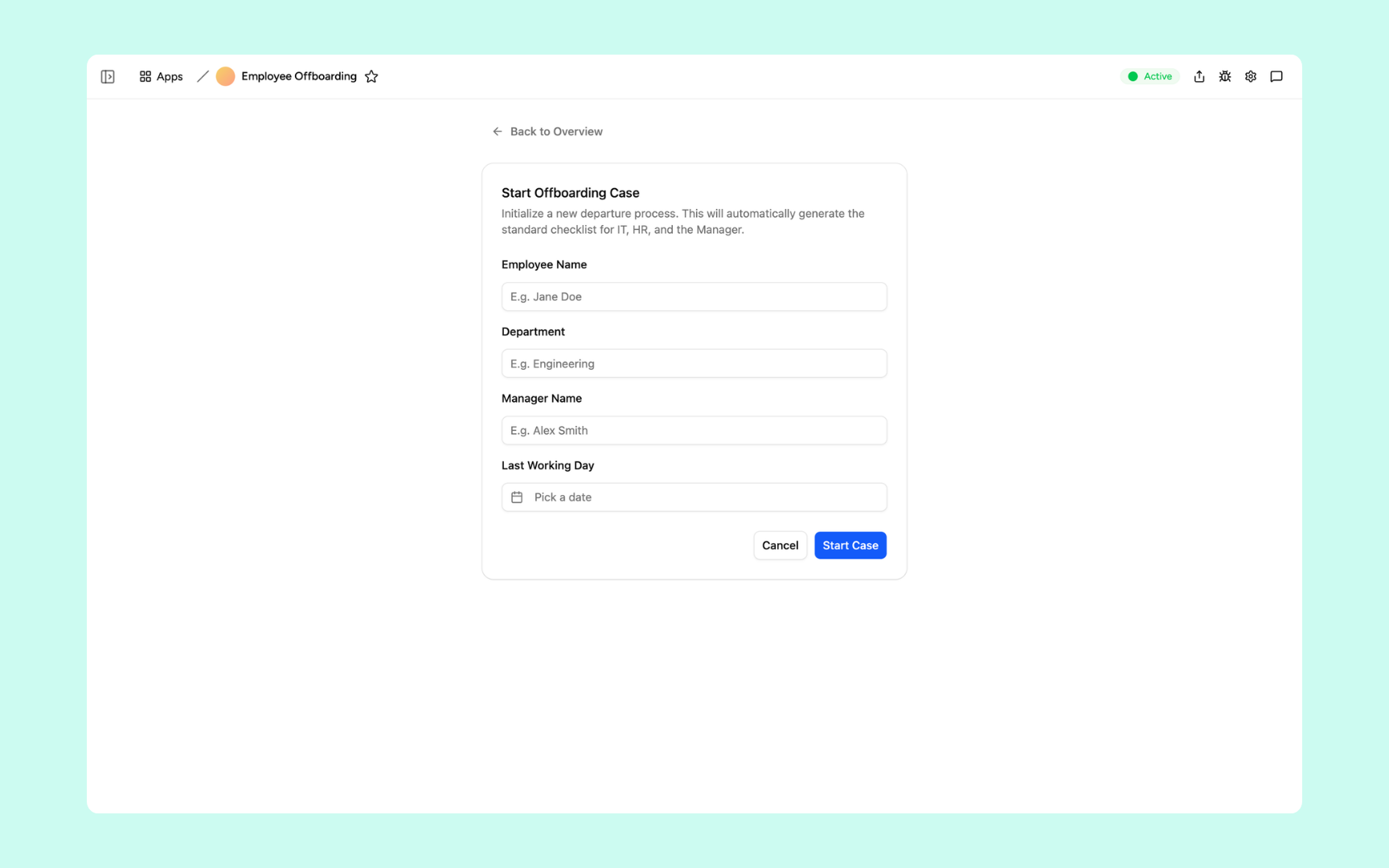
Enter the employee's name, department, manager, and last working day, then hit Start Case. The tool instantly generates the full IT, HR, and Manager checklists for that departure.
Each case breaks tasks into three columns so nothing gets missed. IT tracks access revocation and equipment return, HR handles final pay and the exit interview, and the manager collects handover notes and signs off on access removal.
Get Employee Offboarding Checklist tool in your workspace
Offboarding tool built on a platform your HR and IT teams can trust
Every offboarding tool you build comes with secure access, case storage, automations, and controls so your team can run clean departures without the manual overhead.
Secure team sign-in
Every team member signs in with their own account. Sensitive offboarding data is only visible to HR, IT, and authorised managers.
Role-based permissions
HR sees the full case, IT sees their access revocation tasks, and managers see their handover checklist. Each role sees only what they need to act on.
Scheduler and automations
Assign tasks the moment an offboarding is triggered, send deadline reminders, and flag overdue items automatically. Nothing is missed because someone forgot to check.
Built-in offboarding database
Every case, task, and completion record lives in a secure database inside your tool. A full history is always available for audits or compliance reviews.
Enterprise-grade security
Offboarding data includes sensitive payroll and access information. Every record is encrypted, protected, and only visible to authorised roles.
Manage cases from anywhere
The tool lives in the browser. HR and IT can update tasks, review cases, and confirm completions from the office or working remotely.
Document storage
Attach resignation letters, final pay documents, and handover files to the case they belong to. Everything in one place for every departure.
Usage tracking
See where offboarding cases take the longest, which tasks are most often delayed, and where the process needs improvement.
FAQs
A complete offboarding checklist covers revoking access to all systems, returning equipment, processing final pay and benefits, completing the handover of responsibilities and files, conducting the exit interview, and updating HR records. The exact list depends on your company size, industry, and the employee's role.
No. Describe how your offboarding process works and the Appaca agent builds the tool, complete with task lists, assignment rules, and a database for every case.
You define the rules: which tasks go to IT, which go to HR, and which go to the departing employee's manager. When a new offboarding is triggered, the tool assigns each task automatically and notifies the right people.
Yes. Appaca connects to your identity and access management platforms via API, so system access revocations can be triggered automatically when an offboarding case reaches the right stage.
In a secure database built into your Appaca workspace. Every case, task, and completion record is stored and available to the right team members, with role-based permissions controlling who can see what.
Yes. You can define different checklist templates for different teams, roles, and locations. Each offboarding case runs the right process for that specific situation.
More productivity with one adaptive workspace
Use Appaca for all your business operations needs. Build internal business tools and AI around your existing workflow.