
Build custom bug triage assistant with AI
Appaca is an AI workspace where you can build a bug triage assistant that gives your team one place to report bugs - AI categorises and prioritises each report by severity and notifies the right owner, so critical issues never sit in a queue.
Everything you need to keep critical bugs from sitting in a queue
Appaca makes it easy for your engineering team to build an AI-powered internal tool that triages every bug report automatically - so the right engineer sees the right issue before it becomes a customer problem.
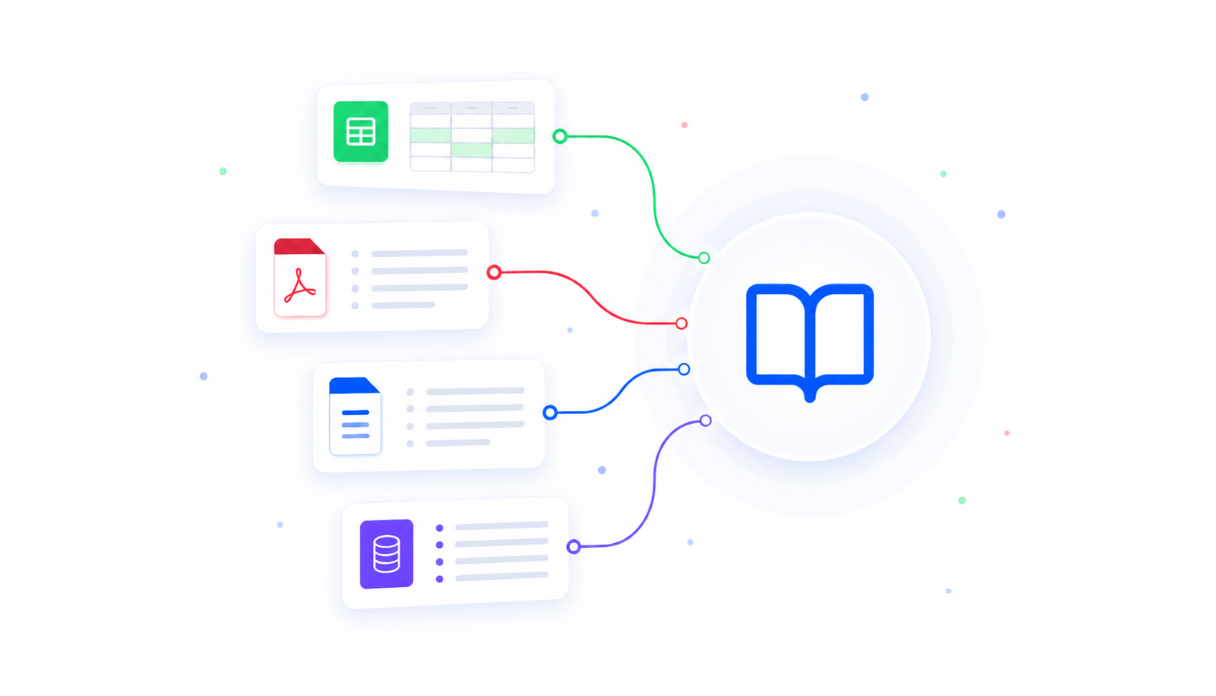
Teach AI your product areas and severity criteria
Upload your product area definitions, severity guidelines, and triage rules to the knowledge base so the AI assigns priority and routes every bug report the way your team would - not with generic defaults.
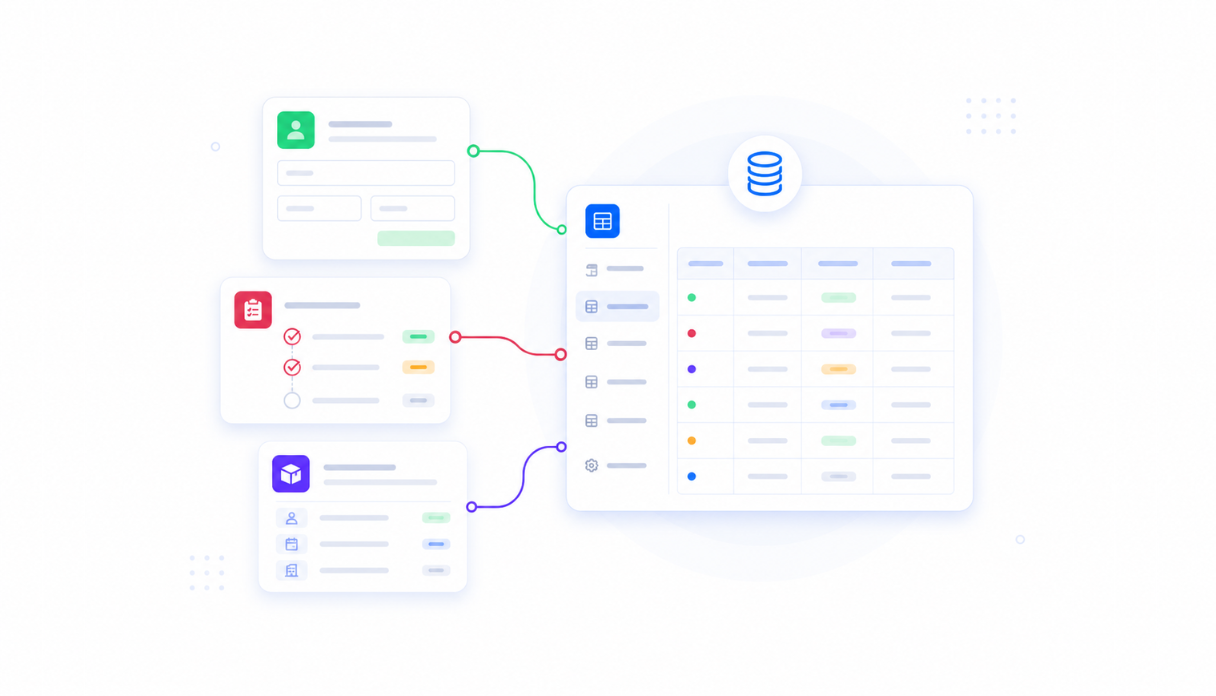
Keep every bug report in one place
Appaca workspace comes with a secured built-in database and storage, so every bug report, triage decision, and status update lives in one searchable backlog. No more issues lost in Slack threads or email chains.
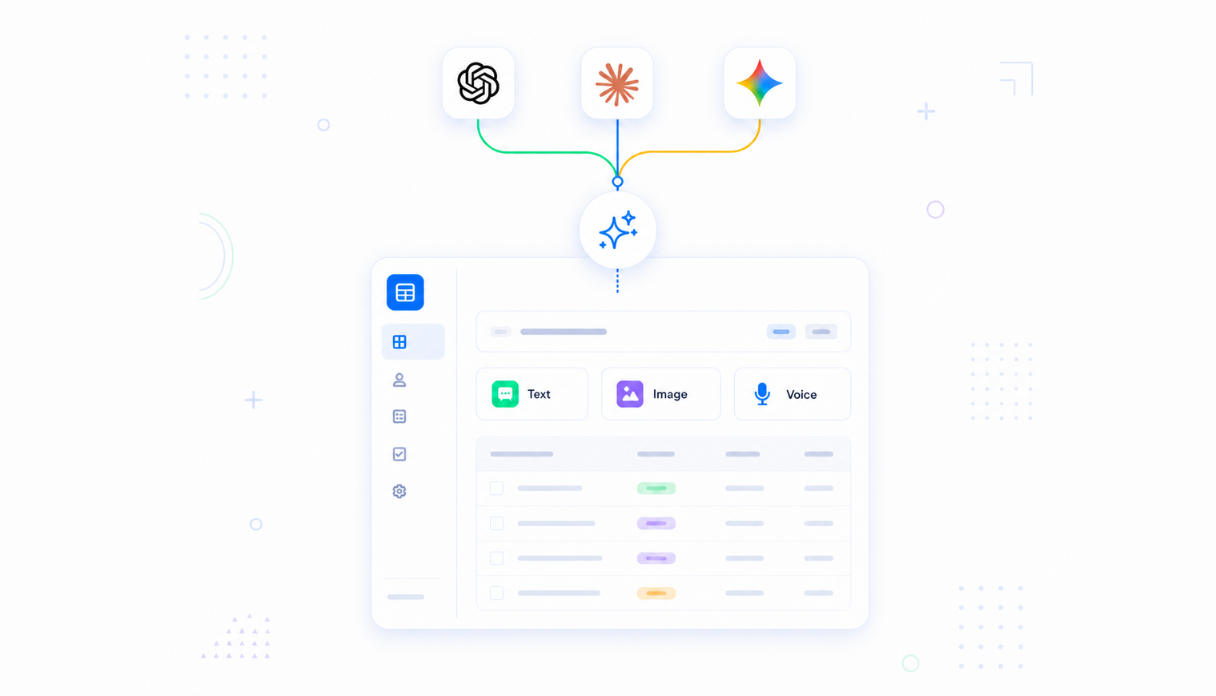
AI that categorises and prioritises reports automatically
Connect AI models powered by OpenAI, Anthropic, and Google out of the box to read each incoming report and suggest the right severity, product area, and owner - with a clear explanation your team can review and act on immediately.
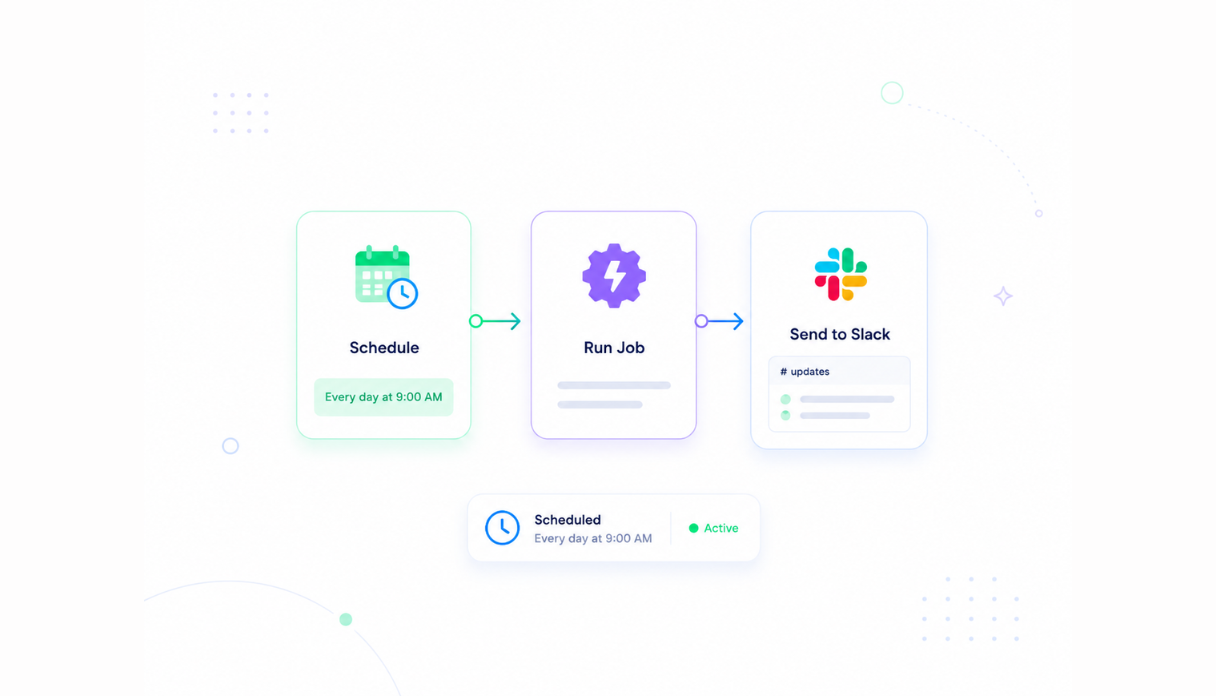
Never let a critical issue sit in a queue
Set automated alerts to notify the right engineer the moment a critical or high-severity bug is reported - like a direct Slack message to the area owner - so revenue-blocking issues get seen in minutes, not after a manual sorting pass.
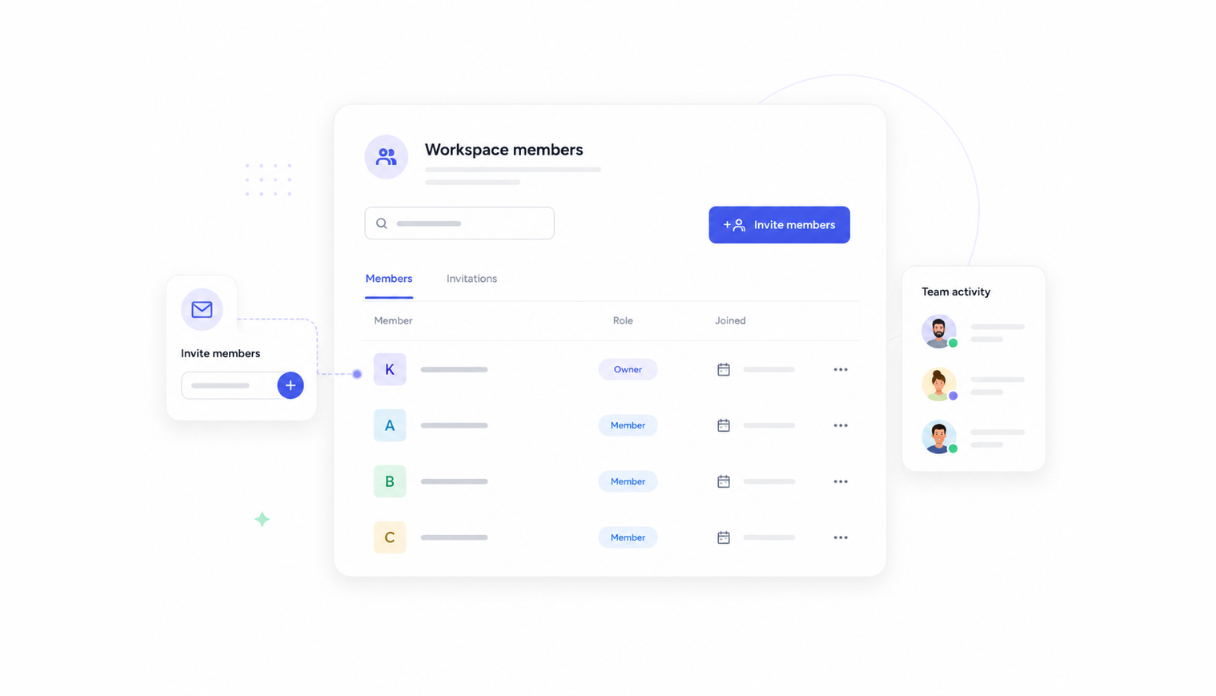
Share with the engineering team
Invite your whole team to the workspace so anyone can report a bug but only engineers see the triage queue. Each owner manages their own backlog while leads see the full picture across every product area.
Works with your issue tracker and Slack
Securely connect Appaca workspace to the tools your team already uses - Jira, Linear, GitHub Issues, Slack, and any service with an API or webhook - so triaged bugs flow into your existing workflow without changing how your team tracks work.





See what this Bug Triage Assistant includes
Review the screens and workflow, then clone it and adapt the data, logic, and permissions to fit your team.
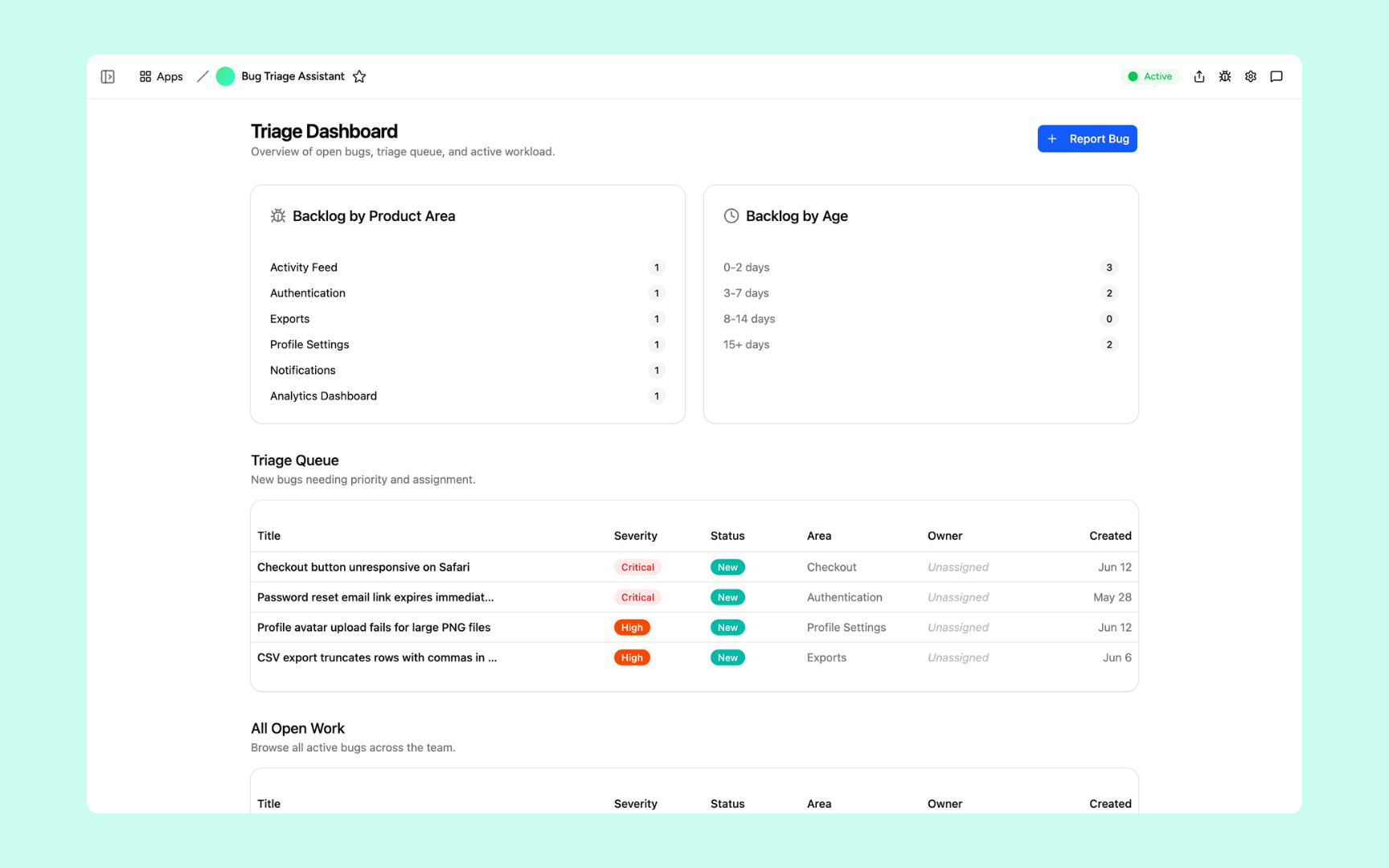
A live overview of your bug backlog - split by product area and age, with a triage queue showing every unassigned bug and its severity badge. See which areas are under pressure and which critical issues still need an owner at a glance.
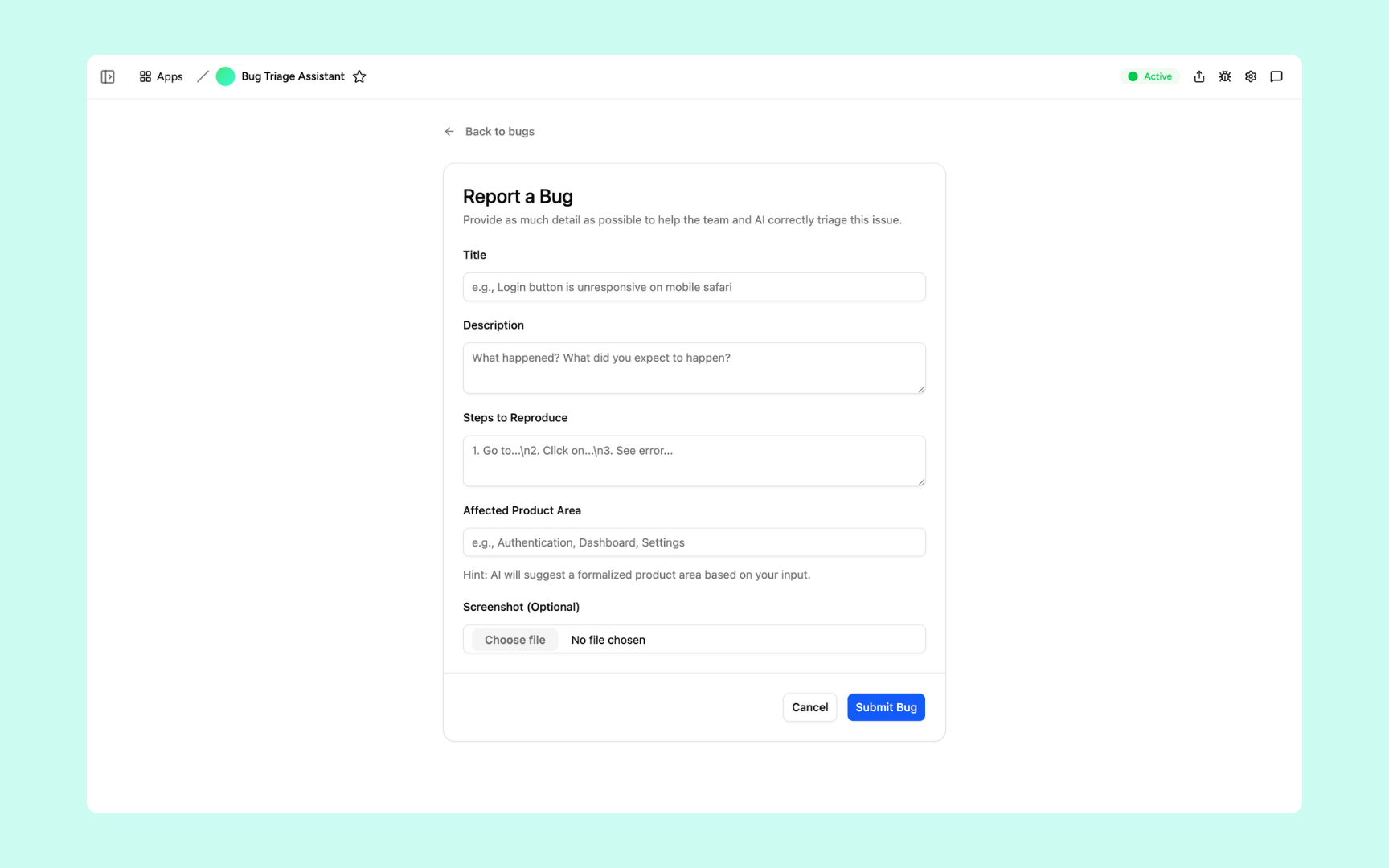
A simple form anyone on the team can use - title, description, steps to reproduce, and affected product area. Structured enough for AI to triage accurately, fast enough that reporters don't skip it when they're in the middle of something.
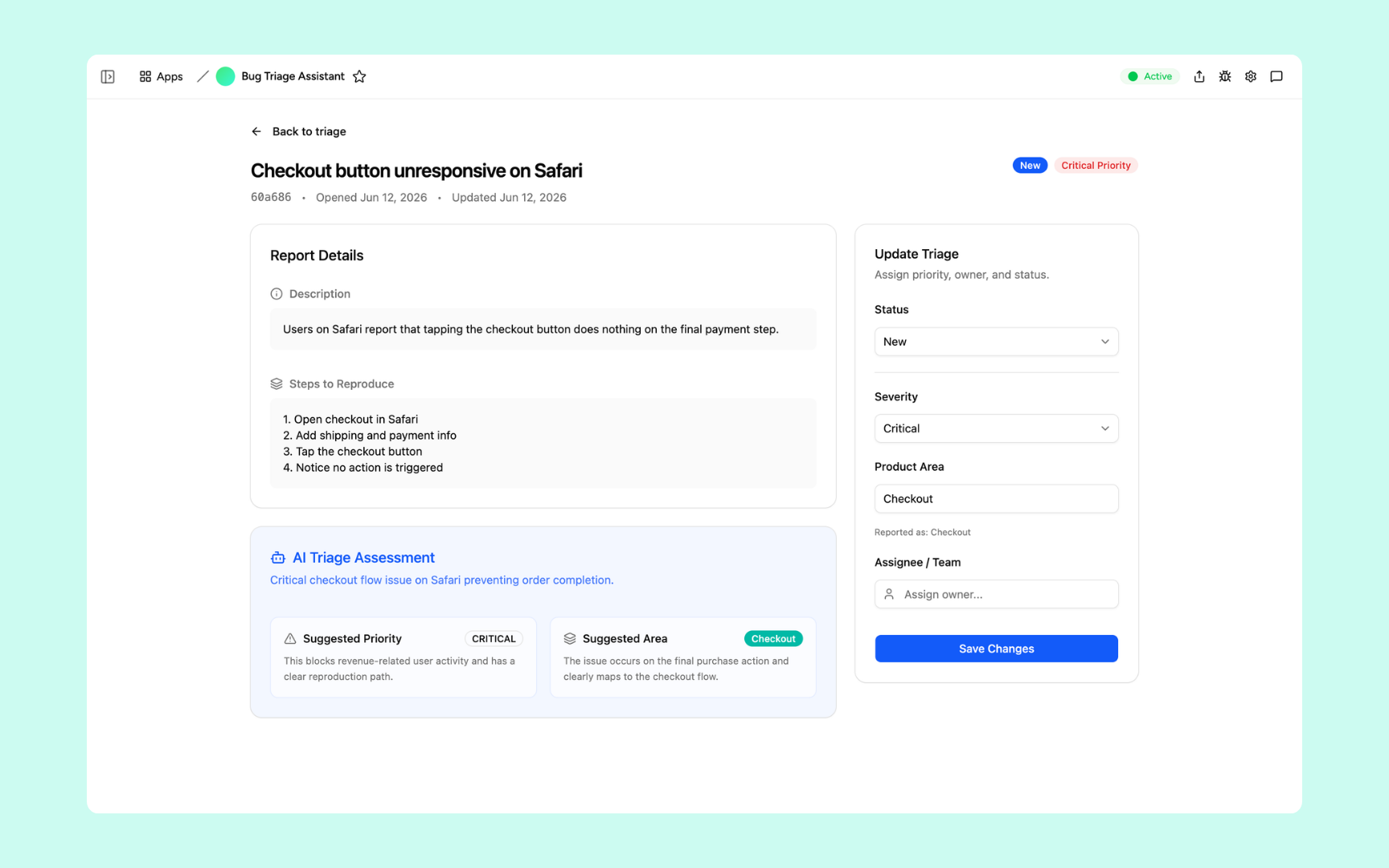
Each bug opens to a full detail view with the AI triage assessment front and centre - suggested severity, product area, and a plain-language explanation of why. Assign an owner, confirm the priority, and save in one panel without switching tools.
Get Bug Triage Assistant in your workspace
Bug triage assistant built on a secured platform your engineering team can trust
Your bug triage assistant comes with the platform essentials - secure access, report storage, automations, and controls - so your team can focus on fixing bugs, not sorting them.
Secure team sign-in
Every team member signs in with their own account. Your bug reports, triage decisions, and backlog data are only ever seen by your team.
Advanced permissions
Decide who sees what. Anyone can submit a bug report while engineers manage their own triage queues and leads see the full backlog across every product area.
Scheduler & automations
Notify engineers the moment a critical bug lands in their area, send daily backlog digests to leads, and escalate unassigned high-priority issues automatically - so nothing sits unaddressed.
Built-in bug database
Every report, severity rating, triage note, and status update lives in a secure database inside your tool. No spreadsheets, no scattered Slack threads, no third-party setup.
Enterprise-grade security
Your bug reports and product data are encrypted, protected, and under your control - never shared outside your workspace.
Triage from anywhere
The tool lives in the browser, so your team can report bugs and review the triage queue from the office, home, or on the road.
File & image storage
Attach screenshots, screen recordings, and log files to the bug reports they belong to - so engineers have everything they need to reproduce the issue without going back to the reporter.
Usage tracking
See which product areas generate the most bugs and how long issues sit before assignment - so you know where to invest in quality and where your triage process is breaking down.
FAQs
It's an internal tool that gives your team one place to report bugs and uses AI to categorise each report by severity, product area, and suggested owner - automatically. Engineers see clean, deduplicated, prioritised reports instead of a raw inbox, and critical issues never sit unassigned in a queue.
No. Appaca is an AI workspace - you describe what your engineering team needs and the Appaca agent builds the tool for you, complete with a built-in database, team access, and automations. No coding or deployment required.
You upload your severity guidelines, product area definitions, and triage rules to the knowledge base. The AI uses them when reading each report to suggest a priority and area with a plain-language explanation - so your team can review the reasoning and confirm or override it.
Yes. Set up an automation that fires a direct Slack message to the area owner the moment a critical or high-severity bug is triaged. You control the trigger conditions, the message format, and who gets notified - so the right engineer sees the issue in minutes.
In a secure database built into your Appaca workspace. Every report, triage decision, severity rating, and status update lives right inside the tool - encrypted, protected, and only visible to the team members you invite.
Yes. The report form is designed to be fast and accessible so anyone - engineers, QA, customer success, or product managers - can submit a bug without needing access to Jira or your issue tracker. Advanced permissions let you control who sees the full triage queue.
Yes. Every bug has an Update Triage panel where you can override the suggested severity, reassign the product area, and set the owner - all in one place. The AI suggestion is a starting point your team can confirm or correct, not a locked decision.
More productivity with one adaptive workspace
Use Appaca for all your business operations needs. Build internal business tools and AI around your existing workflow.
- 7-day trial
- No credit card
- Cancel anytime