
Turn customer feedback into ranked product themes
Preview a working feedback analysis app that groups input from multiple channels into themes with supporting evidence. Clone it, then adapt the taxonomy and scoring to your team.
Everything you need to turn customer feedback into product decisions
Appaca makes it easy for your product team to build an AI-powered internal tool that ingests feedback from every channel, classifies it automatically, and surfaces the themes worth acting on.

Teach AI your product taxonomy
Upload your product area definitions, theme glossary, and customer segment descriptions to the knowledge base so the AI classifies every piece of feedback using the exact categories your team already works with - not generic labels.
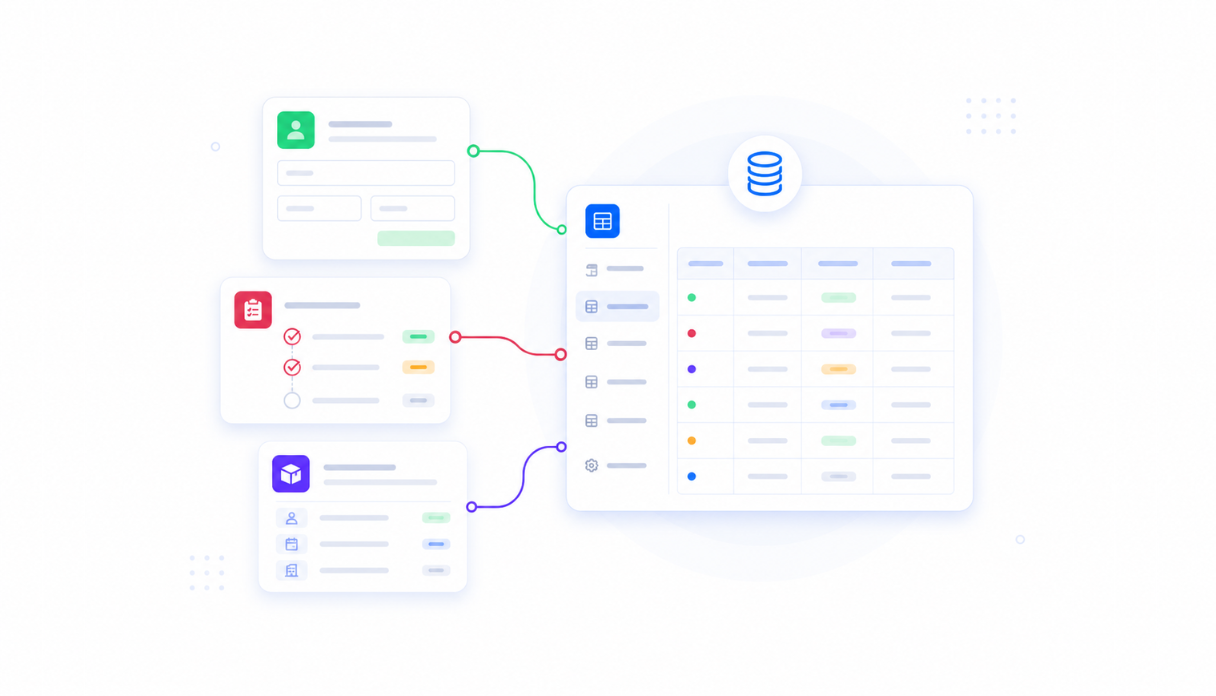
Keep every piece of feedback in one place
Appaca workspace comes with a secured built-in database and storage, so support tickets, interview notes, NPS responses, and in-app survey replies all live in one searchable table - no more feedback scattered across five different tools.
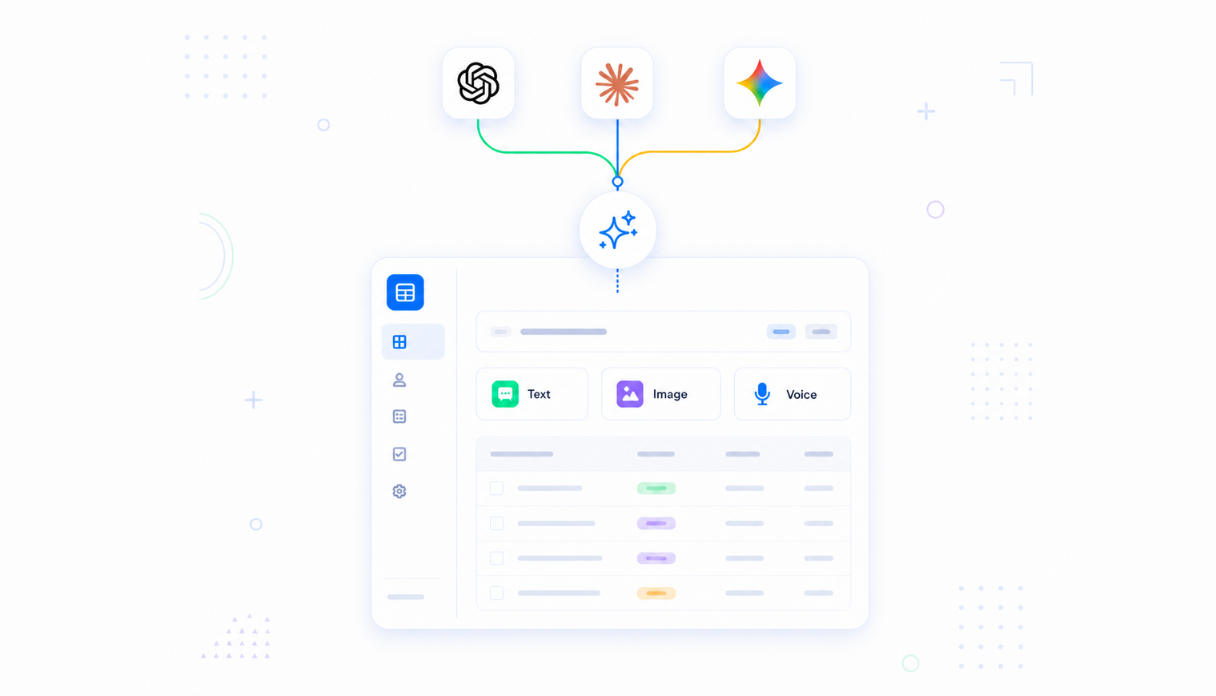
AI that classifies themes and sentiment automatically
Connect AI models powered by OpenAI, Anthropic, and Google out of the box to read each feedback entry and assign themes, sentiment, and issue type - so your team spends time acting on patterns, not tagging individual records.
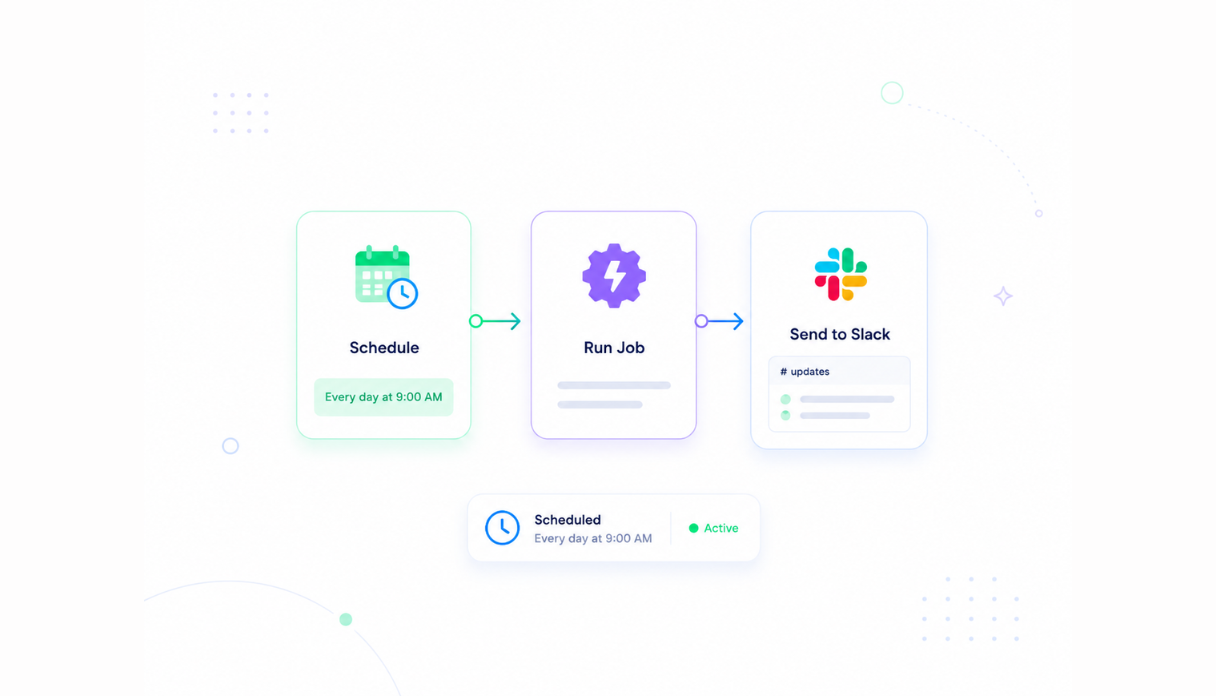
Never miss a monthly synthesis cycle
Set the scheduler to generate and deliver a monthly synthesis report automatically - so your product team starts every planning cycle with a ranked list of what customers said, without anyone having to pull the data manually.
Share with the product team
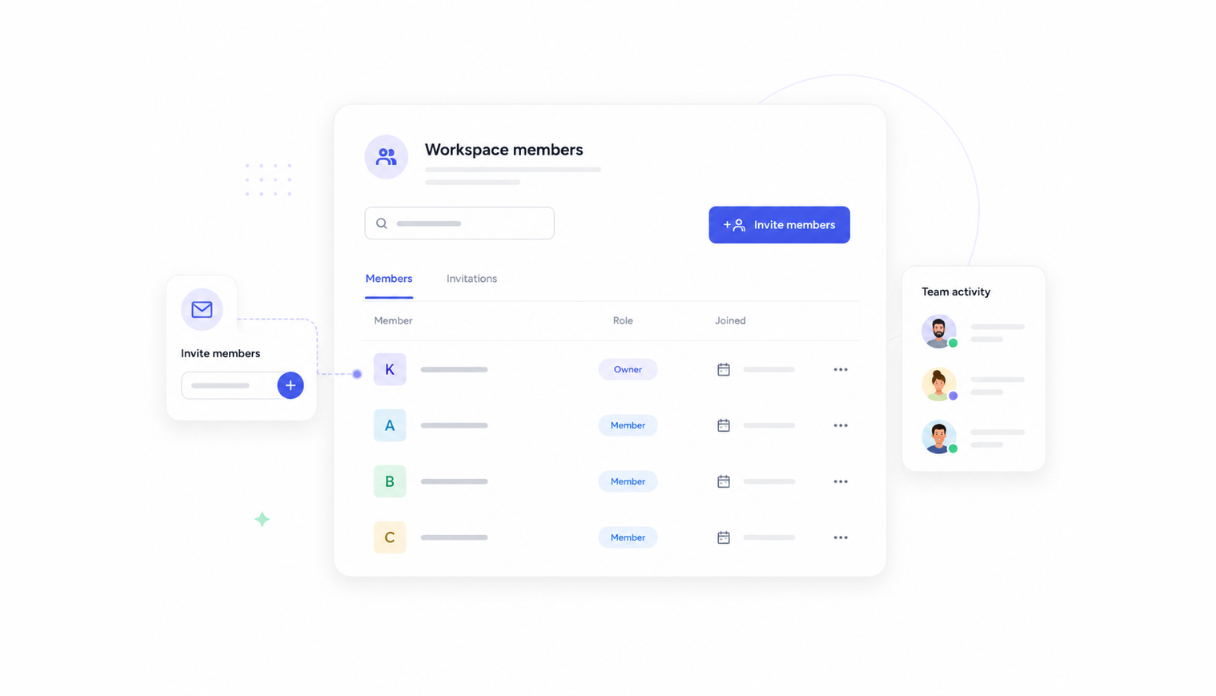
Invite your product managers, designers, and researchers to the workspace so everyone reads from the same themes. Each person can submit feedback and review the synthesis while leads control which summaries get shared with stakeholders.
Works with your support and CRM stack
Securely connect Appaca workspace to the tools your team already uses - Intercom, Zendesk, Salesforce, and any service with an API or webhook - so customer feedback flows into the synthesiser without changing how your team currently captures it.





See what this Feedback Synthesiser includes
Review the screens and workflow, then clone it and adapt the data, logic, and permissions to fit your team.
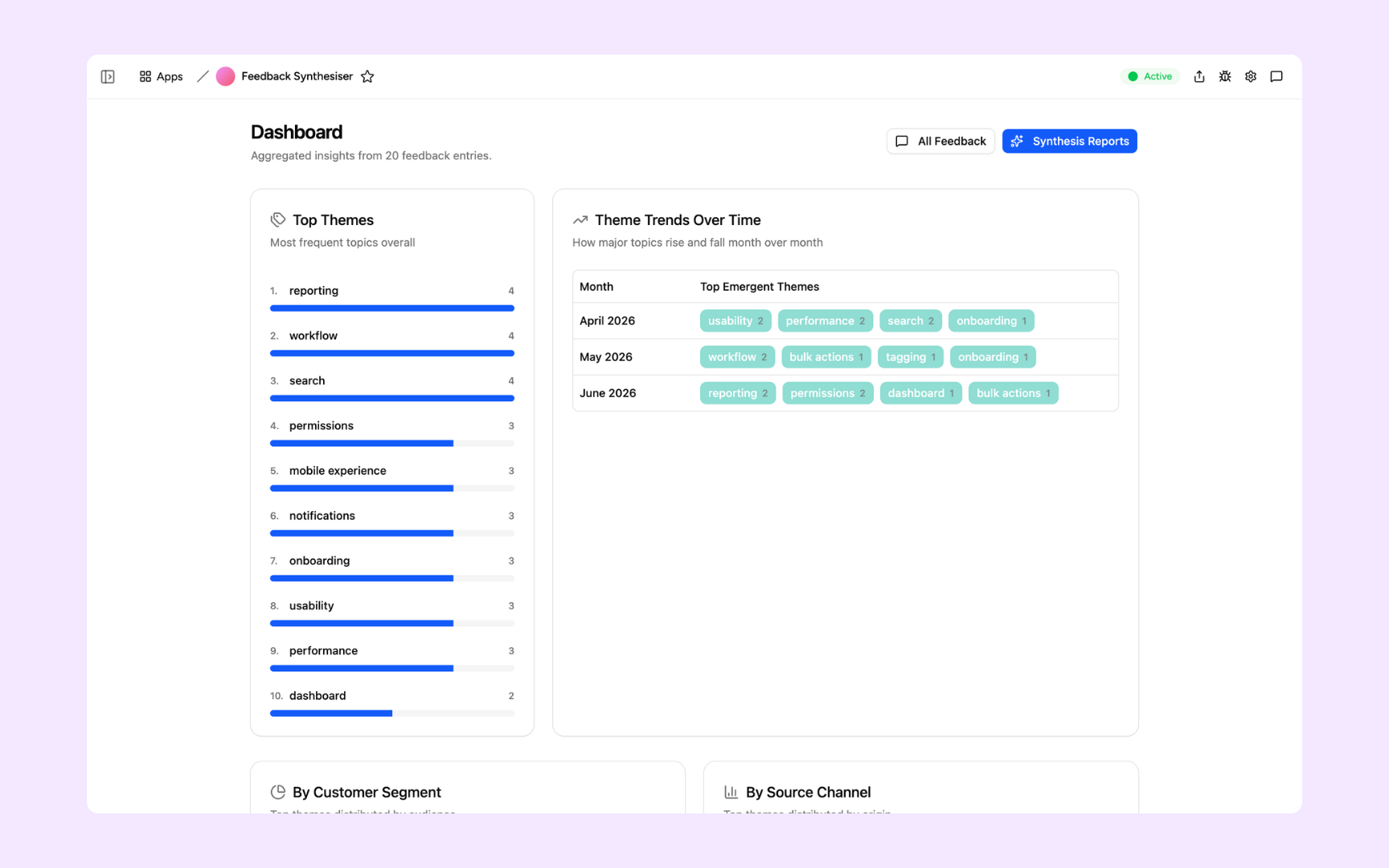
See the top themes across all feedback at a glance - a ranked bar chart of the most frequent topics alongside a month-over-month trends table showing how themes rise and fall. Know instantly which problems are growing and which are resolving.
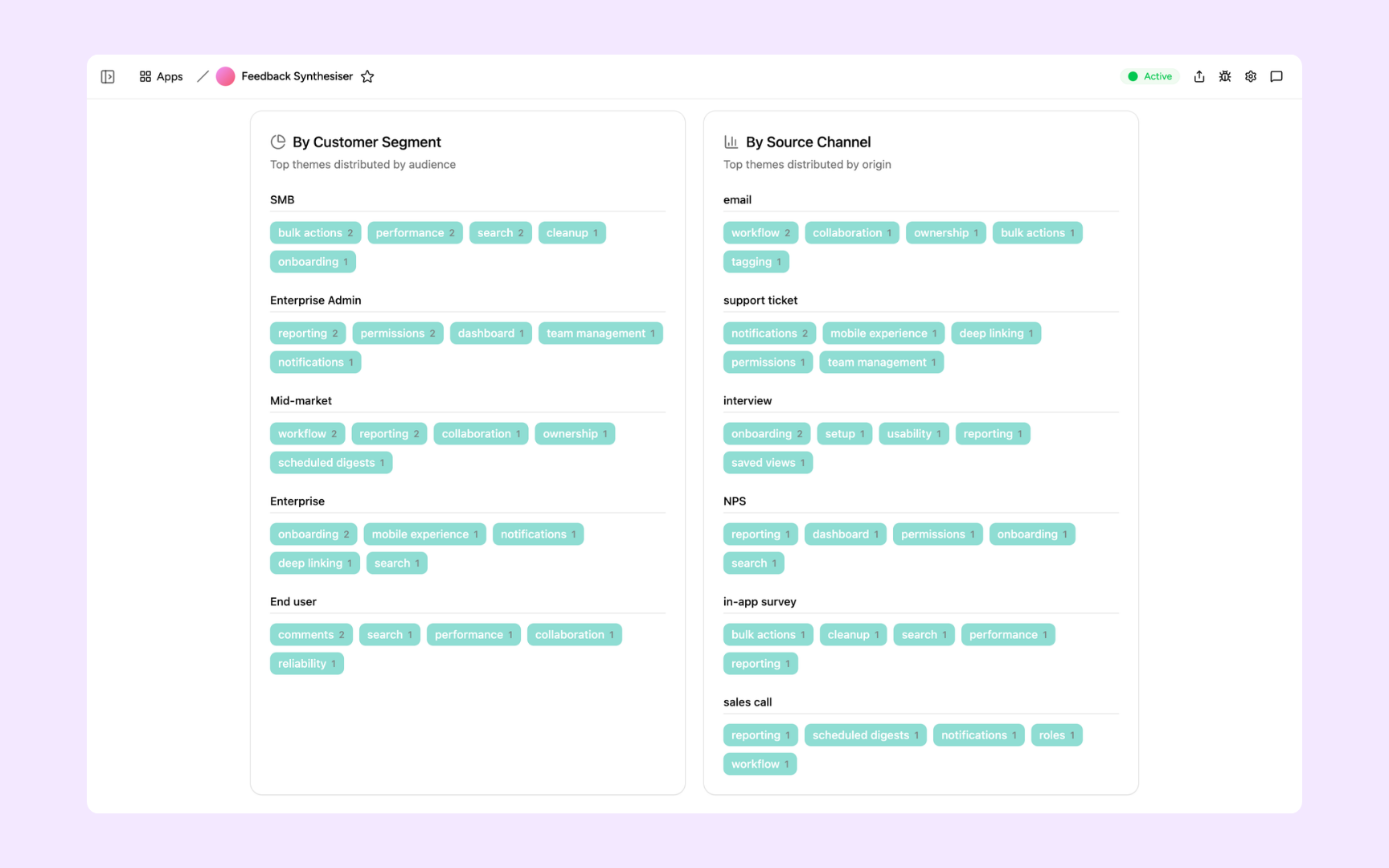
Understand which themes matter most to which customers. See the top feedback topics broken down by customer segment - SMB, Mid-market, Enterprise - and by source channel - email, support ticket, interview - so you can prioritise by audience impact.
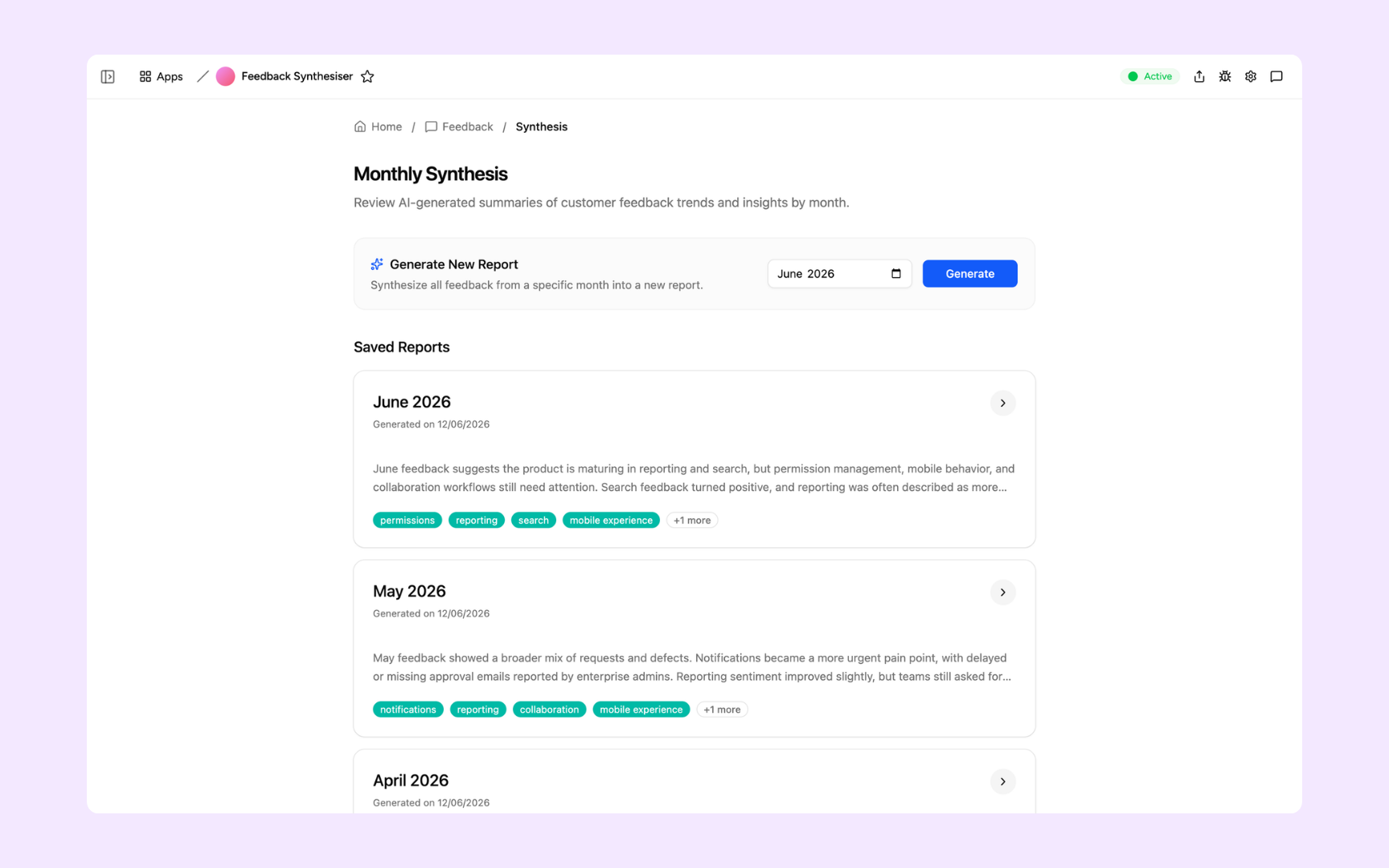
Generate an AI-written summary of every feedback entry from a given month in one click. Saved reports give you a running archive of what customers said each month - with top themes highlighted and a narrative your team can share with stakeholders.
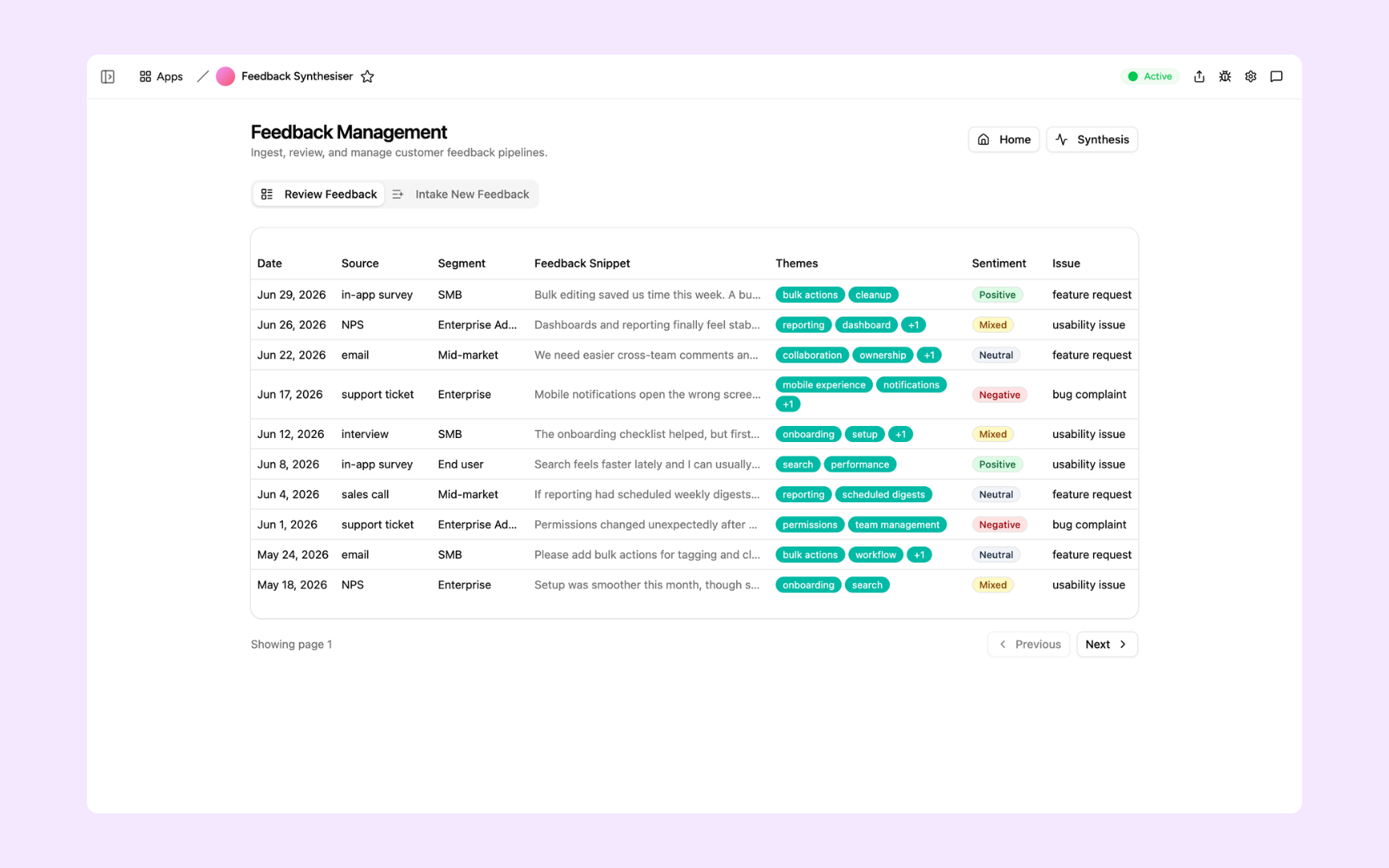
Browse every feedback entry in one table - date, source, customer segment, snippet, themes, sentiment, and issue type all in view. Filter by any column to find the exact feedback your team needs before a roadmap conversation.
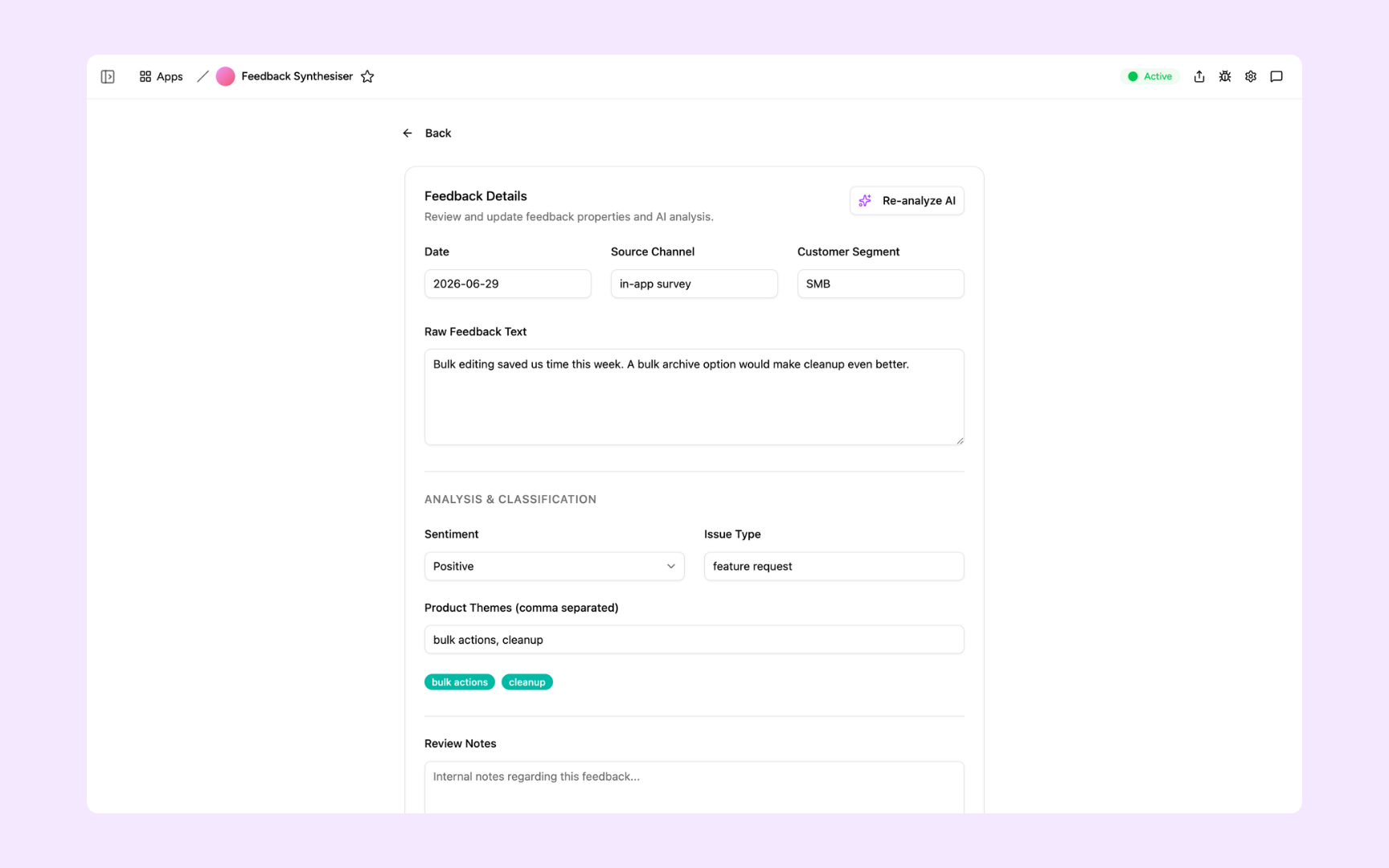
Open any entry to see the full raw feedback text alongside the AI classification - sentiment, issue type, and assigned product themes. Edit the analysis if needed or hit Re-analyze AI to re-run the classification with a single click.
Get Feedback Synthesiser in your workspace
Feedback synthesiser built on a secured platform your product team can trust
Your feedback synthesiser comes with the platform essentials - secure access, data storage, automations, and controls - so your team can focus on building the right things, not wrangling spreadsheets.
Secure team sign-in
Every team member signs in with their own account. Your customer feedback, themes, and synthesis reports are only ever seen by your team.
Advanced permissions
Decide who sees what. Anyone can submit feedback and review themes while product leads control who generates synthesis reports and shares them with stakeholders.
Scheduler & automations
Generate monthly synthesis reports, post theme summaries to Slack, and remind the team to review feedback before planning cycles - automatically, without anyone having to pull the data.
Built-in feedback database
Every support ticket, NPS response, interview note, and in-app survey reply lives in a secure database inside your tool. No spreadsheets, no scattered inboxes, no third-party setup.
Enterprise-grade security
Your customer feedback and product insights are encrypted, protected, and under your control - never shared outside your workspace.
Review feedback from anywhere
The tool lives in the browser, so your product team can check themes and review synthesis reports from the office, home, or on the road.
File & image storage
Attach interview transcripts, survey exports, and supporting research to the feedback entries they belong to - so every theme has its full evidence in one place.
Usage tracking
See how your team actually uses the tool - which reports get read and where the review process stalls - so every planning cycle runs smoother.
Is a custom feedback synthesiser the right fit?
Appaca works best for product teams that need a shared workflow built around their own data, rules, and permissions.
Use Appaca when
- Your process differs from the fixed workflow in an off-the-shelf tool.
- The team needs one database, clear permissions, and a shared view of each request or record.
- You want to adjust fields, logic, and AI as the process changes.
Choose specialist software when
- You need certified, category-specific controls that cannot be configured safely.
- A vendor already provides the exact workflow and integrations you need out of the box.
- Your team does not want to own setup, testing, or ongoing workflow changes.
What you configure before rollout
-
Step 1
Replace the sample records and fields with your real process.
-
Step 2
Set who can view, edit, approve, and administer the app.
-
Step 3
Connect the data sources and notifications your team uses.
-
Step 4
Test the workflow with a small group before wider rollout.
Appaca includes a 7-day trial. Review the working example before you start, then use the trial to test the workflow with your own process.
FAQs
It's an internal tool that ingests customer feedback from all your channels - support tickets, NPS surveys, sales calls, and in-app responses - and uses AI to classify each entry by theme, sentiment, and issue type. Monthly synthesis reports then surface the ranked patterns your team needs to make confident roadmap decisions.
No. Appaca is an AI workspace - you describe what your product team needs and the Appaca agent builds the tool for you, complete with a built-in database, team access, and automations. No coding or deployment required.
You upload your product area definitions and theme taxonomy to the knowledge base. The AI uses them as context when classifying each feedback entry, so themes map to the categories your team already uses - not generic labels. You can also re-run the analysis on any entry if you want to refine it.
Yes. Appaca connects to tools like Intercom, Zendesk, Salesforce, and more, and can integrate with any service that supports an API or webhook. Feedback flows into the synthesiser automatically so your team always has a complete picture without manual exports.
In a secure database built into your Appaca workspace. Every feedback entry, theme tag, sentiment score, and synthesis report lives right inside the tool - encrypted, protected, and only visible to the team members you invite.
Yes. Invite your team to the workspace so everyone works from the same feedback database and reads the same synthesis reports. Advanced permissions let you control who can submit feedback, who can edit classifications, and who can generate and share monthly summaries.
You pick a month and hit Generate. The AI reads every feedback entry from that period, identifies the most prominent themes, and writes a narrative summary your team can share with stakeholders. Reports are saved automatically so you build a running archive of what customers said month by month.
More productivity with one adaptive workspace
Use Appaca for all your business operations needs. Build internal business tools and AI around your existing workflow.
- 7-day trial
- No credit card
- Cancel anytime