
Build a unified user view for your team
Appaca is an AI workspace where you can build a single internal tool that pulls user data from your identity provider, HR system, app stack, and helpdesk into one view, so any team can get the full picture on any user in seconds.
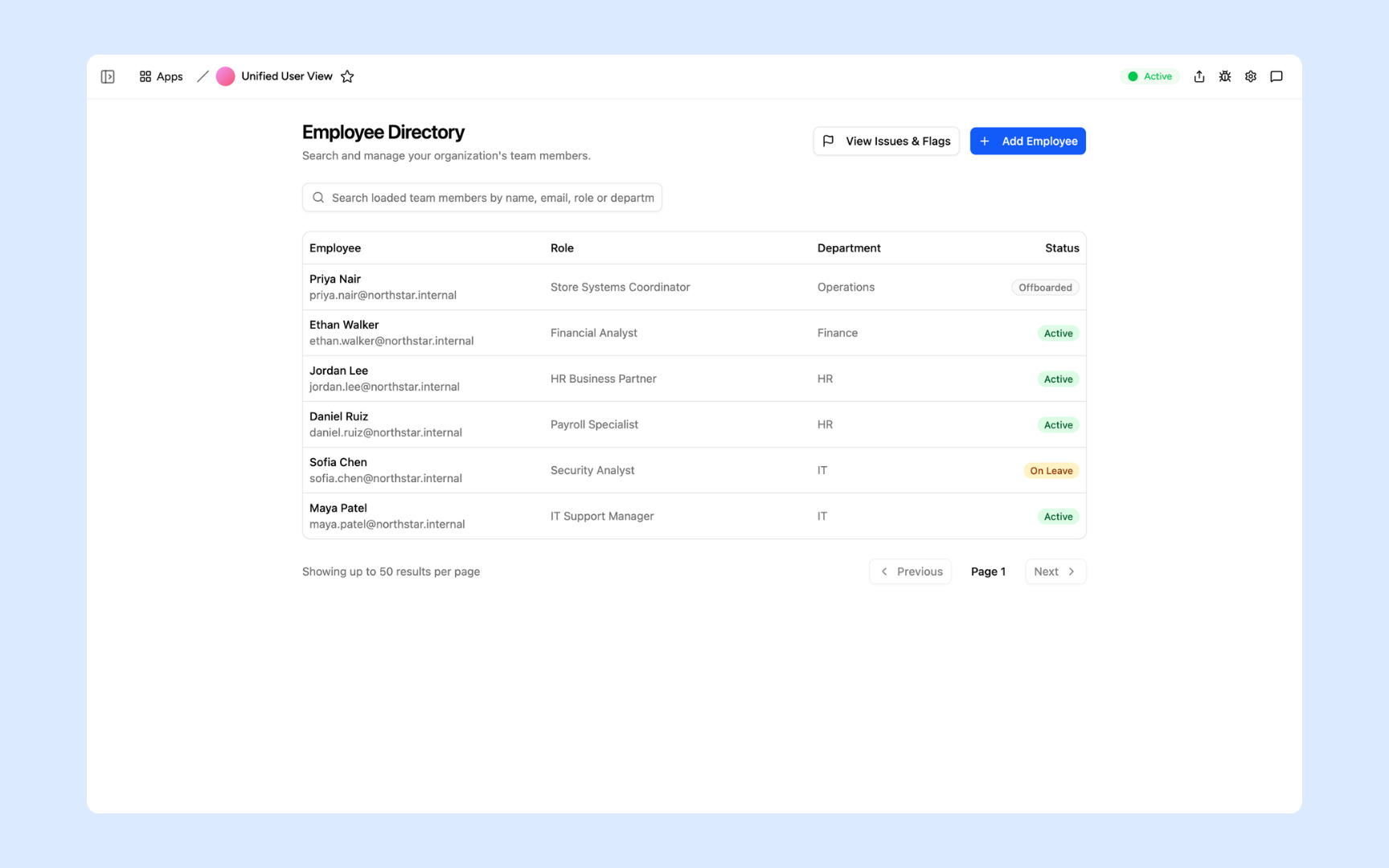
Everything you need to get a complete view of every user
Appaca makes it easy for IT, HR, and CS teams to build a unified user tool that aggregates data across systems and surfaces the right information when it matters.
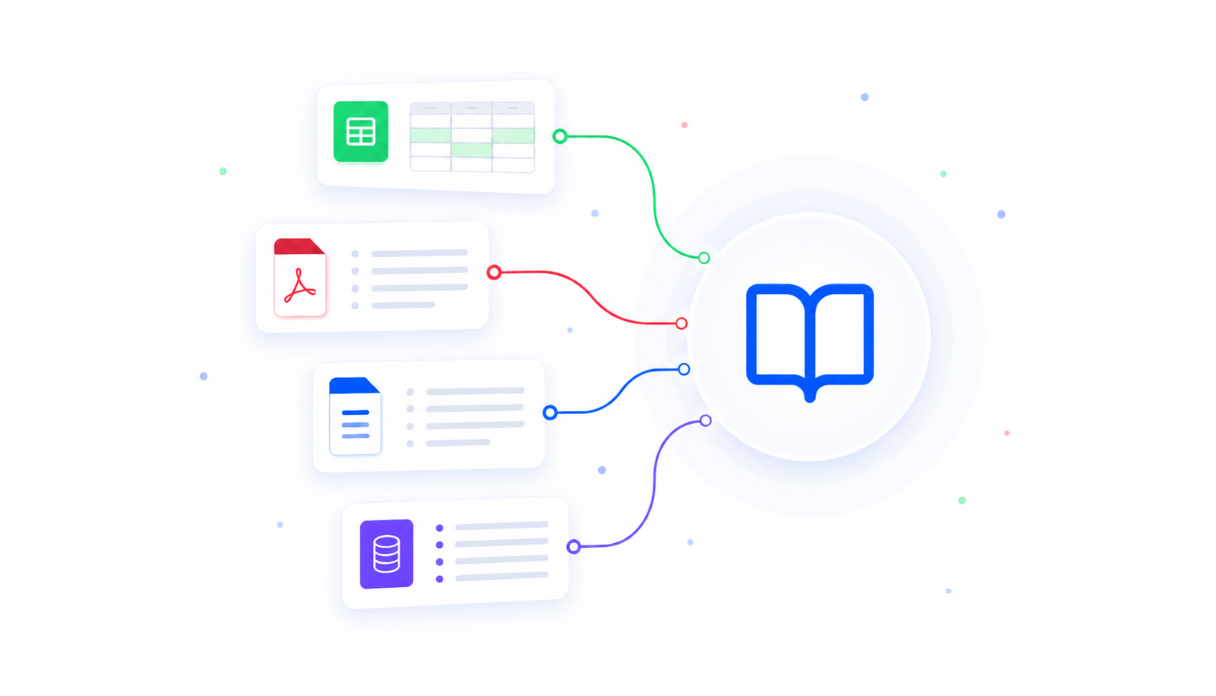
Feed in your user data sources
Upload your system map, data schemas, and user definitions to the knowledge base. The Appaca agent builds a tool that knows where to find each data point and how to surface it in context.
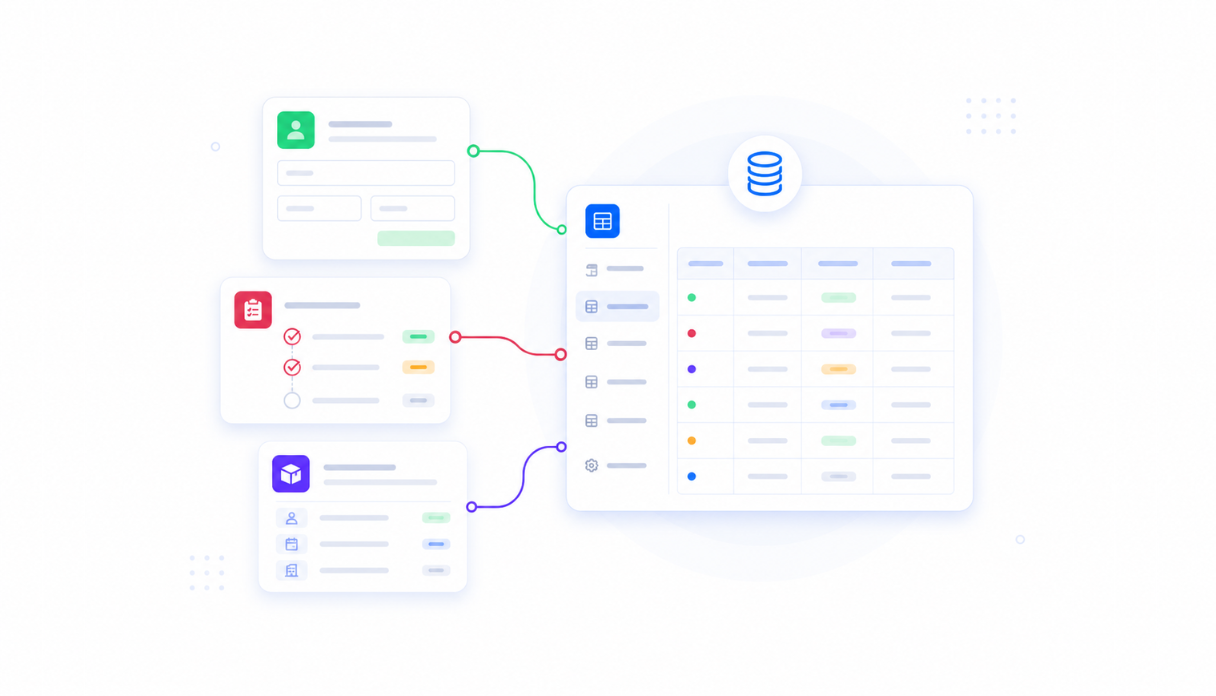
Centralised user record
Appaca workspace comes with a secure built-in database where aggregated user data is stored and queried. Search any user and see their full profile across systems in one view.
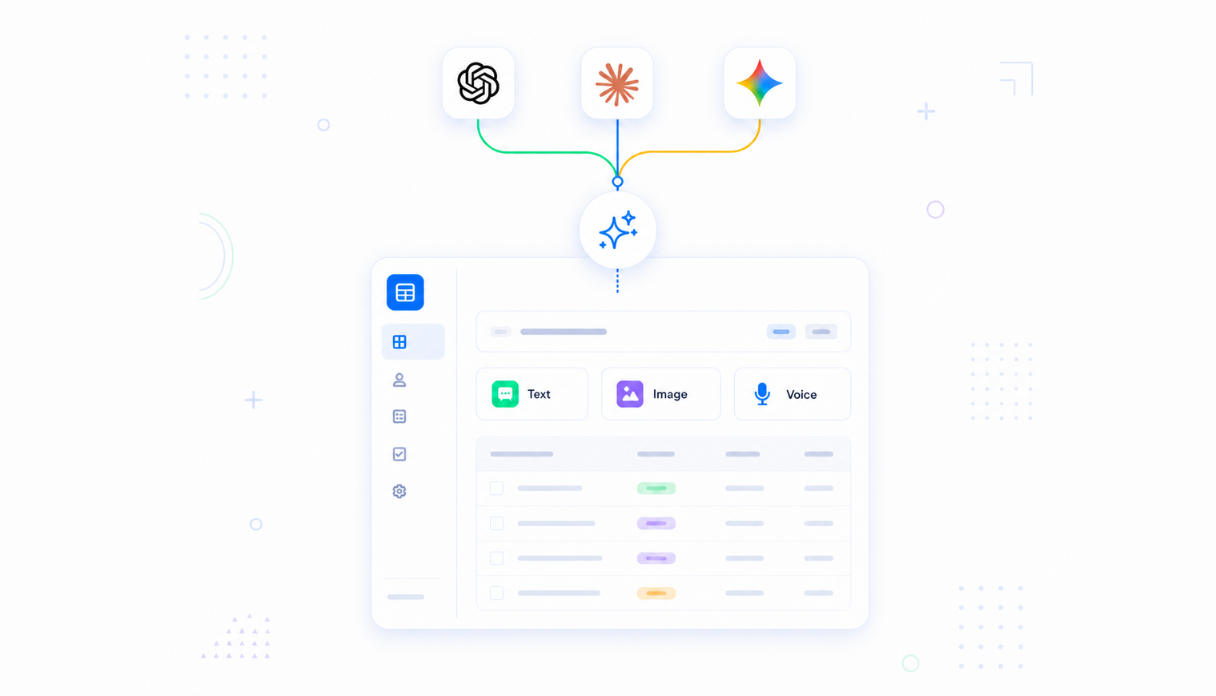
AI that surfaces what matters
Connect AI models to summarise user activity, flag unusual patterns, and generate a plain-language overview of any user's status across your systems.
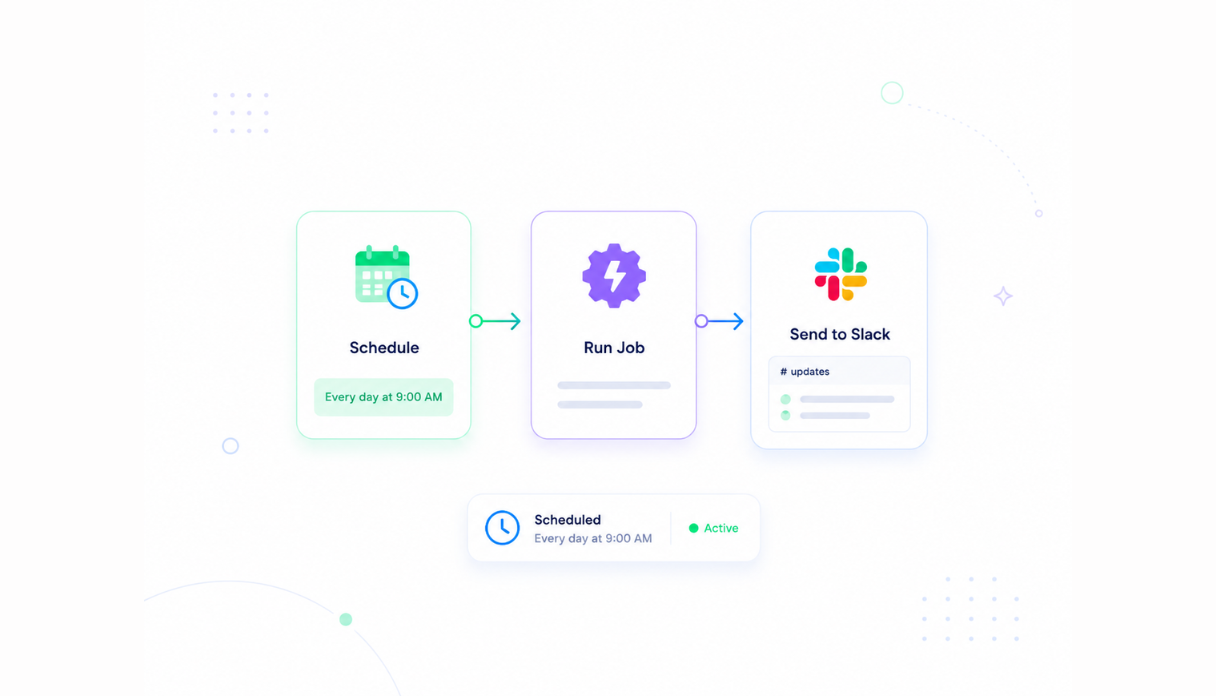
Automated sync and refresh
Set the scheduler to pull updated data from connected systems regularly so your unified user view always reflects the current state without manual exports or one-off data pulls.
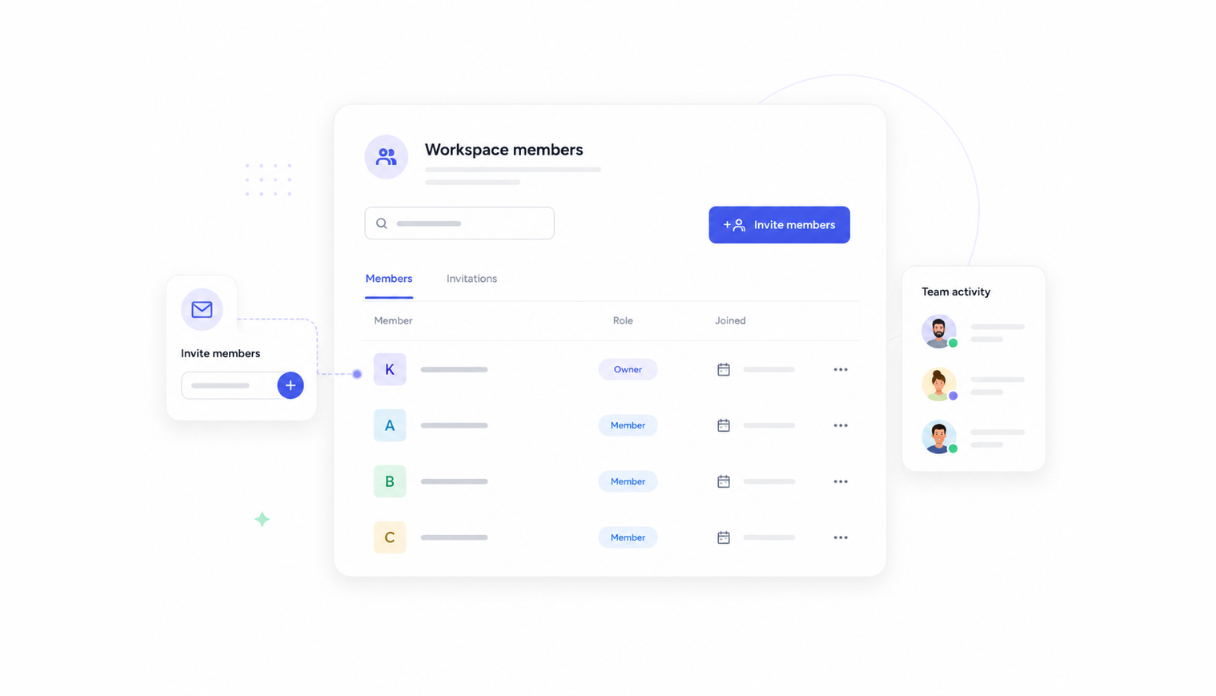
Access for IT, HR, and CS teams
Invite the teams that need a unified view. Role-based permissions ensure each team sees only the data they are authorised to access, even when it comes from the same underlying record.
Works across your entire stack
Securely connect to your identity provider, HRIS, CRM, helpdesk, and any other system via API. Every system that holds data on users can contribute to the unified view.




See what this Unified User View tool includes
Review the screens and workflow, then clone it and adapt the data, logic, and permissions to fit your team.
A searchable table of every employee showing name, email, role, department, and current status. Active, on leave, and offboarded employees are all visible in one place.
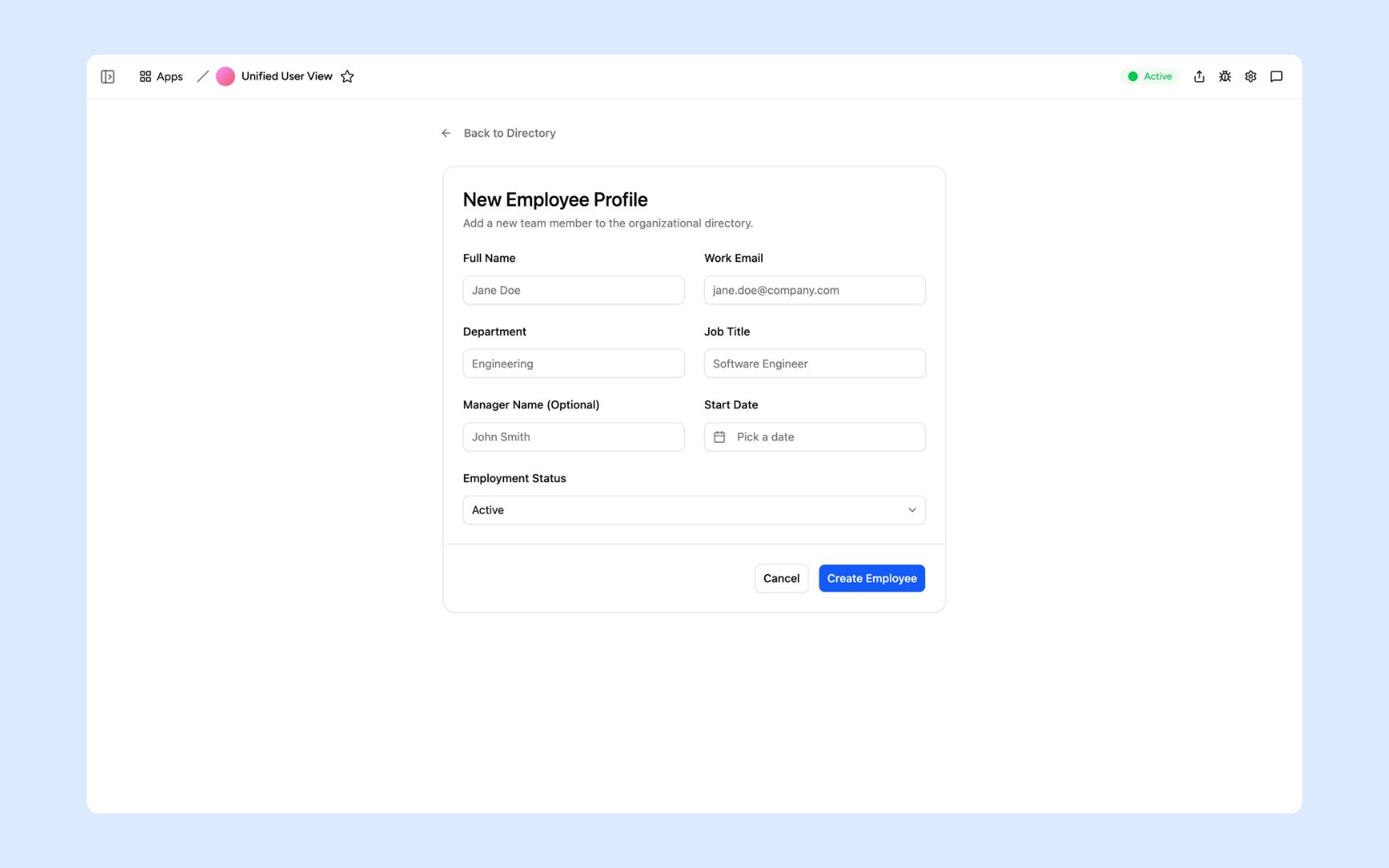
Create a new employee record by entering their name, work email, department, job title, manager, start date, and employment status.
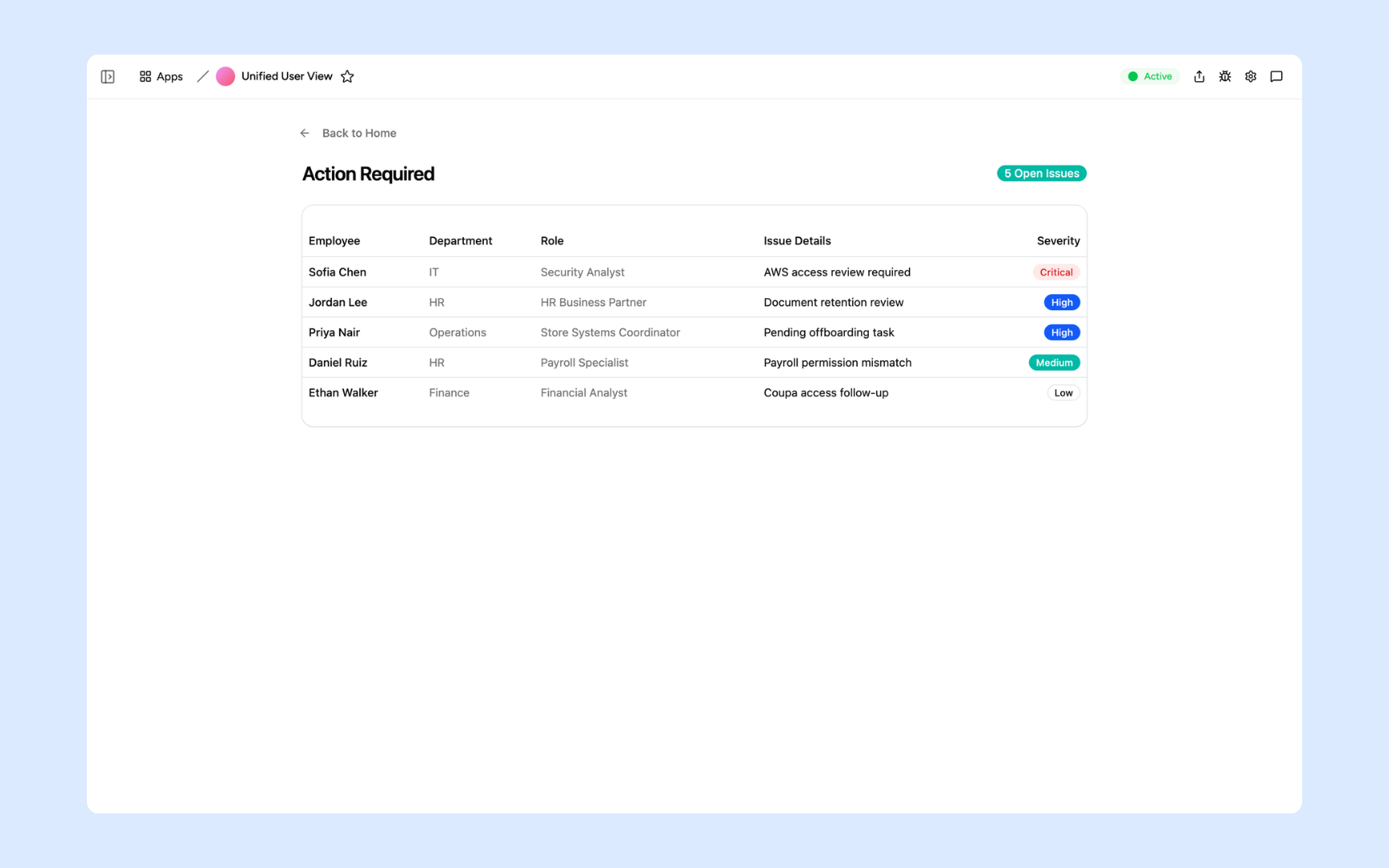
The Action Required view lists every open issue across all employees - who it affects, the issue details, and a severity rating from Critical to Low so you can prioritise what to act on first.
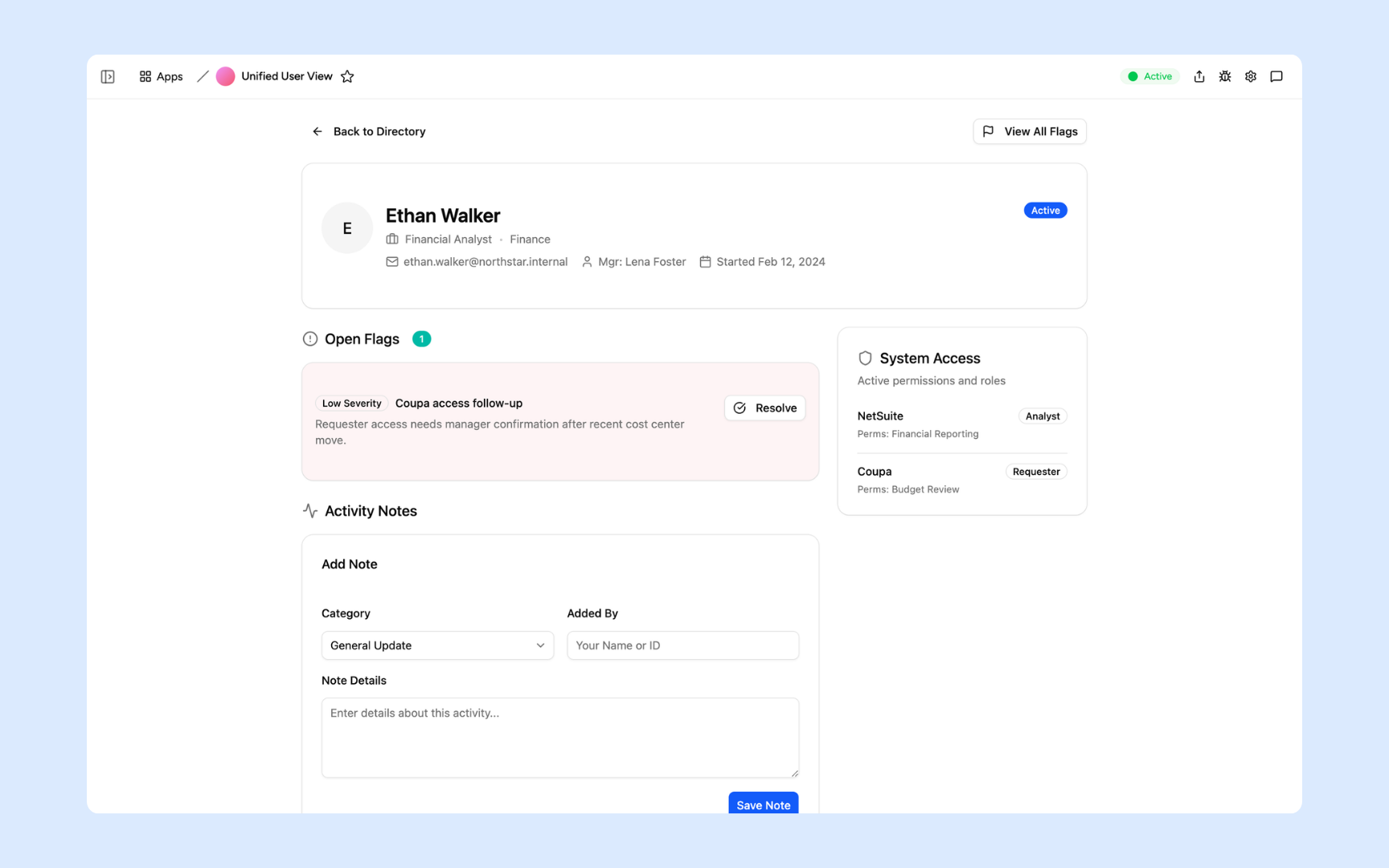
Open any employee to see their identity details, open flags with resolution actions, active system permissions listed by role, and an activity notes log where you can record updates.
Get Unified User View tool in your workspace
Unified user view built on a platform your teams can trust
Every unified user tool you build comes with secure access, centralised records, scheduled syncs, and role-based permissions so each team sees only what they are authorised to view.
Secure team sign-in
Every team member signs in with their own account. User data is only accessible to the roles you authorise.
Role-based permissions
IT, HR, and CS teams each see the data relevant to their function. Sensitive fields are only visible to the roles you explicitly grant access.
Scheduler and automations
Sync data from connected systems on a regular schedule and send alerts when something changes or a flag is raised. Your view stays current automatically.
Built-in unified database
Aggregated user data from all connected systems lives in a secure built-in database. Search any user and see the full record without querying multiple systems.
Enterprise-grade security
User data from identity providers, HR systems, and helpdesks is sensitive. Every record is encrypted, protected, and only visible to authorised roles.
Access from anywhere
The tool lives in the browser. IT, HR, and CS teams can look up any user from the office, home, or on the road.
Document and evidence storage
Attach investigation notes, policy exceptions, and supporting documents to user records so your team always has full context.
Usage tracking
See which teams use the unified view most, what they search for, and where they need more data so you can improve the tool over time.
FAQs
A unified user view is a single internal tool that aggregates data from all your systems into one place for each user. Instead of checking your identity provider, HRIS, helpdesk, and CRM separately, you open one tool and see access rights, HR record, support history, and activity data in one place.
IT teams use it during access reviews and offboarding. HR teams use it for employee management and transitions. Customer success teams use it to understand user behaviour and health. Security teams use it to investigate incidents and anomalous access patterns.
Any system that exposes data via API or webhook. Common sources include identity providers, HRIS platforms, helpdesk tools, CRM systems, and cloud platforms.
Appaca supports role-based permissions. You define which teams can see which data fields. IT might see the full access and activity record while HR sees only the personnel and contract data. Sensitive fields are only visible to authorised roles.
Your identity provider shows access data. A unified user view shows the full picture: what access they have, what they have done with it, their HR status, their support history, and their activity across your app stack. It connects the dots your identity provider alone cannot.
No. Describe the systems you want to pull from and how you want the data displayed, and the Appaca agent builds the tool. Connect your systems via API and your unified view is live.
More productivity with one adaptive workspace
Use Appaca for all your business operations needs. Build internal business tools and AI around your existing workflow.
- 7-day trial
- No credit card
- Cancel anytime