
 Slack Integration
 Connect Slack to Appaca
Your team lives in Slack. Appaca connects to it so the tools you build can send alerts, route approvals, and deliver reports directly to the channels your team already watches.
What teams run into when Slack is the only glue
Slack is where your team communicates. Running operational workflows through it without proper tooling is where things break down.
Alerts with no action attached
Slack is great for alerting. What it cannot do is turn that alert into an approval, a data update, or a triggered workflow without custom code or a chain of Zapier steps holding it together.
Context lost in the noise
Important requests get buried in channel threads. Without a proper tool behind the notification, approvers miss things, follow-ups fall through, and nobody knows the current status.
No workflow behind the message
Posting to Slack is the easy part. Connecting that message to your data, routing it to the right approver, and recording the outcome back into the right system requires a proper tool underneath it.
Build internal tools that keep Slack in the loop
Appaca connects your internal tools to Slack so notifications, approvals, and reports reach your team in the channel they already check.
Trigger Slack messages from any tool event
Connect Appaca to Slack and set up notifications that fire when something happens in your internal tools. A form submitted, a record updated, an approval needed — your team gets the message instantly.




AI agents that report into Slack
Create AI agents that pull data from your connected sources, generate summaries or reports, and deliver them to the right Slack channel on a schedule or when triggered by an event.
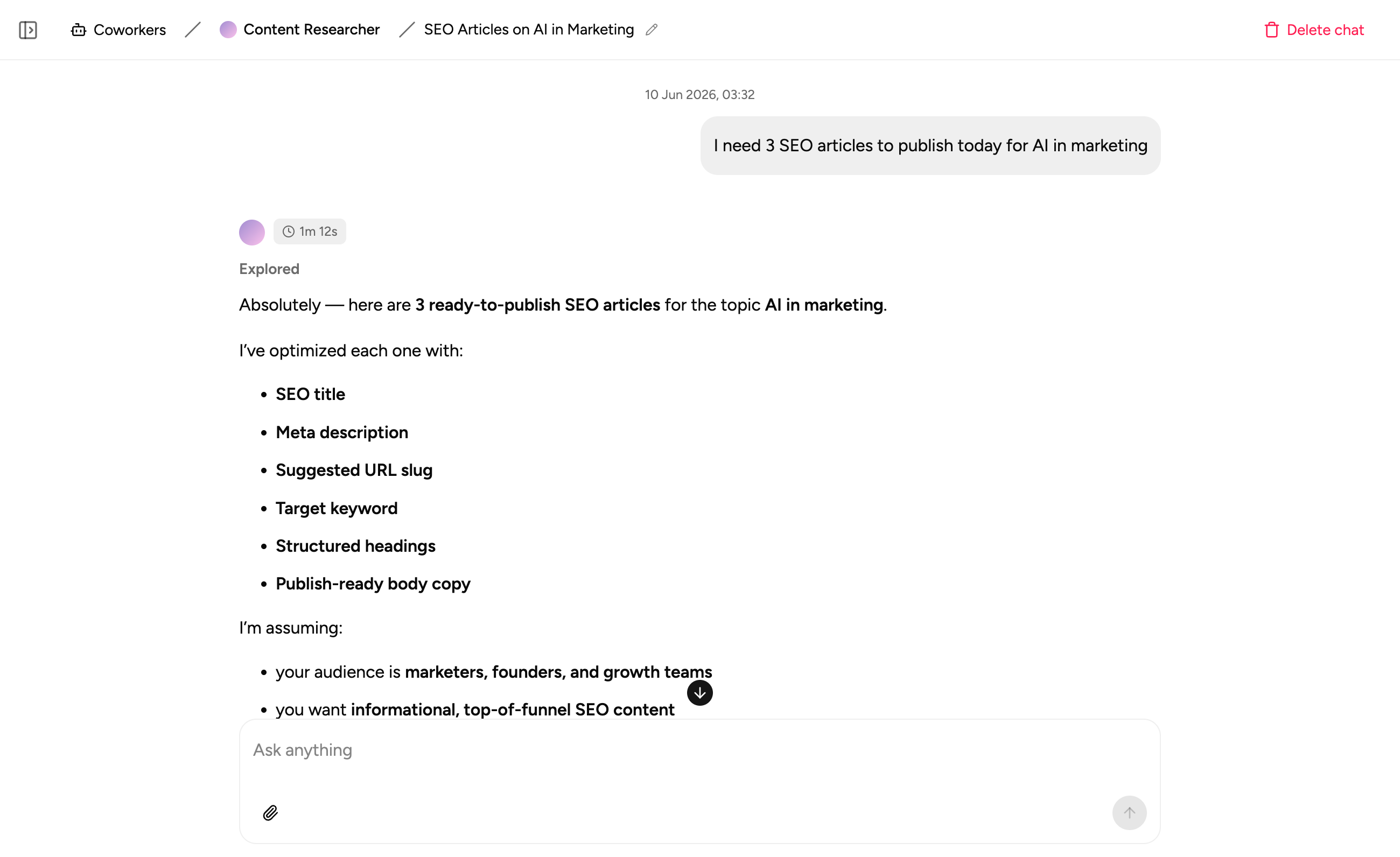
Approval workflows routed through Slack
Build approval flows where requests are surfaced in Slack, approvers can act directly, and the outcome is recorded back into your tools automatically without anyone leaving their workspace.
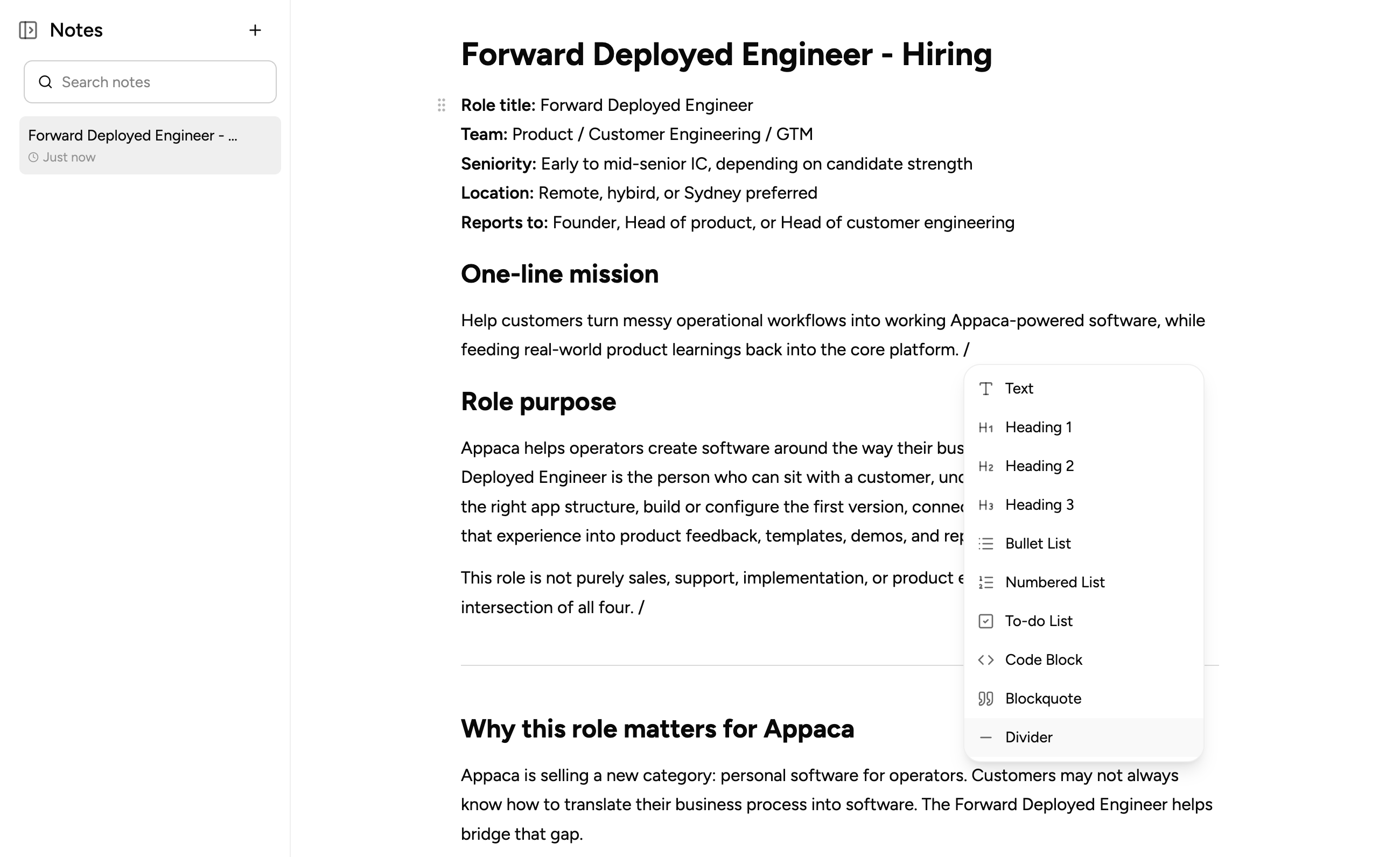
What teams build when they connect Slack to Appaca
Connect your Slack workspace and build tools that keep your team notified, aligned, and moving without manual updates.
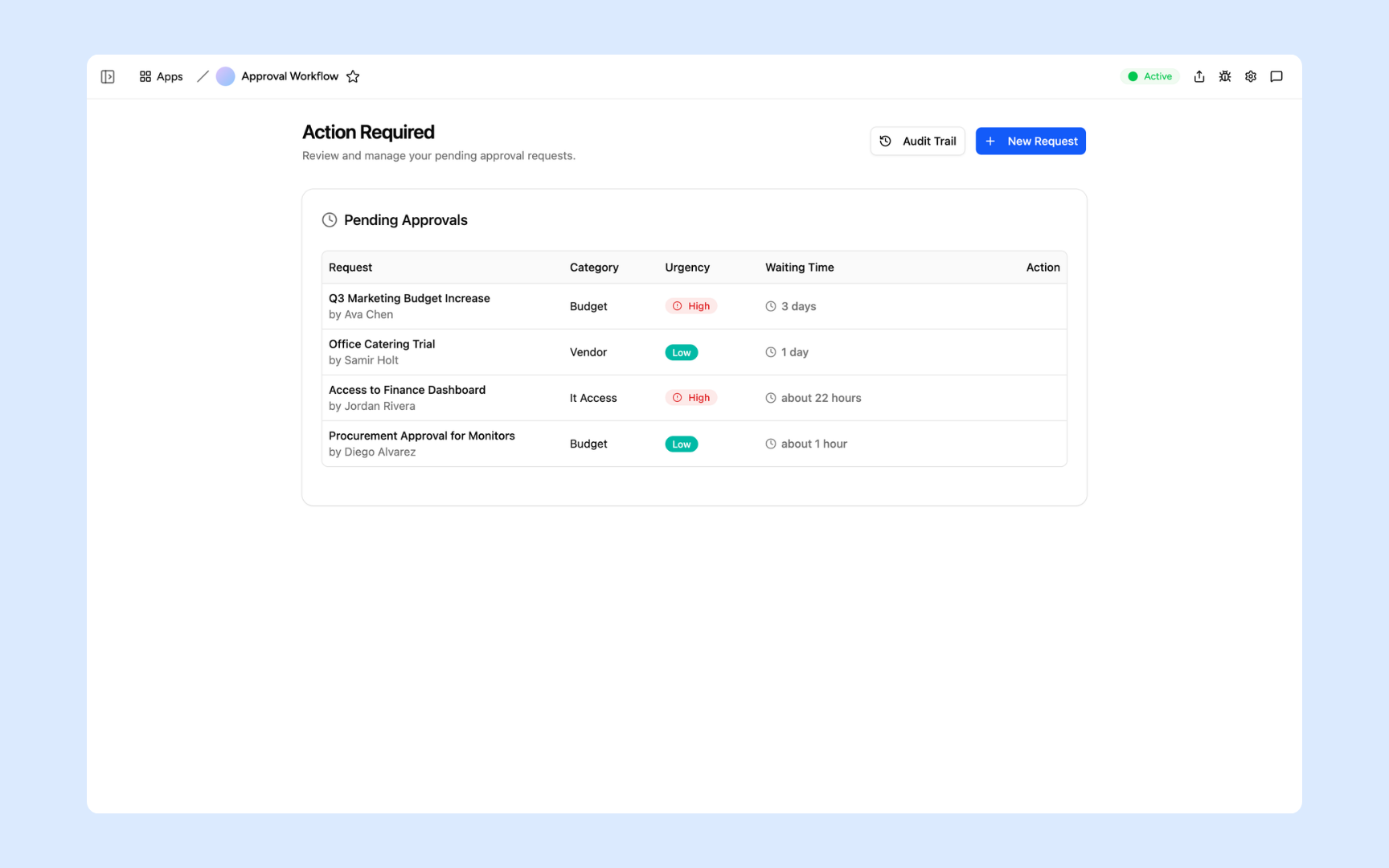
Approval Workflow
Route approval requests from your internal tools directly to Slack. Approvers get notified the moment a request lands and can act without switching context.
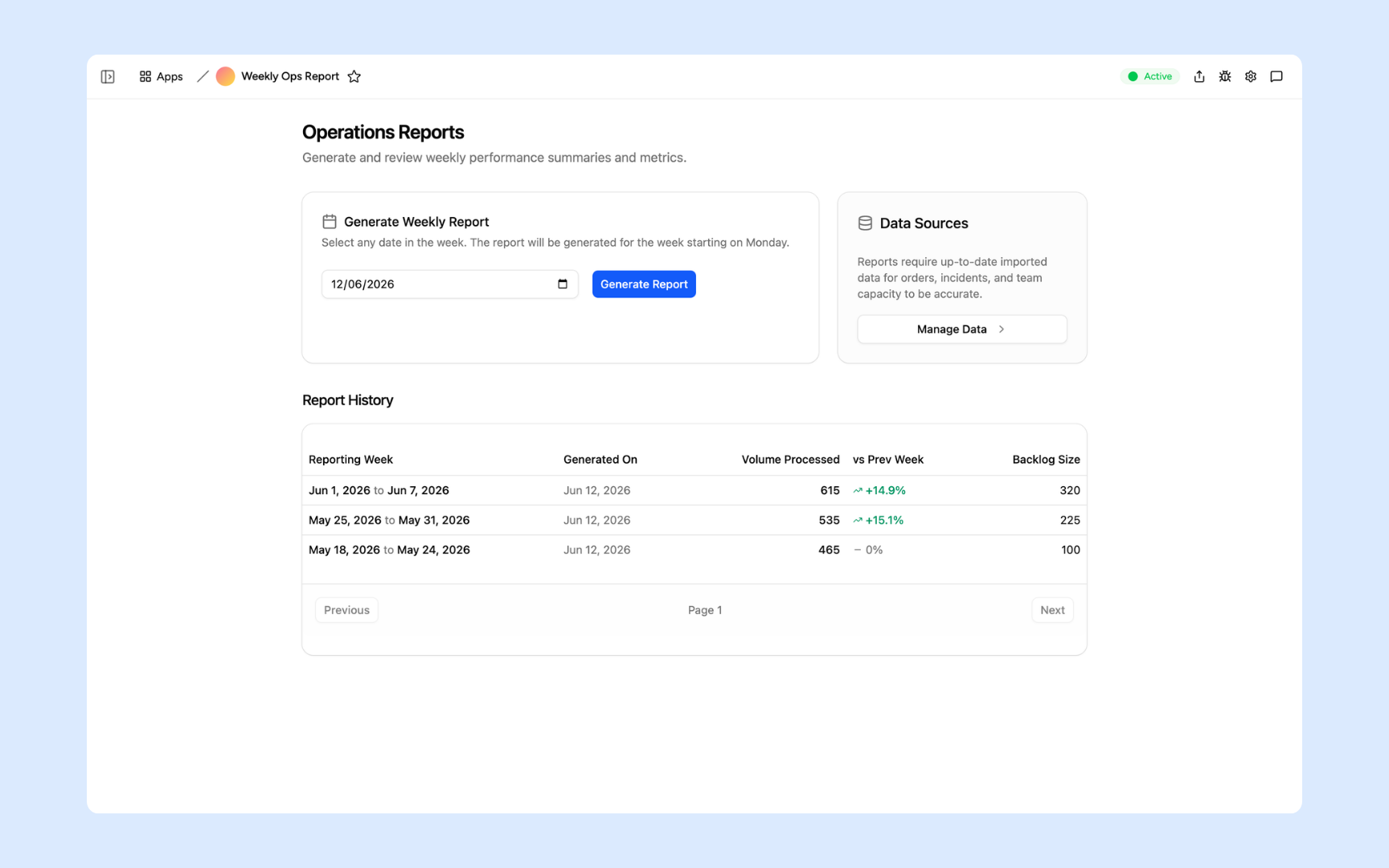
Ops Report Generator
Generate weekly operations reports and push them to the right Slack channel automatically. No manual exports, no copy-pasting, just the numbers your team needs when they need them.
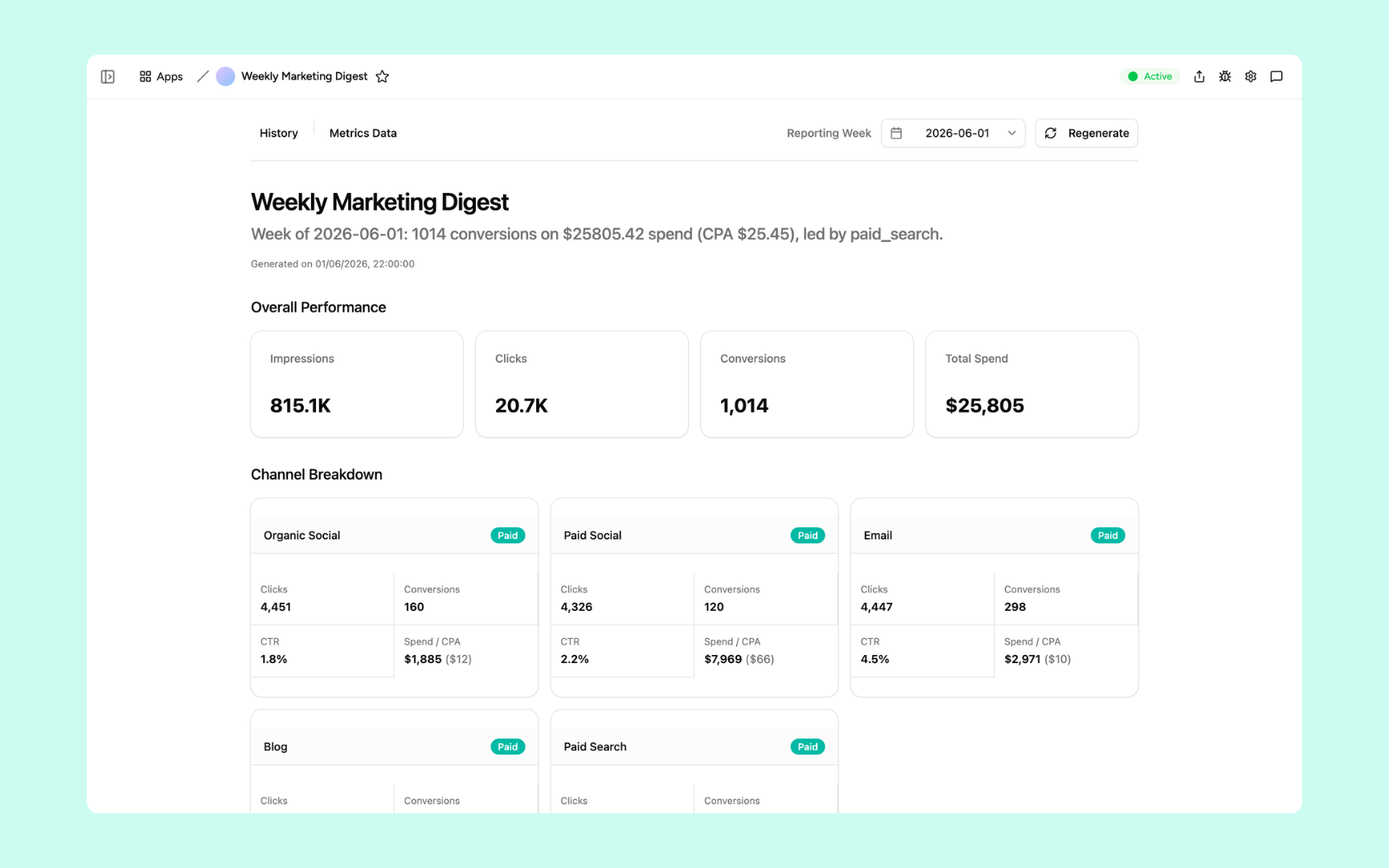
Performance Digest
Deliver a scheduled digest of your key metrics to Slack so your team starts the day with the right numbers without having to pull a report themselves.
Every tool built on a platform your team can trust
Authentication, permissions, automations, and security are all built in. Slack notifications flow out and your team works from tools with the right controls from day one.
Secure team sign-in
Every team member signs in with their own account. Slack credentials are never shared and access is scoped to what each person needs.
Role-based permissions
Control who can view, edit, or manage each tool and each record. Every user sees exactly what their role requires.
Scheduler and automations
Schedule recurring Slack reports, trigger alerts when data changes, and automate the messages your team relies on every day.
Secure built-in database
Store data alongside your Slack-connected workflows in a secure built-in database. Everything your tools need lives in one workspace.
Enterprise-grade security
Your Slack credentials are connected via OAuth and never stored as passwords. Only the team members you authorise can access the tools you build.
Access from anywhere
Your tools live in the browser. Your team can act on Slack notifications from the office, home, or on the road without installs or VPN.
File and image storage
Attach files and documents to the records your Slack notifications reference, all in one workspace.
Usage tracking
See how your team interacts with the tools and notifications you build so you know what is landing and where to improve.
Explore more ways to build with Appaca
See related use cases, other integrations, and how to build this yourself.
FAQs
You connect Appaca to your Slack workspace via OAuth. Once connected, the internal tools and automations you build in Appaca can send messages, alerts, and reports to any Slack channel or user.
Yes. You choose which Slack channels receive which notifications. Each tool or automation you build can target a different channel depending on what the message is and who needs to see it.
Yes. You can set up Appaca to receive triggers from Slack so that messages or commands in a channel kick off workflows in your internal tools automatically.
Appaca can send approval requests, data alerts, scheduled reports, workflow status updates, and AI-generated summaries to Slack. Anything that happens inside your internal tools can notify the right people in Slack.
Yes. Appaca connects to Slack using OAuth, so no passwords are stored. Your Slack workspace access is scoped to the permissions you grant and can be revoked at any time.
Build better tools that keep your team in the loop
Connect Slack to Appaca and give your team the notifications, approvals, and reports they need without leaving the channels they already use.
- 7-day trial
- No credit card
- Cancel anytime