
GPT-5.6 Sol vs GPT Image 1
Compare pricing, context windows, and strengths for GPT-5.6 Sol by OpenAI and GPT Image 1 by OpenAI - and see how to put either to work in Appaca.
GPT-5.6 Sol
OpenAI's flagship model for complex professional work, combining frontier reasoning, coding, computer use, and long-horizon agentic performance with greater token efficiency.
View GPT-5.6 SolGPT Image 1
State-of-the-art image generation model that accepts text and image inputs and produces high-quality images across multiple resolutions and quality levels.
View GPT Image 1GPT-5.6 Sol vs GPT Image 1 at a glance
Specs and pricing side by side, from the Appaca AI models directory.
| Spec | GPT-5.6 Sol | GPT Image 1 |
|---|---|---|
| Provider | OpenAI | OpenAI |
| Model type | Text | Image |
| Context window | 1.05M tokens | - |
| Input price | $5 / 1M tokens | $5 / 1M tokens |
| Output price | $30 / 1M tokens | - |
| Image generation | - | From $0.011 / image |
| Status | Current | Current |
How GPT-5.6 Sol and GPT Image 1 differ
What the numbers mean in practice when choosing between GPT-5.6 Sol and GPT Image 1.
-
Both models cost the same on input: $5 per million tokens.
-
These are different kinds of model: GPT-5.6 Sol is a text model while GPT Image 1 is an image model, so they often complement each other in a workflow rather than compete.
Strengths side by side
Where each model shines, according to benchmarks and provider positioning.
GPT-5.6 Sol
1. Frontier Coding & Agentic Performance
- Scores 88.8% on Terminal-Bench 2.1 and 72.7% on DeepSWE v1.1, with stronger performance across complex terminal workflows and long-horizon engineering.
- Programmatic Tool Calling can coordinate tools, process intermediate results, and adapt workflows with fewer model round trips.
2. Maximum Capability on Demand
- Adds max reasoning effort for difficult tasks that benefit from deeper exploration, checking, and revision.
- Multi-agent ultra coordinates parallel agents for demanding work, reaching 91.9% on Terminal-Bench 2.1 and 92.2% on BrowseComp in OpenAI's evaluations.
3. Strong Computer Use, Design & Knowledge Work
- Scores 62.6% on OSWorld 2.0 and 90.4% on BrowseComp in standard mode.
- Produces more polished interfaces, presentations, documents, and spreadsheets while following reference formats more accurately.
4. Long Context & Broad Tool Support
- Supports a 1.05M-token context window, up to 128K output tokens, and text plus image input.
- Works with web search, file search, image generation, code interpreter, hosted shell, computer use, MCP, and other Responses API tools.
5. Stronger Science, Cybersecurity & Safeguards
- Improves scientific and defensive cybersecurity performance, including 28.7% on GeneBench Pro and 73.5% on ExploitBench.
- Uses layered safeguards, real-time checks, monitoring, and access controls for higher-risk capabilities.
GPT Image 1
1. State-of-the-Art Image Generation
- Produces high-quality, detailed images optimized for realism, style control, and prompt fidelity.
- Designed to handle complex visual scenes, compositions, and lighting conditions.
2. Natively Multimodal Architecture
- Can understand and reason over both text and images as inputs.
- Ideal for workflows like:
- Editing based on reference images
- Expanding sketches or mockups
- Visual concept development
3. Flexible Output Resolutions & Quality Levels
- Supports multiple resolutions, including:
- 1024x1024
- 1024x1536
- 1536x1024
- Offers three quality tiers (Low, Medium, High) to optimize for:
- Cost efficiency
- Speed
- Maximum detail
4. Multiple Pricing Models
- Pay-per-token for multimodal input:
- Text input tokens
- Image input tokens
- Pay-per-image generation for final output:
- Low, Medium, and High quality tiers
- Enables businesses to balance cost and output needs.
5. Broad Use Cases
- Product photography and marketing assets
- Illustration, concept art, and creative ideation
- UX/UI mockups
- Style-guided image creation
- Generating reference images for design or storytelling
6. Supported Across Major API Endpoints
- Available via:
- Chat Completions
- Responses
- Realtime
- Assistants
- Images (generations, edits)
- Allows tight integration into automated creative pipelines or user-facing apps.
7. Simplified Model Behavior for Stability
- No streaming, function calling, structured outputs, or fine-tuning.
- Focused solely on high-quality image generation without extra logic layers.
8. Consistent Results via Snapshots
- Supports snapshots for version locking.
- Ensures long-term reproducibility across production pipelines.
9. Ideal For
- Designers, marketers, and creatives
- Product teams needing image assets
- App builders integrating image generation workflows
- Agencies producing visual content at scale
Use GPT-5.6 Sol or GPT Image 1 - or both
Appaca is the AI workspace for operators. Build internal tools and AI co-workers powered by GPT-5.6 Sol or GPT Image 1 - connected to your real data and ready for your whole team. No code, no deployment.
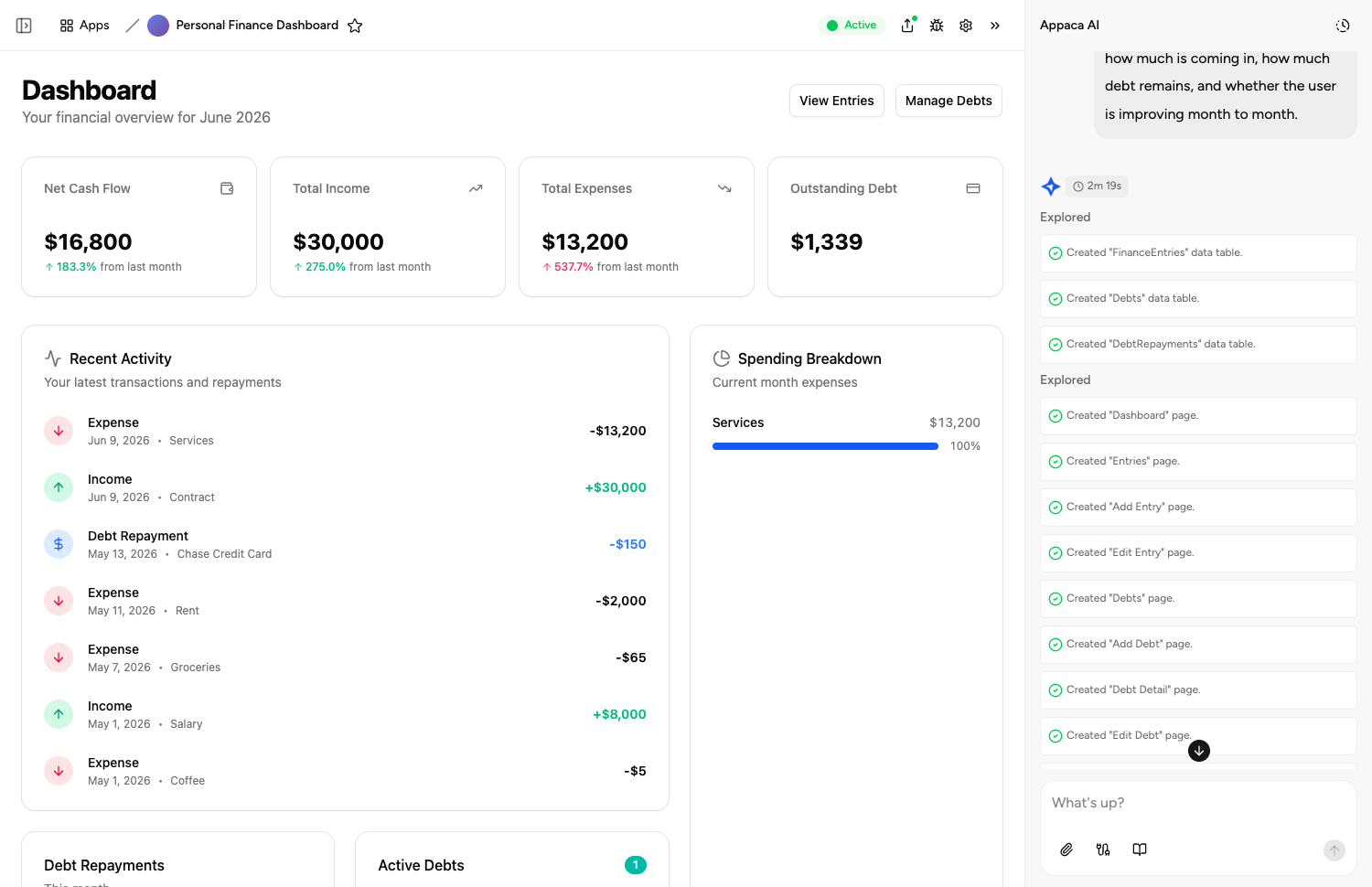
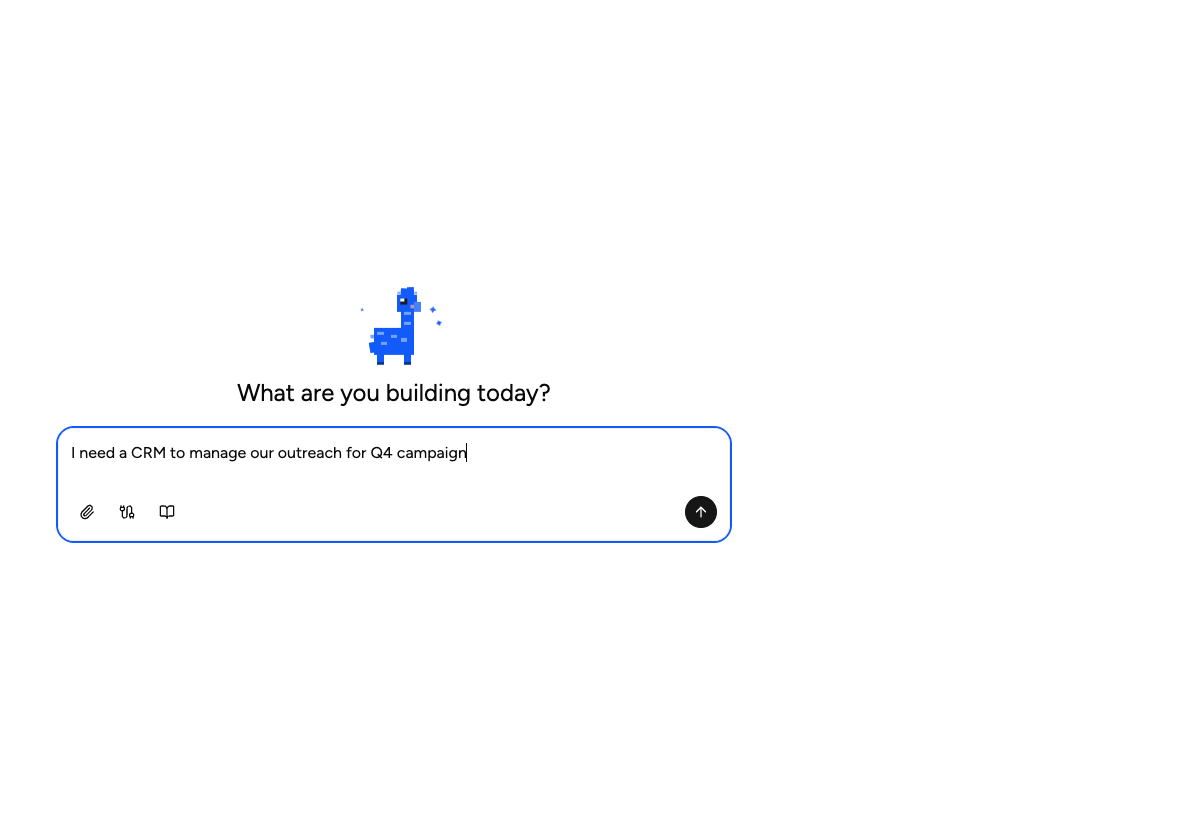
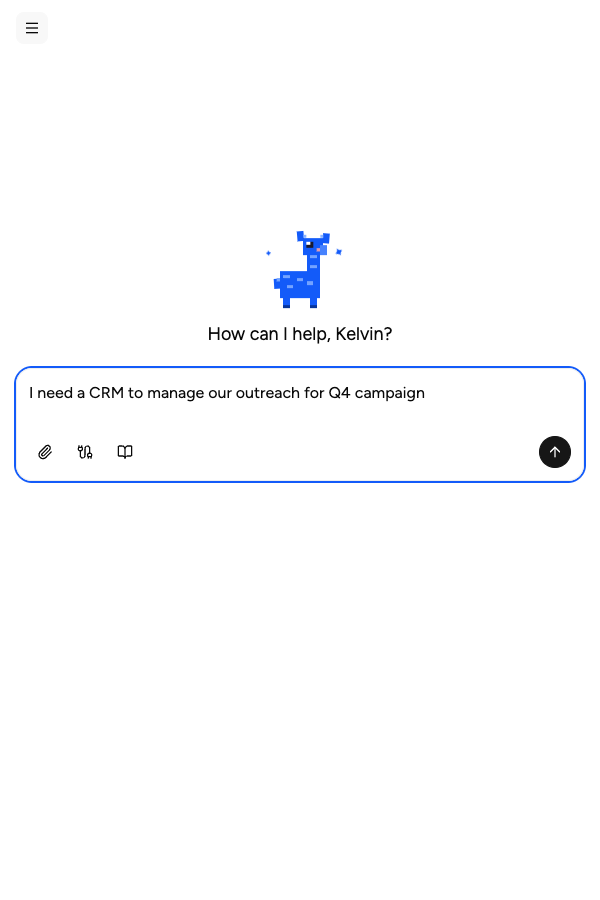
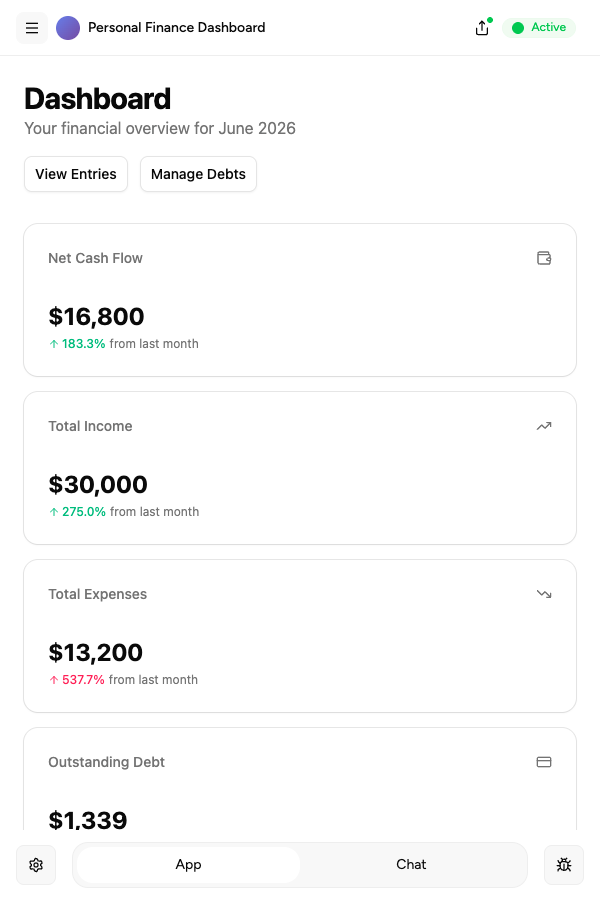
Describe it, and it's built
Tell the Appaca agent the internal tool you need and it builds a working app powered by GPT-5.6 Sol or GPT Image 1. No code, no API keys, no deployment.
Switch models without rebuilding
Start on GPT-5.6 Sol, test the same tool on GPT Image 1, and keep whichever performs better - the rest of your app stays exactly as it is.
Automated for the whole team
Schedule tools to run on autopilot - daily digests, weekly reports, real-time triggers - and share them with your whole team from one workspace.
Describe it, and it's built
Tell the Appaca agent what your team needs and it builds a working app powered by GPT-5.6 Sol or GPT Image 1 - connected to the tools you already use.





Related comparisons
See how GPT-5.6 Sol and GPT Image 1 stack up against other models in the directory.
FAQs
Pricing models differ: see the full GPT-5.6 Sol and GPT Image 1 pages in the Appaca AI models directory for current pricing details.
Context window data is listed on each model's page in the Appaca AI models directory.
It depends on the job. Compare the pricing, context window, and strengths above against your workload - and remember the choice isn't permanent. In Appaca you can build a tool on GPT-5.6 Sol, test the same tool on GPT Image 1, and switch at any time without rebuilding anything.
Yes. Appaca is a no-code AI workspace: describe the internal tool your team needs and the Appaca agent builds it as a working app powered by GPT-5.6 Sol, GPT Image 1, or any other model in the directory - with a built-in database, team access, and integrations. No API keys to wire up and nothing to deploy.
Build AI tools with GPT-5.6 Sol or GPT Image 1
Describe the tool your team needs and get a working app powered by the model you choose - with a built-in database, team access, and integrations. No code, no deployment.