
Route every request through the right approvals
Preview a working request and approval app with routing, status, notifications, and decision history. Clone it, then adapt the fields and rules to your process.
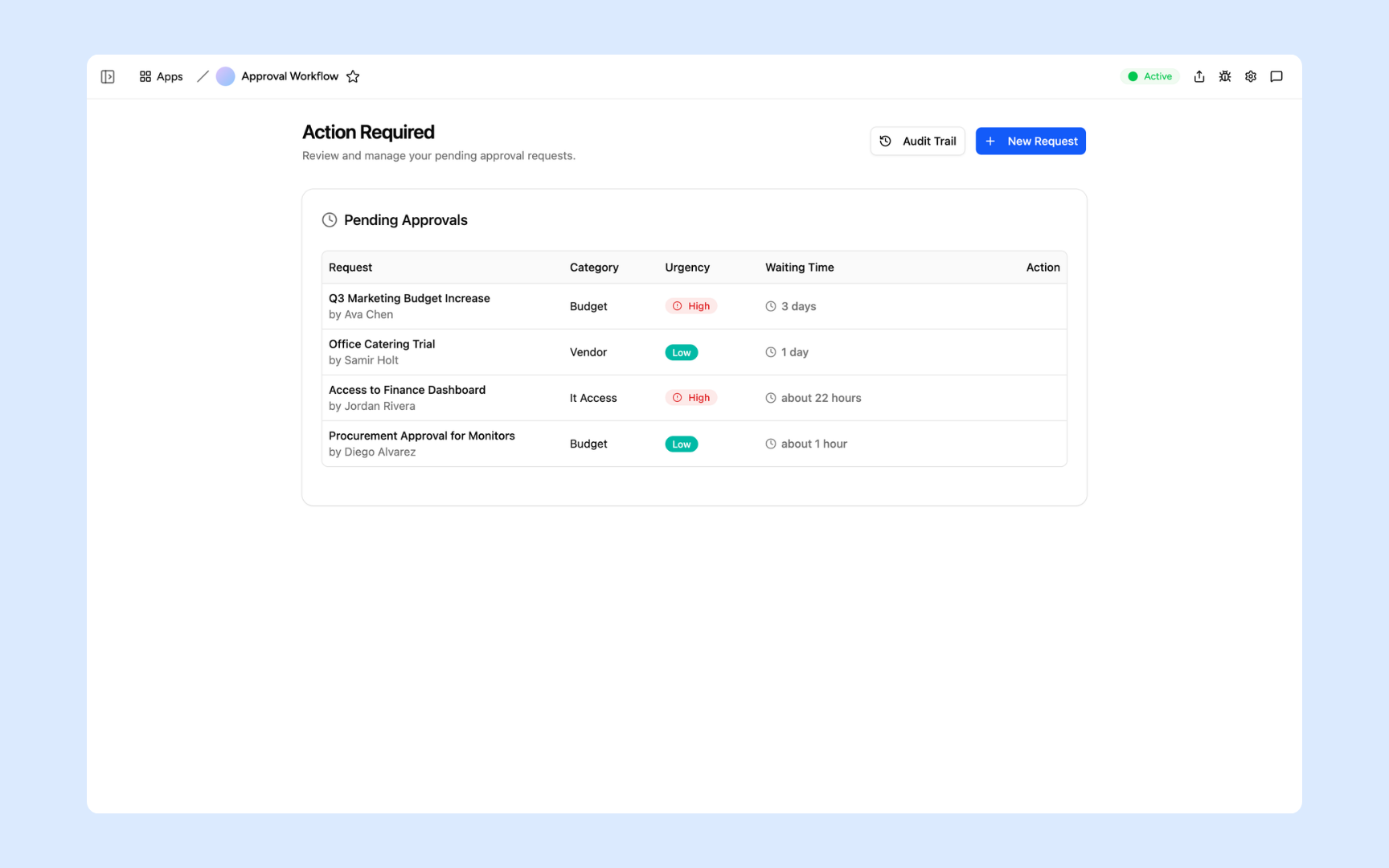
Everything you need to automate your approval process
Appaca makes it easy for any team to build an approval workflow that handles routing, notifications, and record-keeping automatically.

Approval logic that knows your policies
Upload your approval policies, escalation rules, and authority matrix to the knowledge base so the workflow routes requests exactly as your team would, without manual intervention.
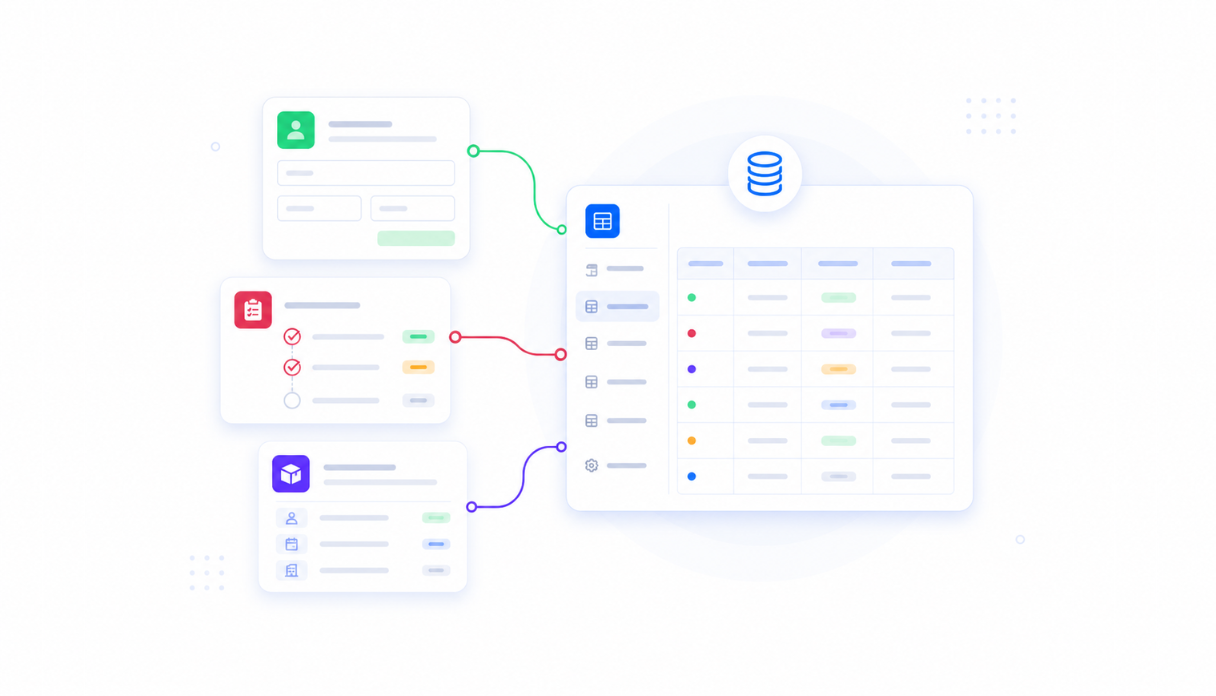
Every request and decision in one place
Appaca workspace comes with a secure built-in database, so every request, approval decision, and audit trail record lives right inside your tool. No shared inboxes, no spreadsheet trackers.
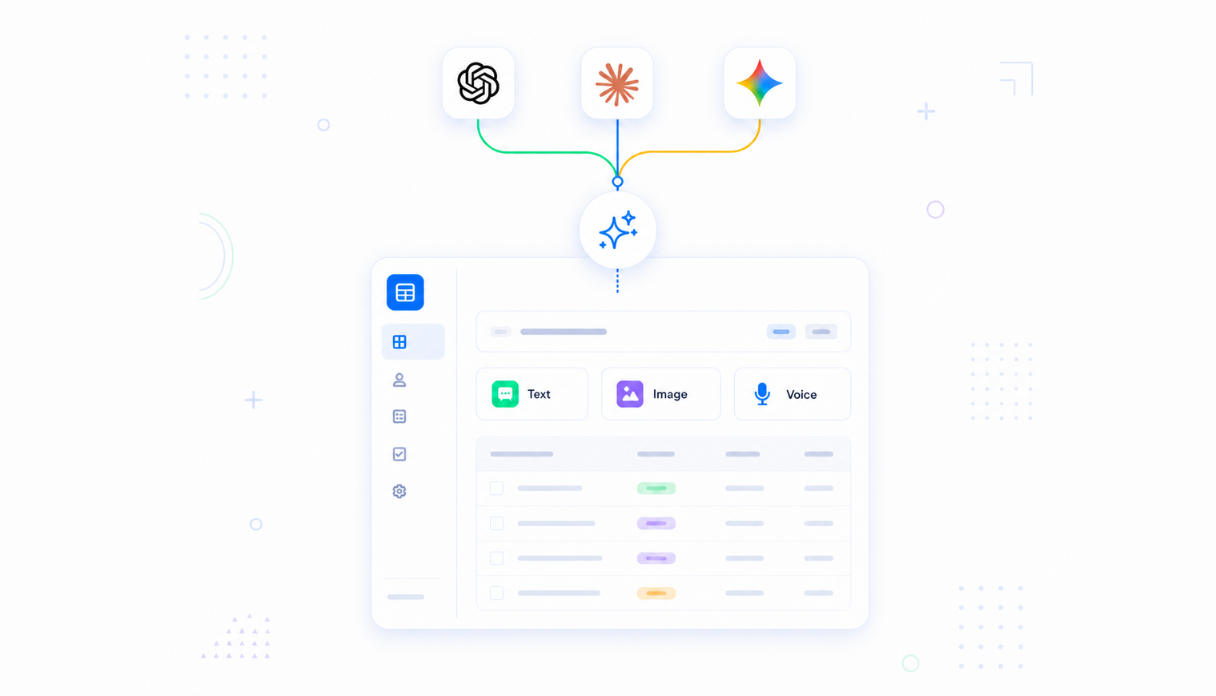
AI that reviews and classifies requests
Connect AI models powered by OpenAI, Anthropic, and Google to review incoming requests, check them against your approval criteria, and flag anything that needs closer attention.
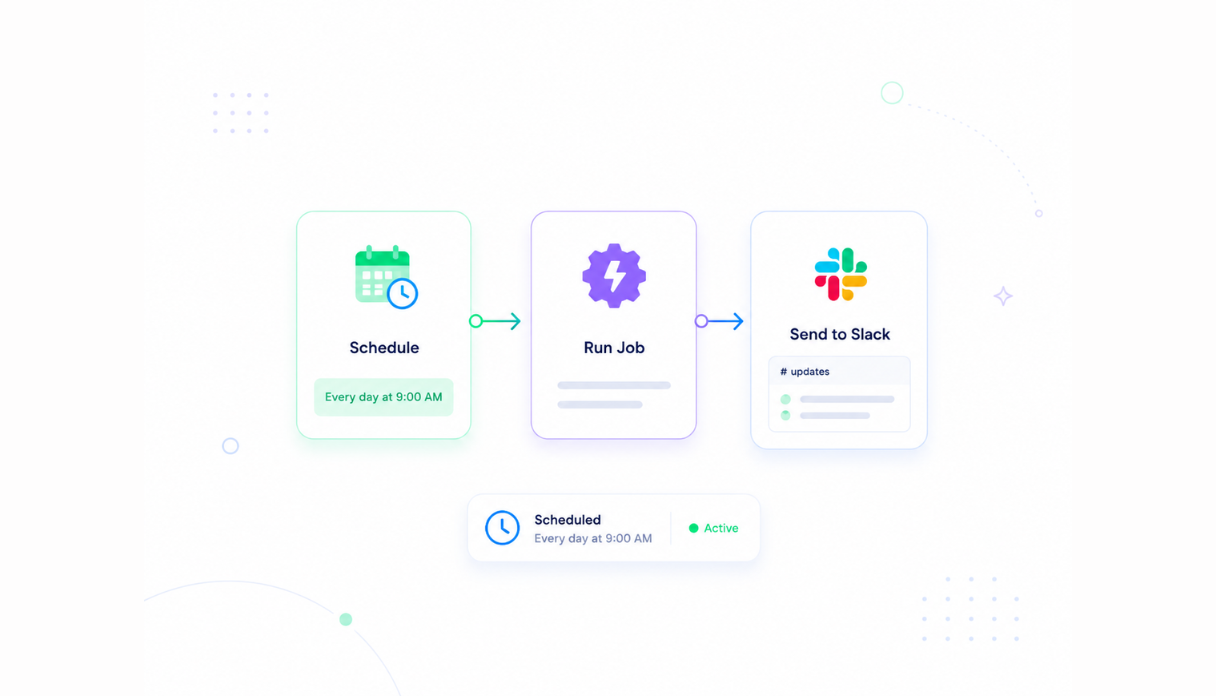
Automatic routing and deadline reminders
Set the scheduler and automations to assign requests to the right approver and send Slack alerts the moment something needs a decision, so approvals never stall in an inbox.
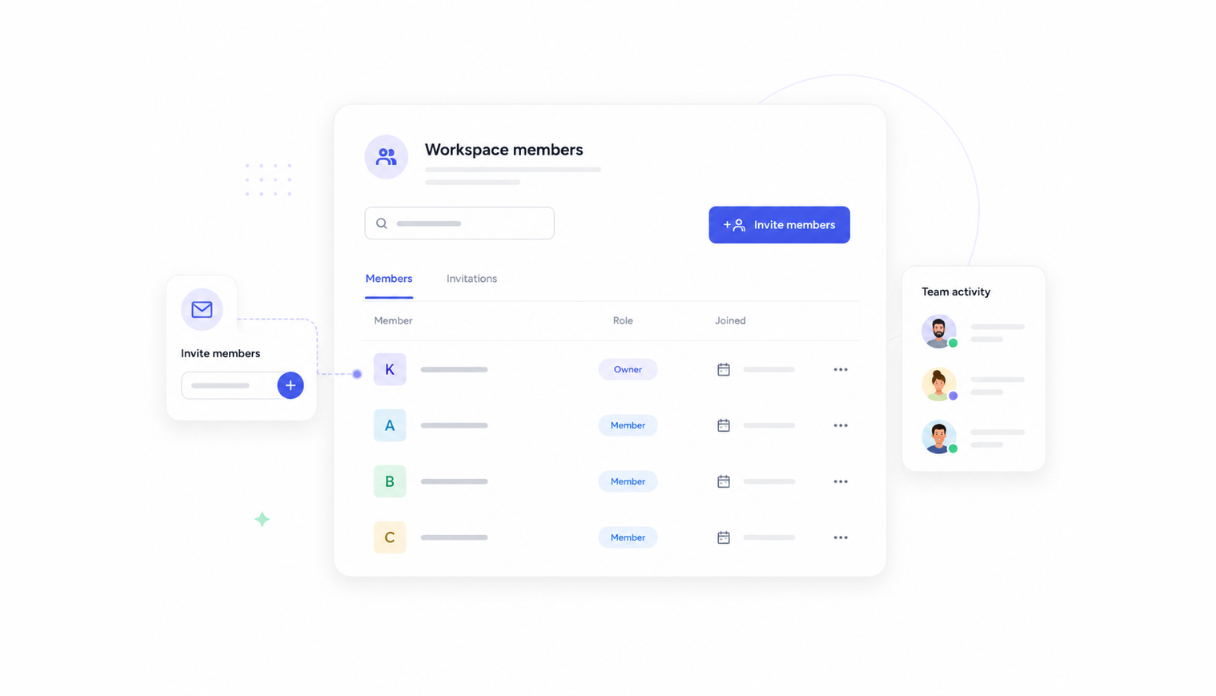
Requestors and approvers in one workspace
Invite your whole team so requestors submit and approvers decide from the same tool. Everyone sees the live status of their requests without chasing anyone for an update.
Works with your existing tools
Securely connect your approval workflow to Slack, email, Google Sheets, and any other tool via API or webhook, so requests come in and decisions flow out without manual steps.





See what this Approval Workflow tool includes
Review the screens and workflow, then clone it and adapt the data, logic, and permissions to fit your team.
All open requests in one table showing category, urgency badge, and how long each has been waiting - so approvers know exactly where to focus.
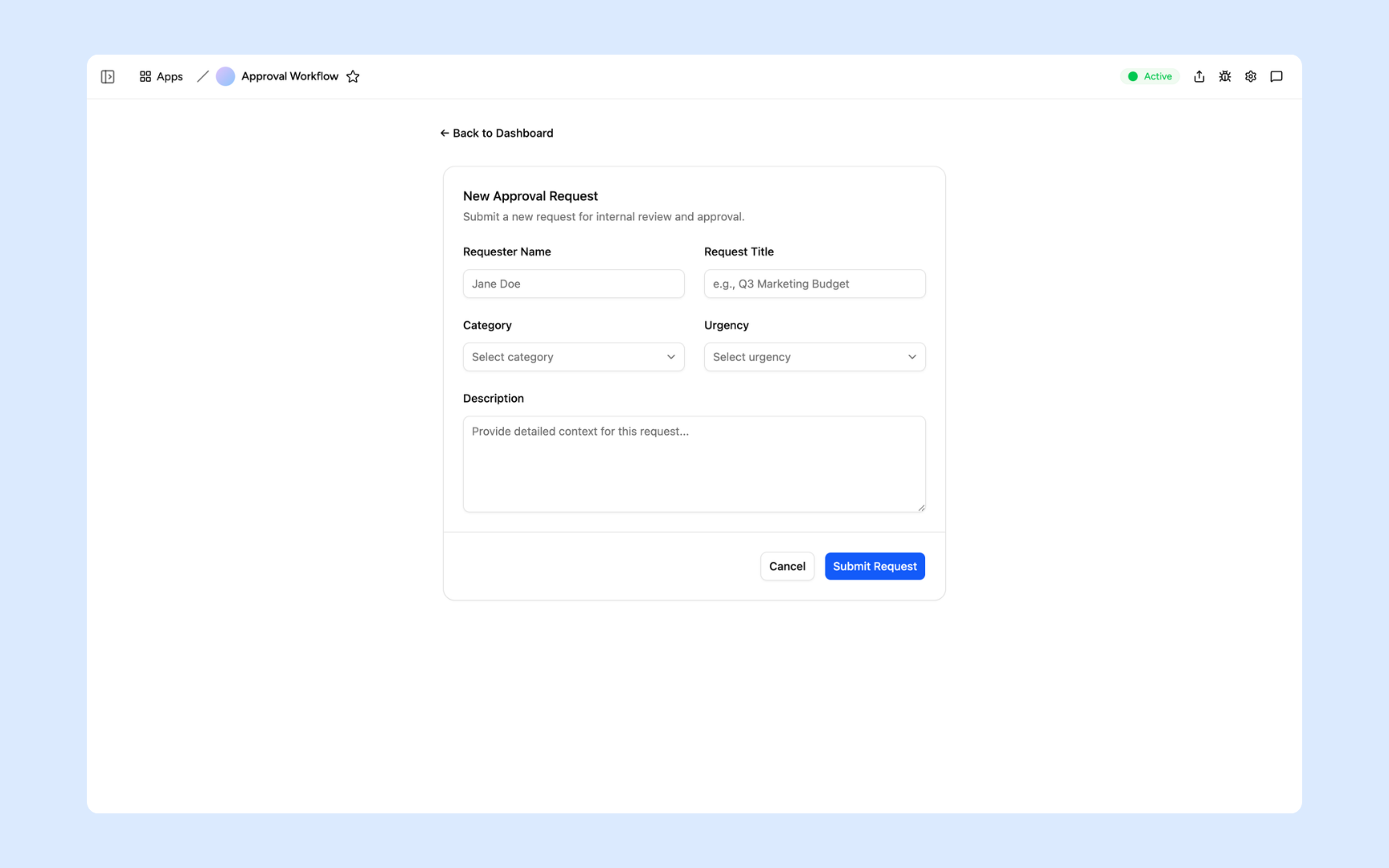
Requestors fill in the title, category, urgency, and a description. Every submission lands straight in the pending queue ready for review.
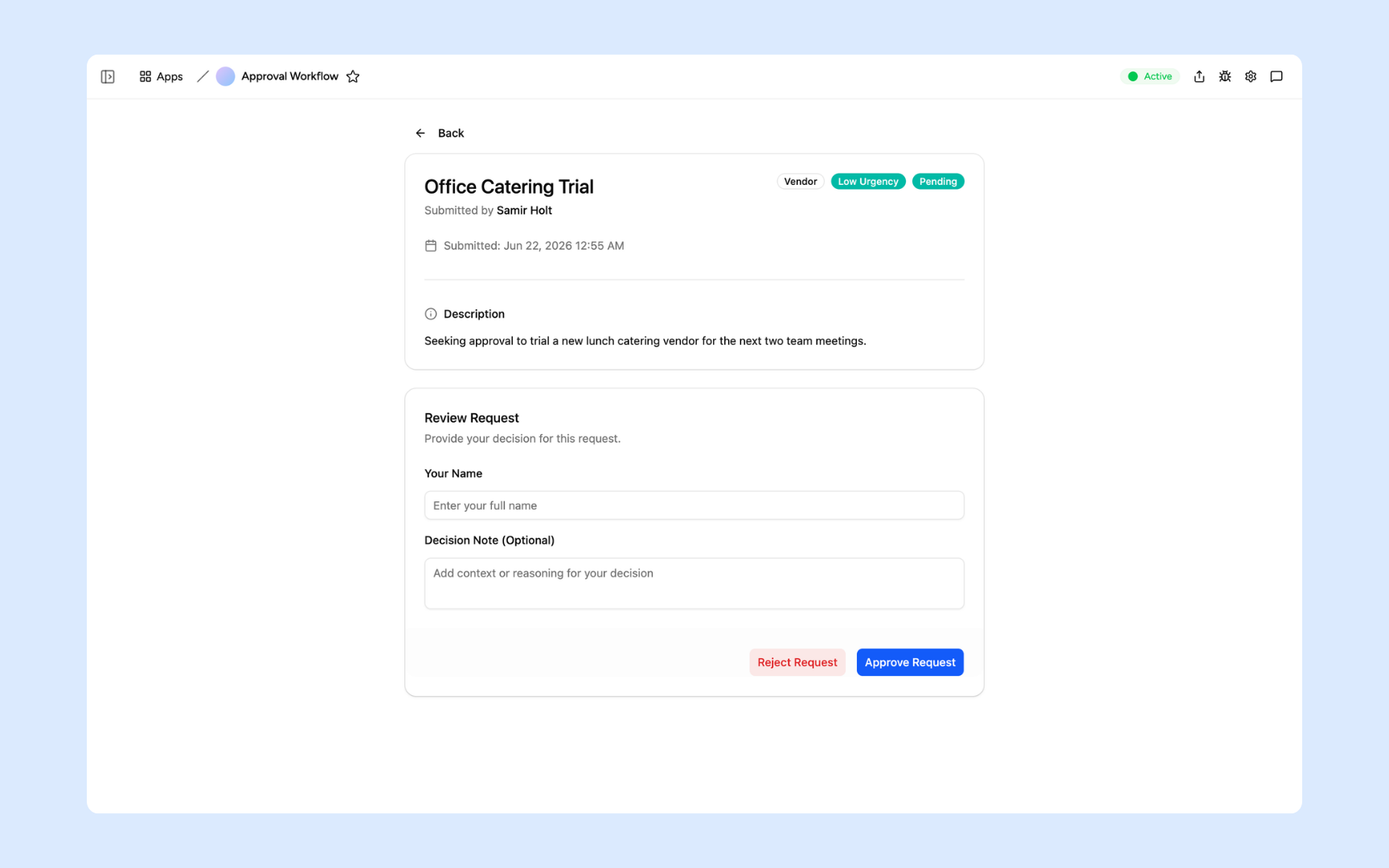
Approvers read the full request details - submitter, category, and description - then add an optional note before approving or rejecting.
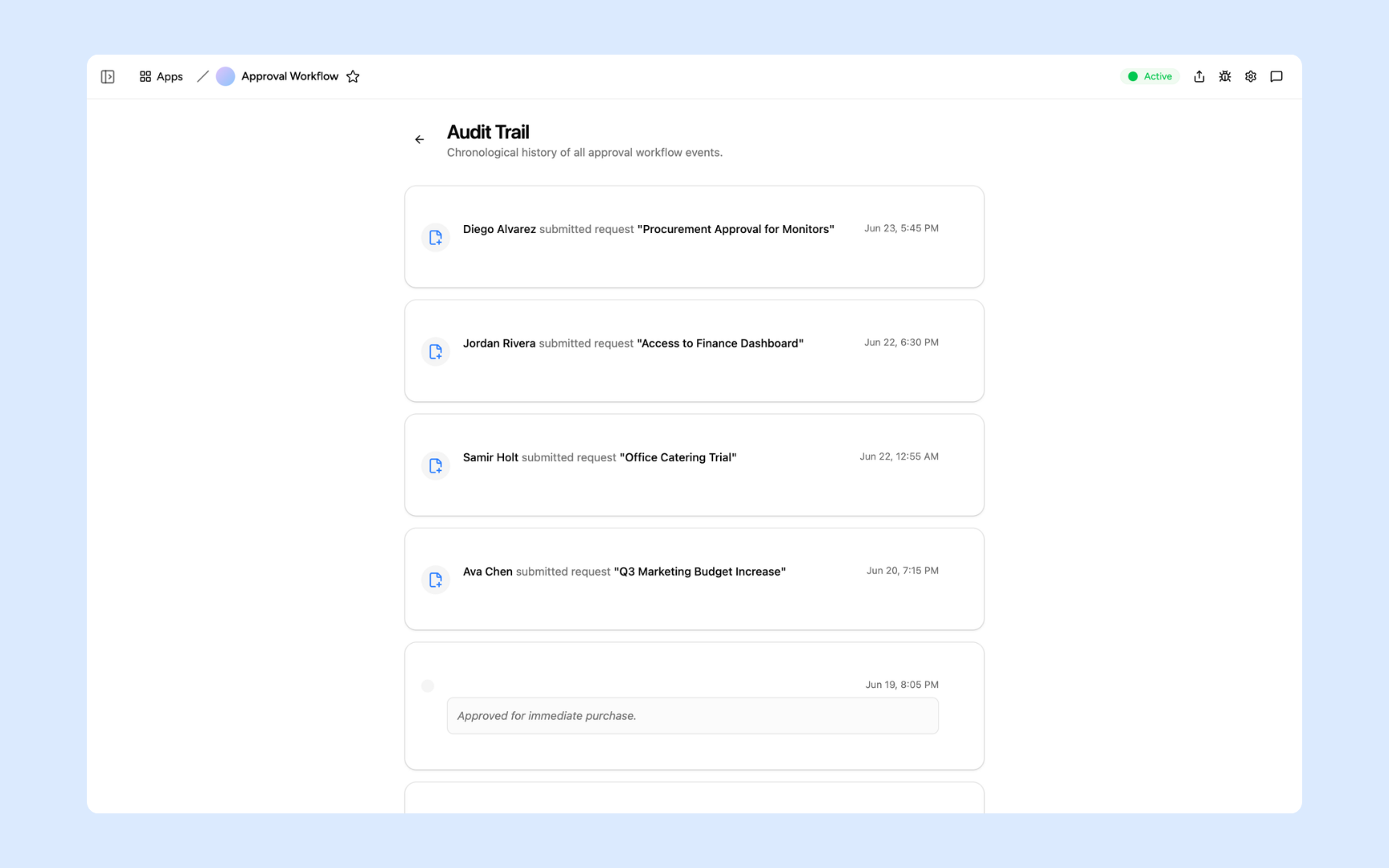
A time-stamped feed of every submission and decision, showing who acted on each request and any notes they left - ready for compliance review.
Get Approval Workflow tool in your workspace
Approval workflow built on a platform your team can trust
Every approval tool you build comes with secure access, request storage, automations, and controls so your team can manage approvals without worrying about the infrastructure.
Secure team sign-in
Every team member signs in with their own account. Your approval history and request data are only seen by the people you invite.
Role-based permissions
Decide who can submit requests, who approves, and who manages the workflow. Keep each role focused on only what they need to act on.
Scheduler and automations
Route requests as they arrive, send deadline reminders, and escalate overdue approvals automatically. Nothing waits because someone forgot to check their inbox.
Built-in request database
Every request, decision, and audit record lives in a secure database inside your tool. No spreadsheets, no shared folders, no lost threads.
Enterprise-grade security
Your approval data is encrypted, protected, and under your control. Sensitive requests are only visible to the people authorised to see them.
Approve from anywhere
The tool lives in the browser. Approvers can review and decide from the office, home, or on the road without needing a VPN or a desktop app.
File and document storage
Attach supporting documents, screenshots, and reference files to the requests they belong to so approvers have everything they need before deciding.
Usage tracking
See how long approvals take, where requests stall, and which workflows are used most so you know exactly where to improve the process.
Explore more ways to build with Appaca
See related use cases, other ways to build this tool, and how Appaca compares to other tools.
Is a custom approval workflow the right fit?
Appaca works best for operations teams that need a shared workflow built around their own data, rules, and permissions.
Use Appaca when
- Your process differs from the fixed workflow in an off-the-shelf tool.
- The team needs one database, clear permissions, and a shared view of each request or record.
- You want to adjust fields, logic, and AI as the process changes.
Choose specialist software when
- You need certified, category-specific controls that cannot be configured safely.
- A vendor already provides the exact workflow and integrations you need out of the box.
- Your team does not want to own setup, testing, or ongoing workflow changes.
What you configure before rollout
-
Step 1
Replace the sample records and fields with your real process.
-
Step 2
Set who can view, edit, approve, and administer the app.
-
Step 3
Connect the data sources and notifications your team uses.
-
Step 4
Test the workflow with a small group before wider rollout.
Appaca includes a 7-day trial. Review the working example before you start, then use the trial to test the workflow with your own process.
FAQs
An approval workflow tool routes requests to the right approvers, tracks the status of each decision, and keeps a record of what was approved, rejected, or returned. It replaces the email chains, Slack threads, and spreadsheets most teams use to manage approvals.
No. Describe how your approval process works in plain language and the Appaca agent builds the tool for you, complete with a database, routing rules, team access, and Slack notifications. No coding or deployment needed.
Any approval your team runs. Common ones include budget and purchase approvals, leave and absence requests, IT access requests, vendor and contract approvals, hire and job requisition approvals, and content or campaign sign-offs.
You define the rules: which requests go to which approver, what triggers an escalation, and what happens when a deadline passes. The tool handles routing automatically and sends alerts to the right people at the right time.
Yes. Every approval action is logged in the database with a timestamp, user record, and any notes. Your audit trail is always complete and available for compliance or review.
In a secure database built into your Appaca workspace. Every request, decision, and comment is stored and searchable with a full audit trail your team can review at any time.
More productivity with one adaptive workspace
Use Appaca for all your business operations needs. Build internal business tools and AI around your existing workflow.
- 7-day trial
- No credit card
- Cancel anytime