
Build custom employee scheduling software with AI
Employee scheduling software plans who works when - rosters, availability, swaps, and coverage alerts. Appaca is an AI workspace where you build a scheduler that follows your rules - your shift patterns, sites, and approval flow - in minutes, with a built-in database, team access, and no code.
What is employee scheduling software?
Employee scheduling software builds shift rosters, tracks availability and time off, fills coverage gaps, and notifies staff of changes. Dedicated products like Deputy, When I Work, 7shifts, Homebase, and Planday do this with fixed templates and per-user pricing - which works until your operation's rules stop fitting their model.
With Appaca, you describe how your scheduling actually works - the shift patterns, the sites, who can cover what, how swaps get approved - and the AI agent builds a scheduler around those rules. Staff sign in to see their shifts and set availability, managers fill gaps with alerts before a shift goes uncovered, and the whole thing changes whenever your operation does.
Employee scheduling software by industry
Scheduling rules differ by industry - service periods in hospitality, rotations in healthcare, peak seasons in logistics. Build a scheduler that matches yours.
Retail employee scheduling
Handle store hours, weekend rotations, and multi-location rosters. Managers schedule their own store while head office keeps the roll-up view.
Restaurant & hospitality scheduling
Schedule around service periods, split shifts, and seasonal ramps across front of house, kitchen, and housekeeping - with fast cover for last-minute swaps.
Healthcare staff scheduling
Manage rotations, coverage requirements, and credential-aware assignments across departments - with alerts before a shift goes unfilled.
Logistics & warehouse scheduling
Cover night shifts, peak-season ramps, and agency staff across depots and warehouse zones - without consolidating spreadsheets per site.
Education staff scheduling
Schedule teaching cover, support staff, and facilities teams around term dates and absence - with everyone seeing the same live roster.
Everything you need to keep every shift covered
Appaca makes it easy to build a scheduling tool that handles the full cycle - planning, publishing, swaps, and coverage - without forcing your operation into a template.
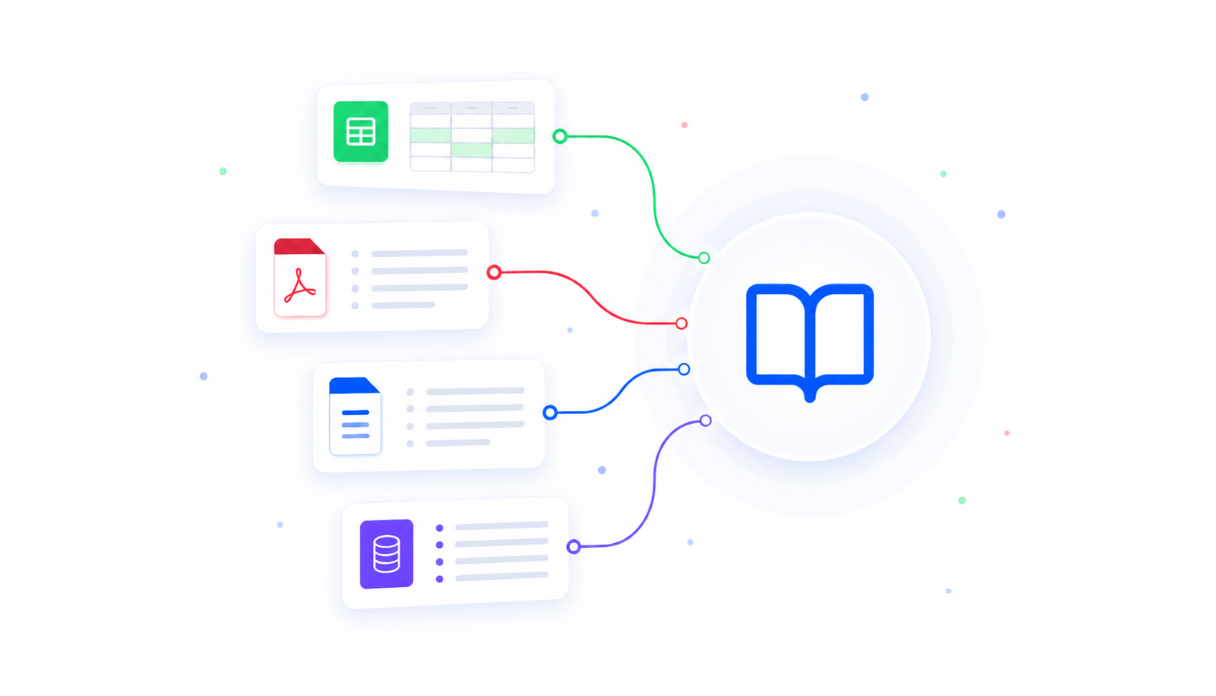
A scheduler that knows your rules
Describe your shift patterns, roles, and constraints in plain language. The AI agent builds a roster tool around them - and rebuilds it just as fast when your operation changes.
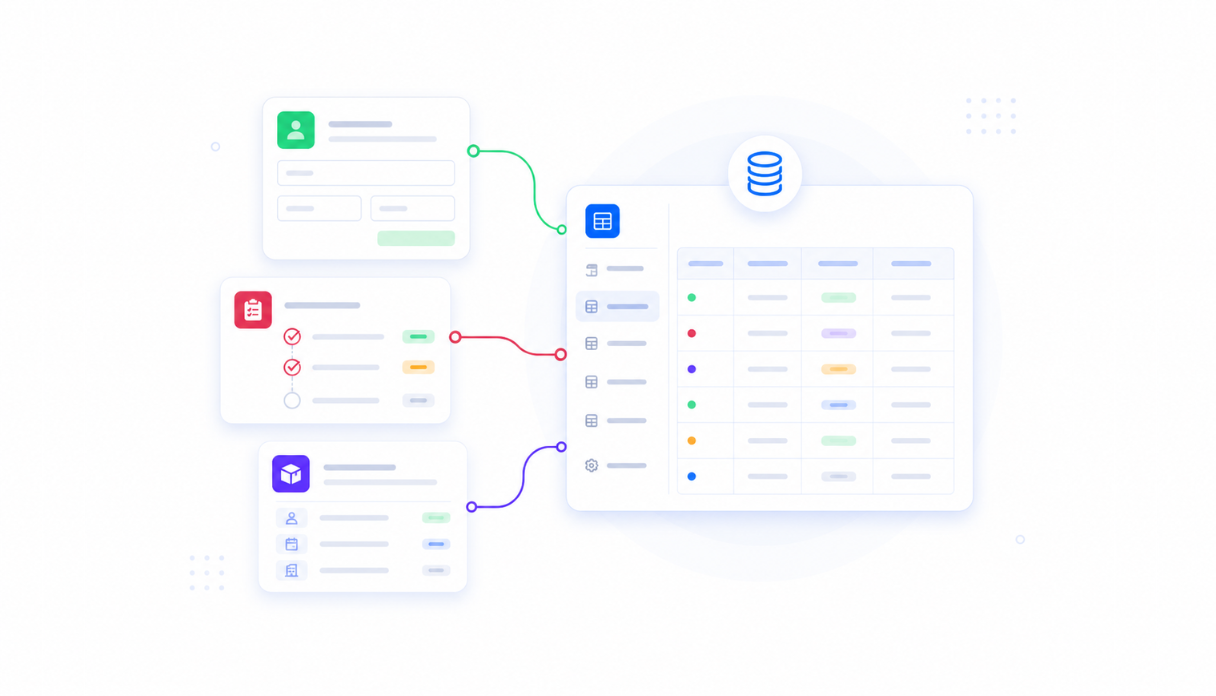
Keep every schedule in one place
Shifts, availability, time-off requests, and swap history live in a secure built-in database. Every site and department in one workspace, no spreadsheets to reconcile.
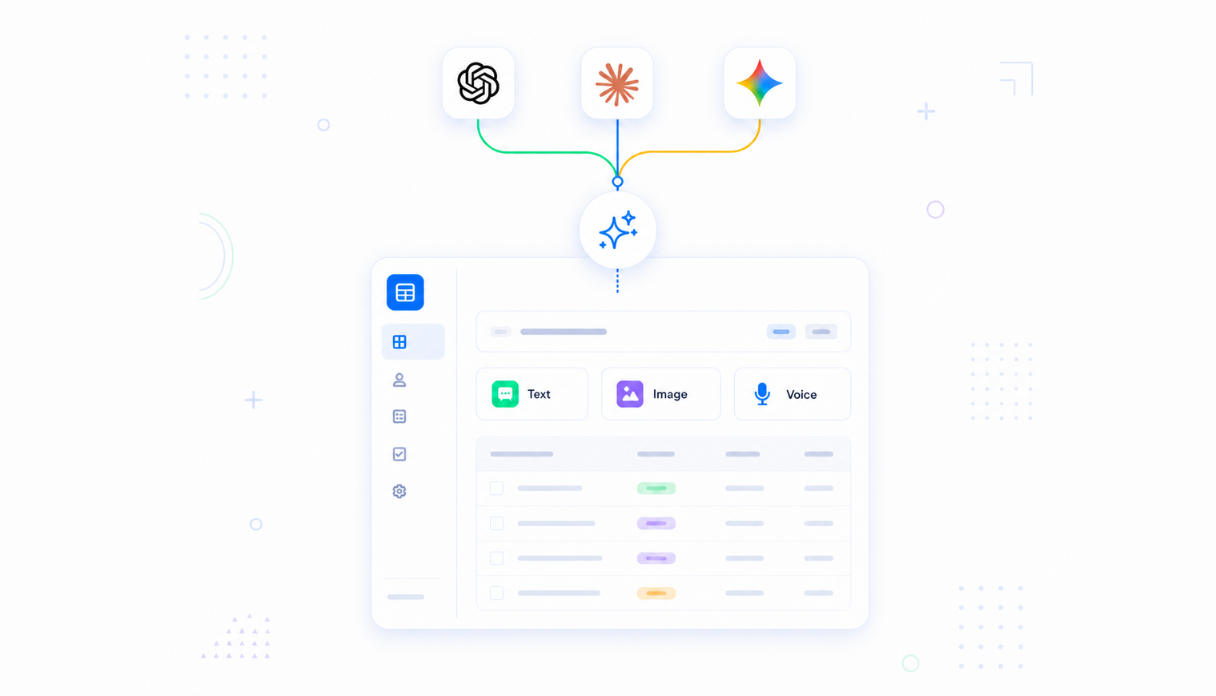
Staff manage their own availability
Everyone signs in with their own account to see shifts, set availability, and request swaps or leave. Managers approve changes in the same tool.
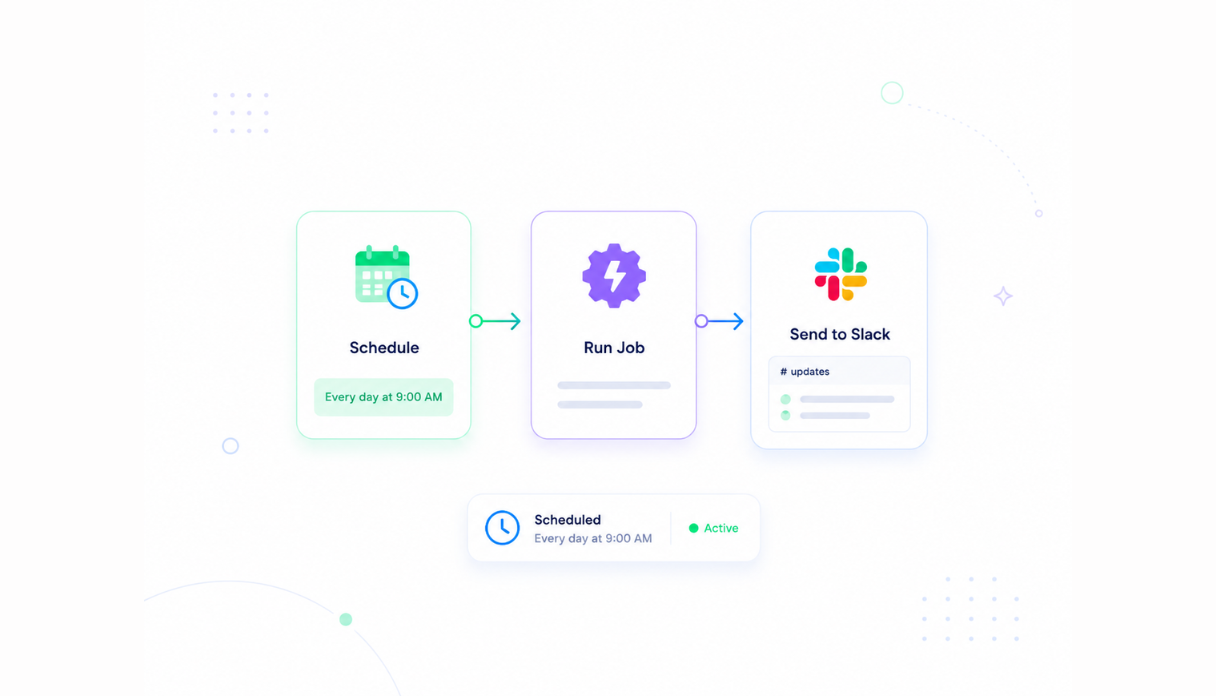
Never miss an unfilled shift
Automations flag coverage gaps before they become a problem, send shift reminders, and chase open cover requests by Slack or email.
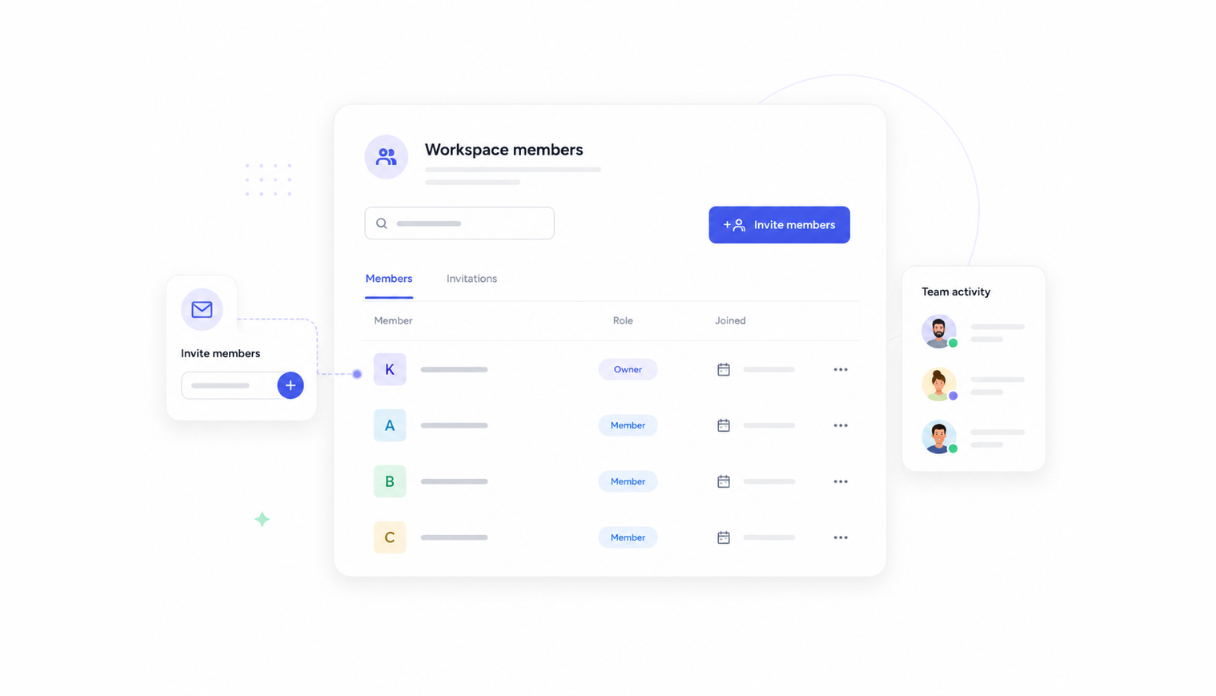
Multi-site by default
Managers schedule their own store, venue, or depot while leadership sees the roll-up view. Permissions control who sees and edits what.
Works with your existing stack
Connect to Slack, email, Google Sheets, and any service with an API or webhook - so schedules, hours, and alerts flow to where your team already works.





Scheduling built on a platform your whole team can use
Your scheduling tool comes with the platform essentials - secure access, data storage, automations, and controls - so rollout is a share link, not a project.
Secure team sign-in
Every employee signs in with their own account and sees their own shifts. Schedules and staff records are only ever seen by your team.
Advanced permissions
Staff see their schedules, managers edit their team's roster, and leadership gets the cross-site view - each with the right level of access.
Scheduler & automations
Shift reminders, unfilled-shift alerts, and weekly roster publishing run on schedule - nothing depends on someone remembering.
Built-in scheduling database
Shifts, availability, and swap history live in a secure database inside your tool. No spreadsheets, no third-party setup.
Enterprise-grade security
Your staffing data is encrypted, protected, and under your control - never shared outside your workspace.
Check shifts from anywhere
The tool lives in the browser, so staff can check schedules and request swaps from the floor, the road, or home.
File & image storage
Attach certifications, training records, and documents to the staff records they belong to - everything in one place.
Usage tracking
See how your team uses the scheduler and where gaps keep appearing - so you can fix the pattern, not just the shift.
FAQs
Employee scheduling software plans who works when - building shift rosters, tracking availability and time off, filling gaps, and notifying staff of changes. Dedicated tools like Deputy, When I Work, 7shifts, and Homebase do this with fixed templates and per-user pricing. Appaca lets you build a scheduler that follows your rules instead, in one AI workspace.
A bought scheduler gives you its model of shifts and roles; your operation has to fit it. A scheduler you build on Appaca starts from your rules - your shift patterns, sites, roles, and approval flow - and changes whenever your operation does. You describe it in plain language and the AI agent builds it.
Yes. Everyone signs in with their own account to see their shifts, set availability, and request swaps or time off. Managers approve changes in the same tool, and notifications go out by Slack or email.
Yes. One workspace can cover every store, venue, ward, or depot. Managers schedule their own team while leadership sees the roll-up - permissions control who sees what.
Yes. Automations send shift reminders, flag unfilled shifts before they become a problem, and chase open cover requests - by Slack or email, on a schedule you set.
Dedicated scheduling products charge per user per month, which adds up fast for shift-heavy teams. Appaca is priced per workspace, and the same workspace runs your other ops tools too.
Keep every shift covered without the spreadsheet
Build an employee scheduling tool that fits how your operation actually staffs. Start free with Appaca.