
Build custom invoice processing tool with AI
Appaca is an AI workspace where you can build an invoice processing tool that works for your finance team.
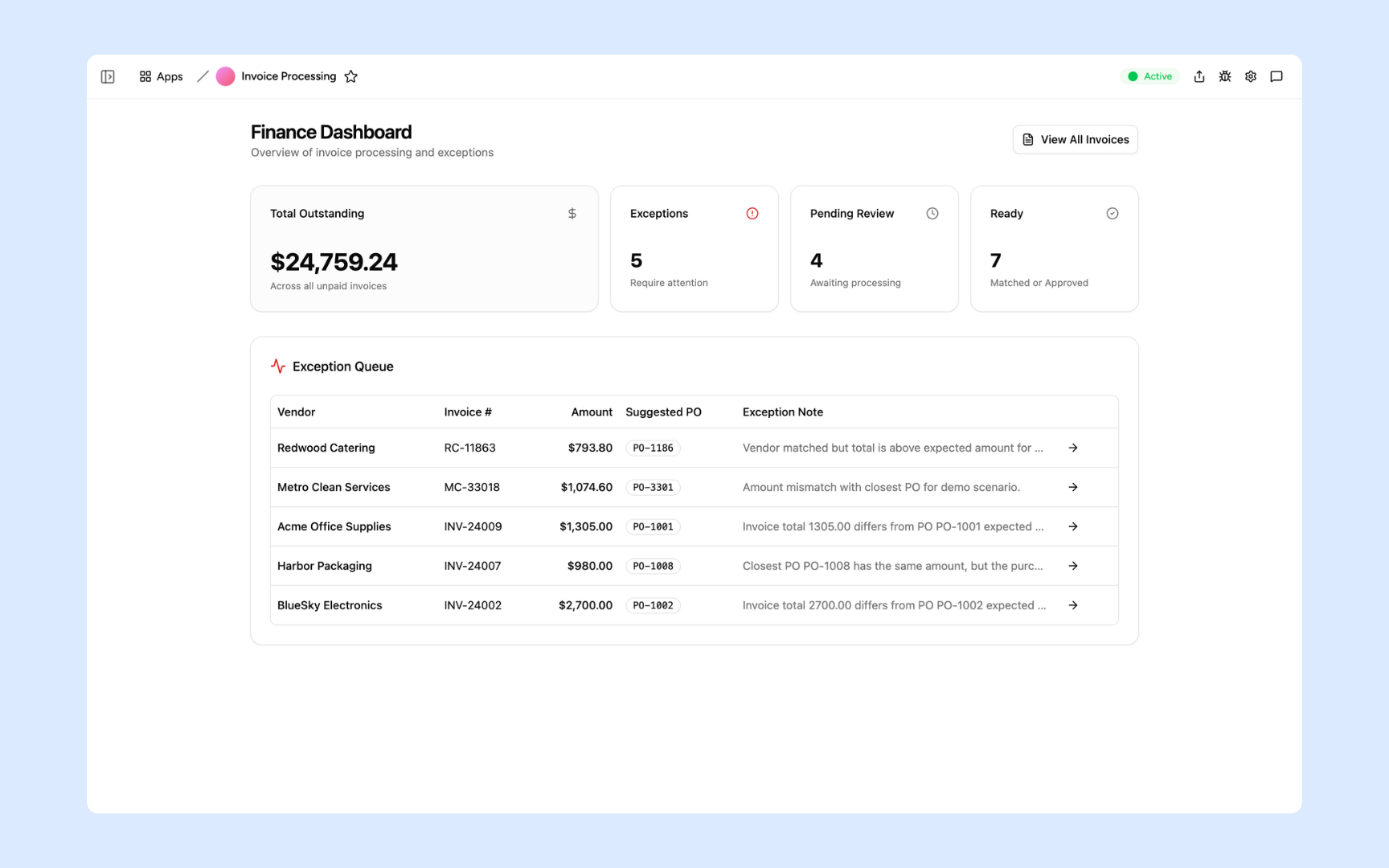
Everything you need to run your invoice processing
Appaca makes it easy for your finance team to build an AI-powered internal tool for processing invoices from upload to approval.
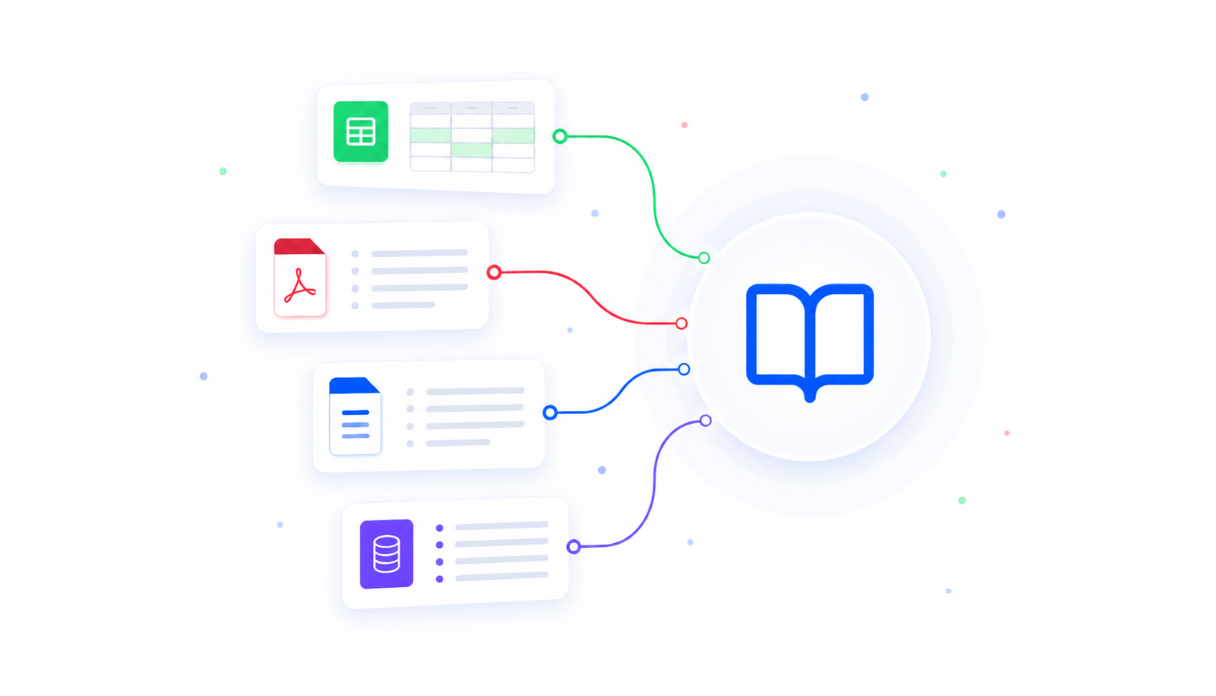
Teach AI your finance policies
Upload your payment terms, chart of accounts, and approval rules to the knowledge base so the Appaca agent, your tool, and your AI co-workers process invoices the way your team actually operates.
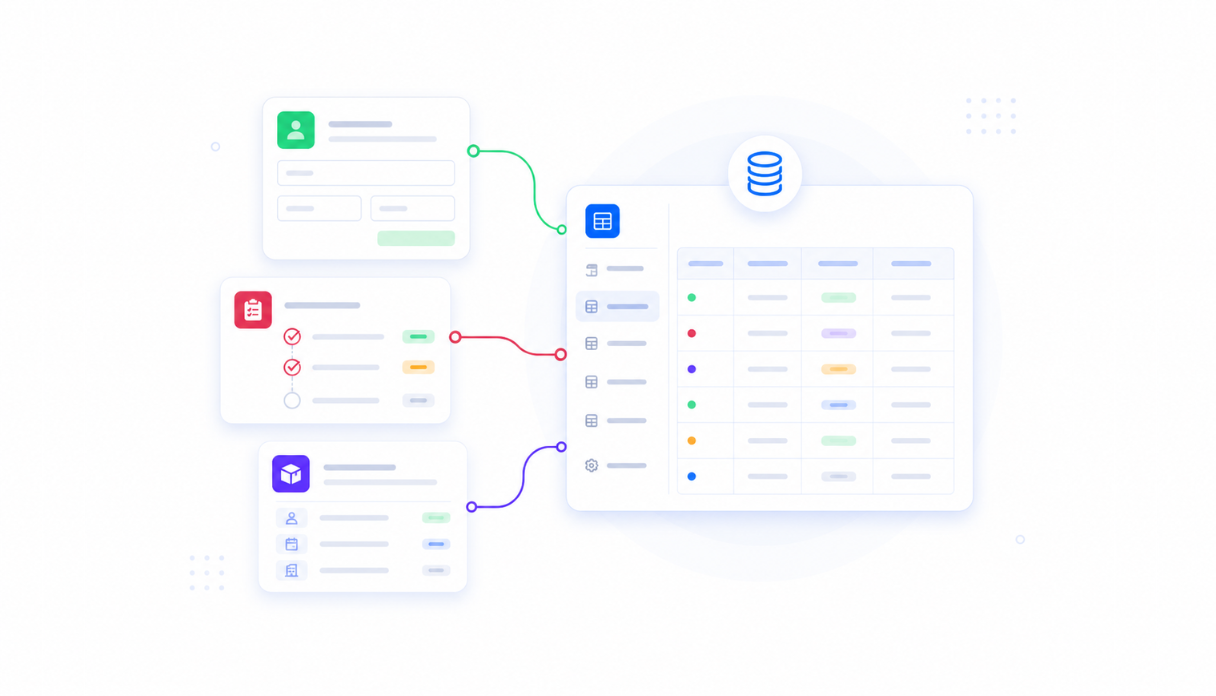
Keep every invoice in one place
Appaca workspace comes with a secured built-in database and storage, so your invoices, purchase orders, and approval history live right inside your tool. No need to set up third-party databases.
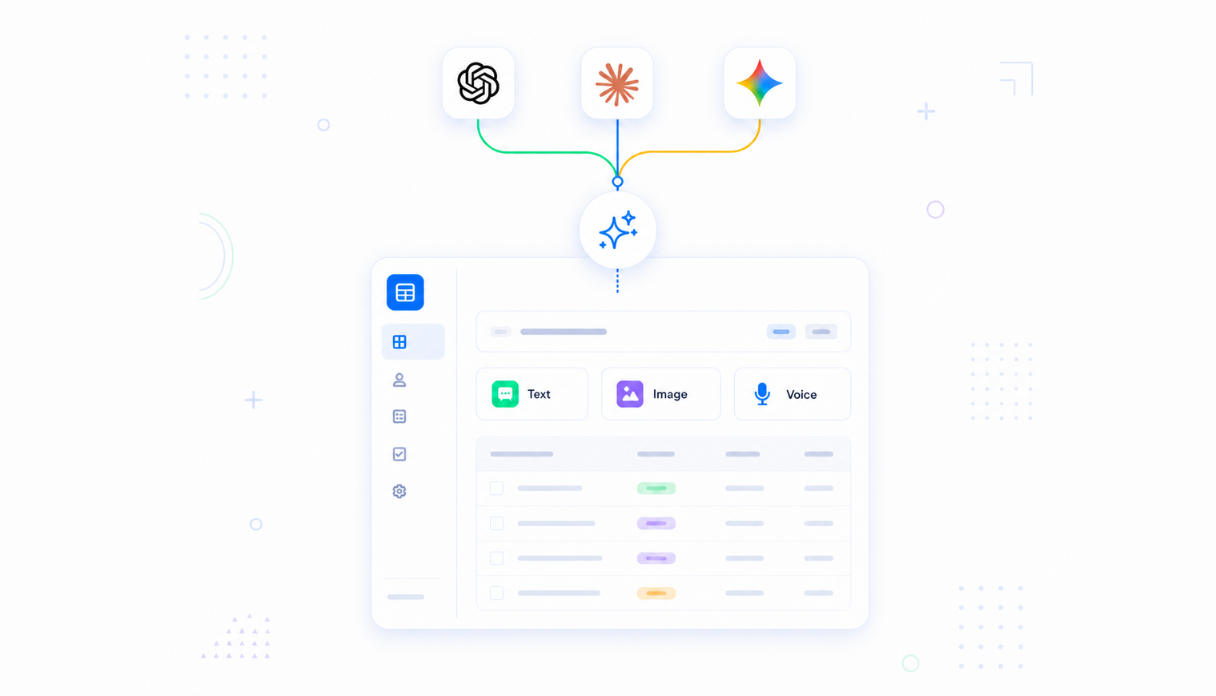
AI that extracts and matches
Connect AI models (text, image, and voice) powered by OpenAI, Anthropic, and Google out of the box to extract line items from invoices, match them against purchase orders, and flag discrepancies.
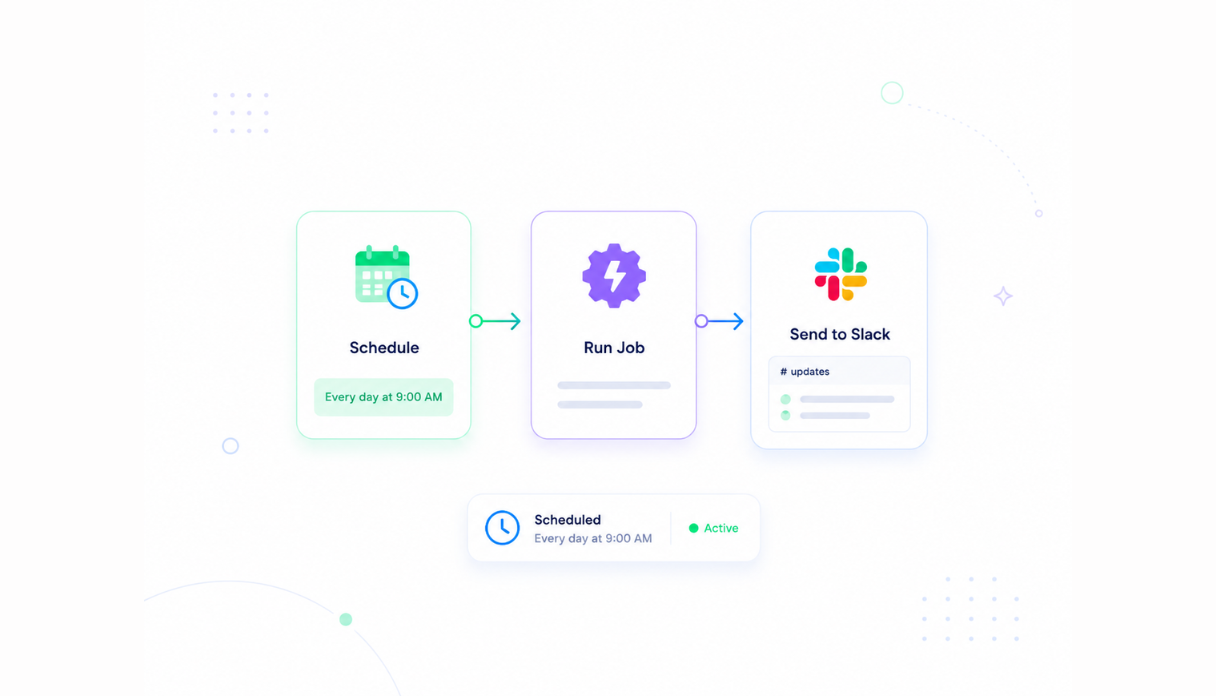
Never miss a due date
Set the scheduler to run checks automatically, like sending your team a list of invoices awaiting approval or coming due to Slack every morning at 9am.
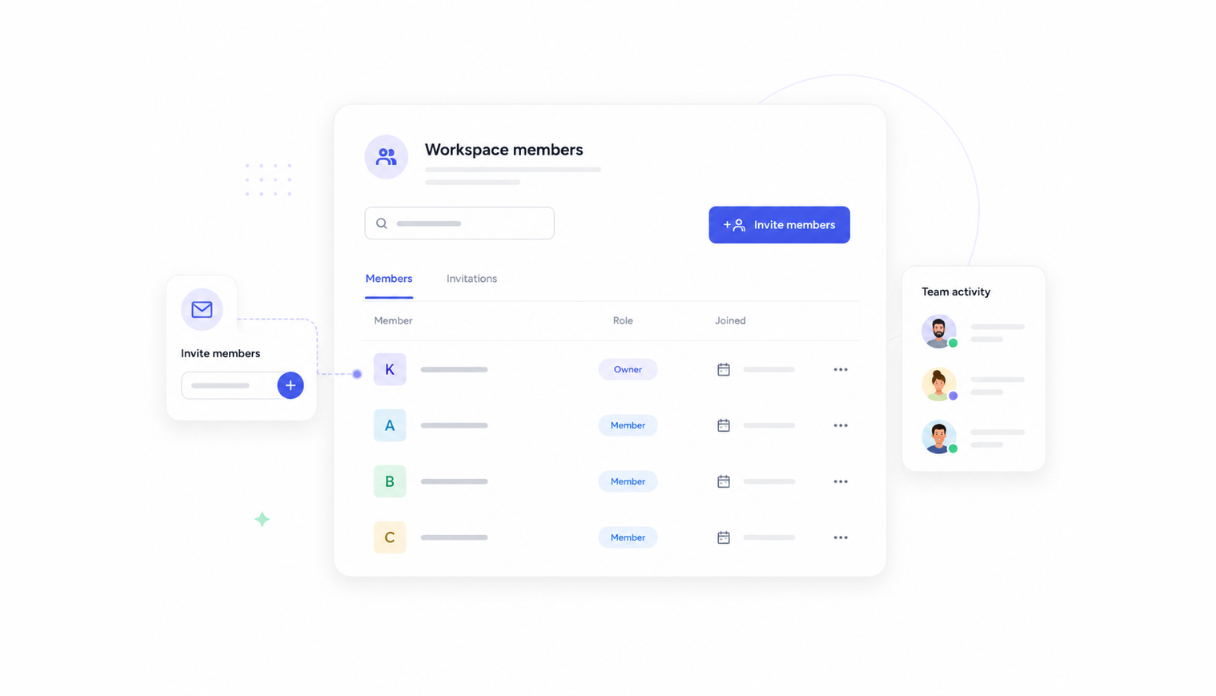
Share with the finance team
Invite your finance team to the workspace so everyone processes invoices from the same tool. No more invoices sitting in inboxes waiting to be keyed in.
Works with your finance stack
Securely connect Appaca workspace to the accounting tools your team already uses, so invoice data flows straight into your processing tool without changing your current workflow.





What features does this Invoice Processing have?
This Invoice Processing is built and run on Appaca workspace. You can clone it and make changes to fit your team's needs.
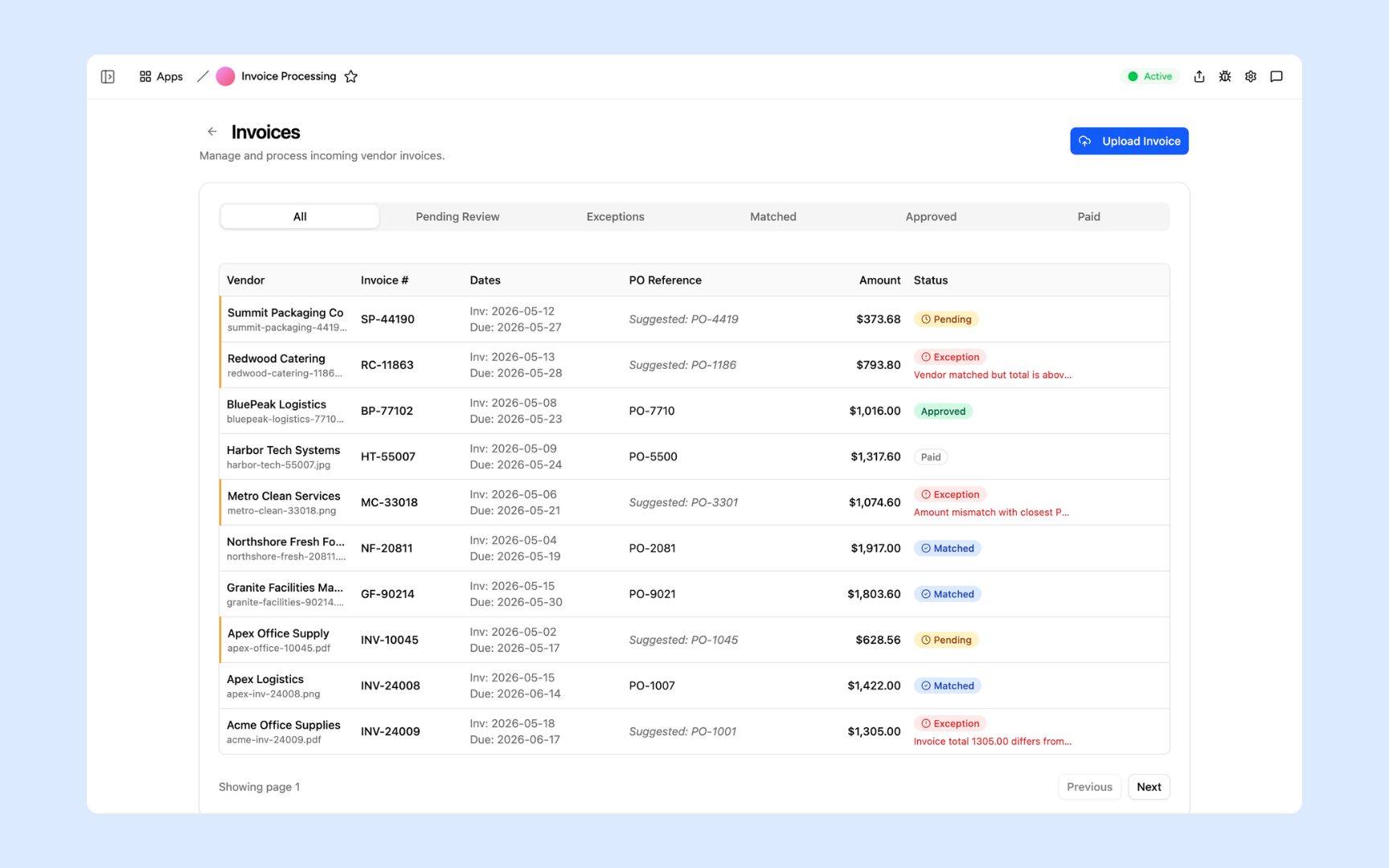
A dashboard that lists all invoices, statuses, and exceptions.
Drop in an invoice and AI extracts the data into the database.
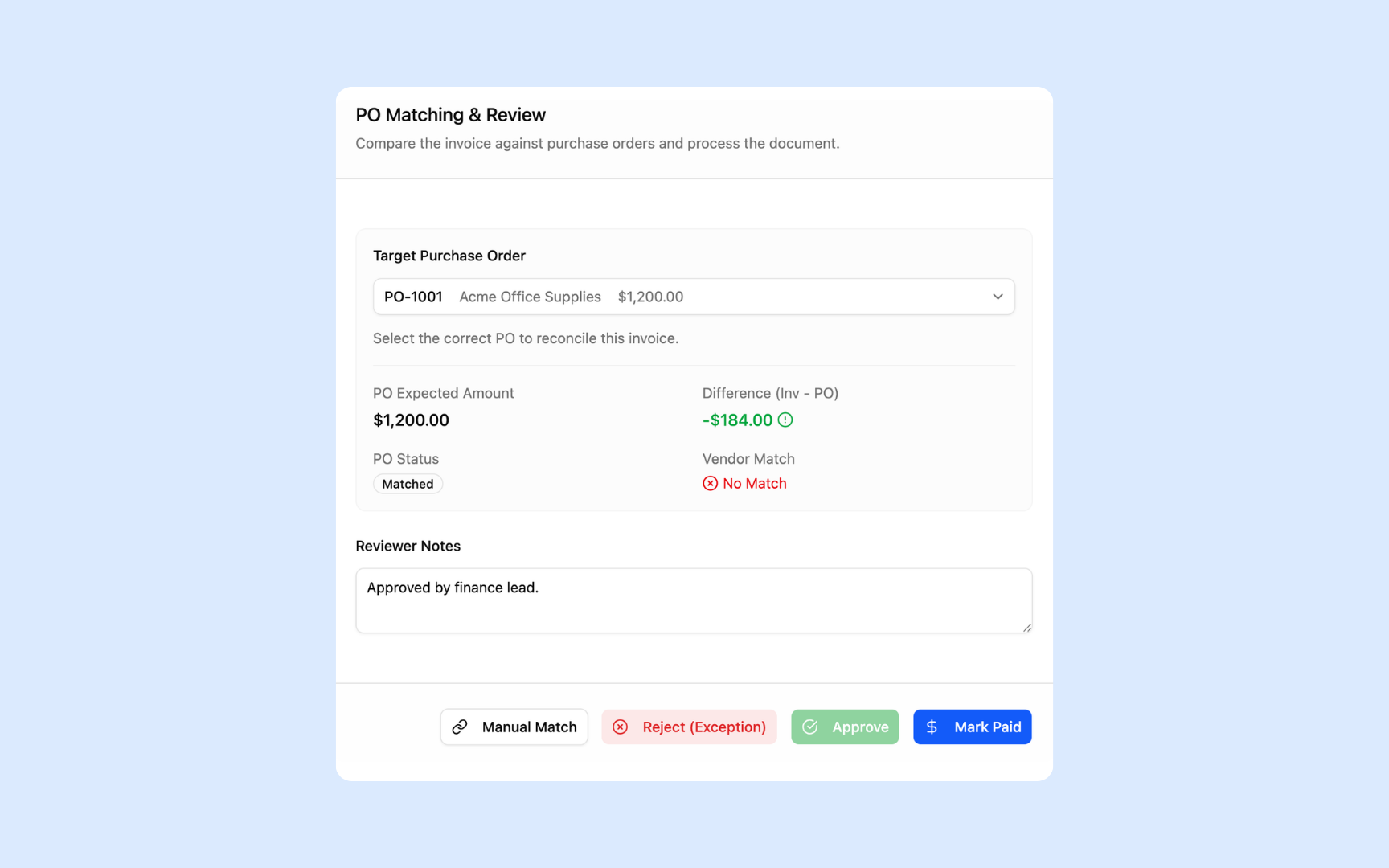
Review extracted line items, PO matches, and flagged discrepancies.
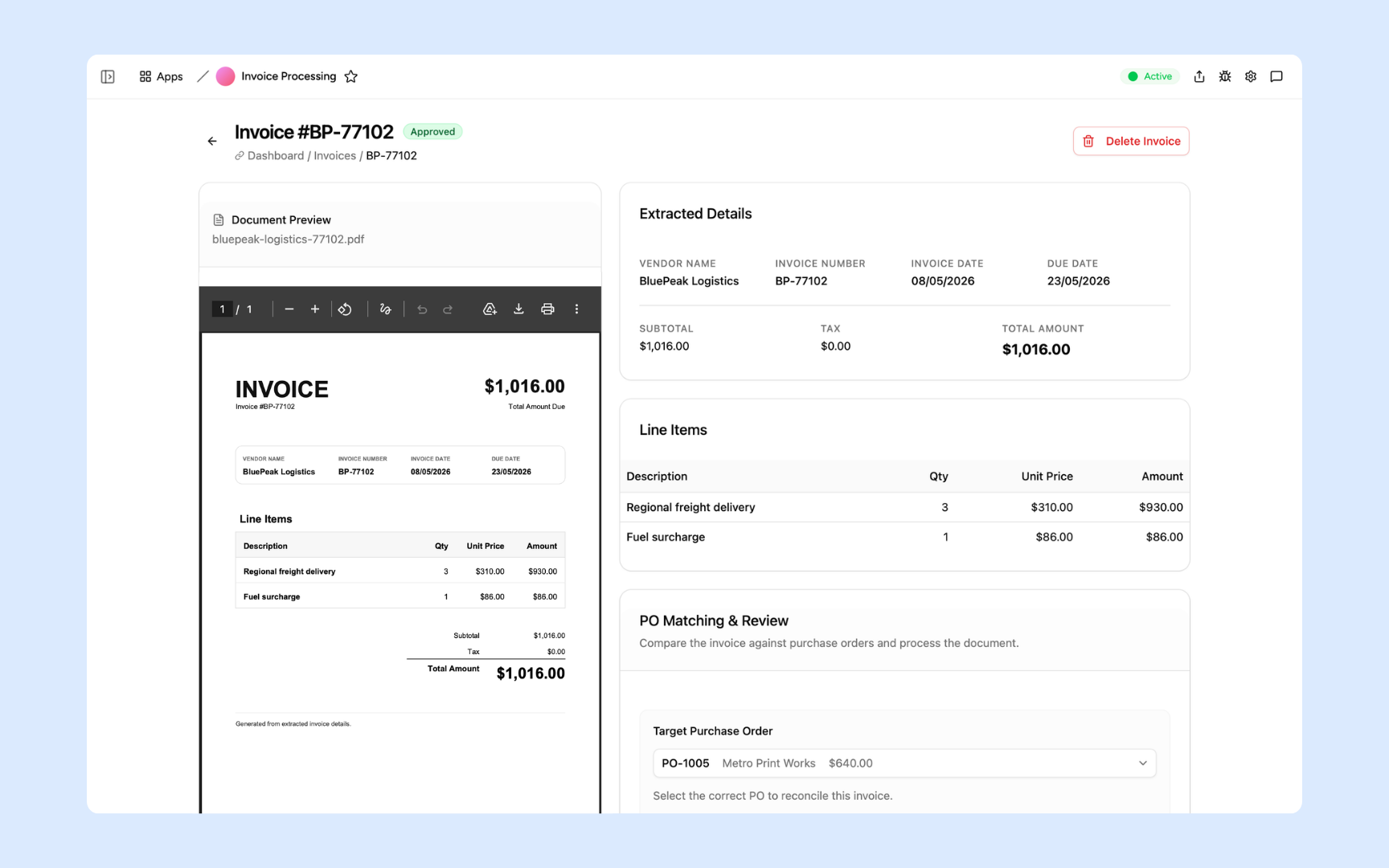
Correct extracted data, update status, and approve.
Get Invoice Processing in your workspace
Invoice processing built on secured platform your finance team can trust
Your invoice processing tool comes with the platform essentials - secure access, data storage, automations, and controls - so your team can focus on exceptions, not data entry.
Secure team sign-in
Everyone signs in to the tool with their own account. Your invoices, vendor details, and payment data are only ever seen by your team.
Advanced permissions
Decide who sees what. The team uploads and reviews invoices, while finance leads control approvals and sensitive payment data.
Scheduler & automations
Flag overdue approvals, send the morning exceptions list to Slack, and route invoices to the right approver automatically - no manual chasing.
Built-in invoice database
Invoices, purchase orders, vendor details, and approval history live in a secure database inside your tool. No spreadsheets, no third-party setup.
Enterprise-grade security
Your invoices and payment data are encrypted, protected, and under your control - never shared outside your workspace.
Process from anywhere
The tool lives in the browser, so your team can upload invoices, review exceptions, and approve payments from the office, home, or on the road.
File & image storage
Keep original invoices, receipts, and contracts attached to the records they belong to - so every approval has the source document behind it.
Usage tracking
See how your team actually uses the tool - how many invoices get processed and where work piles up, so nothing slips past the close.
Explore more ways to build with Appaca
See related finance use cases, other ways to build this tool, and how Appaca compares to other tools.
FAQs
It's an internal tool that keeps all your invoices, purchase orders, and approval history in one place. AI extracts the data from each invoice, matches it against purchase orders, and flags anything that doesn't line up - so your team reviews exceptions instead of keying in every line item.
No. Appaca is an AI workspace - you describe what your finance team needs and the Appaca agent builds the tool for you, complete with a built-in database, team access, and automations. No coding or deployment required.
The AI extracts structured data from invoices and matches it against purchase orders, flagging anything that doesn't line up. Your team reviews flagged exceptions, so nothing gets approved without a human check where it matters.
Yes. Appaca connects to tools like Slack, Google Sheets, Airtable, and Notion, and can integrate with any service that supports an API or webhook. Invoice data flows straight into your tool without manual exports or changing your current workflow.
In a secure database built into your Appaca workspace. Your invoices, purchase orders, files, and approval history live right inside the tool - encrypted, protected, and only visible to the team members you invite.
Yes. Every submission, approval, and change is recorded in the built-in database, so you get a full history for compliance reviews without extra work. Advanced permissions let you control who can view, submit, and approve.
You set up a scheduled automation that checks your invoices on whatever cadence you choose. For example, it can scan for invoices stuck in approval or coming due within 5 days and post the list to your team's Slack channel every morning at 9am.
More productivity with one adaptive workspace
Use Appaca for all your business operations needs. Build internal business tools and AI around your existing workflow.