
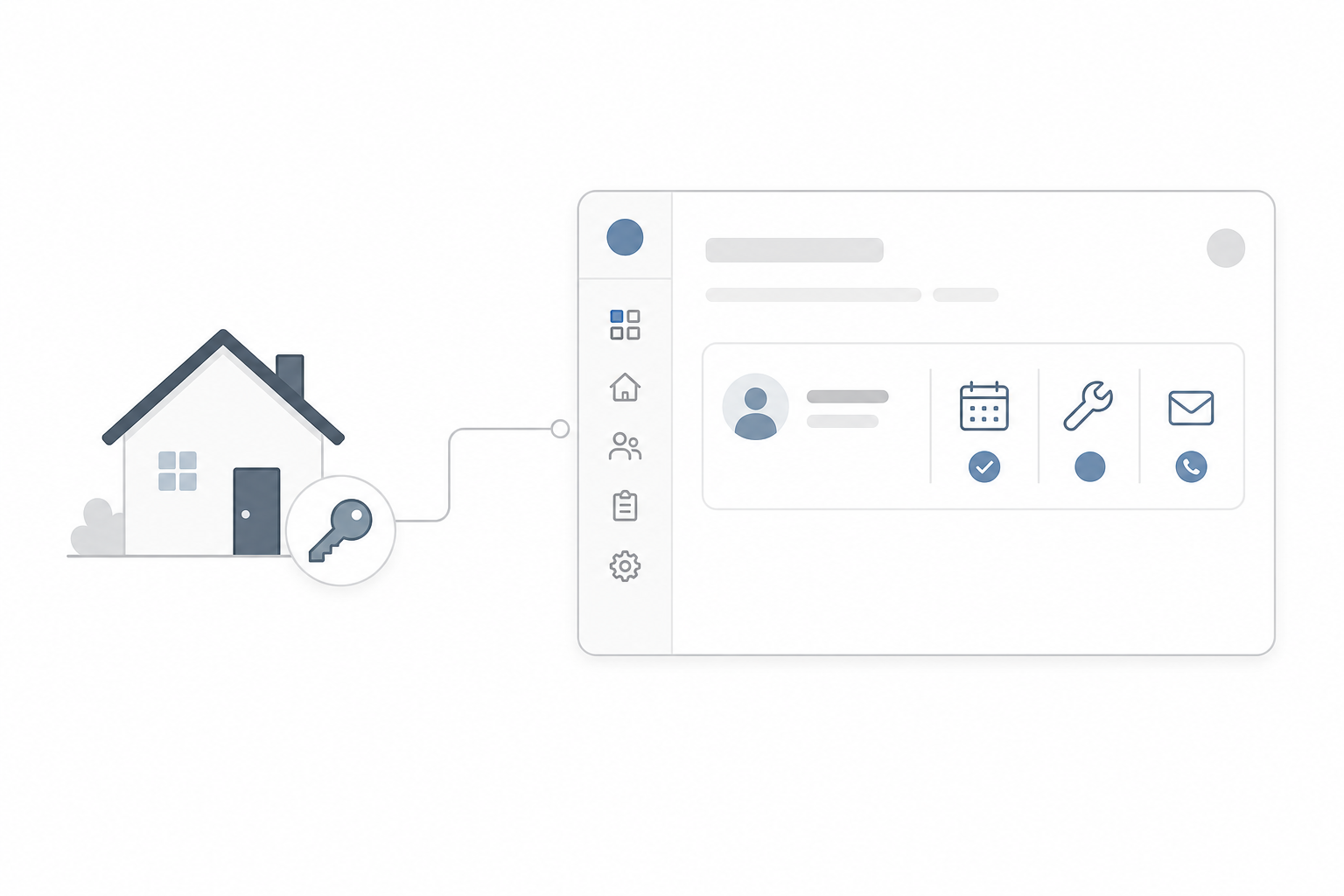
Managing a handful of rental properties starts simple. One spreadsheet for the addresses, a few calendar reminders for renewals, a notebook for the conversations you keep meaning to write up. Then a tenant asks what you agreed to fix last spring, an insurance policy lapses because the reminder got buried, and you spend a Saturday reconstructing a maintenance history from your inbox.
The problem is not that you are disorganized. It is that you are running a real operation on tools that were never built for it. A spreadsheet, a calendar, and a notes app each hold one piece of the puzzle, and none of them talk to each other.
This guide walks through what a property management CRM for a small rental portfolio actually needs to do, and how to build one that fits your portfolio exactly - without code, and simple enough that a family member or successor could take it over later.
Why spreadsheets and generic tools fall short
Spreadsheets and calendars are great for what they were designed for. Property management is not it.
They don’t remind you of anything. A spreadsheet will never nudge you that an insurance renewal is 30 days out or that a safety inspection is overdue. You have to remember to check it, and the one time you forget is the time it matters.
Tenant conversations live everywhere except where you need them. Some are in email, some in text messages, some in your head. When a dispute or a request comes up, there is no single record of what was said and when.
Maintenance history disappears. Which contractor fixed the boiler last year? What did it cost? Is this the third time that same unit has had a plumbing issue? Without a log tied to each property, every repair starts from zero.
Nothing is connected. The property, its tenant, its lease dates, its repairs, and its documents sit in separate places. You are the integration layer, holding it all together by memory.
It can’t be handed off. A pile of personal spreadsheets and reminders only makes sense to the person who built them. If you want someone else to take over one day, that tangle is a liability, not an asset.
If any of this sounds familiar, you have likely outgrown spreadsheets for this part of your life.
What a property management CRM actually needs to do
For a small portfolio, you do not need an enterprise platform with a hundred features you will never touch. You need a focused system that does a handful of things reliably:
- Key date reminders. Insurance renewals, inspections, lease renewals, compliance deadlines, and safety certificates - tracked centrally and surfaced before they are due, not after.
- Tenant communication records. A running log of conversations, requests, and important interactions, attached to the right tenant and property.
- Maintenance tracking. Every repair, contractor visit, recurring issue, and completed job logged against the property it belongs to, with costs and dates.
- One central place per property and tenant. Each property’s details, its tenant, its documents, and its history in a single record instead of five scattered tools.
- Genuine ease of use. Simple enough to update in seconds, or you will stop using it.
- Long-term continuity. A clear, well-structured system someone else can learn and take over without inheriting a mess.
The honest question is how to get those six things without either drowning in a heavyweight property platform or building everything by hand in a spreadsheet.
Dedicated software vs a general CRM vs building your own
There are three usual directions, and each has a catch.
Dedicated property management software comes with property-specific structure out of the box, which is a real advantage. But many of these platforms are priced and designed for larger portfolios, and you often end up paying for - and navigating around - features built for property managers running hundreds of units.
A general CRM (the Zoho/HubSpot type) can be bent into shape with custom fields and workflows, but you are essentially rebuilding property management from scratch on top of a tool designed for sales pipelines. The structure never quite fits.
A no-code database like Airtable is flexible and transferable, which is why people reach for it. But you still have to design and maintain the whole thing yourself, and reminders, document handling, and AI assistance take real setup. See how this compares as an Airtable alternative.
There is a fourth option that splits the difference: describe the exact system you want in plain English and have AI build it for you, with the database, reminders, and document handling already wired in. That is what Appaca does.
How to build a property management CRM in Appaca
Appaca is an AI workspace where you build the internal tool you need by describing it, instead of buying a fixed product or assembling a database by hand. For a rental portfolio, that means you can build a property management CRM shaped around your properties, your dates, and your workflow. Here is how the pieces map to what you need.
One central database for properties, tenants, maintenance, and dates
Every Appaca workspace comes with a secure built-in database, so you do not set up anything separate. You can model exactly the records a property operation runs on:
- A properties record with address, type, owner, status, and linked documents.
- A tenants record linked to each property, with contact details and lease dates.
- A key dates record for insurance, inspections, renewals, and compliance deadlines.
- A maintenance log linked to the property, with the issue, contractor, cost, and status.
- A communications log capturing conversations and requests against the right tenant.
Because the records are linked, opening a property shows you its tenant, its upcoming dates, its repair history, and its files in one place - the central source of truth a spreadsheet can never be. This is the same pattern behind a vendor tracker, applied to properties and tenants.
Reminders that fire before deadlines, automatically
This is where a CRM beats a calendar. With Appaca’s scheduler and automations, you can have the system check upcoming dates and alert you ahead of time - for example, an email or Slack message 60, 30, and 7 days before an insurance renewal, inspection, or lease end. Nothing depends on you remembering to look. The same approach powers a payment reminder assistant for rent and invoices.
AI that reads your documents and writes your summaries
Appaca connects AI models from OpenAI, Anthropic, and Google out of the box, and you can feed your own documents into a knowledge base. For a property portfolio that means you can:
- Upload a lease or insurance policy and have AI extract the key terms - dates, notice periods, renewal conditions - so a new property takes minutes to set up instead of an evening of reading fine print.
- Summarize a long back-and-forth with a tenant into a clean note on the record.
- Ask plain-language questions like “which properties have inspections due this quarter?” and get an answer from your own data.
Forms, dashboards, and access from anywhere
You can add a simple form to log a maintenance request or a tenant conversation in seconds, and a dashboard that shows what needs attention - upcoming dates, open repairs, properties with issues. Because it runs in the browser, you can update it from your phone after a contractor visit instead of trying to wrangle a spreadsheet on a small screen.
Permissions and team access
Invite a co-owner, a cleaner, or a contractor and control what each person sees. With advanced permissions, a contractor might only see open maintenance jobs while you keep full visibility across the portfolio. This is the kind of operational tooling operations teams build in Appaca every day.
A build example: from prompt to working CRM
The fastest way to see it is to describe what you want. Here is the kind of plain-English brief you would give Appaca, in the same spirit as building any internal tool without code:
Step 1: Tell Appaca what you need.
“I manage a small portfolio of rental properties. I want a property management CRM. Each property should have an address, type, owner, and status, with linked tenants, key dates, maintenance records, and uploaded documents. Track key dates for insurance renewals, inspections, lease renewals, and compliance deadlines, and email me 60, 30, and 7 days before each one is due. Let me log tenant conversations and maintenance jobs - including the contractor, cost, and status - against the right property. Give me a dashboard showing upcoming dates and open maintenance, and let me upload a lease so AI extracts the key terms automatically.”
Step 2: Appaca builds it. The agent creates the database, the linked records, the entry forms, the dashboard, and the reminder automations - shaped around the description you gave, not a generic template.
Step 3: Load your portfolio and run it. Add your properties and tenants, upload your existing leases and policies, and the reminders start working. From there you refine it by describing changes - “add a field for parking permits” or “remind me about smoke alarm checks too” - and the tool updates.
No formulas, no calendar juggling, no rebuilding structure a dedicated platform would have charged you for.
Built to hand off
The continuity goal deserves its own attention, because it is often the deciding factor for a small portfolio. A system is only worth building if someone else can take it over.
A pile of personal spreadsheets and phone reminders is effectively non-transferable. An Appaca CRM is the opposite: the structure is explicit, the data is in one place, the documents are attached to the records they belong to, and the reminders run on their own rather than living in your head. A family member or successor can open the workspace, see every property and its history, and keep it running - without needing to reverse-engineer how you used to do it.
You can also keep a short handover note or operating procedure right inside the workspace, so the “how this works” lives next to the data itself.
FAQs
What is a property management CRM?
A property management CRM is a central system for tracking your properties, tenants, key dates, communications, and maintenance in one place. Unlike a spreadsheet, it can remind you before deadlines, keep a full history per property, and store the related documents alongside each record.
Do I need a dedicated property platform for a small portfolio?
Not necessarily. Dedicated platforms are built for larger operations and can be more than a handful of properties needs. For a small portfolio, a focused, custom CRM that does key dates, tenant records, and maintenance well is often simpler and cheaper - especially one you can build yourself in Appaca and adjust as your portfolio changes.
Do I need to know how to code to build this?
No. Appaca is an AI workspace where you describe the tool you want in plain language and the agent builds it - complete with a database, forms, dashboard, reminders, and team access. There is no coding or deployment involved.
Can it remind me about insurance, inspections, and lease renewals?
Yes. You store those dates in the CRM and set automations to alert you ahead of time - for example, an email or Slack message 60, 30, and 7 days before each one is due - so nothing lapses because a reminder got buried.
Where is my data stored?
In a secure database built into your Appaca workspace. Your properties, tenants, communications, maintenance history, and uploaded documents live inside the tool - encrypted, protected, and only visible to the people you invite.
Will someone else be able to take it over later?
Yes, and that is one of its biggest advantages over personal spreadsheets. The structure is clear, the data and documents are centralized, and the reminders run automatically, so a successor can step in and keep the portfolio running without inheriting a tangle of notes.
The bottom line
A small rental portfolio does not need an enterprise platform, and it has clearly outgrown spreadsheets, calendar pings, and notebooks. What it needs is a single, simple system that remembers the dates, keeps the history, and could be handed to someone else tomorrow.
That is exactly what you can build in an afternoon with Appaca - shaped around your properties instead of forcing your portfolio into someone else’s template. Start 7-day trial and describe the property management CRM you have always wanted.