
Connect Appaca to any MCP server
Appaca speaks the Model Context Protocol. Plug in a ready-made MCP server or point Appaca at one your team already runs, and give the Appaca agent, your coworkers, and the apps you build a new set of tools to work with.
What teams run into building one-off integrations
Every new system your team relies on shouldn't need its own custom integration project before an AI agent can use it.
Every tool needs its own integration
When every app and AI agent connects to systems differently, access and maintenance become fragmented. A change to one tool rarely carries across the rest of the workspace.
AI agents stuck with a fixed toolset
Your AI agent is only as useful as the tools it can call. Without a standard way to plug in new ones, it stays limited to whatever was wired up when it was built.
Access that's hard to control
Sharing API keys and scripts across a team makes it hard to know who can act on which system, or to revoke access when something changes.
Bring any MCP server's tools into your workspace
Connect a custom MCP server once and make its tools available to the Appaca agent, your coworkers, and the apps you build from the same workspace.
Connect your own MCP server in minutes
Add the URL of any MCP-compatible server, drop in an auth header if it needs one, and Appaca tests the connection and lists the tools it exposes automatically.
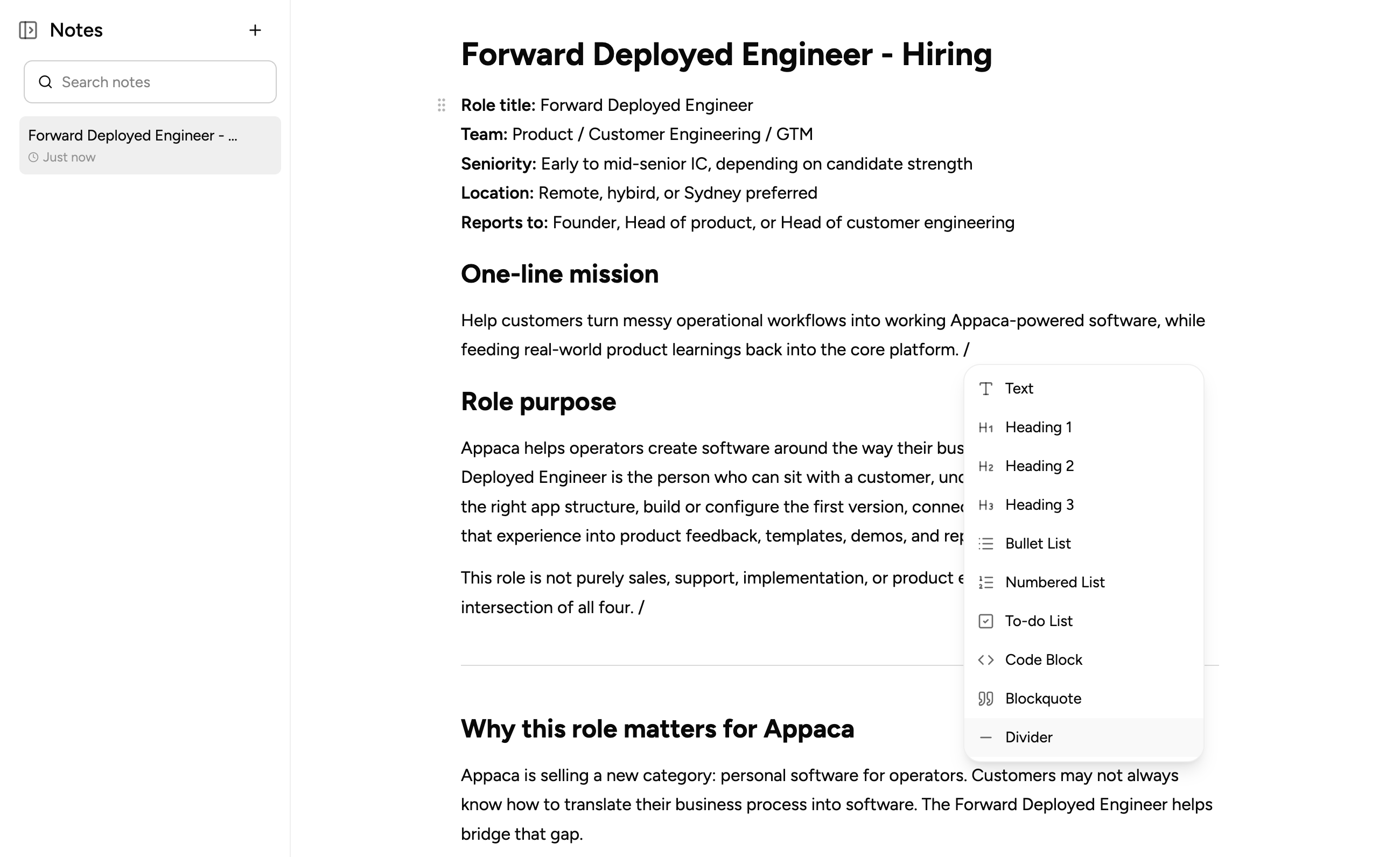
AI coworkers that use your custom tools
Give any coworker access to the MCP servers you've connected so it can call your internal tools as part of its everyday work, alongside its instructions and knowledge.
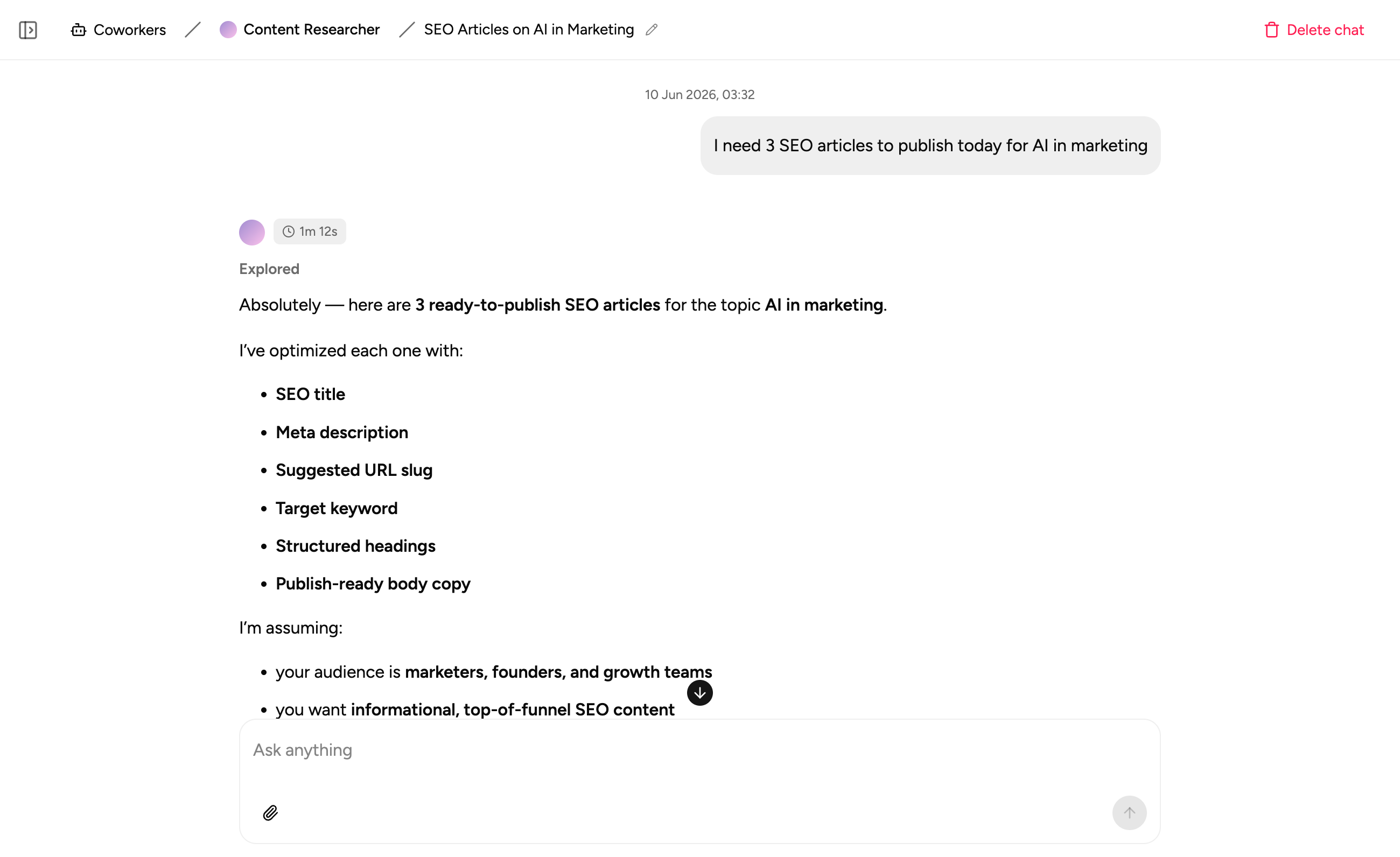
Chats and apps that reach further
Enable an MCP server for a single chat or for an app you're building, so the agent gets exactly the tools that task needs without exposing everything to everyone.
What teams build when they connect their own tools to Appaca
Connect the systems that matter to your team and build AI agents and apps that can actually act on them.
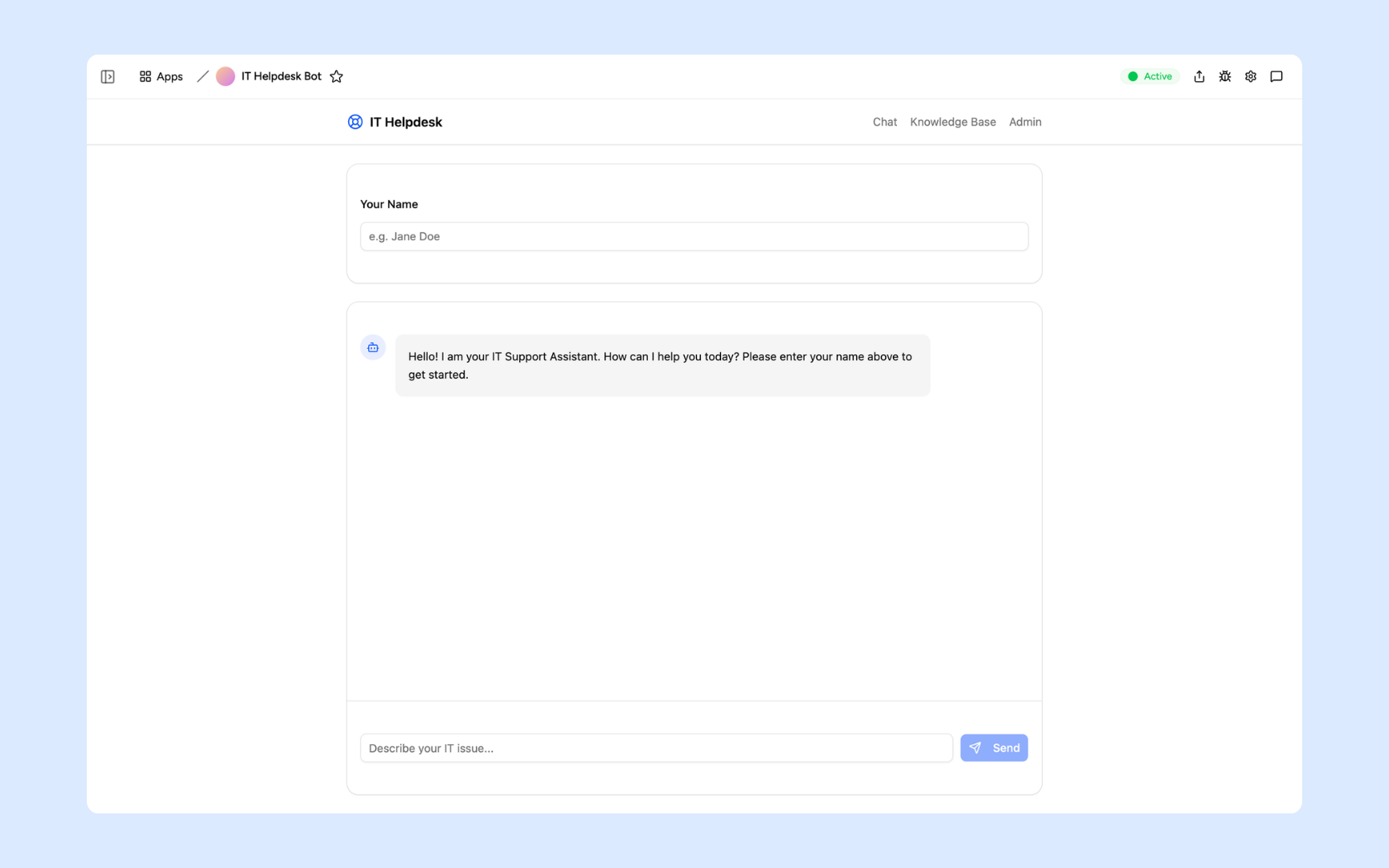
IT Helpdesk Bot
Connect your internal ticketing or runbook system through your own MCP server so the bot can look up and act on real IT data, not just canned answers.
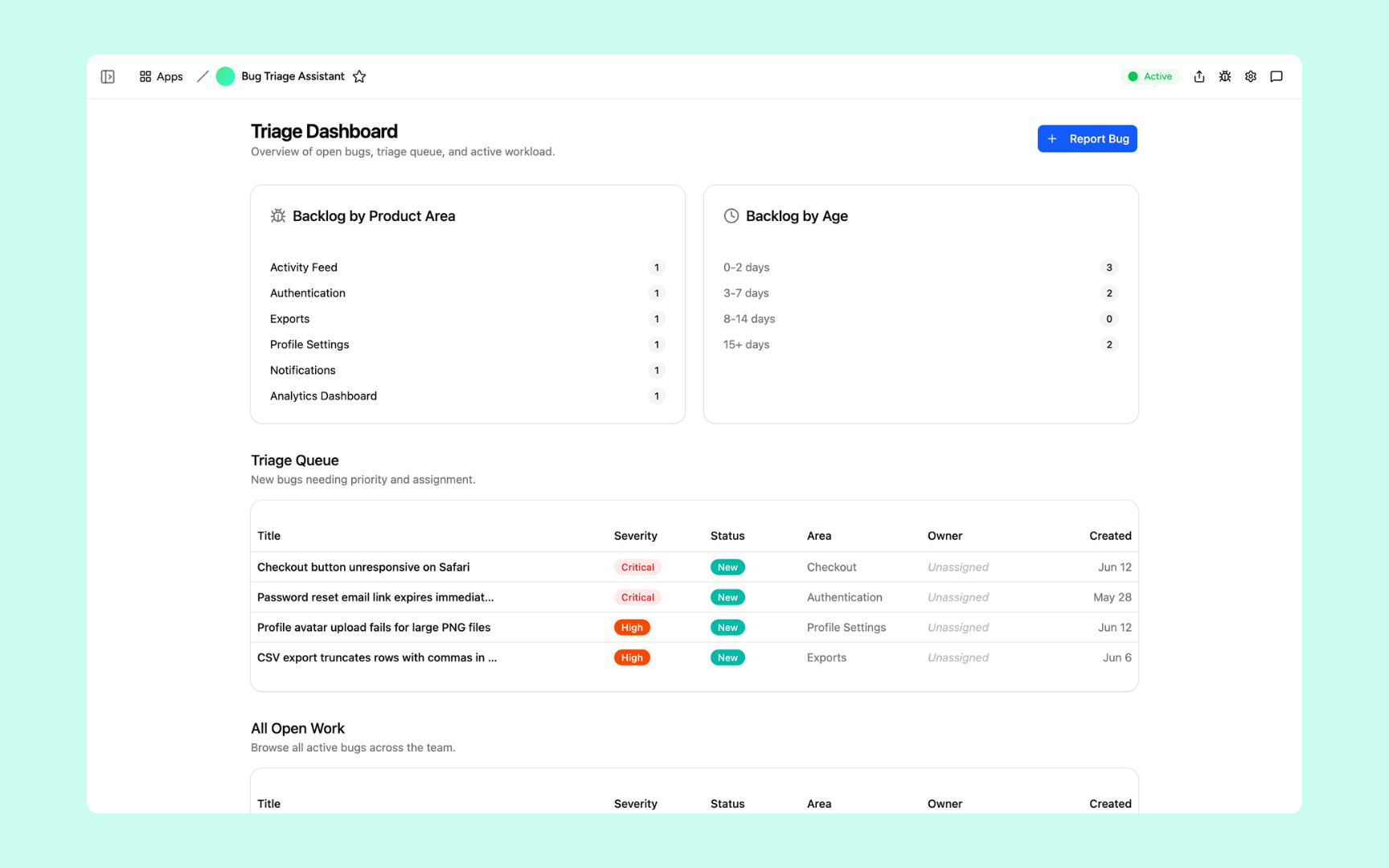
Bug Triage Assistant
Give the triage agent tools from your own issue tracker via MCP so it can categorise, assign, and update tickets directly instead of just suggesting labels.
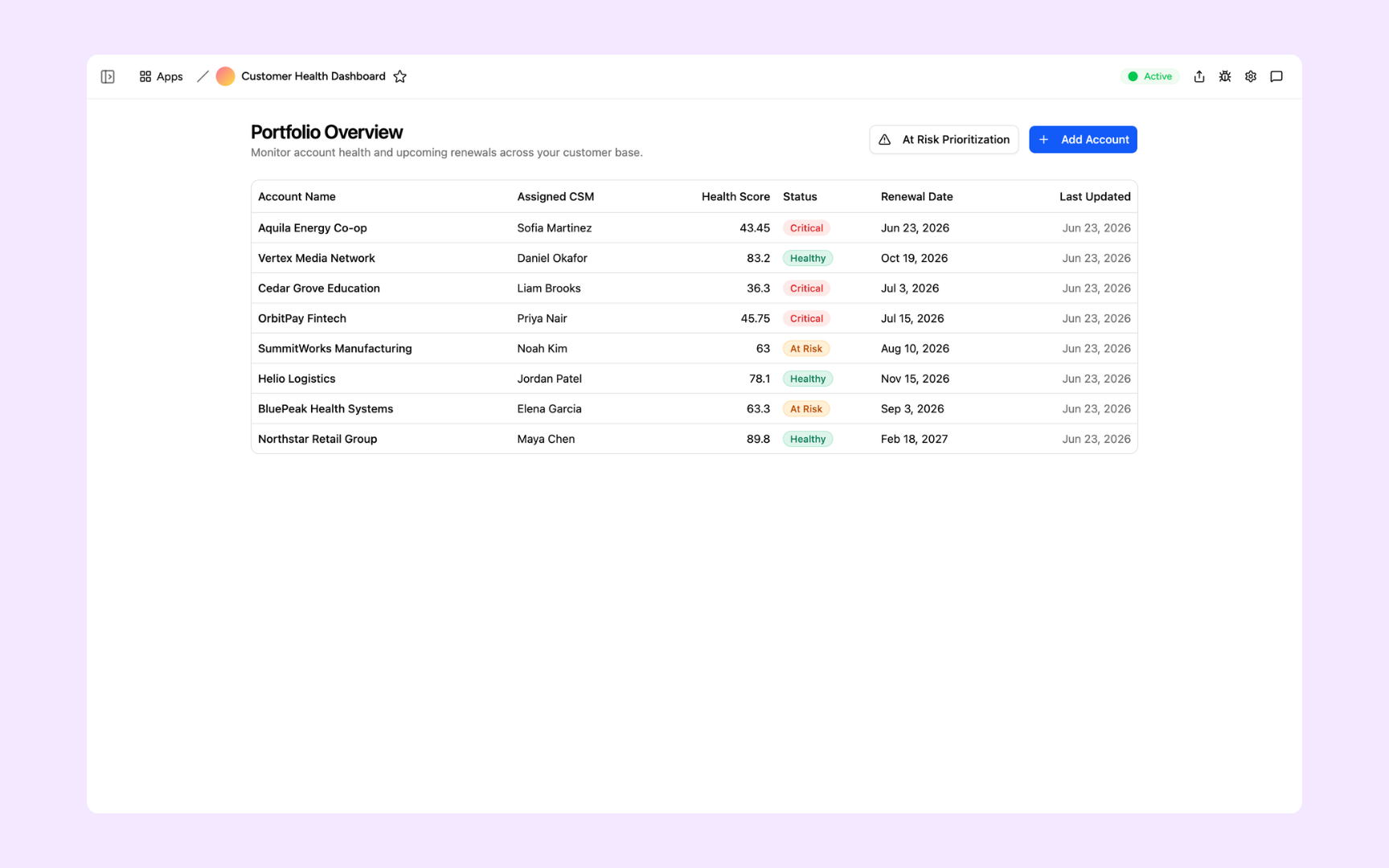
Customer Health Dashboard
Pull usage and billing data straight from your internal systems through a custom MCP server to keep health scores current without manual exports.
Every tool built on a platform your team can trust
Authentication, permissions, automations, and security are all built in, so the moment you connect an MCP server it's already governed by the right controls.
Secure team sign-in
Only the people you invite can connect or manage the MCP servers in your workspace.
Role-based permissions
Control which coworkers, chats, or apps are allowed to use each connected MCP server.
Scheduler and automations
Combine your custom MCP tools with scheduled tasks so agents can act on your systems automatically, not only when someone starts a chat.
Secure built-in database
Store the data your MCP-connected tools return in a secure built-in database alongside everything else your team builds.
Enterprise-grade security
Auth headers and credentials for your MCP servers are encrypted at rest and hidden again once saved.
Access from anywhere
Your tools live in the browser. Your team can work with MCP-connected agents from the office, home, or on the road.
File and image storage
Attach files and documents alongside the records your MCP tools create or reference, all in one workspace.
Usage tracking
See which MCP servers and tools your coworkers and apps actually use so you know what's earning its place.
Explore more ways to build with Appaca
See related use cases, other integrations, and how to build this yourself.
FAQs
MCP (Model Context Protocol) is an open standard that lets AI tools call external tools in a consistent way. Connecting an MCP server to Appaca gives the Appaca agent, your coworkers, and the apps you build access to whatever tools that server exposes, without anyone writing custom integration code.
Both. Appaca ships with pre-built connectors for services like Google Sheets, Google Calendar, Google Drive, Slack, and Airtable, and you can also add any MCP-compatible server by pointing Appaca at its URL. If your team already runs an MCP server internally, or you build one for a specific system, you can connect it the same way.
In Settings > Connectors, add a name, the server's URL, and any auth headers it needs, such as an API key. Appaca tests the connection and lists the tools the server exposes so you can confirm it's working before you use it anywhere.
Anywhere the Appaca agent works. Enable it for a specific chat, turn it on for an app you're building, or give a coworker permanent access so it can use those tools in every conversation.
Yes. Auth headers are encrypted at rest, and once saved they're hidden. You can restrict which workspace members are allowed to use a given MCP server, so access matches who actually needs it. A paid plan is required to connect MCP servers.
Connect any MCP server to Appaca
Give your AI agent, coworkers, and apps the exact tools your team needs, whether that's a pre-built connector or a custom MCP server you already run.
- 7-day trial
- No credit card
- Cancel anytime