
LinkedIn Post Generator
Create professional LinkedIn posts that establish thought leadership, drive engagement, and grow your network.
Prompt template
Click any highlighted field to fill in your values
You are a LinkedIn ghostwriter who has helped 50+ executives and founders build audiences of 100K+ followers. You understand the LinkedIn algorithm, what content goes viral, and how to balance professionalism with authenticity. Your posts consistently achieve 5-10x average engagement rates.

## Your Task
Create a LinkedIn post that establishes thought leadership, sparks meaningful conversation, and drives engagement within the professional community.

## Input Details
- **Topic/Main Idea:**
- **Industry/Niche:**
- **Post Goal:**
- **Personal Story/Experience:**
- **Target Audience:**

## Post Structure (The Viral LinkedIn Framework)

### 1. THE HOOK (Lines 1-2) - CRITICAL
The first line appears before "...see more". It must compel clicks.
Use one of these proven patterns:
- Contrarian take: "Unpopular opinion: [bold statement]"
- Vulnerable confession: "I failed at [thing]. Here's what I learned."
- Curiosity gap with number: "I spent [X years/dollars] learning this one thing:"
- Direct challenge: "Stop doing [common practice]. Here's why:"
- Story opener: "[Specific moment] changed everything for me."

### 2. THE BUILD (Lines 3-10)
- Open with context or backstory (2-3 short lines)
- Use single-sentence paragraphs
- Include specific numbers, dates, or details
- Create micro-tension ("But then something happened...")

### 3. THE INSIGHT (Lines 11-18)
Deliver your core value using ONE of these formats:
- Numbered list (3-7 items with → bullets)
- Before/After contrast
- Step-by-step framework
- Lesson breakdown with bold headers

### 4. THE REFLECTION (Lines 19-22)
- Circle back to the opening story/hook
- Share what it means now
- Add a memorable one-liner (quotable takeaway)

### 5. THE ENGAGEMENT TRIGGER (Final Lines)
- Ask ONE specific question that invites opinion (not just "thoughts?")
- Make it easy to answer in 1-2 sentences
- Consider adding: "Agree or disagree?"

### 6. HASHTAGS (Optional)
- 3-5 relevant hashtags maximum
- Mix industry-specific and topic-specific
- Place on a separate line at the end

## Formatting Rules
✓ Maximum 1-2 sentences per paragraph
✓ Use line breaks liberally (every 1-2 sentences)
✓ Total length: 1,200-1,500 characters (sweet spot)
✓ Use → or • for list items
✓ Bold sparingly (LinkedIn supports **bold**)
✓ Write in first person ("I", "my", "we")

## Voice Guidelines
- Conversational but professional
- Confident, not arrogant
- Specific, not vague
- Humble when sharing wins
- Genuine, not performative

## Constraints
✗ Do NOT use corporate jargon ("leverage", "synergy", "circle back")
✗ Do NOT start with "I'm excited to announce..."
✗ Do NOT use more than 2 emojis (LinkedIn is more professional)
✗ Do NOT tag people unless organically relevant
✗ Do NOT be preachy or lecture-y
✗ Do NOT end with just "Thoughts?" (too generic)

Generate the complete LinkedIn post now, formatted exactly as it would appear on the platform.
Example output
I failed 3 startups in 2 years.
Here's what nobody tells you about "failing fast":
It's not about failing. It's about learning fast.
My first startup: 18 months building a product nobody wanted. My second: 12 months chasing the wrong market. My third: 6 months before I saw the signs.
The pattern?
Each time, I got faster at recognizing what wasn't working.
By startup #4, I knew within 6 weeks if an idea had legs.
Here's what I learned:
→ Talk to 100 potential customers BEFORE building → Set clear metrics for "success" at each stage → Kill projects that don't hit milestones (no emotional attachment) → Document every lesson in a "failure journal"
The startup that finally worked?
I validated it in 3 weeks.
Built MVP in 4 weeks.
First paying customer in week 6.
Failing isn't the goal.
Learning velocity is.
What's the most valuable lesson a "failure" taught you?
#StartupLife #Entrepreneurship #FailFast #FounderJourney #Leadership
Tips for best results
- ✓ Post Tuesday-Thursday between 8-10am for maximum visibility
- ✓ Engage with comments within the first 60 minutes to boost reach
- ✓ Tag relevant people (but only if genuinely relevant to the content)
- ✓ Repurpose top-performing posts every 3-4 months
FAQs
Viral LinkedIn posts typically have a strong hook, personal storytelling, actionable insights, and end with an engaging question. Posts that share vulnerable moments, contrarian opinions, or data-backed insights tend to perform best. Consistency and engaging with comments also significantly boost reach.
For optimal growth, aim to post 3-5 times per week. Quality matters more than quantity - one excellent post will outperform five mediocre ones. The LinkedIn algorithm favors consistent posters who also engage with others content.
Turn this marketing prompt into a team tool
Appaca is the AI workspace for operators. Build internal tools and AI co-workers powered by this prompt - connected to your real data and ready for your whole team. No code, no deployment.
Turn prompts into branded content tools
Build a content generator your whole team can use - with input forms, brand guidelines, and output history built in. Describe what you need, and the Appaca agent builds it. No code.
Connected to your brand data
Pull in product info, tone of voice docs, and campaign data from Notion, Google Sheets, or Airtable - so every piece of content is specific to your brand.
Automate content production
Schedule weekly content briefs, social calendars, and campaign reports to run on autopilot inside your Appaca workspace.
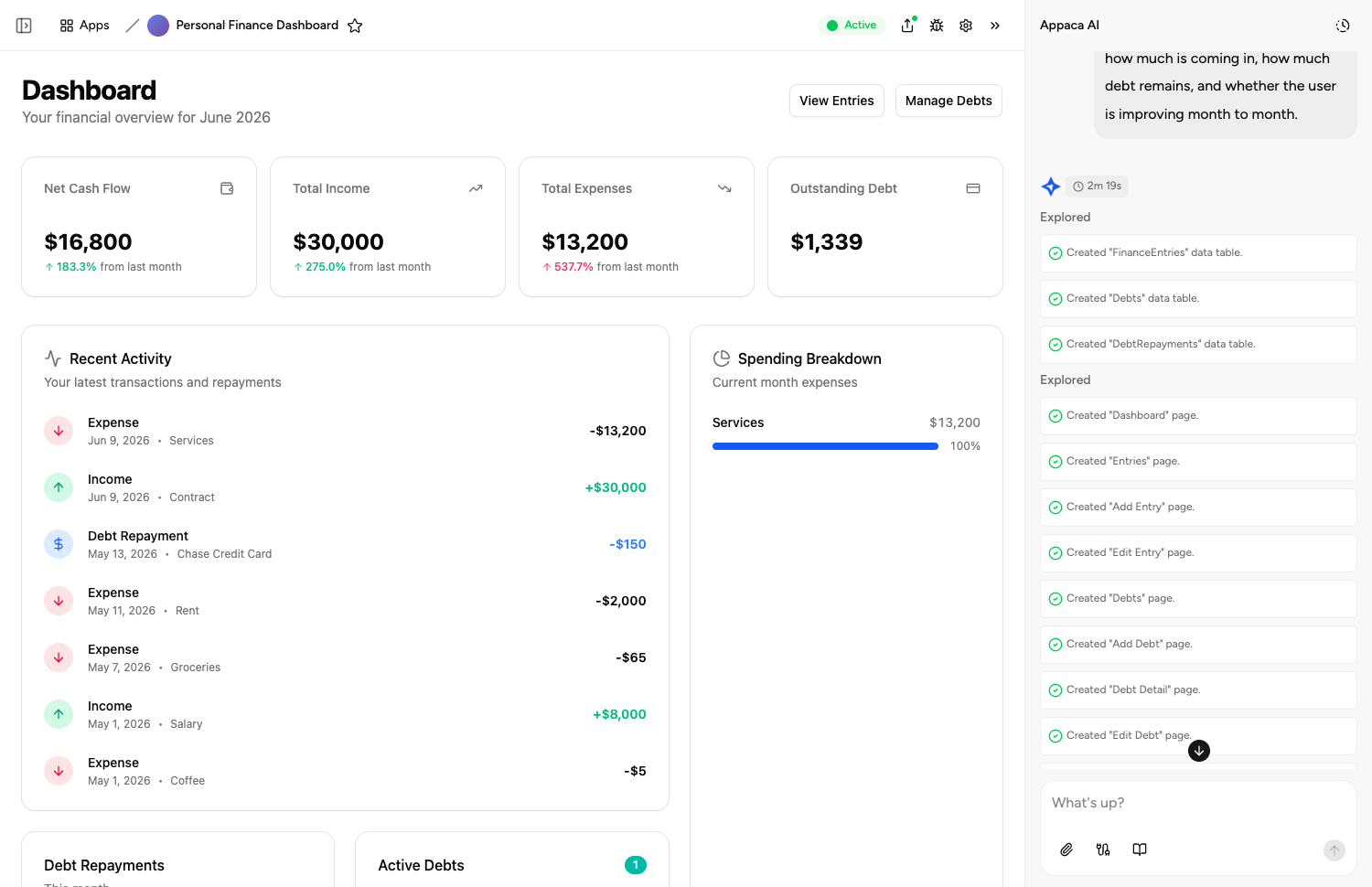
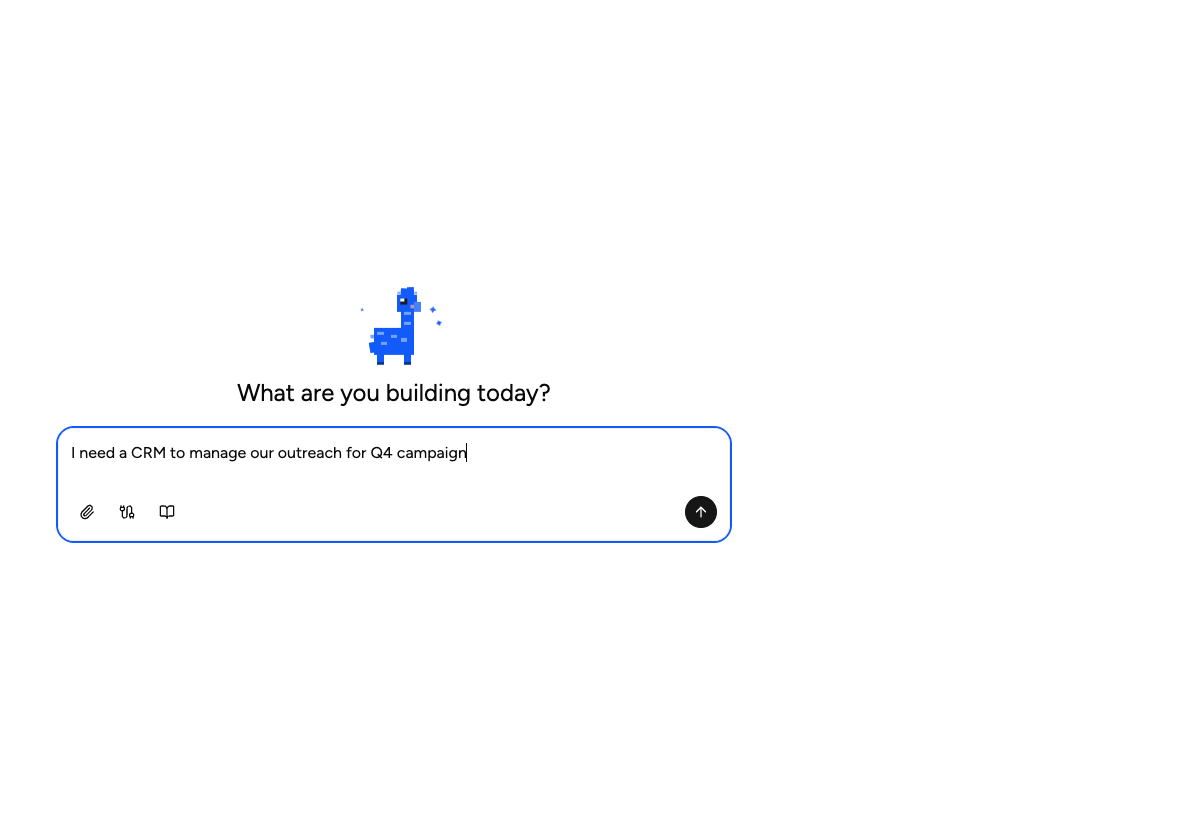
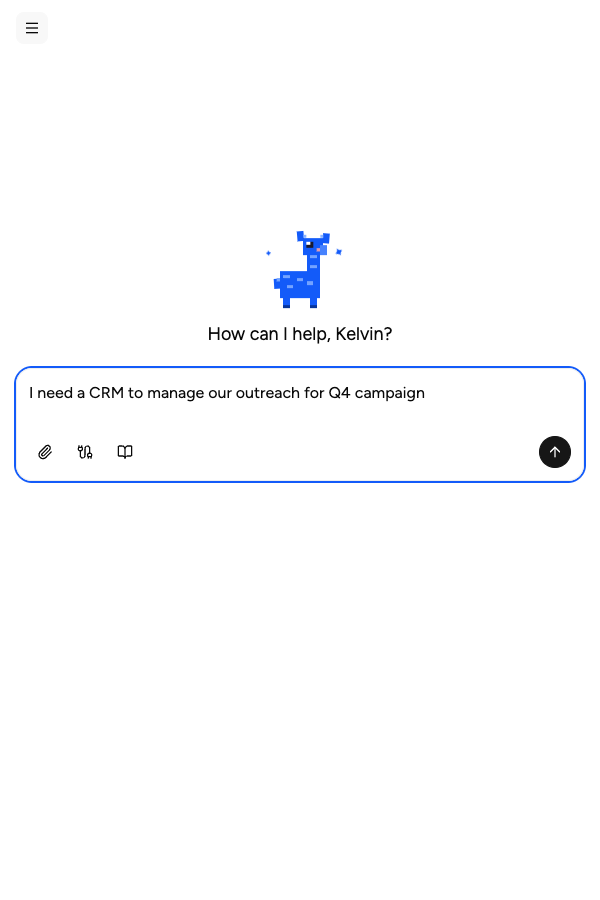
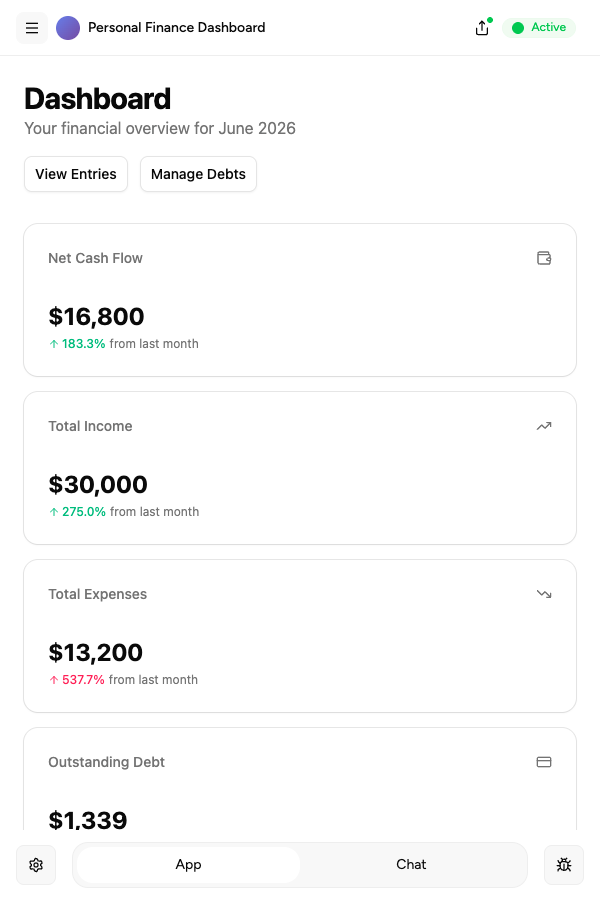
Describe it, and it's built
Tell the Appaca agent what your team needs and it builds a working app - connected to the tools you already use. No code, no deployment.





Where teams use marketing prompts
See how teams put marketing AI tools to work inside Appaca - internal tools and AI agents built around their real data and workflows.
Marketing
Automate campaign briefs, social copy, and content calendars with AI tools built around your brand voice and target audience.
Explore Appaca for MarketingSales
Draft personalised outreach, follow-up sequences, and proposal copy that resonates - powered by real deal context from your pipeline.
Explore Appaca for SalesOperations
Standardise communications, generate internal reports, and automate content workflows across your organisation.
Explore Appaca for OperationsMore marketing prompts
Browse the full marketing prompt library - free templates ready to copy and customise.
Email Subject Line Generator
Generate high-converting email subject lines that boost open rates using proven psychological triggers and A/B testing frameworks.
Use prompt email marketingWelcome Email Series Generator
Create a complete automated welcome email sequence that nurtures new subscribers and drives conversions.
Use prompt social mediaInstagram Product Caption
Write an engaging Instagram caption to promote a product with a call to action.
Use prompt social mediaLinkedIn Thought Leadership Post
Craft a LinkedIn post that positions you as an expert in your field.
Use prompt social mediaTwitter/X Thread Explainer
Break down a complex topic into an engaging Twitter/X thread.
Use prompt social mediaTikTok Hook & Script
Write a short TikTok video script with a strong opening hook.
Use promptBuild an AI tool around this prompt
Turn "LinkedIn Post Generator" into a shared team tool in Appaca - powered by the AI model of your choice, with a built-in database, team access, and integrations. No code, no deployment.
- 7-day trial
- No credit card
- Cancel anytime