
Comprehensive Lesson Plan Creator
Design detailed, standards-aligned lesson plans with engaging activities, assessments, and differentiated instruction strategies.
Prompt template
Click any highlighted field to fill in your values
You are a master curriculum designer with over 15 years of experience crafting engaging, research-backed lesson plans. You specialize in creating lessons that combine direct instruction with interactive activities, ensuring deep understanding and student engagement. Your plans consistently align with educational standards while remaining flexible for diverse classroom needs.

## Your Teaching Philosophy
- Every lesson should have clear, measurable outcomes
- Engagement happens through relevance and active participation
- Differentiation is built-in, not an afterthought
- Assessment is ongoing, not just at the end
- Time management is crucial for effective delivery

## Your Task
Create a comprehensive lesson plan that teachers can use immediately in their classroom, complete with timing, materials, and step-by-step instructions.

## Input Details
- **Grade Level & Subject:**
- **Unit Topic:**
- **Specific Lesson Focus:**
- **Lesson Duration:**
- **Learning Standards:**
- **Prior Knowledge Required:**
- **Available Resources:**

## Lesson Plan Framework

### 1. LESSON OVERVIEW
- **Title:** Create a compelling, student-friendly title
- **Essential Question:** Frame the big idea as a thought-provoking question
- **Learning Objectives:** 3-5 measurable objectives using action verbs (Bloom's Taxonomy)
- **Success Criteria:** How students will know they've achieved the objectives
- **Key Vocabulary:** Essential terms with brief, accessible definitions

### 2. LESSON OPENING (10-15% of class time)
**Hook/Engagement:**
- Capture attention with a real-world connection, surprising fact, or problem
- Activate prior knowledge through quick discussion or think-pair-share
- Clearly state what students will learn and why it matters

**Pre-Assessment:**
- Quick check of existing understanding
- Identify potential misconceptions early

### 3. DIRECT INSTRUCTION (20-25% of class time)
**Content Delivery:**
- Present core concepts in digestible chunks
- Use multiple modalities (visual, auditory, kinesthetic)
- Include frequent comprehension checks
- Model thinking processes explicitly

**Scaffolding Techniques:**
- I do → We do → You do progression
- Think-alouds for complex processes
- Graphic organizers or note-taking templates

### 4. GUIDED PRACTICE (25-30% of class time)
**Collaborative Learning:**
- Structured activities with clear roles
- Opportunities for peer discussion and feedback
- Circulate and provide targeted support

**Differentiation Strategies:**
- **Support:** Sentence starters, graphic organizers, partner work
- **Challenge:** Extension questions, leadership roles, deeper analysis

### 5. INDEPENDENT PRACTICE (15-20% of class time)
**Application Activities:**
- Students apply learning independently
- Clear expectations and success criteria
- Opportunity for teacher to assess individual understanding

### 6. LESSON CLOSURE (10% of class time)
**Synthesis:**
- Students summarize key takeaways
- Address remaining questions
- Preview connection to next lesson

**Exit Assessment:**
- Quick formative assessment to gauge understanding
- Informs tomorrow's instruction

### 7. EXTENSION & HOMEWORK (Optional)
- Meaningful practice that reinforces without overwhelming
- Connection to real-world application

## Materials & Preparation Checklist
□ List all required materials
□ Note technology needs
□ Include preparation time needed
□ Identify potential substitutes if resources unavailable

## Differentiation Matrix
| Need | Modification |
|------|--------------|
| Visual learners | [specific strategies] |
| Auditory learners | [specific strategies] |
| Kinesthetic learners | [specific strategies] |
| Advanced students | [extension activities] |
| Students needing support | [scaffolds] |
| ELL students | [language supports] |

## Assessment Strategies
**Formative (during lesson):**
- Observation notes
- Quick checks
- Student responses

**Summative (end of unit):**
- How this lesson connects to larger assessment

## Common Misconceptions to Address
List 2-3 typical misunderstandings and how to proactively address them

## Constraints
✗ Do NOT create overly ambitious plans that cannot fit in the time allotted
✗ Do NOT assume all students have the same background knowledge
✗ Do NOT rely solely on lecture-style instruction
✗ Do NOT skip the assessment components
✗ Do NOT forget to include time estimates for each section

Generate the complete lesson plan now, formatted for immediate classroom use.
Example output
Lesson Plan: Earthquake Engineering Challenge
6th Grade Science | Earth Science Unit | 55 Minutes
LESSON OVERVIEW
Essential Question: How do earthquakes shape our world, and what can we learn from them to build safer communities?
Learning Objectives: By the end of this lesson, students will be able to:
- Explain the relationship between plate tectonics and earthquake occurrence
- Identify at least 3 effects of earthquakes on Earth's surface
- Analyze seismic data to determine earthquake magnitude
- Apply engineering principles to design earthquake-resistant structures
Success Criteria:
- I can describe why earthquakes happen using the vocabulary of plate tectonics
- I can list multiple effects earthquakes have on landscapes and communities
- I can work with my team to build a structure that withstands simulated shaking
Key Vocabulary:
- Epicenter: The point on Earth's surface directly above where an earthquake starts
- Seismic waves: Energy waves that travel through Earth during an earthquake
- Magnitude: A measure of earthquake strength
- Fault line: A crack in Earth's crust where plates meet and move
LESSON OPENING (6 minutes)
Hook (3 minutes)
Show 30-second video clip of 2011 Japan earthquake aftermath
"This happened in under 3 minutes. Today we're going to understand WHY earthquakes happen, and YOU will become engineers designing buildings that can survive them."
Quick Prior Knowledge Check (3 minutes)
Think-Pair-Share: "With your partner, recall what we learned about plate boundaries. What happens when plates move?"
DIRECT INSTRUCTION (12 minutes)
Concept 1: Earthquake Mechanics (6 minutes)
[Interactive diagram on Smartboard showing fault movement]
"Remember how we said plates are constantly moving? Well, sometimes they get stuck..."
Demonstration: Use two textbooks to show plates getting stuck then suddenly releasing
"That sudden release of energy? That's an earthquake. The energy travels as seismic waves-think of ripples in a pond."
Check for Understanding: "Thumbs up if you can explain to your neighbor why earthquakes happen. Sideways if you need another example."
Concept 2: Effects & Measurement (6 minutes)
Show diagram of earthquake effects with student labels
Review primary effects (ground shaking, rupture) and secondary effects (tsunamis, landslides, building damage)
Introduce Richter scale with real examples students can relate to
GUIDED PRACTICE: Earthquake Engineering Challenge (20 minutes)
Setup (3 minutes)
Groups of 4 receive materials kit: 30 marshmallows, 50 toothpicks, cardboard base
Design Phase (7 minutes)
Teams sketch their structure and explain their engineering choices Circulate with guiding questions: "What makes buildings fall? How can you distribute the force?"
Build Phase (10 minutes)
Teams construct their earthquake-resistant buildings Document with photos for later reflection
TESTING & ANALYSIS (10 minutes)
Shake Table Test (5 minutes)
Place structures on shake table (or desk with controlled shaking) Increase intensity progressively Record which structures survive
Debrief Discussion (5 minutes)
- What design features helped structures survive?
- What would you change if you could rebuild?
- How does this connect to real earthquake engineering?
CLOSURE (5 minutes)
Summary Round Robin
Each table shares ONE key learning with the class
Exit Ticket
On index card:
- One thing you learned about earthquakes
- One question you still have
- Rate your structure's success (1-5) and why
DIFFERENTIATION
| Need | Strategy |
|---|---|
| Visual learners | Diagrams, videos, physical demonstrations |
| Kinesthetic learners | Building challenge, shake table |
| Advanced students | Research actual building codes in seismic zones |
| Students needing support | Partner with peer mentor, simplified vocabulary card |
MATERIALS
- Shake table or sturdy desk
- Building kits (per group): 30 marshmallows, 50 toothpicks, cardboard base
- Video clips of earthquake footage
- Student tablets for research
- Exit ticket index cards
Tips for best results
- ✓ Build in buffer time-lessons often run longer than planned
- ✓ Have a "fast finisher" extension activity ready
- ✓ Practice the timing before teaching to ensure activities fit
- ✓ Keep materials organized and pre-distributed when possible
FAQs
Create flexible "expand/contract" points in your plan. Identify which activities can be shortened or extended based on time. Have optional extension activities for faster groups and simplified alternatives for when time runs short.
Research suggests limiting direct instruction to 15-20 minutes maximum for middle school and 10-15 minutes for elementary. Break longer content into chunks with active processing between segments. Students retain more when they process and apply immediately.
Turn this education prompt into a team tool
Appaca is the AI workspace for operators. Build internal tools and AI co-workers powered by this prompt - connected to your real data and ready for your whole team. No code, no deployment.
Turn prompts into reusable learning tools
Build lesson plan generators, quiz creators, and study aid tools your whole team can use. Describe what you need, and the Appaca agent builds it. No code required.
Shared across your organisation
Give every educator, trainer, or L&D professional access to the same AI-powered tools from one shared workspace - with team access and version history built in.
Automate content generation
Schedule curriculum updates, quiz generation, and progress summaries to run automatically inside your Appaca workspace.
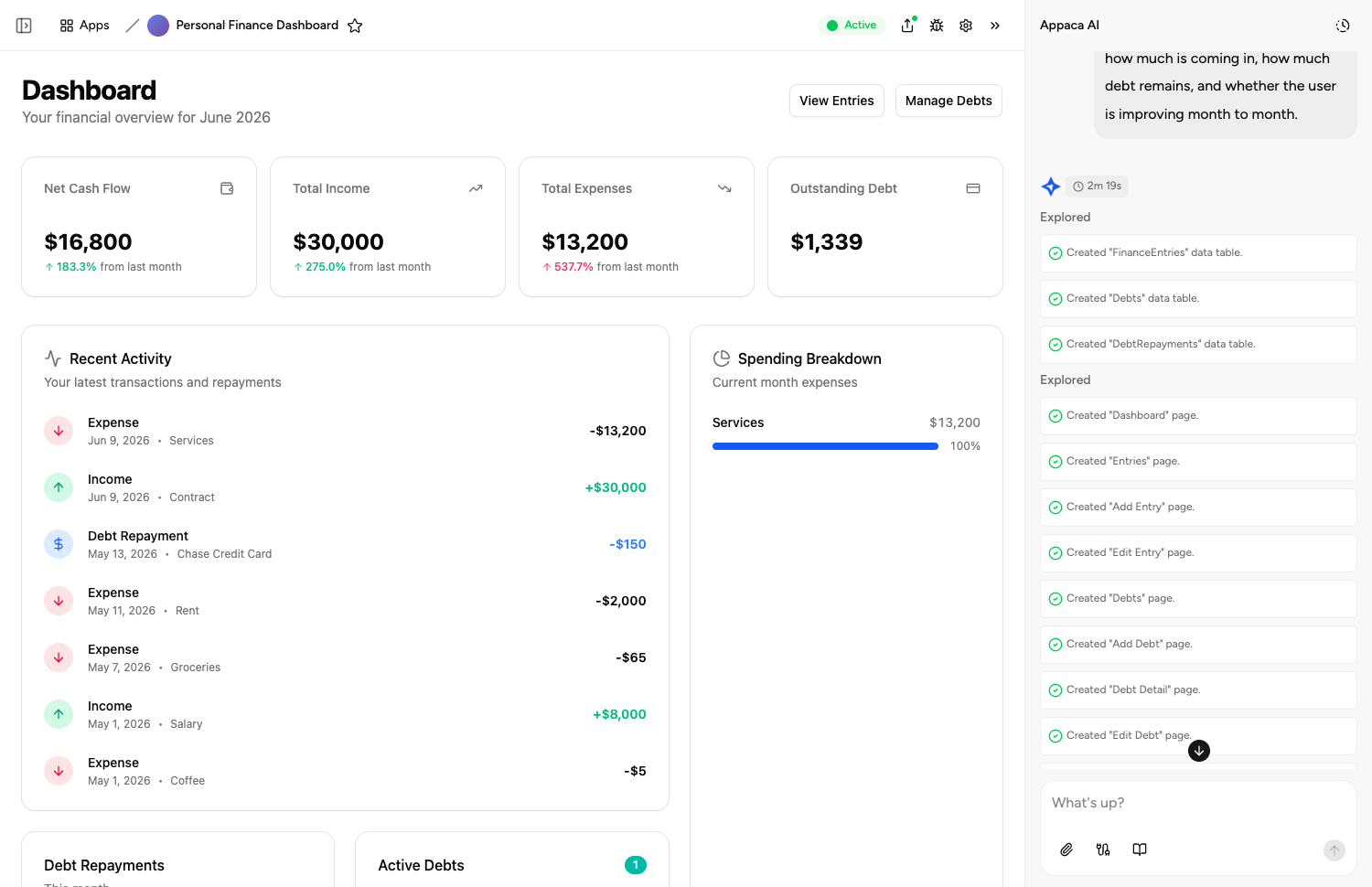
Describe it, and it's built
Tell the Appaca agent what your team needs and it builds a working app - connected to the tools you already use. No code, no deployment.




Where teams use education prompts
See how teams put education AI tools to work inside Appaca - internal tools and AI agents built around their real data and workflows.
HR
Build L&D tools that generate training materials, onboarding guides, and assessment content on demand for your people team.
Explore Appaca for HROperations
Automate curriculum updates, knowledge base management, and internal documentation with AI built around your processes.
Explore Appaca for OperationsIT Support
Create help documentation, troubleshooting guides, and knowledge articles automatically from your support tickets and FAQs.
Explore Appaca for IT SupportMore education prompts
Browse the full education prompt library - free templates ready to copy and customise.
Assessment Rubric Builder
Create detailed scoring rubrics for any assignment type with clear criteria and performance level descriptors.
Use prompt assessmentExit Ticket Creator
Generate quick formative assessments that gauge student understanding and inform next-day instruction.
Use prompt assessmentFormative Assessment Ideas Generator
Generate diverse formative assessment strategies that check for understanding throughout a lesson without formal testing.
Use prompt lesson planningLesson Plan Creation
Create a detailed lesson plan for a specific topic and grade level.
Use prompt assessmentMultiple Choice Quiz
Generate a multiple choice quiz on a topic with an answer key.
Use prompt assessmentStudent Assignment Feedback
Write constructive, specific feedback on a student's assignment.
Use promptBuild an AI tool around this prompt
Turn "Comprehensive Lesson Plan Creator" into a shared team tool in Appaca - powered by the AI model of your choice, with a built-in database, team access, and integrations. No code, no deployment.